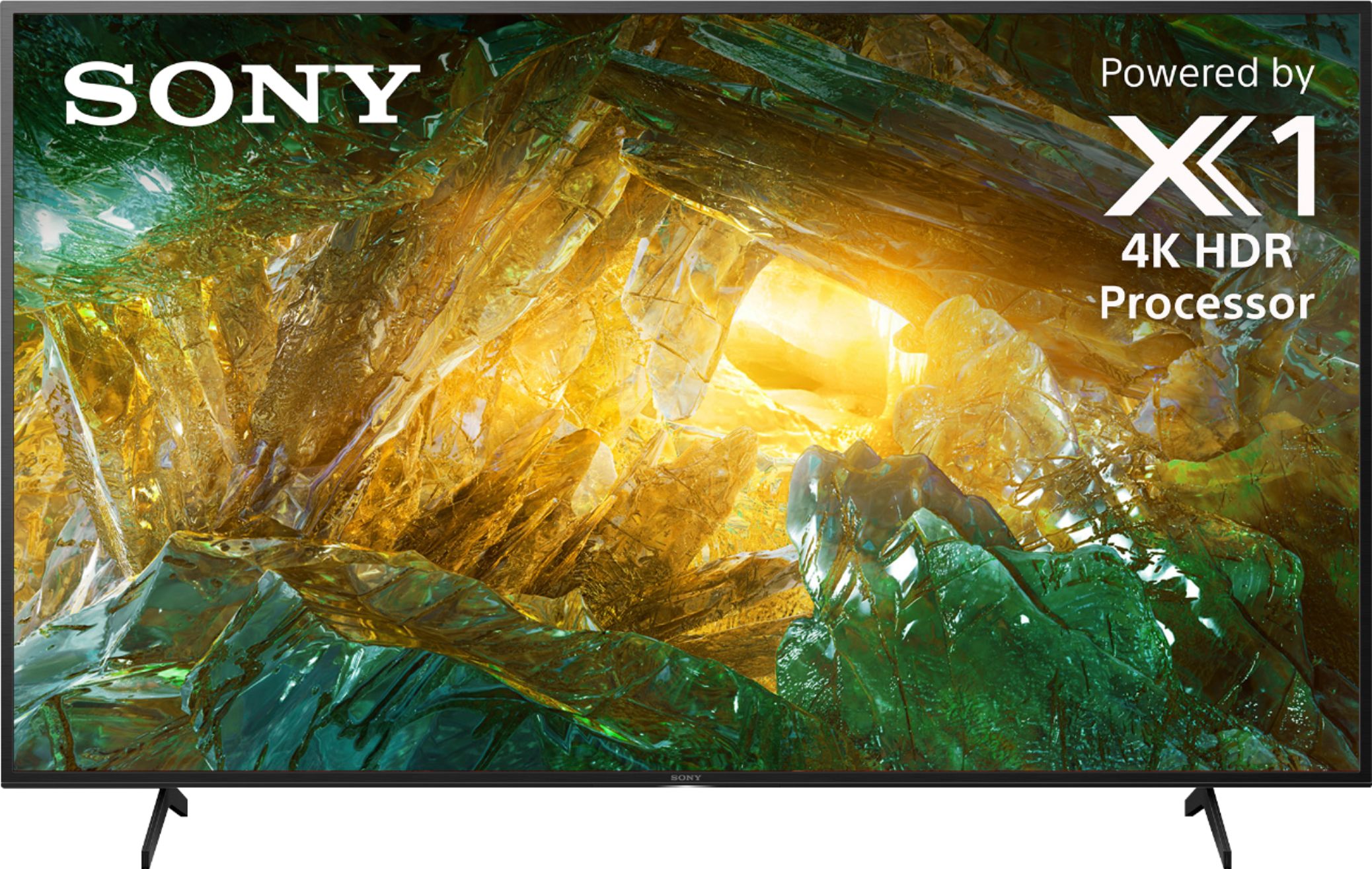
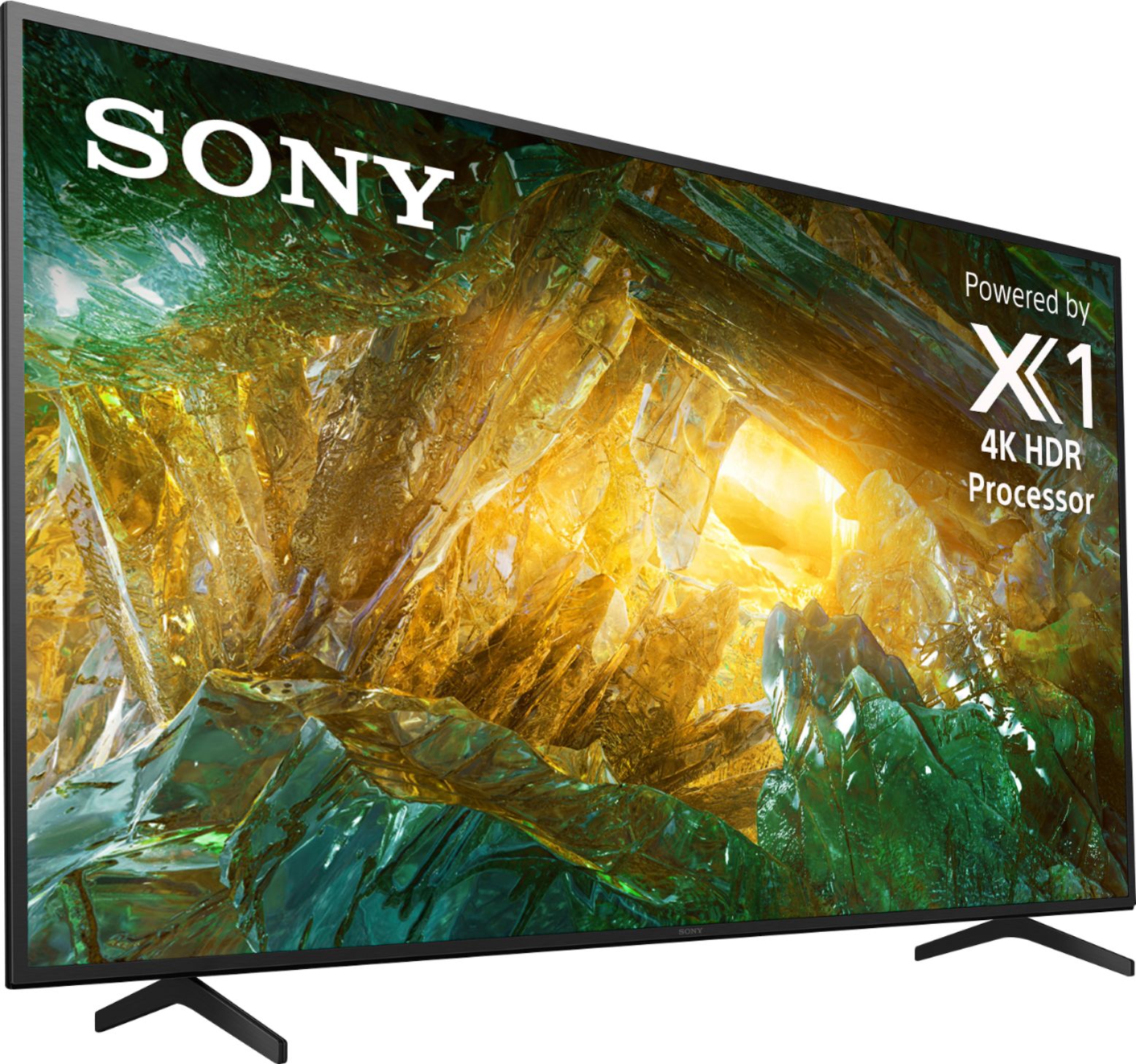
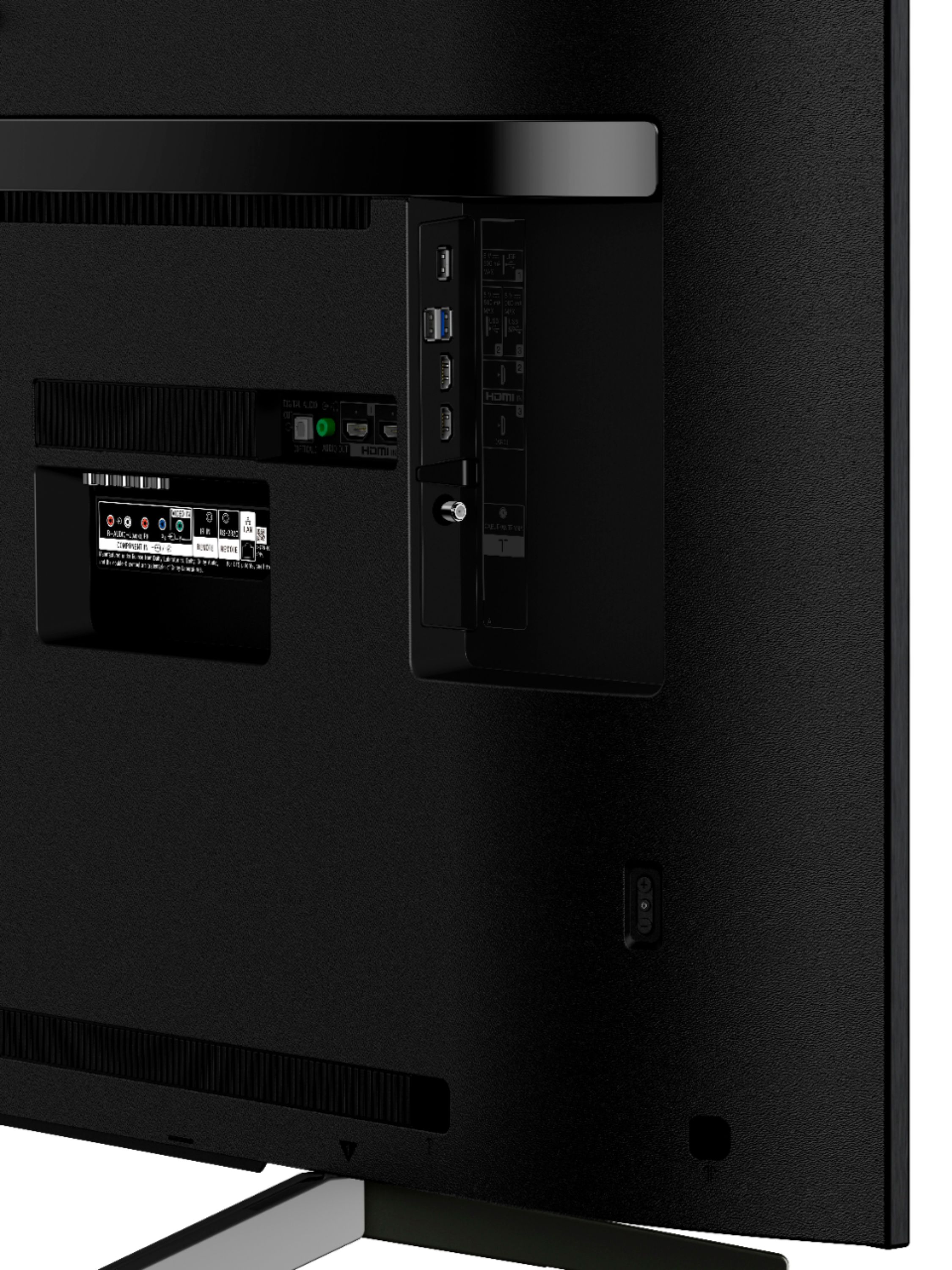
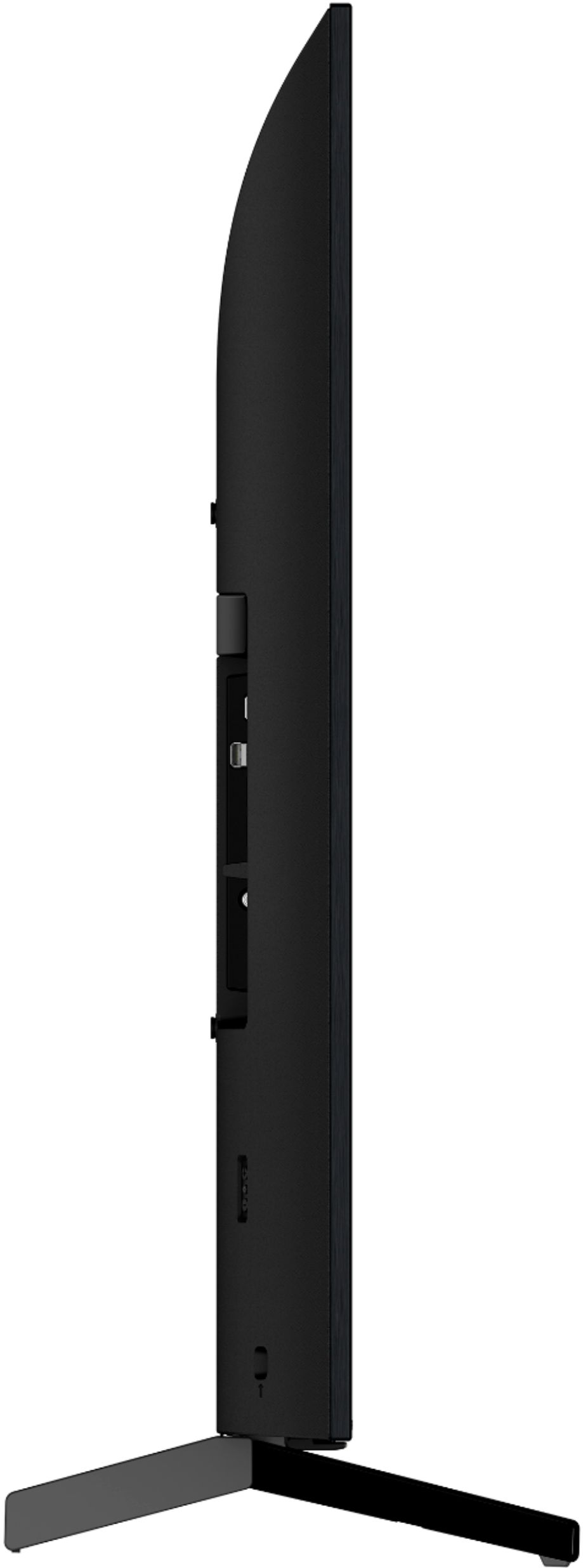
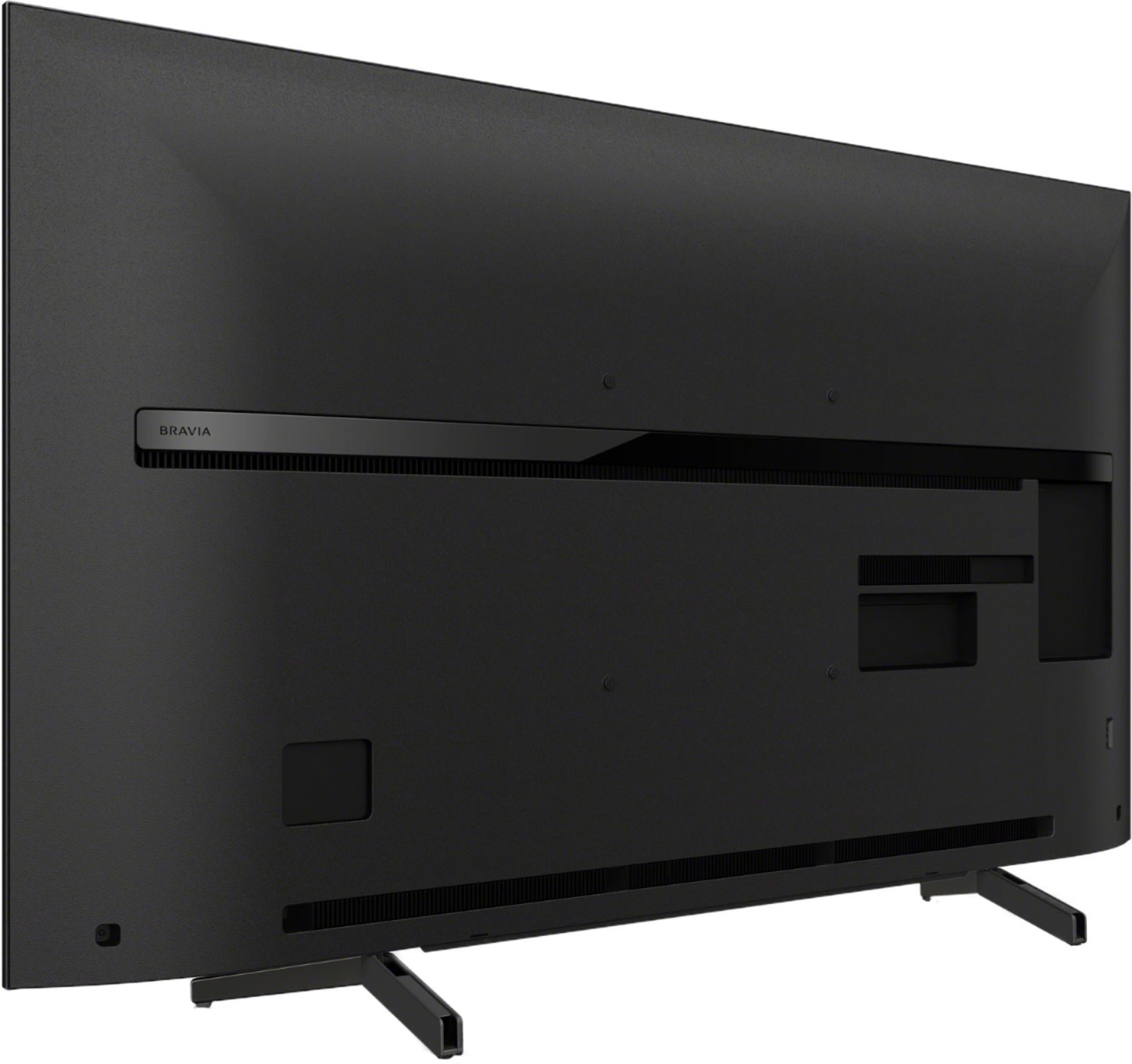
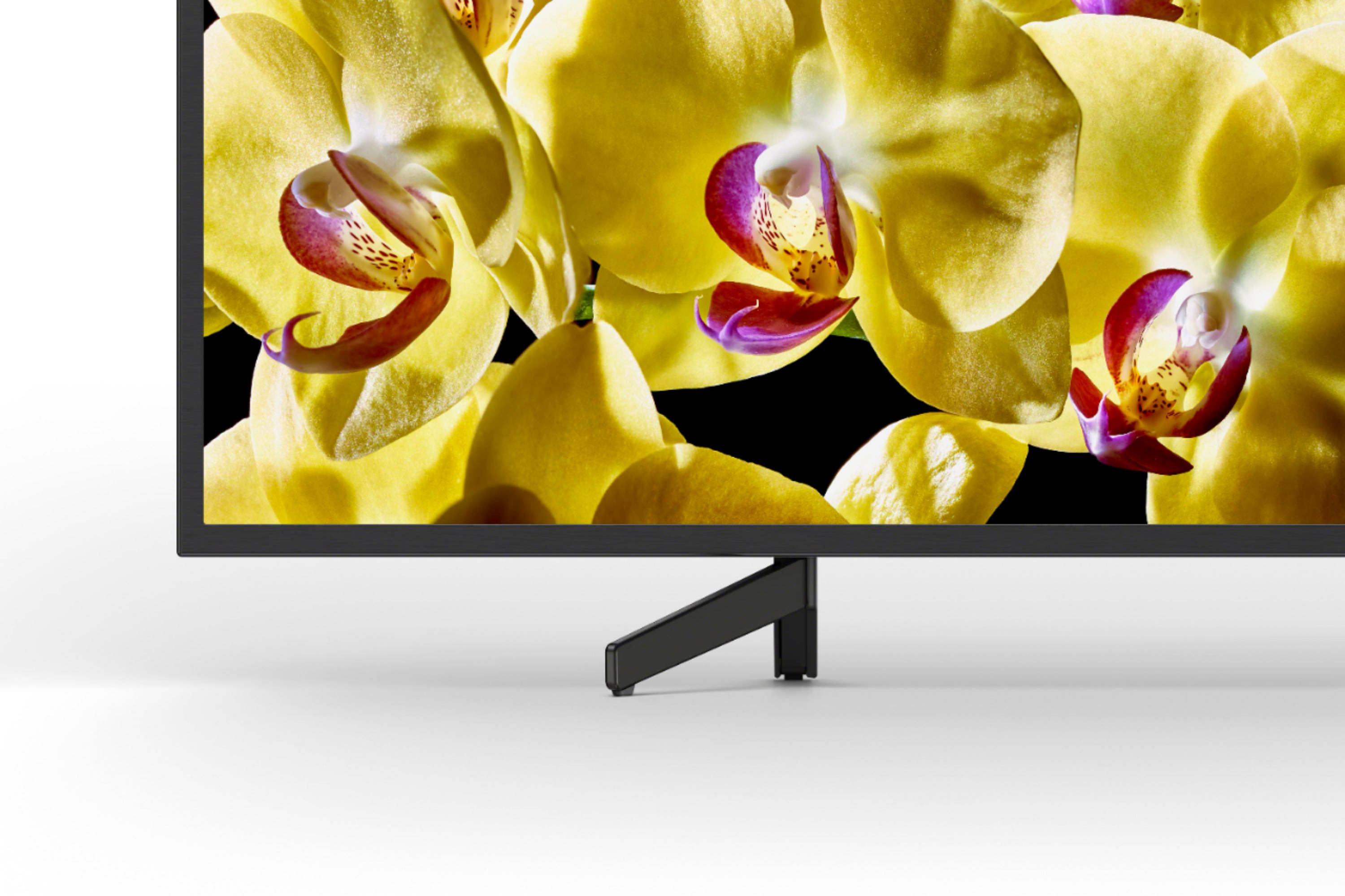
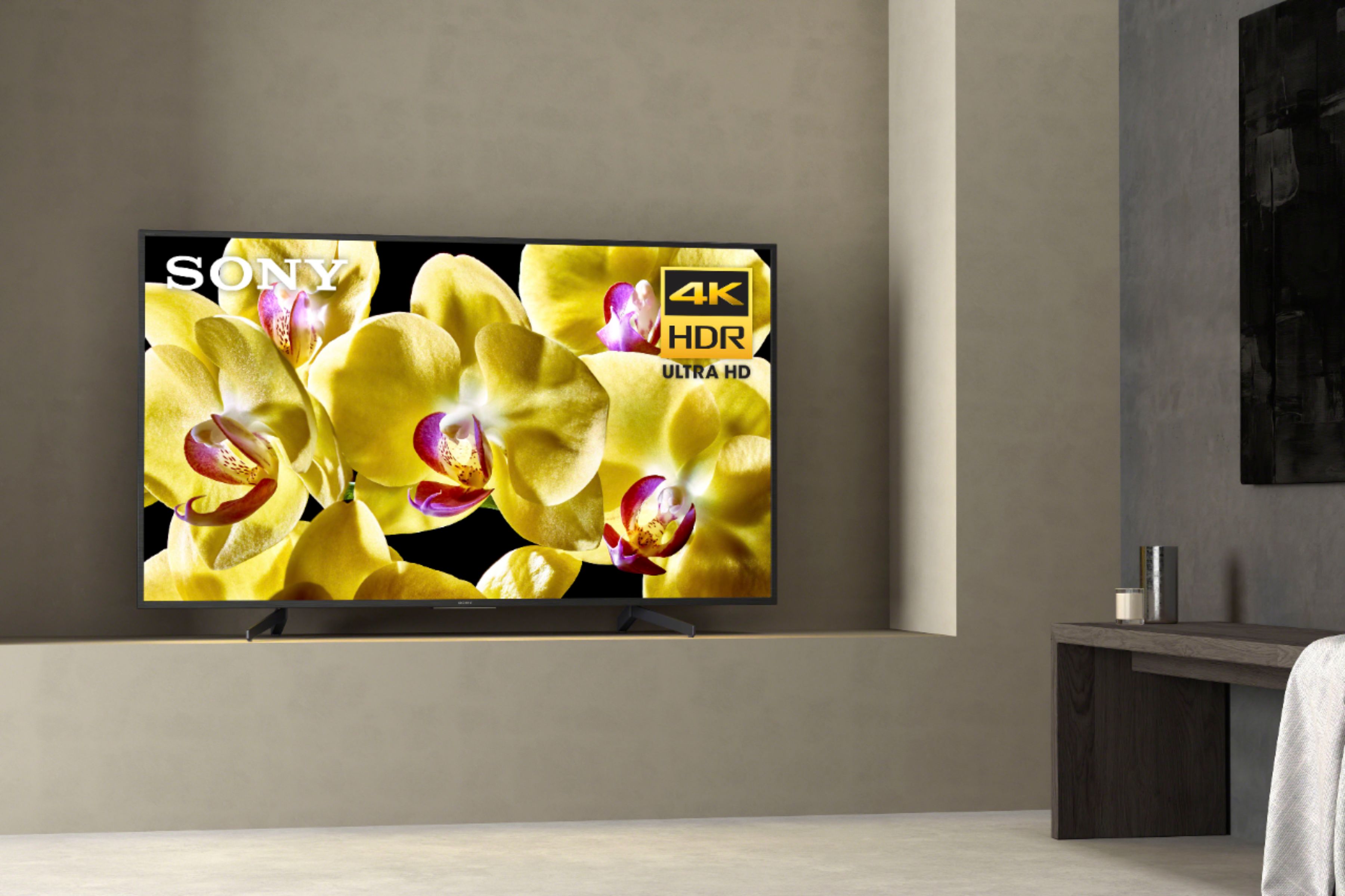
A:AnswerFrom the looks of them - the E will fit on most tv stands and the new G will not. Sony has joined everyone else with flimsy, little legs on the ends of their sets. Even if you wall mount it would be nice to have the old style center stand in reserve.
A:AnswerThe TV is 38 1/4” wide. You will need a surface at least 26 1/2 “ wide by 10 3/4” deep for the legs to support it. Although they start out attached near the center of the TV they angle out to the sides leaving approx. 6” of overhang on each side. Hope this is helpful.
A:AnswerI just purchased the 43 inch X800G and am still learning how to setup and use it.
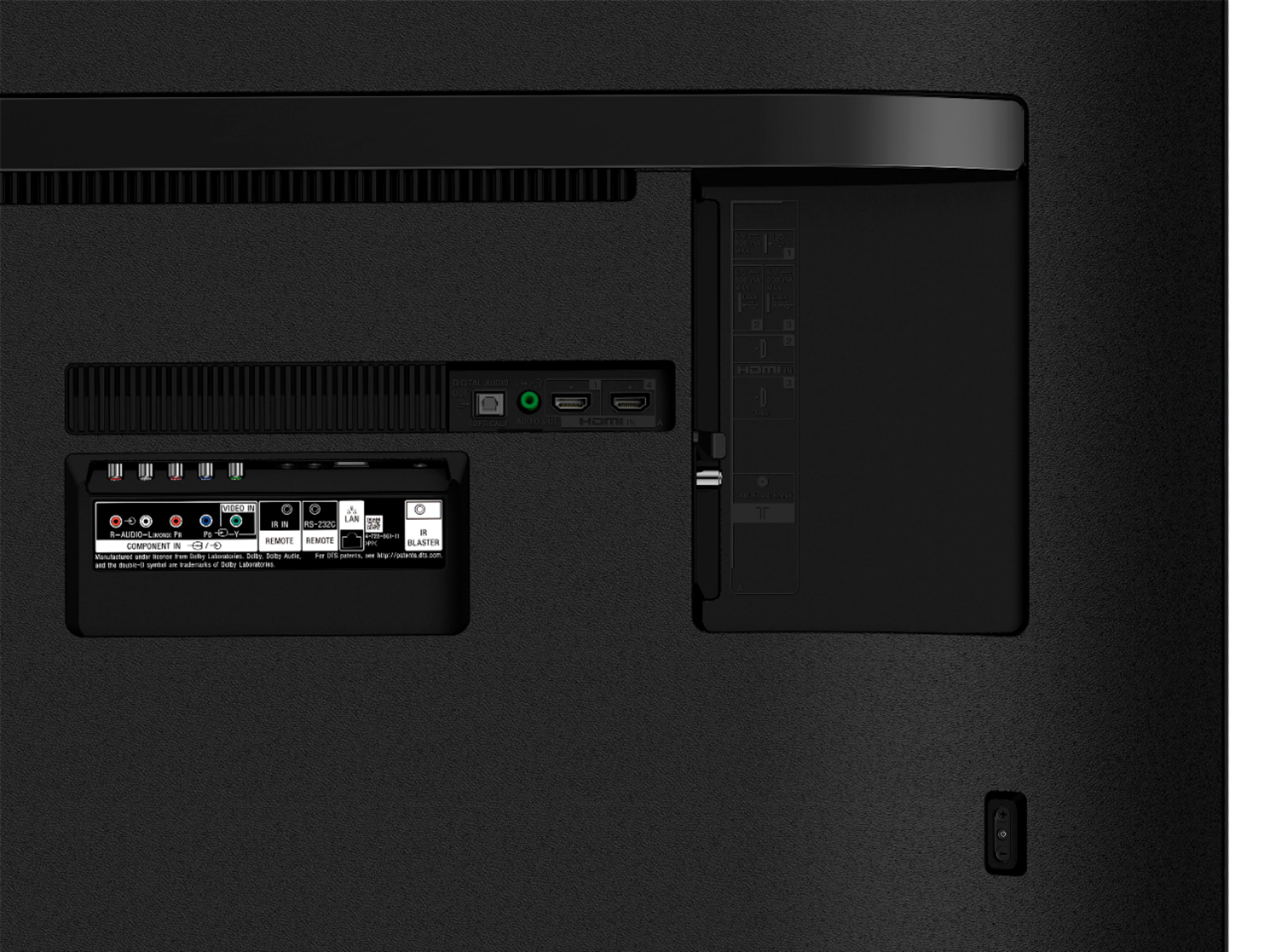
To connect to the internet, you have a choice of wired (ethernet jack) or wireless. I am using wireless to connect to my ATT Uverse router. It supports wireless 802.11 etc. During setup, it found my wifi router (and all the neighbors too) and you select which network you want (obviously yours) and it will ask for the wireless password of your network. The wired connection should just be plug and play.
Bluetooth is not for an internet connection. Its for connectivity with bluetooth devices supported by this TV. I have not used this yet.
Hope this helps.
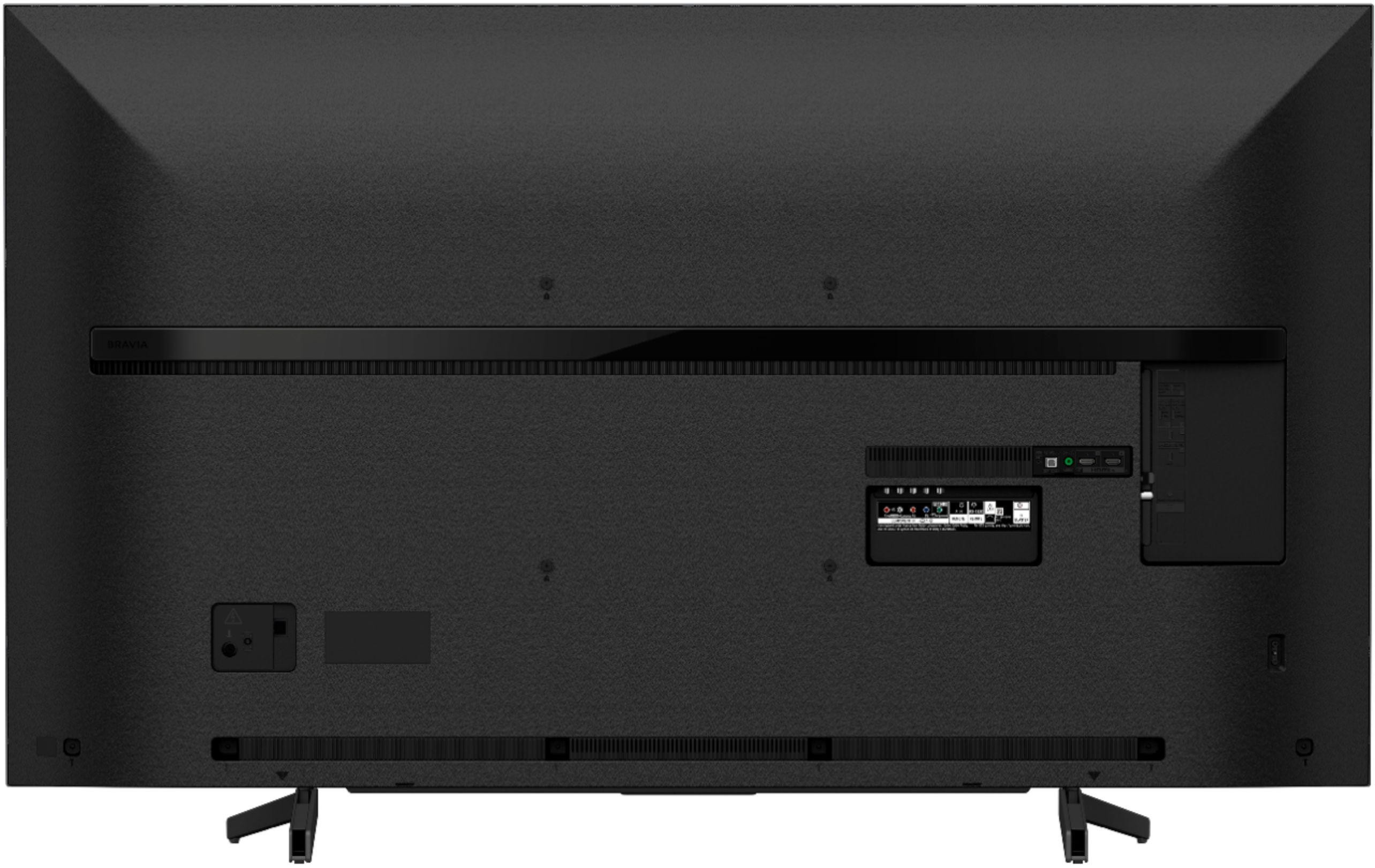
A:AnswerStands are available using the VESA holes. Normally those holes are used to wall mount, but they can be used to hold the tv for a stand that will fit a table 200mm; that is about 8 inches.
A:AnswerHi, Moth!
Yes, this TV comes with a remote. You can use it as a normal remote. There is just a dedicated button on it that allows you to do voice commands.
~Earl
A:AnswerHi, Marty!
Yes, turning off the WiFi in the settings will stop the TV from searching for wireless networks. The Wifi is built-in into the TV, so it doesn't need to be manually unplugged. Hope this helps! -Sam
A:AnswerHi Barney,
The Android TV device is designed to lean back slightly on the stand in anticipation of setting it on a low TV rack.
Your line of sight when sitting is 15 degrees lower than when you're in a usual relaxed state. It's considered ergonomical to set your TV at a lower position and tilted back by a couple of degrees. This way, you'll be able to enjoy watching TV programs comfortably.
Note: Your TV may become unstable if the screws that secure the TV to its stand are loosely tightened. Make sure to firmly tighten all the screws to secure the stability of your TV on its stand.
~Ralph
A:AnswerHi, Billdawg! Yes, this is a smart TV. It is operated with Android OS which includes built-in streaming apps as well as the capability to add more. ~Ralph