Early Black Friday DealsNew Doorbusters every Friday.Shop now

Main Content

Questions & Answers

Your price for this item is $509.99
Clearance
The comparable value price is $599.99
Page Showing 161-180 of 399 questions
  • QuestionHow much does this tv weigh

    Asked by Bobbie.

    • Answer Hi Bobbie, Thanks for your inquiry. The weight of the TV is approximately 21.6 lb (9.8 kg) with the TV stand and 20.7 lb (9.4 kg) without the TV stand. Hope this helps! -Sam

      Answered by SonyListens

  • QuestionWhat kind of manufacturer warranty is included?

    Asked by Jackslat.

    • Answer Hi Jackslat, Thank you for your inquiry. For X800H, this TV comes with a 1-year limited manufacturer's warranty. Hope this helps! -Sam

      Answered by SonyListens

  • QuestionCan you get the. Disney app?

    Asked by Anonymous.

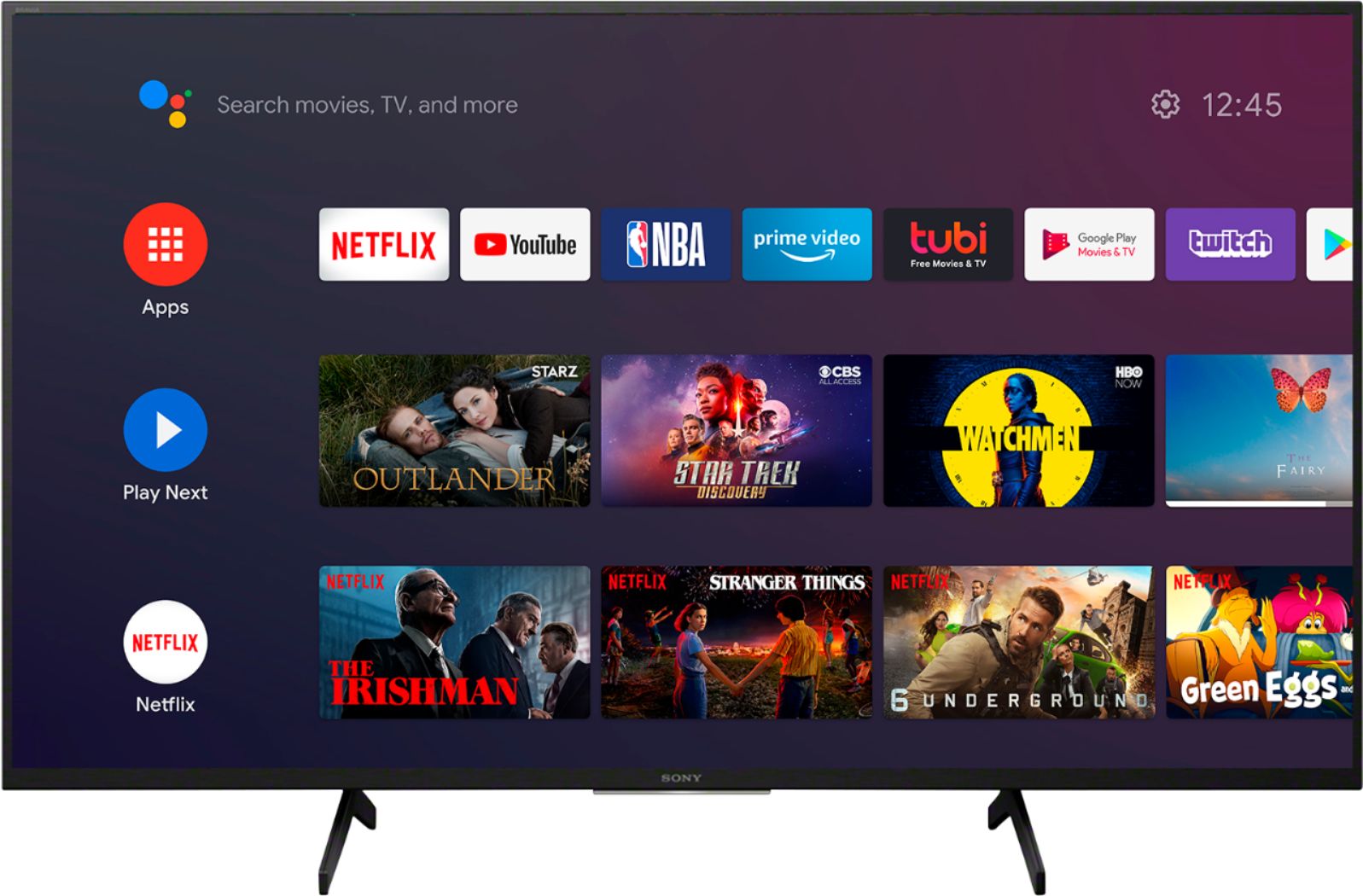
    • Answer Hi there, thank you for your interest in the X800H. Yes, the Disney+ app can be installed from Google Play™ Store on this Android TV. Hope this helps! -Sam

      Answered by SonyListens

  • Questionwill the audio pair with a sony stereo?

    Asked by Jack.

    • Answer Hi Jack, Thank you for inquiring about the Bluetooth function on the XBR X800H series TVs. The TV does not natively support Bluetooth audio out. This feature may work with a compatible external USB Bluetooth Adapter or 3rd party Bluetooth applications that can be downloaded from the Google Play™ Store. Also, the Bluetooth function of the TV only works for Bluetooth A2DP-supported models that can use Bluetooth audio devices such as headphones or speakers. Hope this helps! -Sam

      Answered by SonyListens

  • QuestionDoes this tv pick up internet tv channels when you run a scan for available tv channels?

    Asked by Jhimmy.

    • Answer Hi Jhimmy, Thank you for your inquiry. Unfortunately, no. The channel scan will only pick up OTA or over-the-air channels. Hope this helps! -Sam

      Answered by SonyListens

  • QuestionAre these tv good for people that has hearing aids

    Asked by wondering.

    • Answer Hi wondering, Thank you for your inquiry. Yes, it is. This TV has a list of Accessibility functions and options mainly the Closed Captions / Subtitles feature for TV broadcasts and internet video services on your TV. Closed Captions are typically transcriptions of the audio portion of content displayed on the TV screen. They include sound effects and scenic narration, but whether non-speech elements are available depends on the content. Hope this helps! -Sam

      Answered by SonyListens

  • QuestionCAN THIS TV HANDLE W-F EAR PLUGS AND THE BASIC SPEAKERS AT THE SAME TIME

    Asked by Anonymous.

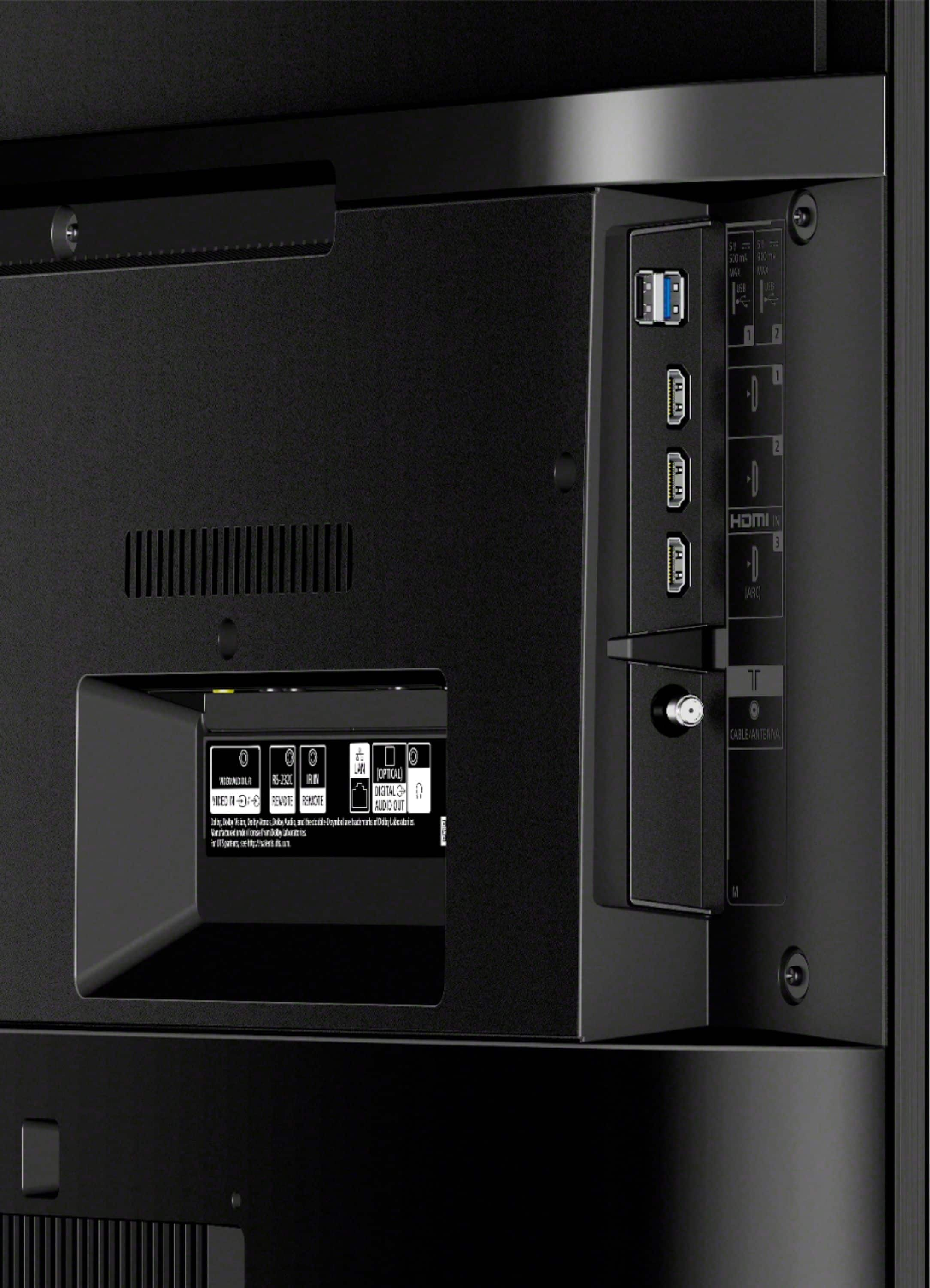
    • Answer Hi there, thanks for your inquiry. To output sound from both the TV speakers and an audio device, please connect your audio device to the DIGITAL AUDIO OUT port. Note: If you connect the device to the TV headphone jack, the HDMI ports, or through Bluetooth, the TV can't output sound from both the TV speakers and the audio device at the same time. Ref: https://www.sony.com/electronics/support/televisions-projectors-lcd-tvs-android-/xbr-43x800h/articles/00201347?model=XBR-43X800H&category=televisions-projectors-lcd-tvs-android- Hope this helps! -Sam

      Answered by SonyListens

  • QuestionDoes this TV support the Pure Flix app? If not, what is the process to attain on the TV?

    Asked by Kippy.

    • Answer Hi Kippy, This app is available for download on the Google Play store. Thanks, David

      Answered by SonyListens

  • Questiondoes it have a non delay old headphone jack can blue tooth be set up with out audio delay

    Asked by Mitch104.

    • Answer It has an audio out connection (typical wired headphone or earbud 3.5 mm connector). That is direct audio out and no delay. You can also use Bluetooth audio, but not through the TV's Bluetooth settings. I have three devices paired and with Bluetooth audio you do get a slight audio delay. On this TV the delay in video and audio is barely noticeable. Very, very slight. You can get Bluetooth audio to work using an app from the Google Play Store. If you go to the Google Play Store FROM THE TV apps section, the app: "Bluetooth Scanner for Android TV" works perfectly for connecting Bluetooth audio devices! (NOTE: I am NOT involved with this app or developer, just worked for me first try.) I connected a Sony SRS-XB20 speaker, an AUVIO PBT200 speaker, and Jabra Sport Pace Wireless Bluetooth Earbuds. Now you can get Bluetooth audio right from the TV. The key is to download this app from the TV's apps section and the Play Store. Then go to the Apps screen on the TV and select the "Bluetooth Scanner" app and run it. Use that app's scan for devices option with your BT device in pairing mode. Select it from the list and complete the pairing. Next, go to the TV's Bluetooth Settings (under the Remotes & Accessories section of Settings). You should the device(s) you paired with the app. Finally, click the paired device and select Connect from the options. Your audio device should now connect! The TV audio drops out and you only have the audio from the Bluetooth device. When you connect an audio device, that device's volume up/down does control the TV's on screen volume display. Pretty cool!
      Answered by Tron8888

  • QuestionDoes this tv work with the Charter Tv app yet? Currently have a XBR 950G and while I love it I have to get a tv that supports that app because for some shows that makes that tv unusable which isnt good. THanks

    Asked by Phil.

    • Answer Hi Phil, Charter is also Spectrum tv app I believe which is a mobile app, You can google cast this app from your mobile device. Regafrds, David

      Answered by SonyListens

  • QuestionWhen I play games through the HDMI port whether it’s an Xbox Series X or the PS4, my audio sounds weird. Character dialogue and specific sounds seem underwater like. Does anyone know how to fix this? Is my tv broken out the box?

    Asked by Kyle.

    • Answer Hi Kyle, We do apologize for the inconvenience. Do you have a soundbar connected to the TV? If so, press the HOME button on the remote control and then select Settings → Sound (or AV setup) and make sure that the selected sound output is Audio system and not TV speakers. We also recommend using a high-speed HDMI cable for your gaming consoles. You may also power reset the TV and the gaming consoles. Simply unplug the unit and wait 1-2 minutes then plug the device back in and power on. If it doesn't work, we hope to speak to you to resolve this matter. Please email us at [email protected] with the following details: Name: Best Buy Username: Model Number: Issue: Telephone Number: Happy to help, David

      Answered by SonyListens

  • QuestionDoes this tv support dual voltage power supply?

    Asked by Anonymous.

    • Answer Hi Anonymous, · This television supports, AC 120 V for UL cUL AC 110–240 V for other, For Mexico AC 100–240 V, 50/60 Hz, 1.7 A · DC 19.5 V. Regards, David

      Answered by SonyListens

  • QuestionI’m learning piano about two months ago. I would like to have some recording device while I am learning piano. I would like to record everything what I learn every day. Then I can play and practice. Is there anything to do the way I describe?

    Asked by 254468.

    • Answer Hi 254468, Thank you for the interest! This television doesn't support a recording function. Regards, David

      Answered by SonyListens

  • QuestionWill they bring tv to your home and set it up

    Asked by Anonymous.

    • Answer Hello Customer, Thank you for reaching out to us! You may contact Best Buy as they're best equipped to respond to your inquiries. Regards, David

      Answered by SonyListens

  • QuestionI am buying a TV for my office. The one in the conference room allows us to cast from a windows laptop or an Apple Macbook. Does this TV allow casting from Macbooks?

    Asked by Ryan.

    • Answer Hi Ryan, Yes, you can set up the Chromecast built-in (Google Cast) feature as an alternative to the Miracast or Screen Mirroring feature to cast your favorite entertainment and apps from your mobile device or computer to your Android TV device or speakers. Set up Chromecast built-in using the Google Chrome browser or Chromecast-enabled apps and websites. To cast using the Google Chrome browser on your computer, check the link below. https://www.sony.com/electronics/support/televisions-projectors-lcd-tvs-android-/xbr-43x800h/articles/00135456 Happy shopping & thanks for your interest in Sony! Regards, David

      Answered by SonyListens

  • Questionhow do I connect lg dvd player to Sony 800 h.shows 3.5/3.5 mm cable with 3 outs from dvd player and 1 video in TV. I don't know where to buy that cable. thanks

    Asked by Anonymous.

    • Answer Hi there, Thank you for your inquiry! If you will connect this TV to a DVD player you will need an Analog Extension cable or connect them using a composite video/audio cable. The 3.5mm jack to red white yellow. For the best experience if your DVD player has an HDMI output this will be the preferred connection for video and audio. For information on where you can purchase this cable, please send us an email at [email protected] with this format. Name: Best Buy Username: Telephone Number: Sony TV Model Number: Additional Information regarding your X800H. Regards, Carl

      Answered by SonyListens

  • QuestionSo which is it?....Stand width on page says it's 32". Question answer says 21.5" Please post the right one. Thank You.

    Asked by Anonymous.

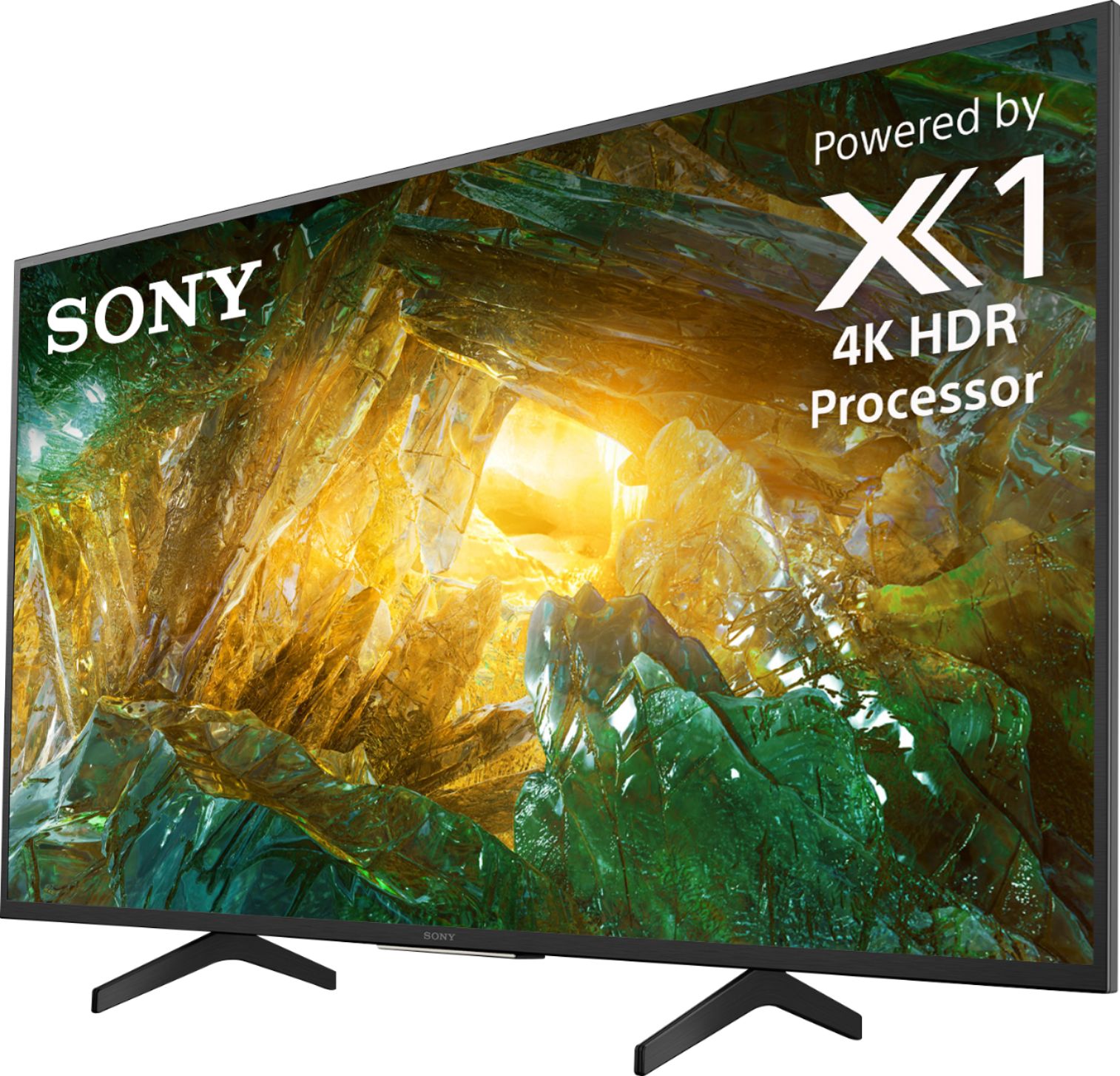
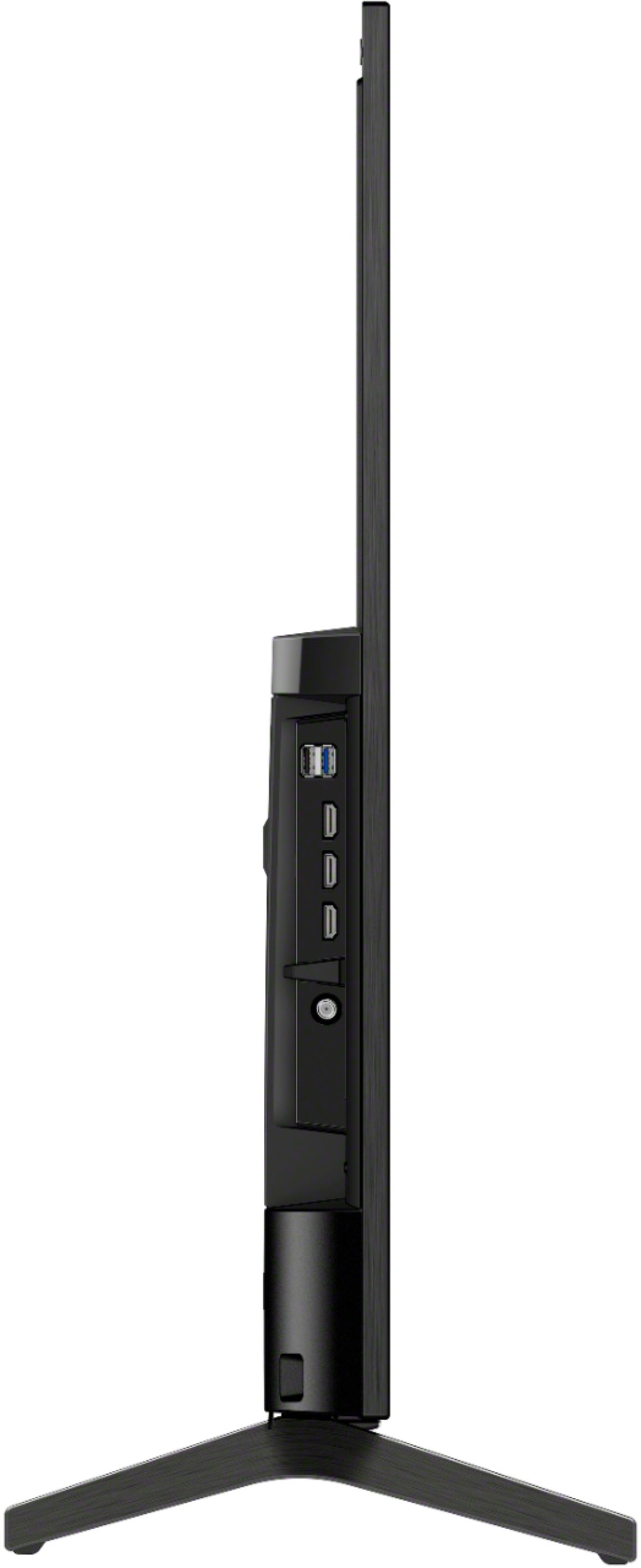
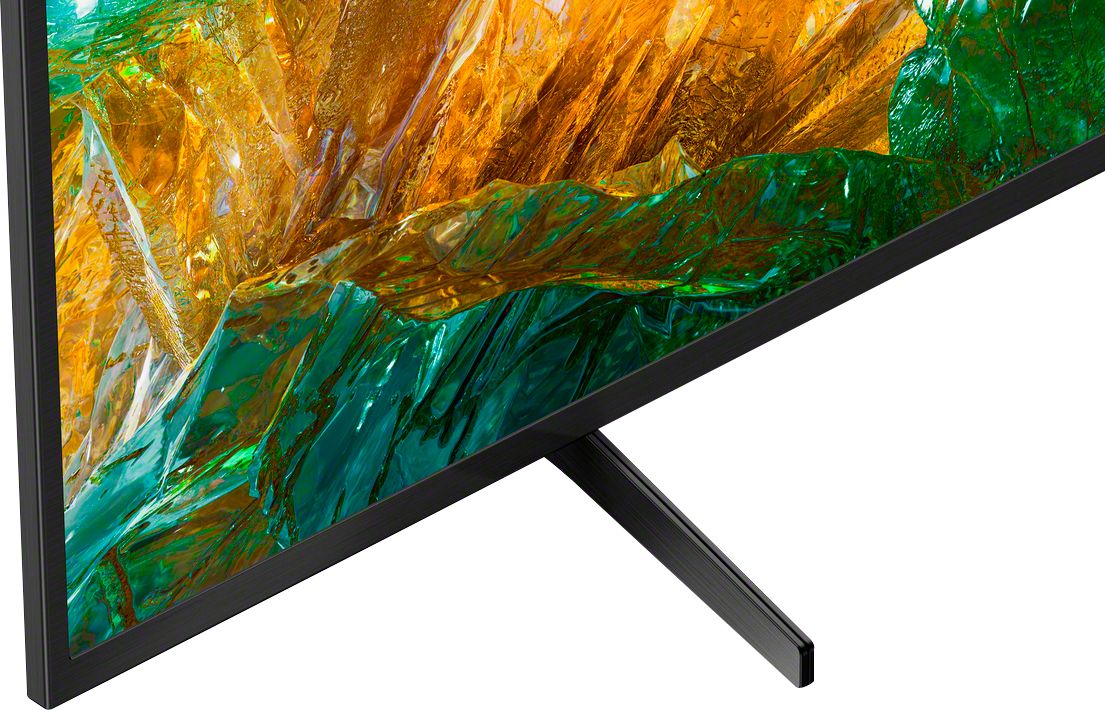
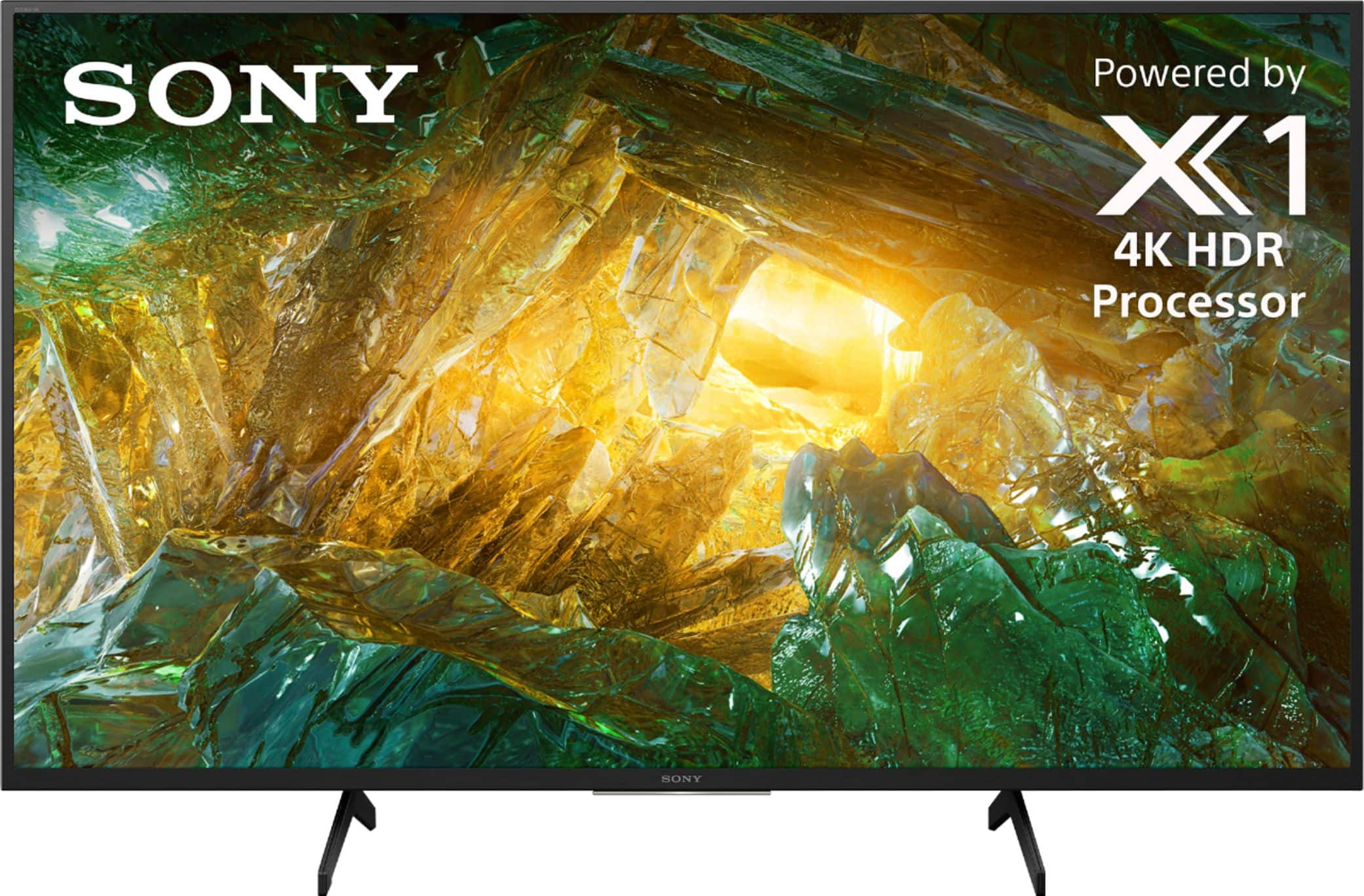
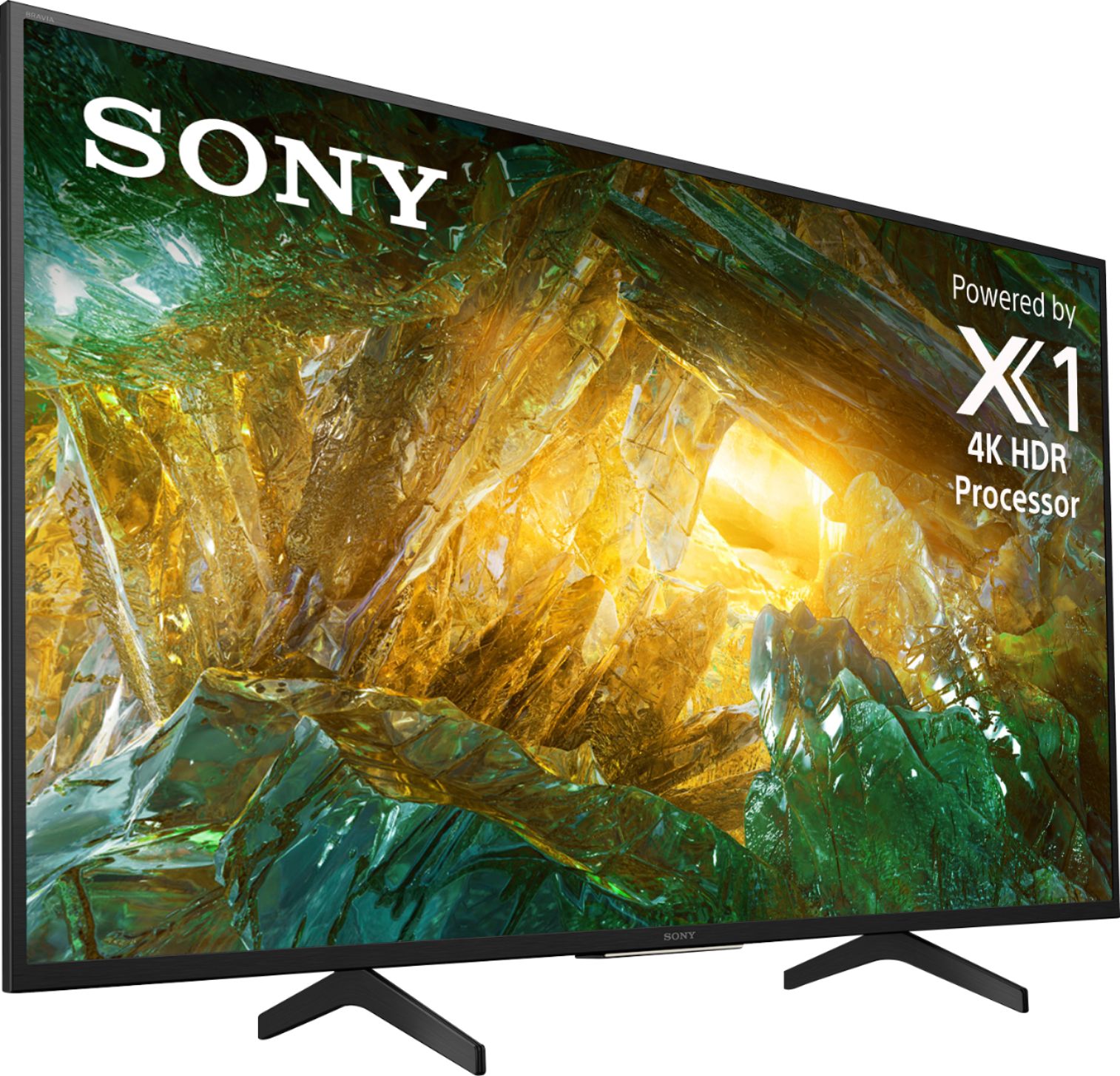
    • Answer When the stand legs are installed on the TV there is approximately 21.5 inches from the right edge of one leg to the left edge of the other leg. The legs can only be installed one way. When installed each leg reaches approximately 5 1/4 inches behind the TV and approximately 5 3/4 inches in front of the TV. As seen in the photo on the product page, each leg has two touch points, forward of the TV and behind it. The legs are spread apart approximately 20 inches on the inside edge, leg to leg, so a fairly wide stand will be required. I am wall mounting mine on a full motion mount because it will not fit on a stand in my bedroom. If putting it on a stand, a stand close to the width of the TV would be recommended to add stability and keep it from getting knocked over accidentally if the edges of the TV get bumped. The TV comes with hurricane straps that are recommended to be installed to avoid the TV doing a face flop, which would be most unfortunate.

      Answered by DaveB

  • QuestionPlease help! How do you turn off the SAP (Second audio program)? I’ve looked up the manual and still can’t figure it out!

    Asked by Dee.

    • Answer Hi Dee, Unfortunately, television doesn't support a second audio program. If that is a feature on the cable/satellite box you're using, please contact the manufacturer for further assistance. Regards, David

      Answered by SonyListens

  • QuestionCan the TV be hung on the wall? What extra equipment is required to do so?

    Asked by Anonymous.

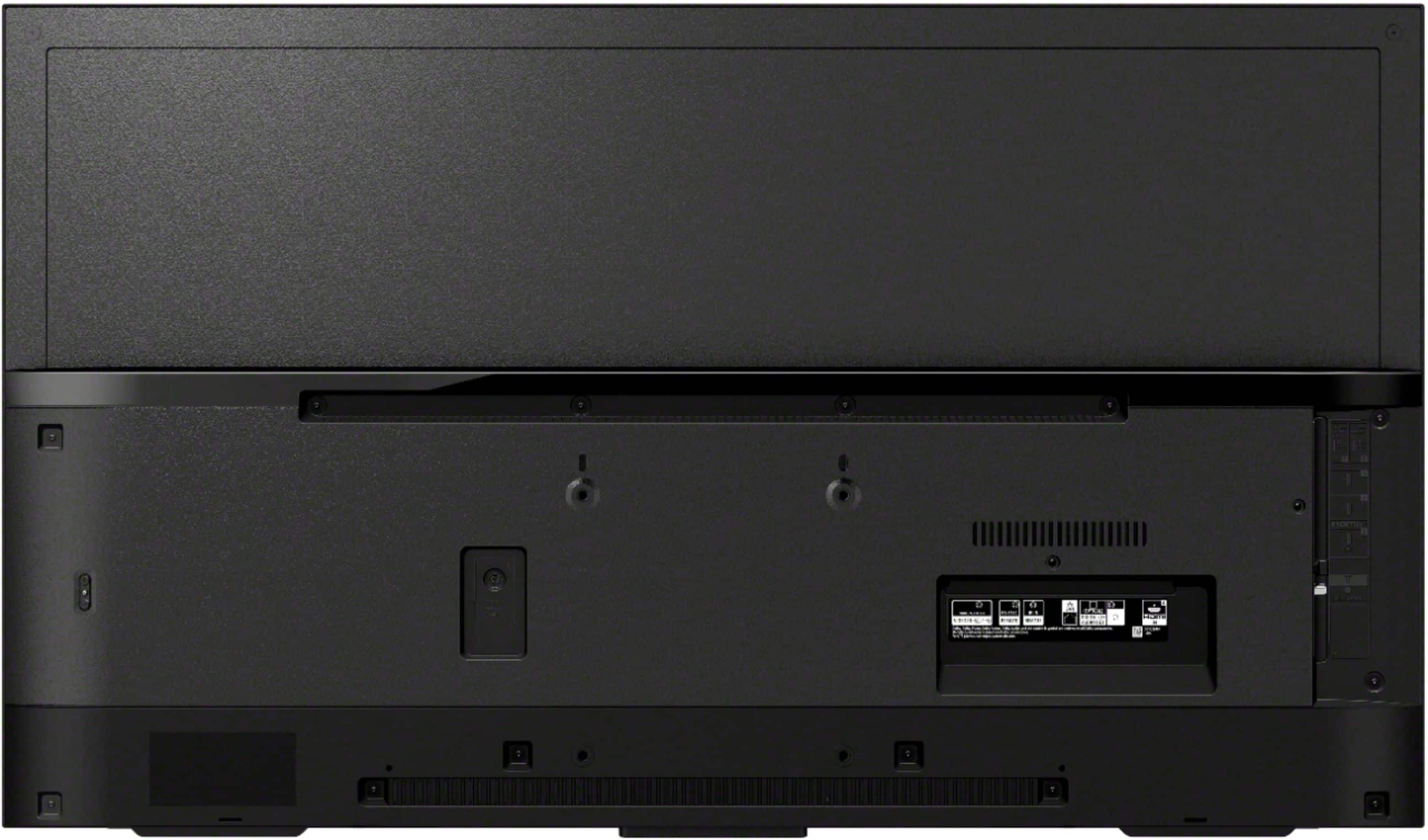
    • Answer Hello, Yes, you can hang your TV like a work of art with the ultra slim wall-mount bracket. The VESA pattern is 4 x 7 7/8" (100 x 200 mm). For safety and product protection, we recommend that a qualified professional performs the installation of your TV on the wall. Thanks, Jay

      Answered by SonyListens

  • QuestionWill the pedestal mount from a Sony XBR43X800E work with the XBR43X800H

    Asked by Frustrated.

    • Answer We don't own either of these models but I compared them online. From what I can see, unless the length between attachment points is EXACTLY the same for both models, you likely can't use the mounts interchangeably. You'll need to go into detailed specifics for both models, all the specs, and IF the attachment points are EXACTLY the same, you MAY be able to use the E mount on the H model.

      Answered by LylaB