Black Friday is hereShop new DoorbustersShop now

Skip to content
Gift Ideas
26 Cypress St
Williston, VT 05495
Opens at 9 am
Find Another Store
Main Content

Questions & Answers

Your price for this item is $145.99
Clearance
The comparable value price is $549.99
Page Showing 21-40 of 85 questions
  • QuestionSound from screen?

    Asked by JHR2000.

    • Answer Hi JHR2000, Thank you for your inquiry! If you are referring to the Acoustic Surface Technology, unfortunately, no. For this, please check our OLED models or for almost the same size TV with this technology, please check our XR42A90K model https://electronics.sony.com/tv-video/televisions/all-tvs/p/xr42a90k I hope this helps! Regards, Carl

      Answered by SonyListens

  • QuestionI know this TV has been out for awhile. How many years of updates a s support will it receive?

    Asked by Stacie.

    • Answer Hi Stacie, Thank you for the question. The X80K utilizes the Google TV interface and is updated regularly. The TV will be updated as long as the hardware supports the applications and do not require new hardware. I hope this helps! Regards, Carl

      Answered by SonyListens

  • QuestionIs the screen matte or glossy

    Asked by Tommy.

    • Answer Hi Tommy, Thank you for the inquiry! It’s a combination of a Glossy with a semi matte finish. Enjoy a smart Google TV experience equipped with the picture processing power to make everything you watch feel so real. Advanced image processing from the 4K HDR Processor X1 and TRILUMINOS PRO gives details and color a boost for picture that feels natural and immersive. And the beautifully designed flush surface narrow bezel keeps you focused on the big picture. Regards, Jess

      Answered by SonyListens

  • QuestionCan I switch between hd 1080/ 60 gz and 4k 120 gz?

    Asked by Mysticwitch.

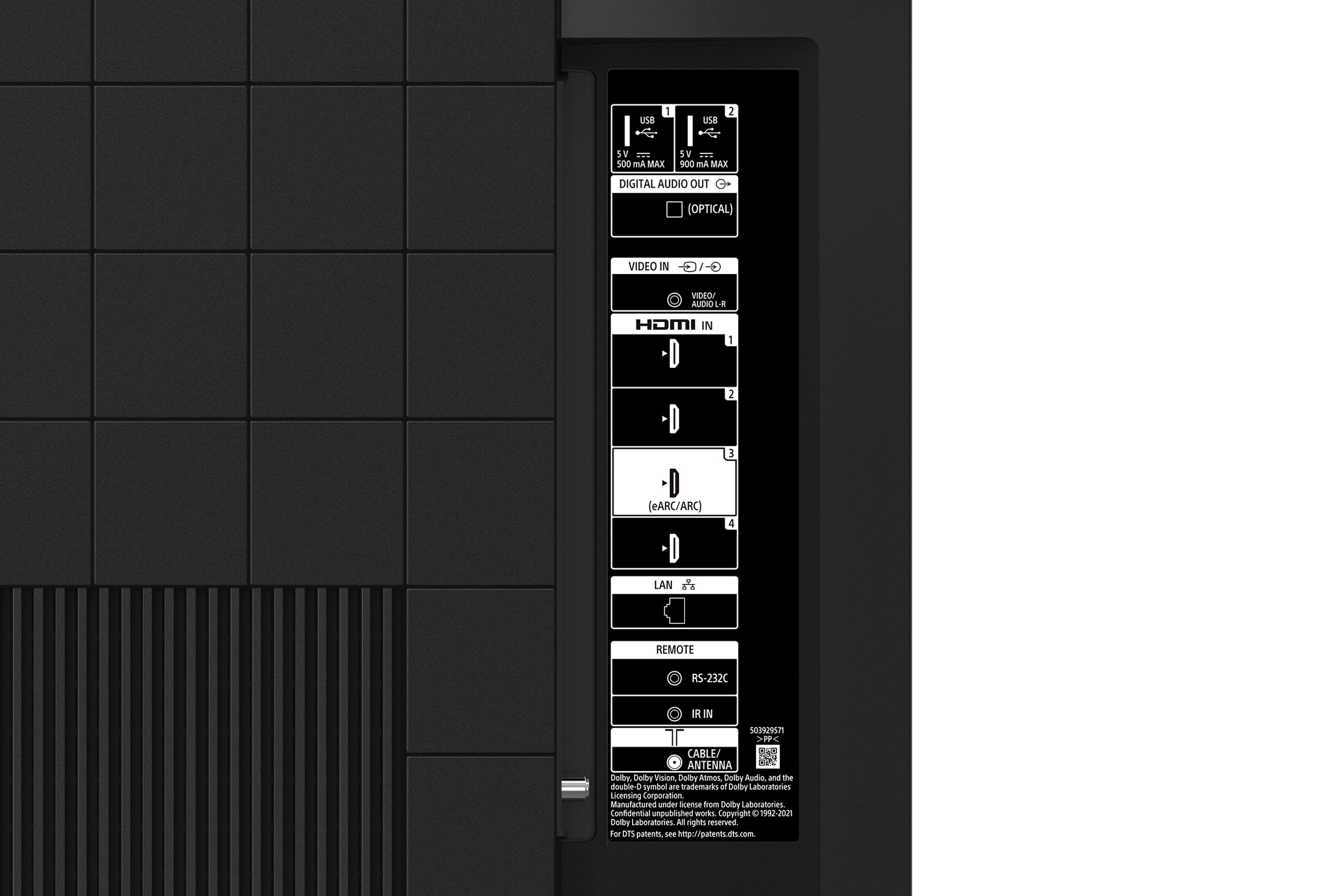
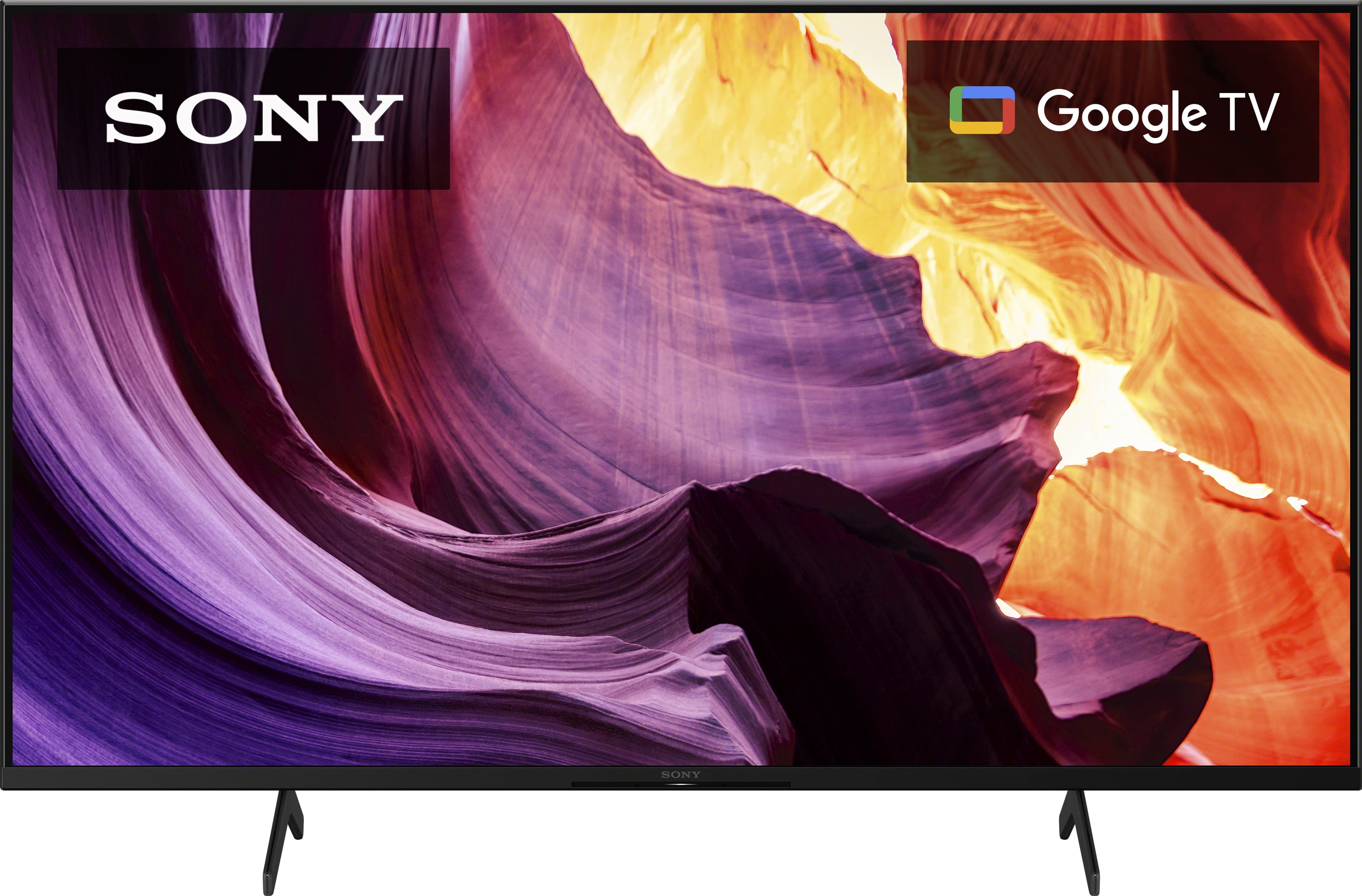
    • Answer Hi Mysticwitch, Thanks for inquiring about the TV. No. The 43" X80K is a native 60Hz panel. If 4K at 120Hz is your priority, this is only available for the 85" X80K model (120 Hz is supported by HDMI IN 3 and IN 4). For expanded HDMI 2.1 feature support including 4K at 120Hz signal format, VRR, and ALLM, please check out the X85K, X90L, X93L, X95L, Z9K, A90K, A80L, and A95L series. Regards, Jess
      Answered by SonyListens

  • QuestionCan you connect to cable and use Xfinity box to control all apps? Must you use Google TV or can you turn it off? Thanks, John

    Asked by Anonymous.

    • Answer Hi there, Thanks for your question. You can use this X80K TV with Xfinity or any cable/internet provider. You can enjoy some basic functions of the Google TV even without a Google account logged in, such as viewing digital broadcast via cable. However, to use the full functionality and get the most out of your Sony's Google TV - like downloading new apps from the Google Play Store - logging in to a Google Account is needed. Note: A limited number of apps like Netflix, Prime Video, YouTube, and Disney+ are available in Basic TV. If you want to install other apps, you need to log in to your Google account and switch from basic TV to Google TV. You can also enjoy a huge range of apps from the Google Play Store app or Search for apps under the Apps tab on the Home menu. You'll be able to stream your favorite shows without using a third-party streaming device on this TV. Regards, Jess

      Answered by SonyListens

  • QuestionDoes this TV support Pixel Buds A Series Ear Buds and/or Pixel Bud Pro Series to listen to the sound vs sound through TV speakers.

    Asked by Googleman.

    • Answer Hi Googleman, Thank you so much for your inquiry! Great News! The X80K has a Bluetooth function supporting the A2DP (Advanced Audio Distribution Profile). With supporting this Bluetooth profile, you can pair some wireless headphones, speakers, or soundbars to your Google TV through a Bluetooth connection and listen to audio sources playing via this TV. However, the devices must be compatible. You may need to check the specifications of your wireless headphones if it has Bluetooth capability and supports the said profile. Regards, Jess

      Answered by SonyListens

  • QuestionCan I output audio from this TV to AppleTV HomePod speakers

    Asked by TLHKayaker.

    • Answer Hi Tlhkayaker, Thanks for your question. The HomePod cannot be connected directly to this TV. Connecting your HomePod speakers with this TV requires you to have Apple TV device as part of your setup. You can play TV audio though a HomePod speaker with Apple TV 4K connected to the TV via HDMI eARC/ARC. The X80K can't send via AirPlay to your HomePods. It can only receive AirPlay, so you can share video and audio to your television right from your iPhone, iPad, or Mac. The TV also works with Apple HomeKit. Apple HomeKit technology provides an easy, secure way to control your Sony TV using the Apple Home app and Siri on your iPhone, iPad, Apple Watch, HomePod, or Mac. Regards, Jess

      Answered by SonyListens

  • QuestionIs this TV good for Outdoors? We have a Covered Patio but not screened in, so sunlight gets in, we have a cover for it for Rain.

    Asked by Paul.

    • Answer Hi Paul, Thank you for your question. You can place the TV in a covered patio as long as the screen is not exposed to direct illumination or sunlight to get the best picture quality. The TV is designed to perform to its full potential indoors. Exposing the TV to rain or moisture, direct illumination, or sunlight may cause damage. For safety reasons and to prevent the TV from malfunctioning its recommended operating temperature is: 0 ºC – 40 ºC / 32˚F - 104˚F. Regards, Jess

      Answered by SonyListens

  • QuestionCan this TV be used with a wireless head set?

    Asked by Anonymous.

    • Answer Hi there, Thanks for your question. Yes, you can! This TV has a Bluetooth function supporting the A2DP (Advanced Audio Distribution Profile). With supporting this Bluetooth profile, you can pair some wireless headphones, speakers, or soundbars to your Google TV through a Bluetooth connection. However, the devices must be compatible. You may need to check the specifications of your wireless headphones if it has Bluetooth capability and supports the said profile. Everything feels so real on this 4K Google TV with over a billion colors, excellent contrast, and effortless voice control. Regards, Jess

      Answered by SonyListens

  • QuestionDoes this tv support VRR & ALLM. and can it support 120 frames for video games

    Asked by Jessejames0266.

    • Answer It does support 120 frames.

      Answered by YourDad

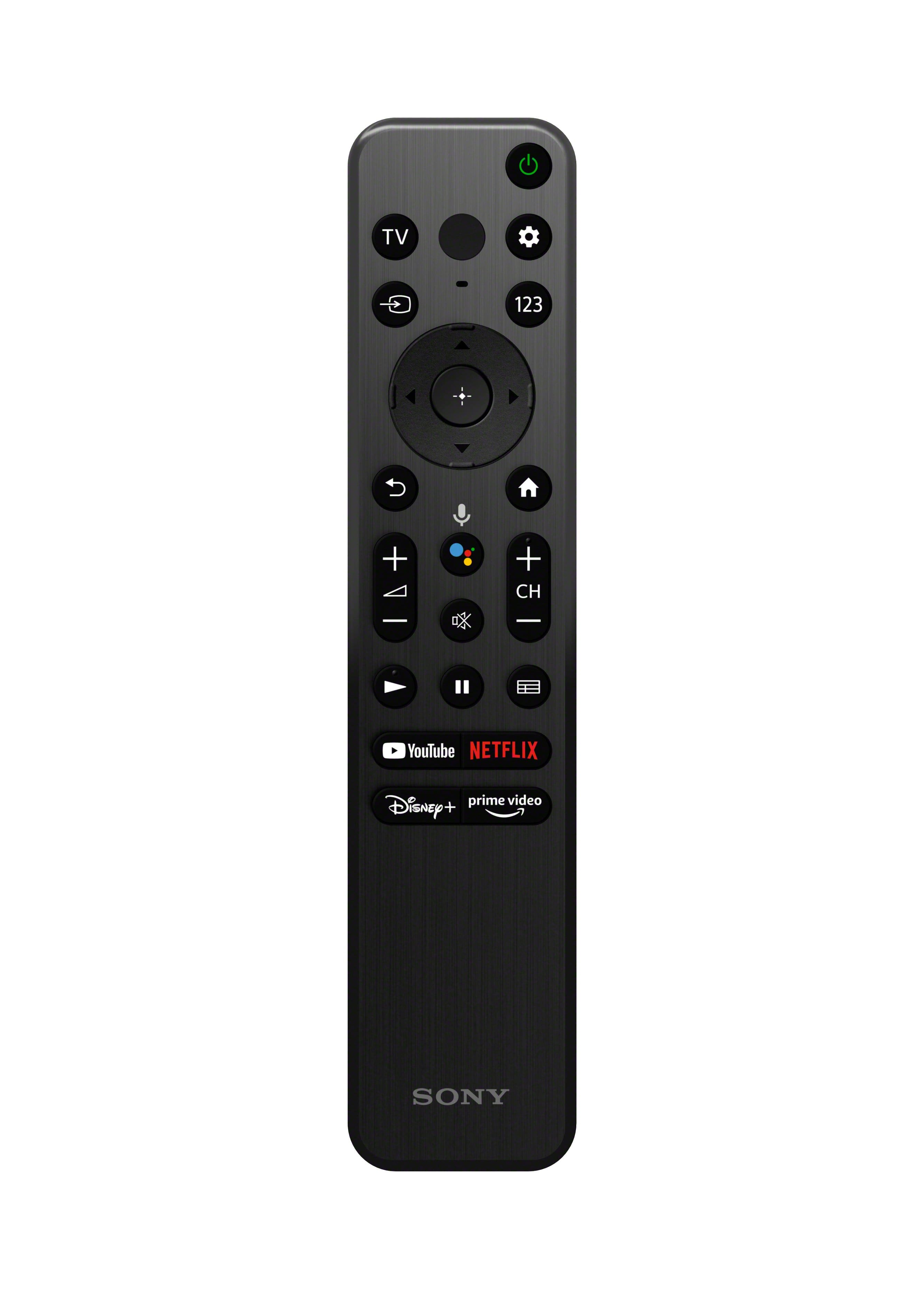
  • QuestionDoes this remote light up? My remote does not light up at all. Is there a way to turn on this backlight function? I can’t see any buttons at night.

    Asked by Clover.

    • Answer Hi Clover, Thanks for your inquiry. We're sorry, but the X80K models remote doesn’t come with a backlight. It has a new standard remote which features a simple, easy-to-use design that is effortless to clean. The RMF-TX900 Premium, backlit remote is available on the following models: Z9K (75/85”), A95K (55/65”), and A90K (42/48”). They do come with a new premium remote that is easy to use, with simplified buttons and a backlight so you can see everything clearly, even in the dark. Regards, Jess

      Answered by SonyListens

  • QuestionIs this considered an outside tv?

    Asked by Pdub.

    • Answer Hi Pdub, Thank you for your inquiry. The TV is designed to perform to its full potential indoors. For safety reasons, and to prevent the TV from malfunctioning, we do not recommend using the TV outside its operating temperature: 0 ºC – 40 ºC / 32 ºF - 104 ºF. Exposing the TV to rain or moisture, direct illumination, or sunlight may cause damage. For more information, please check the manual for reference. Everything feels so real on this 4K Google TV with over a billion colors, excellent contrast, and effortless voice control. Regards. Jess

      Answered by SonyListens

  • QuestionWill you take the old tv when I buy a new one?

    Asked by George.

    • Answer Best Buy has a e waste policy. They take old tvs if the store has room.

      Answered by Rainman

  • QuestionCan I download Downloader? Can I using Downloader search and download 3rd party apps?

    Asked by Helen.

    • Answer Yes I have downloader on my tv and I have 3rd party apps working flawlessly on my TV

      Answered by YourDad

  • QuestionDoes this tv work with a fire stick?

    Asked by Anonymous.

    • Answer Hi there, Thank you for reaching out to us! Yes. A Firestick streaming device should work with this TV. You can connect the playback devices (i.e. BD player, streaming devices, etc.) to any available HDMI inputs on this TV. To enjoy high quality 4K contents, use a Premium High Speed HDMI Cable(s) that supports speeds of 18 Gbps or more and set the [HDMI signal format] to [Enhanced format]. Everything feels so real on this 4K Google TV with over a billion colors, excellent contrast, and effortless voice control. Regards, Jess

      Answered by SonyListens

  • QuestionCan you connect your AirPods to this tv? If so, how do I go about that?

    Asked by Clover.

    • Answer Hi Clover, Thank you so much for your inquiry! This TV has a Bluetooth function supporting the A2DP (Advanced Audio Distribution Profile). With supporting this Bluetooth profile, you can pair some wireless headphones, speakers, or soundbars to your Google TV through a Bluetooth connection, however, the devices must be compatible. You may need to check the specifications of your wireless headphones if it has Bluetooth capability and supports the said profile. Note: This TV model doesn't have a wired headphone output function, and no headphone output terminal exists. We do have good information and instructional video that covers the steps to pair Bluetooth headphones to your compatible TV, please check our support site for further details. Regards, Jess

      Answered by SonyListens

  • QuestionDoes it have a Mic button that can be toggled on and off? Or do you have to do it via the Settings in GoogleTV? Some places online indicate that there is a physical button, but, others (and the pictures here on the site) seem to indicate there isn't one.

    Asked by Dquestion.

    • Answer The remote has a button that you push to talk and not to talk.

      Answered by Myjones08

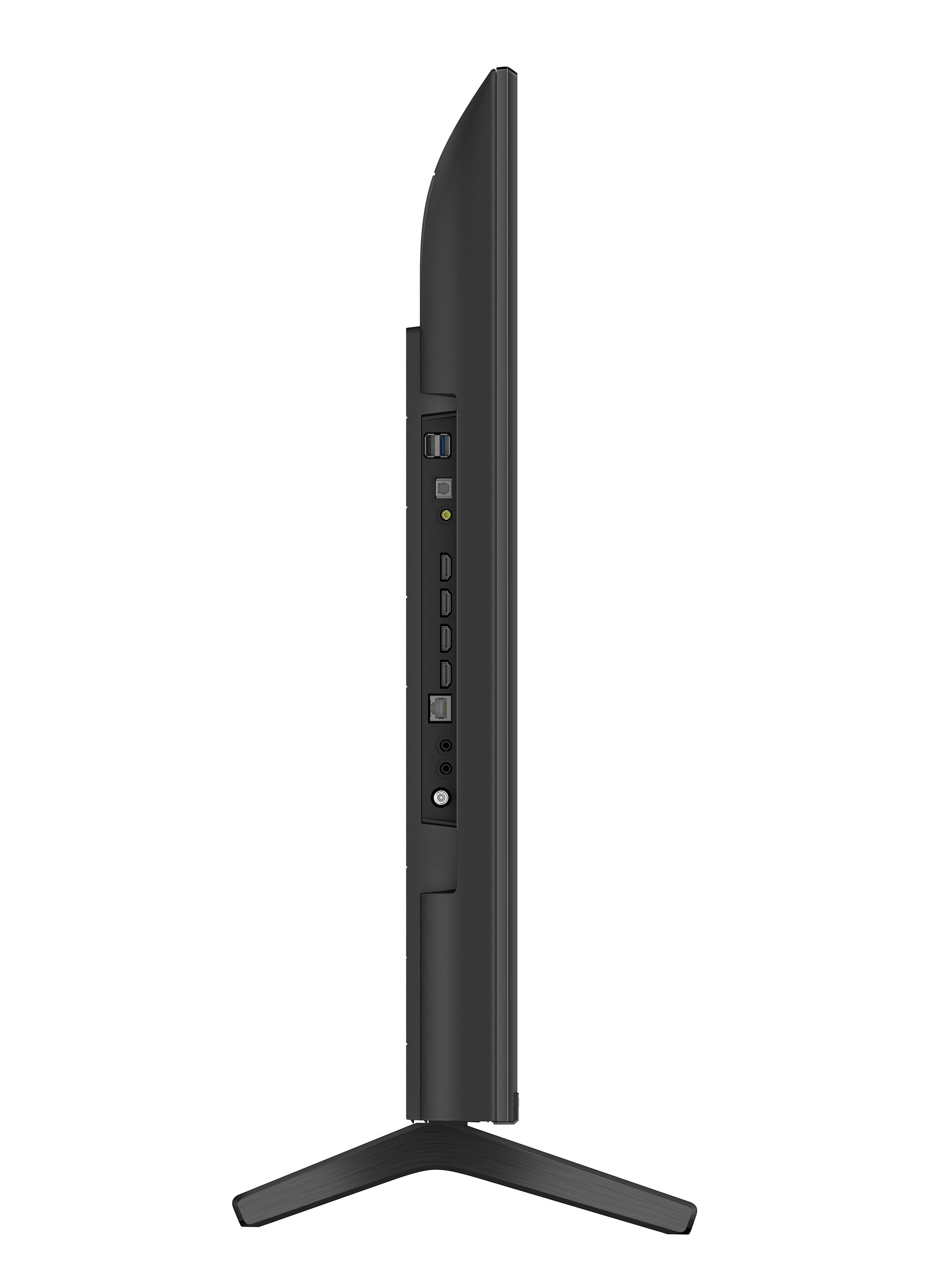
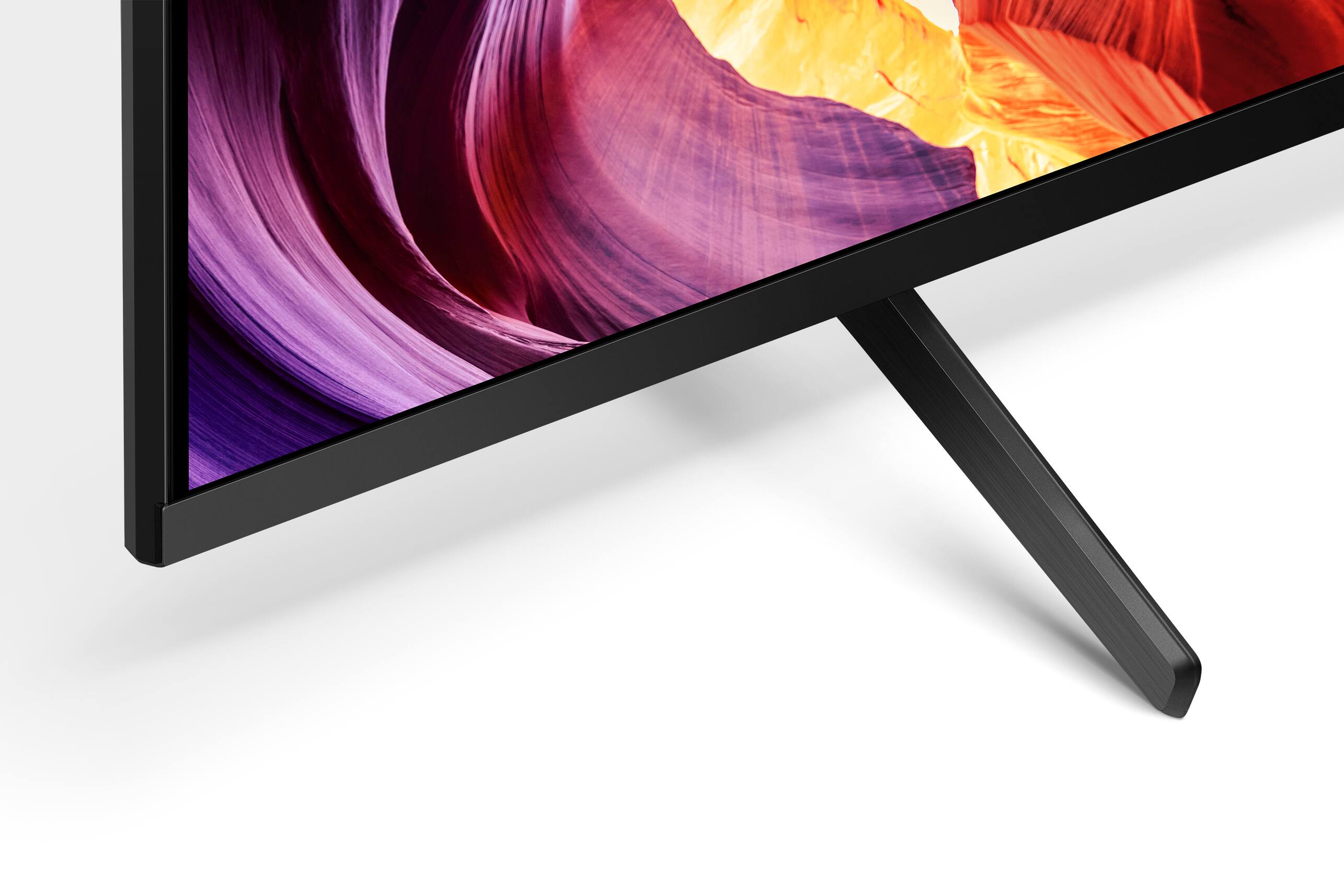
  • QuestionHow wide are the pedestals on the 43 inch model?

    Asked by Ram1105.

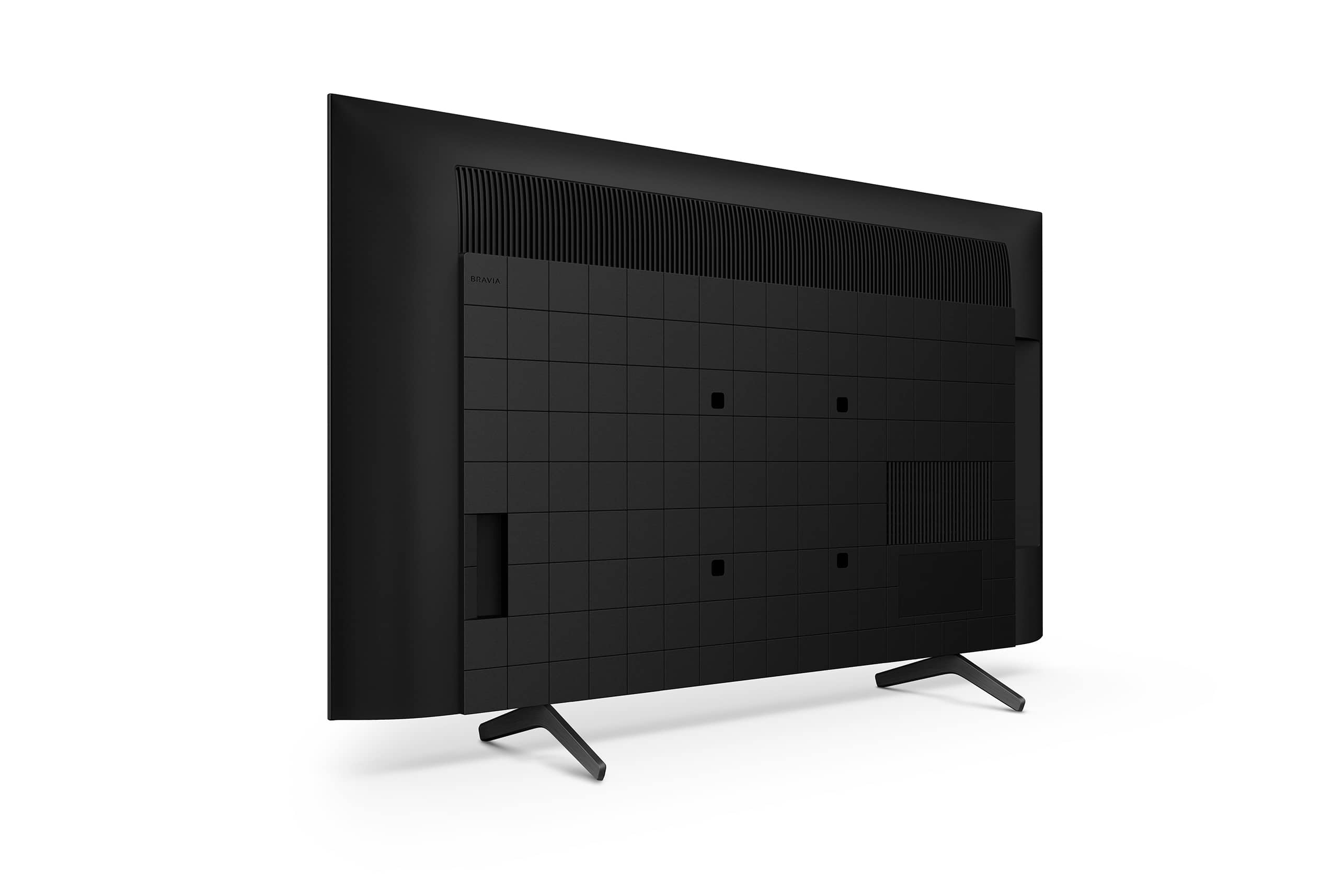
    • Answer Hi Ram1105, Thank you for your inquiry! The width of the TV stand/legs is approximately 26.18 inch (665 mm). Hope this helps! Enjoy an intuitive smart TV experience with natural color and clear sound with the BRAVIA X80K LED TV. The powerful 4K HDR Processor X1 reduces digital noise and boosts details for lifelike picture quality. Google TV gives you access to all your favorite streaming apps, while Google Assistant easily searches for content and controls your smart home simply by using your voice. Regards, Sam

      Answered by SonyListens

  • QuestionCan I add an internet browser, or will I have to port it from my iPad with a cable? Thanks for helping!

    Asked by Reeb.

    • Answer You can add internet browser. Supports wireless and wired.

      Answered by Tanya