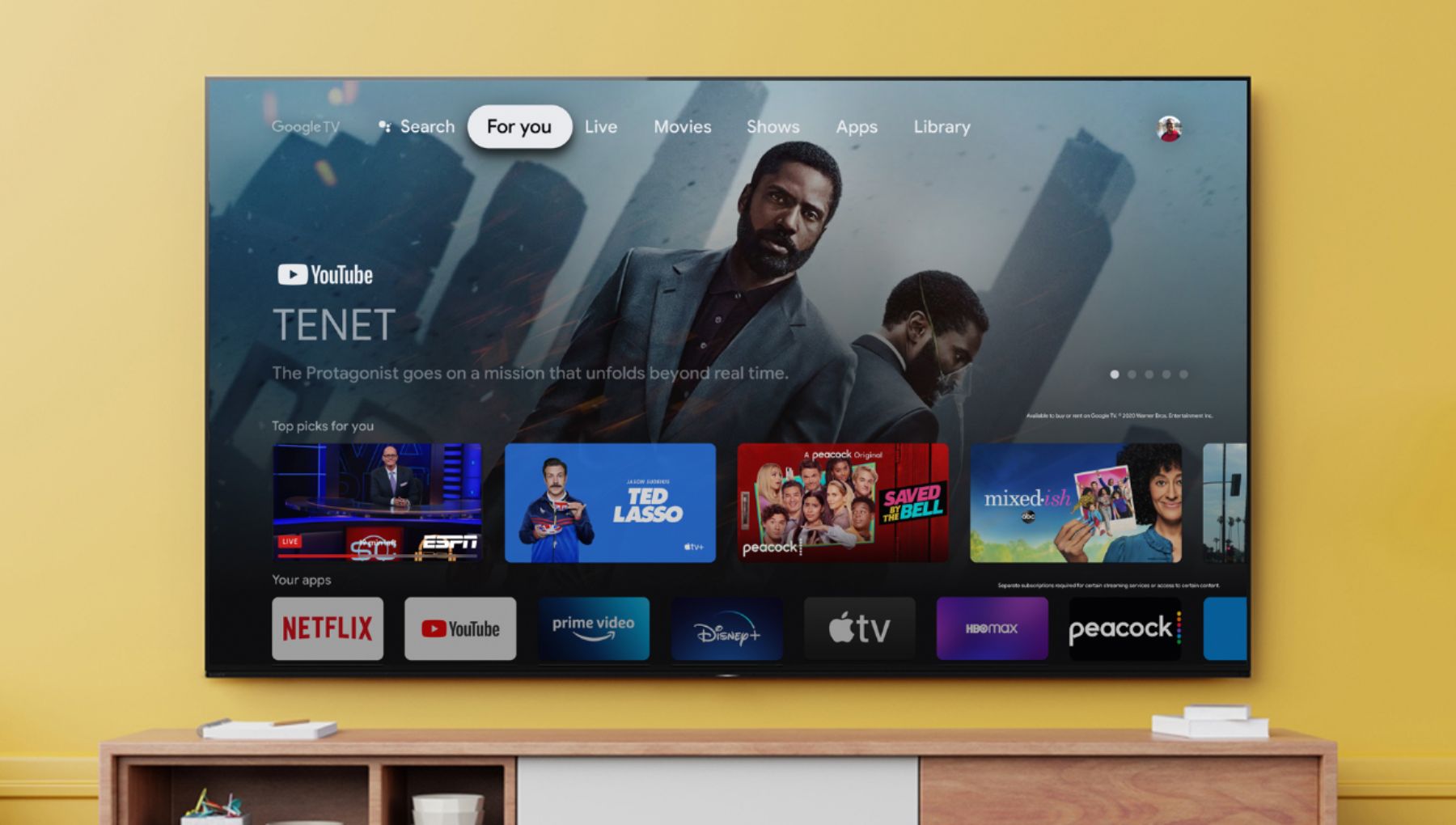
A:AnswerHi Bruh, Thank you for the inquiry. The X85J supports features specified in HDMI 2.1 such as the 4K120, eARC/ARC, ALLM, and VRR(VRR will be available via a future firmware update). To set the TV HDMI® signal format to Enhanced format for your source device to recognize the 4K 120Hz capability of the TV. Make sure your device is connected to the HDMI 3 or HDMI 4 input on the TV using the supplied Certified Premium HDMI cable.
1. Select Settings → Watching TV → External inputs → HDMI signal format.
2. Select the input the device is connected to (either HDMI 3 or HDMI 4), and then change the setting to Enhanced format.
I hope this helps! Jay
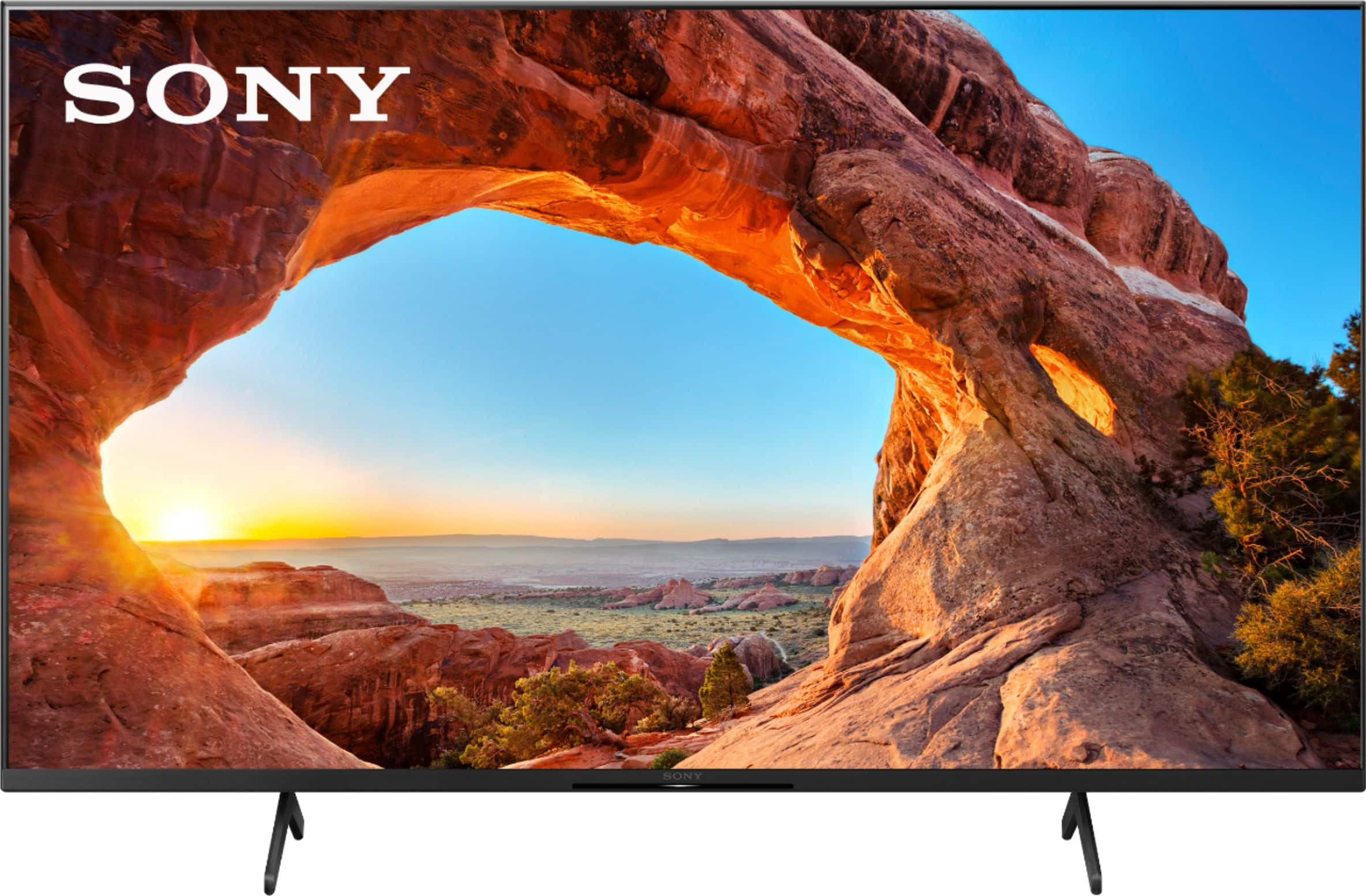
A:AnswerHi RIck, Thank you for the inquiry. Yes, this TV will work with the Xbox Series X and PlayStation 5. The X85J supports features specified in HDMI 2.1 such as the 4K120, eARC/ARC, ALLM, and VRR(VRR will be available via a future firmware update). To set the TV HDMI® signal format to Enhanced format for your source device to recognize the 4K 120Hz capability of the TV. Make sure your device is connected to the HDMI 3 or HDMI 4 input on the TV using the supplied Certified Premium HDMI cable.
1. Select Settings → Watching TV → External inputs → HDMI signal format.
2. Select the input the device is connected to (either HDMI 3 or HDMI 4), and then change the setting to Enhanced format.
I hope this helps! Jay
A:AnswerHi Dadbod88, We apologize for the inconvenience. Unfortunately, the gaming in Dolby Vision is not a current feature at this time. Please check your TV model at our Sony eSupport website for product updates and announcements. Thank you for your patience and understanding. Jay
A:AnswerHi mrdotwright, Thank you for the inquiry! Make sure your device is connected to the HDMI 3 or HDMI 4 input on the TV using the supplied Certified Premium HDMI cable. You will need to set the TV HDMI® Signal format to Enhanced format for your source device to recognize the 4K 120Hz capability of the TV. 1. Select Settings → Watching TV → External inputs → HDMI signal format. 2.Select the input the device is connected to (either HDMI 3 or HDMI 4), and then change the setting to Enhanced format. I hope this helps! Jay
A:AnswerProblem solved: I didn't realize that after the update, my TV reception somehow ended up coming from the wrong input---a non-HDMI input. I switched to the correct HDMI input and everything is back to normal now.
A:AnswerHi Dans, Thank you for the inquiry! Unfortunately, we don't guarantee its operation. The KD43X85J has 4 HDMI ports. The HDMI 1-4 supports HDR, and you can set the HDMI signal format for the connected HDMI port to either Enhanced format (Dolby Vision) or Enhanced format. Use a Premium High Speed HDMI cable which supports Enhanced format (18Gbps). Also, HDMI 3 and 4 can output the 4K Enhanced format (18Gbps or above) signal require that you use a 48Gbps Ultra-High-Speed HDMI cable. Set the HDMI signal format for the HDMI 3 or HDMI 4 port to Enhanced format. Refer to this link for more details: https://www.sony.com/electronics/support/televisions-projectors-lcd-tvs-android-/kd-43x85j/articles/00194995
I hope this helps! Jay

A:AnswerYes I in stalled the new software and it is working fine. It goes straight to google tv and highlights popular shows on all networks. If you do not belong to the network itwill give you a price for that show.