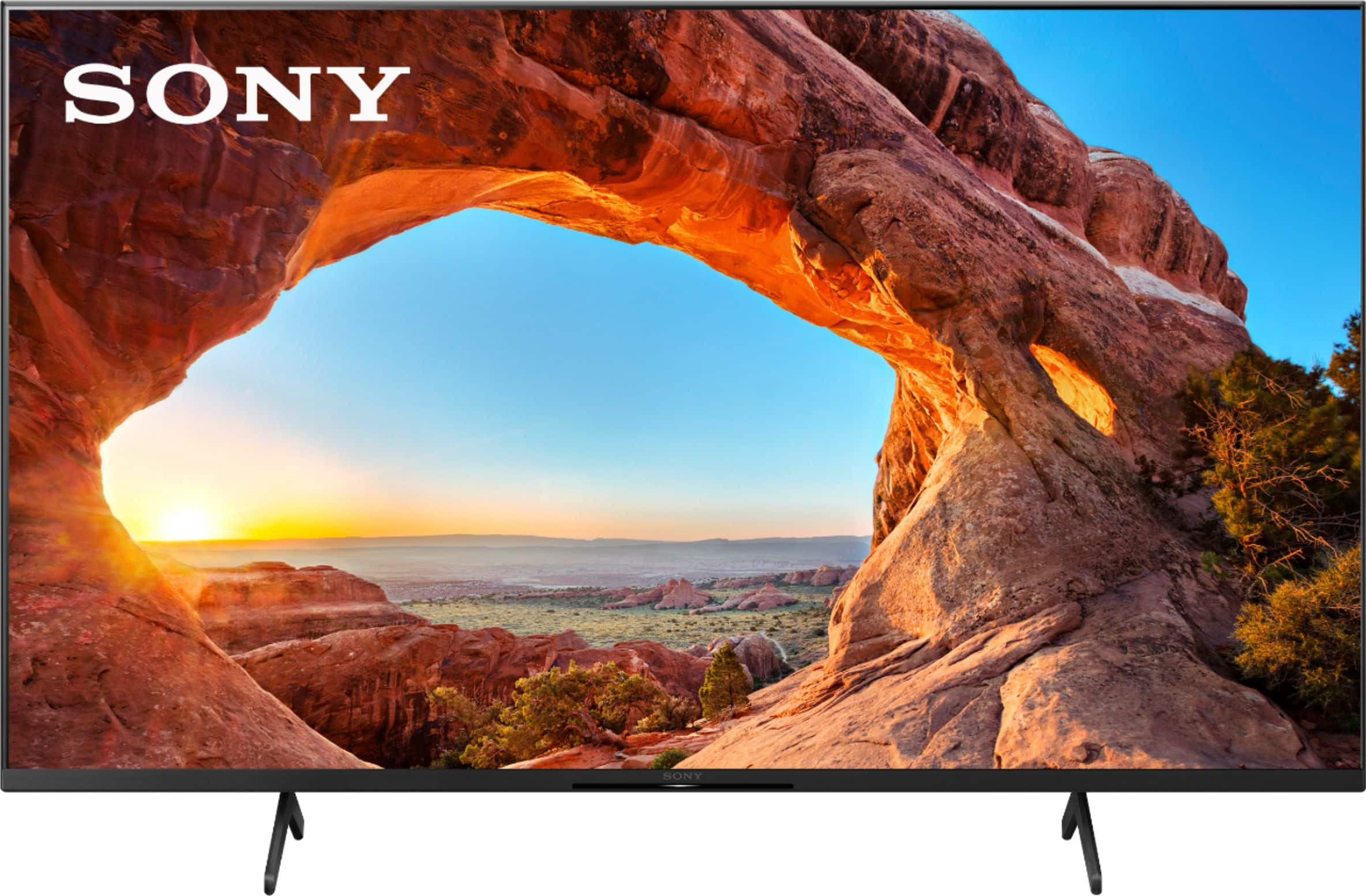
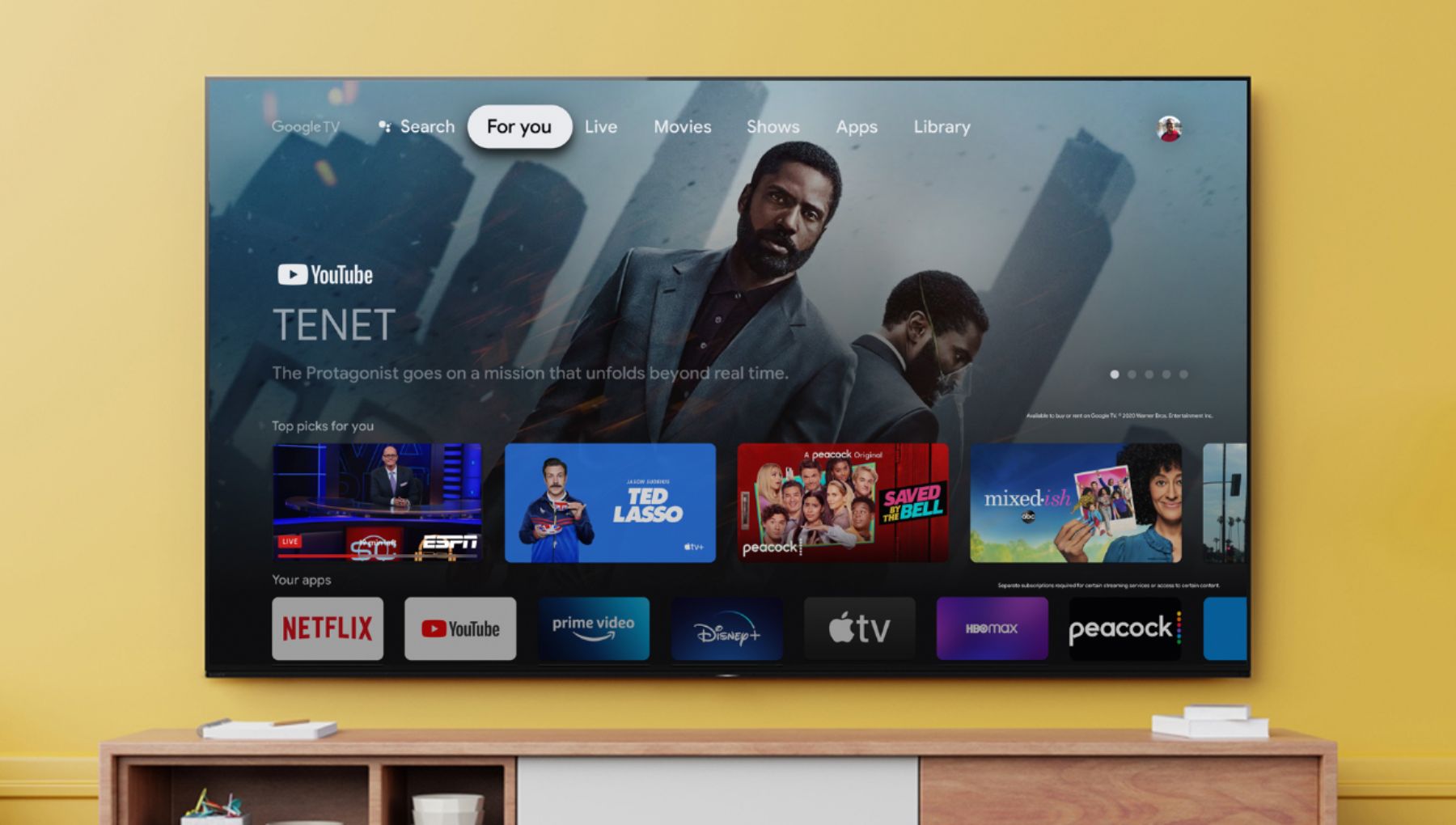
A:Answer Hi Veronica, Thank you for the inquiry! Great News! The KD43X85J supports the Apple TV app. Sign to Google so you can access Apple TV+, premium Apple TV channels, and buy or rent over 100,000 movies and TV shows. You can subscribe to Apple TV+ on the Apple TV app on Sony smart TVs, iPhone, iPad, iPod touch and Mac or at the Apple TV+ website. Also, the TV works with Apple AirPlay / Apple HomeKit. With Apple AirPlay, you can stream video and audio to your television right from your iPhone, iPad, or Mac. Watch movies and shows from Apple TV app, your favorite apps, or even Safari. Share your photos with everyone in the room. Refer to this link for more details: https://www.sony.com/electronics/support/televisions-projectors-lcd-tvs-android-/kd-43x85j/articles/00226446
I hope this helps! Jay