A:AnswerYou need to set your HDMI 3 or 4 to enhanced, not standard or Dolby Vision. I had mine on Dolby Vision and that would not allow the 4K and 120 refresh rate. Changed to enhanced and bingo, 120 refresh rate with 4K. Super pleased now!
A:AnswerHi Jake, Thank you for the inquiry. The KD43X85J supports features specified in HDMI 2.1 like 4K120, eARC/ARC, ALLM, and VRR(VRR will be available via a future firmware update).
To support a 4K 120Hz signal from another device, you will need to set the TV HDMI Signal Format to an Enhanced format for your source device to recognize the 4K 120Hz capability of the TV. Make sure your device is connected to the HDMI 3 or HDMI 4 input on the TV using the supplied Certified Premium HDMI cable.
Select Settings → Watching TV → External inputs → HDMI signal format.
Select the input the device is connected to (either HDMI 3 or HDMI 4), and then change the setting to Enhanced format.
I hope this helps! Jay
A:AnswerHi Casey, Thank you for the inquiry. The X85J supports the features specified in HDMI 2.1 standard like 4K120, eARC/ARC, ALLM, and VRR(VRR will be available via a future firmware update). You will need to set the TV HDMI® signal format to Enhanced format for your source device to recognize the 4K 120Hz capability of the TV. Make sure your device is connected to the HDMI 3 or HDMI 4 input on the TV using the supplied Certified Premium HDMI cable. 1. Select Settings → Watching TV → External inputs → HDMI signal format. 2. Select the input the device is connected to (either HDMI 3 or HDMI 4), and then change the setting to Enhanced format. I hope this helps! Jay
A:AnswerHi Trevor,
Thanks for your inquiry. Yes, the HDMI 3 and 4 ports of our KD43X85J supports features specified in the HDMI 2.1 standard such as 4K120, eARC, ALLM, and VRR(VRR will be available via a future firmware update). For more information about the TV, please refer to this link:
https://www.sony.com/electronics/support/televisions-projectors-lcd-tvs-android-/kd-43x85j/specifications
Regards,
-Ralph
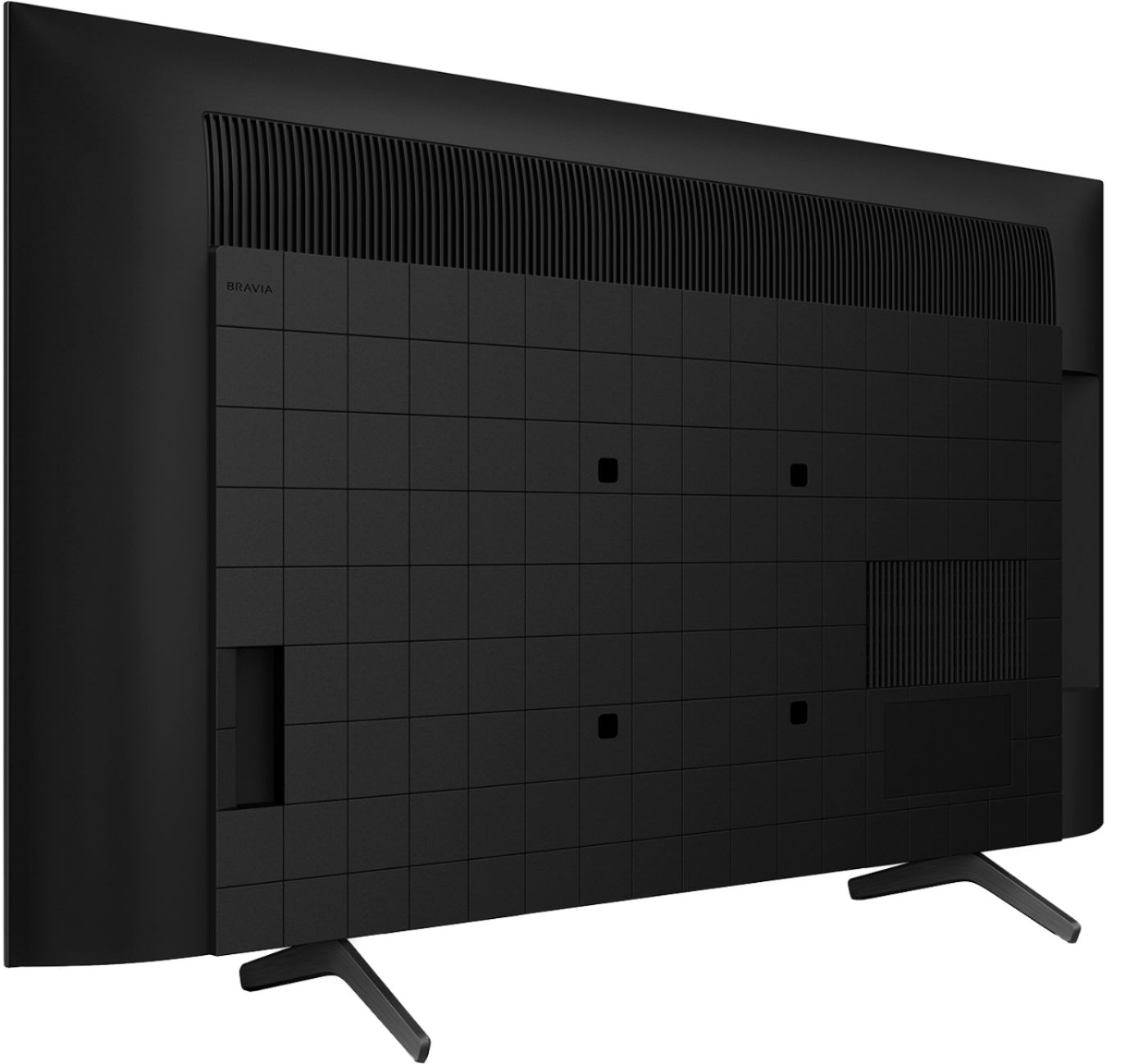
A:AnswerYes everything is in the back which is perfectly placed. I’m very happy that there power cord is on the opposite side of the input connections. That means the power supply won’t heat up the input connection board so they won’t burn out prematurely. Great design Sony! You definitely think about everything. Keep up the great work!!
A:AnswerHello, Great News! This KD43X85J has a built-in wireless adapter that enables it to use Wi-Fi® technology to connect to your network. If, however, you prefer a wired connection, a network cable (not supplied) is needed. Refer to this link for more details: https://www.sony.com/electronics/support/televisions-projectors-lcd-tvs-android-/kd-50x80j/articles/00180255
I hope this helps! Jay
A:AnswerHi artiste312, Thank you for the inquiry. Your TV can be mounted to a wall using a suitable Wall-Mount Bracket (not supplied). The wall-mount screw holes of the KD43X85J is 7.87 x 7.87 inches (200 x 200 mm). For product protection and safety reasons, Sony strongly recommends that installation of your TV on the wall be performed by qualified professionals. Do not attempt to install it yourself. I hope this helps! Jay
A:AnswerHi artiste312, Thank you for the inquiry. The X85J supports the A2DP (Advanced Audio Distribution Profile) Bluetooth profile. The Bluetooth headphones, speakers, and soundbars that support A2DP may work with your TV. However, we don't guarantee its operation. You can check the link below for the compatible headphones, speakers, and soundbars with the Android TV or Google TV, and A/V sync settings:
https://www.sony.com/electronics/support/televisions-projectors-lcd-tvs-android-/kd-43x85j/articles/00159290
I hope this helps! Jay
A:AnswerIt's a VA panel. Sources incorrectly stated that most sizes were IPS, but this is untrue (it may apply to non-Us TV's or something, idk). Mine is definitely a VA, and even rtings confirmed that it's a VA panel (the review is for 55", but in the comments they checked the pixel structure of the 43" and verified that it was VA).
I don't get why Sony won't just tell people though. It would be a lot easier than making everyone wait for other reviews and any other brand will tell you that information. I love their products, but it just makes no sense for them to choose not to disclose the panel type to people interested in buying their products.