A:AnswerHi beasy1975,
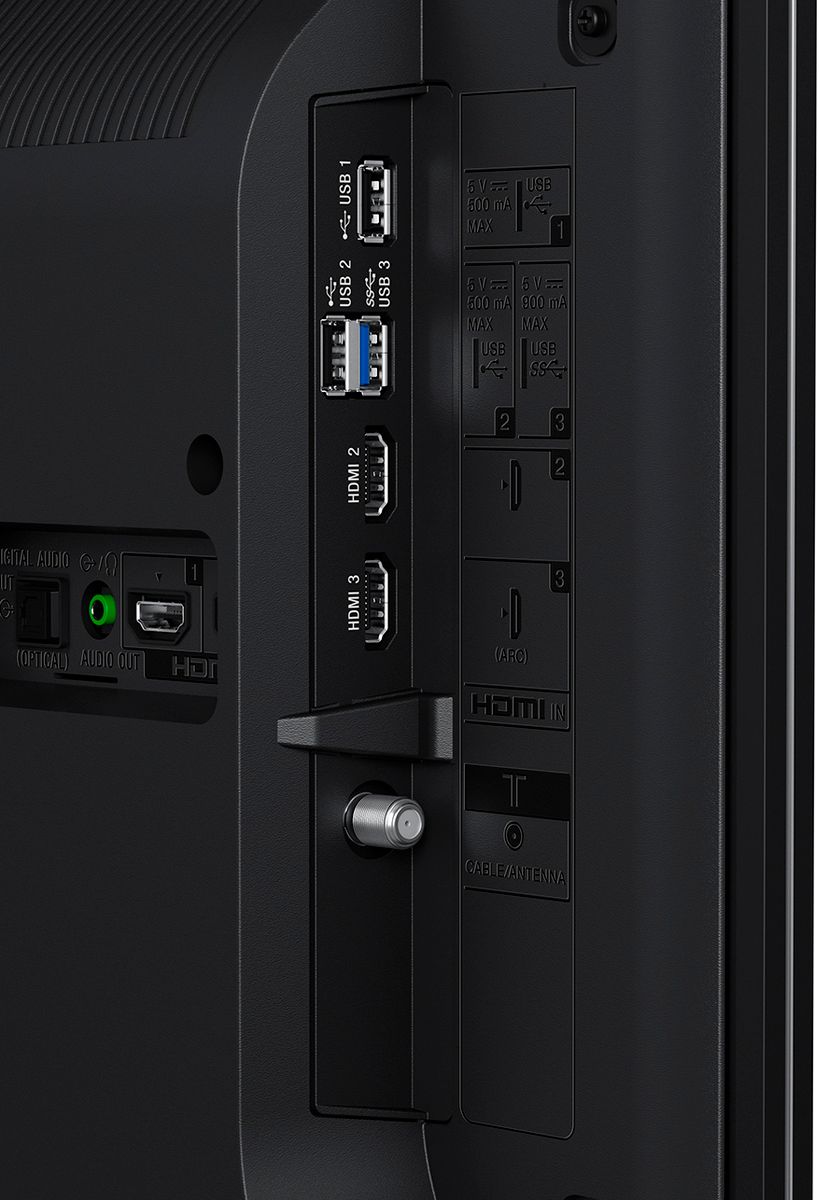
Unfortunately, the XBR49X800E is not listed as Android TV that is compatible with Bluetooth Headphones. However, you can try our wireless headphones that you can connect at the back of your TV for a wireless streaming experience. Check this link for more information.
https://www.sony.com/electronics/support/articles/00023605
https://esupport.sony.com/US/p/model-home.pl?mdl=MDRRF995RK&LOC=3
Regards,
-David
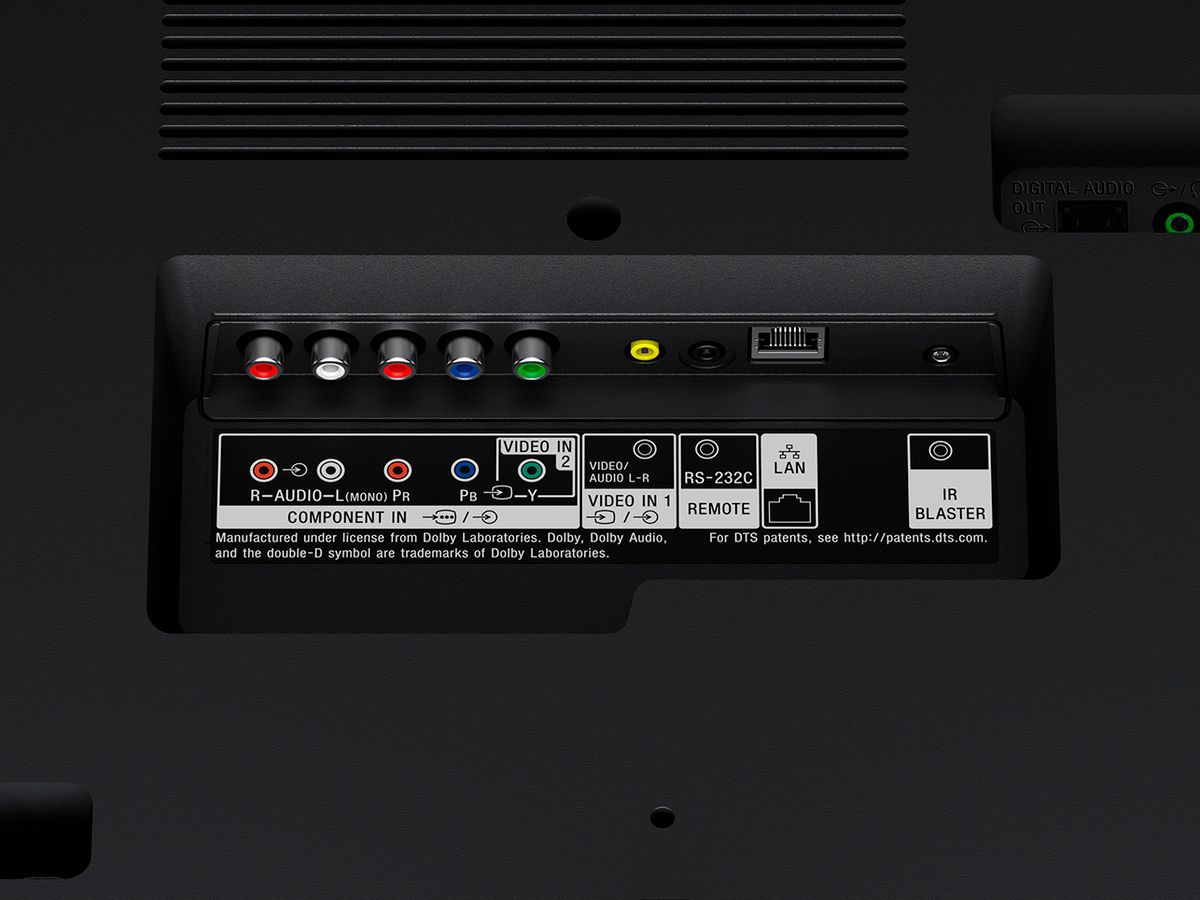
A:AnswerThe coaxial cable should come from the wall into your cable box and then from your cable box to your TV should be an HDMI cable. Your DVD player should be using red white and yellow connections this TV still has them and so use that. However if you're fortunate enough and the DVD player has HDMI connections use that video and audio is a lot better.
A:AnswerHi Bear, it will depend on the type of camera that you are going to use with this TV if it can function when connected to a TV/monitor. If you are going to use a webcam type camera, it will not work. Regards, -Mark
A:AnswerIt should. I have my older Sony Surround receiver hooked up analog using the headphone/direct out jack in the back of the TV. There is also a digital audio output that would probably work with your Yamaha receiver that my old Sony did not have. Hope this helps.
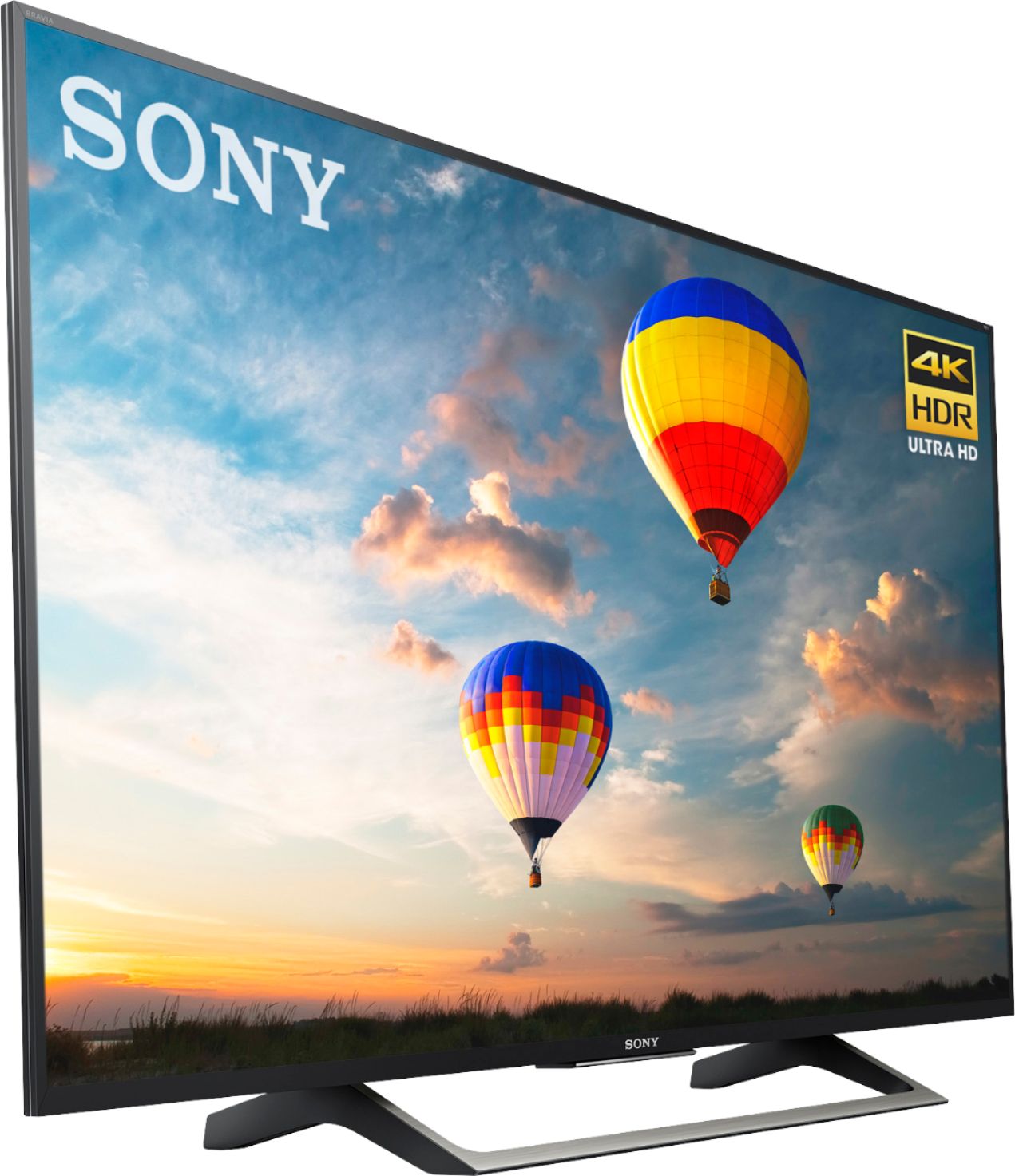
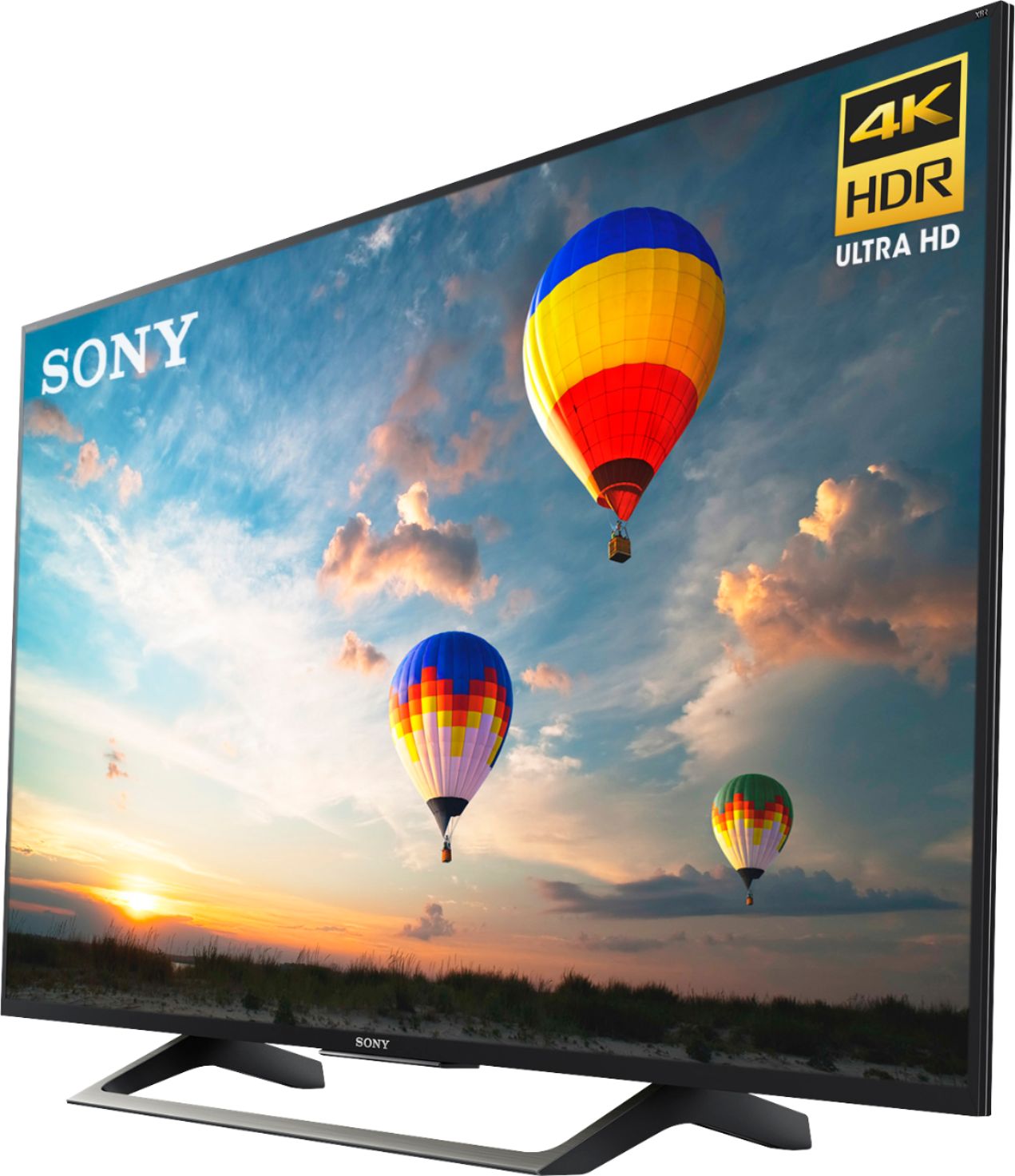
A:AnswerHi Polo, yes, this is an Android TV and you can use the pre-installed Google Play Store app to download applications. You may check this link for more information about this TV: https://docs.sony.com/release//specs/XBR49X800E_mksp.pdf Thanks, -Mark
A:AnswerSince we have only had this TV a short time, the sports we have watched so far have been very bright and colorful. The motion on the screen is very good.