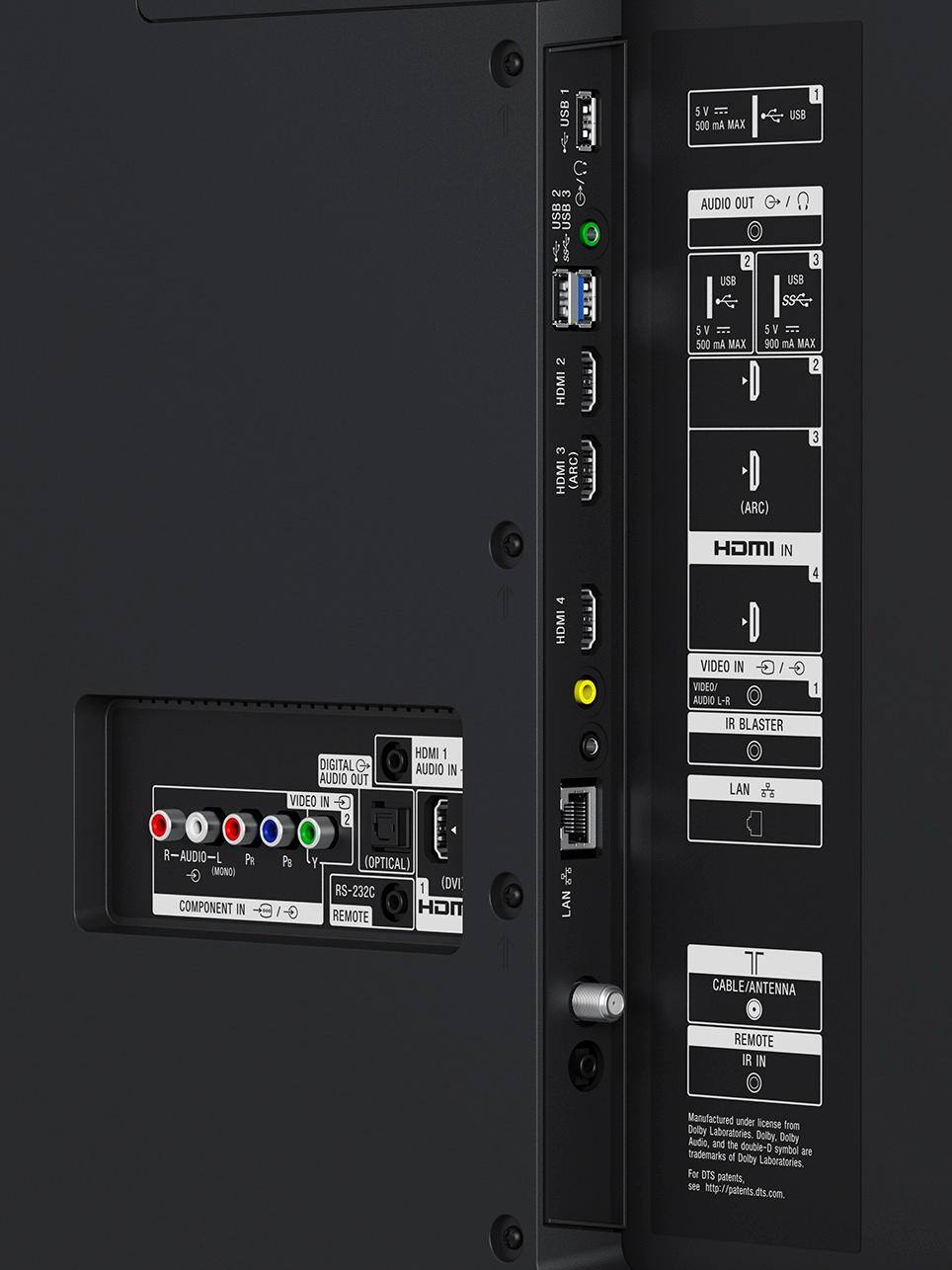
A:AnswerI had the same problem with Apple iTV and Cox cable box. I check the HDMI connects and cable. I upgraded my HDMI cables and it corrected itself.
The IR blaster works, as well as with Alexa google
A:AnswerHi Snk, Here are the dimension of the package carton: 1347 x 749 x 174 mm (53 1/8 x 29 1/2 x 6 7/8 inch). Please visit this link for more details: https://www.sony.com/electronics/televisions/xbr-x900e-series/specifications -Jerome
A:AnswerHi Debby, both are great TVs with no difference in setting up with Google Home. The only difference between the two is that the 900 series has a slight advantage in picture quality compared to the 800. You may check this link for a comparison between the two TVs: https://www.sony.com/electronics/tv/t/televisions?view=compare Thanks, -Mark
A:AnswerThe TV button can be programmed to select the input you wish to go to. If you go into SETTINGS and select INPUT DEVICES, one of the menu options will be to program the TV button. When you select that it will give you a list of inputs, just select the input port you want to associate with the TV button.
I have my satellite receiver feeding to HDMI 1. I have programmed my TV button to select HDMI 1 so everytime I press it, it opens my DirecTV service.
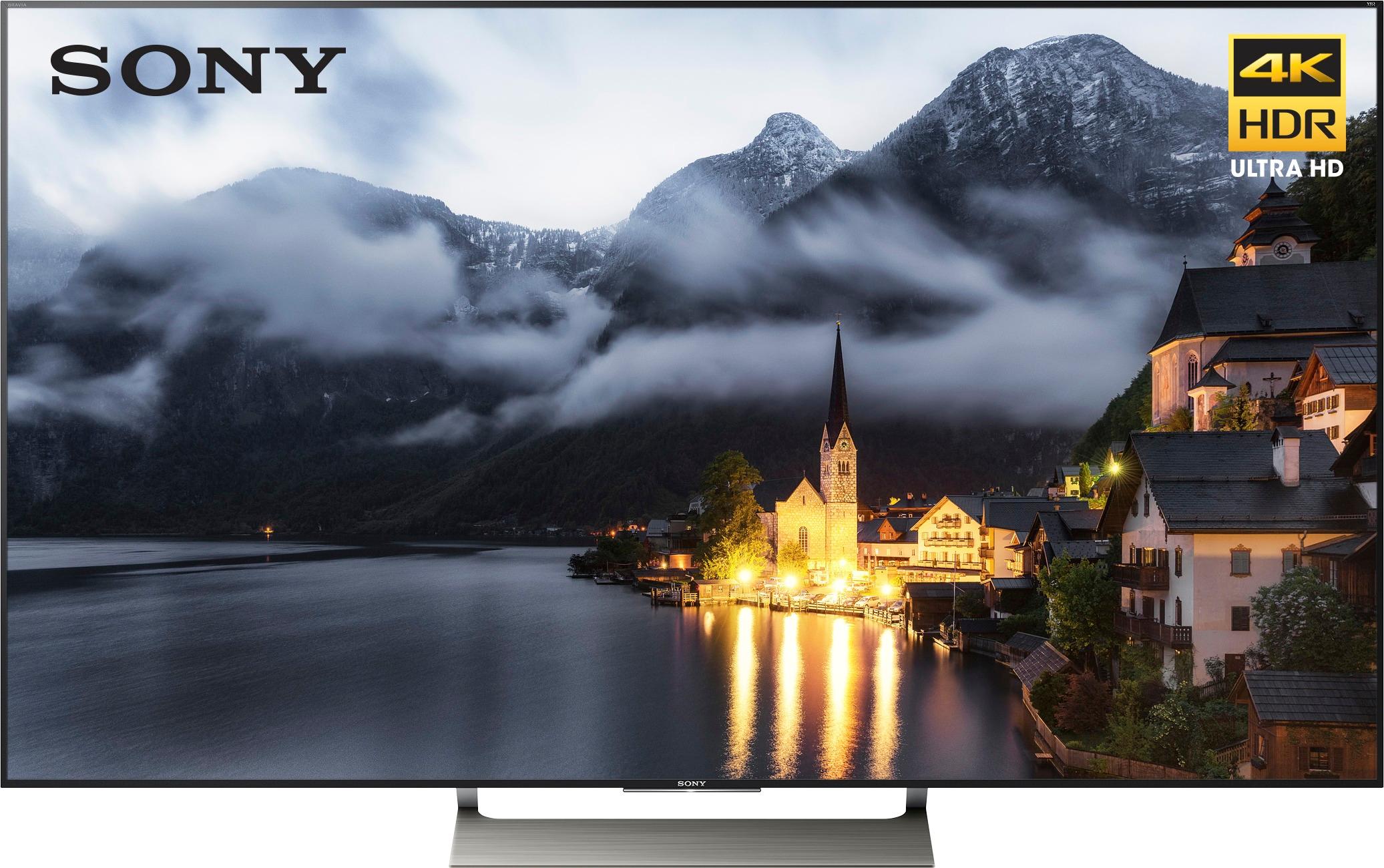
A:AnswerExcellent. there is a screen setting specifically for sports and the image is the best we have had. Watched the Stanley Cup, Nascar, and the USA vs Mexico soccer game recently and all looked great.
A:AnswerYou might try removing the power by unplugging the power supply for at least 10 seconds. This procedure might reset the control system and allow you to access the programming menu and check for updates.
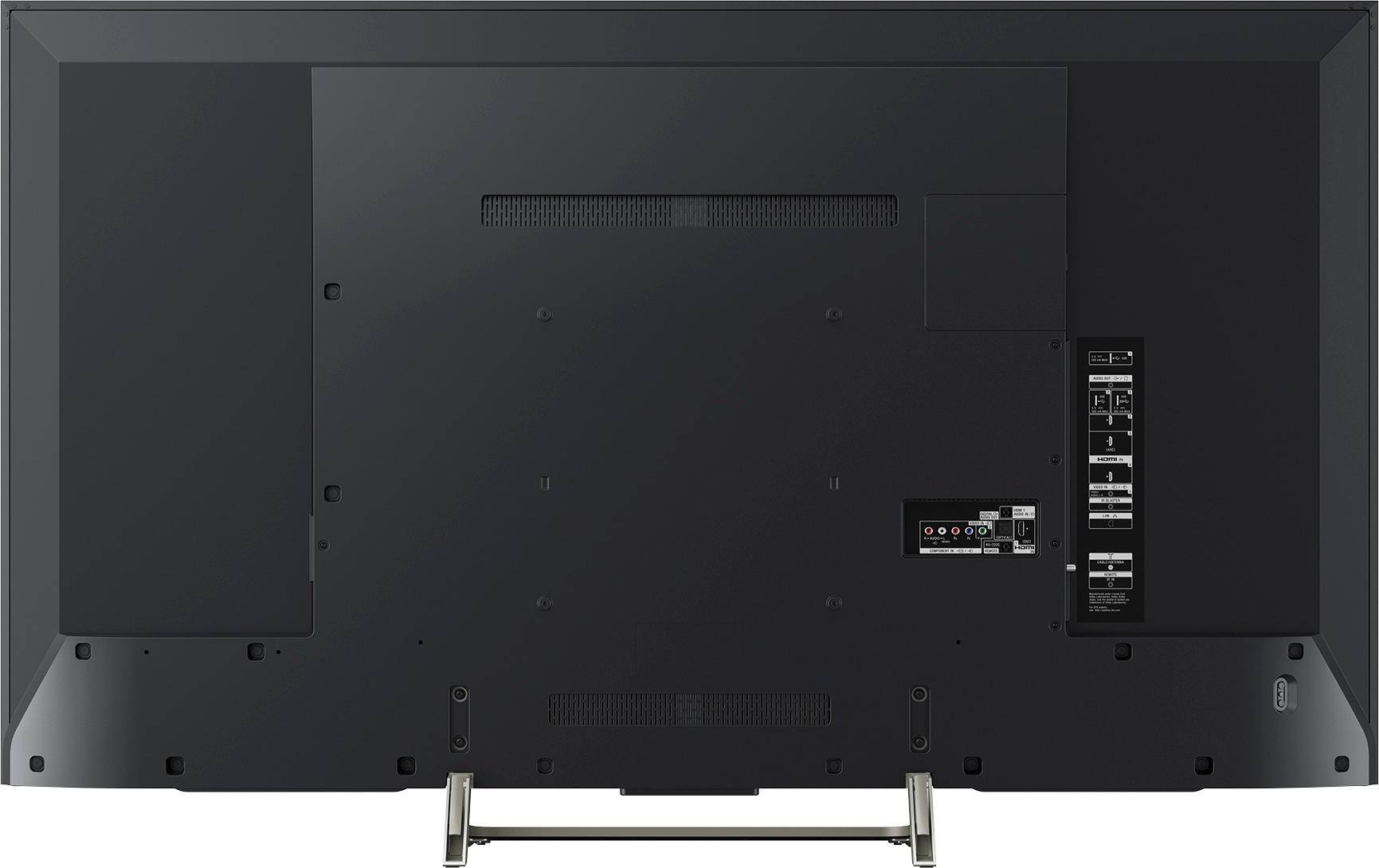
A:AnswerHi larry, The TV would work with a VESA compatible wall mount. You may also want to consider the SU-WL500 which is specifically designed for the TV. You may check on these links for more information:
https://docs.sony.com/release//specs/XBR49X900E_mksp.pdf (Regulation and Standards Compliance)
https://docs.sony.com/release//Manual_C644100121.pdf
~Ralph
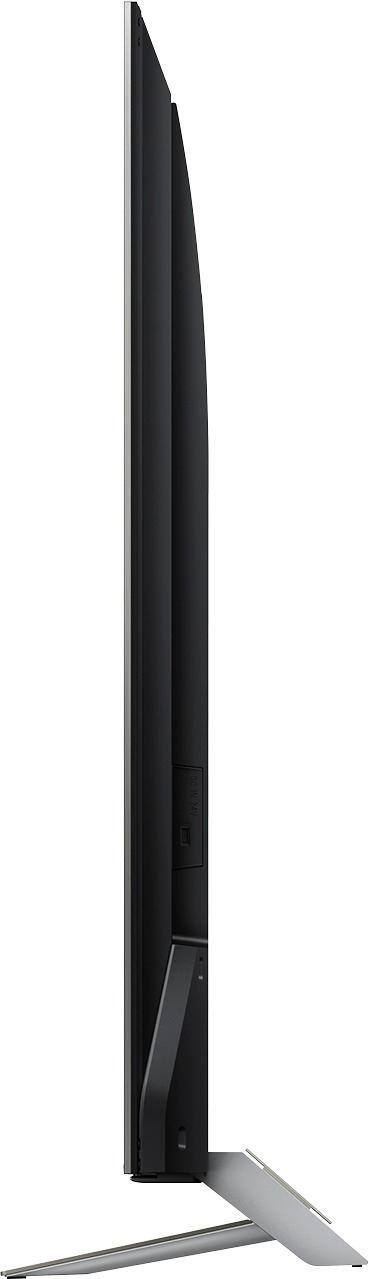
A:AnswerHi Dainetta, Yes, this unit is slightly lean back once your Install the stand of this TV. You can refer to page 5/44 from this link: https://docs.sony.com/release//REF_4690447131.pdf
Regards, -Jay
A:AnswerHi ROBERT, yes, it does support 5 GHz bandwidth. For reference, you may check the link below:
https://docs.sony.com/release//specs/XBR49X900E_mksp.pdf see "Network Features".
Thank you, _Bob
A:AnswerI haven't downloaded a browser app but I find I don't need to. With chromecast built in, you can stream anything displayed on your chrome browser on your phone or pc screen. The quality is excellent, text is very readable. You will have to make sure all the devices are on your home network to be discoverable to cast.
A:AnswerWe found the voice clarity and volume an issue. We used a small BOSE sound bar with voice clarity feature as a way to get the volume and clarity that we needed.
A:AnswerI am using as this as a second TV which means I have the smaller Comcast cable box attached via HDMI. Not sure if that's the reason but it does seem to pause when changing channels. More so with the Sony remote vs Comcast remote. By pause I mean .5 sec to 1 sec. I attribute that to the cable box though and not the TV. Could be wrong. Don't surf a lot so not too troubled by it.