Main Content

Questions & Answers

$499.99
Page Showing 21-37 of 37 questions
  • QuestionWhat sound bar is compatible with this tv?

    Asked by Bob.

    • Answer We are using the BOSE TV 5 Sound System

      Answered by TVBUYERS

  • QuestionDoes the 50" Sony Bravia Google smart TV have a built in digital tuner for viewing OTA channels and a recording feature built in?

    Asked by WTA4.

    • Answer Thank you for contacting Sony, WTA4. The BRAVIA 2 includes a built-in digital tuner for enjoying free local OTA channels in high definition. While it doesn't have a built-in recording feature or internal DVR storage, you can easily use a third-party external DVR to record your favorite programs. We appreciate your interest in Sony products. Should you require any further assistance, please don't hesitate to reach out for support here: https://us.esupport.sony.com/support/s/support-contact?category=tv Best regards, Gus, Sony North America Customer Support

      Answered by SonyListens

  • QuestionWhat is the fresh rate?

    Asked by MichaelP.

    • Answer Thank you for contacting Sony, MichaelP. The Sony Bravia 2 has a native refresh rate of 60Hz. We appreciate your interest in Sony products. Should you require any further assistance, please don't hesitate to reach out for support here: https://us.esupport.sony.com/support/s/support-contact?language=en_US&category=tv Best regards, Gus, Sony North America Customer Support
      Answered by SonyListens

  • QuestionCan I use a vpn with this tv?

    Asked by Sony.

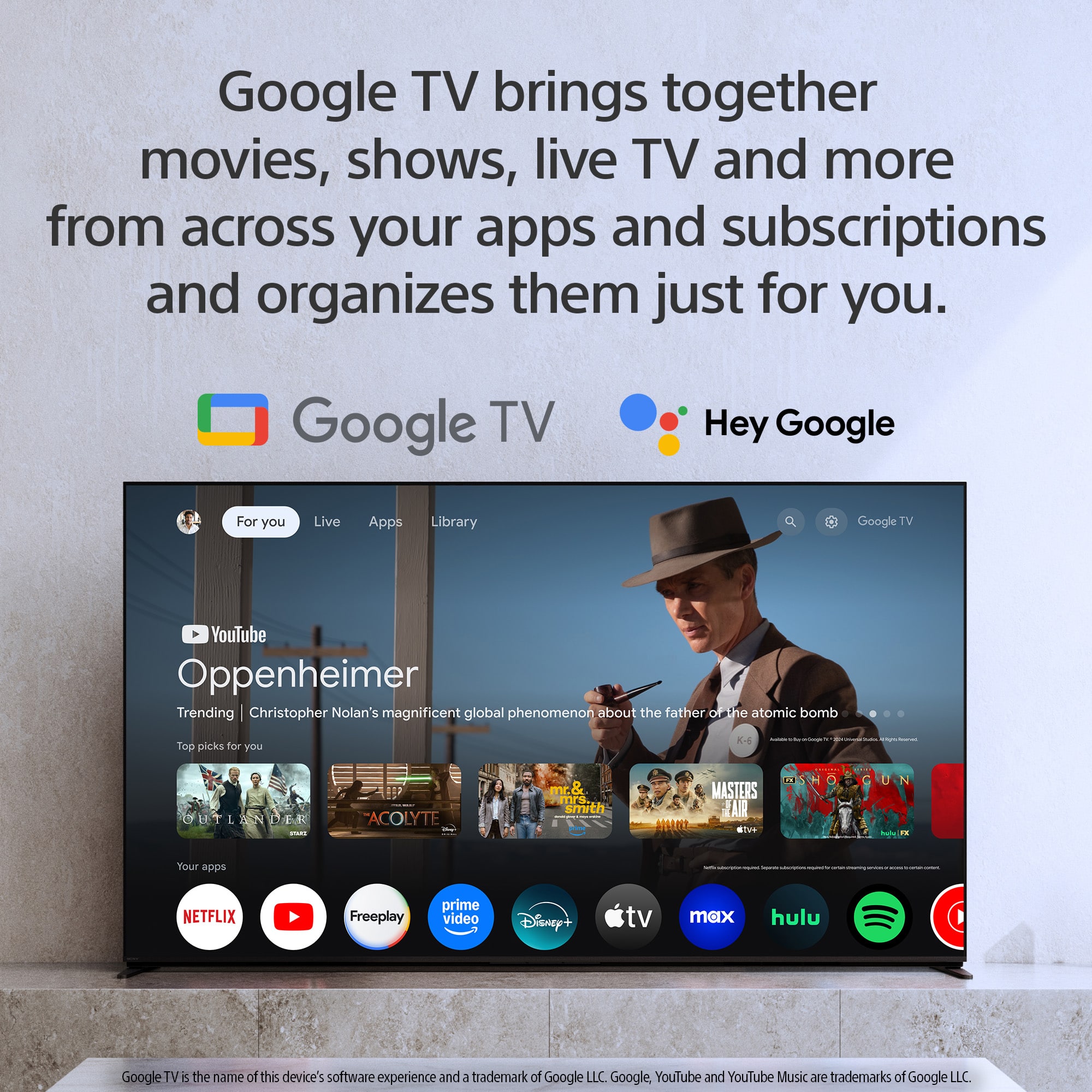
    • Answer Hi there! Yes, you can absolutely use a VPN with the Sony BRAVIA 2 II (K50S20M2). Since this model is a Google TV, it provides full access to the Google Play Store, where most major VPN service providers offer dedicated apps specifically optimized for the television interface. Because the TV runs on a versatile operating system, you can easily find and download your favorite VPN app directly from the store. This allows you to secure your connection or access regional content with the same ease as you would on a smartphone or tablet. Thank you for considering Sony! Regards, Dominick

      Answered by SonyListens

  • QuestionHow do I add take away my old tv to my order?

    Asked by Diane.

    • Answer my old tv is 42 in

      Answered by Anonymous

  • Questionwhat is the bolt pattern measurements on the back of the TV? I have a very well built articulating wall mount.

    Asked by Bassinbob.

    • Answer Hi Bassinbob, Thank you for your question! The Sony BRAVIA 2 II (K50S20M2) features a standard VESA® Hole Pitch of: 7 7/8" x 7 7/8" (200 x 200 mm). If you'd like to see more specifications about this model, please visit: https://www.sony.com/electronics/support/televisions-projectors-lcd-tvs-android-/k-50s20m2/specifications Thank you for considering Sony! Regards, Dominick

      Answered by SonyListens

  • QuestionDoes this TV support 6 ghz band WiFi 7 or 6E?

    Asked by Jim.

    • Answer Thank you for contacting Sony, Jim. The BRAVIA 2, 50" uses Wi-Fi Certified 802.11 Wi-Fi 6E. For a detailed list of all specifications, we suggest you check here: https://www.sony.com/electronics/support/televisions-projectors-lcd-tvs-android-/k-50s20m2/specifications We appreciate your interest in Sony products. Should you require any further assistance, please don't hesitate to reach out for support here: https://us.esupport.sony.com/support/s/support-contact?language=en_US&category=tv Best regards, Gus, Sony North America Customer Support
      Answered by SonyListens

  • QuestionCAN i PLAY SOUND FROM THE TV SPEAKERS AND AN EARC CONNECTED AUDIO DEVICE AT THE SAME TIME?

    Asked by WDSJ.

    • Answer Thank you for contacting Sony. On most Sony TVs, including your K50S20M2, you generally cannot play sound from both the TV speakers and an externally connected eARC audio device simultaneously. This is by design, as the TV prioritizes the external eARC connection for the best audio experience and usually turns off its internal speakers when an eARC device is detected. We appreciate your interest in Sony products. Should you require any further assistance, please don't hesitate to reach out for support here: https://us.esupport.sony.com/support/s/support-contact?language=en_US&category=tv Best regards, Gus, Sony North America Customer Support
      Answered by SonyListens

  • QuestionCan I have a blue ray disk with this? If yes do I need to purchase a new one?

    Asked by Anonymous.

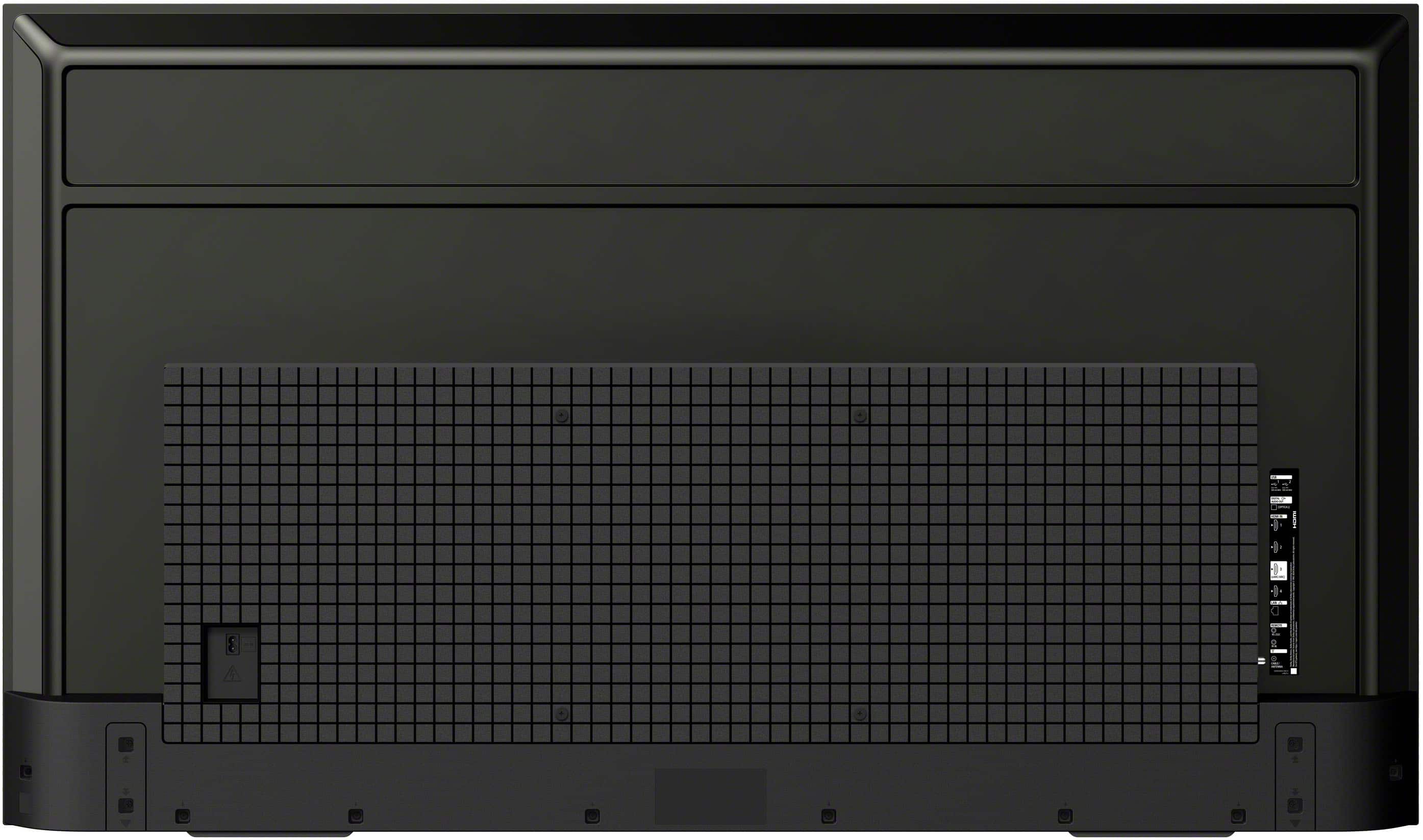
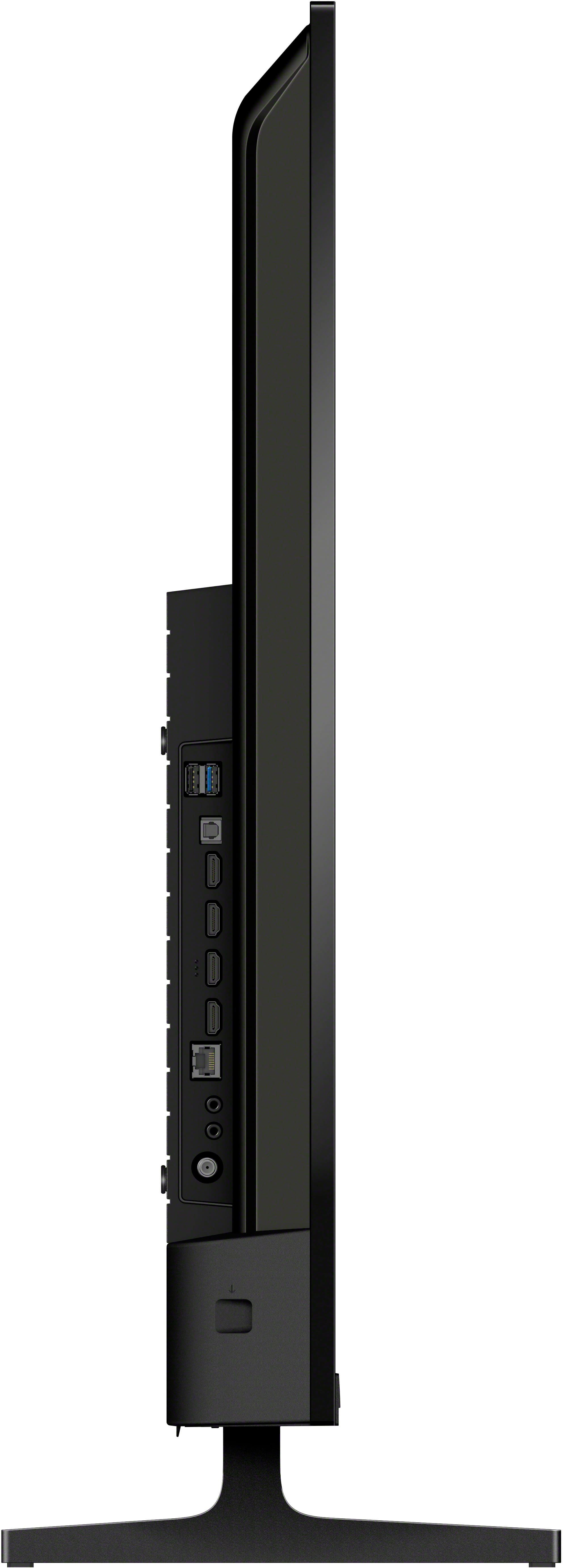
    • Answer Thank you for contacting Sony. Yes, you can absolutely watch Blu-ray discs on this TV! Your K50S20M2 is a Smart 4K TV, but it does not have a built-in disc player. To watch your Blu-ray discs, you will need to purchase a separate Blu-ray player. You would connect the new Blu-ray player to one of the HDMI ports on the side of your television using an HDMI cable. This will allow you to enjoy the best possible picture quality on your new screen. We appreciate your interest in Sony products. Should you require any further assistance, please don't hesitate to reach out for support here: https://us.esupport.sony.com/support/s/support-contact?language=en_US&category=tv Best regards, Gus, Sony North America Customer Support
      Answered by SonyListens

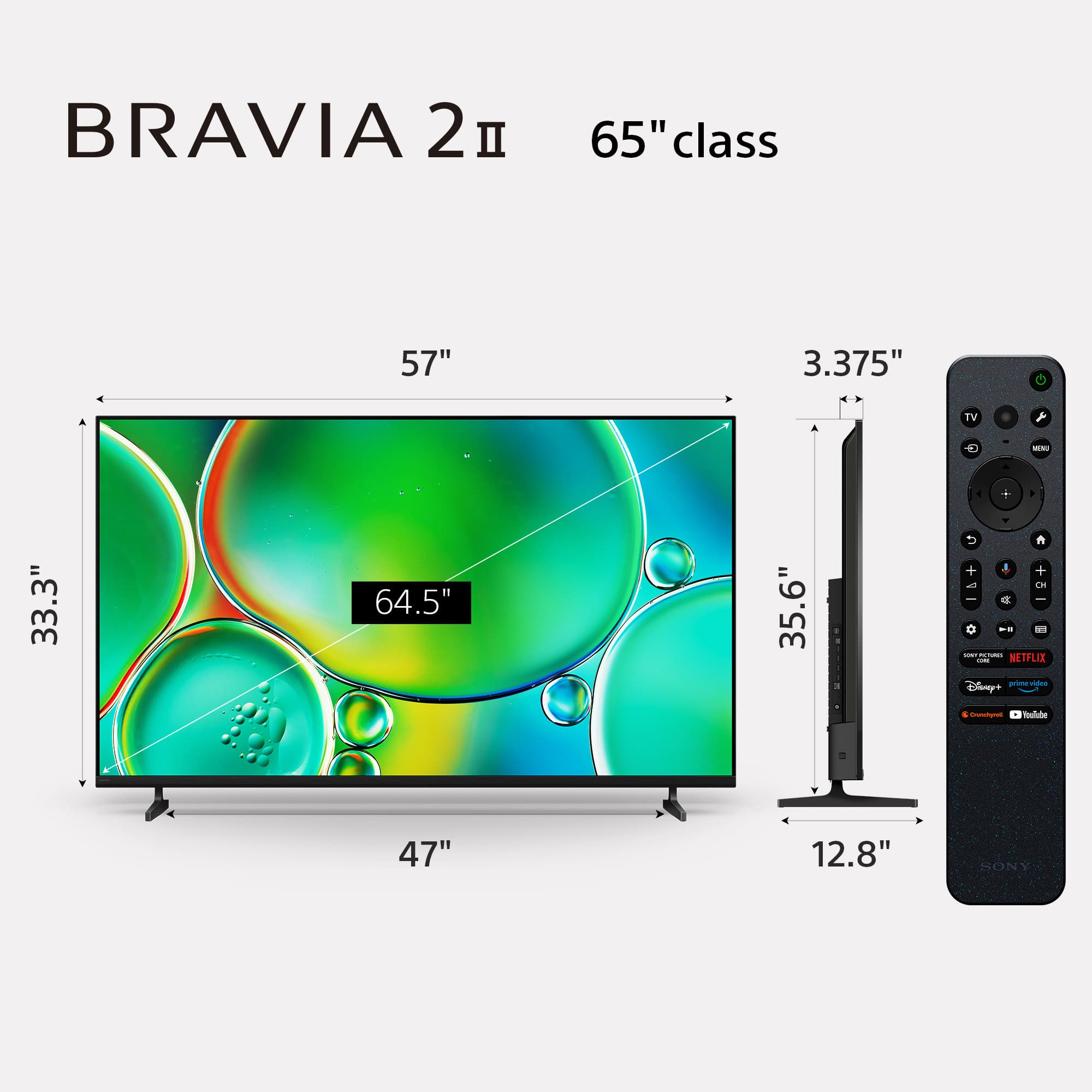
  • QuestionWhat is the width of the TV? The measurement listed in the specifications seems to be wider than the width measurement for the box/packaging.

    Asked by CC.

    • Answer Just under 48inches

      Answered by billsbacker

  • Questiondoes it offer PLAY PROTECT option

    Asked by Anonymous.

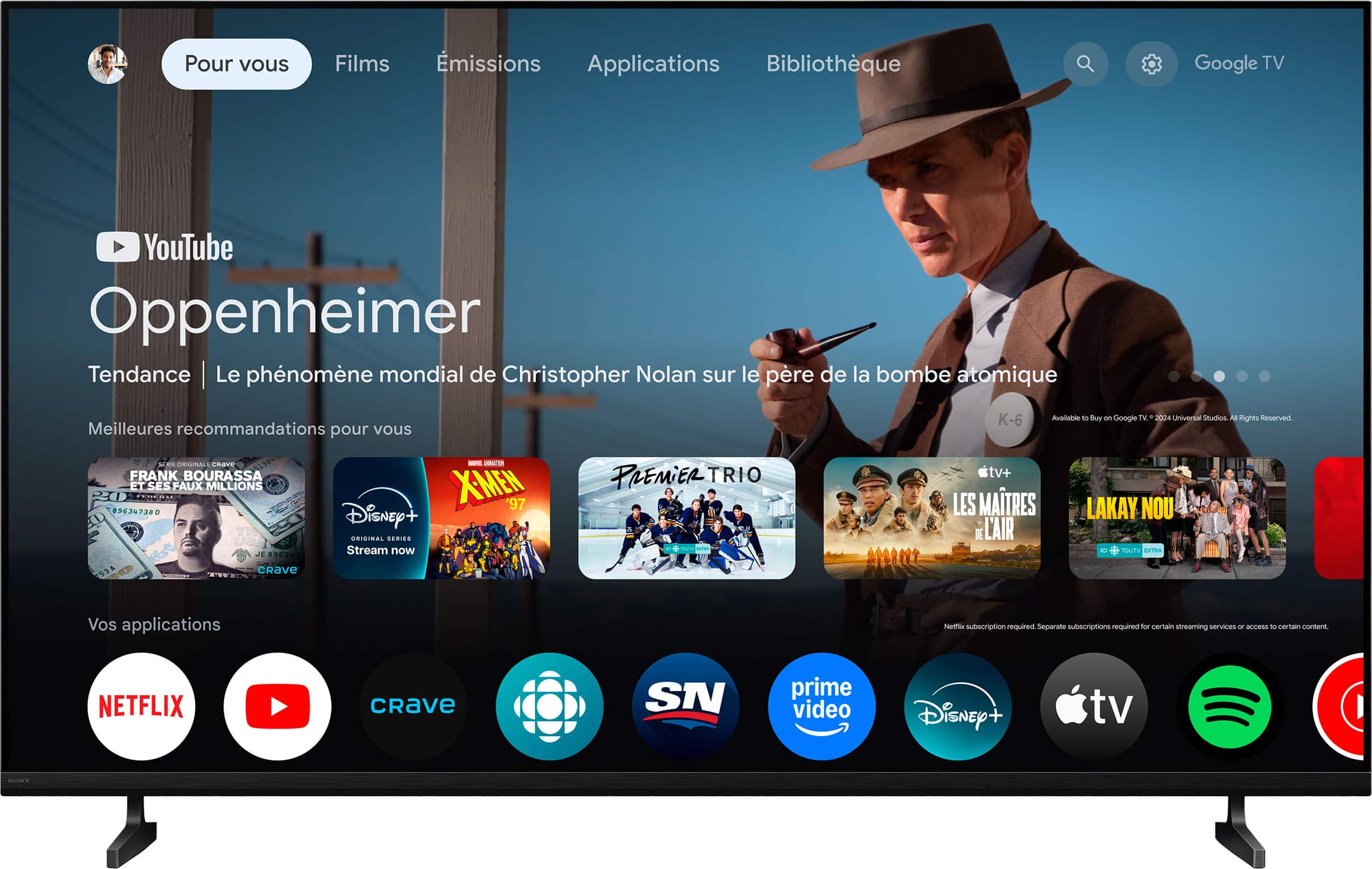
    • Answer Yes, all apps on the onboard Play Store are scanned by Play Protect before you install them (it even lets you know when you install an app!)

      Answered by Aqua

  • QuestionDoes HBO MAX app load on this TV?

    Asked by Gary.

    • Answer Yes!

      Answered by Aqua

  • QuestionDoes this TV come with a wall mount?

    Asked by Annie.

    • Answer No.

      Answered by RaymondN

  • QuestionCan I use the Xfinity streaming app with this tv?

    Asked by Anonymous.

    • Answer Thanks for contacting Sony. The K-50S20M2 model operates on the Google TV platform, which allows for the installation of only those apps that are compatible with this system. Currently, the Xfinity app cannot be directly installed on this TV model. This limitation is not a result of any restrictions set by Sony, but rather stems from compatibility and availability issues determined by the app developer. As an alternative, your choice to use Roku is commendable, as it offers effective access to the Xfinity app. Thanks for considering Sony. Gus, Sony North America Customer Support
      Answered by SonyListens

  • QuestionHow would I connect headsets to this tv? And if possible, can I mute tv and listen only through the headset?

    Asked by BeginAnyway.

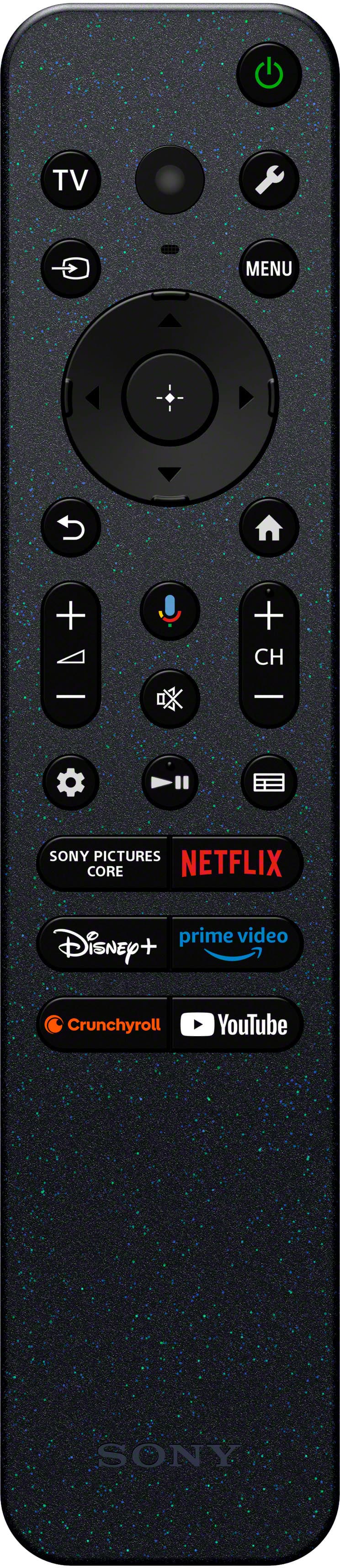
    • Answer Hi BeginAnyway, To connect your headsets, navigate to the Settings menu, select Remotes & Accessories, and pair them via Bluetooth. When your headphones are connected via Bluetooth, the TV speakers are automatically muted, allowing you to listen privately through your headset. Thanks for choosing Sony. Best regards, Eliab

      Answered by SonyListens

  • QuestionIs this TV Bluetooth capable?

    Asked by Doodledumb.

    • Answer Yes, you can find it in Settings. It's also in the Quick Settings row by default.

      Answered by Aqua