A:AnswerHello there, We are sorry to hear that you're having remote issues with this television. Let's try to isolate and fix the issue by following some troubleshooting steps, kindly check this link:
https://www.sony.com/electronics/support/articles/00030297
Thanks, Zac
A:AnswerHi Vicky, Please contact us at [email protected] and include all information such as model/serial no, address and phone number so that we can assist you. Kindly give us more information on this issue your having. ~Ralph
A:AnswerHi Babs, this model doesn't have the capability to add or install other applications. However, it has a lot of built-in applications like Netflix, Youtube, and Hulu that you may enjoy.
Regards, _Bob
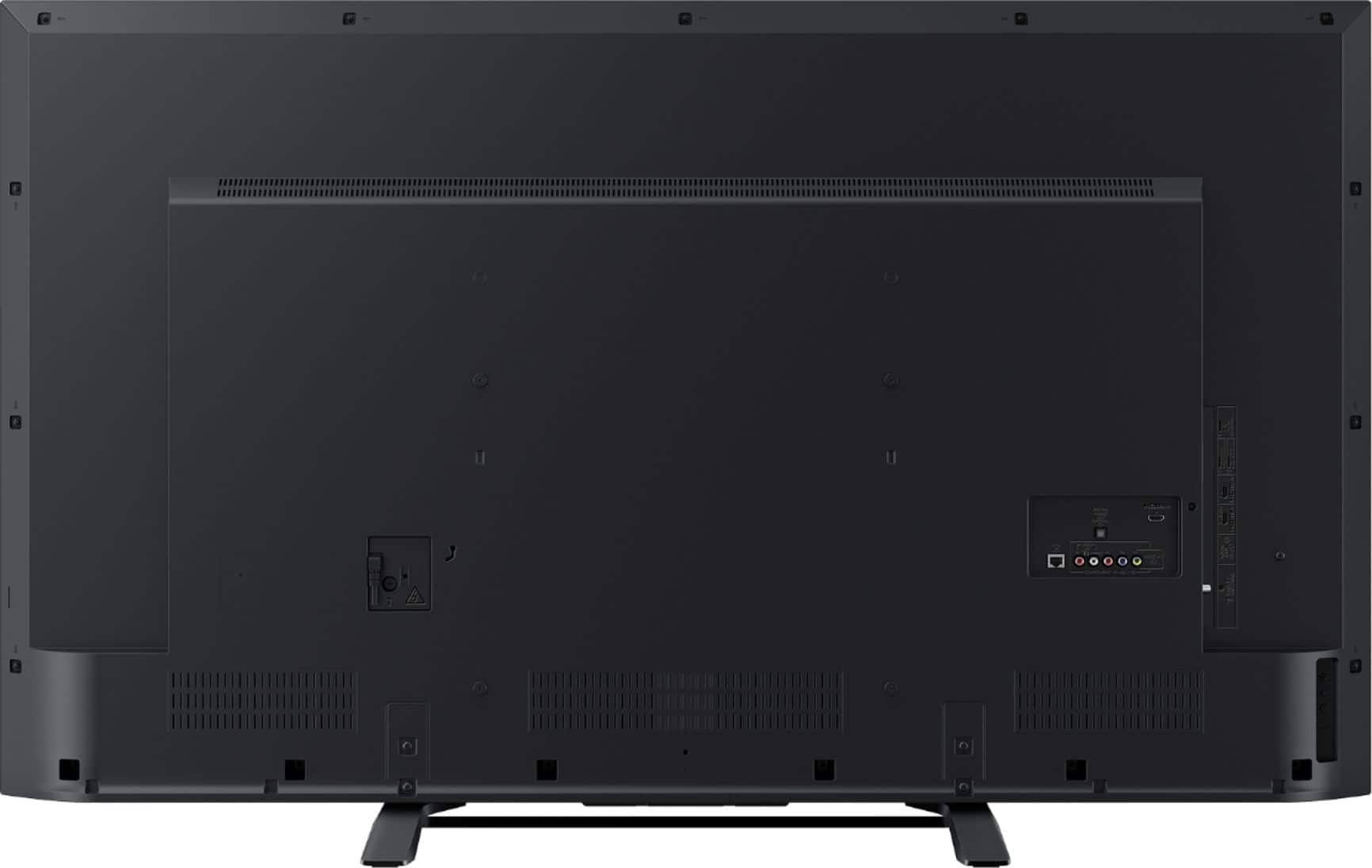
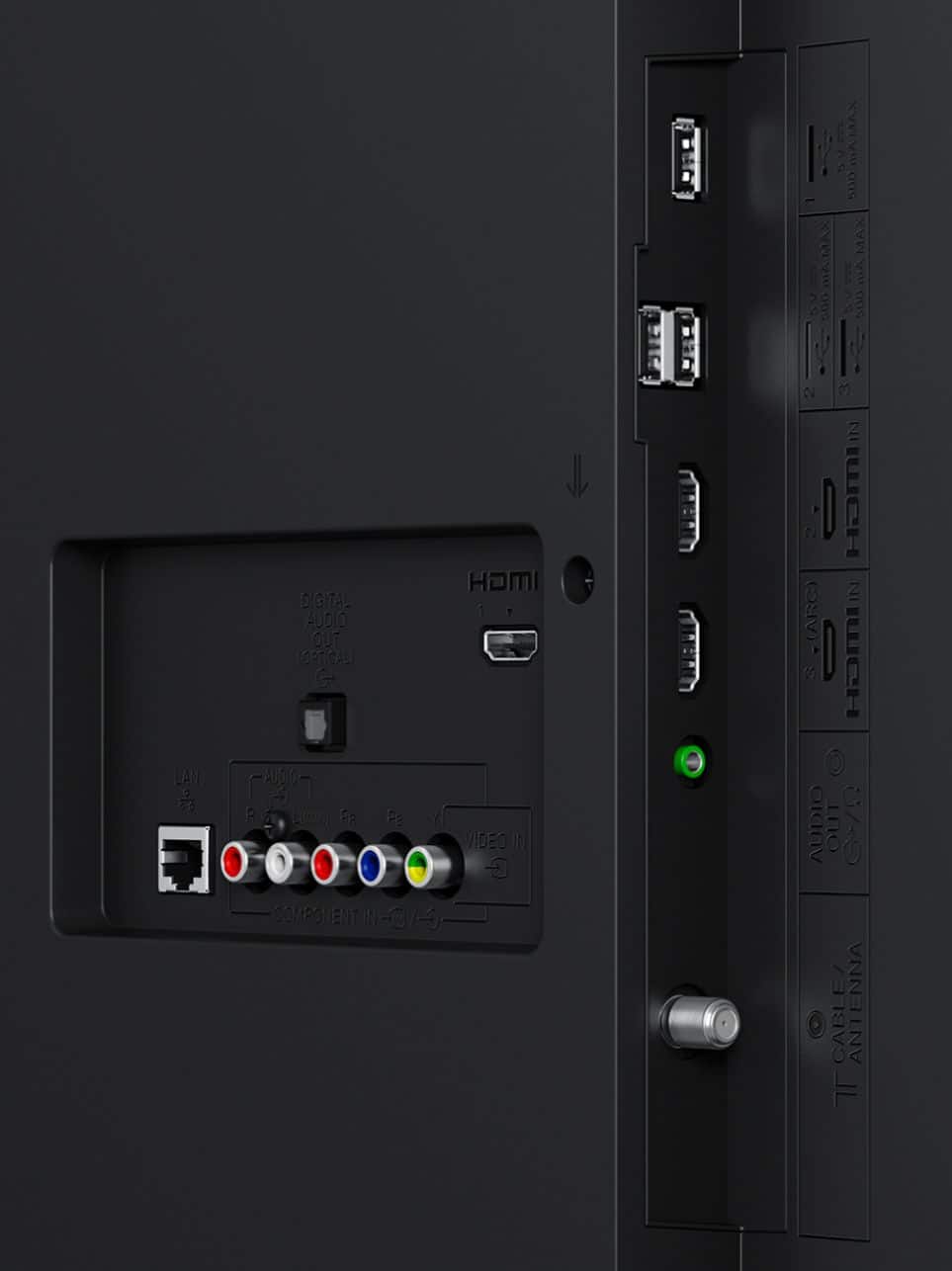
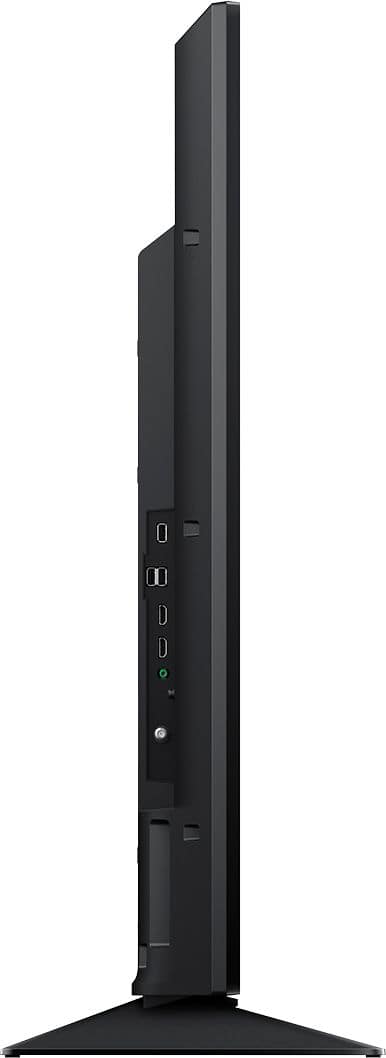
A:Answergo into settings and make sure the HDMI inputs are set to enhanced and you are using HDMI 2 or 3 ONLY. Also, make sure to update firmware if you have not already done so.
HDMI signal format
Standard
Standard HDMI format for normal
use.
Enhanced
Set only for devices supporting
High-Quality HDMI formats such as
4K 60p 4:2:0 10bit, 4:4:4, 4:2:2.
Be sure to use a Premium High
Grade HDMI Cable that supports
speed of 18 Gbps bearing the HDMI
logo. (Refer to the specification of
the cable).
Note
• HDMI IN 2 and IN 3 only.
• Change to [Standard] if the picture and
sound do not o
A:AnswerI haven't had the tv that long myself but I've left it on all might before and woke up with no burn in on the screen. So I don't think you have burn in with LED.
A:AnswerHi Memi, the Google PlayStore app is only available on our Android TVs. You may try checking this TV's Opera Store app to get more applications. Thanks, -Mark
A:AnswerIt is not really necessary to remove them unless you are wall mounting the unit. If you're using the included stand you can leave them on. They are only there as a convenience when lifting the unit.