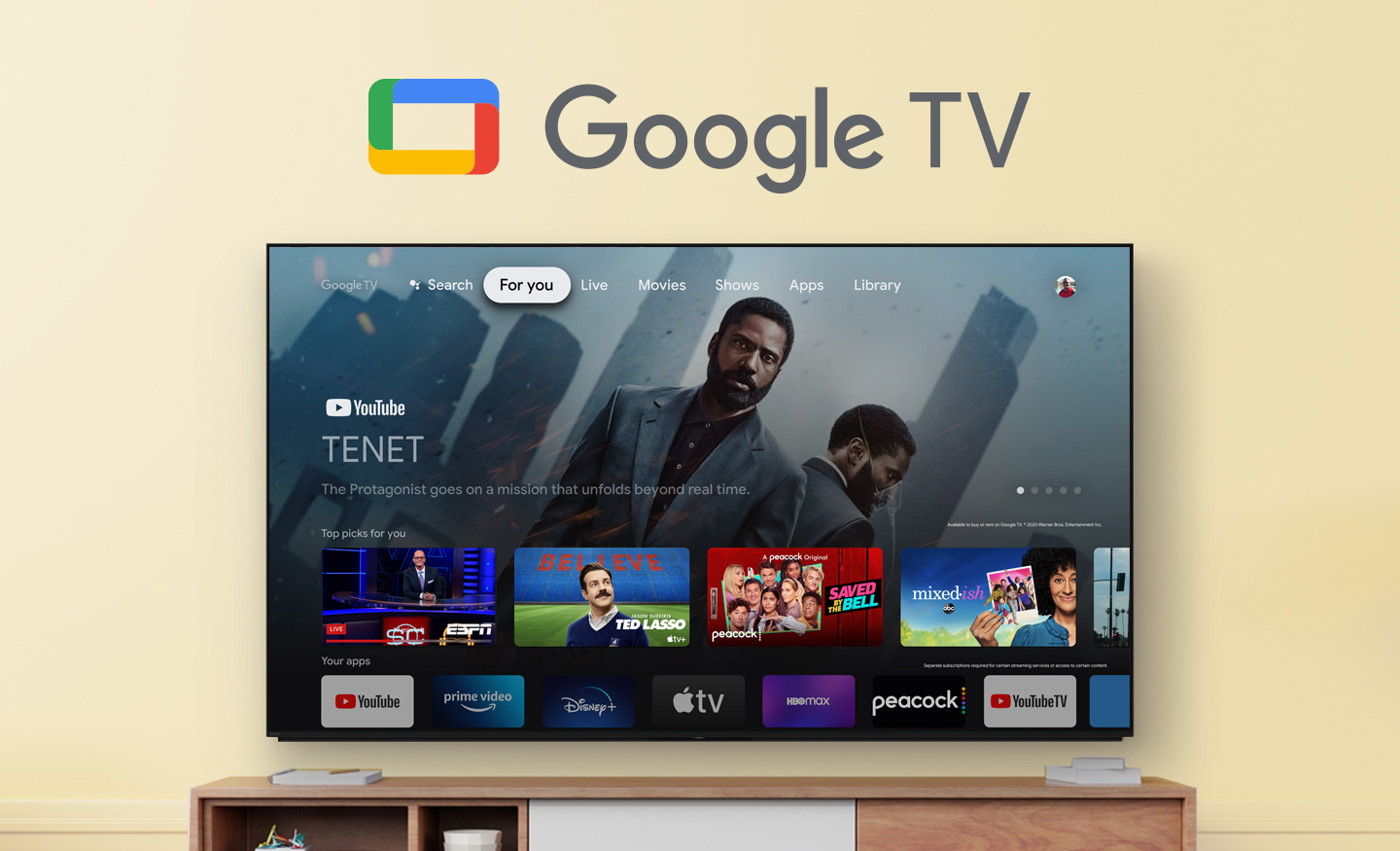
Black Friday is hereShop new DoorbustersShop now

Main Content

Questions & Answers

Your price for this item is $664.99
Clearance
The comparable value price is $699.99
Page Showing 1-20 of 61 questions
  • QuestionDoes this game work with PCs true 4K 120 HZ? If so what is the response time of this TV?

    Asked by GameCooker.

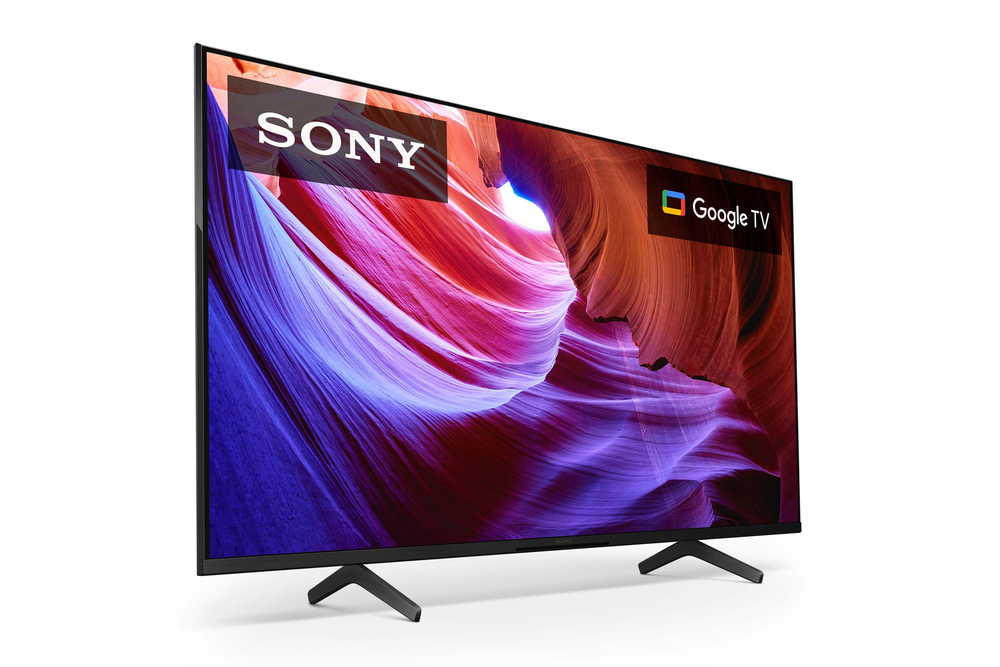
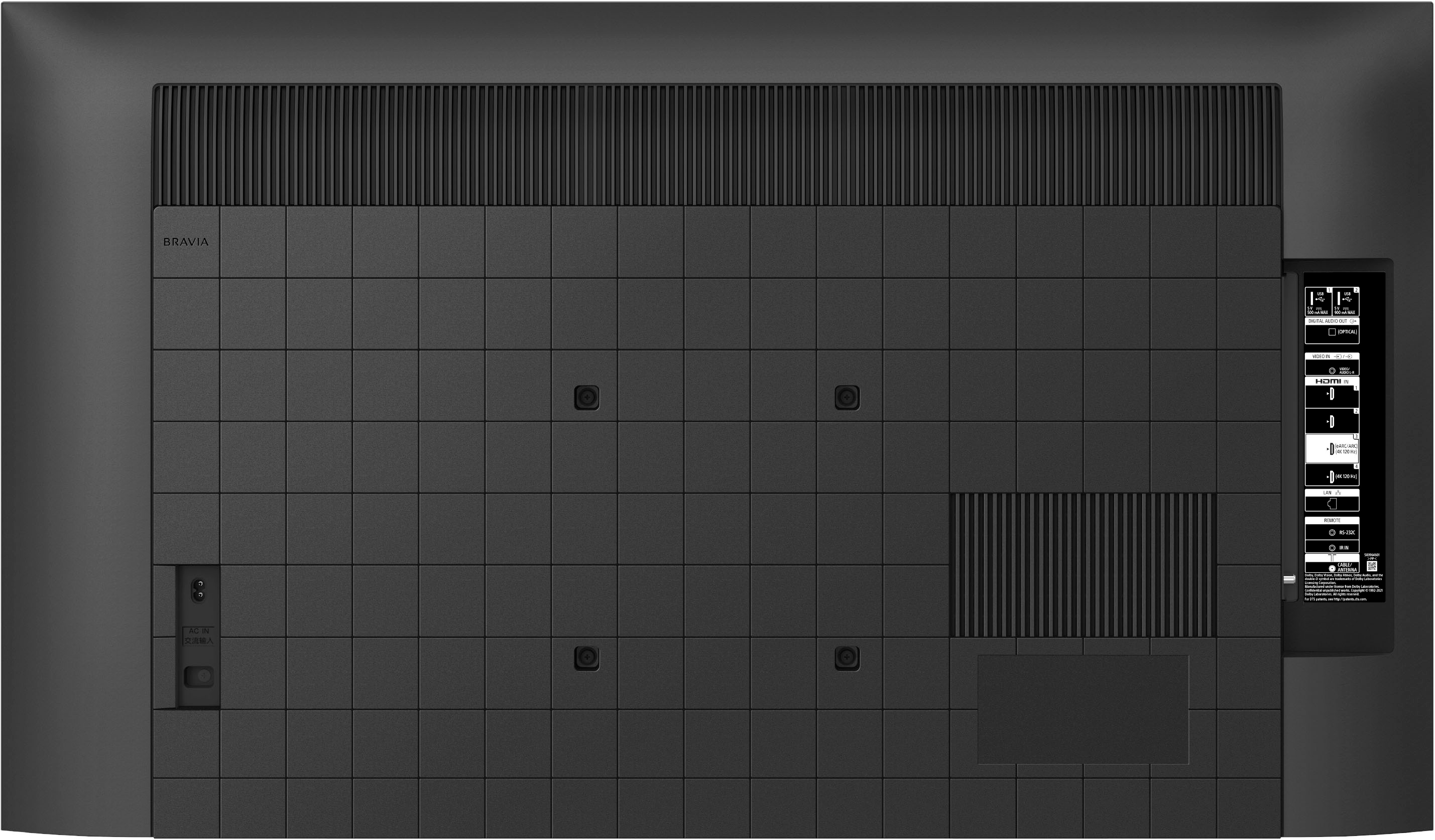
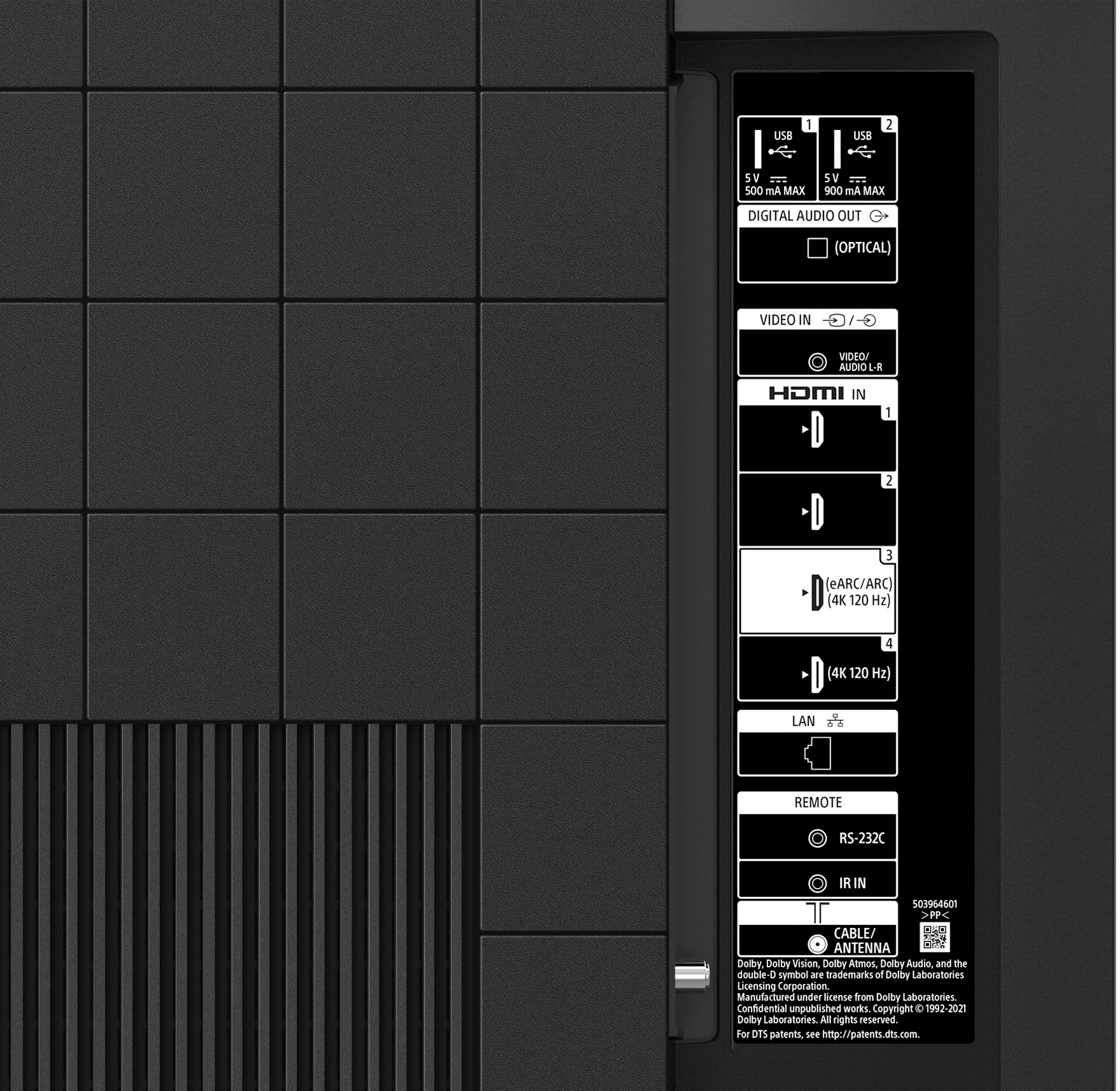
    • Answer Hi GameCooker, Thank you for your inquiry! The X85K is great to use as a PC monitor. This TV supports features specified in the HDMI 2.1 such as 4K120/eARC/VRR/ALLM. Make sure to connect the external device (PC) to HDMI input 3 or 4 using a Premium High Speed HDMI Cable and set the HDMI signal format to Enhanced Format. The response rate or input lag for the X85K is 7.2 ms. For more information on how to experience high quality picture with the 4K TV, please refer to this link: https://www.sony.com/electronics/support/televisions-projectors-lcd-tvs-android-/kd-50x85k/articles/00245141 Smart, powerful, and sleek, the BRAVIA X85K 4K HDR LED TV is designed for all your favorite content. Powered by the 4K HDR Processor X1 and TRILUMINOS PRO, picture quality comes to life with billions of colors and realistic contrast. With Google TV and enhanced Motionflow XR refresh rate technology, your favorite content is easy to find and looks clear and blur-free. Hope this helps! - Kris

      Answered by SonyListens

  • QuestionHow far apart are the feet for the 50" version of the X85K?

    Asked by Ricky.

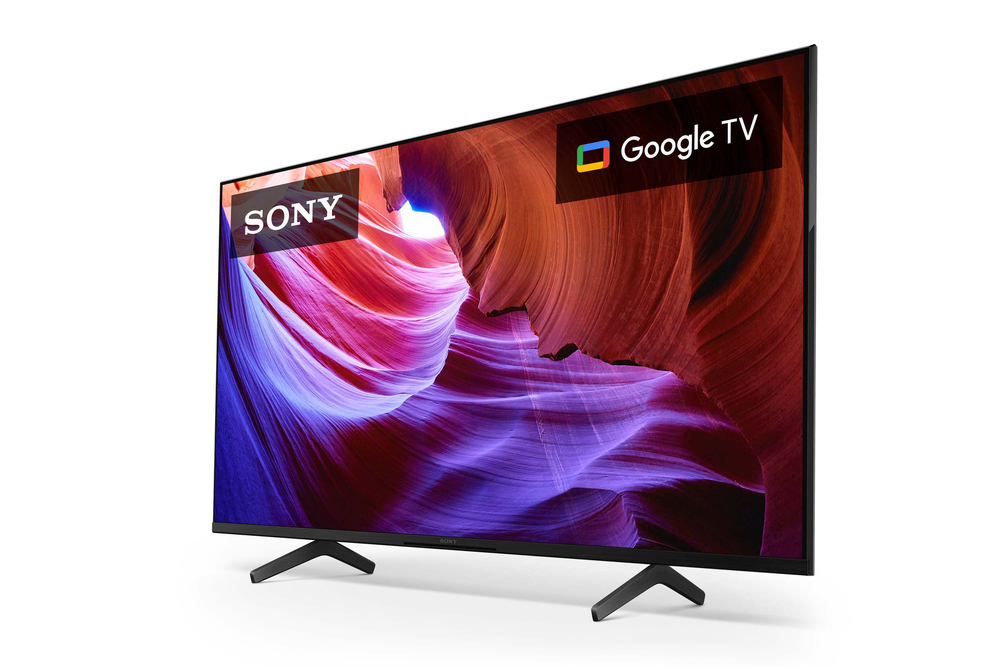
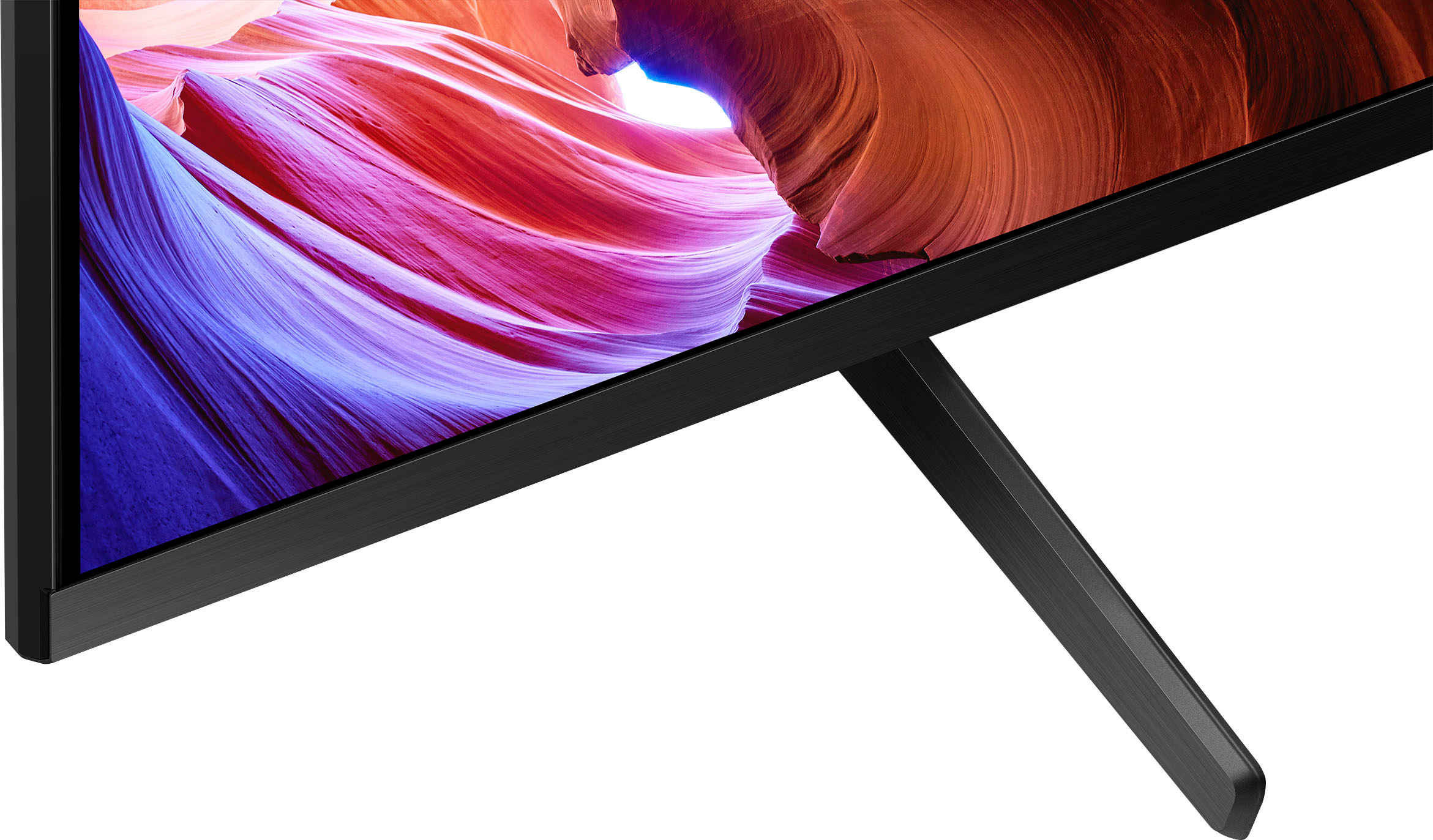
    • Answer Hi Ricky, Thank you for your inquiry. The KD50X85K stand width(STANDARD POSITION) is approximately 26.18 inch (665 mm). For more information about this unit, please visit our Sony support website. Smart, powerful, and sleek, the BRAVIA X85K 4K HDR LED TV is designed for all your favorite content. Powered by the 4K HDR Processor X1 and TRILUMINOS PRO, picture quality comes to life with billions of colors and realistic contrast. With Google TV and enhanced Motionflow XR refresh rate technology, your favorite content is easy to find and looks clear and blur-free. Hope this information helps! - Kris

      Answered by SonyListens

  • QuestionWhen I play my PS5 why does some of the characters, and graphics look grainy/pixelated? I got the original cord for my PS5, I just want a clearer image when I play my games.

    Asked by Gary.

    • Answer Sound like a HDMI cord/settings/input issue. I have mine set up with a 4k HDMI, input into the 4k 120hz input ( not arc unless you have soundbar), and changed my settings to quality rather than performance. That fixed my pixelating issue as performance tends to drop the frame rate which was causing pixelating.

      Answered by JeremyC

  • QuestionWould this model fit a tv stand that's 40 inches long? I'd rather not buy a new tv stand.Thanks in advance.

    Asked by 808geek.

    • Answer Yes it would. The feet are about 26 in apart, so you should have no issues with the 40-in TV stand.

      Answered by KayI

  • QuestionPlanning on buying this tv. Best picture setting?? And will I have any problems with the x85k?

    Asked by Drew.

    • Answer Hi Drew, Thank you for your interest in our KD-50X85K! The best picture settings usually depend on the environment where the TV will be installed, signal & content, and customers' preferences. Standard picture mode(which is what the tv is set to out of the box) is a great starting place for watching videos and is the picture mode Sony works very hard on perfecting. If the picture is not to your expectation, then we recommend individually adjusting the picture settings such as picture mode, brightness, color, clarity, etc. for optimal experience. Also you can select Auto Picture Mode to On and the TV will adjust the picture and sound settings per content. Example if you are watching sports, the XR motion will adjust for the best experience for sports. All Sony products are manufactured to the highest level of quality control for the specific features for any model before distribution for sale. In case you will need our assistance with the TV, feel free to contact us and we'll be gladly to assist you. You may reach out to us by sending an email to [email protected] with the following: Name: Best Buy Username: Telephone Number: Model Number: Concern/Issue: Smart, powerful, and sleek, the BRAVIA X85K 4K HDR LED TV is designed for all your favorite content. Powered by the 4K HDR Processor X1 and TRILUMINOS PRO, picture quality comes to life with billions of colors and realistic contrast. With Google TV and enhanced Motionflow XR refresh rate technology, your favorite content is easy to find and looks clear and blur-free. We are looking forward to your purchase and thank you so much for considering Sony! -Kris

      Answered by SonyListens

  • QuestionDoes it have a ATSC3 tuner

    Asked by myrtle.

    • Answer Yes

      Answered by BobD

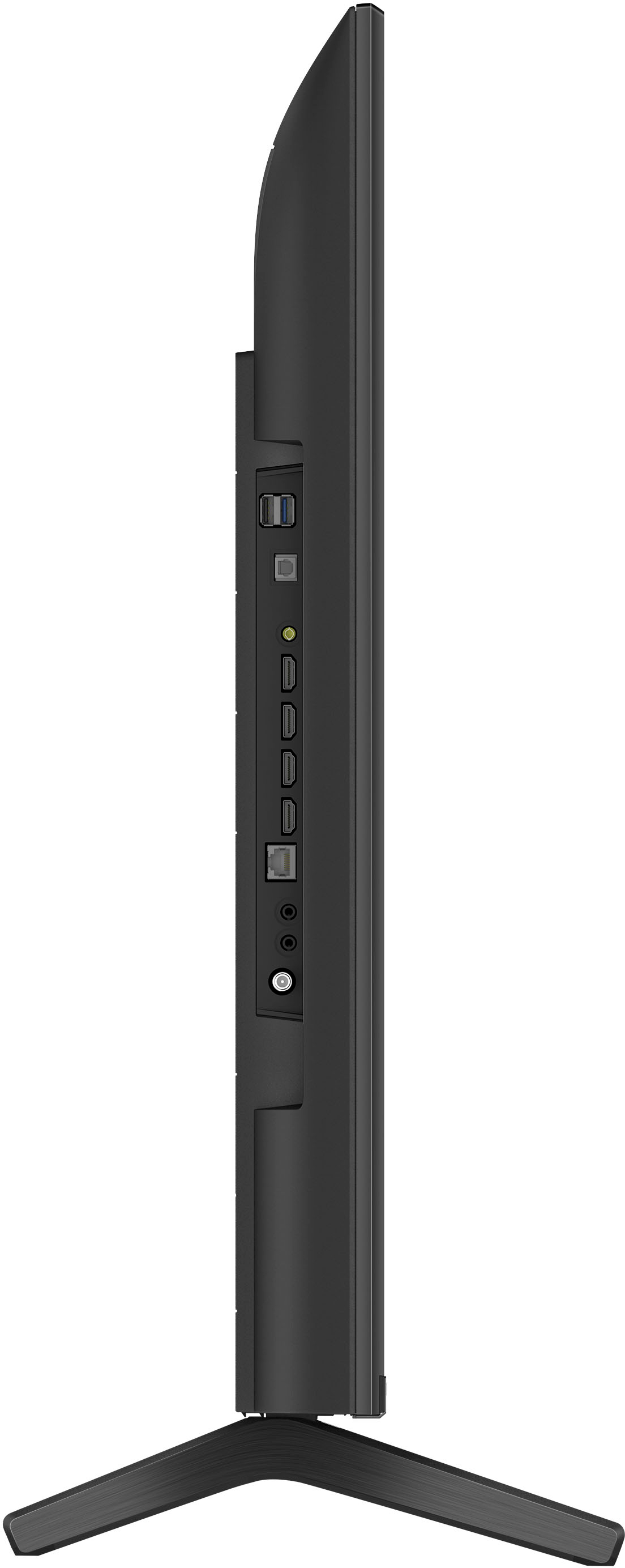
  • QuestionDoes this have a coax cable connector? I use a digital antenna and need the coax input.

    Asked by TVHunter.

    • Answer Yes, this TV has coaxial and HDMI inputs. Great TV.

      Answered by Woodwooker

  • QuestionCan the legs be removed from this Tv? Legs are spaced too far apart for my stand top. Want to install a universal center mount stand. Do the mounting holes on back of the TV support a universal stand?

    Asked by QueenB.

    • Answer TV comes with legs uninstalled. I have a few wall mounted and two on a floor mounted tv stand post making use of the center mount. It works with universal kits

      Answered by VictorG

  • QuestionCan you connect your phone to tv to play a slide show from Google photos?

    Asked by Turtle.

    • Answer Hi Turtle, Thank you for your question. With Chromecast built-in, you can display (cast) your favorite websites and app screens from your Android smartphone directly to the TV. The Google TV operating system can also access your Google photos directly and be set up as a photo show using the Living Decor app built into the KD50X85K. For more information, please refer to our support website. Smart, powerful, and sleek, the BRAVIA X85K 4K HDR LED TV is designed for all your favorite content. Powered by the 4K HDR Processor X1 and TRILUMINOS PRO, picture quality comes to life with billions of colors and realistic contrast. With Google TV and enhanced Motionflow XR refresh rate technology, your favorite content is easy to find and looks clear and blur-free. -Ralph

      Answered by SonyListens

  • QuestionDoes the X85 come with a cord for the modem?

    Asked by Anonymous.

    • Answer It doesn’t, but you just have to provide your own Ethernet chord if you don’t use WiFi

      Answered by VictorG

  • QuestionDoes this tv support Bluetooth connection to Apple AirPods?

    Asked by Lana.

    • Answer Yes is perfect

      Answered by EstebanA

  • QuestionIs this a smart TV? Sony - 50" Class X85K 4K HDR LED Google TV

    Asked by Joe.

    • Answer Yes she is, and pretty as well.

      Answered by DaleB

  • QuestionWhat’s the response time on this tv?

    Asked by Tf1214.

    • Answer Hi Tf1214, Thank you for your inquiry! The response rate or input lag for the X85K is 7.2 ms. This TV also supports features specified in the HDMI 2.1 such as 4K/120, VRR, and ALLM on HDMI 3 and 4 ports. Additional information: Smart, powerful, and sleek, the BRAVIA X85K 4K HDR LED TV is designed for all your favorite content. Powered by the 4K HDR Processor X1 and TRILUMINOS PRO, picture quality comes to life with billions of colors and realistic contrast. With Google TV and enhanced Motionflow XR refresh rate technology, your favorite content is easy to find and looks clear and blur-free. Hope this helps! - Kris

      Answered by SonyListens

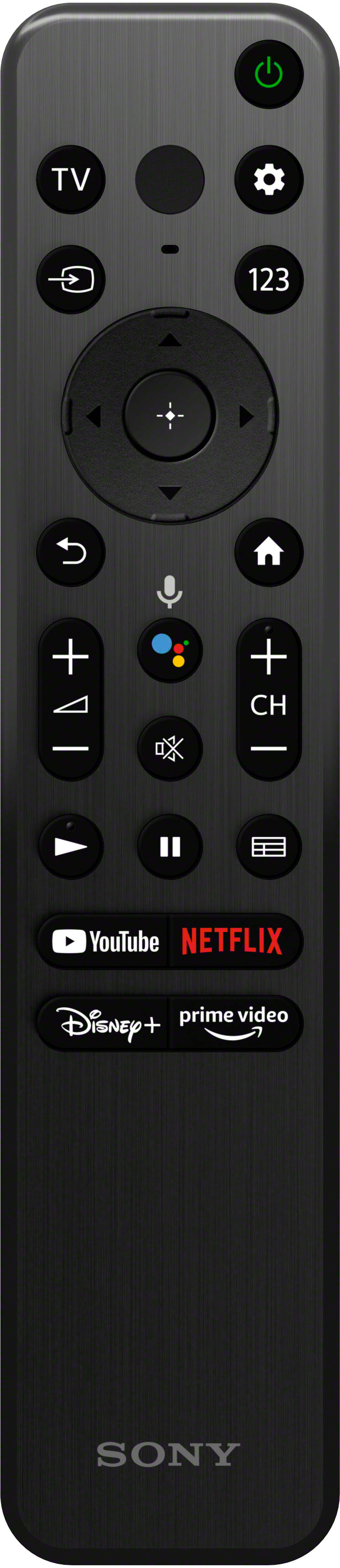
  • QuestionIs there a channel back /return to previous channel button on remote? I want to be on one channel go to another and then return back to the other channel. I like watching multiple shows. My old Samsung could do this but my new Vizio cannot.

    Asked by Lana.

    • Answer Hi Lana, Thank you for your question. Unfortunately, there is no previous channel button on the K series remote. However, you can add your favorite channel when using the built-in tuner. You may press the TV button while watching a TV broadcast to display the [TV menu]. A channel list is displayed in [TV menu] and you can easily select programs on other channels while watching TV. You may check this link with information on how to add the channel to favorites from the displayed menu: https://helpguide.sony.net/tv/jusltn1/v1/en-003/01-03_11.html Smart, powerful, and sleek, the BRAVIA X85K 4K HDR LED TV is designed for all your favorite content. Powered by the 4K HDR Processor X1 and TRILUMINOS PRO, picture quality comes to life with billions of colors and realistic contrast. With Google TV and enhanced Motionflow XR refresh rate technology, your favorite content is easy to find and looks clear and blur-free. Hope this helps! - Kris

      Answered by SonyListens

  • QuestionWhat is the dimensions of the shipping box of the 50" X85K

    Asked by Jo.

    • Answer Hi Jo, Thank you for the question! The dimension of package carton for our KD50X85K is approximately 48.23 x 30.79 x 5.55 inch (1,225 x 782 x 141 mm) (W X H X D). For reference: https://www.sony.com/electronics/support/televisions-projectors-lcd-tvs-android-/kd-50x85k/specifications Smart, powerful, and sleek, the BRAVIA X85K 4K HDR LED TV is designed for all your favorite content. Powered by the 4K HDR Processor X1 and TRILUMINOS PRO, picture quality comes to life with billions of colors and realistic contrast. With Google TV and enhanced Motionflow XR refresh rate technology, your favorite content is easy to find and looks clear and blur-free. Hope this helps! - Kris

      Answered by SonyListens

  • QuestionMy tv is 18 months old and now has a horizontal white line all the way across the bottom. How do I get this to go away? We’ve done a complete power reset and disconnected and reconnected all other cables.

    Asked by 50X85K.

    • Answer Hi 50X85K, This is not the experience that we want you to have. We hope you also tried performing a factory reset to help resolve issue. If not, please refer to the steps below: 1. On the supplied remote control, press the (Quick Settings) or HOME button depending on your TV. 2. Select Settings. 3. Select System → About → Reset → Factory data reset → Erase everything → Yes. Note: Performing a factory data reset will remove all settings in the TV including Google™ account, app, channel, camera device data, parental lock, and wireless network settings. If still not resolved, the TV requires service. Please contact an authorized service center for repair options. Unfortunately, due to the current Best Buy phishing protocol for your protection, we cannot provide a direct email or phone number for customer support as of now. Please find Sony Electronics' Support information: Go to our support website > scroll down click on “Product Repair”. Hope this helps. -Ralph
      Answered by SonyListens

  • QuestionIf I set HDMI 4 to Dolby Vision my series X is telling me that my X85K will only do Dolby vision for gaming at 4k 60hz and not 4k 120hz. Is that a limitation of the X85K or a Dolby vision thing? Can the X85K be updated to game Dolby Vision at 4k 120hz?

    Asked by Xboxguy.

    • Answer Hi Xboxguy, Thank you for your question. The X85K only supports 4K60 Dolby Vision. 4K120 DV is available on BRAVIA 7,8,9, and A95L models. Your feedback is greatly appreciated. For the latest news and updates, please refer to our support website. Smart, powerful, and sleek, the BRAVIA X85K 4K HDR LED TV is designed for all your favorite content. Powered by the 4K HDR Processor X1 and TRILUMINOS PRO, picture quality comes to life with billions of colors and realistic contrast. With Google TV and enhanced Motionflow XR refresh rate technology, your favorite content is easy to find and looks clear and blur-free. -Ralph

      Answered by SonyListens

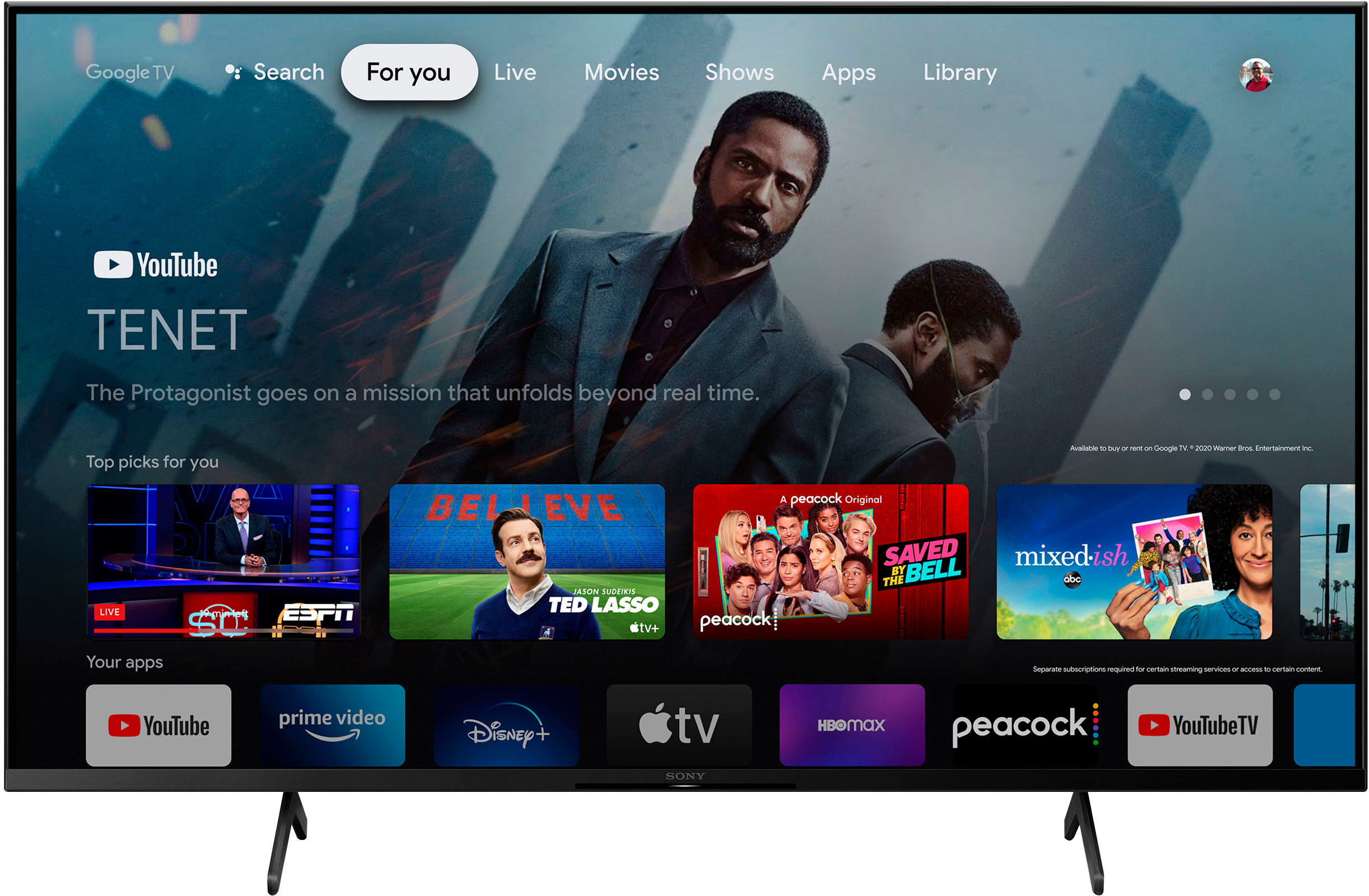
  • QuestionCan this Sony 2024 model play Netflix?

    Asked by Shin.

    • Answer Yes it does, many apps btw such as Max, Starz, Hulu, Disney+ and more.

      Answered by WilmarA

  • QuestionWill this tv connect to a Bluetooth device and keep the tv sound at the same time?

    Asked by JimS.

    • Answer Hi JimS, Thank you for your question. Unfortunately, the TV cannot output sound from both the headphones or Bluetooth audio device and the TV speakers at the same time. Sound can be output from both an audio system connected to the TV and the TV speakers at the same time by satisfying the following conditions: -Connecting the TV and audio system using a digital optical cable -Setting [Digital audio out] to [PCM] Smart, powerful, and sleek, the BRAVIA X85K 4K HDR LED TV is designed for all your favorite content. Powered by the 4K HDR Processor X1 and TRILUMINOS PRO, picture quality comes to life with billions of colors and realistic contrast. With Google TV and enhanced Motionflow XR refresh rate technology, your favorite content is easy to find and looks clear and blur-free. -Ralph

      Answered by SonyListens

  • Questioncan i hook up Roku

    Asked by Anonymous.

    • Answer I have Roku and it works perfectly!

      Answered by WilmarA