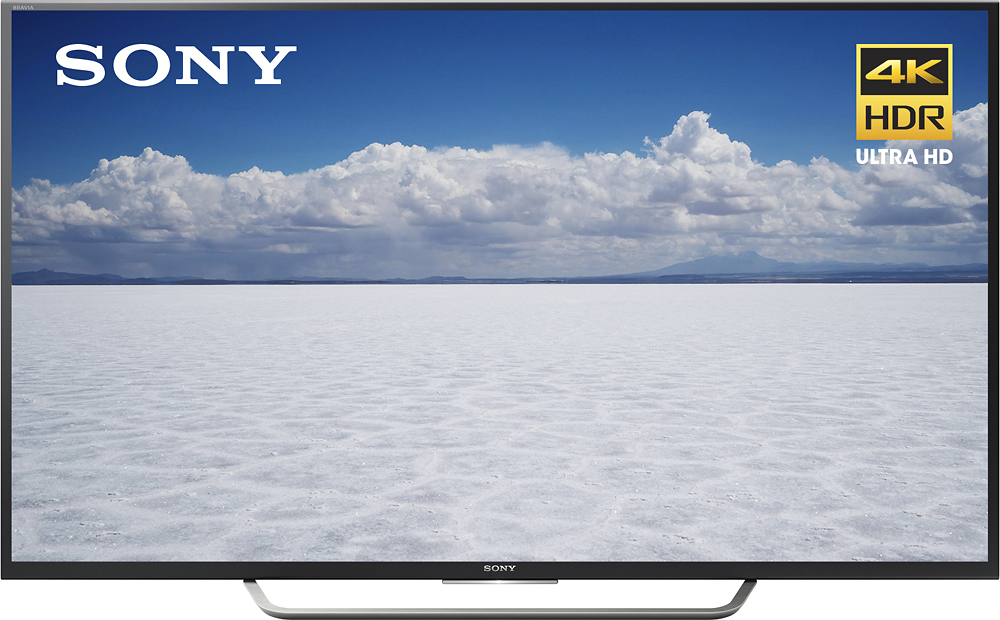
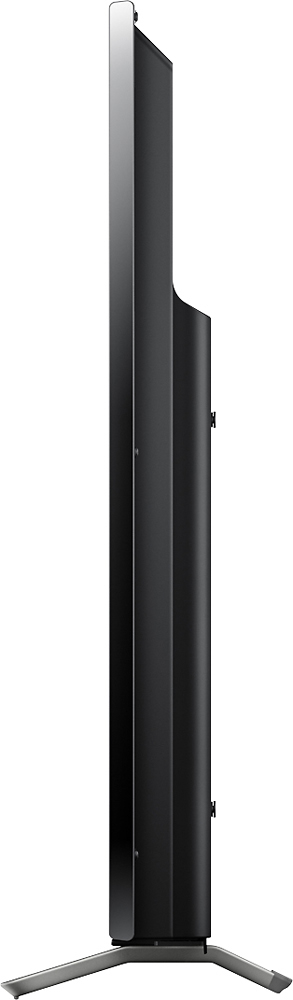
A:AnswerI carried it home, laying flat, in the back of a Ford Escape.. a compact SUV. It "might" fit in the trunk of a mid-size car, if you can lay the rear seats down.. It all depends on the opening size of the trunk. There's not a lot of excess packing.. the box is probably not more than 4-6 inches larger than the dimensions of the TV..
A:AnswerYour cable provider can transmit 4k. the thing is that the movie or program must be produced in 4k, we have brighthouse. not all things are produced in 4k.
A:AnswerThis TV support HDR. i picked this up with a PS4 pro. you need to use HDMI 3 or 4 and turn on advance in the HDMI setting. Also update the firmware.
A:AnswerHi Randy,
This TV has a good tuner. Please check the full specifications of this TV in the link below for further assistance.
https://docs.sony.com/release//specs/XBR55X700D_mksp.pdf
Thanks,
>Joffrey
A:AnswerBest Buy doesn't have a layaway option. If you ordered the TV online, I believe the store would only hold it for 5 days once you receive the pick-up notification. You could always create your order for delivery at your new house for a future date. If you visit the store, they might be able to find a different solution for you.
A:AnswerThere are different HDMI plugs, and if you use #2 or #3 rather than the one in the very back of the TV (#1), the picture quality and smoothness is much much better. There is info about this in the instruction book.
A:AnswerPress and hold the POWER button on the supplied IR remote control for at least five seconds to exit from this screen. All it does is it prevents third party apps from working. Hopefully this will work for you.
A:AnswerHello there! The next link is designed to help you with regards to the close caption concern: https://us.en.kb.sony.com/app/answers/detail/a_id/42863/p/61659,95543,96384,96385/c/65,66/kw/close%20caption. ~Erin
A:AnswerThe device may need to be paired with the TV. Launch the Google Cast app on the smartphone or tablet. Tap devices on the right side of the screen. Tap allow to allow the Google Home app access to location services. Select the Chromecast to finish the pairing process.