Questions & Answers
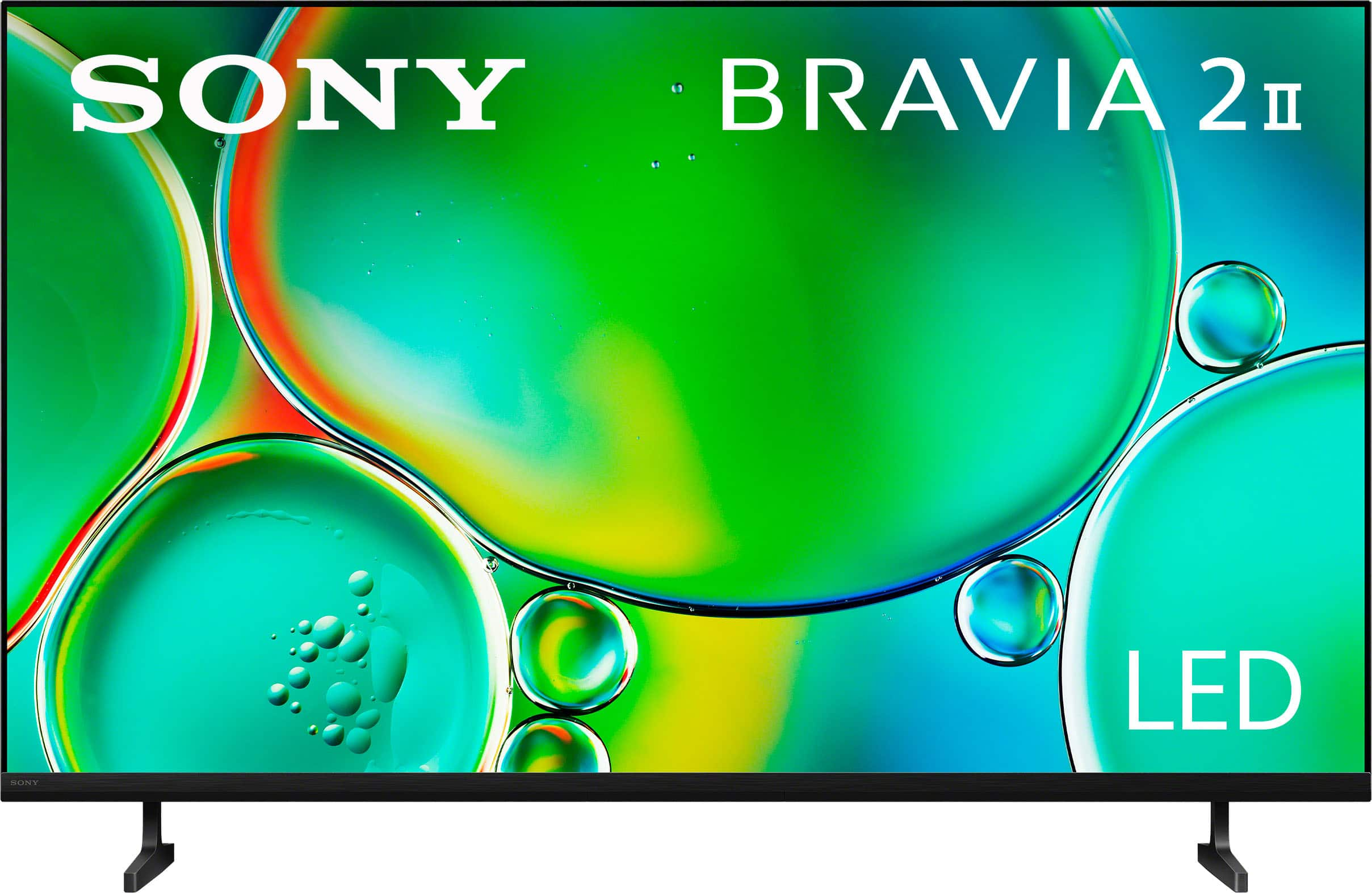
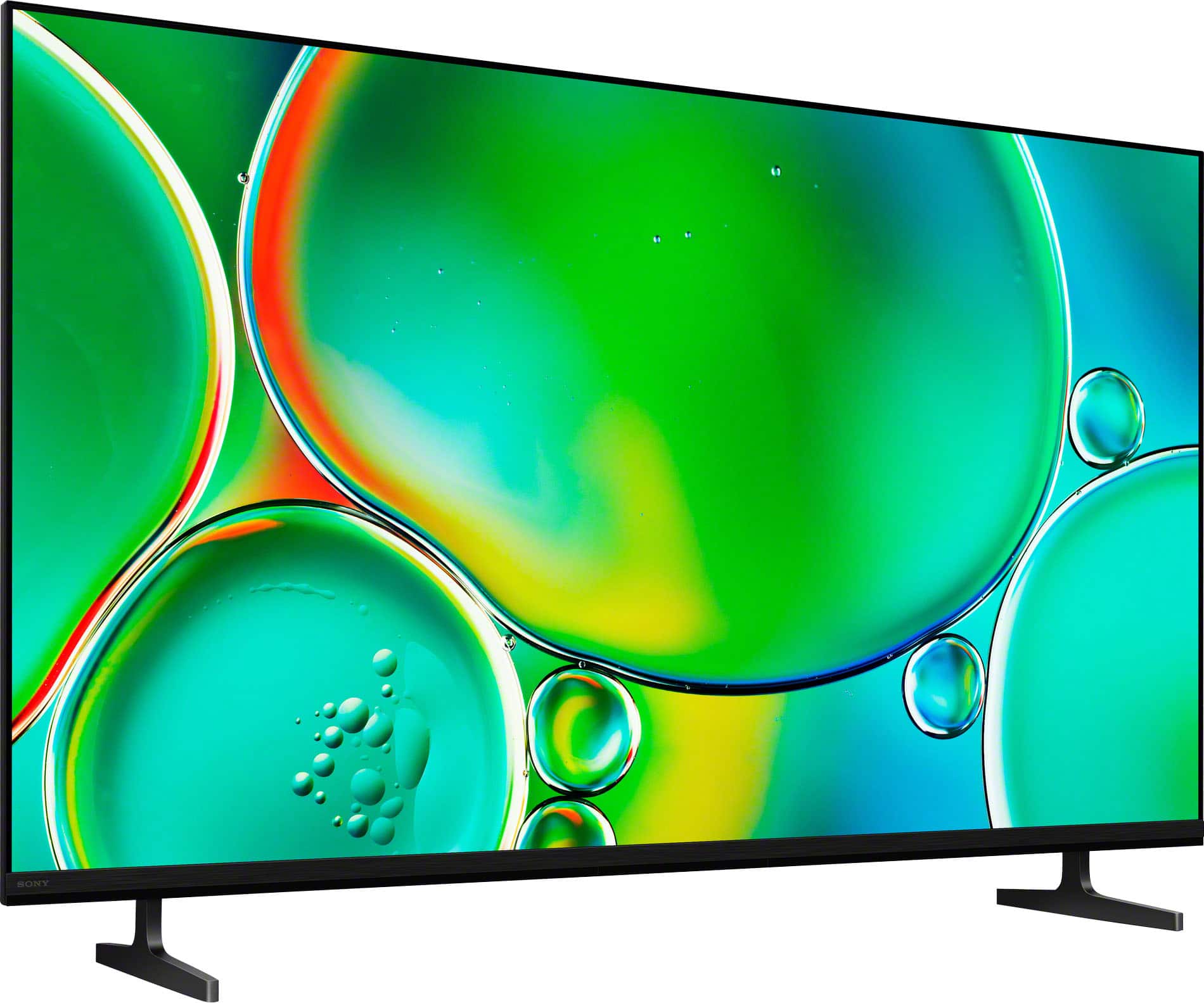
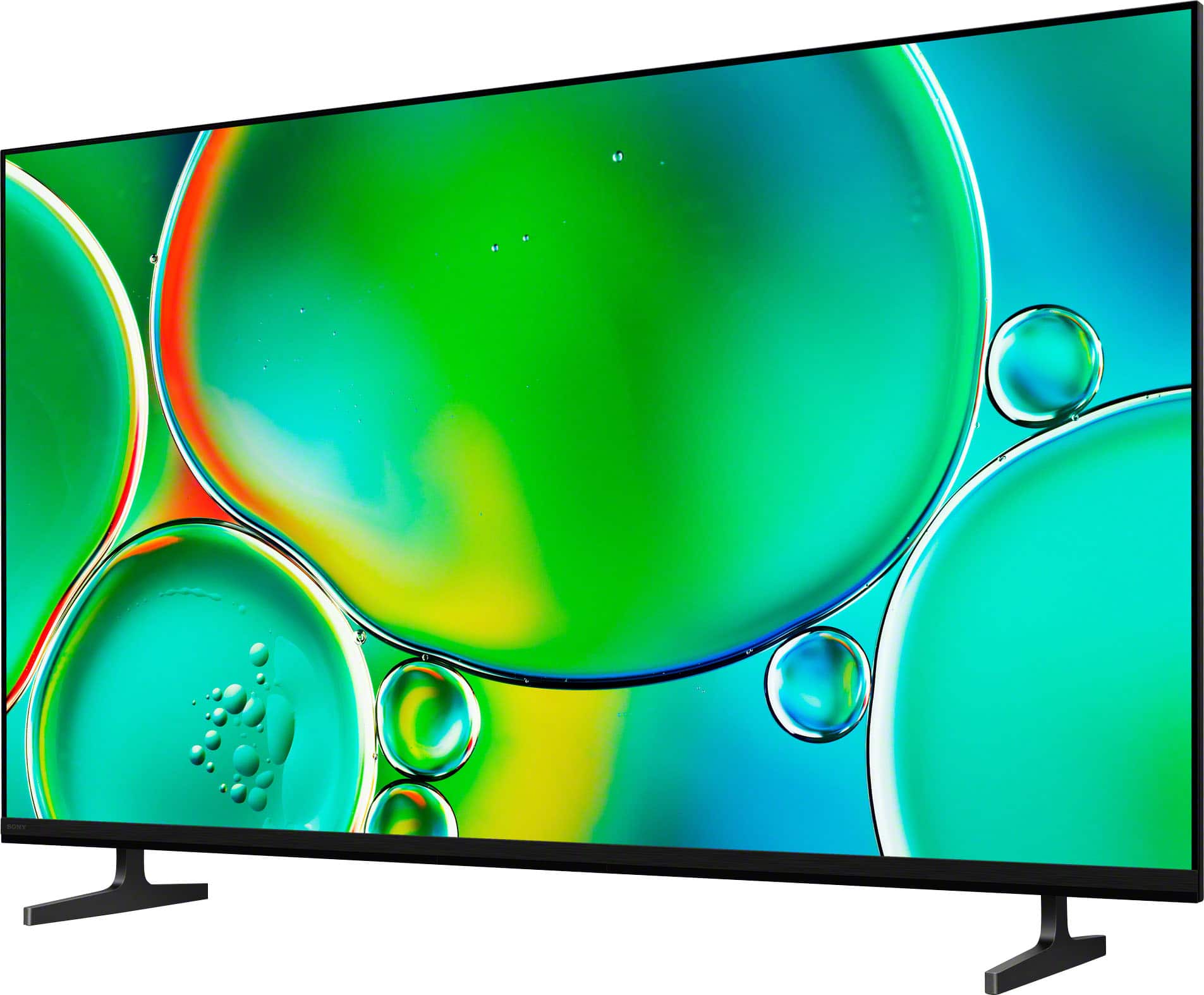





- Model:
- K55S20M2
- |
- SKU:
- 6623762
Q: QuestionCan this tv work universal with 220voltage directl
Asked by Anonymous.
- A:Answer Hi there! Thank you for reaching out with your question! Yes, the Sony BRAVIA 2 II is designed to work directly with 220V. This model features a universal power supply that supports a wide range of voltages and frequencies: Voltage Support: 110 V – 240 V AC Frequency Support: 50/60 Hz We hope you find this information useful, and thanks for considering Sony! Regards, Dominick
Answered by SonyListens
Q: QuestionWho makes the processor in this TV?
Asked by Anonymous.
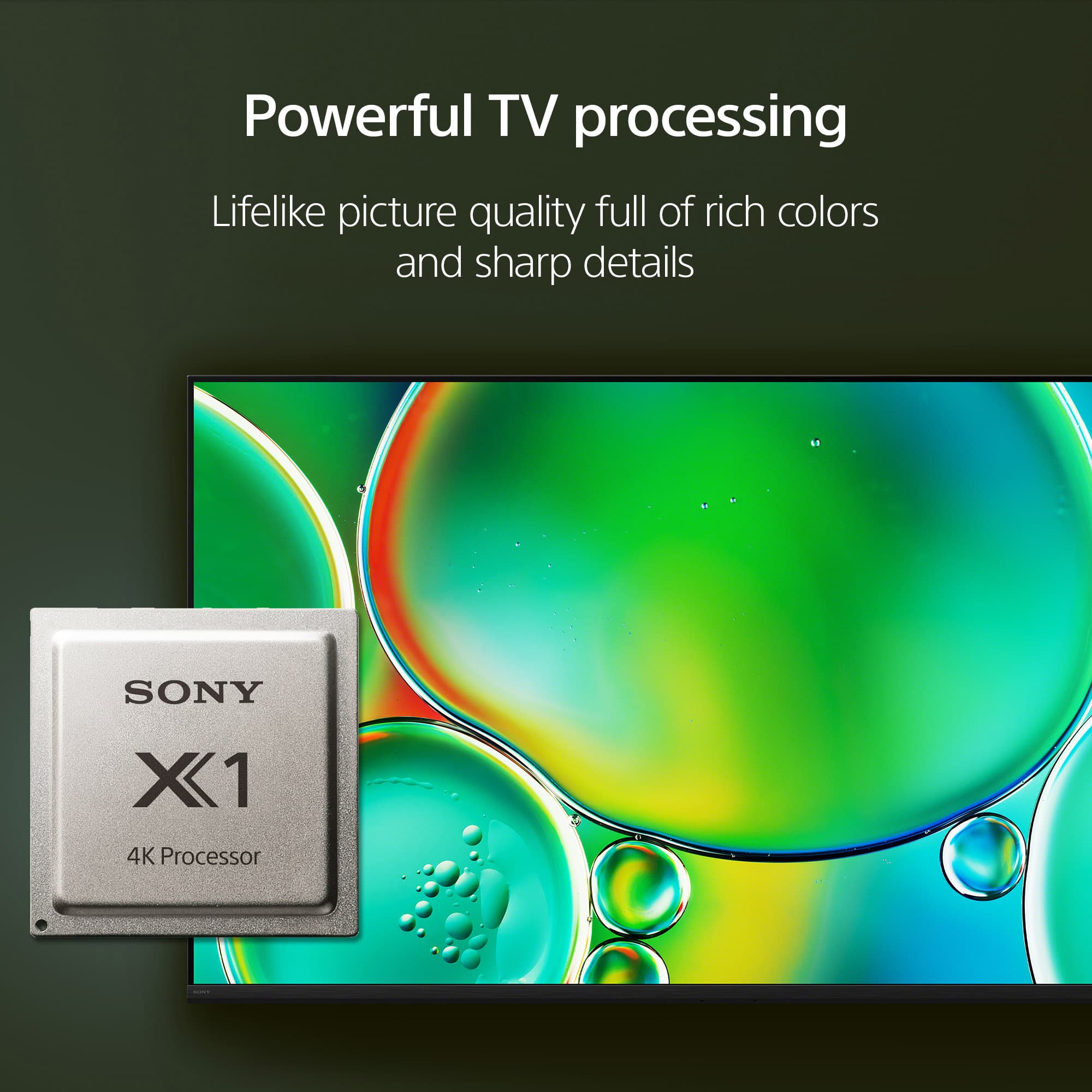
- A:Answer Hello there, Thank you for considering Sony products! We appreciate your inquiry about the processor used in the K55S20M2 TV and are happy to assist you. The K55S20M2 TV is powered by the X1 Processor, which is developed by Sony Electronics. This processor enhances picture quality by delivering sharpness, clarity, and vivid colors, providing an exceptional viewing experience. Best regards, -Fred
Answered by SonyListens
Q: Questiondoes this tv need a sound bar
Asked by Anonymous.
- A:Answer Hi there! Thank you for your inquiry regarding the Sony BRAVIA 2 II. The BRAVIA 2 II comes equipped with integrated speakers that support elevated audio formats such as Dolby Atmos® and DTS:X®, providing a high-quality listening experience right out of the box. You can also customize the sound settings to match your personal preference and room environment. For more details on these adjustments, please refer to our guide here: Adjusting the sound quality https://helpguide.sony.net/tv/musltn3/v1/en-003/01-03-09_02.html While a soundbar is not required, you have the option to further elevate your home theater experience by integrating one of our budget-friendly yet powerful soundbars, such as the HT-S400 or the HT-S40R. Thank you for considering Sony. Best regards, Dominick
Answered by SonyListens
Q: QuestionIs there digital audio out
Asked by Anonymous.
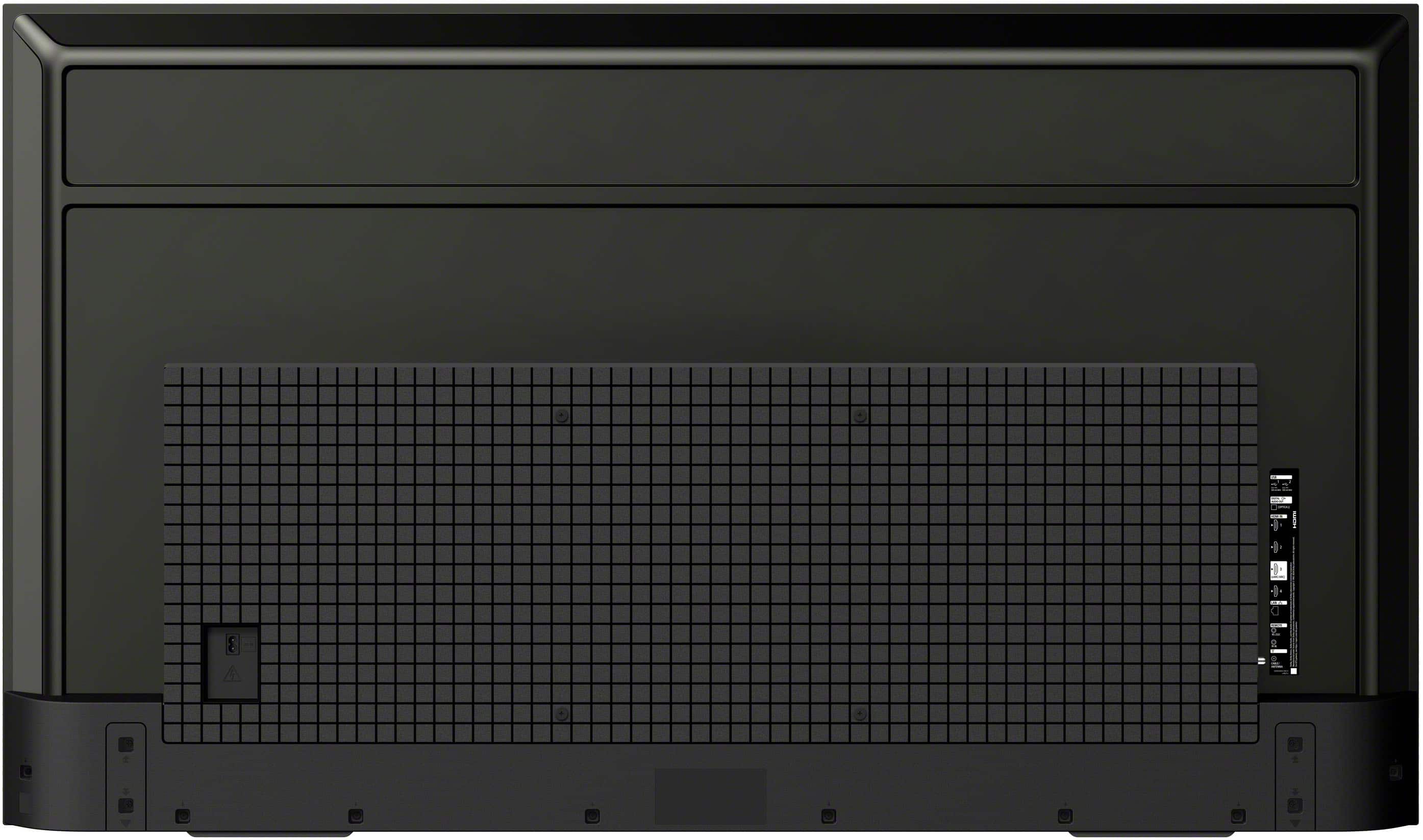
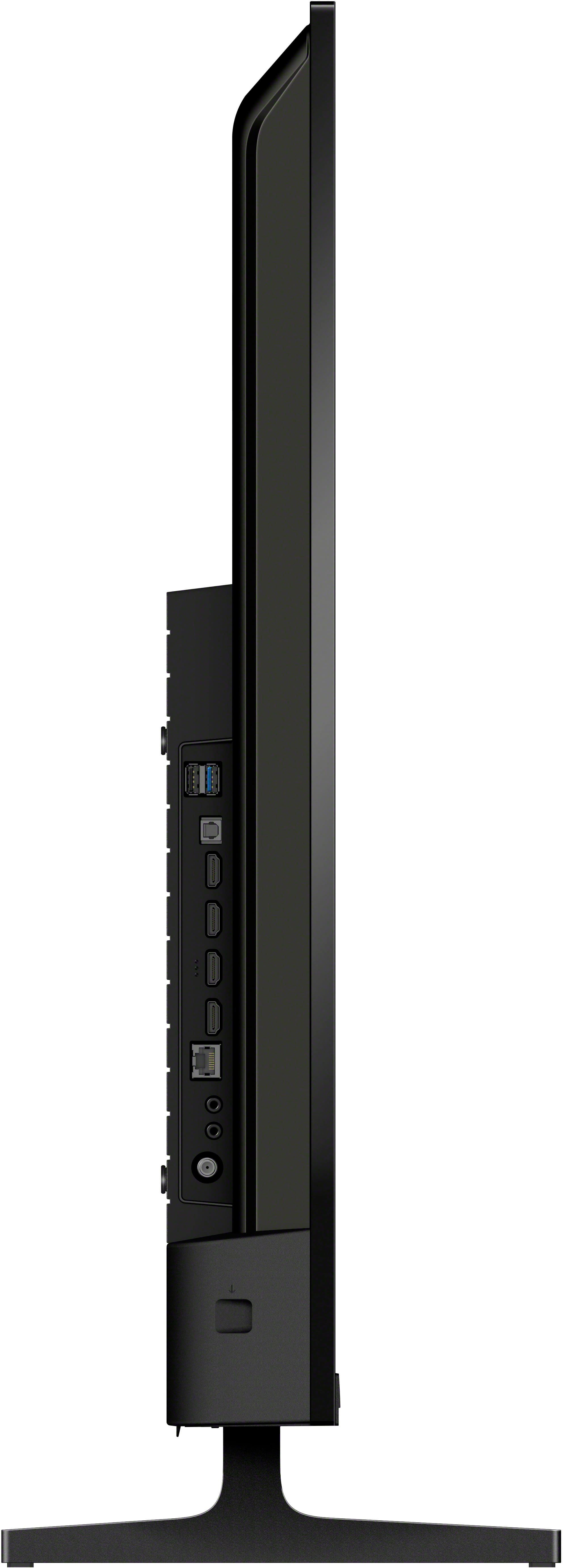
- A:Answer Hi there, Thank you for your inquiry regarding the Sony BRAVIA 2 II. Yes, this model does feature a Digital audio out (Optical) port. When facing the back of the television, the port is located on the right-hand side along with the rest of the inputs. For a visual representation of the port layout, please refer to the Startup Guide at the following link: https://www.sony.com/electronics/support/res/manuals/5065/102d069b2d3ed572c6c1ad10dd863829/50653390M.pdf Thank you for considering Sony. Best regards, Dominick
Answered by SonyListens
Q: QuestionJust bought the Bravia 2 and hooked it up. To me the picture isn't great, not sharp, like a Sony should be. I'm using a rather old HDMI cord from way before any of this 4K stuff was around. Could that be the problem? thanks
Asked by jimh.
- A:Answer Thank you for reaching out and sharing your feedback, JimH. We are sorry to hear the picture quality on your new BRAVIA 2 isn't meeting that signature Sony sharpness you expect, and to answer your question directly, an older HDMI cable is very likely the culprit. Standard cables from the pre-4K era often lack the bandwidth to carry a high-definition 4K signal, which can result in a fuzzy or "soft" image. For the best experience with your BRAVIA 2, we recommend using a Premium High Speed HDMI cable that supports 18Gbps data transfer. Once you swap that cable out, you should see that signature Sony sharpness kick in! If a new cable doesn't do the trick, please don't hesitate to reach out to our support team here: https://us.esupport.sony.com/support/s/support-contact?language=en_US&category=tv. We want to make sure your picture is perfect. Thank you for choosing Sony! Best regards, Gus, Sony Social Media Team
Answered by SonyListens
Q: QuestionWhat settings should the tv be on after I hook up a Vizio sound bar?
Asked by jimh.
- A:Answer Hi Jimh, In most instances, the Sony BRAVIA 2 II is designed to be a "plug-and-play" system. Once your Vizio soundbar is connected via HDMI or Optical cable, the television should automatically detect the device and route audio to it without any manual configuration. However, if the audio is not outputting correctly or is still playing through the internal TV speakers, please follow these troubleshooting steps to synchronize your equipment: 1- Initial Power Cycle and System Handshake: If the devices fail to recognize each other initially, a power cycle is often the most effective solution. Please unplug both the television and the soundbar from their respective power outlets for approximately two minutes. Afterward, reconnect the television and power it on first; once the home screen appears, reconnect and power on the soundbar. This specific sequence allows the BRAVIA 2 II to actively search for and establish a fresh connection with the external audio system. 2- Manual Audio Output Configuration: Should the TV continue to default to its internal speakers, you may manually redirect the signal by pressing the Settings button on your remote and navigating to Display & Sound > Audio Output > Speakers. From this menu, change the selection from TV Speakers to Audio System. 3- Digital Audio Format Adjustment: If you experience distorted audio or a total lack of sound—common with certain legacy soundbar models—adjusting the digital signal may resolve the conflict. Navigate to Settings > Display & Sound > Audio Output, select Digital Audio Out, and switch the setting to PCM. Please note that specific requirements may vary depending on whether you are utilizing an HDMI (ARC/eARC) or an Optical connection. If the soundbar still does not function as expected after following these steps, we highly recommend contacting our technical support team for further specialized assistance: https://us.esupport.sony.com/support/s/support-contact?language=en_US&category=tv Thank you for choosing Sony! Regards, Dominick
Answered by SonyListens
Q: QuestionWhat is the refresh rate ?
Asked by Bubba.
- A:Answer Hi Bubba, The Sony 55" BRAVIA 2 II features a 60Hz native refresh rate. Thanks for choosing Sony. Best regards, Eliab
Answered by SonyListens
Q: QuestionDoes this have a digital audio out? Used to plug in remote for Bose.
Asked by Race.
- A:Answer Hi Race, Yes, the Sony BRAVIA 2 II (2025) features a Digital Audio Output (Optical) port located on the side or rear of the TV. You can use this to connect your Bose system or remote interface using a standard optical cable. Additionally, the TV supports HDMI eARC/ARC on HDMI port 3, which is the modern standard for connecting audio systems. Thanks for choosing Sony. Best regards, Eliab
Answered by SonyListens
Q: QuestionDoes this TV have a night mode or blue light filter capabilty for watching TV at night?
Asked by SuperWoman.
- A:Answer Thank you for contacting Sony, SuperWoman. While we don't utilize a fixed preset, one of the best aspects of your Sony TV is the incredible freedom it provides to fine-tune the image exactly how you want it. By changing the Color Temperature in your Picture settings, you may quickly switch to a warmer color scheme for the ideal nighttime experience. This enables you to design a blue-light filter that is unique to your eyes and the lighting in your space. We appreciate your interest in Sony products. Should you require any further assistance, please don't hesitate to reach out for support here: https://us.esupport.sony.com/support/s/support-contact?language=en_US&category=tv Best regards, Gus, Sony North America Customer Support
Answered by SonyListens
Q: QuestionWill my BOSE head phones work with th tv
Asked by JJS.
- A:Answer Hi JJS! Thanks for sending your question! The Sony K-55S20M2 television supports Bluetooth connectivity, specifically for audio devices. To ensure a successful connection, your headphones must support the A2DP (Advanced Audio Distribution Profile) Bluetooth profile. A2DP is the industry standard that allows the television to transmit high-quality stereo sound wirelessly to your headphones. Most modern Bose Bluetooth models include this profile as a standard feature. Hopefully, that clears things up! You can learn more about this TV on our site: https://www.sony.com/electronics/support/televisions-projectors-lcd-tvs-android-/k-55s20m2/manuals We sincerely appreciate you considering a Sony product! Best regards, Estefany
Answered by SonyListens
Q: QuestionWhat is the memory capacity?
Asked by MC.
- A:Answer Hi MC, Great question! The Sony 55" Class BRAVIA 2 II (2025) features 16GB of on-board storage for your apps and system software. This provides plenty of space to download your favorite streaming services from the Google Play Store and ensures a smooth, responsive Google TV experience. Thanks for choosing Sony. Best regards, Eliab
Answered by SonyListens
Q: QuestionWhat is the voltage??
Asked by Anonymous.
- A:Answer Hi there, According to official Sony specifications for the BRAVIA 2 II (K-55S20M2), the power requirements are 110 V – 240 V AC at 50/60 Hz. This confirms the TV is globally compatible and will work safely on any standard power outlet within that voltage range. Thanks for choosing Sony. Best regards, Eliab
Answered by SonyListens
Q: QuestionCan you use your Sony remote to control the cable box functions?
Asked by Yankees77.
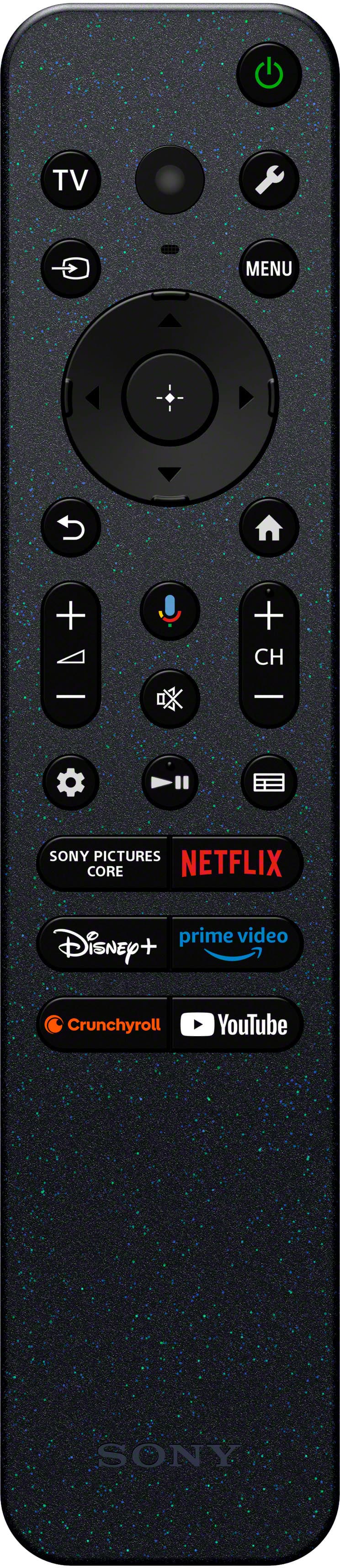
- A:Answer Hi Yankees2019, Thank you for your inquiry regarding the BRAVIA 2 II. This specific model does not support the function to control a cable box directly through the Sony remote. If this feature is a priority for your setup, we recommend considering the Sony BRAVIA 5, 7, 8, or 9 models. These series include the integrated technology required to sync and control an external cable box with the Sony remote for a more seamless experience. Thank you for considering Sony! Regards, Dominick
Answered by SonyListens
Q: Questionwill this tv hook up to comcast cable ???
Asked by Anonymous.
- A:Answer Hi there, Thank you for considering Sony products! We appreciate your question and are here to assist you. Yes, you can easily connect your Xfinity (Comcast) cable box to the K55S20M2 TV. The process is straightforward and essentially plug-and-play. This model features four HDMI inputs (HDMI 1 through HDMI 4), providing you with multiple options for connecting your devices. Here’s a quick guide to get you started: 1. Use an HDMI cable to connect the HDMI output on your Xfinity cable box to any available HDMI input on your K55S20M2 TV. 2. Power on both the TV and the cable box. 3. Using your TV remote, select the corresponding HDMI input source where you connected the cable box. 4. You should now be able to access and enjoy your Comcast channels seamlessly. For additional information about the K55S20M2 TV, please visit: https://www.sony.com/electronics/support/televisions-projectors-lcd-tvs-android-/k-55s20m2 Best regards, -Fred
Answered by SonyListens
Q: QuestionWhat is the size of the internal storage? Our existing Sony TV (2021 or so) cannot install any more apps without uninstalling some apps, because it only has around 5 or 6 (maybe less) GB storage. Adding a flash drive does not work.
Asked by Beth.
- A:Answer Hi Beth, We understand the inconvenience of limited app space. The Sony BRAVIA 2 II LED 4K UHD Smart Google TV (2025) officially features 16 GB of on-board storage for apps, data, and system files. This is double the capacity of many earlier models you may have encountered. While the operating system and pre-installed applications will utilize some of this capacity, the increase to 16 GB means you will have significantly more room available to download and manage your preferred streaming and utility applications from the Google Play Store. Thanks for choosing Sony. Best regards, Eliab
Answered by SonyListens
Q: QuestionWhat are the mounting screw length & pitch?
Asked by louis.
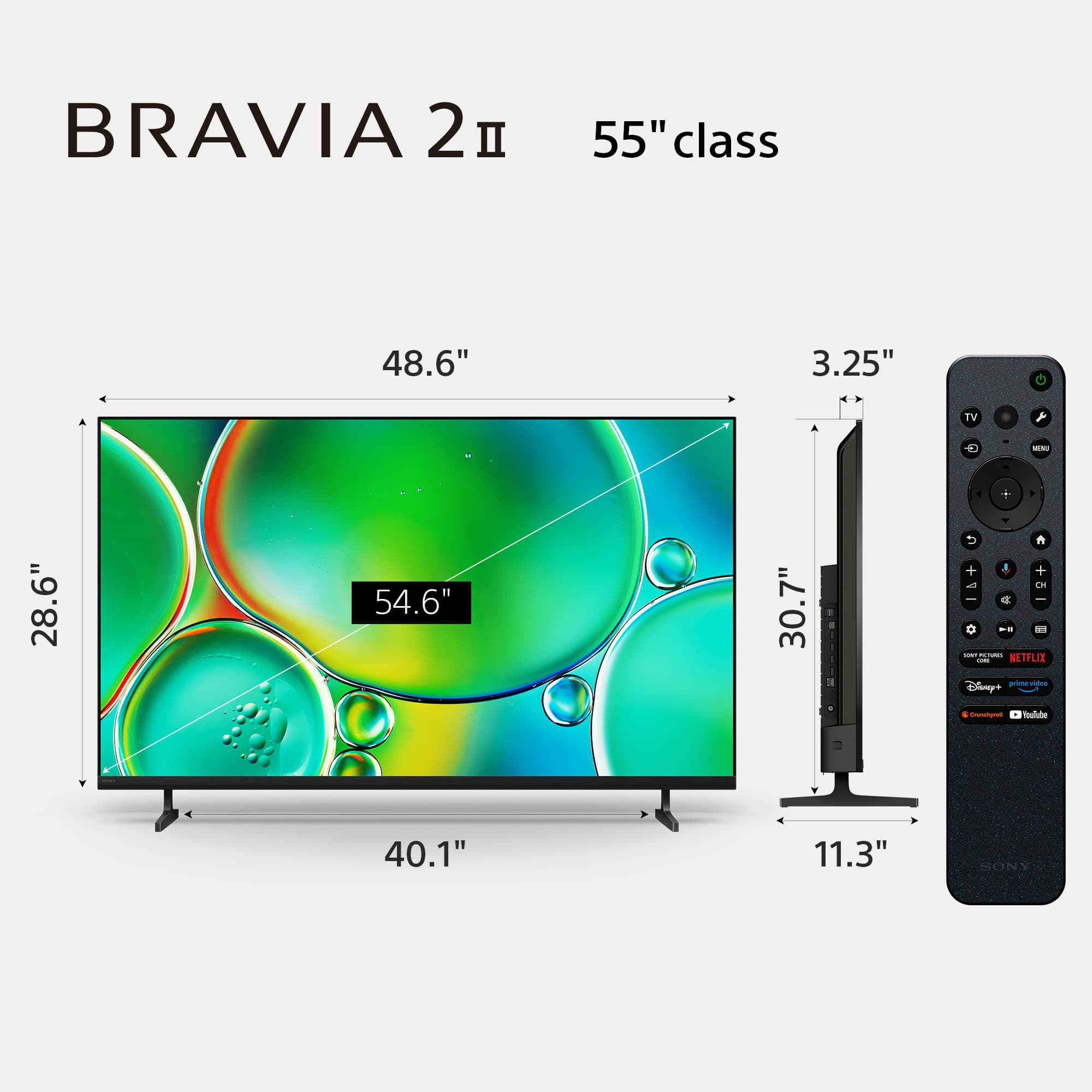
- A:Answer Hi Louis, The Sony BRAVIA 2 II series utilizes a VESA® hole pattern of 300 x 300 mm and requires M6 screws for wall mounting. For optimal installation, Sony recommends using screws with a length of 8 mm to 12 mm from the attachment surface of the bracket. We hope you find this information helpful, and thanks for considering Sony products! Regards, Dominick
Answered by SonyListens
Q: QuestionCan I add other apps to stream?
Asked by Suze.
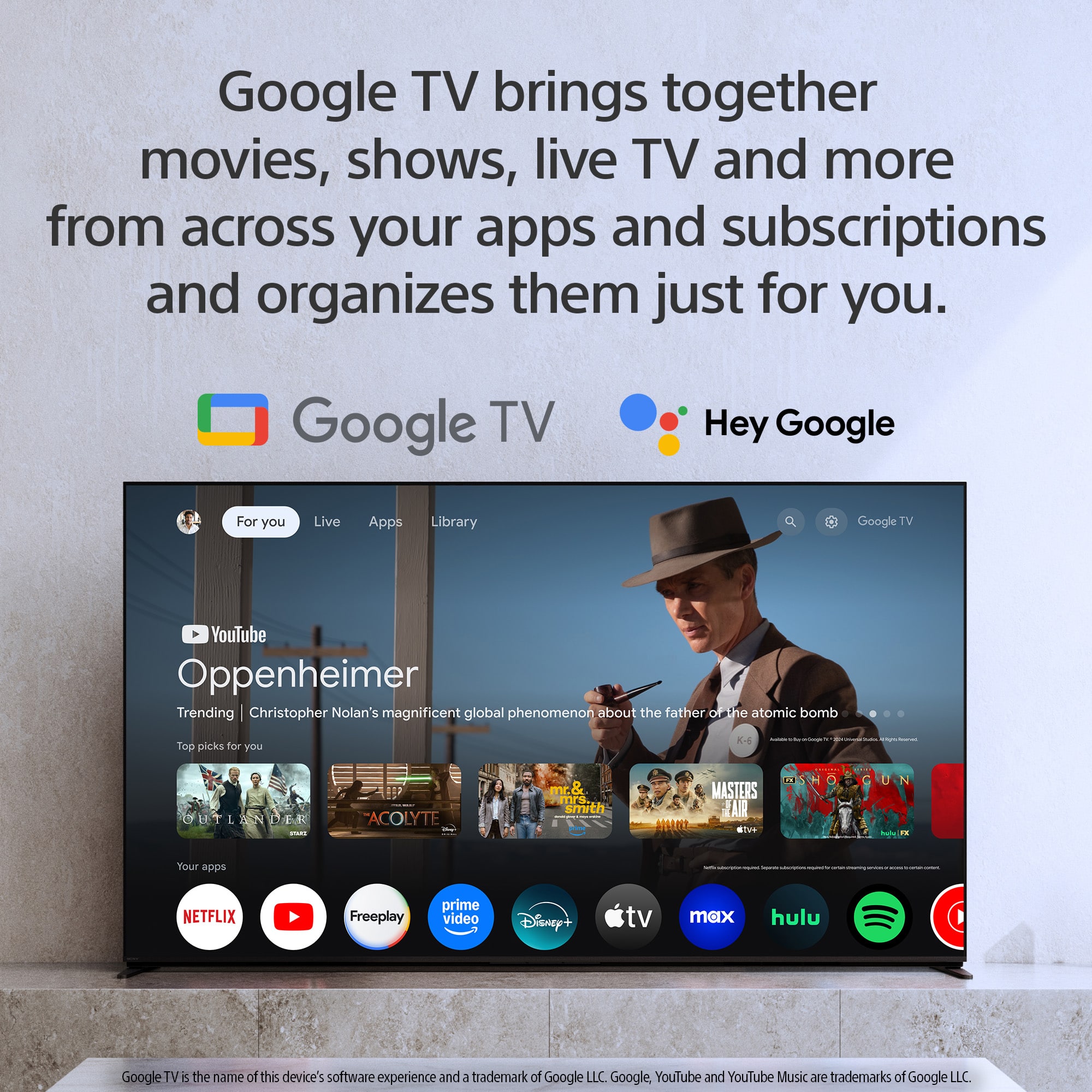
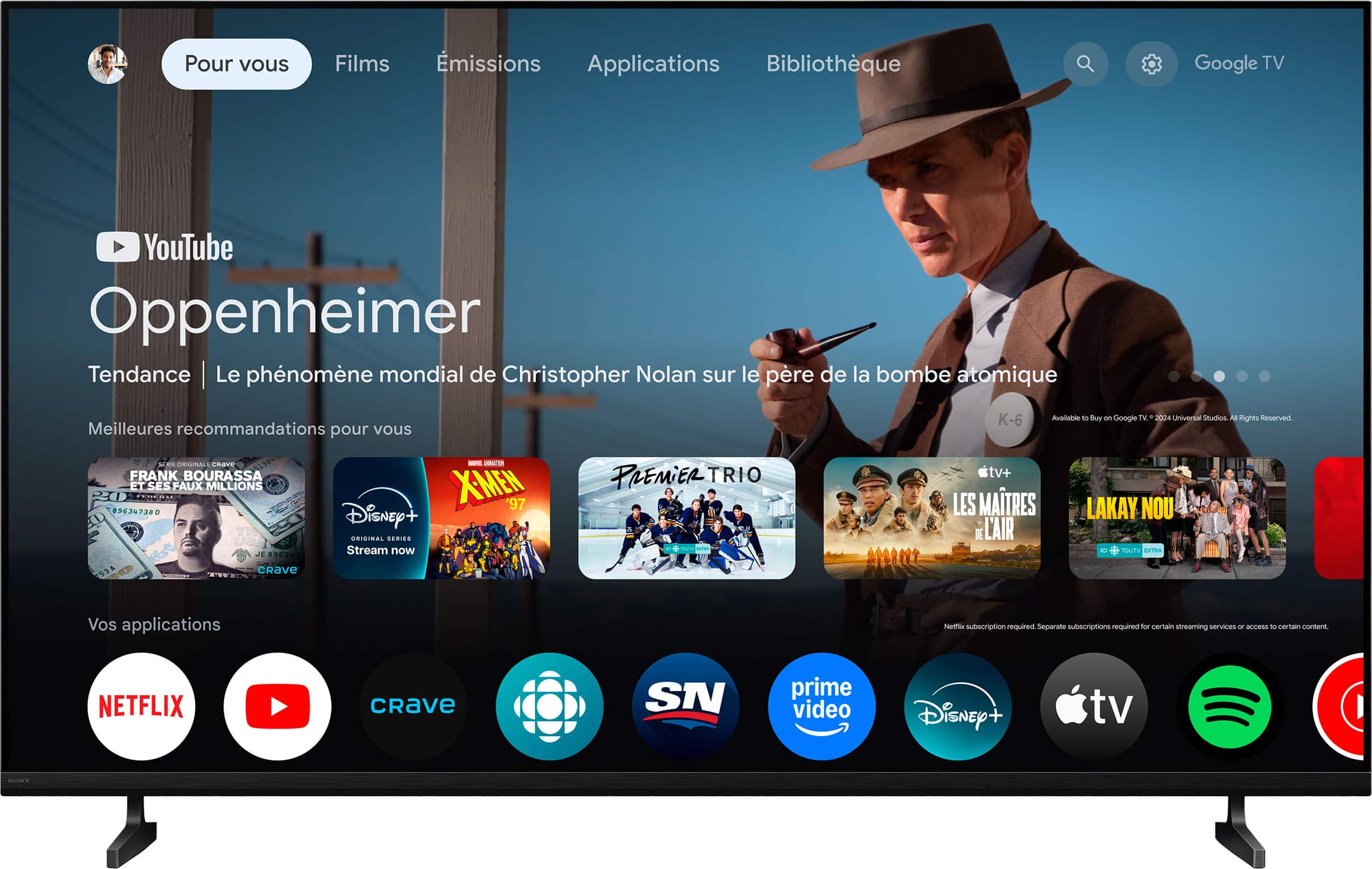
- A:Answer Hi Suze, Yes, absolutely! Since the BRAVIA 2 II LED 4K UHD Smart Google TV (2025) uses the Google TV platform, you can easily add thousands of streaming apps by downloading them directly from the Google Play Store accessed via the TV's Home screen. Thanks for choosing Sony. Best regards, Eliab
Answered by SonyListens
Q: QuestionWill the Sony 55" Bravia 2 II stand on a 34" table.
Asked by Frs.
- A:Answer Thank you for contacting Sony, Frs. We've checked the specifications for the stand of the 55" BRAVIA 2 II, and unfortunately, it will not stand safely on a 34-inch wide table. The distance between the outside edges of the TV stand feet is approximately 40 inches, which is significantly wider than your table. This difference will cause the stand to overhang the edges, creating an unstable and potentially dangerous setup. For safe and secure placement, we highly recommend using a media console or table that is at least 41 inches wide to fully accommodate the TV's base. We appreciate your interest in Sony products. Should you require any further assistance, please don't hesitate to reach out for support here: https://us.esupport.sony.com/support/s/support-contact?language=en_US&category=tv Best regards, Gus, Sony North America Customer Support
Answered by SonyListens
Q: QuestionHow do I put in 4k ?
Asked by Louie.
- A:Answer Thank you for contacting Sony, Louie. The BRAVIA 2 operates in 4K, but you must confirm two things for external devices and streaming apps to deliver the full resolution. For External Devices (Roku, Game Consoles, cable box, etc.): TV Setting: Go to Settings → External Inputs → HDMI Signal Format, and change the port used by your device from Standard to Enhanced format. Cable: You must use a Premium High Speed HDMI Cable (18 Gbps or higher) for 4K/HDR transmission. Device Setting: Ensure the external device's display settings are manually set to output 4K UHD. For Streaming Apps (Internal to the TV): Subscription & Speed: Verify that your streaming subscription plan includes 4K playback and that your internet speed is sufficient (we recommend 25 Mbps or higher) to handle the high-resolution bandwidth. We appreciate your interest in Sony products. Should you require any further assistance, please don't hesitate to reach out for support here: https://us.esupport.sony.com/support/s/support-contact?language=en_US&category=tv Best regards, Gus, Sony North America Customer Support
Answered by SonyListens
Q: QuestionI s it compatible with a DVD player?
Asked by Dove.
- A:Answer Hi Dove, Thank you for your question. Yes, the Sony BRAVIA 2 II is fully compatible with a DVD player. The only requirement is that your DVD player supports connection via an HDMI cable, which is the standard input for modern high-definition televisions. Thanks for considering Sony! Regards, Dominick
Answered by SonyListens

Most-viewed items
- $329.99$329.99The price was $489.99
- $699.99$699.99The price was $899.99
- $299.99$299.99The price was $499.99
- $529.99$529.99The price was $999.99
- $449.99$449.99The price was $499.99
- $139.98$139.98The price was $299.99
- $269.99$269.99The price was $449.99
- $699.99$699.99The price was $1,299.99
- $59.99$59.99The price was $99.99