

Black Friday is hereShop new DoorbustersShop now

Main Content

Questions & Answers

Your price for this item is $1,999.99
The comparable value price is $2,999.99
Page Showing 1-20 of 27 questions
  • QuestionWhat is the refresh rate of this Sony TV?

    • Answer The refresh rate is 120Hz.
    This question and answer was generated by AI based on customer and product data.

  • QuestionWhat type of stand does this TV come with?

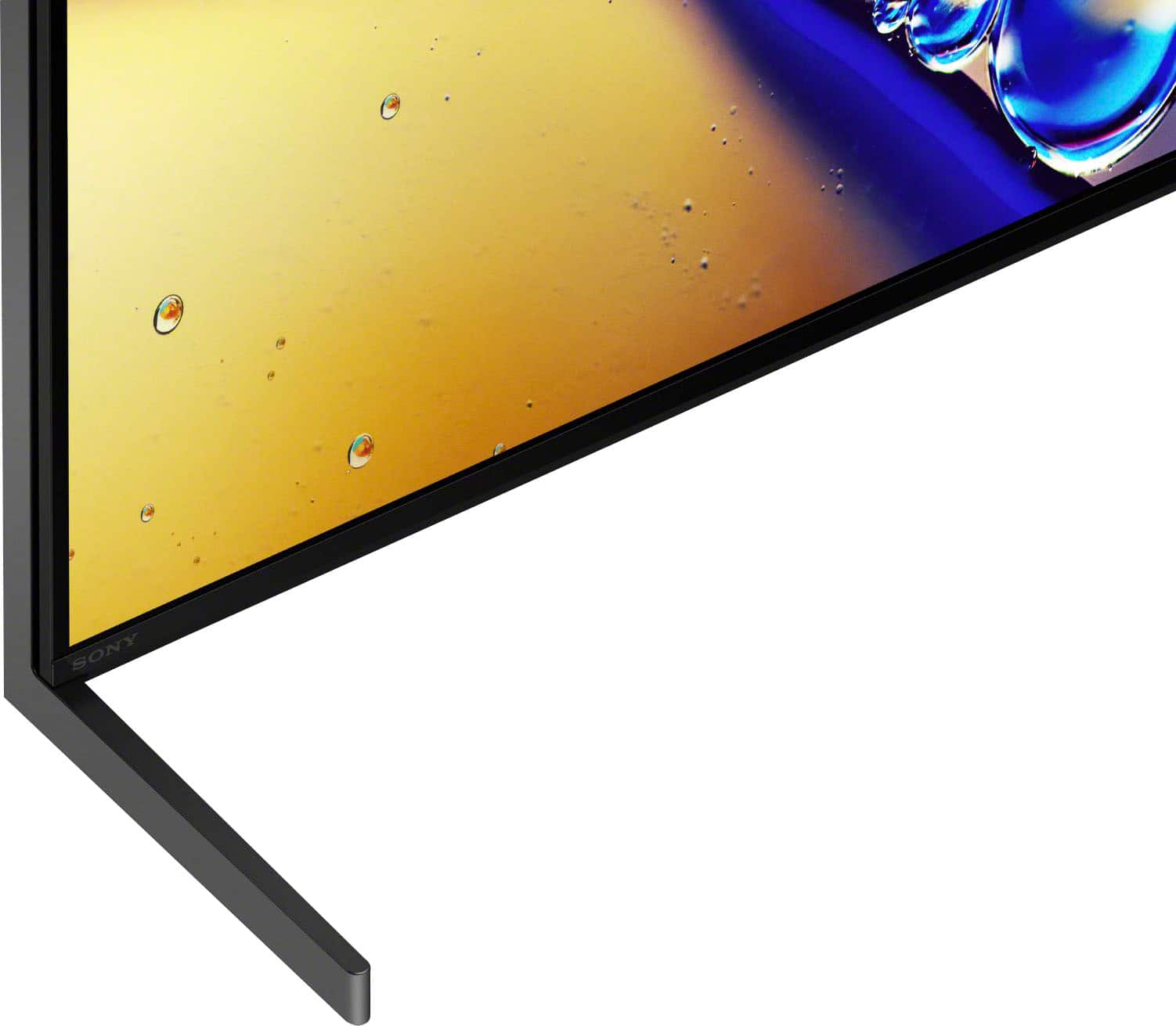
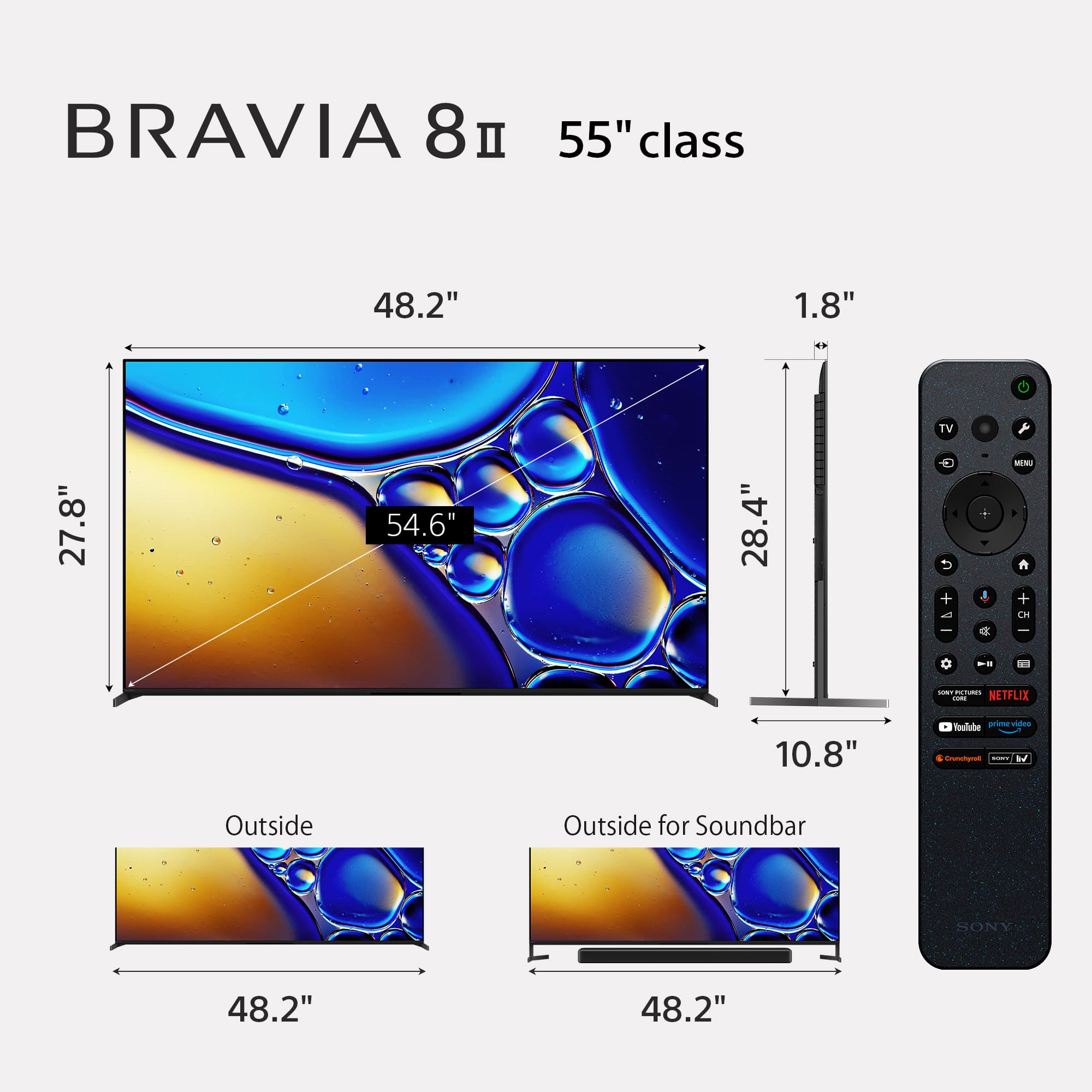
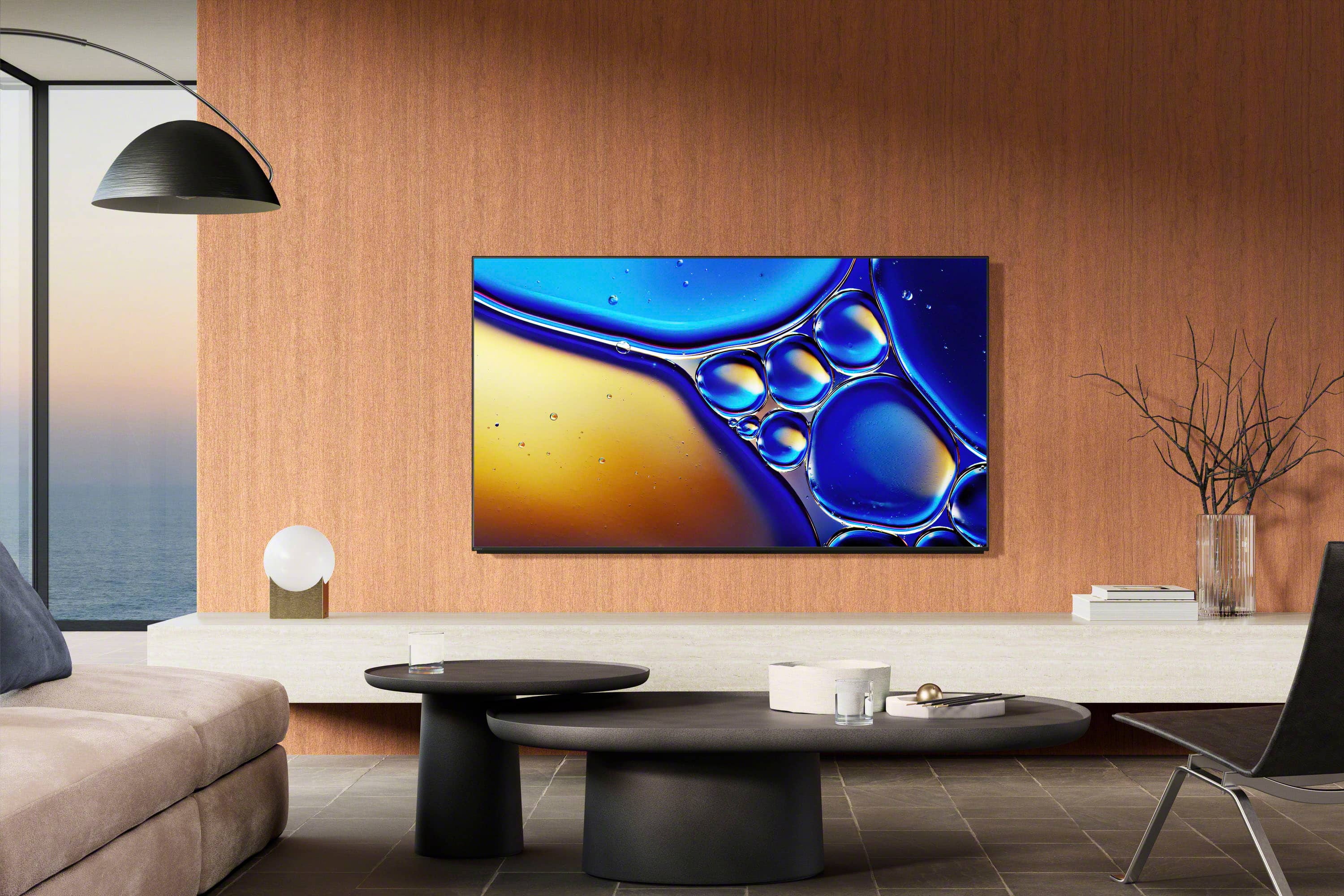
    • Answer It comes with a premium two-way stand that can be positioned low-profile or raised to accommodate a soundbar.
    This question and answer was generated by AI based on customer and product data.

  • QuestionWhat smart platform does this Sony TV use?

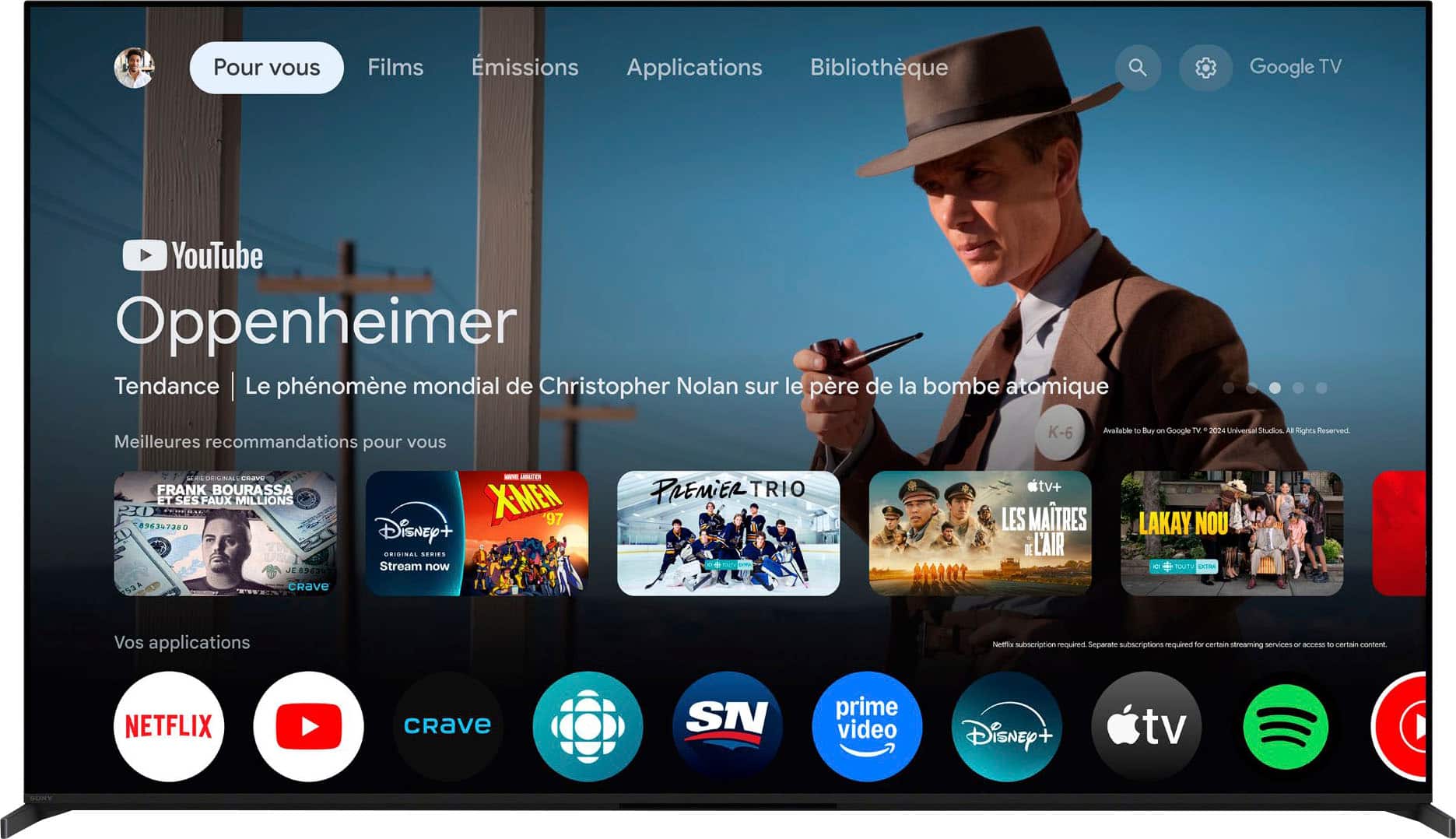
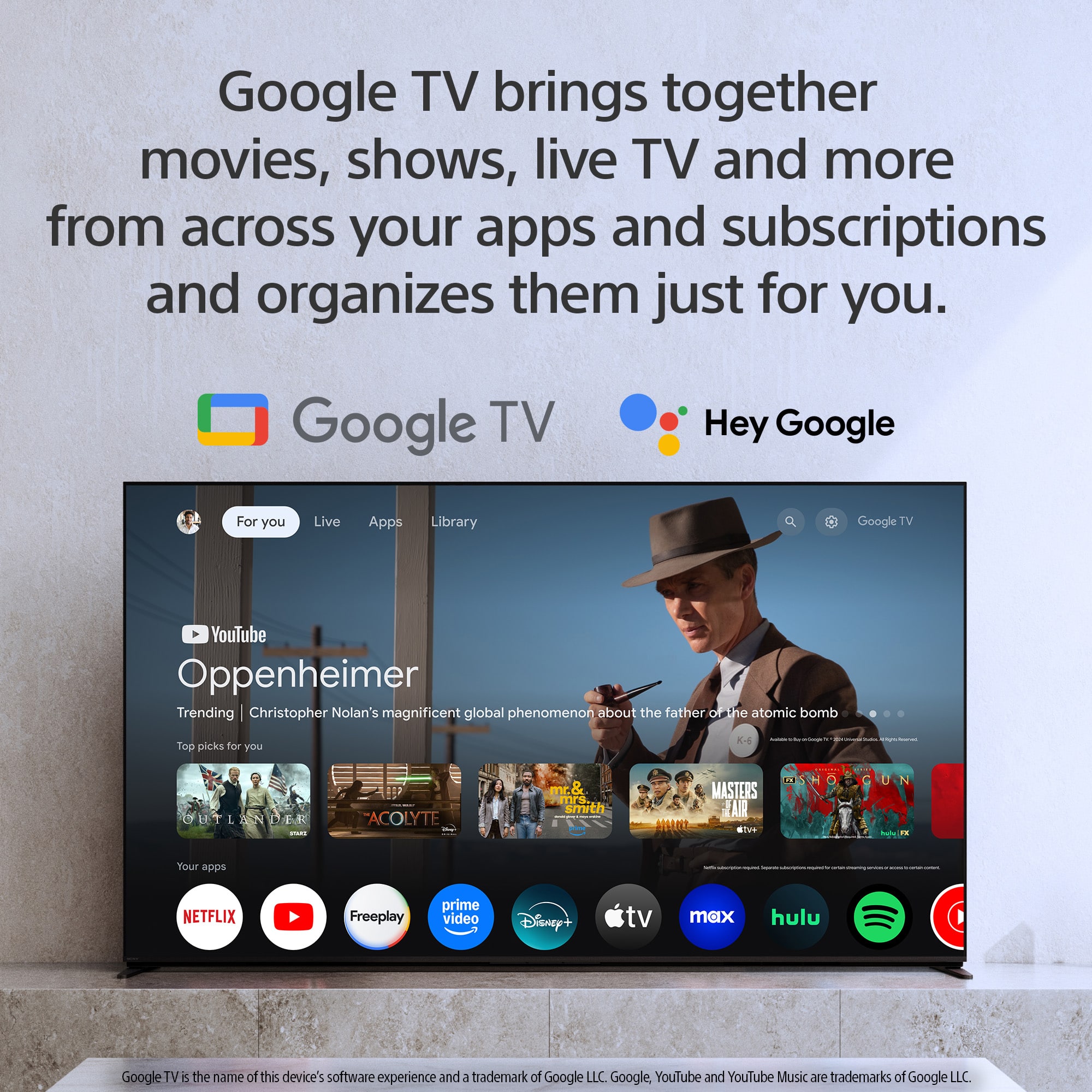
    • Answer This Sony TV uses the Google TV platform.
    This question and answer was generated by AI based on customer and product data.
  • QuestionHow many HDMI inputs does this TV have?

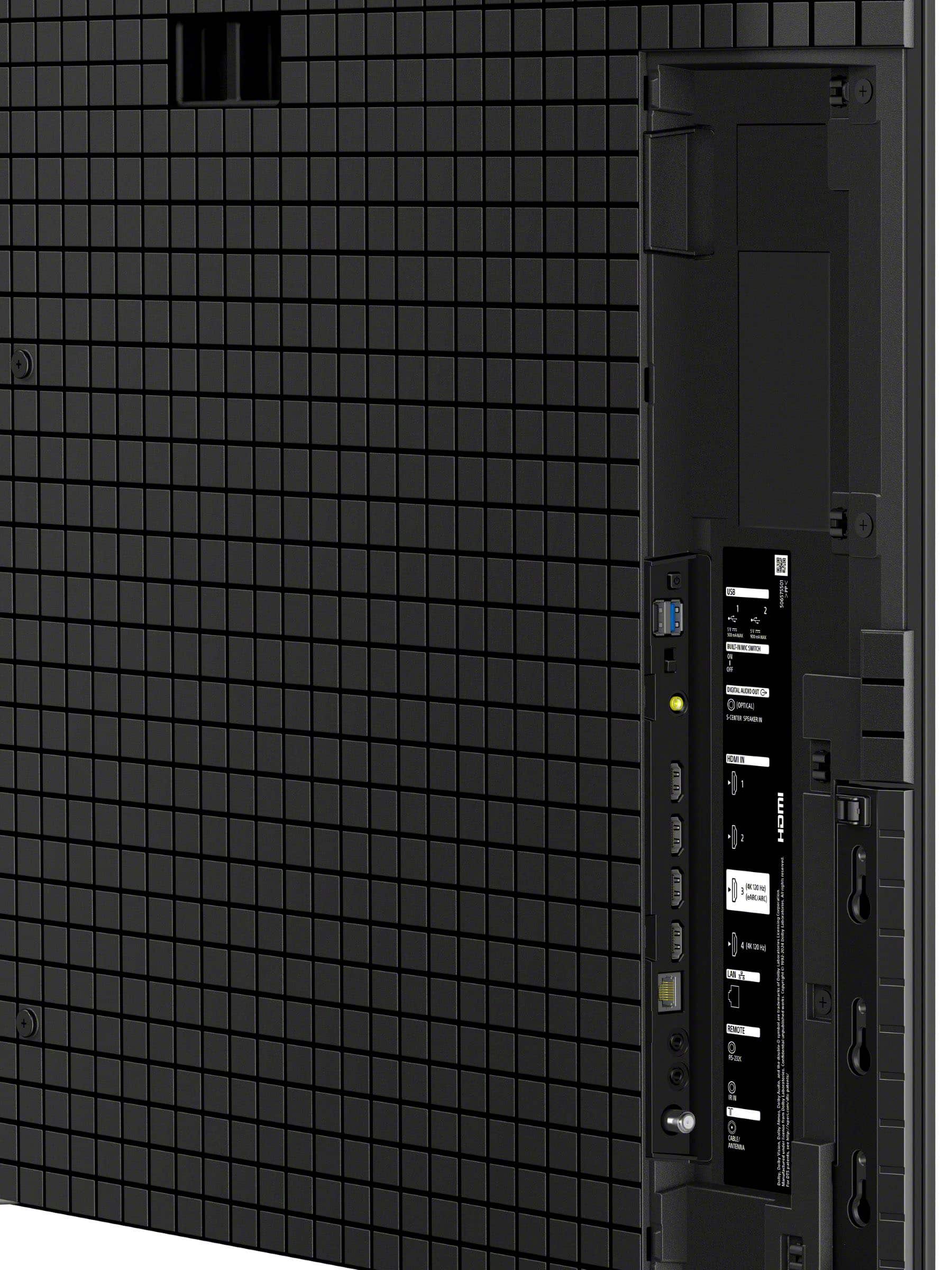
    • Answer This TV has 4 HDMI inputs.
    This question and answer was generated by AI based on customer and product data.
  • QuestionDoes this Sony TV support Dolby Vision?

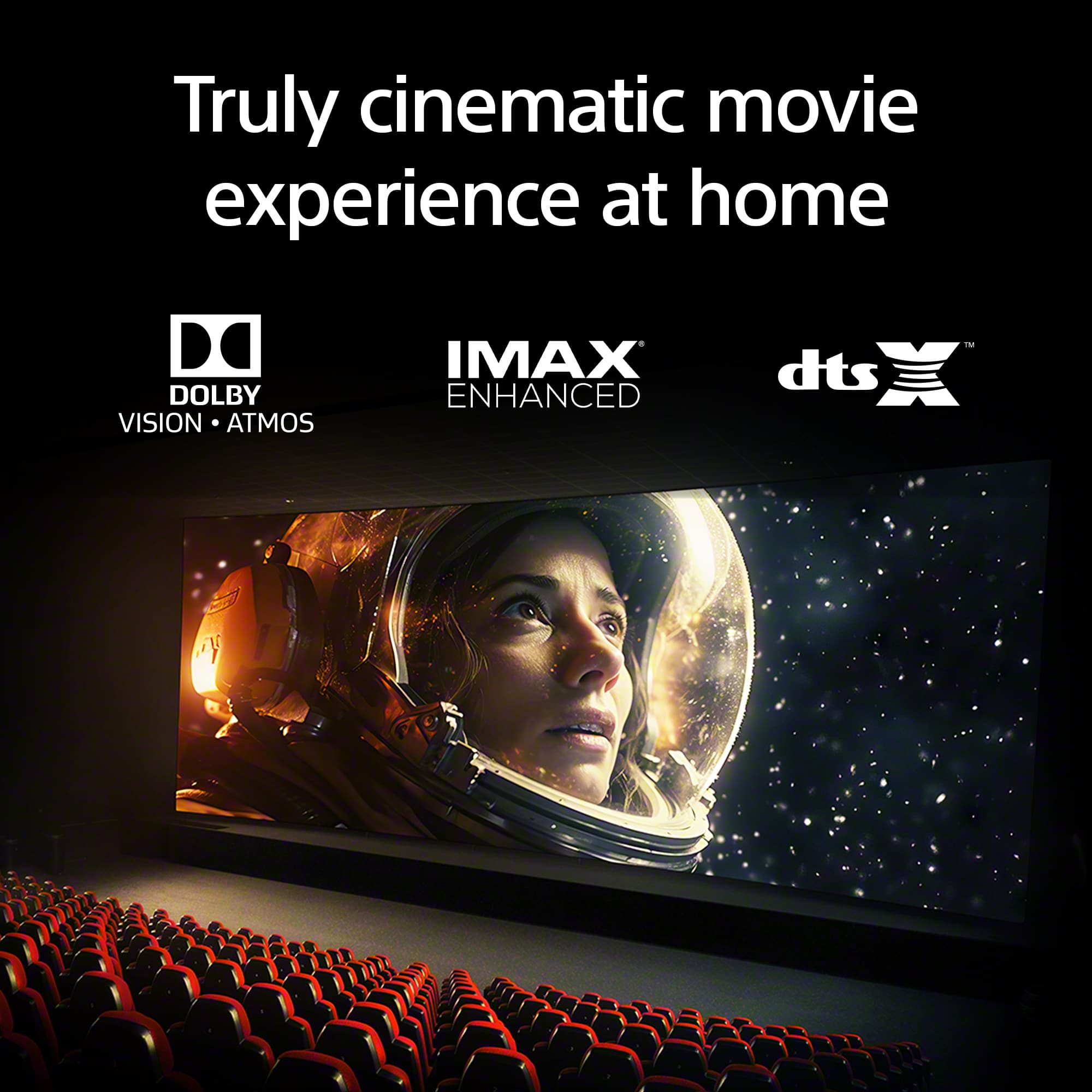
    • Answer Yes, it supports Dolby Vision and Atmos, IMAX Enhanced, and DTS:X for a cinematic experience.
    This question and answer was generated by AI based on customer and product data.

  • QuestionCan I use Apple AirPlay with this TV?

    • Answer Yes, this TV supports Apple AirPlay 2 for easy streaming.
    This question and answer was generated by AI based on customer and product data.

  • QuestionDoes this TV have built-in speakers?

    • Answer Yes, this TV has built-in front-firing speakers.
    This question and answer was generated by AI based on customer and product data.
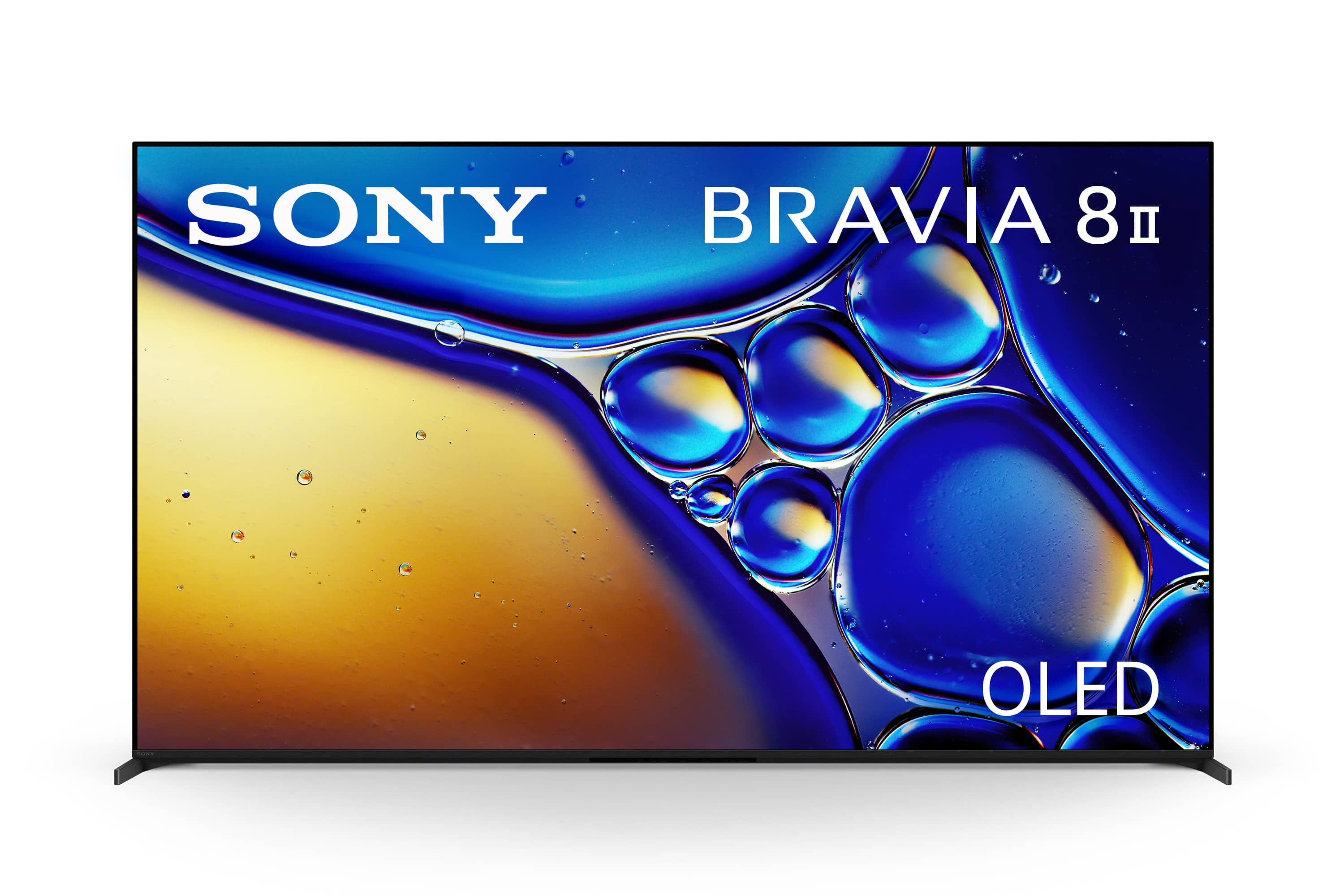
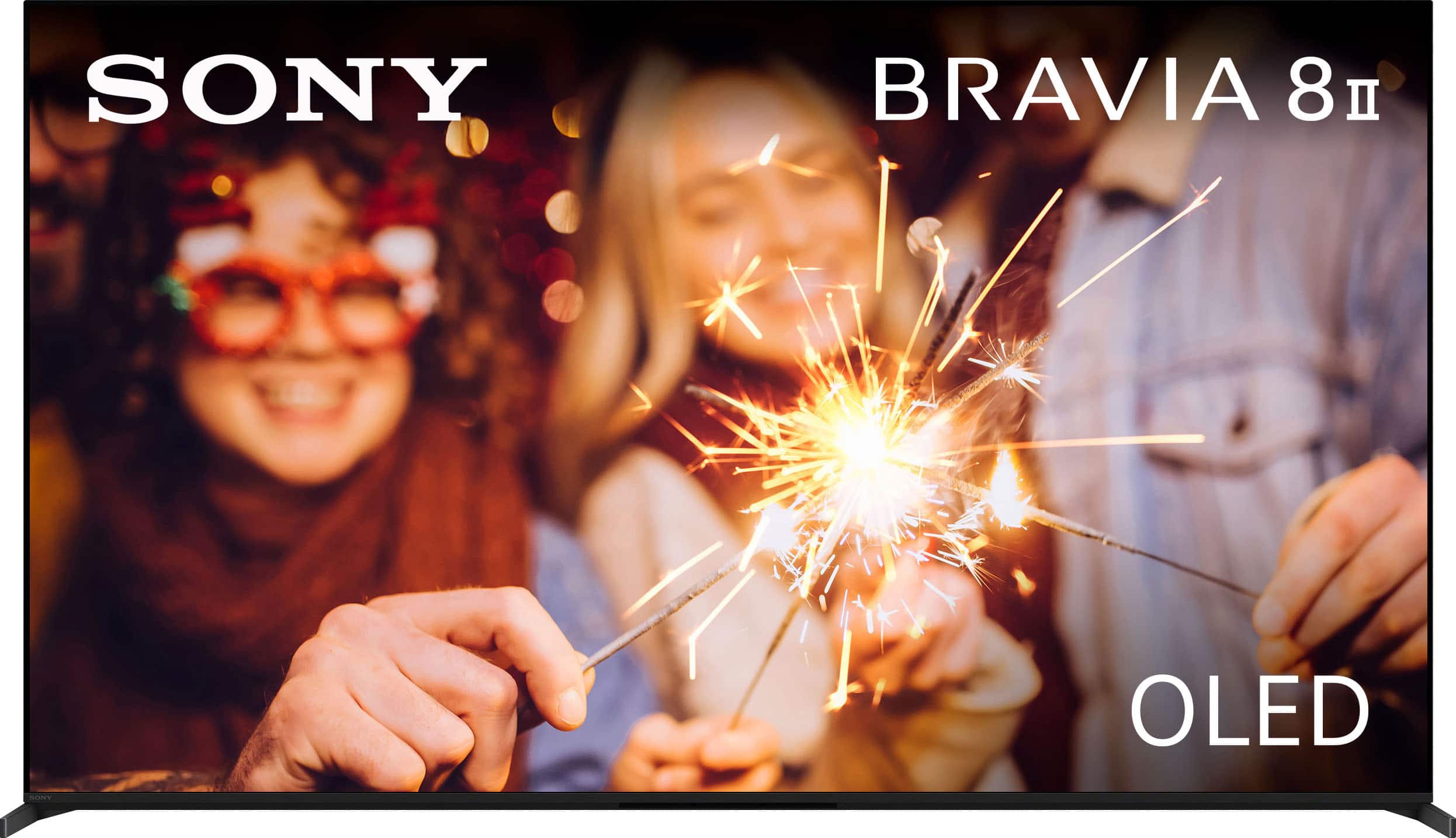
  • QuestionWhat are differences between "55" Class BRAVIA 8 OLED 4K UHD Smart Google TV (2024)" and this one: "55" Class BRAVIA 8 II OLED 4K UHD Smart Google TV (2025)"? Looking into Specification I don't see many. Current price difference is about $800. (50% more).

    Asked by Andrey657.

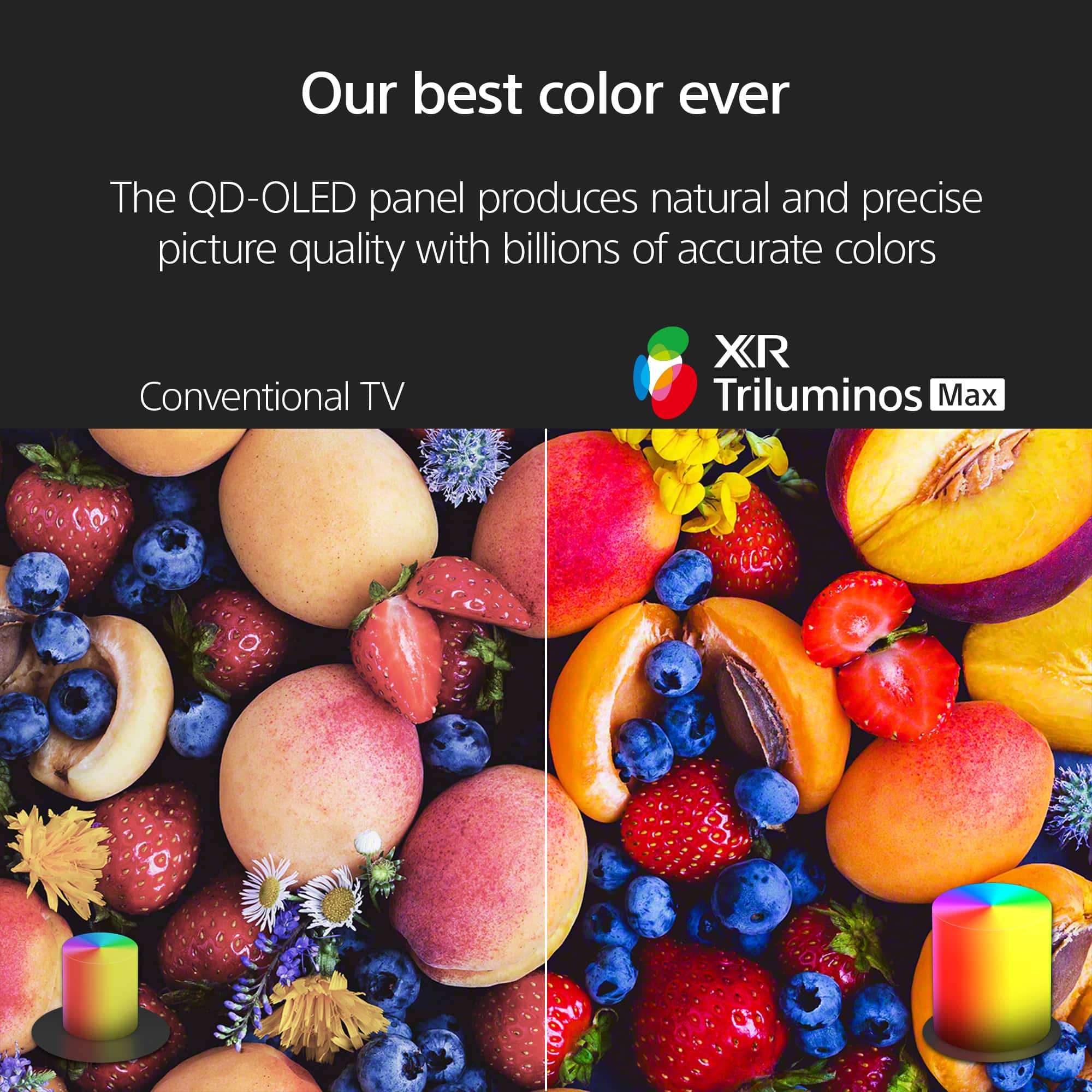
    • Answer Hi Andrey657, Thank you for your question. The key difference between the Sony - BRAVIA 8 (55") and the BRAVIA 8 II (55") lies in the panel technology. The BRAVIA 8 uses a traditional OLED panel, while the BRAVIA 8 II features a QD-OLED (Quantum Dot OLED) panel. QD-OLED combines the perfect blacks of OLED with the added benefit of quantum dots, which deliver higher peak brightness, a wider color range, and more vivid, lifelike images. In addition, the BRAVIA 8 II includes Sony's AI Scene Recognition system powered by the XR processor. This technology analyzes each scene in real time and optimizes brightness, contrast, and color for a more natural and immersive picture. In short, the BRAVIA 8 offers excellent OLED picture quality, while the BRAVIA 8 II takes it a step further with greater brightness, richer colors, and advanced AI processing for an enhanced viewing experience. We hope this answers your question, and thank you for considering Sony products! Regards, Dominick

      Answered by SonyListens

  • QuestionAre all 4 HDMI ports 2.1, or just a certain amount of them?

    Asked by Nvm4.

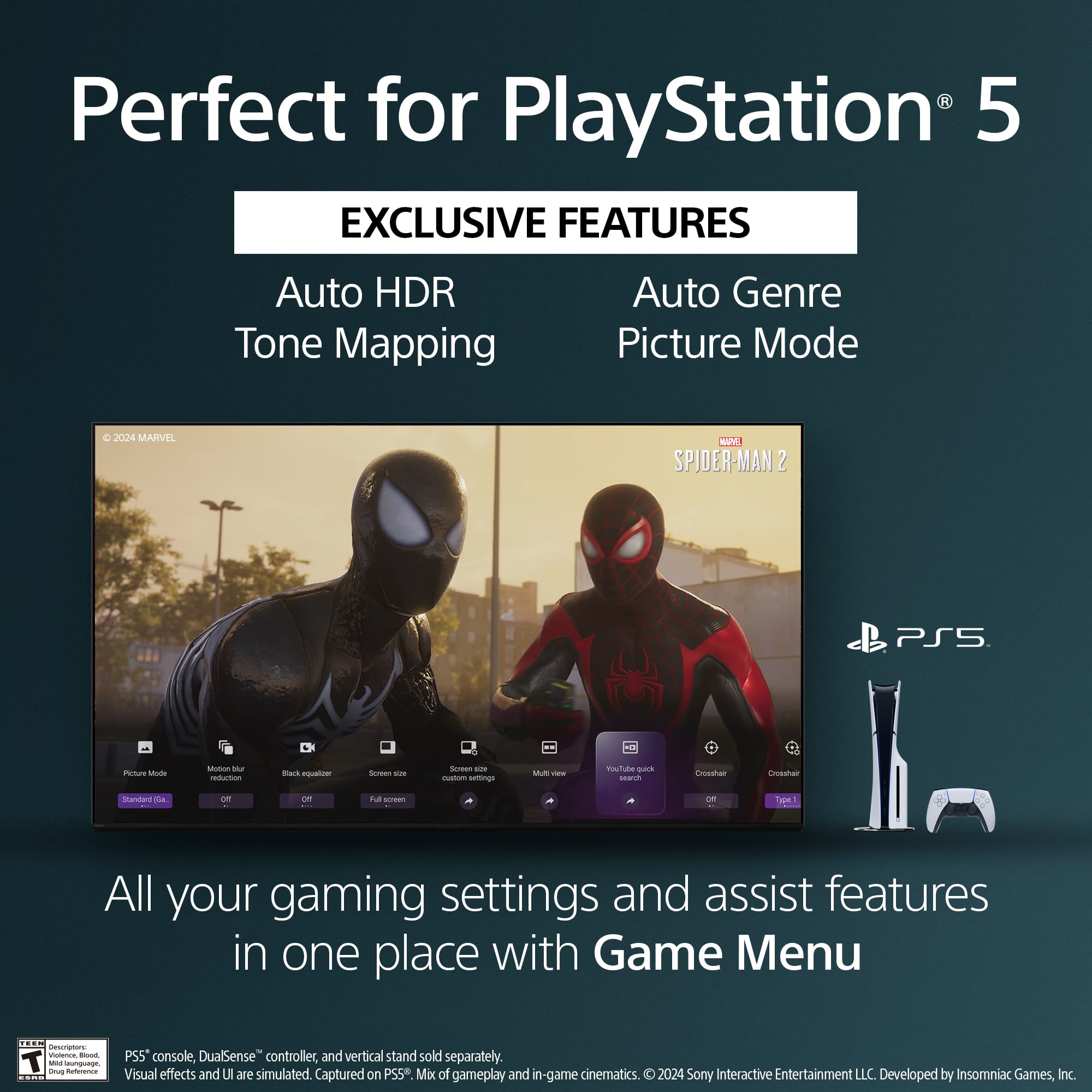
    • Answer Thank you for contacting Sony, Moe86. That's a great question about the HDMI ports on your K55XR80M2 television. On this model, the HDMI 3 and HDMI 4 ports are the ones that support HDMI 2.1. These ports are designed to provide the best performance for next-gen gaming and high-frame-rate content. We appreciate your interest in Sony products, if you need further assistance, don't hesitate and reach us for support! You can find contact options on the link below: https://us.esupport.sony.com/support/s/support-contact?language=en_US&category=tv Best regards, Gus, Sony North America Customer Support

      Answered by SonyListens

  • QuestionCan this TV be set up as a non smart TV and used without an internet connection?

    Asked by Mike.

    • Answer Hi Mike, Thank you for reaching out with your question. We can certainly help you with that! The K-55XR80M2 can absolutely be set up and operated without an internet connection if you want to use it as a "non-smart" TV for basic functions like watching content via HDMI, antenna or other physical input sources. Thanks for considering Sony products! Best regards, Estefany

      Answered by SonyListens

  • QuestionDoes the bravia 8 ii come with an anti reflection coating like semi gloss?

    Asked by AAAjani.

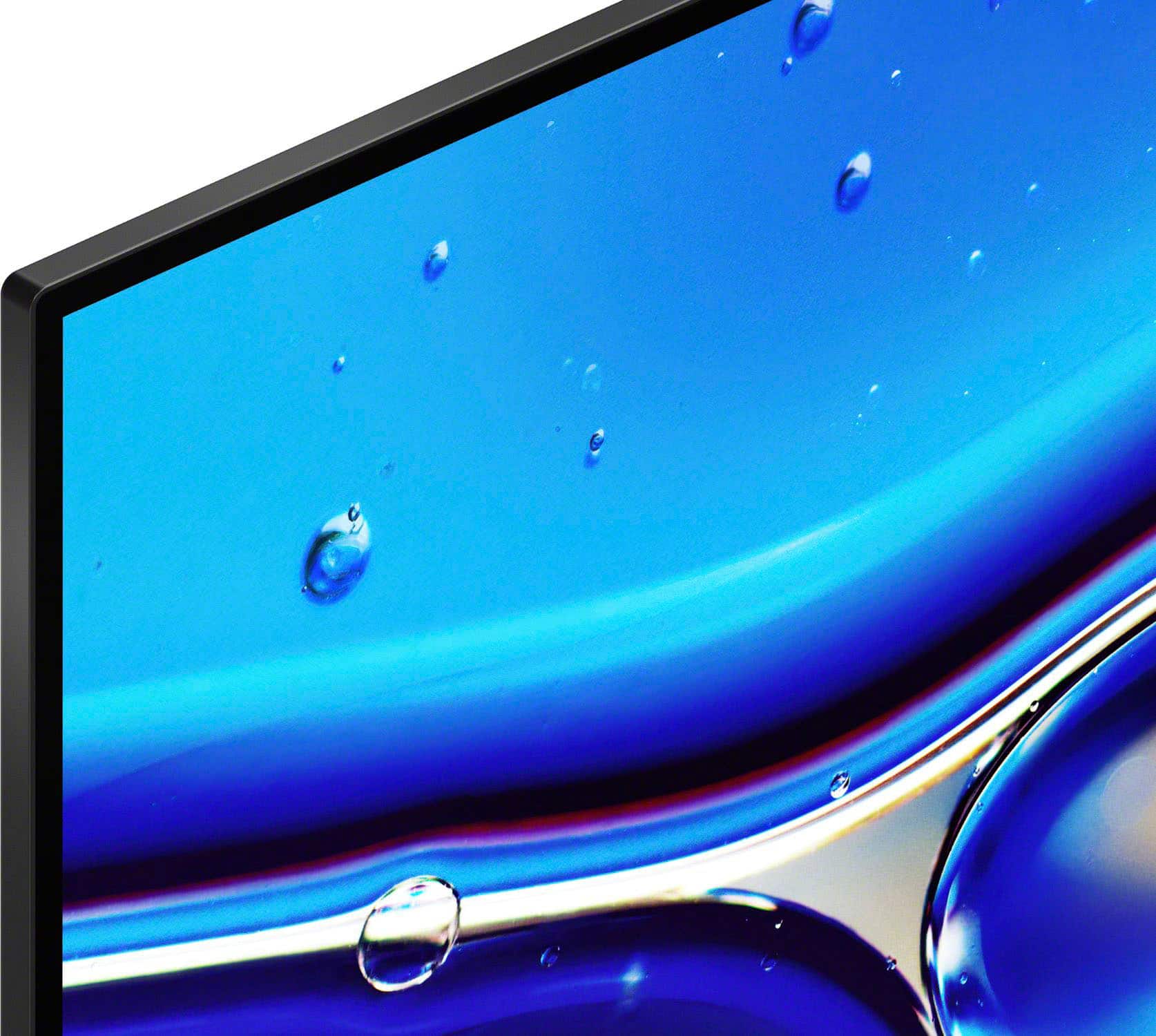
    • Answer Hi AAjani, The BRAVIA 8 II features a glossy screen with an anti-reflective coating designed to reduce glare from indoor light sources. This helps to maintain the picture quality, allowing you to enjoy the deep blacks and vibrant colors of the QD-OLED display even in a brightly lit room. Thanks for choosing Sony. Best regards, Eliab

      Answered by SonyListens

  • QuestionIs this tv good for bright rooms?

    Asked by Mbigatc.

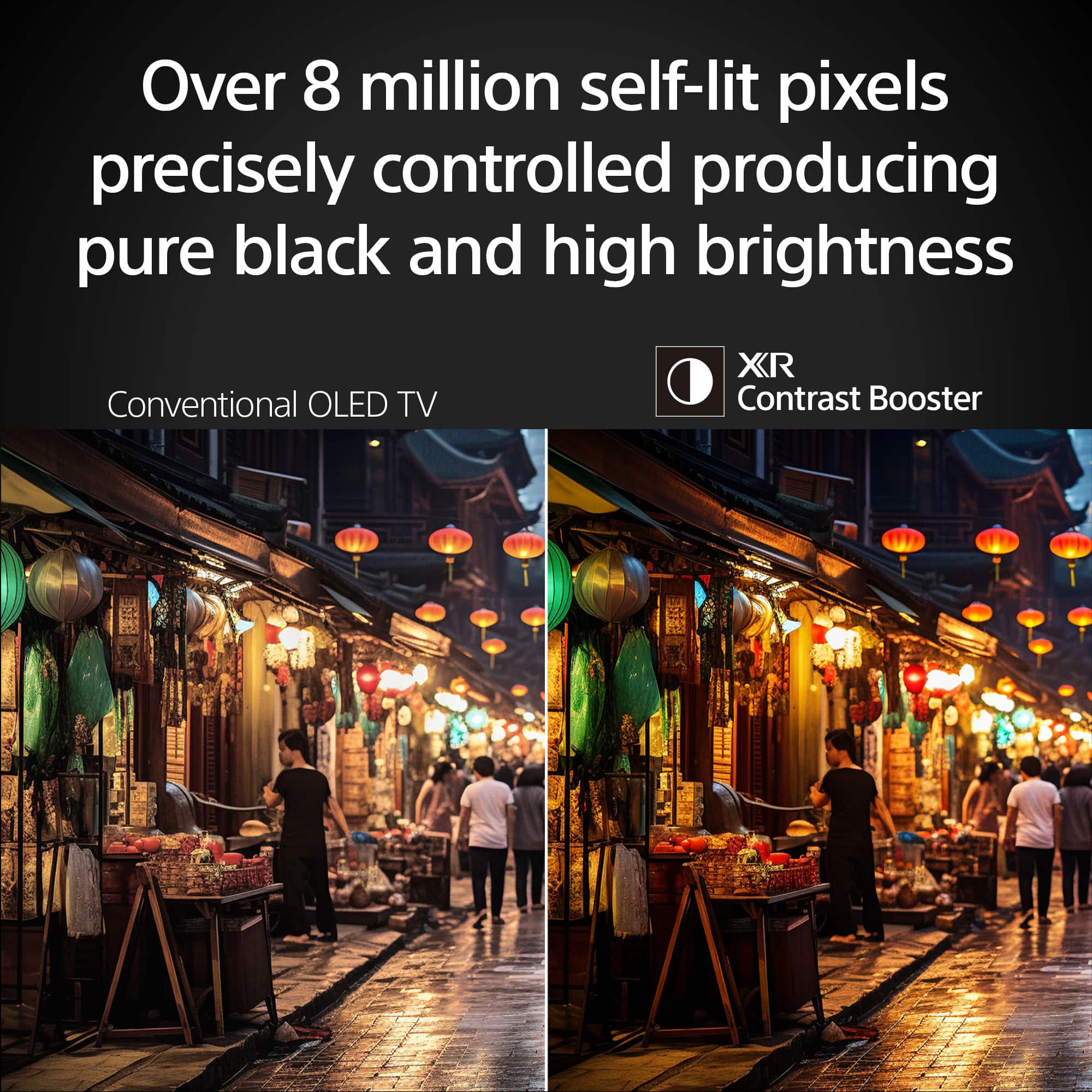
    • Answer Hi Mbigatc, thank you for your question and interest in the Sony - 55" Class BRAVIA 8 II! While this TV and its QD-OLED technology is known for delivering pure blacks and stunning contrast, it also performs impressively well in bright rooms. Thanks to its advanced panel technology and high peak brightness, it maintains excellent picture quality even in well-lit environments. Plus, it offers customizable settings such as brightness and black levels, so you can fine-tune the image to your liking for the best possible viewing experience in any lighting condition. Thank you for considering Sony products! Best regards, -Dominick

      Answered by SonyListens

  • Questionwhy does the TV switch on and off by itself and flash different monochrome colors for a few seconds?

    Asked by JY.

    • Answer Hi JY, We are sorry to hear you are experiencing this issue with your new 55" BRAVIA 8 II OLED TV. The behavior of the TV switching itself on and off while flashing monochrome colors typically indicates that the TV is performing an internal diagnostic, an automatic OLED Panel Refresh cycle (which can show different test patterns), or it is encountering a software issue or a component error. Since the TV is new, we recommend performing a Power Reset first: simply unplug the TV's power cord from the wall outlet for two minutes, then plug it back in and turn it on. If the issue persists, please ensure your TV's software is updated to the latest version, or contact us directly so we can gather more details on the exact sequence of flashes and colors for specific troubleshooting. Thanks for choosing Sony. Best regards, Eliab

      Answered by SonyListens

  • QuestionCan you hook this TC up to an older Bose sound bar that connects with an optical cable? can you hook this up to an older dvd/vcr player ? and is the sound good enough to not need a sound bar Thank you

    Asked by kris.

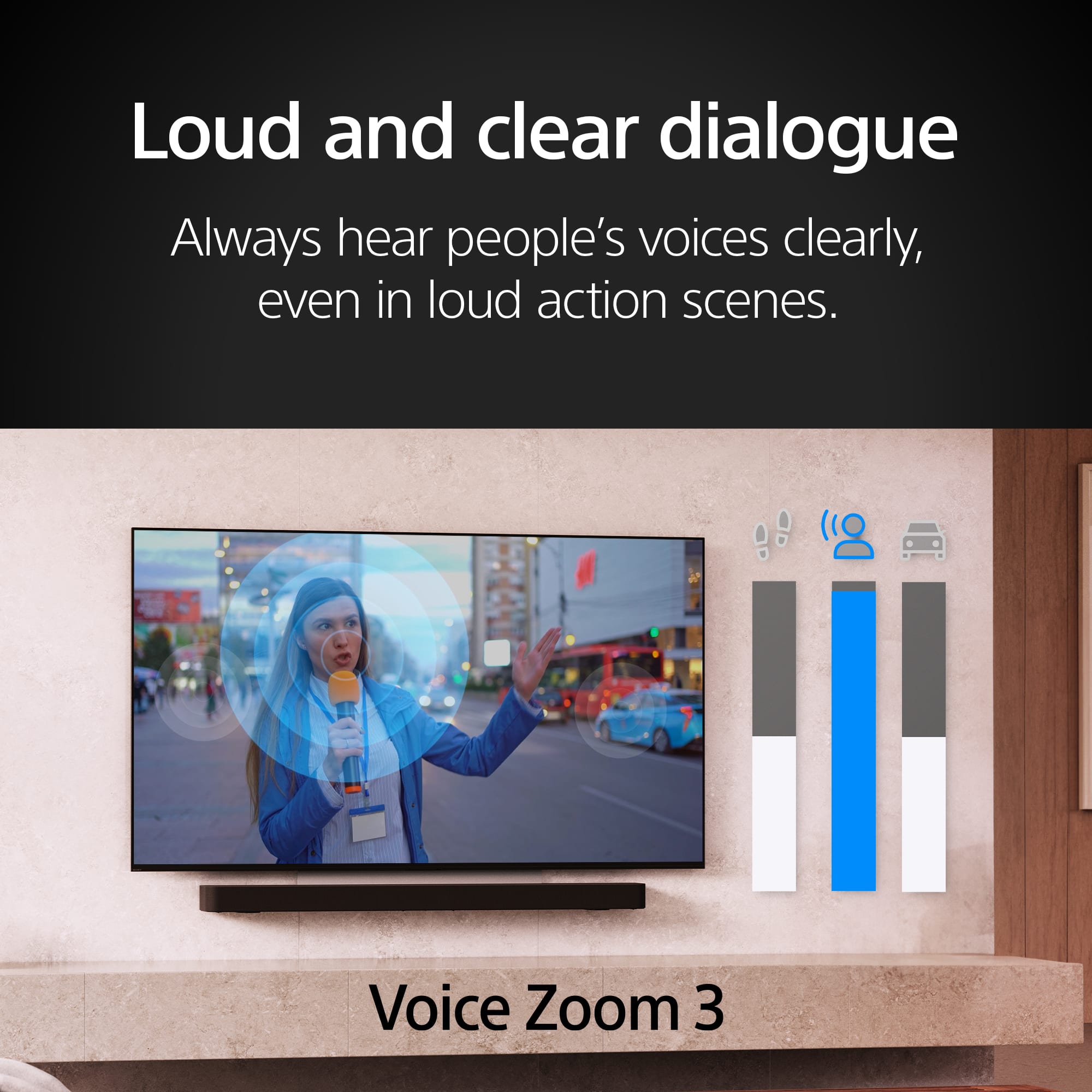
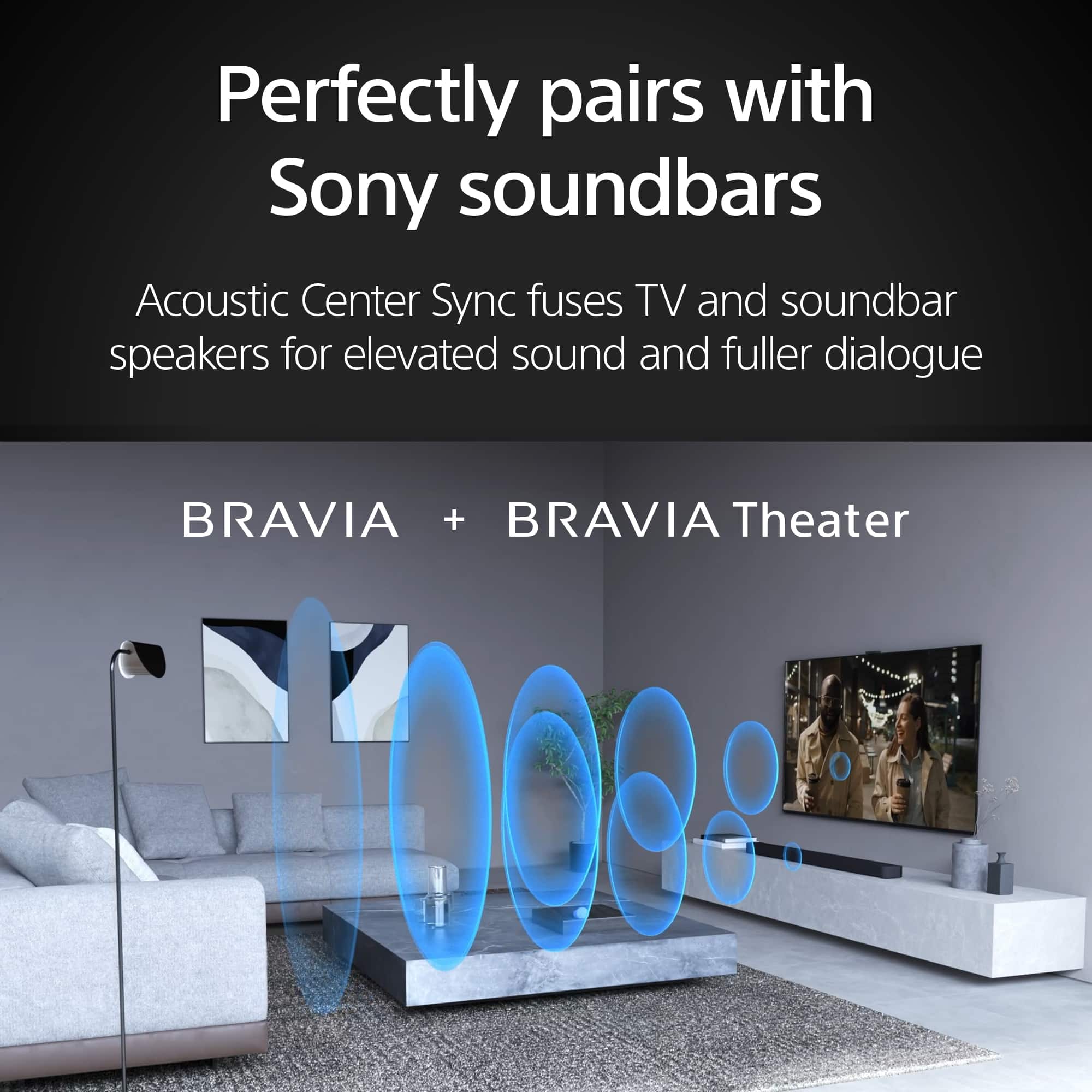
    • Answer Thank you for contacting Sony, Kris. Yes, you absolutely can. The K-55XR80M2 is equipped with a Digital Audio Out (Optical) port. You will simply need a standard optical cable (also known as a TOSLINK cable) to connect the TV's optical out port to your older Bose sound bar's optical input port. Your new BRAVIA 8 II features four modern HDMI inputs. If your DVD/VCR player uses legacy analog connections like composite (red, white, yellow) or component jacks, you will need a simple, external Composite/Component-to-HDMI adapter to bridge the technology gap. This small device will convert the analog signal into a digital one that your TV can easily display. The K-55XR80M2 has excellent, advanced built-in audio technology, but whether it is "good enough" depends on your personal preference and viewing environment. This model features Acoustic Surface Audio+™, where actuators vibrate the screen itself to project sound. This creates an immersive experience where dialogue and sound effects come directly from where the action is happening on the screen. It also supports virtual 3D surround sound with features like Voice Zoom 3™ for clear dialogue. We appreciate your interest in Sony products. Should you require any further assistance, please don't hesitate to reach out for support here: https://us.esupport.sony.com/support/s/support-contact?language=en_US&category=tv Best regards, Gus, Sony North America Customer Support

      Answered by SonyListens

  • Questionthere are 2 usb ports. are they both A , C or one A one C

    Asked by bien.

    • Answer Hi bien, The Sony BRAVIA 8 II OLED TV has two USB ports, and they are both USB-A ports (the standard rectangular type). Typically, one port is a USB 3.0/SuperSpeed (often blue) for faster data transfer, and the other is a USB 2.0 (often black). You would connect flash drives, hard drives, and other compatible USB devices to these ports. Thanks for choosing Sony. Best regards, Eliab

      Answered by SonyListens

  • QuestionWhat is the weight of the tv without the stand?

    Asked by derunner.

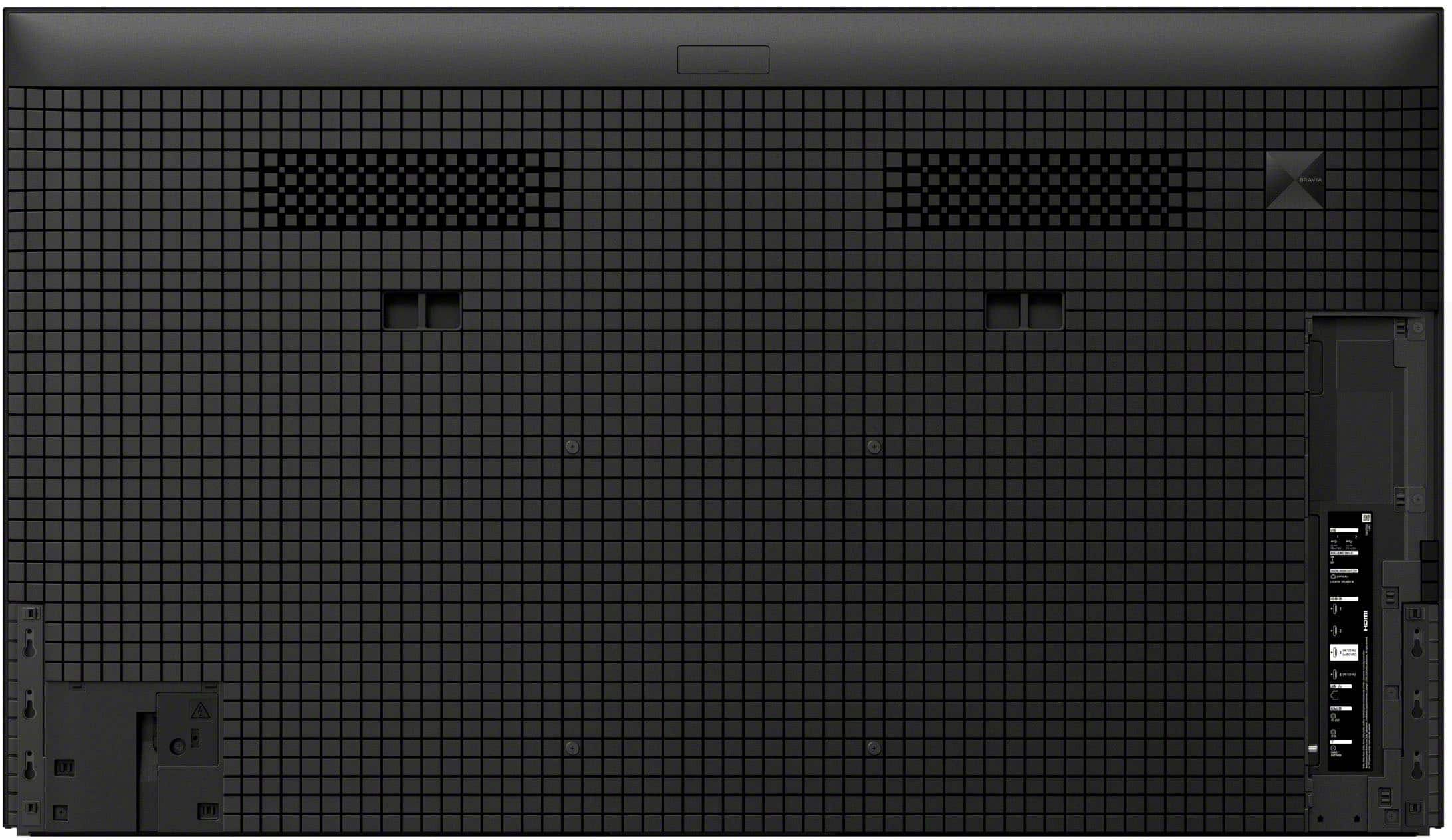
    • Answer About 40 pounds. Stand is light weight.

      Answered by Dumbuser

  • QuestionIn the channel scan menu, does this TV allow the user to add channels without deleting the existing channels? In my weak signal area, I need to rotate the antenna frequently, and if the TV on rescan will delete previous channels, it's not the TV for me;

    Asked by Epignathus.

    • Answer I think this tv will just about anything you want it to do

      Answered by JamesB

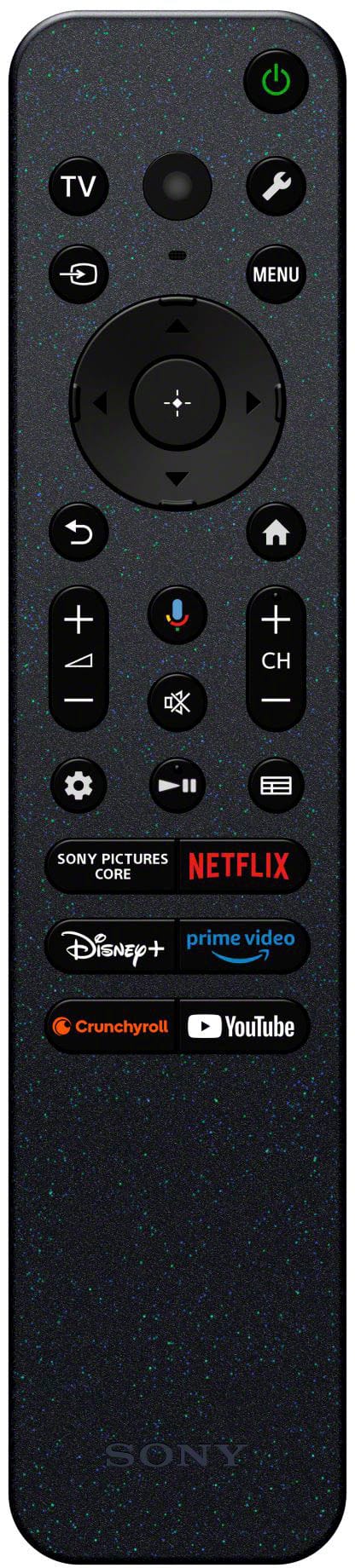
  • QuestionThe specifications say this TV doesn’t include a remote and is voice-control only, but further down it mentions that the remote requires batteries. Can you confirm whether this model comes with a physical remote control, or is it strictly voice activated?

    Asked by Maddi.

    • Answer Hi Maddi, Thanks for your interest in our television. We can certainly assist you with that! The K-55XR80M2 TV does come with a physical remote control in the box. While the TV has voice control capabilities built-in, it's not strictly voice-activated. You'll have both options available to you, so you can switch between using the remote and giving voice commands, whichever you prefer. If you’d like to learn more about this, feel free to check out the following link, we put together extra details there that might be helpful: https://helpguide.sony.net/tv/musltn1/v1/en-003/contents/TP1001690180.html We really appreciate you thinking of Sony for your purchase! Best regards, Estefany

      Answered by SonyListens

  • QuestionCan I program the Sony remote for a YouTube TV App button?

    Asked by YoutubeTV.

    • Answer Yes

      Answered by JamesB








