Main Content

Questions & Answers

$1,399.99
Save $200
Comp. Value: $1,599.99
Page Showing 21-40 of 92 questions
  • QuestionI need to know the dimension of your 55" TV as it is going inside an enclosed area.

    Asked by Shadi.

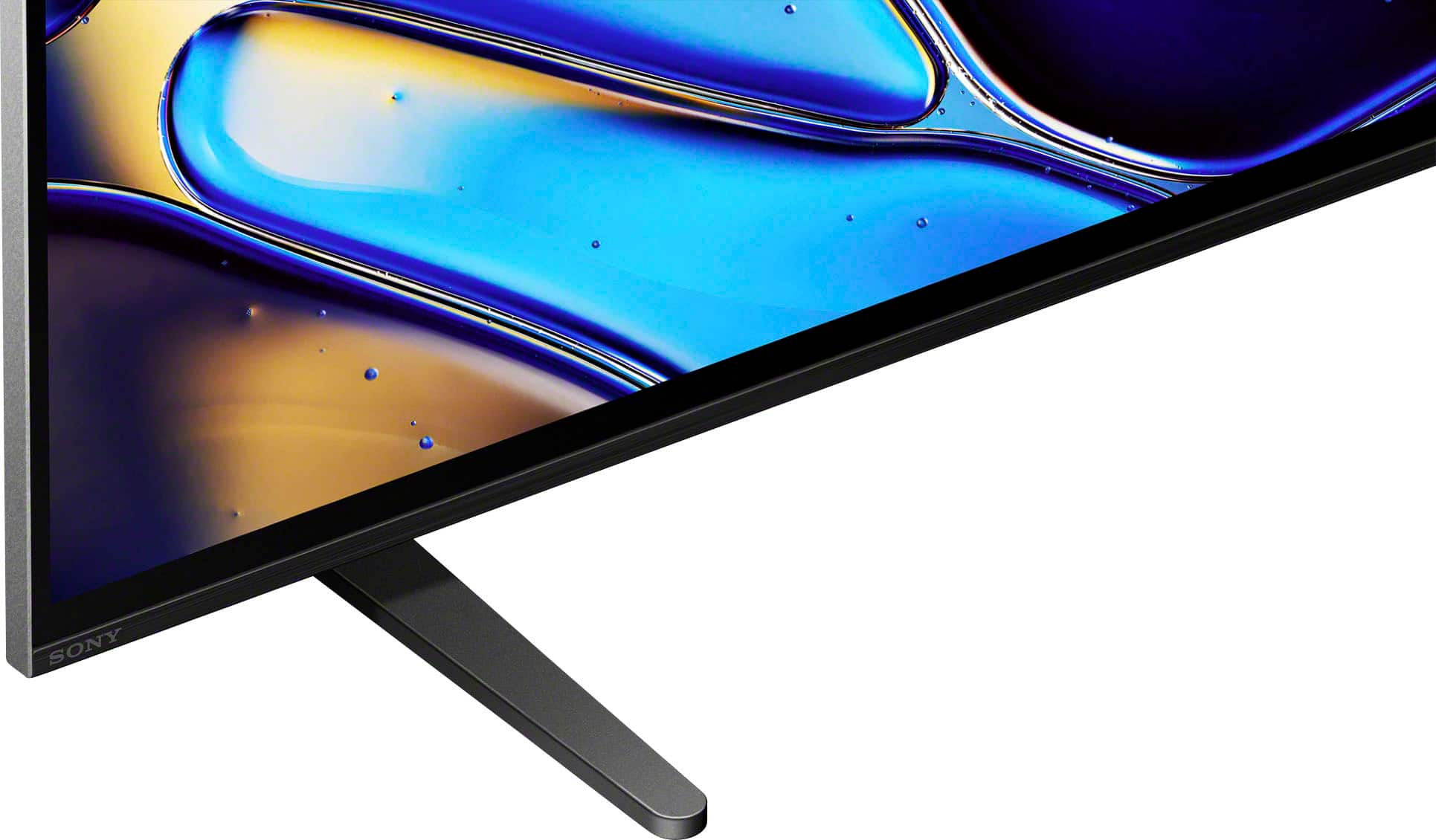
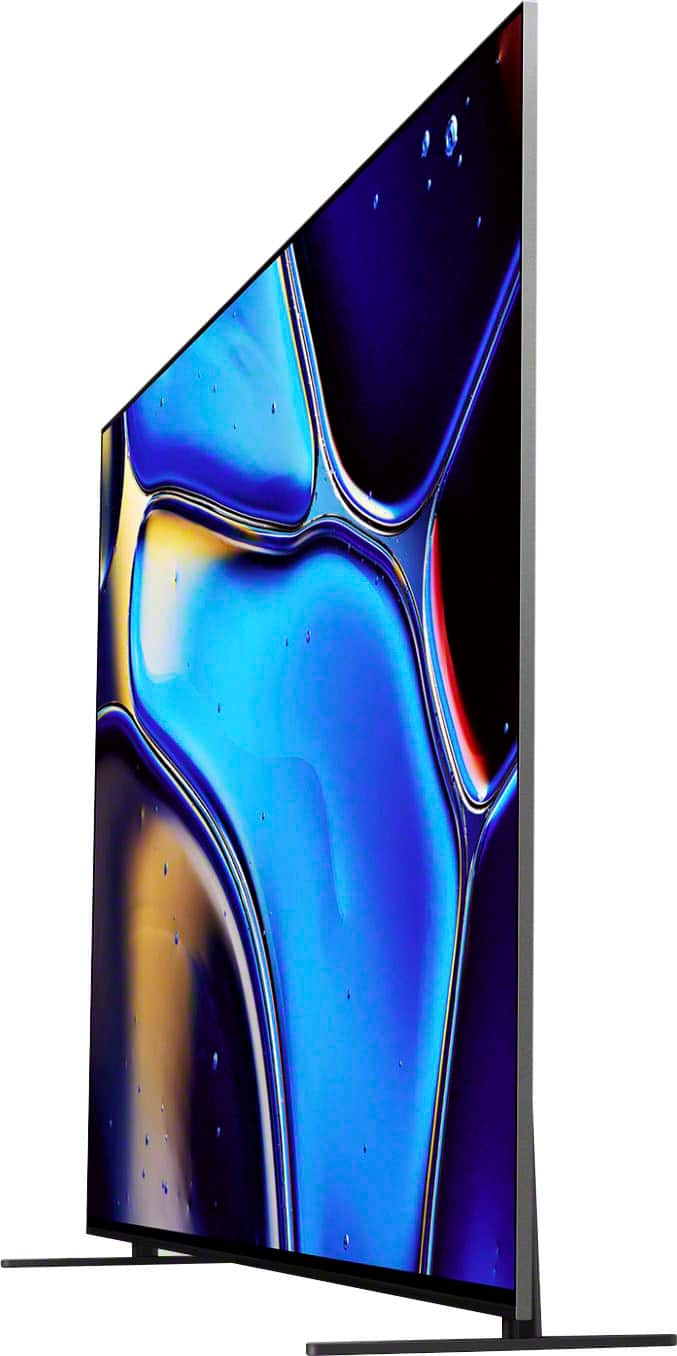
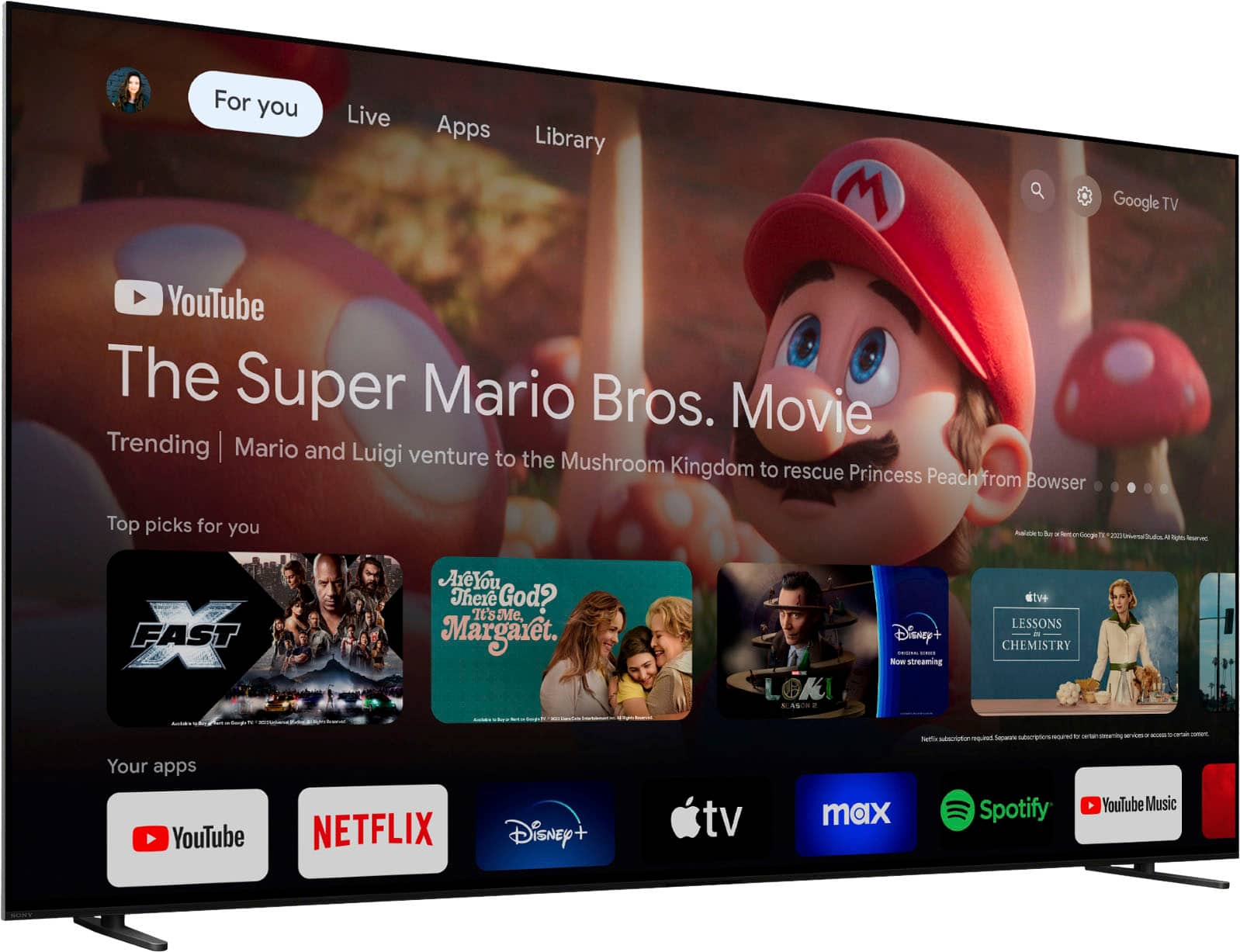
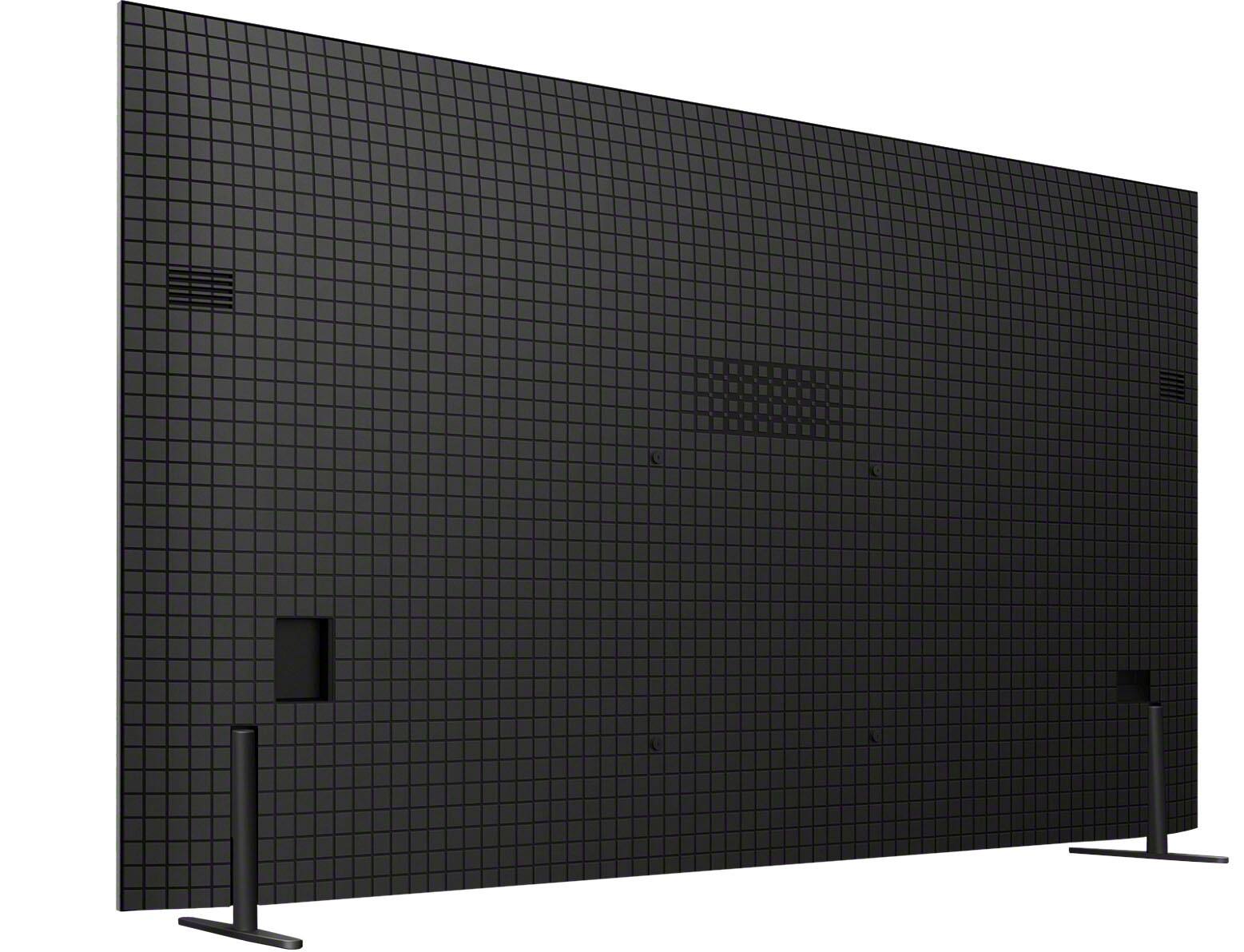
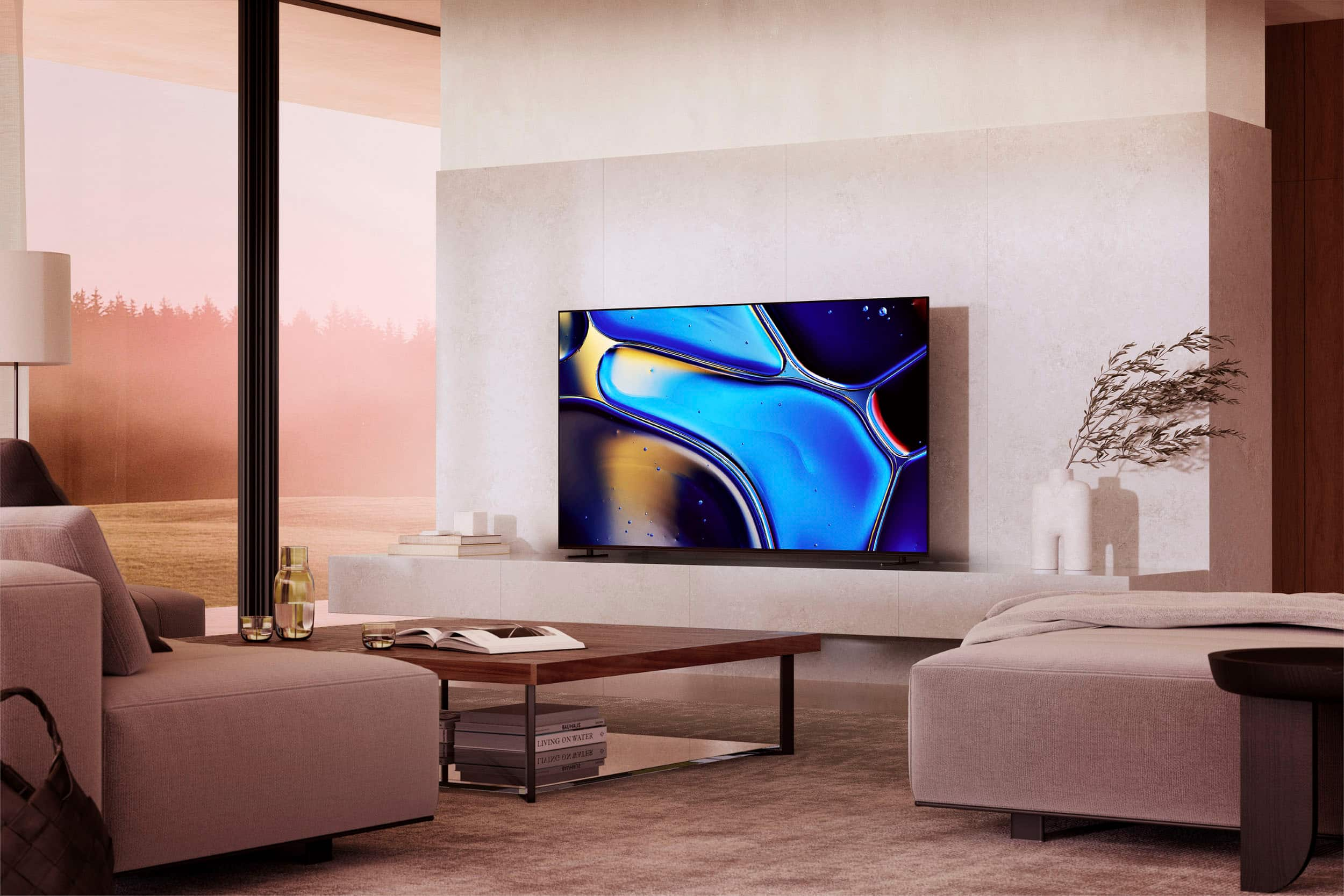
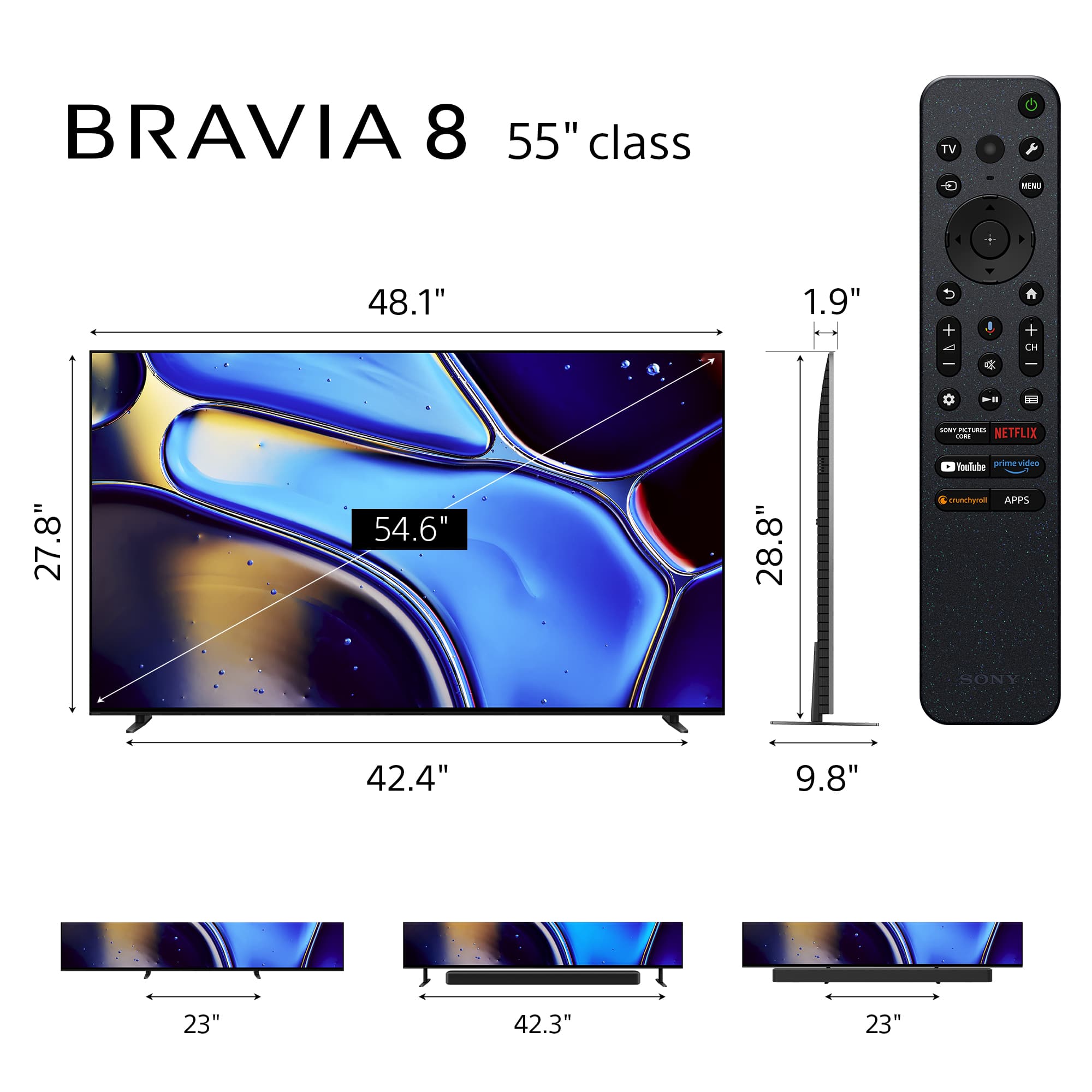
    • Answer Hi Shadi, Thank you very much for your question! Please refer to the following dimensions of the K-55XR80: • Dimension of TV without Stand (W x H x D) - 48.25 x 27.88 x 1.5" (1,223 x 706 x 37 mm) • DIMENSION OF TV WITH STAND (STANDARD POSITION) (W x H x D) - 48.25 x 28.88 x 9.88" (1,223 x 732 x 248 mm) •DIMENSION OF TV WITH STAND (SOUNDBAR POSITION) (W x H x D) - 48.25 x 31 x 9.88" (1,223 x 786 x 248 mm) • DIMENSION OF TV WITH STAND (NARROW POSITION) (W x H x D) - 48.25 x 28.88 x 9.88" (1,223 x 732 x 248 mm) • TV WITH STAND (BACK POSITION STYLE) (W X H X D) - 48.25 x 31 x 9.88" (1,223 x 786 x 248 mm) I hope this helps! The sleek design and cinematic audio and visuals make BRAVIA 8 the perfect centerpiece for your living space. Our Slim One Slate concept fuses screen and bezel into a single slate, maximizing your experience. Its flush one-piece back accentuates the sleek lines and thin profile of the TV. Pure OLED black and vibrant color brings out vibrant textures and astonishing realism in everything you watch. The screen is the speaker, delivering a totally unique and immersive theater-like sound that keeps you on the edge of your seat. Actuators behind the screen vibrate and turn it into a speaker that delivers clear and immersive sound from the center with the same sound structure as the cinema. The newly equipped tweeter brings out the surround feel to provide a cinema-like experience. Best regards, Romeo

      Answered by SonyListens

  • QuestionWhat is the speaker wattage output?

    Asked by Sonyguy.

    • Answer Hi Sonyguy, Thank you for your question. The K55XR80 has an audio power output of 10W + 10W + 10W + 10W + 10W. Additional information: Speaker Configuration - Actuator x 2, Tweeter x 2, Subwoofer x 1 Speaker Position - Front + Side Speaker type - Acoustic Surface Audio+ I hope this helps. The sleek design and cinematic audio and visuals make BRAVIA 8 the perfect centerpiece for your living space. Our Slim One Slate concept fuses screen and bezel into a single slate, maximizing your experience. Its flush one-piece back accentuates the sleek lines and thin profile of the TV. Pure OLED black and vibrant color brings out vibrant textures and astonishing realism in everything you watch. The screen is the speaker, delivering a totally unique and immersive theater-like sound that keeps you on the edge of your seat. Actuators behind the screen vibrate and turn it into a speaker that delivers clear and immersive sound from the center with the same sound structure as the cinema. The newly equipped tweeter brings out the surround feel to provide a cinema-like experience. Best regards, Romeo
      Answered by SonyListens

  • QuestionHas the software on this tv been updated or is it still the original software?

    Asked by Meme.

    • Answer Thank you for contacting Sony, Meme. The Sony Bravia 8 has received multiple software updates since its launch to enhance performance and stability. Most units currently run version v112.634.040.1, which addresses previous issues. You can verify your specific version by navigating through the Help or System > About menus using your remote. If your television is connected to the internet, it typically downloads these improvements automatically to ensure you have the latest security patches and the best possible picture quality. We appreciate your interest in Sony products. Should you require any further assistance, please don't hesitate to reach out for support here: https://us.esupport.sony.com/support/s/support-contact?language=en_US&category=tv Best regards, Gus, Sony North America Customer Support

      Answered by SonyListens

  • Questionis a sound bar required for this item or are the speakers adequate

    Asked by Anonymous.

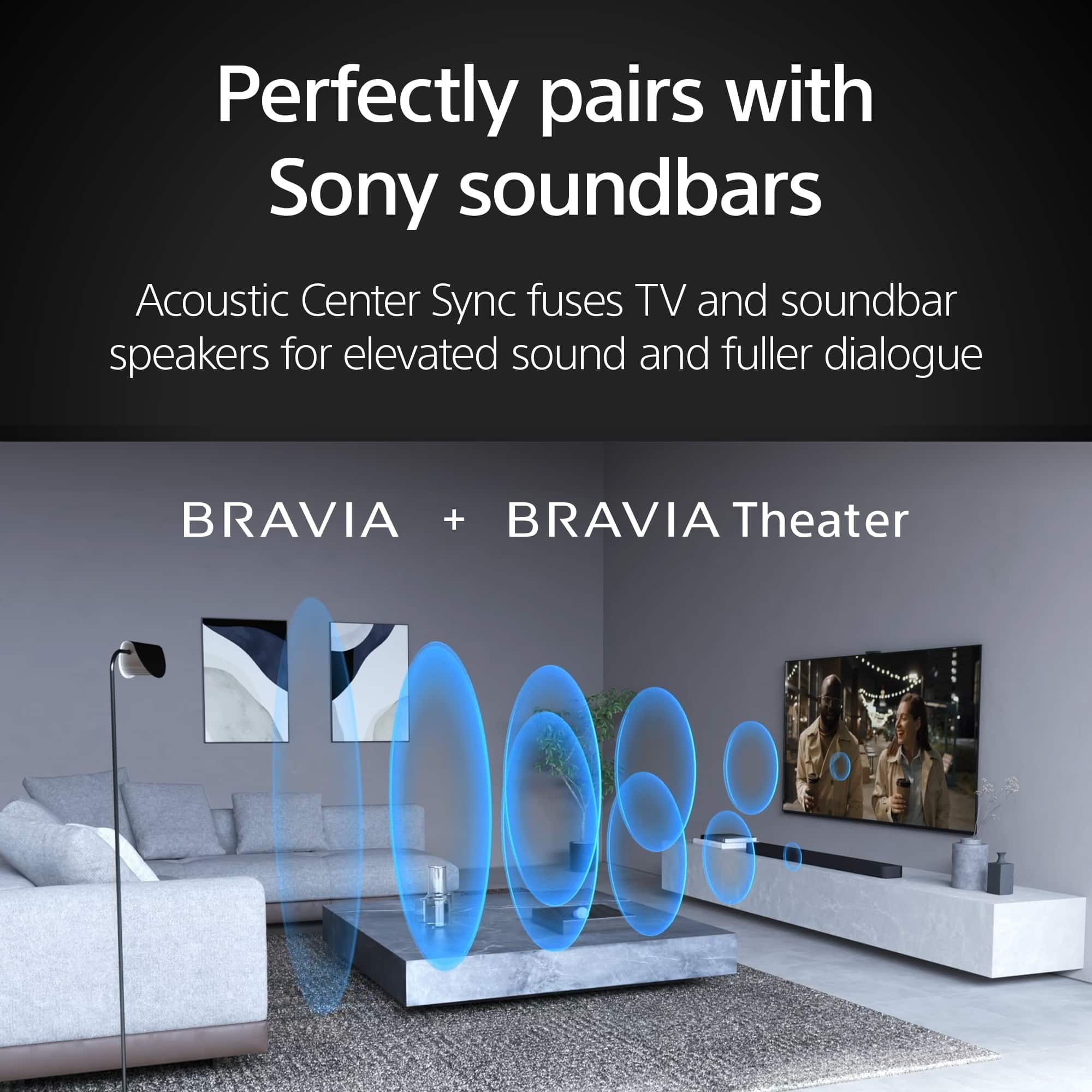
    • Answer Hi there, The Sony BRAVIA 8 features our advanced Acoustic Surface Audio+ technology, which uses actuators to turn the entire OLED panel into a high-quality speaker. This 50W system delivers clear dialogue and immersive sound that originates directly from the action on screen, making it more than adequate for everyday viewing without an external speaker. However, if you are looking for deep, cinematic bass or a true 360-degree surround sound experience, you may still want to consider adding a dedicated Sony soundbar. Thanks for choosing Sony. Best regards, Eliab

      Answered by SonyListens

  • QuestionIs the remote control backlit?

    Asked by beerguy.

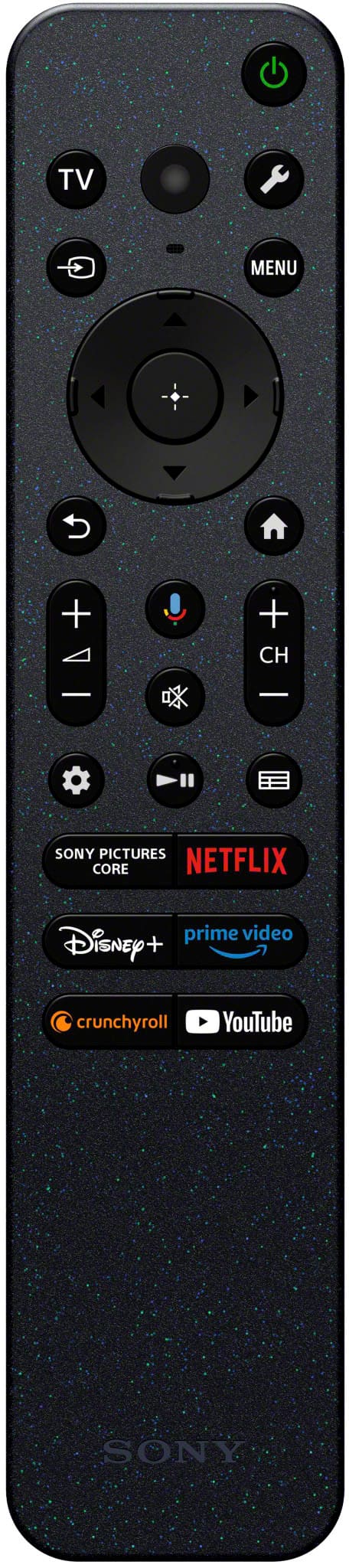
    • Answer Hi Beerguy, Thank you for your question! The remote control included with the Sony BRAVIA 8 is not backlit. However, we understand that a backlit remote can be very convenient, especially in low-light environments. You do have the option to purchase a separate, compatible backlit remote control through our authorized accessories partner, Encompass: Backlit Remote Option: https://sony.encompass.com/item/13369710/Sony/1-016-949-21/ We hope this alternative solution helps enhance your viewing experience, and thanks for considering Sony! Regards, Dominick

      Answered by SonyListens

  • QuestionIs it protected from power surges?

    Asked by Anonymous.

    • Answer Thank you for contacting Sony. While Sony televisions include built-in circuitry to help manage standard electrical fluctuations, our limited manufacturer warranty does not cover damage caused by power surges. We highly recommend checking with your retailer about extended protection plans that specifically include surge coverage for extra peace of mind. Additionally, using a high-quality surge protector is always a great way to help safeguard your new BRAVIA 8. We appreciate your interest in Sony products. Should you require any further assistance, please don't hesitate to reach out for support here: https://us.esupport.sony.com/support/s/support-contact?language=en_US&category=tv Best regards, Gus, Sony North America Customer Support

      Answered by SonyListens

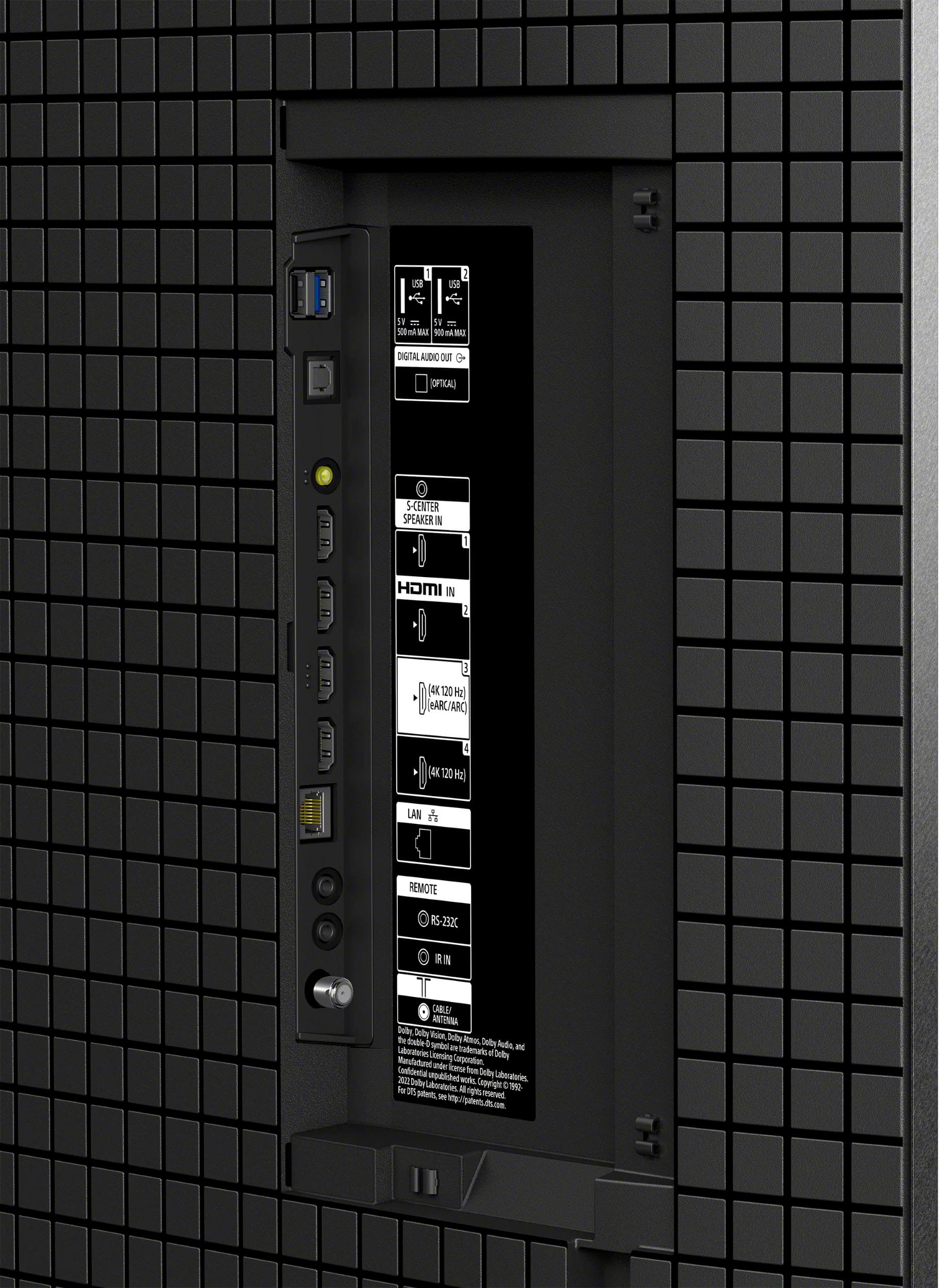
  • Questiondoes this support sonos?

    Asked by Anonymous.

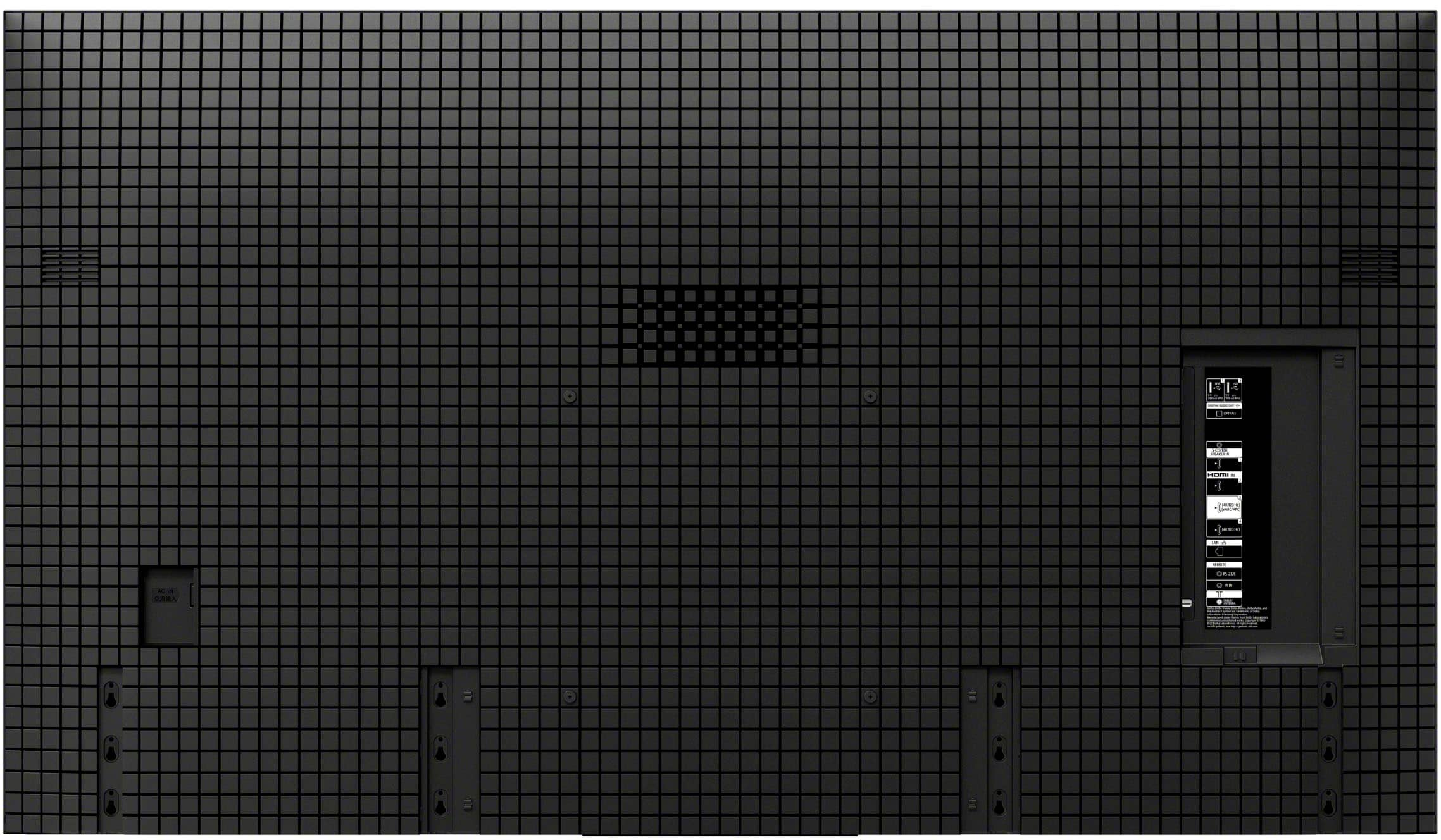
    • Answer Hi there! Thank you for your question! Yes, the Sony BRAVIA 8 is fully compatible with Sonos devices and offers several ways to connect depending on your specific model. You can use the HDMI eARC/ARC port for the highest quality audio and seamless remote control integration with Sonos soundbars, or utilize the digital optical output for older Sonos systems; additionally, the TV features built-in Bluetooth for wirelessly pairing compatible portable Sonos speakers and headphones. Thank you for considering Sony products! Regards, Dominick

      Answered by SonyListens

  • QuestionVideo camera camera RCA inputs are missing 😢

    Asked by MichaelB.

  • QuestionDo I need a hdmi 2.1 cable just to watch TV and Netflix from my phone? I would be Mirror screening. Would it be beneficial to run a hdmi 2.1 cable from my phone to the TV? I use Hotspot on my phone. No internet in my house except my phone.

    Asked by Drew.

    • Answer Hi Drew, For your specific scenario—watching TV and Netflix content mirrored from your phone using your phone's hotspot—an HDMI 2.1 cable is not required. HDMI 2.1 is primarily beneficial for high-end gaming consoles or PCs to achieve resolutions like $4K$ at $120$ frames per second, which is far beyond what standard TV streaming and screen mirroring from a phone provides. A high-quality HDMI 2.0 cable (used with a compatible USB-C or Lightning adapter, as most phones don't have a direct HDMI port) is more than sufficient to deliver the highest $4K$ resolution and picture quality that streaming services like Netflix offer today. The limiting factor in quality will be the resolution of your phone and the speed of your phone's hotspot connection, not the cable standard. Thanks for choosing Sony. Best regards, Eliab

      Answered by SonyListens

  • QuestionIS THIS TV NTSC OR ATSC?

    Asked by RAJAN.

    • Answer Thank you for contacting Sony, RAJAN. The K-55XR80 television is equipped with a digital tuner that supports the ATSC/ ATSC3.0 (NEXTGEN TV / Available only when region/country is set to U.S.A.) * Only for the United States/Canada/Mexico models. We appreciate your interest in Sony products. Should you require any further assistance, please don't hesitate to reach out for support here: https://us.esupport.sony.com/support/s/support-contact?language=en_US&category=tv Best regards, Gus, Sony North America Customer Support

      Answered by SonyListens

  • QuestionDoes the Sony - 55" Class BRAVIA XR80 have built-in SLEEP TIMER?

    Asked by Anonymous.

    • Answer Hello there! Thank you for reaching out with your question. We can certainly help you with that! Yes, the Sony K-55XR80 does have a built-in sleep timer. You can easily find it by pressing the Quick Settings button on your remote, and the sleep timer option will show up right on your TV screen. You can learn more about this television on our site: https://helpguide.sony.net/tv/musltn1/v1/en-003/index.html We truly value you choosing to look at Sony products! Warm regards, Estefany

      Answered by SonyListens

  • Questioncan i get app[e music app ?

    Asked by Rock.

    • Answer Thank you for contacting Sony, Rock. While your BRAVIA 8 is a Google TV and supports a wide range of streaming services, the Apple Music app is not available for direct download on the Google TV platform. However, the good news is that your BRAVIA 8 is AirPlay 2 compatible, which offers a seamless, high-quality solution. This means you can effortlessly stream all your Apple Music, podcasts, and video content directly from your iPhone, iPad, or Mac to your TV's superior speakers and sound system. It's a fantastic, reliable way to enjoy your playlists without needing the native app. We appreciate your interest in Sony products. Should you require any further assistance, please don't hesitate to reach out for support here: https://us.esupport.sony.com/support/s/support-contact?language=en_US&category=tv Best regards, Gus, Sony North America Customer Support

      Answered by SonyListens

  • QuestionWhen the TV feels like it, the screen freezes, then after a short time it reboots. I understand this is a frequently reported issue. How can this be fixed? And when does my warranty expire? Roy

    Asked by rls5000.

    • Answer Hi Rls5000, Thanks for sharing your experience with us. We understand how concerning it must be when your TV screen freezes and reboots on its own. This is definitely not the experience we want you to have, and we'd like to walk you through some steps that can help resolve this. Here's what we recommend trying: 1. Go to Settings > Channels and Inputs > External Inputs > Bravia Sync Settings, and set the Bravia Sync Control to OFF. 2. Go to Settings > System > Samba Interactive TV, and turn Samba Interactive TV OFF. 3. Go to Settings > Network and Internet > Home Network > IP Control > Simple IP Control, and turn Simple IP Control ON. 4. Make sure your software is up to date by selecting Settings > System > About > System Software Update > Update your TV Software These steps should help prevent the issue from reoccurring. If the problem continues, or if you'd like to know details about your warranty and its expiration date, we suggest reaching out to our technical support team directly for personalized assistance. You can contact them here: https://us.esupport.sony.com/support/s/support-contact?language=en_US&category=tv Thank you for considering Sony products! Regards, Dominick

      Answered by SonyListens

  • QuestionDoes it have an eArc HDMI

    Asked by Nice.

    • Answer Yes

      Answered by HDLynn

  • QuestionDoes this TV support pip display

    Asked by Larry.

    • Answer NO, this is what is on Sony’s support website. The TV features and capabilities vary by model. This information is provided to help determine if your TV has Picture-in-Picture (PIP), Picture & Picture (P&P), or Twin Picture capability: For Google TV™ models released in 2024 or later, and A95L series These features aren't included with these TV models. However, similar functionality may be available through a third-party service or channel for sports, videos, etc. Check with your cable or satellite TV provider for options.

      Answered by SonyBravia8

  • QuestionWill the Sony Bravia 8, 55 inch OLED TV fit on the Montek Ultra slim wall bracket

    Asked by Anonymous.

    • Answer Hi there, That's a great question! To ensure the perfect fit, please compare the Montek wall bracket's specifications with the official details of our TV. The 55" BRAVIA 8 OLED TV has a VESA mounting pattern of 300 x 300 mm and a weight of 38.8 lbs (17.6 kg). Thanks for choosing Sony. Best regards, Eliab

      Answered by SonyListens

  • QuestionCan I make a deposit on a purchase?

    Asked by DAVEK.

  • QuestionDoes the provided stand give enough clearance for a sound bar so it’s not blocking the sensor for the remote?

    Asked by Ready.

    • Answer Now

      Answered by HDLynn

  • QuestionDoes this TV support DTS passthrough for blurays, etc?

    Asked by Nick.

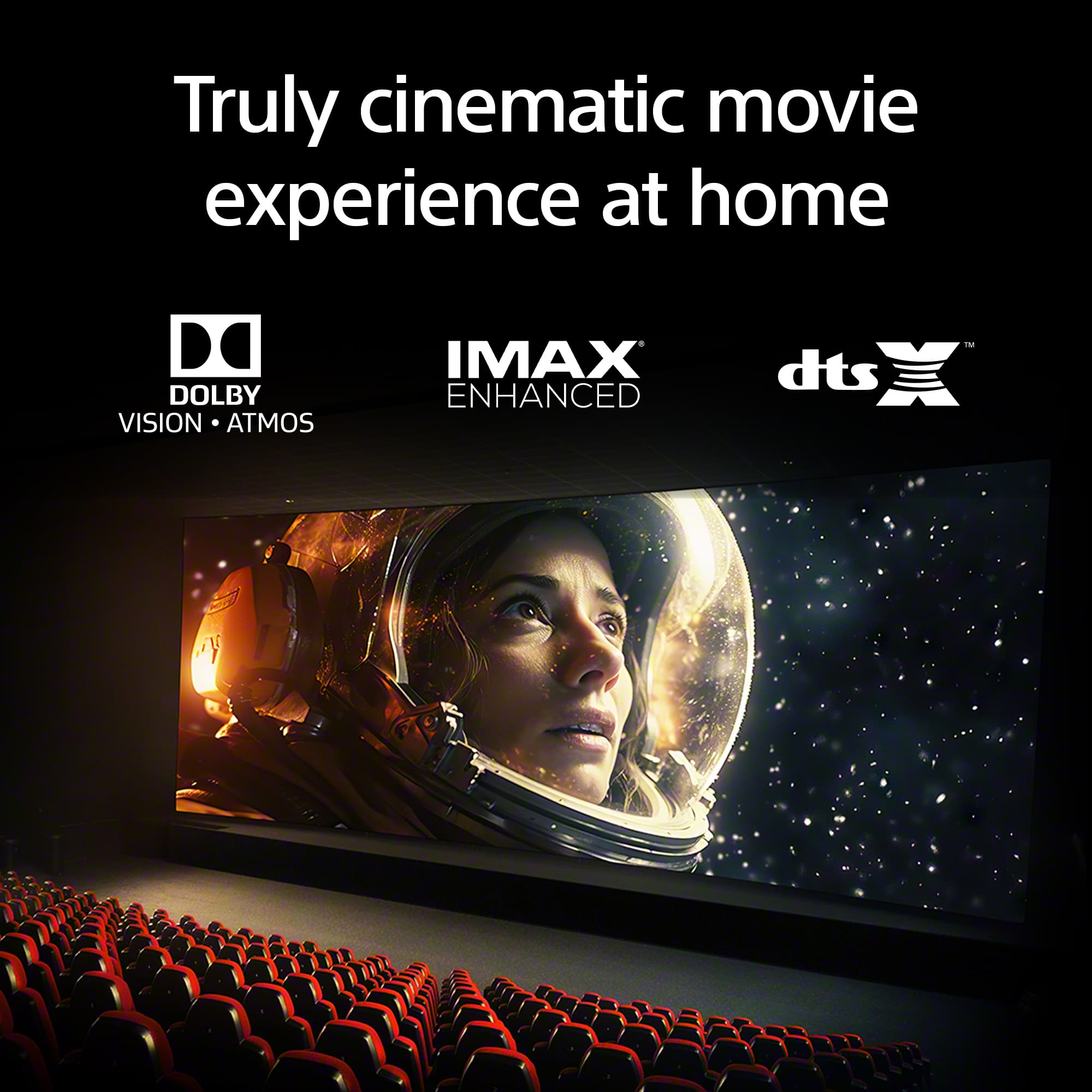
    • Answer Hi Nick, Yes, the BRAVIA 8 OLED TV does support DTS passthrough. This allows you to send the DTS audio signal from a source like a Blu-ray player directly to a compatible soundbar or AV receiver through the TV's eARC port, so you can enjoy the full, high-quality audio experience. Thanks for choosing Sony. Best regards, Eliab

      Answered by SonyListens

  • Questiondoes this tv come with a remote, also what are the reasons for it being in fair condition

    Asked by larry.

    • Answer Hi Larry! Thank you for your interest in our BRAVIA 8! Regarding your question, yes, the K-55XR80 does come with a remote control. For detailed information about what's included in the package, please visit the following link: https://www.sony.com/electronics/support/televisions-projectors-oled-tvs-android-/k-55xr80/specifications Thanks for considering Sony products! Best regards, Estefany

      Answered by SonyListens