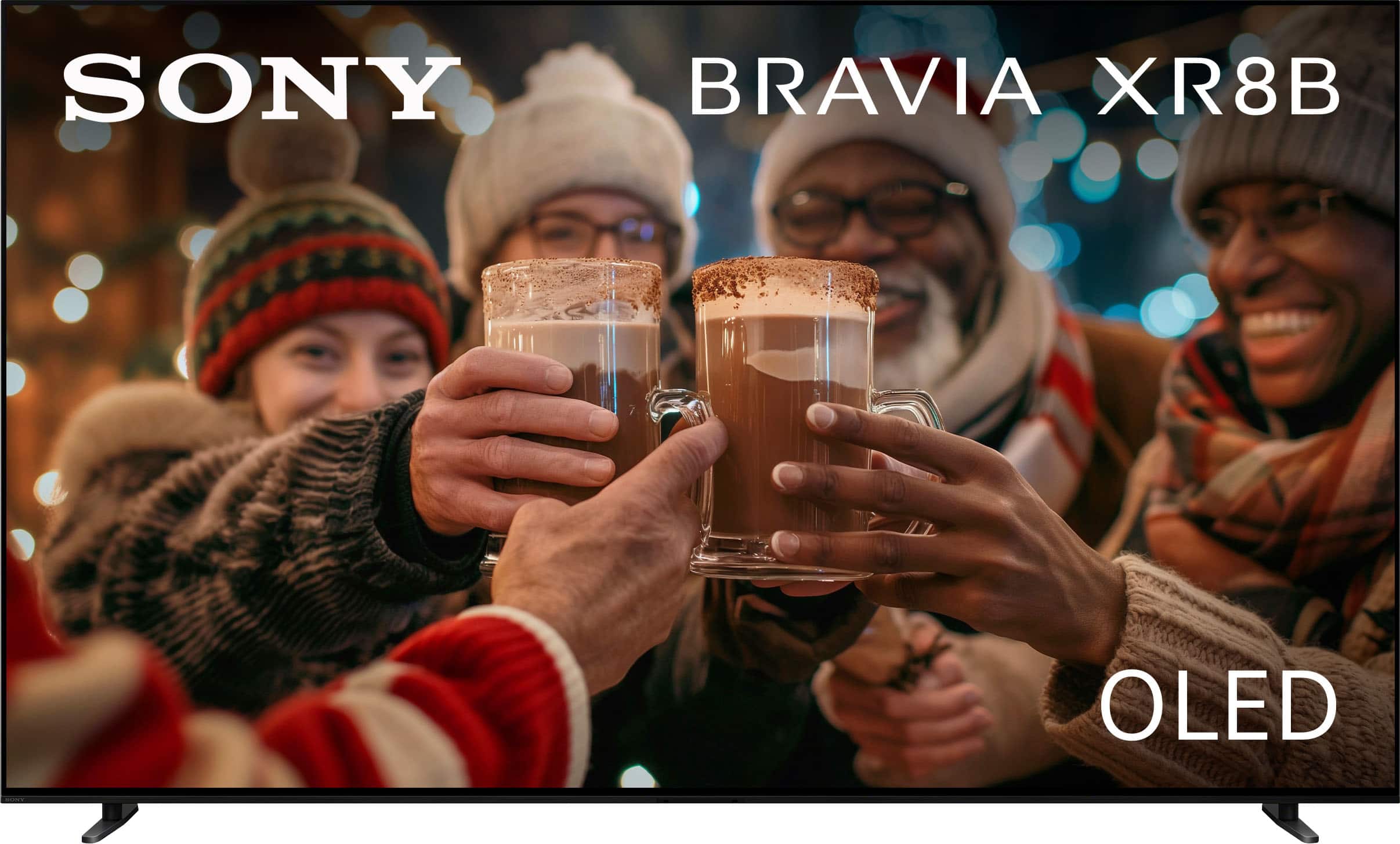




Questions & Answers
- Model:
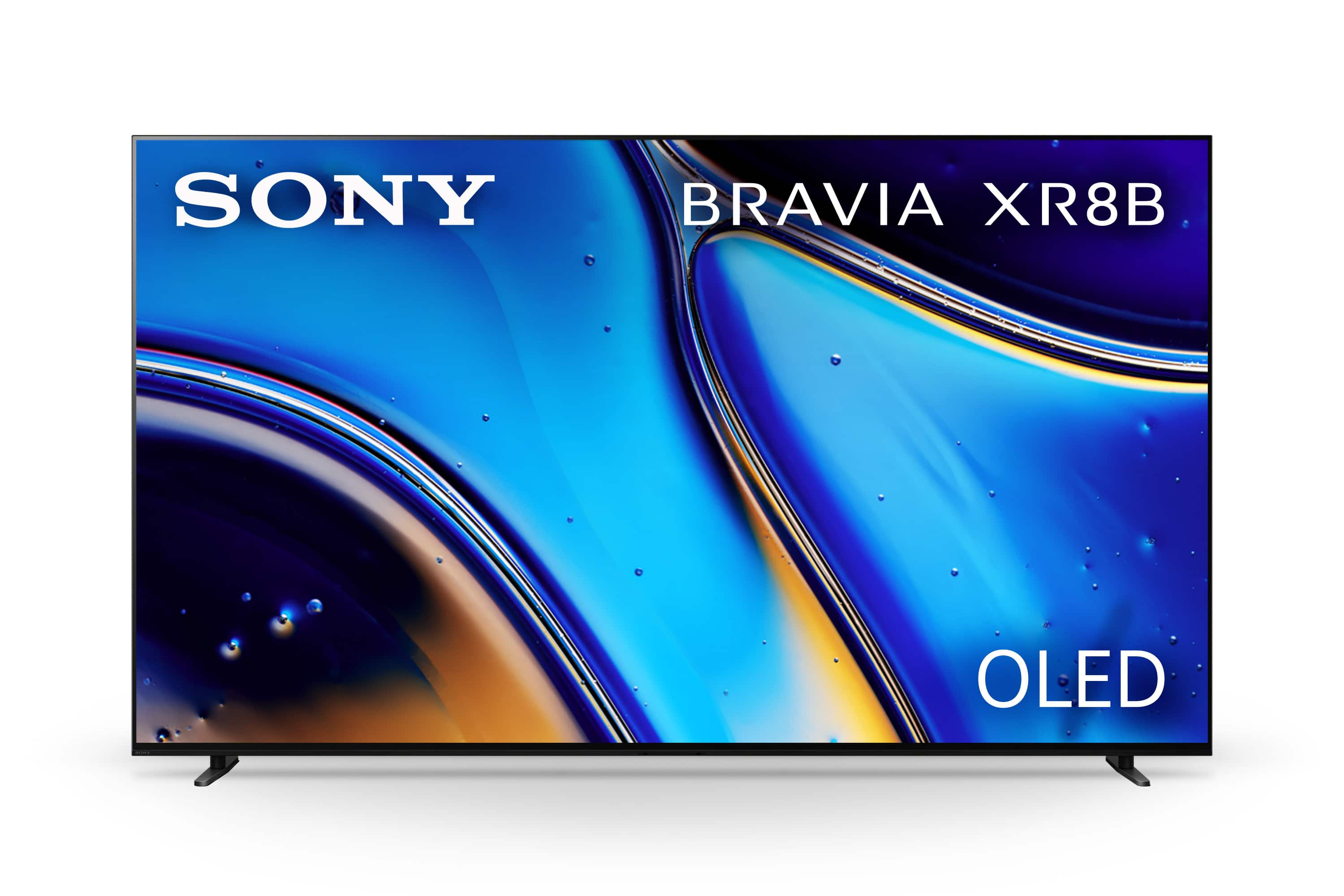
- K55XR8B
- |
- SKU:
- 6642162
Highly rated by customers for: Picture Quality, OLED Quality, Size
$999.99Your price for this item is $999.99
Comp. Value: $1,499.99
The comparable value price is $1,499.99
Page Showing 1-20 of 37 questions
Q: QuestionDoes this TV have a digital tuner?
- A:Answer Yes, this TV has a digital TV tuner.
This question and answer was generated by AI based on customer and product data.Q: QuestionDoes this TV support high dynamic range?
- A:Answer Yes, this TV supports high dynamic range (HDR).
This question and answer was generated by AI based on customer and product data.Q: QuestionWhat is the refresh rate of this TV?
- A:Answer The refresh rate of this TV is 120Hz.
This question and answer was generated by AI based on customer and product data.Q: QuestionIs the screen mirroring available on this TV?
- A:Answer Yes, screen mirroring is available on this TV.
This question and answer was generated by AI based on customer and product data.Q: QuestionDoes this TV have built-in speakers?
- A:Answer Yes, this TV has built-in speakers.
This question and answer was generated by AI based on customer and product data.Q: QuestionCan I stream content from my mobile to the TV?
- A:Answer Yes, you can share content from mobile to this TV.
This question and answer was generated by AI based on customer and product data.Q: QuestionAre there any USB ports on this TV?
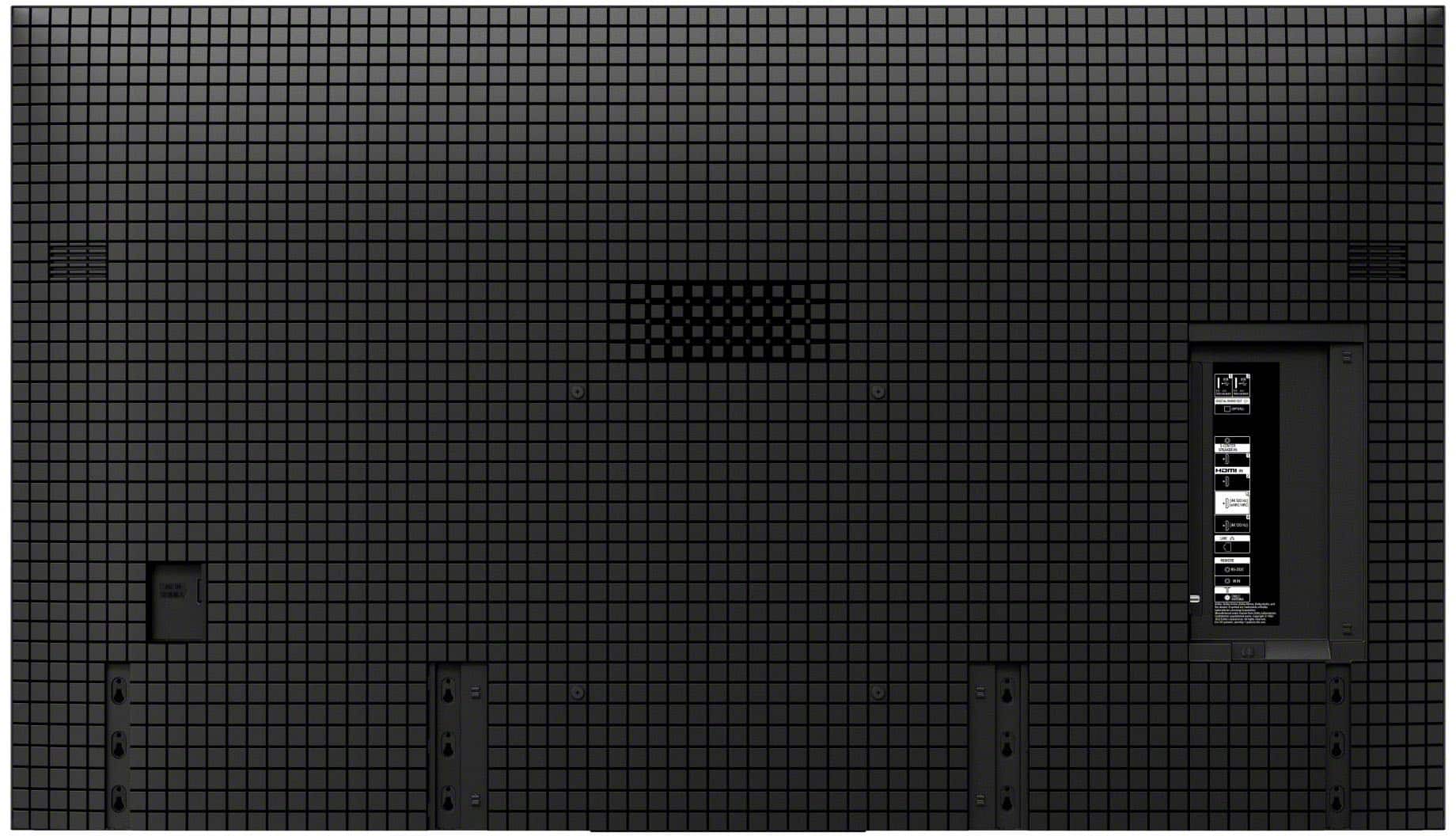
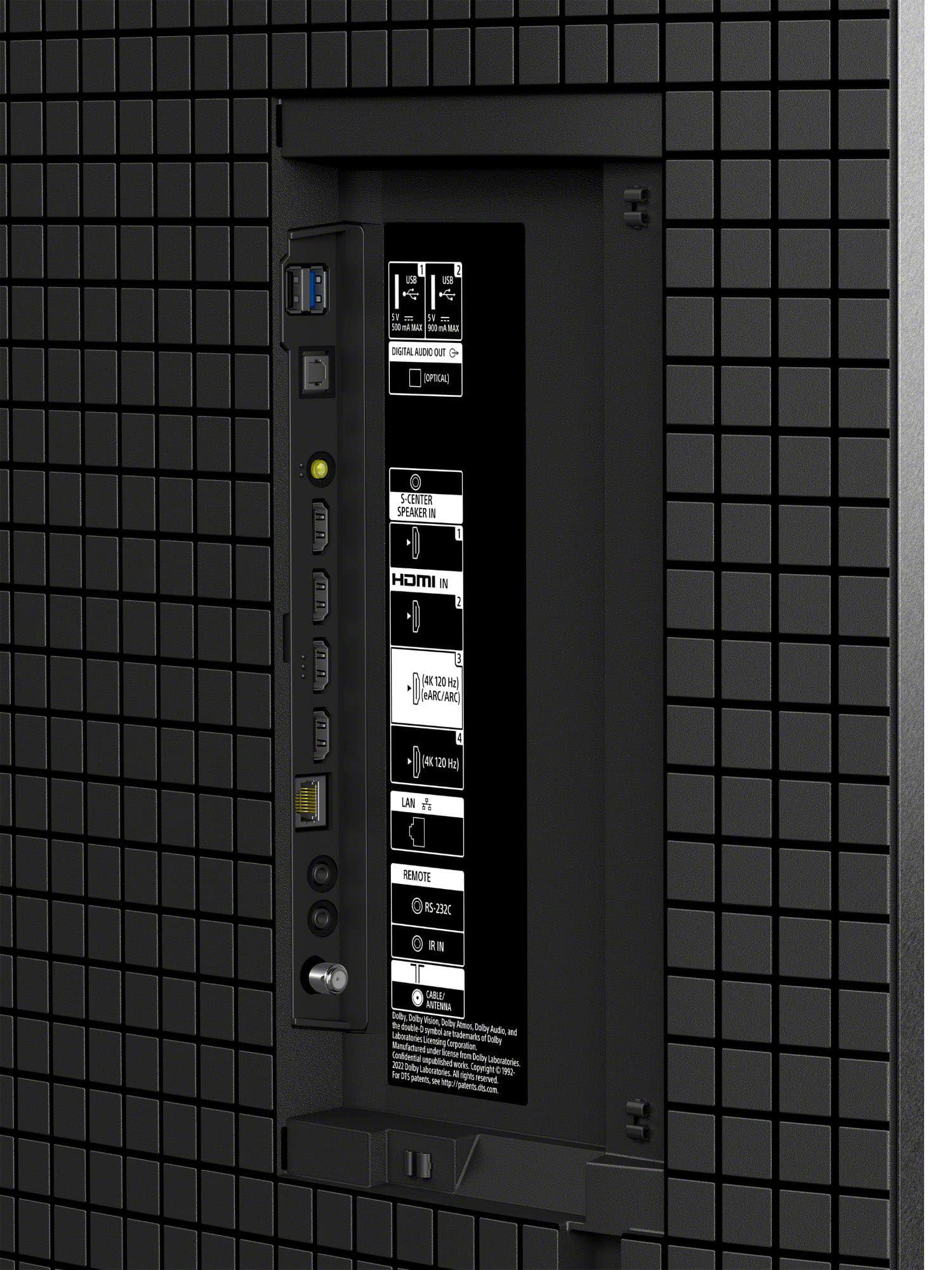
- A:Answer Yes, there is one USB port on this TV.
This question and answer was generated by AI based on customer and product data.Q: QuestionHow do I get Best picture on smoothnes or no blur on fast action scenes
Asked by Tito.
- A:Answer Hi Tito, To get the best picture for fast action on your BRAVIA 8, go to Settings > Display & Sound > Picture > Motion. Set Motionflow to Custom and increase the Smoothness slider to your preference; for sports, a higher setting reduces blur, while for movies, a lower setting (1 or 2) maintains a cinematic feel without the "soap opera effect." Additionally, ensure CineMotion is set to Auto to help the TV correctly process different frame rates and eliminate judder. Thanks for choosing Sony. Best regards, Eliab
Answered by SonyListens
Q: QuestionDoes Sony 55" BRAVIA XR8B OLED has a rotating base, instead of a fixed base?
Asked by SbHixson.
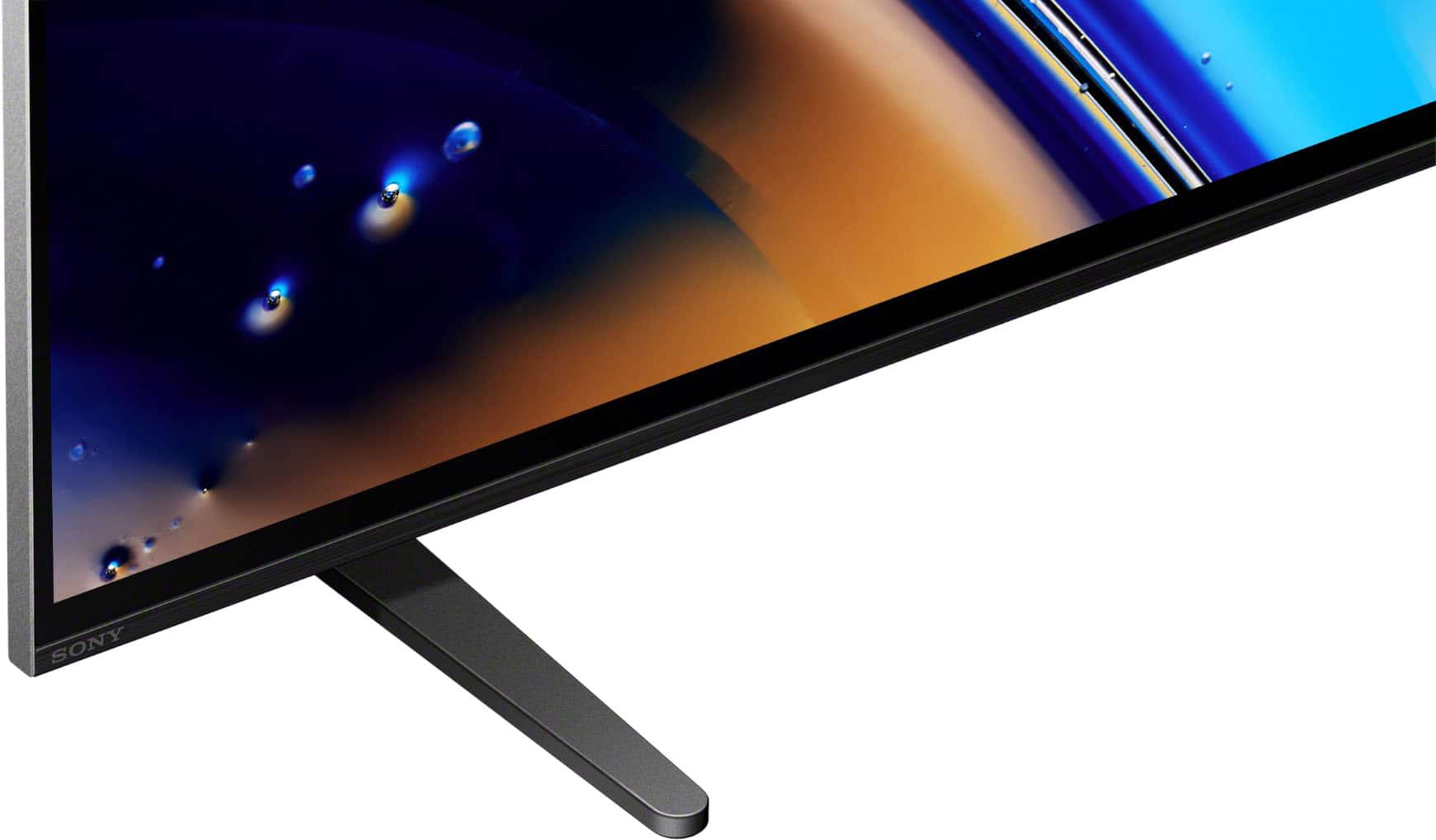
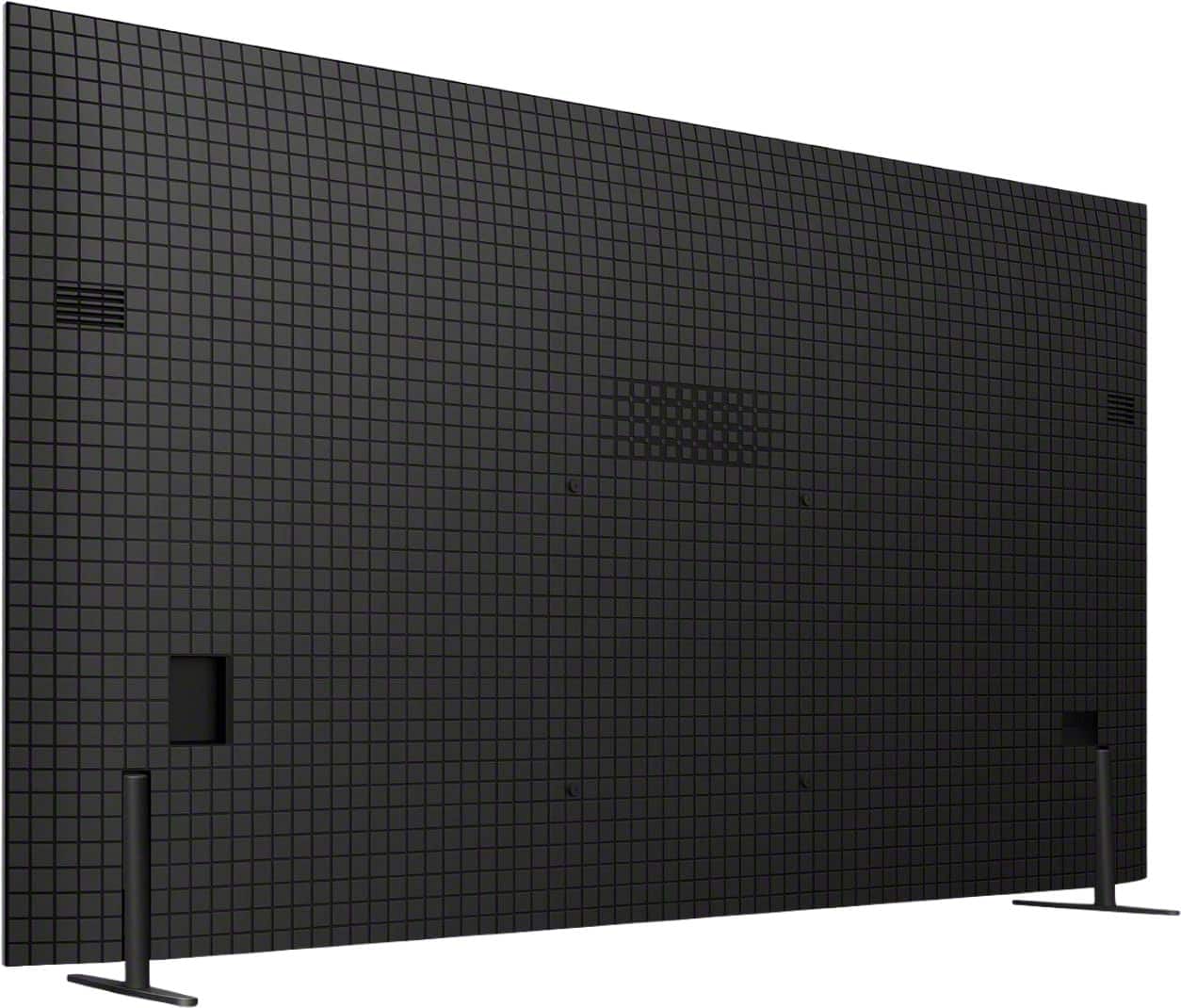
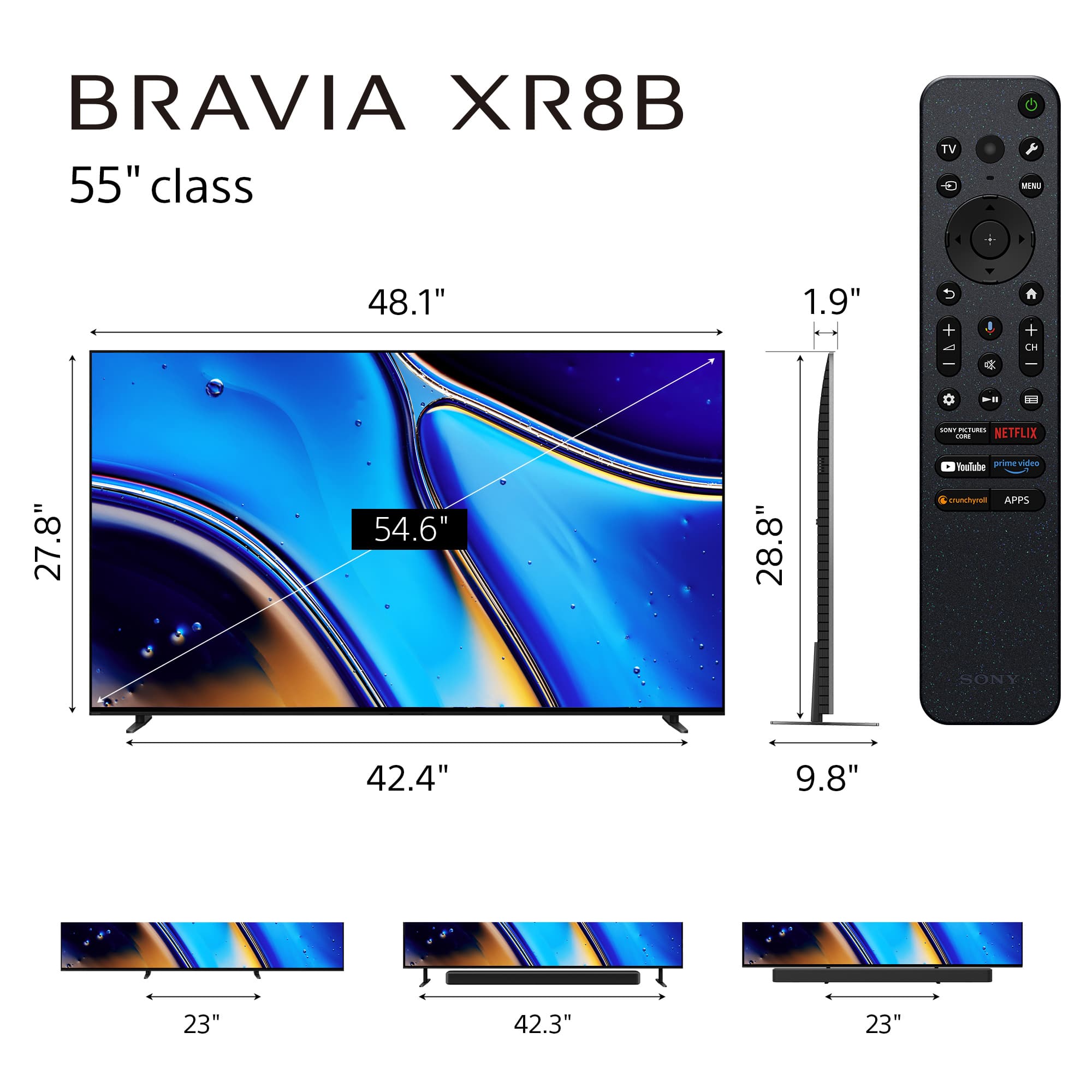
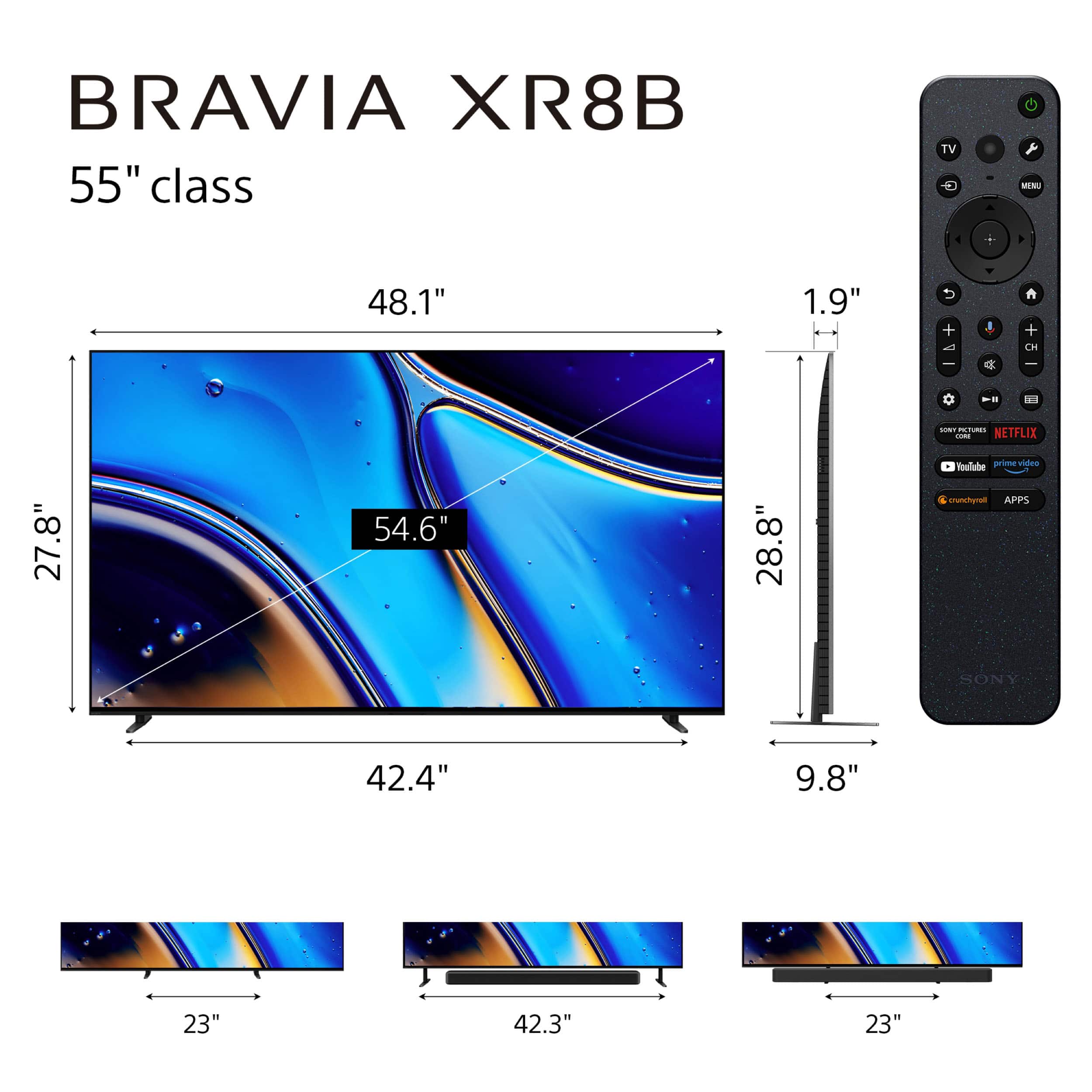
- A:Answer Hi SbHixson, Thank you for your question! No. The Sony BRAVIA XR8B (model K55XR8B) features a 4-way "Underlay" stand, but it does not swivel or rotate. Instead of rotation, Sony focused on "Multi-way" flexibility for height and width: Outside position: Legs at the very ends of the TV. Inside position: Legs moved toward the center (for narrow furniture). Soundbar position (Outside): Raises the TV to fit a soundbar underneath. Soundbar position (Inside): Raises the TV with legs toward the center. If a rotating view is a priority for your setup, many customers choose to pair this TV with a universal swivel tabletop stand or a full-motion wall mount, both of which would allow you to adjust the viewing angle as needed. We hope you find this information helpful! Thanks for considering Sony. Regards, Dominick
Answered by SonyListens
Q: Questionis the remote wheel or button
Asked by remote.
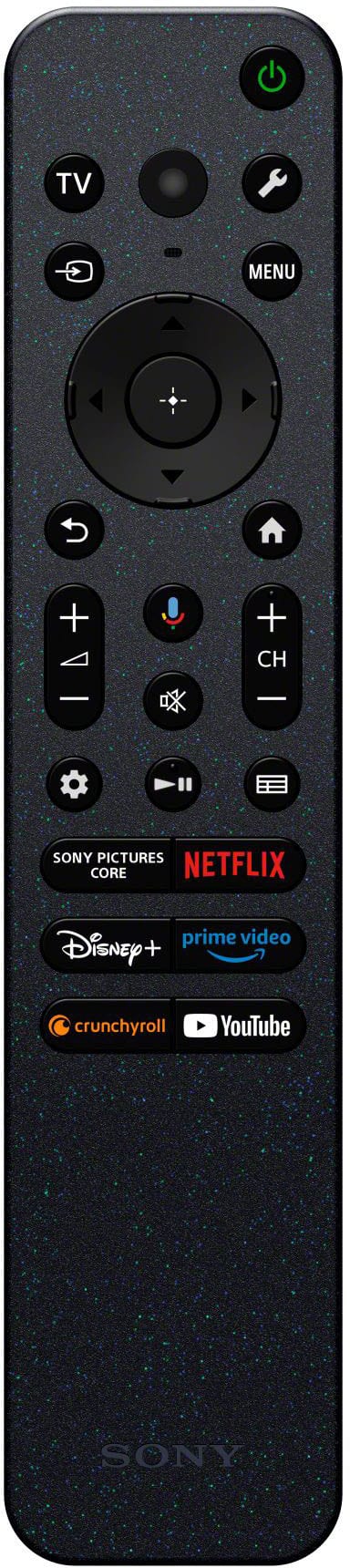
- A:Answer Hi remote, The Sony BRAVIA XR8B (Bravia 8) features a premium button-based remote rather than a scroll wheel. It uses a circular 4-way directional pad for navigation, is motion-sensitive with a backlight for dark rooms, and includes a built-in buzzer that can be triggered from the TV if the remote is misplaced. Thanks for choosing Sony. Best regards, Eliab
Answered by SonyListens
Q: QuestionCan this TV allow me to play DVD's?
Asked by AL.
- A:Answer Hi AL, Yes, you can certainly play DVDs on the Bravia 8. To do so, you will need to connect an external DVD or Blu-ray player to the TV using an HDMI cable. Our XR Processor will automatically upscale the DVD signal to ensure the best possible picture quality on your 4K OLED screen. Thanks for choosing Sony. Best regards, Eliab
Answered by SonyListens
Q: QuestionDoes this have a built in subwoofer like the previous models?
Asked by Rob.
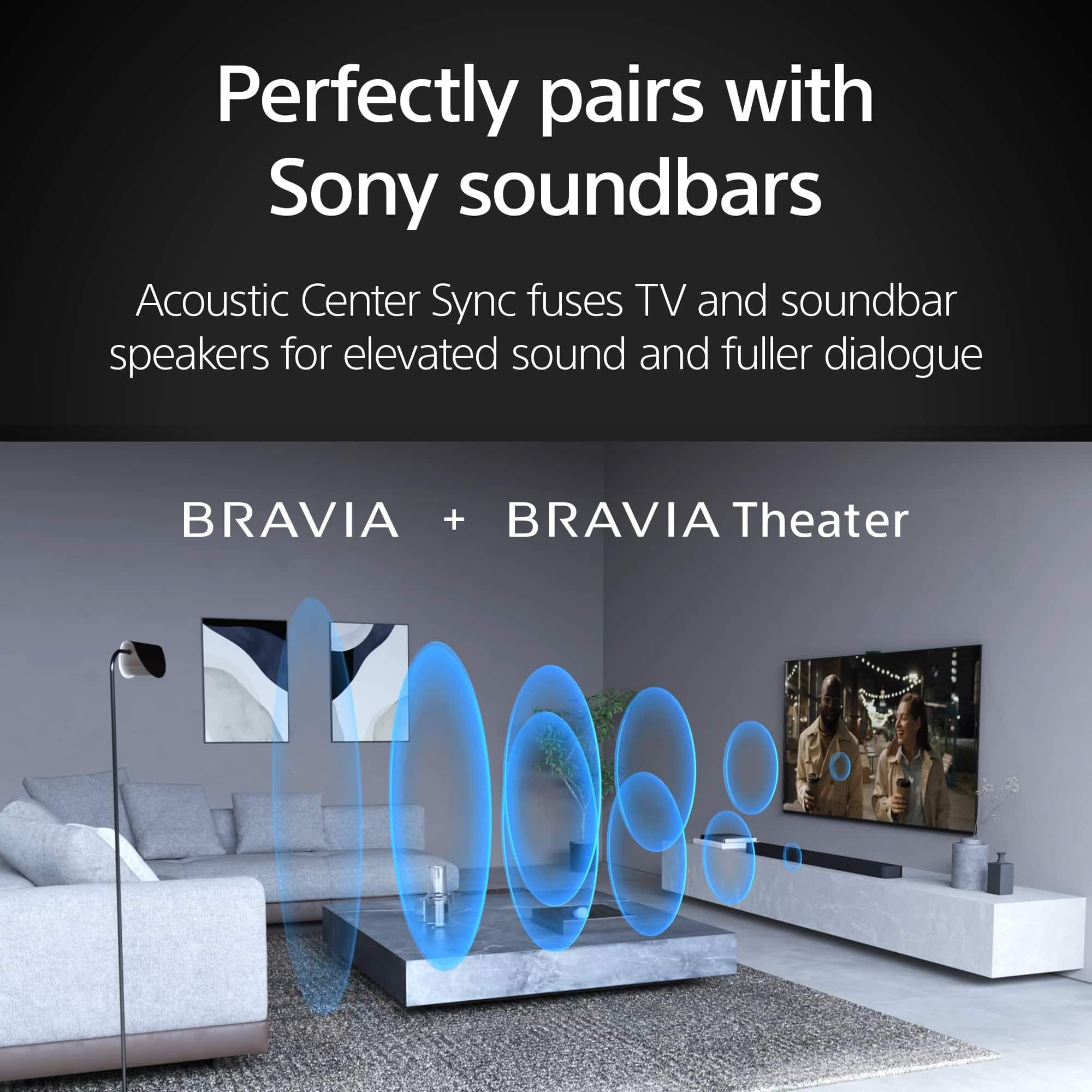
- A:Answer Hello Rob, Thank you for considering Sony! We appreciate your inquiry and are happy to assist. The Sony K-55XR8B TV is equipped with a built-in subwoofer that enhances its audio performance. It features a speaker configuration with two actuators, two tweeters, and one subwoofer, delivering rich, deep sound without the need for external speakers. Combined with Acoustic Surface Audio+ technology and the Sound Positioning Tweeter, this setup provides immersive and precise audio for an exceptional viewing experience. For more details about this TV, please visit: https://www.sony.com/electronics/support/televisions-projectors-oled-tvs-android-/k-55xr8b/specifications Best regards, -Fred
Answered by SonyListens
Q: QuestionDoes the Bravia XR8B have adjustable legs to accommodate smaller stand width? A stand 40 inches wide?
Asked by Amont.
- A:Answer Hi Amont, Thank you for your question regarding the BRAVIA K-55XR8B. We're happy to confirm that this model does feature an adjustable stand! This means you can adjust the legs to a narrow setting to accommodate smaller stand widths. For your 40-inch wide stand, you would use the Narrow Position setting. Here are the dimensions for the 55-inch model: Narrow Position Stand Width (Inside): 23" (584 mm) Wide Position Stand Width (Outside): 42.38" (1,075 mm) Since the narrow position is only 23 inches wide, your 40-inch stand will work perfectly. We hope this answers your question. Thanks for considering Sony! Regards, Dominick
Answered by SonyListens
Q: QuestionDoes this TV have VRR support?
Asked by Bonkgi.
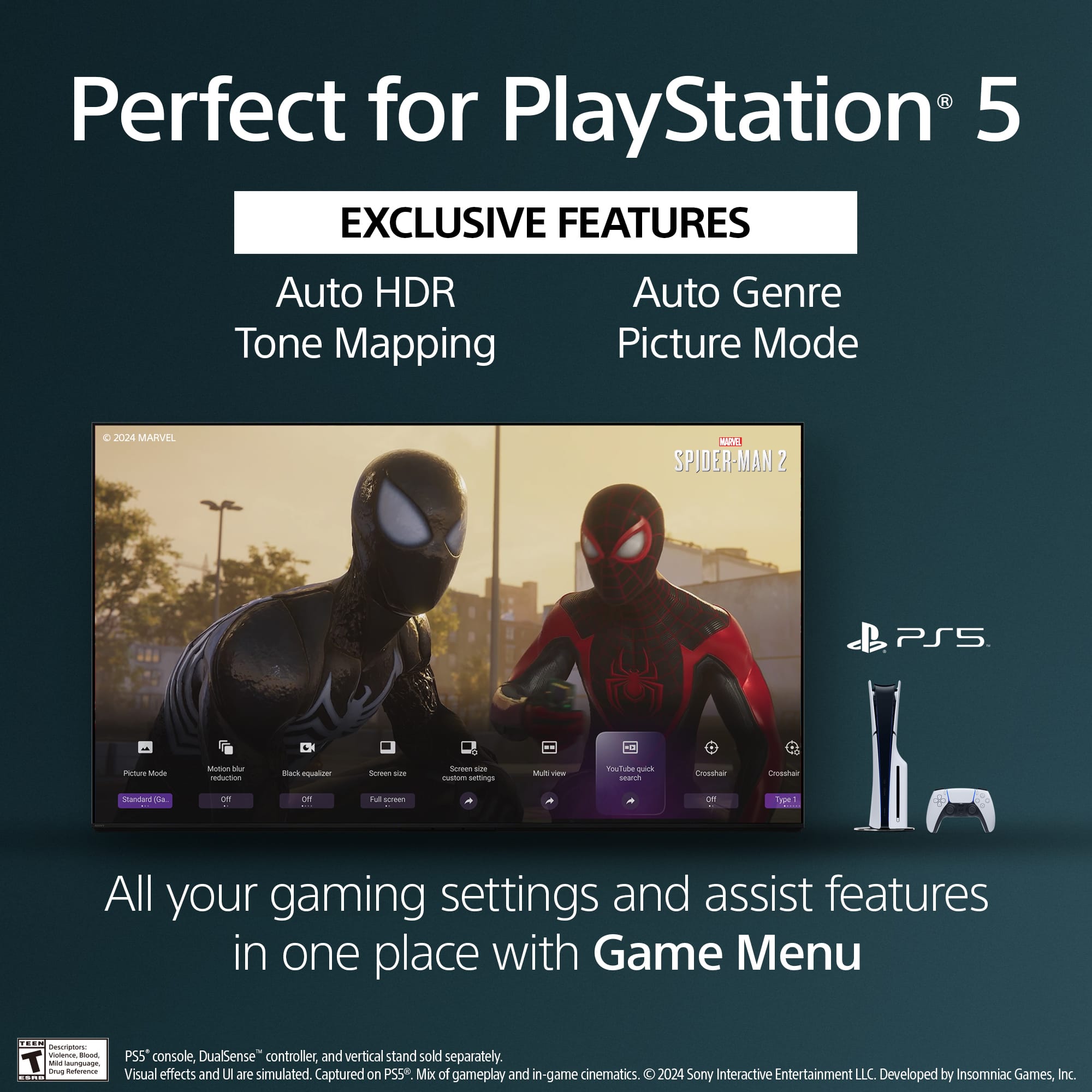
- A:Answer Hi Bonkgi, Yes, the BRAVIA XR8B OLED TV supports Variable Refresh Rate (VRR) via its HDMI 2.1 ports, allowing for smoother, tear-free gaming when connected to a compatible console or PC. Thanks for choosing Sony. Best regards, Eliab
Answered by SonyListens
Q: QuestionThe picture and brightness keep changing in daylight, but stays consistent after dark which is perfect. How to I get the picture to match the after dark picture? My last 2 Sony TV’s didn’t do this. Thanks
Asked by NancyJ.
- A:Answer Hi NancyJ, Thank you for your question regarding the Sony BRAVIA XR8B! The changing picture and brightness you’re experiencing during daylight is due to the [Ambient Optimization Pro] feature. This feature uses a built-in light sensor to automatically adjust the screen brightness based on the surrounding lighting conditions, which is why the picture remains consistent after dark. If you prefer to have the picture to stay consistent regardless of ambient light, you can easily disable this feature by following these steps: 1. Go to [Settings] 2. Select [Display & Sound] 3. Choose [Ambient Optimization Pro] 4. Toggle off the [Auto adjust according to ambient light] option This will prevent the TV from automatically adjusting brightness based on the environment. We hope you find this information helpful, and thanks for being part of the Sony family! Regards, Dominick
Answered by SonyListens
Q: QuestionI don't have cable in this house which TV does Wi-Fi
Asked by Anonymous.
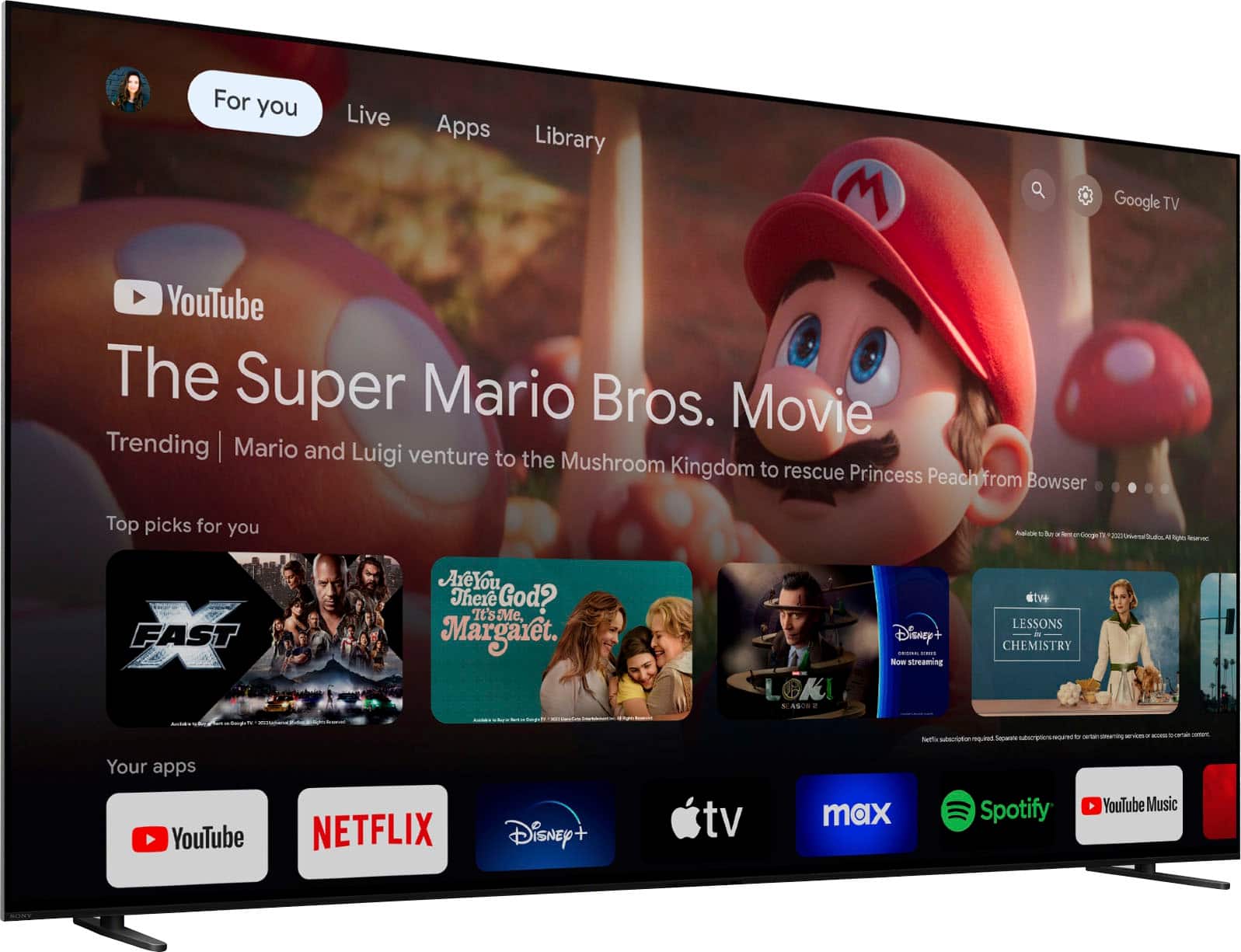
- A:Answer Hi there, Every Sony Smart TV, including the 55" Class BRAVIA XR8B OLED Google TV, comes with built-in Wi-Fi connectivity and a full suite of smart features, meaning you do not need a cable or satellite subscription to watch streaming content. You can connect it to your home's Wi-Fi network right out of the box and immediately start streaming from popular apps like Netflix, Disney+, and YouTube using the integrated Google TV platform. Thanks for choosing Sony. Best regards, Eliab
Answered by SonyListens
Q: QuestionThe picture is too dark for me. Is there a setting to brighten it. The TV is in a bright family room. Thanks
Asked by Nancy.
- A:Answer Hello Nancy, Thank you for considering Sony products. We appreciate you reaching out about the picture brightness issue on your K55XR8B TV. We apologize for any inconvenience this may have caused, especially given your bright family room environment. To improve the picture brightness, please try the following steps: 1. Adjust Picture Mode: Press the Quick Settings button on your remote. Navigate to Picture Mode and select either Standard or Vivid to enhance brightness. 2. Increase Backlight Level: Press the Quick Settings button. Go to Picture Settings > Backlight. Increase the backlight level to brighten the screen. 3. Check for Light Sensor Obstructions: Locate the ambient light sensor near the center bottom of your TV screen. Ensure it’s not blocked by any objects such as a soundbar or TV stand. For more detailed instructions, please visit: https://helpguide.sony.net/tv/musltn1/v1/en-003/contents/TP1001675534.html?search=Backlight We want to ensure this issue is resolved for you quickly. If the problem persists, the best next step is to contact our dedicated support team for advanced troubleshooting. You can find all contact options and resources here: https://us.esupport.sony.com/support/s/support-contact?language=en_US&category=tv Best regards, -Fred
Answered by SonyListens
Q: QuestionWhat’s the difference between this and the Bravia 5
Asked by Rick.
- A:Answer Hi Rick, We appreciate your question. We're happy to clarify that for you! When comparing the K-55XR8B and the BRAVIA 5, you're looking at two great TVs, but the true distinction lies in the core display technology and what each is intended to be the best at. The K-55XR8B is an OLED TV. The key advantage here is that every single pixel is self-illuminating. This means when a pixel is supposed to show black, it turns completely off. This unique capability gives the XR8B perfect black levels and virtually infinite contrast. For cinematic viewing, especially in a dimmer room, the OLED is unmatched because of the incredible detail it maintains in dark shadows. In contrast, the BRAVIA 5 is a Mini LED television. While it still uses our top-tier processing, it's a traditional LCD screen with a radically improved backlight made of thousands of tiny LEDs. The critical difference here is brightness. Because it uses a powerful, dedicated backlight, the BRAVIA 5 can achieve significantly higher peak brightness levels than the OLED. For additional specifications of the XR8B, please visit the following link: https://www.sony.com/electronics/support/televisions-projectors-oled-tvs-android-/k-55xr8b/specifications So, in short: the XR8B is better for contrast and perfect blacks, while the BRAVIA 5 is better for superior brightness. Both are solid choices; your final decision will ultimately depend on the specific features you prioritize and, of course, your budget. Thanks for considering Sony products! Best regards, Estefany
Answered by SonyListens
Page 1, Showing 1-20 of 37 questions
Most-viewed items
- $299.99Your price for this item is $299.99$579.99The comparable value for this item is $579.99
- Clearance$315.99Your price for this item is $315.99
- $189.99Your price for this item is $189.99$349.99The comparable value for this item is $349.99
- $329.99Your price for this item is $329.99$469.99The comparable value for this item is $469.99
- $899.99Your price for this item is $899.99$1,999.99The comparable value for this item is $1,999.99
- $1,399.99Your price for this item is $1,399.99$2,699.99The comparable value for this item is $2,699.99
- $599.99Your price for this item is $599.99$1,299.99The comparable value for this item is $1,299.99
- $1,999.99Your price for this item is $1,999.99$3,699.99The comparable value for this item is $3,699.99
- $449.99Your price for this item is $449.99$649.99The comparable value for this item is $649.99
- $529.99Your price for this item is $529.99$999.99The comparable value for this item is $999.99
- $329.99Your price for this item is $329.99$489.99The comparable value for this item is $489.99
- $1,399.99Your price for this item is $1,399.99$2,499.99The comparable value for this item is $2,499.99
- $329.99Your price for this item is $329.99$699.99The comparable value for this item is $699.99
- $249.99Your price for this item is $249.99$389.99The comparable value for this item is $389.99
- $799.99Your price for this item is $799.99$1,199.99The comparable value for this item is $1,199.99
- $69.99Your price for this item is $69.99$129.99The comparable value for this item is $129.99
- $999.99Your price for this item is $999.99$2,299.99The comparable value for this item is $2,299.99
- $229.99Your price for this item is $229.99$299.99The comparable value for this item is $299.99
- $599.99Your price for this item is $599.99$1,299.99The comparable value for this item is $1,299.99
- $699.99Your price for this item is $699.99$1,099.99The comparable value for this item is $1,099.99















