A:AnswerHi Artw, It is normal for the TV to shut down after the software update is finished, it should turn on automatically. You may refer to this link for further instructions:
https://us.en.kb.sony.com/app/answers/detail/a_id/40952 Regards, Zac
A:AnswerI saw both of these side by side, the 800 is night and day in regards to colors and outright Picture Quality. I bought the 800, and am very satisfied. Make sure you purchase a new HDMI cable that can handle 4k. I had an older cable and the PQ was terrible here at the house, looked like the 720. A new inexpensive, $13.00 HDMI cable solved the issue. The 800 is gorgeous, and for the money, well worth it. And no idea on the 60", but I did see a 60" 900, and it was just as good as the 800. Kicking myself for not buying the larger set, but the $799 price on the 800 was to good to pass up.
A:AnswerAn infrared blaster (IR sounds better and less techy) is a gadget that accepts some sort of input from your remote and "blasts" it via infrared to the IR-compatible device you're trying to control. ... A TV's IR blaster allows it to "communicate" with another device, like a cable box.
http://sony-eur-eu-en-web--eur.custhelp.com/app/answers/detail/a_id/85336/~/how-to-setup-the-ir-blaster-to-control-the-tv-and-a-set-top-box-during-the
A:AnswerHi teejay, you can actually turn it off. Please refer to the link below to know how. I hope it helps. Thanks! ^Ron
http://helpguide.sony.net/tv/eusltn3/v1/en-003/08-13_03.html?
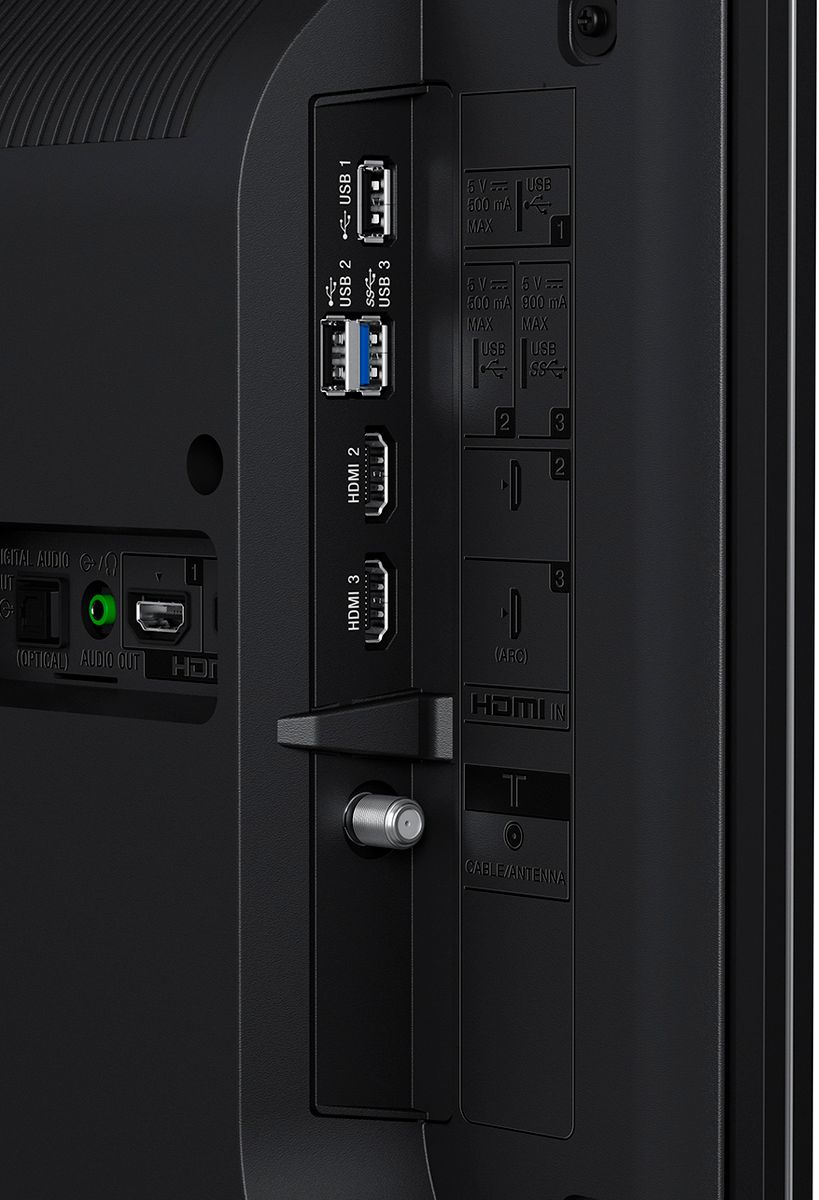
A:AnswerYes! Look on the back and match up the connectors with the same cluster on the rear of your DVD. Get the cables you need, hook them up. Then use the remote to select the source for your DVD.
A:AnswerHi BillB65714, Yes, you may use an HDMI cable for connection. Kindly refer to pages 20-21 of the link below for more information:
https://docs.sony.com/release//DAVHDX265.pdf
~Ralph
A:AnswerHi deb, below are the information. Thanks! ^Ron
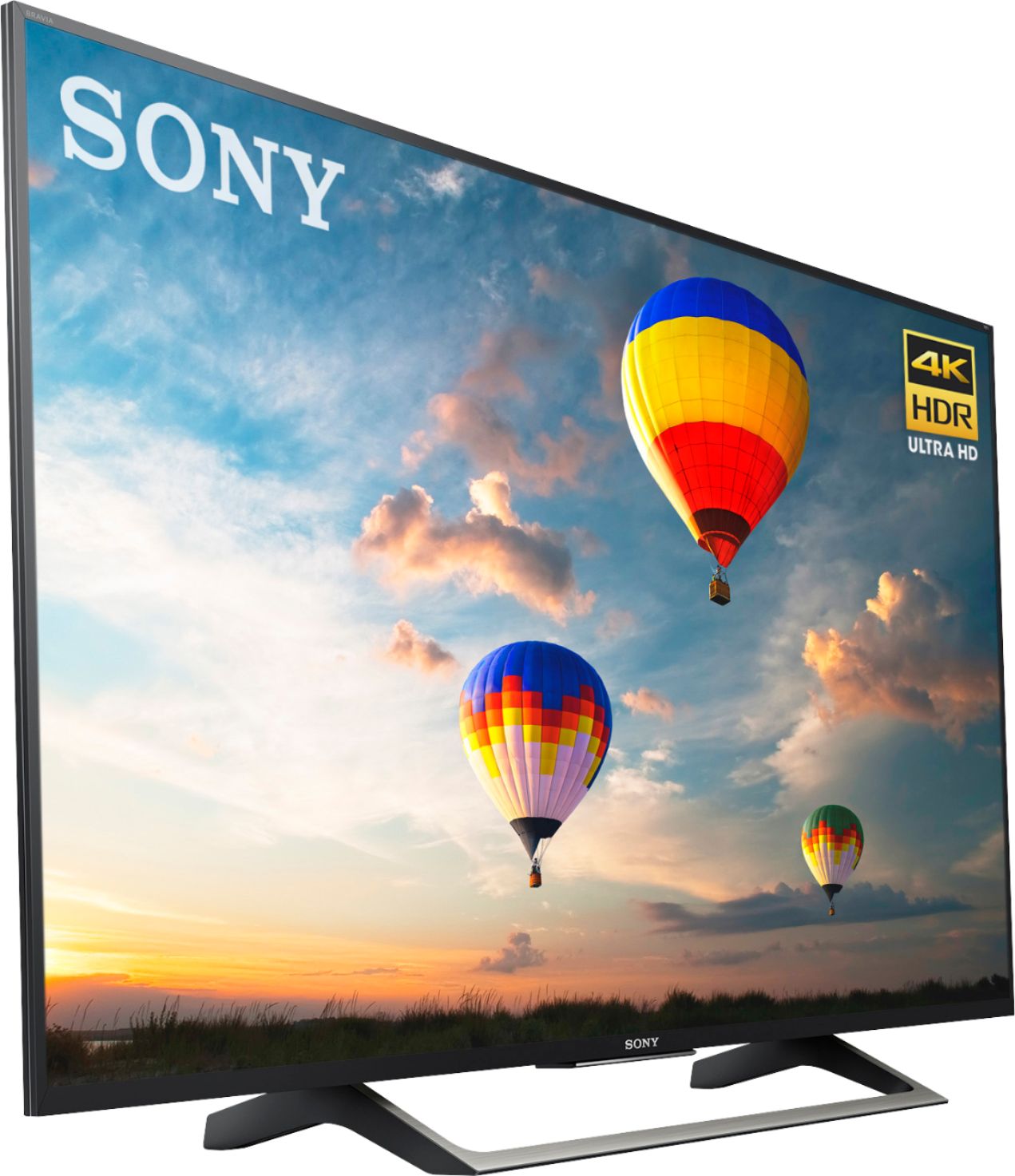
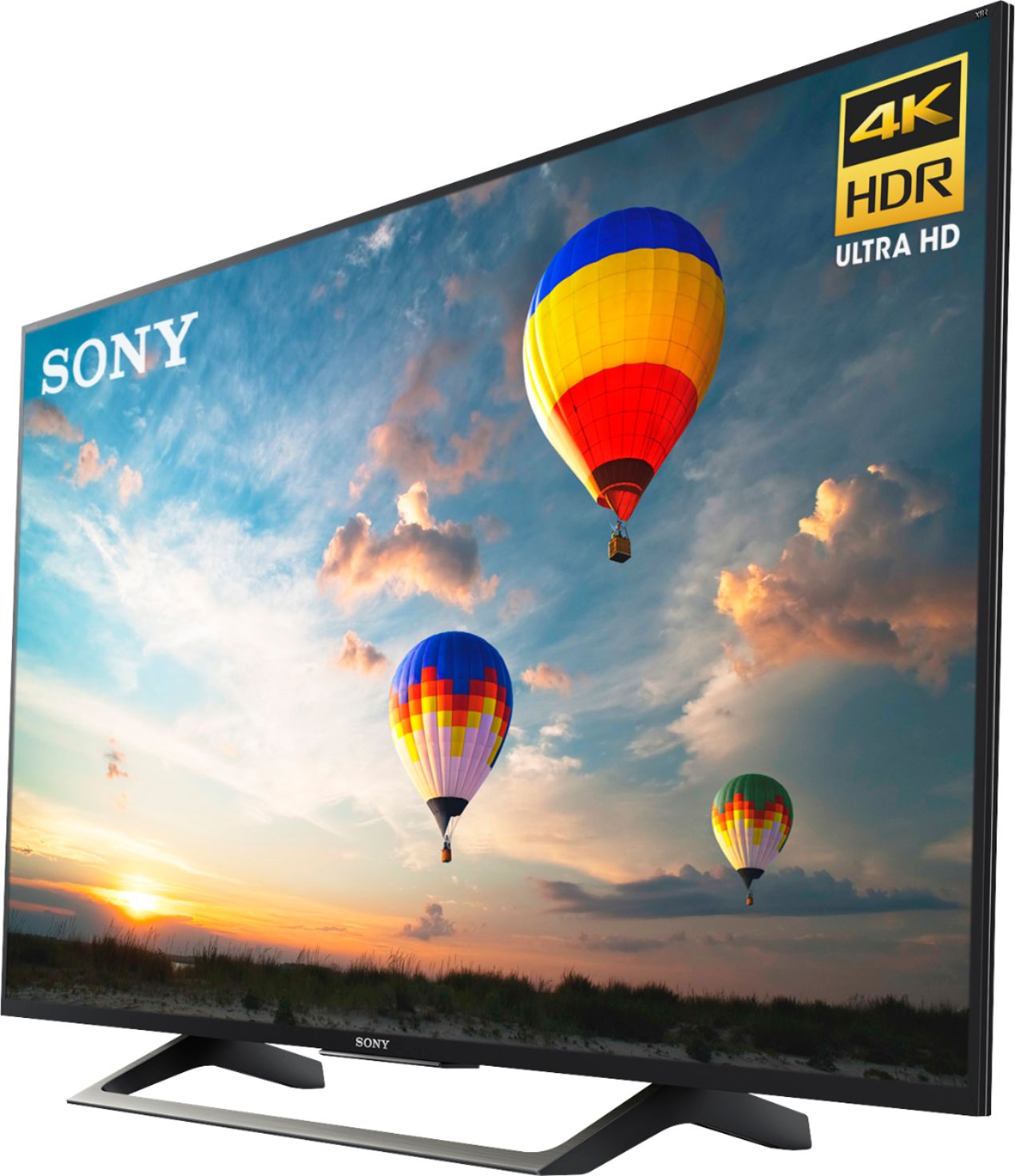
TV only: 48 5/8 x 28 1/4 x 2 1/4(9/16) inch (1232 x 716 x 57(14) mm)
TV with stand: 48 5/8 x 30 1/2 x 10 inch (1232 x 772 x 252 mm)
A:AnswerHi Mike, The TV doesn't have a pre-installed web browser. However, you can download a web browser on Google Playstore. You may check the link below for more information:
https://us.en.kb.sony.com/app/answers/detail/a_id/58769
~Ralph
A:AnswerHi Sljohnsonstx,
To surf the internet on this TV, you will have to download an internet browser through the Google Play store. Follow these steps to locate a browser app: 1. Turn on the TV.
2. On your remote control, press the HOME button.
3. Select Apps.
4. Select the Google Play store app.
5. In the search window, use "web browser" or "browser" to locate an app that will meet your needs.
You can refer to this link for more details: https://www.sony.com/electronics/support/televisions-projectors-lcd-tvs-android-/xbr-55x800e/articles/00121075 -Sam
A:AnswerHi, GerryR! The width of the stand measures 39 1/8 inches (992 mm). It is designed to meet the specifications of the TV and will surely provide stability. ~Ralph
A:AnswerYes......
1) supports 3-pole stereo mini jack only
2) to listen to TV's sound through the connected equipment, press HOME.
Select [Settings] ---->[Sound]---->[Headphone/Audio out] and then select the desired item.
(info from TV manual)
A:AnswerI think so. This is a Google Android TV. Hence, any Apps on Google Play are downloadable just like your phone. I searched and saw CBS All Access, CBS Sports and CBS News. CBS All Access is a pay to watch app. Yet, I use Youtube TV which has CBS channels on it already. But, I did download CBS Sports which has been free thus far.
A:AnswerHi Bill, this TV uses Motionflow™ XR technology allows fast moving action sequences in
sports and movies to be seen with precise motion clarity.
Please check the specification below.
https://docs.sony.com/release//specs/XBR55X800E_mksp.pdf
Regards,
Erin
A:AnswerHello JudyK53,
From what I see on my new Sony TV, which has HDMI, Composite Video, and RCA Jack connectivity, I'd venture to say that you can hook up a VCR/DVD player to these TVs. Most of the older players have RCA Jacks, in which you'll have an AUDIO L & R which are red and white and a Video Jack which is yellow. My new TV has these jacks.
I can't guarantee this will work for you, but from what I'm seeing, I'd think you could. Best to ask a sales associate from Best Buy or contact customer support from the brand you're considering. One thing to note... Not all of the new TVs have all the inputs that I've mentioned. Be sure it has the connections you need to connect your player before you buy it.
I hope this helps...
Bo
A:AnswerHi Jay, You may find this link helpful:
https://www.sony.com/electronics/support/televisions-projectors-lcd-tvs-android-/xbr-55x800e/articles/00150369
~Ralph