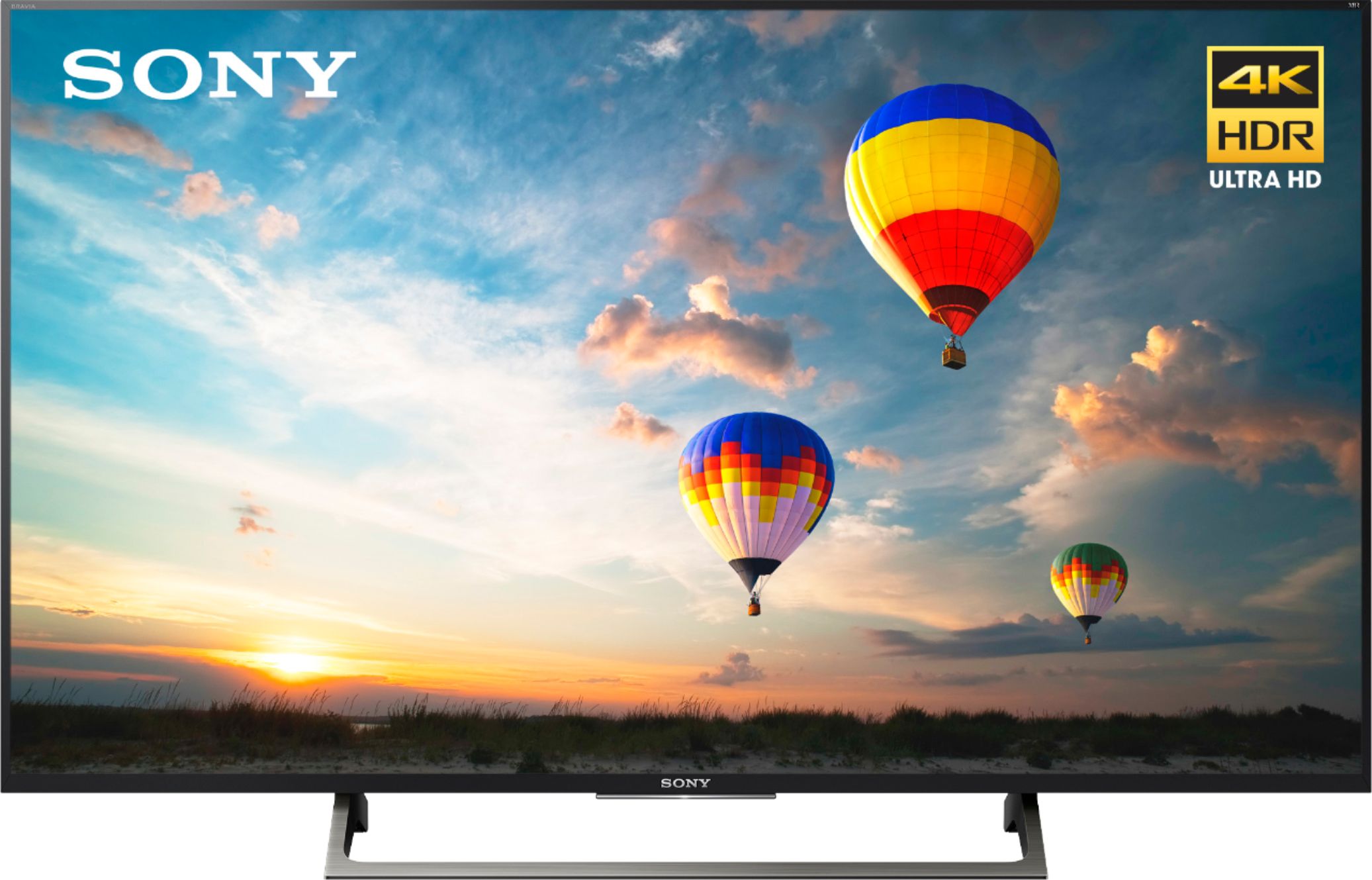
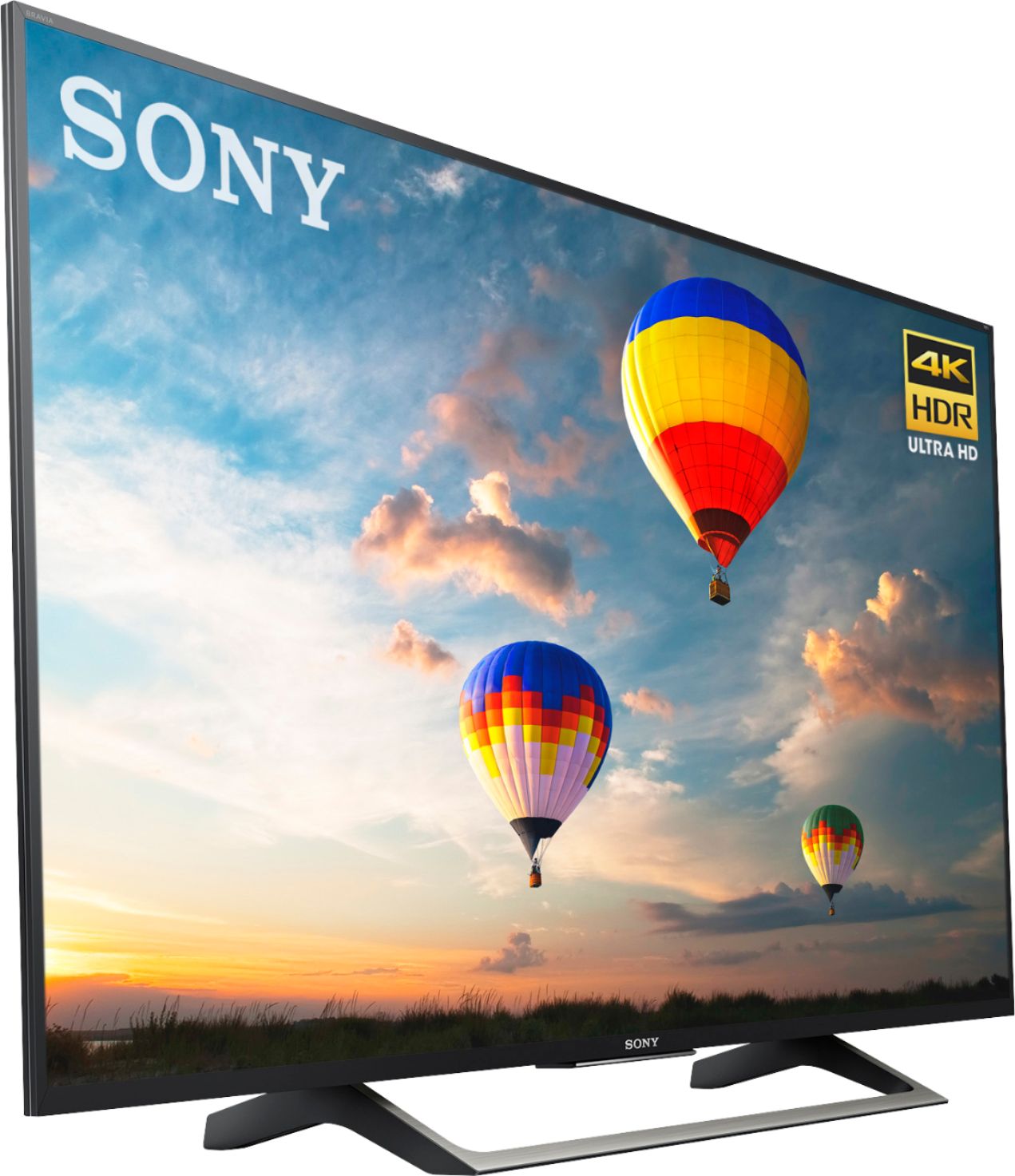
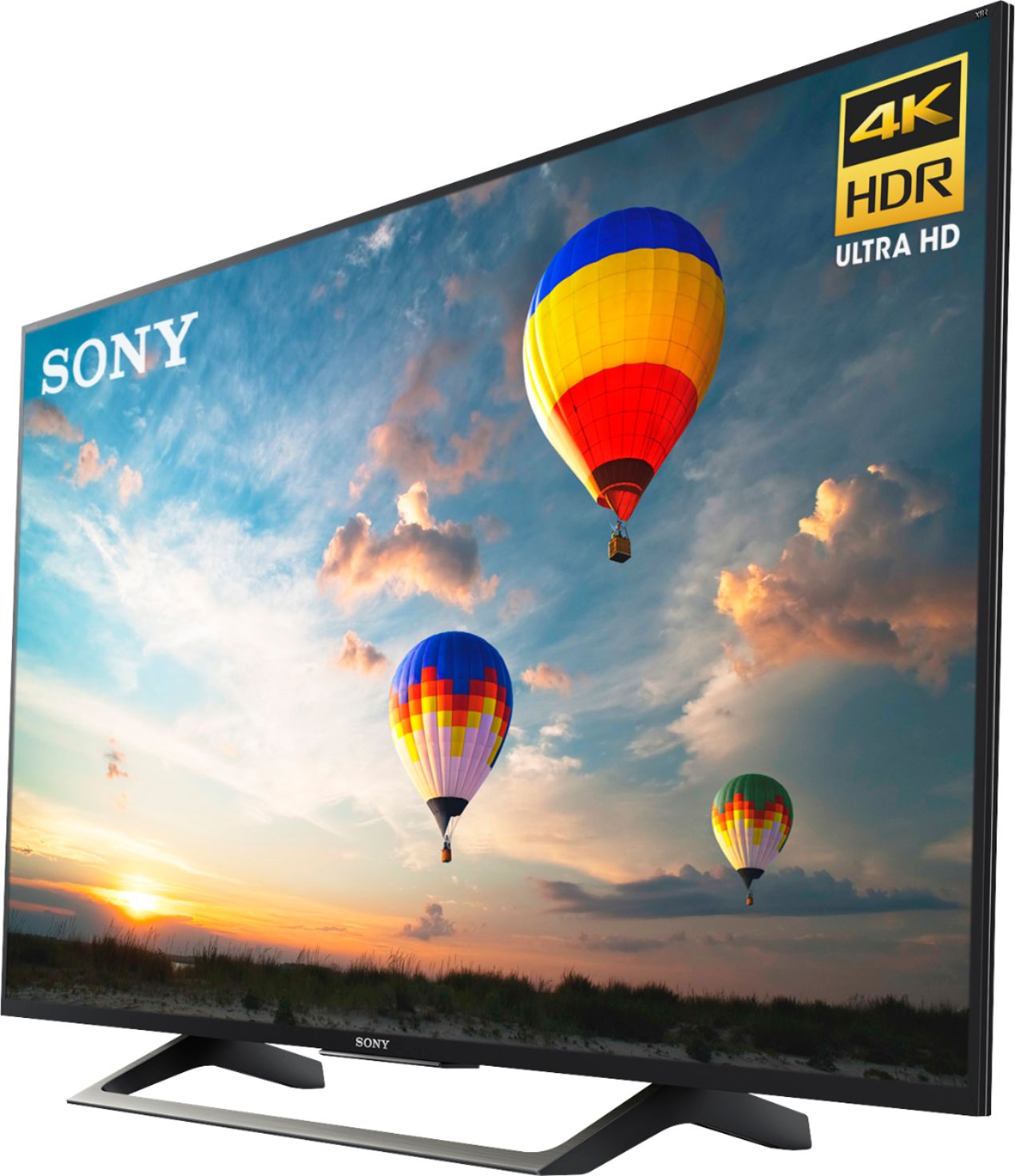
A:AnswerThe stand is 20" long by 10" wide and starts 14" from the side of the TV. Our cabinet is not as long as the TV so we needed a stand that was centered underneath the middle of the TV rather than near the edges. This works for us.
A:AnswerHi Tete, We regret to hear about what happened. Kindly check on this link for troubleshooting steps to help isolate the issue:
https://www.sony.com/electronics/support/televisions-projectors-lcd-tvs-android-/xbr-55x800e/articles/00032613
~Ralph
A:AnswerHi, please refer to pg.4 and 5 of the link below for more information about securing the TV. Thanks! ^Ron
https://www.sony.com/electronics/support/res/manuals/4684/46845721M.pdf
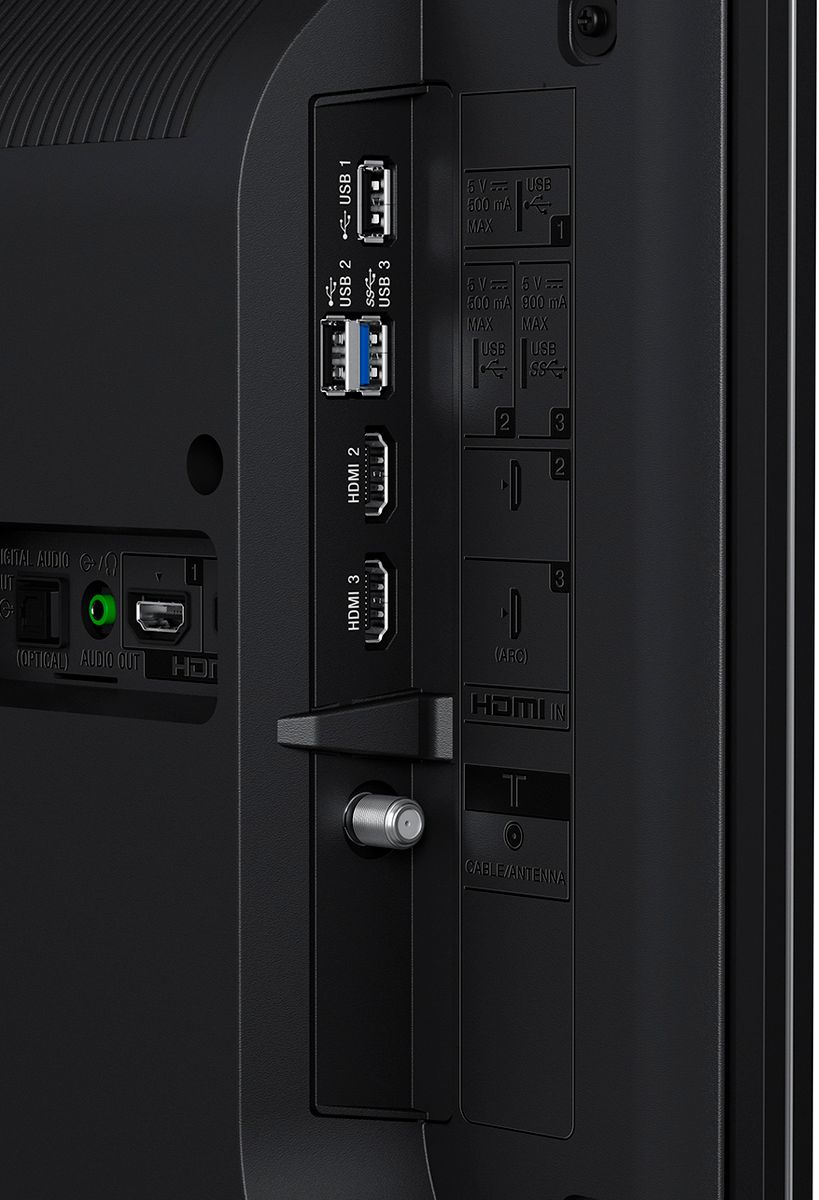
A:AnswerHello Cliff, no, it doesn't have a cable card slot. You may check all the available ports for this TV on the link below:
https://www.sony.com/electronics/support/res/manuals/4684/46845721M.pdf, see page 10.
Regards, _Bob
A:AnswerHi Seanfanky, yes, it does support 110 V - 240 V AC, 50/60 Hz. You may refer to page 18 of this link (Power and others):
https://www.sony.com/electronics/support/res/manuals/4684/46845721M.pdf
~Ralph
A:AnswerHi JDRcity, Yes, it will support 5GHz band. You may refer to this link for more information (Network Features):
https://docs.sony.com/release//specs/XBR55X800E_mksp.pdf
~Ralph
A:AnswerHi sparkplug, You may visit this page for the startup guide/manual of this TV: https://www.sony.com/electronics/support/televisions-projectors-lcd-tvs-android-/xbr-55x800e#manuals
Regards,
Vincent
A:AnswerHi Vinay,
No, this television doesn't support 3D mode.
To know more about this model, please visit this link:
https://www.sony.com/electronics/televisions/xbr-x800e-series/specifications
Regards,
Zac
Sony Social Support
A:AnswerHi Gilly, please refer to the link below for more information on how to fix this issue. Thanks! ^Ron
https://www.sony.com/electronics/support/televisions-projectors-lcd-tvs-android-/xbr-55x800e/articles/00013427
A:AnswerHello jb1911, regarding this concern, you may check the helpful link below:
https://www.sony.com/electronics/support/res/manuals/4684/46845721M.pdf, see pages 10 to 11.
Regards, _Bob