A:AnswerThe TV will show what resolution the source input is. Make sure your device that is going into the TV is sending the 1080p signal.
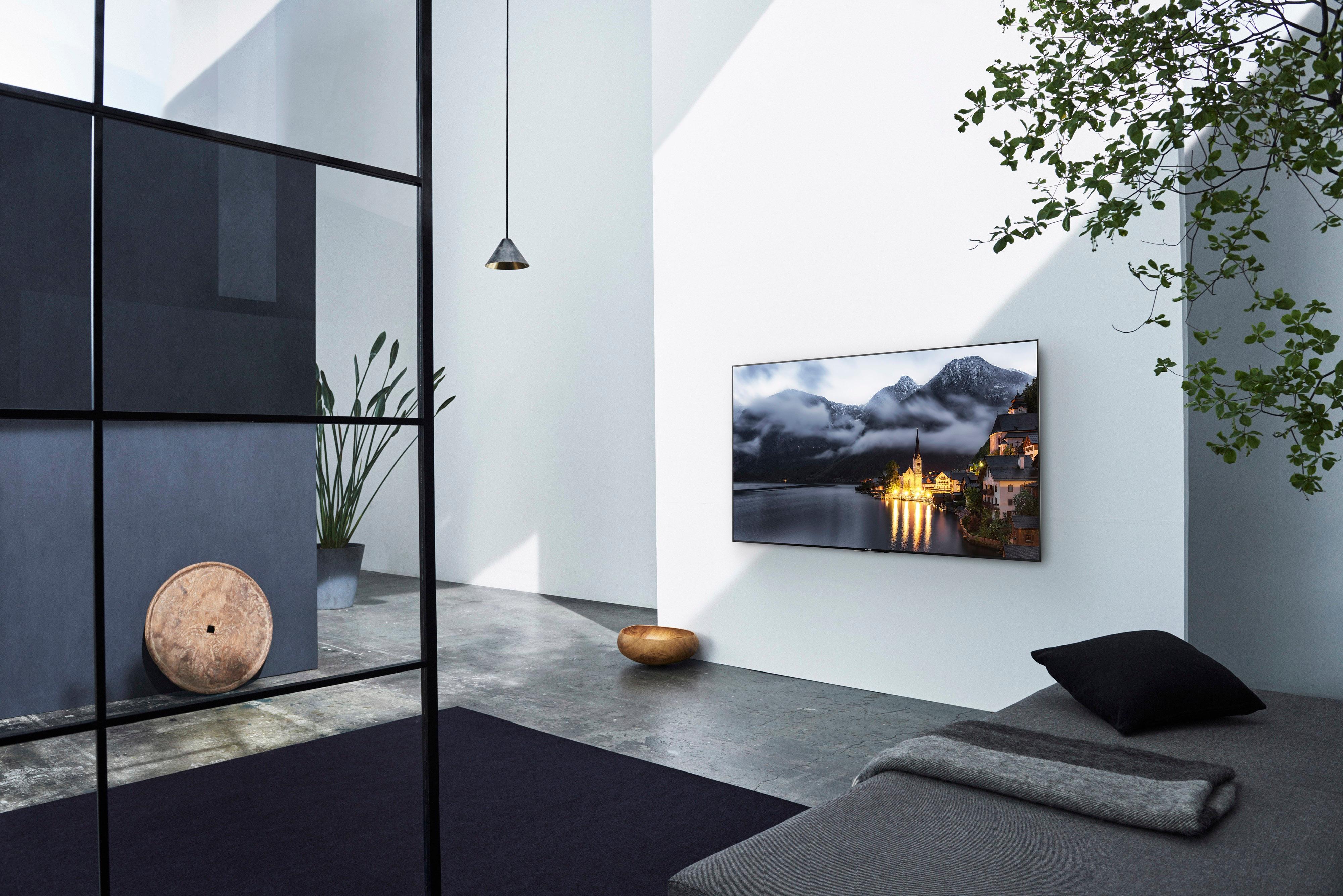
As far as glare, I only notice it when I have direct light hitting the TV. If you can, adjust the position of your lighting or put up some kind of diffuser between the TV and the light source.
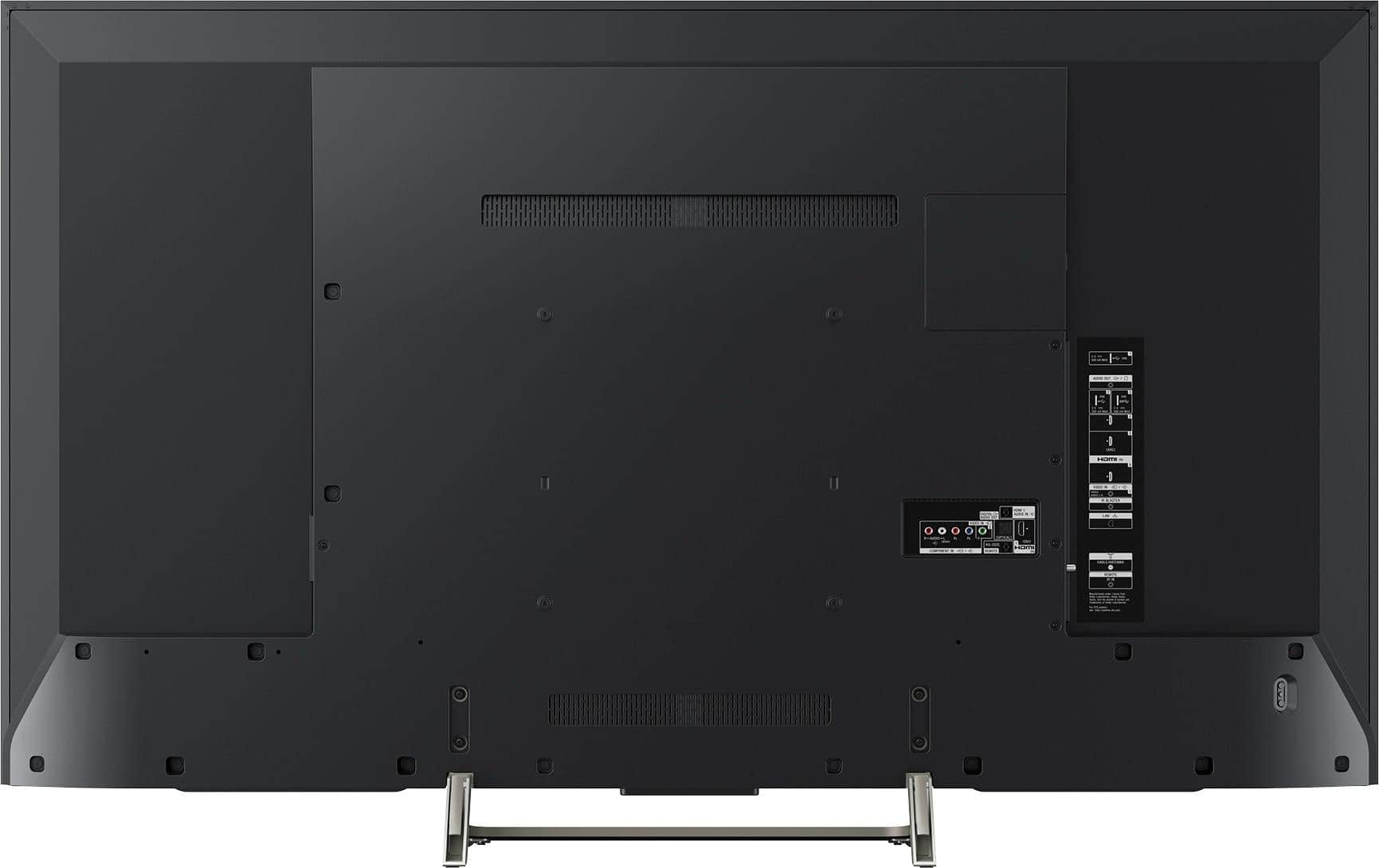
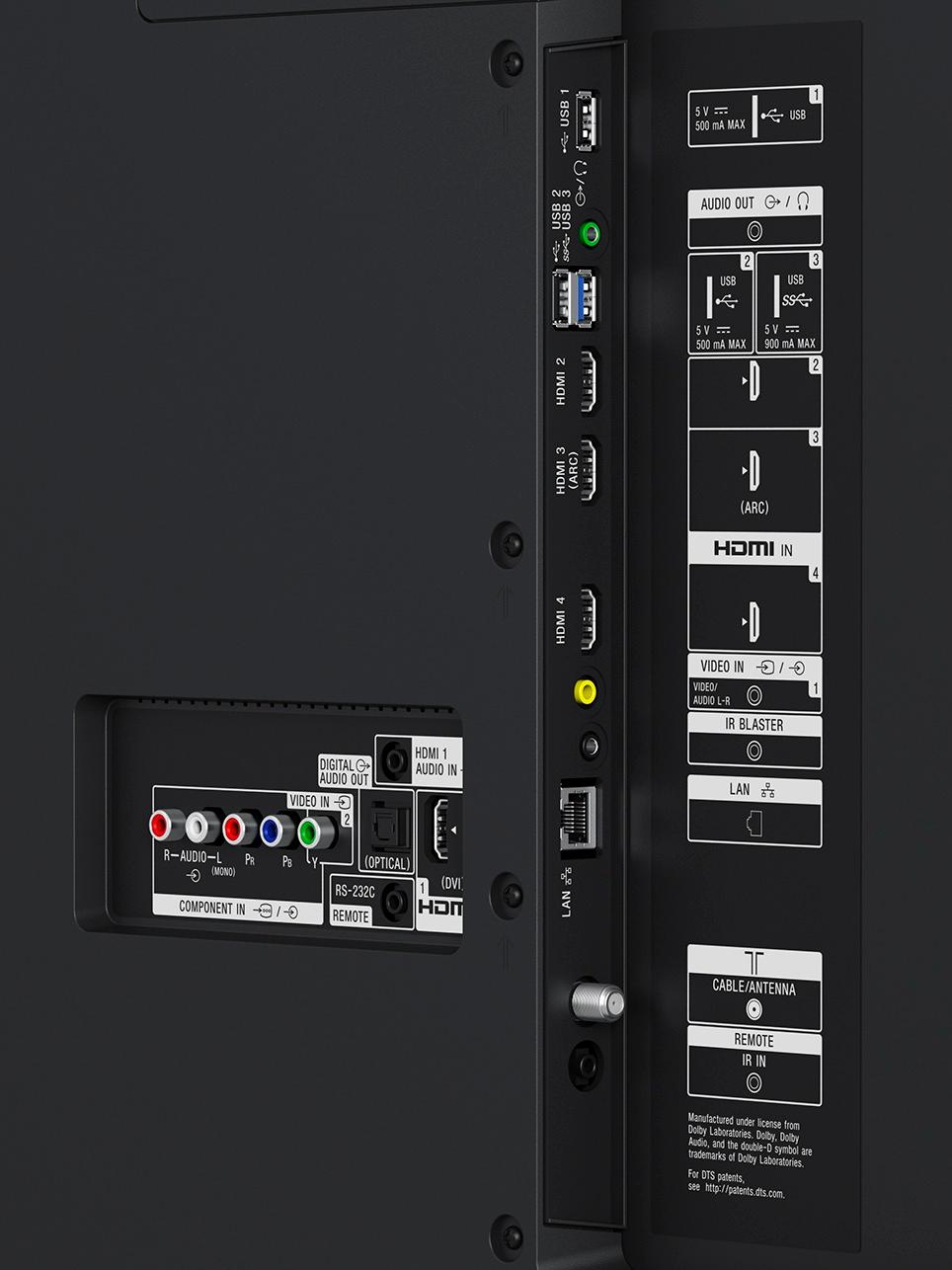
A:AnswerHi there! It will depend on the connections required by your audio system and if it is capable of functioning as a soundbar once connected to a TV. If you want your iPhone to display on the TV, you may do so by using the TV's built-in Chromecast. You may refer to page 11 of this link for more information about this TV's inputs/outputs for connecting your audio system: https://docs.sony.com/release//REF_4690447121.pdf Thanks, -Mark
A:AnswerYes most definitely must buy. Yes has those jacks. You won't be disappointed. I put it on everything I love this brand is sooo worth it, way better then Samsung, the number one tv... well second to its big brother. But yes can not go wrong at all with this tv, I'm glad got it. Sorry absolutely ecstatic to own it.
A:AnswerI had same problem after only 24 hours after installed by Best Buy. I received another brand new TV from Best Buy next day. My son was on vacation at the time. He later told me that he believes problem was probably due to cable box. Cable box problem is a suggestion on root cause of TV not turning on. I don t know if true since my son wasn't around to fix on first TV. My son was a cable TV installer for Comcast for five years.
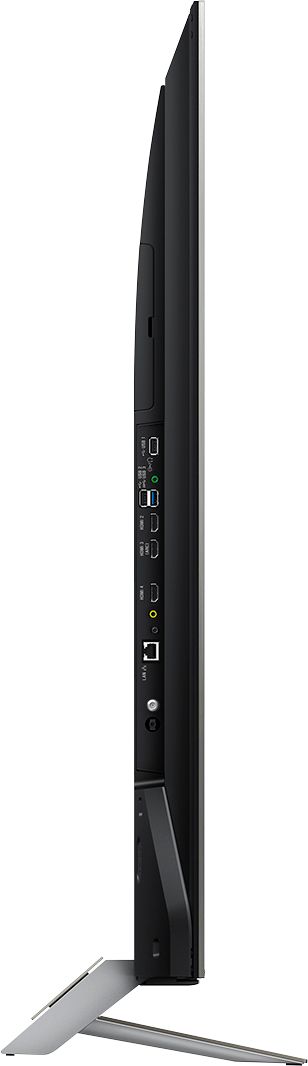
A:AnswerAll four HDMI ports support 4k resolution, however, ports two and three are the only ones that support HDR and will provide better image processing. You can change the video setting as follows:
Settings--Picture&Display--Picture Adjustments--Advanced Settings--Video Options. You can change the coding, refresh rate, bit settings, etc.
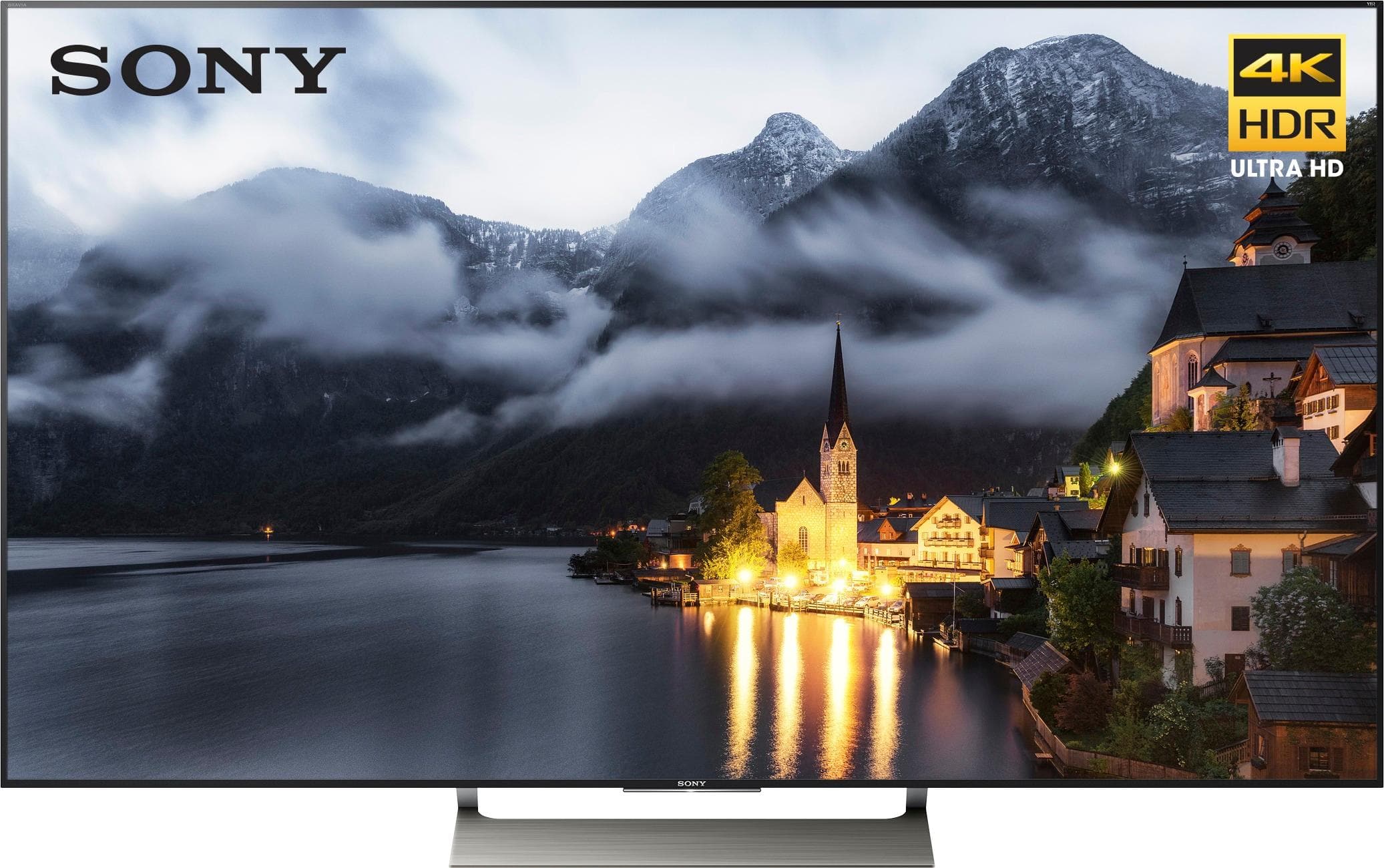
A:AnswerHi ChrisPT, one of the differences between these TV are the backlight types used. The 900E uses Direct LED while the 930E uses Edge LED(Slim Backlight Drive+). For more details, we recommend checking the specification from the link below:
900E: https://docs.sony.com/release//specs/XBR55X900E_mksp.pdf
930E: https://docs.sony.com/release//SPECS/XBR55X930E_mksp.pdf
Best regards, -Erin
A:AnswerI always custom calibrate my picture settings. It would be a lot to explain and type here--there are multiple sources online suggesting different calibrations regarding what content you will be watching/using. I suggest going to rtings.com and CNET, they both have multiple custom calibrations for various video formats for gaming, sports, movies, etc.

A:AnswerHi Nutcase, yes, you may watch content in 4K HDR on this TV using only its streaming services (shows should be in 4K HDR). The resolution quality may be different depending on the 4K HDR playback capability of the external device. We recommend the UBP-X800 player if you wish to get a 4K player to go with this TV. Thanks, -Mark
A:AnswerHi there! There are Sony headphones verified to be working via a Bluetooth connection on this Sony TV. Other Bluetooth headphones that support A2DP (Advanced Audio Distribution Profile) may work with this TV. However, we don't guarantee its operation. This unit has the option to turn the TV speakers on with the headphones at the same time. You may check this link for more details on the sound settings. https://us.en.kb.sony.com/app/answers/detail/a_id/66588 -Jerome
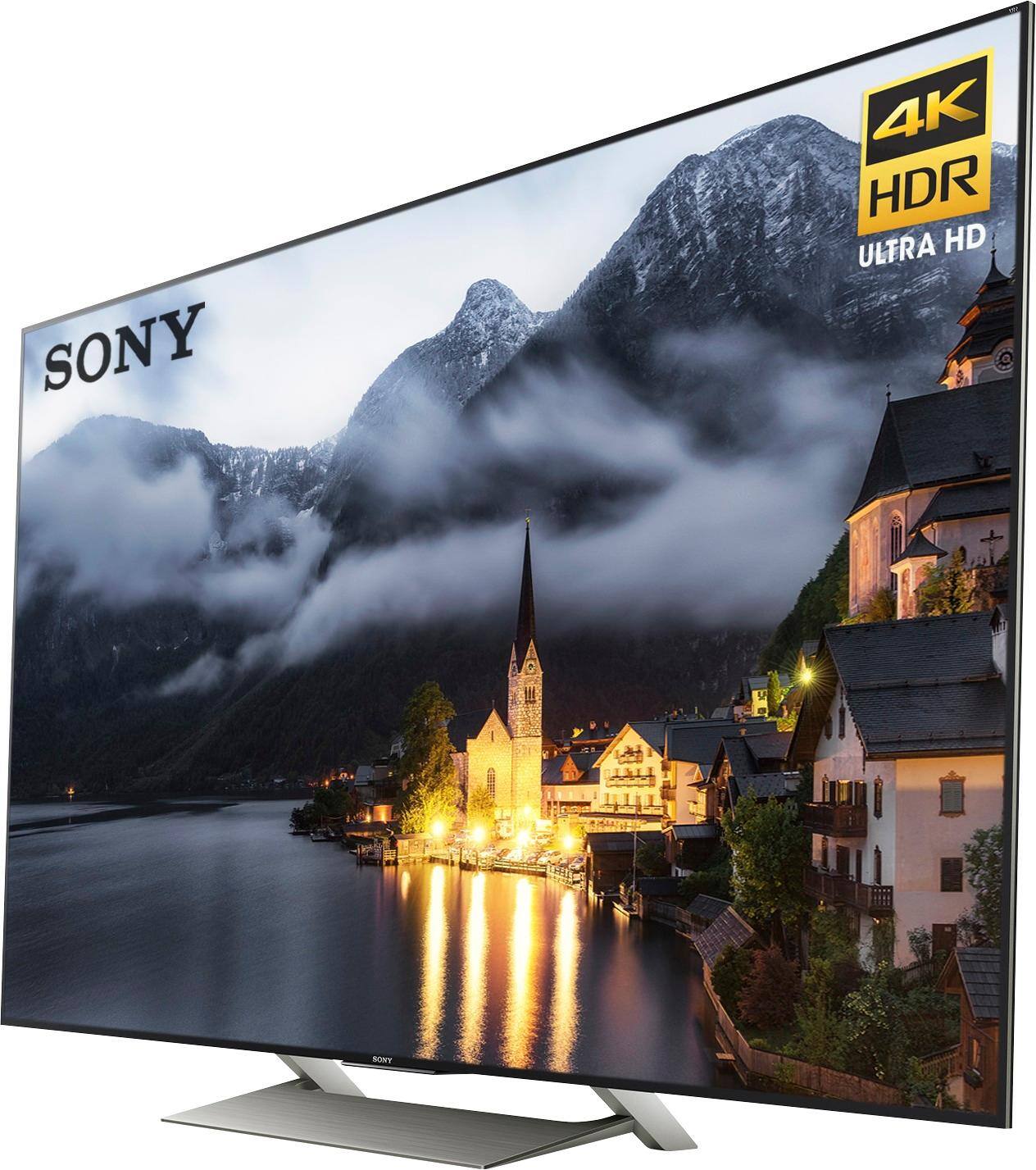
A:AnswerThe viewing angle is not better than the KS8000. It is about the same or slightly worse. They do measurements for viewing angle on the reviews at rtings.com so you can verify there. However, there are many nice things about this display compared to the KS8000. The Sony has a black bezel and the KS 8000 is shiny. I am quite impressed by the image quality. The very brightest parts of an HDR image are not quite as bright as the KS 8000, but the color rendition is very nice.
A:AnswerI am a cable technician for comcast cable and i can tell u that the issue u are having is a resolution issue. When u change the channel your receiver is changing resolution to adjust for what the network is broadcasting 420, 720p, 1080i or 1080p. If the channel u watched last is same resolution as the next channel u choose u will not get the delay it only happens if it has to adjust this can be fixed by changing the settings on the box to stay at one resolution preferably 1080p. You might have to get your service provider to come out and do it if you are not using xfinity X1 platform. If using x1 platform u can go to device settings and che from there but the receiver u put Iin your question appears to be the older style box that takes 2 different processes to fix which the cable tech should know how to do if not u might be able to Google how to do it. Hope this answered your question. Rest assure there is nothing wrong with the tv it is all coming from the box.
A:AnswerThe X800E is a much lower end model. It only has a 60Hz panel opposed to 120Hz. Although they both support HDR the X800E doesn't get bright enough to display it as well. The X800E is a decent tv for the price but the X900E is one of the highest rated models this year.