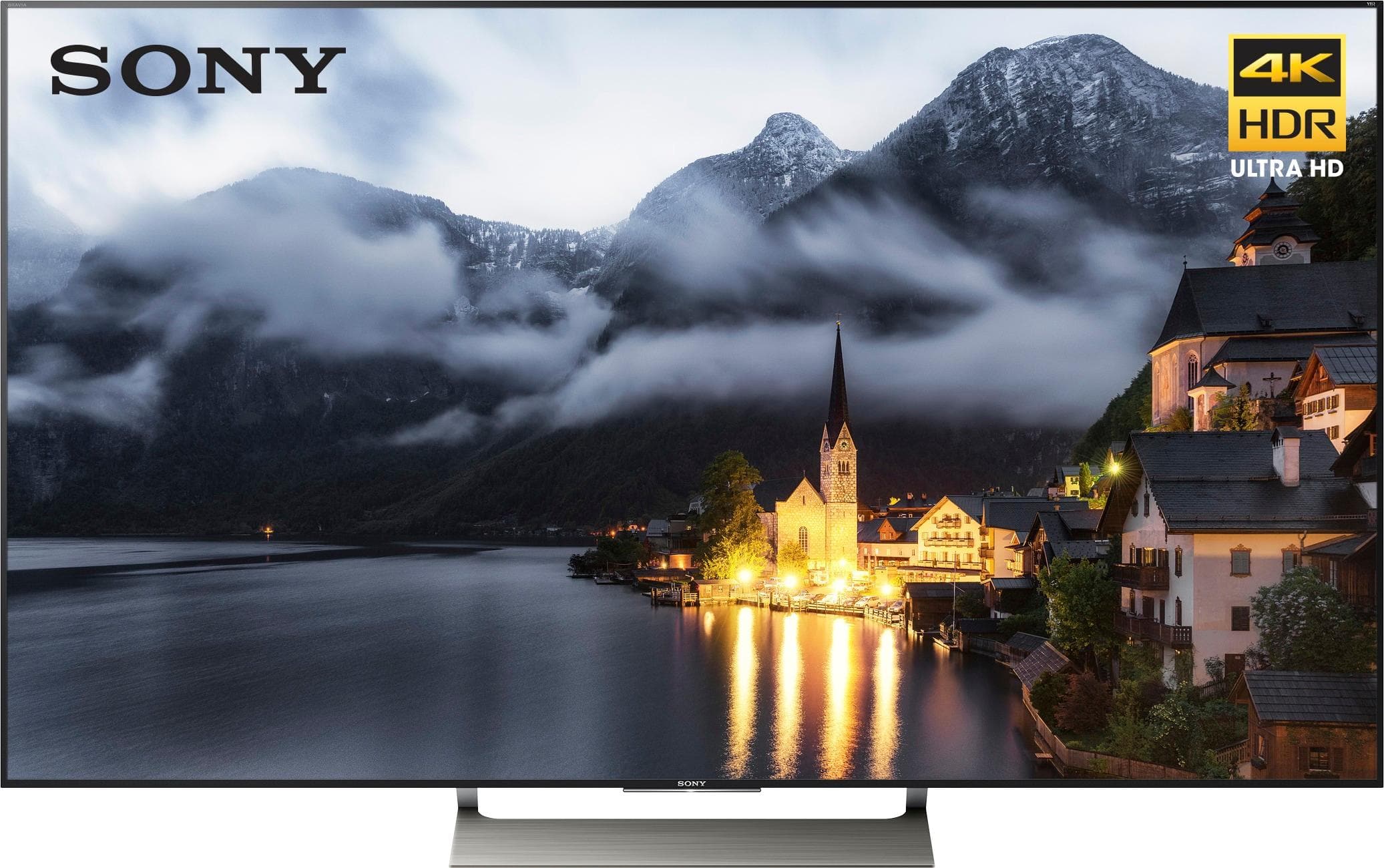
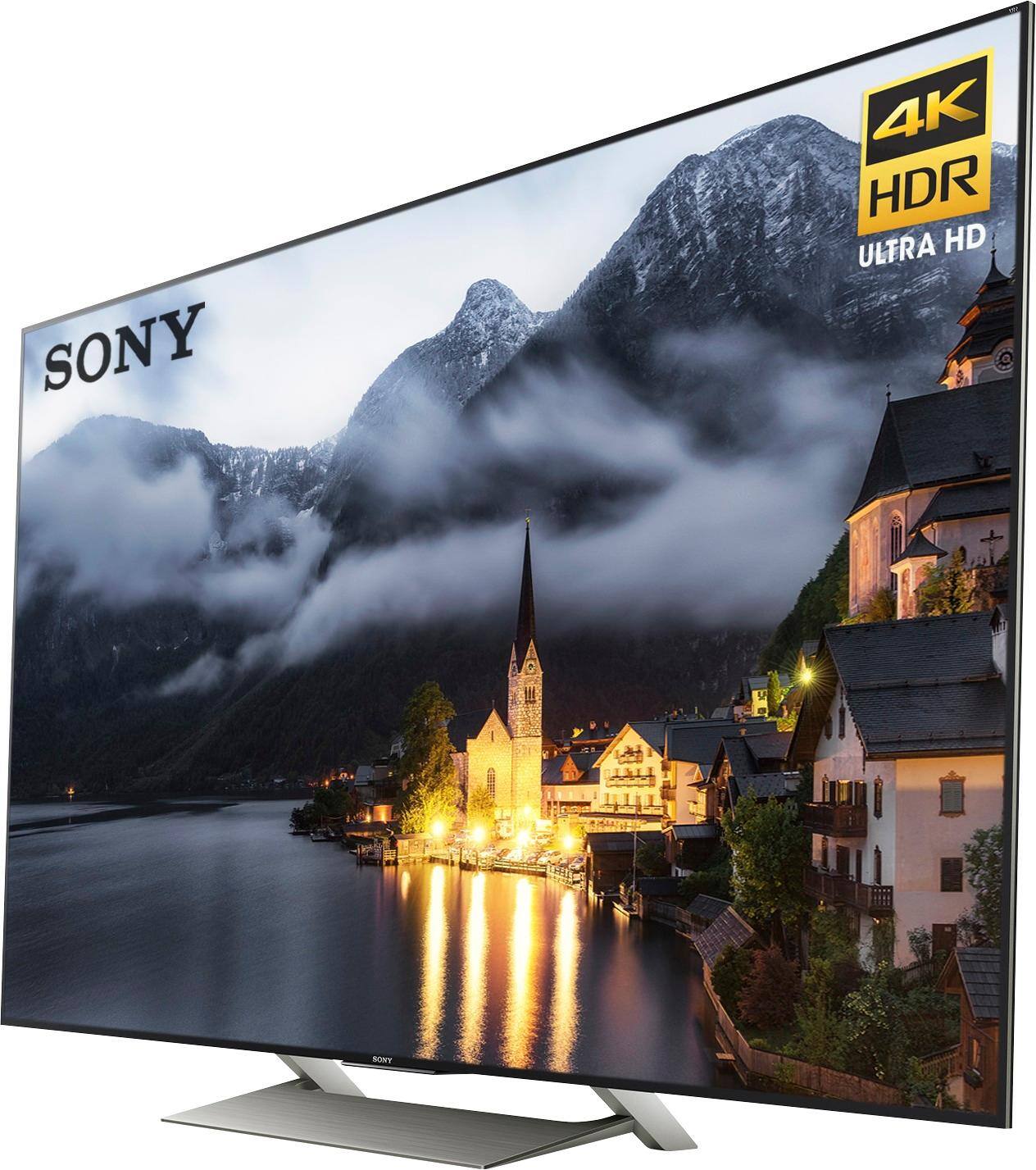
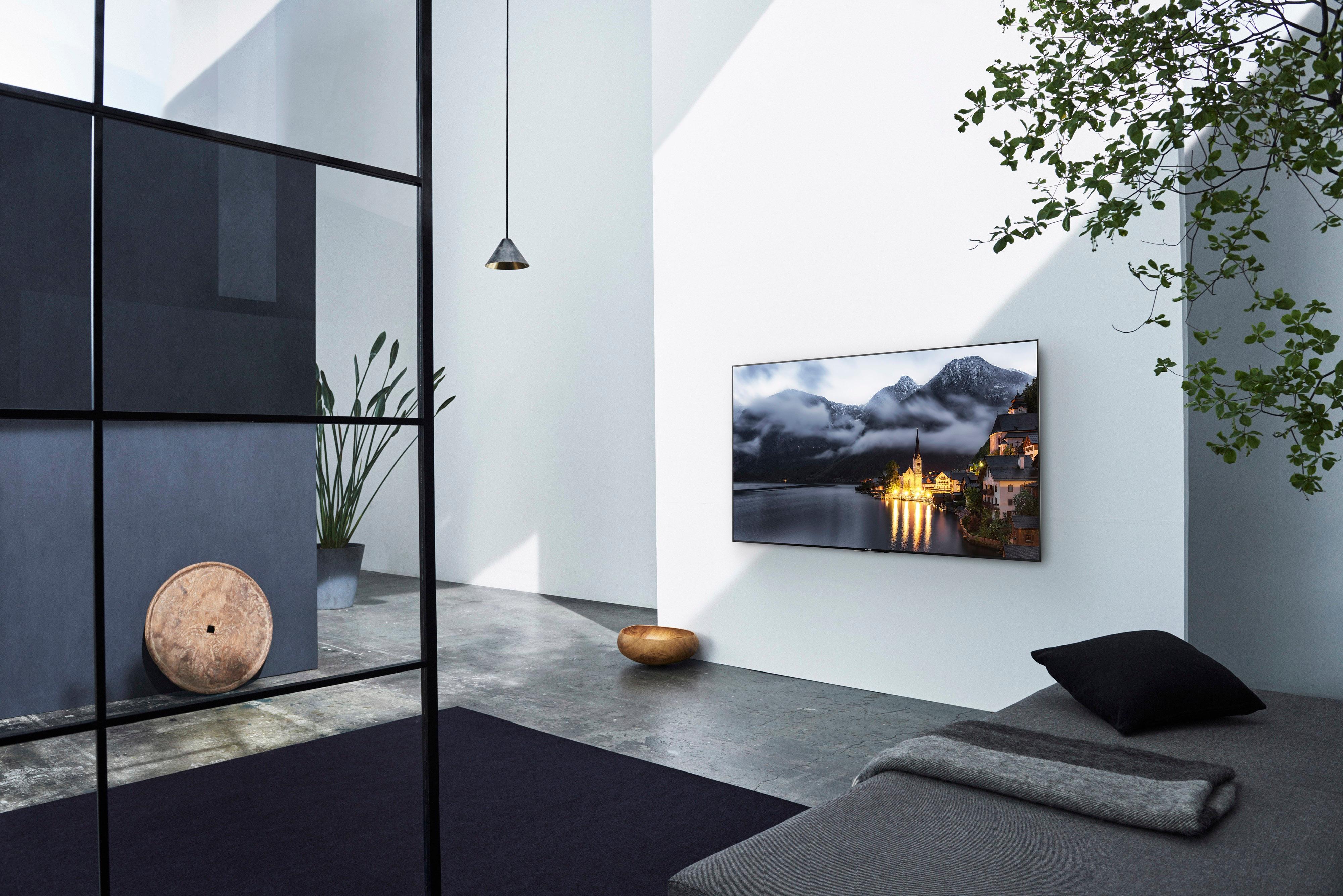
A:Answer Usually the HD demos in the store use a retail (Vivid) setting and the TVs generally default to Standard out of the box. You might try using the Vivid picture setting if you like that same pop displayed in the store but we found that to be too much for extended home viewing; therefore, so we're using a combination of Cinema Home (with a few tweaks to give it more pop) for built in apps (YouTube, Netflex, etc.) and watching blu-rays (be sure and activate the 4K mastering option as this will definitely make a difference in picture quality). Each input and even some of the builtin apps have their own picture setting, so you don't need to use the same preset for everything, plus the TV saves all your changes.