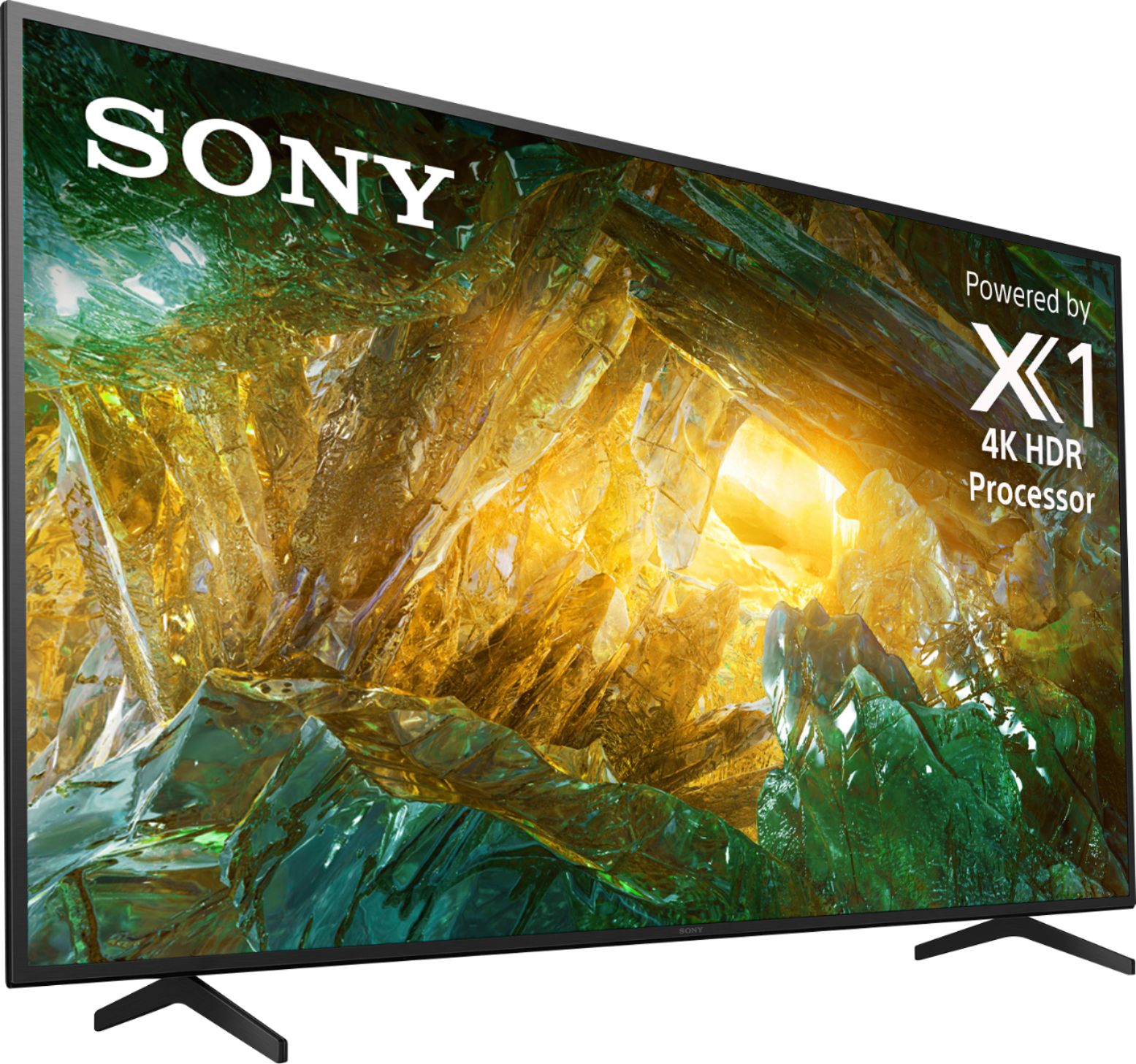
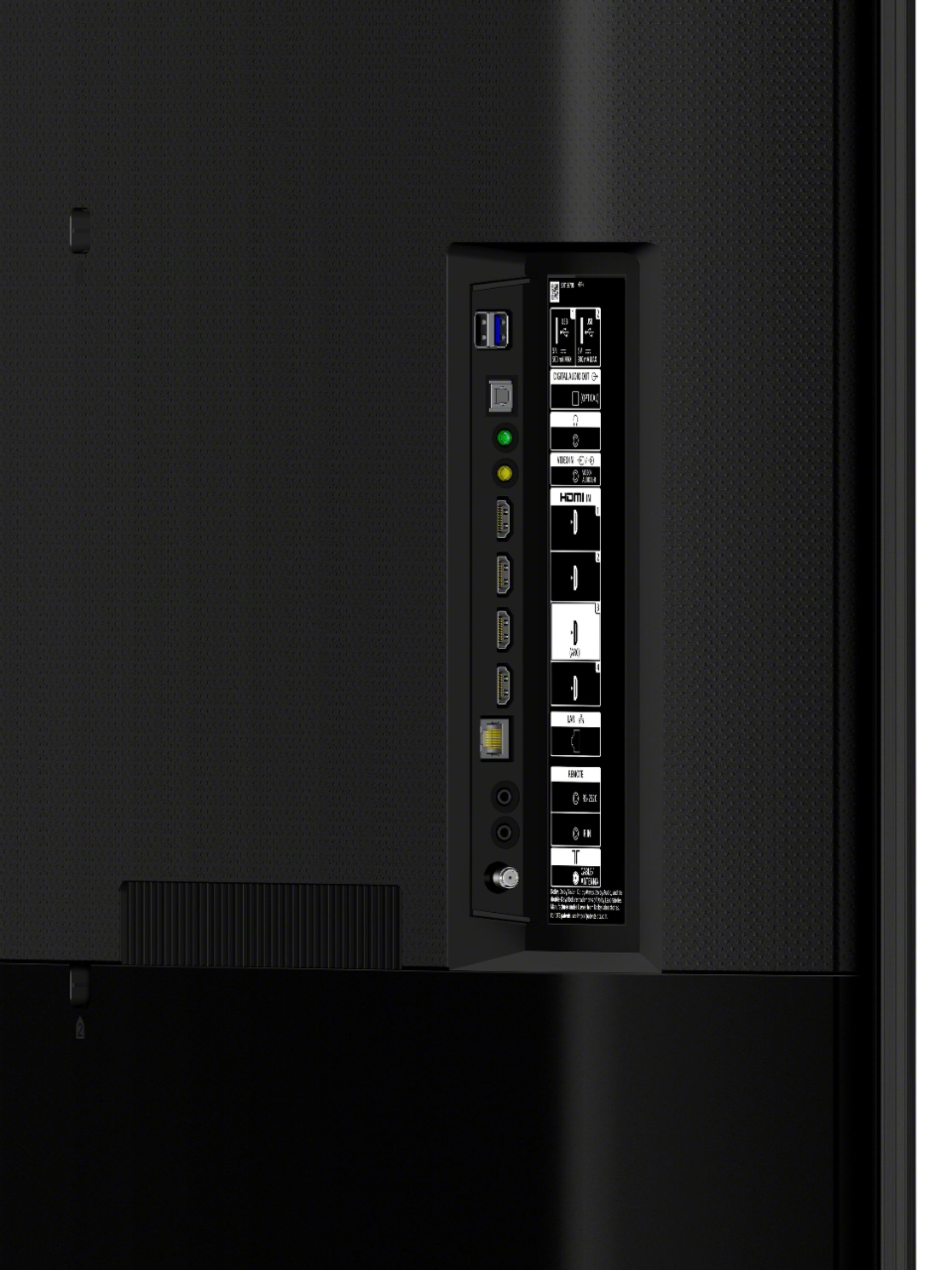
A:AnswerHi PS5person, thank you so much for your inquiry. Unfortunately, no. The X800H doesn't support HDMI 4K/120 Hz playback. You might consider getting our X900H, Z8H, or Sony 2021 TV models X85J and up which supports 4k/120 Hz (with a firmware update for X900H). For X85J and up, these models support HDMI 2.1 via HDMI inputs 3 & 4 (4K 120/ALLM available at launch). And VRR will be coming via a future firmware update. I hope this helps! Thanks! - Romeo
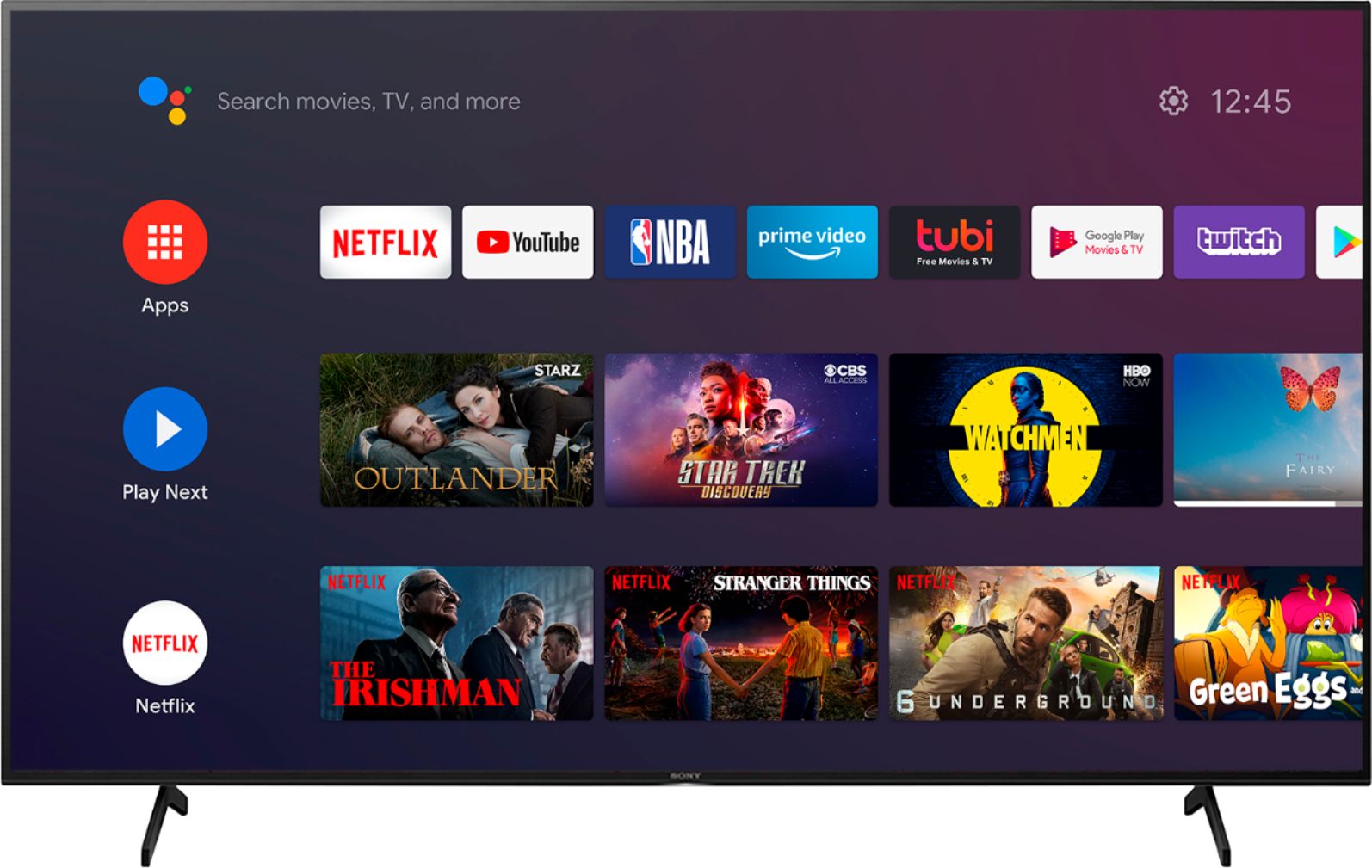
A:AnswerHi Riesling, thank you for your inquiry. The operating system of this unit is Android. We're sorry to hear that you have an app issue with your SONY unit. We recommend following this link to isolate the issue:
https://www.sony.com/electronics/support/televisions-projectors-lcd-tvs-android-/xbr-55x800h/articles/00155548
If you require any additional support in regards to this product, please email us at [email protected] with the following details: Name: Username: Model Number: Issue: Telephone Number:
~Earl
A:AnswerHi Pete, thank you for inquiring about the X800H. Yes, our TVs work with Discovery plus. The Discovery+ app can be downloaded on the app store. Regards, Erin
A:AnswerHi Joey, we appreciate your interest in our product. The height of this TV with the floor stand is 30 7/8 inches. You can download the Youtube TV app using the built-in Google playstore on this TV. Thank you. ~Earl
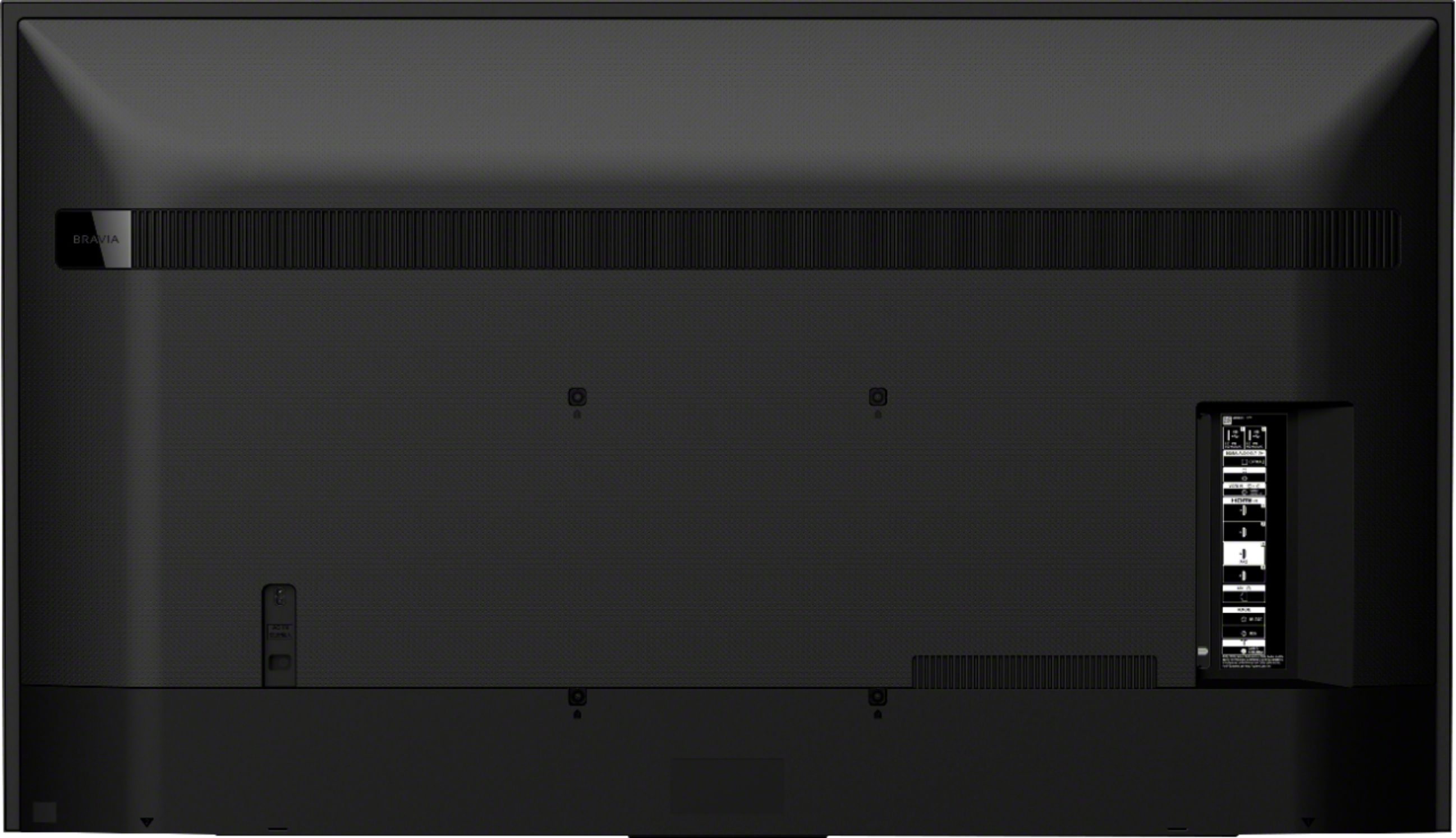
A:AnswerHi Noob84, thank you for inquiring about the X800H. The power requirement of the TV is 110 V - 240 V AC, 50/60 Hz (U.S.A./Canada 120 V AC, 60 Hz). You may be needing to use a transformer if the TV will be used outside the US. Hope this helps. Regards, Erin
A:AnswerHi Hellothere123, thank you for your question. Yes, you can download/install apps only on the built-in Google Playstore of this TV.
We're sorry if we can't provide a comparison with the two products as we only have information about our own brand. The X800H has clear, high-quality sound from multiple dimensions, putting you right there inside the scene. With Dolby Atmos, sound comes from above as well as from the sides so you can hear objects moving overhead with more realism for a truly multi-dimensional experience. Designed to complement the sound quality and slimness of the TV with its unique new shape, our X-balanced speaker drives movies and music with clear sound. Thank you. ~Earl
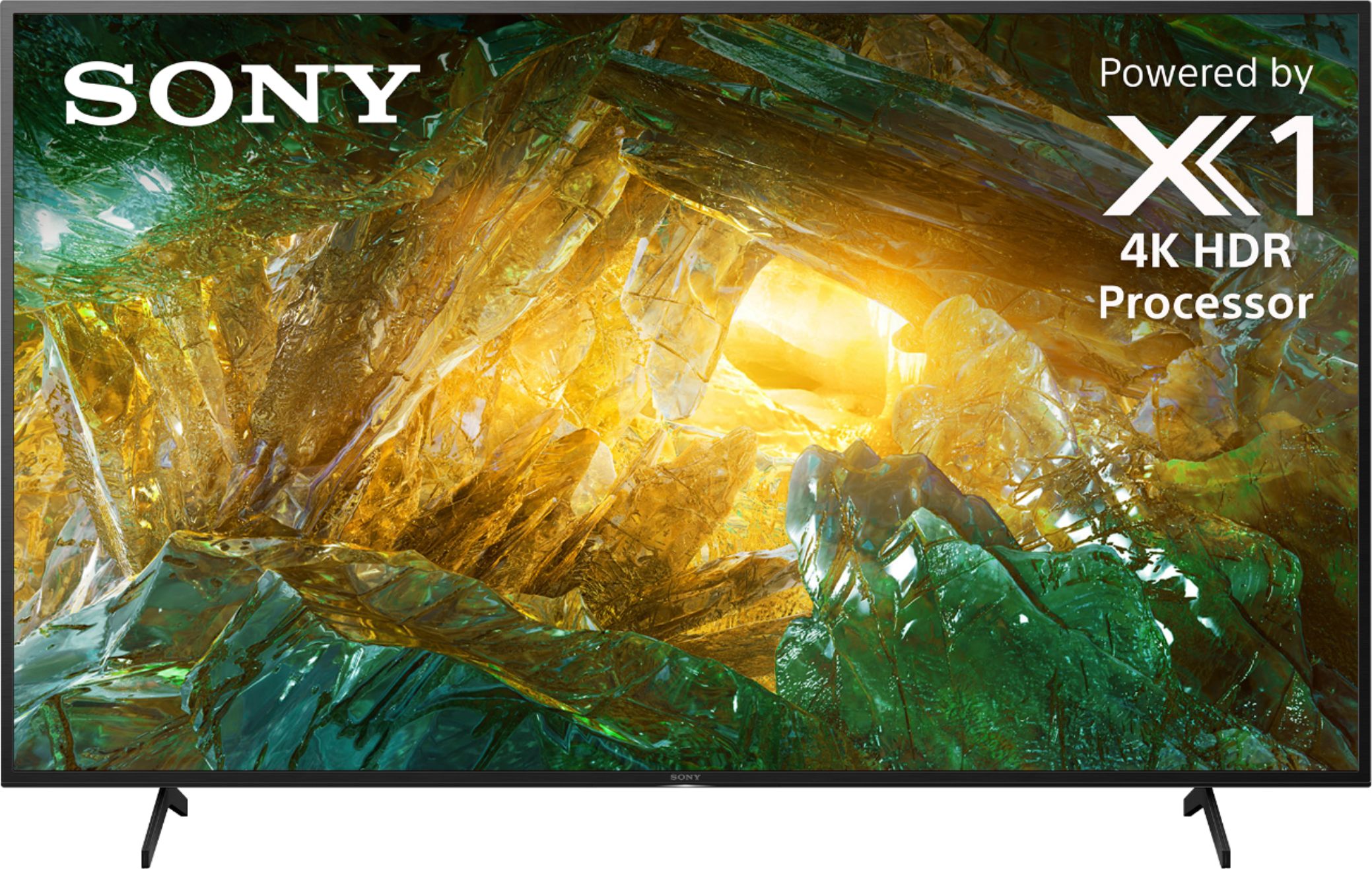
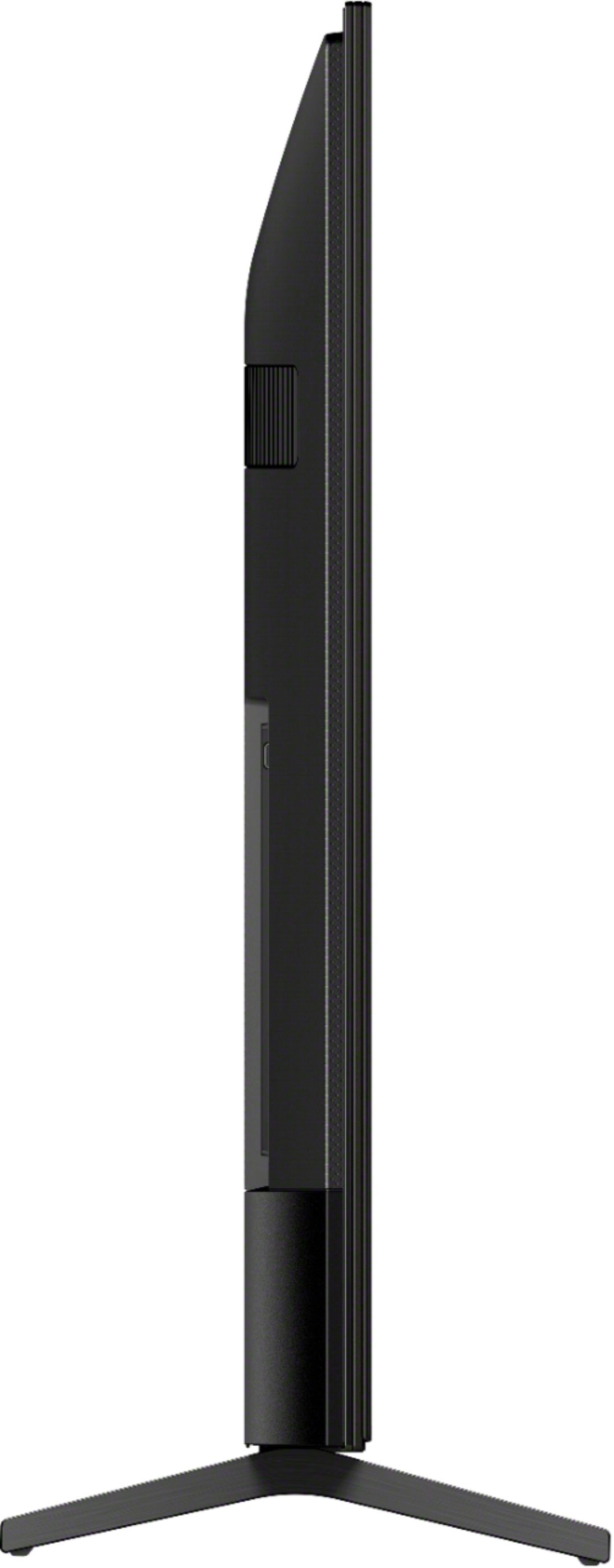
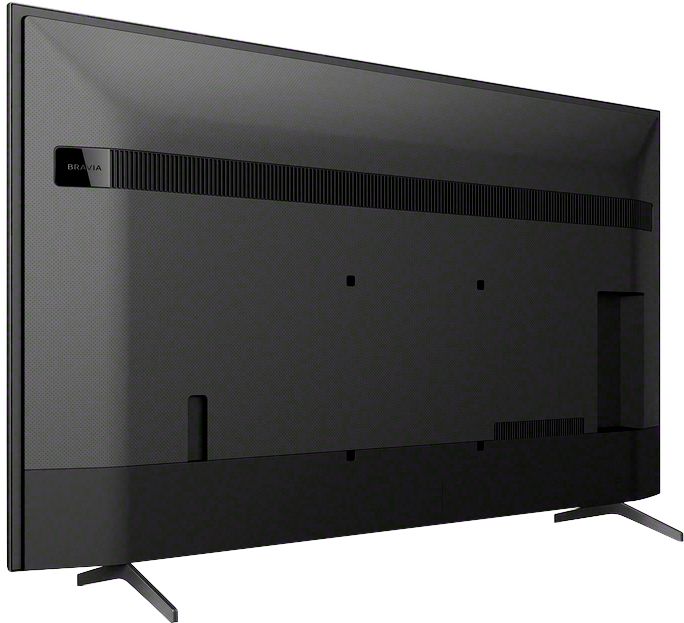
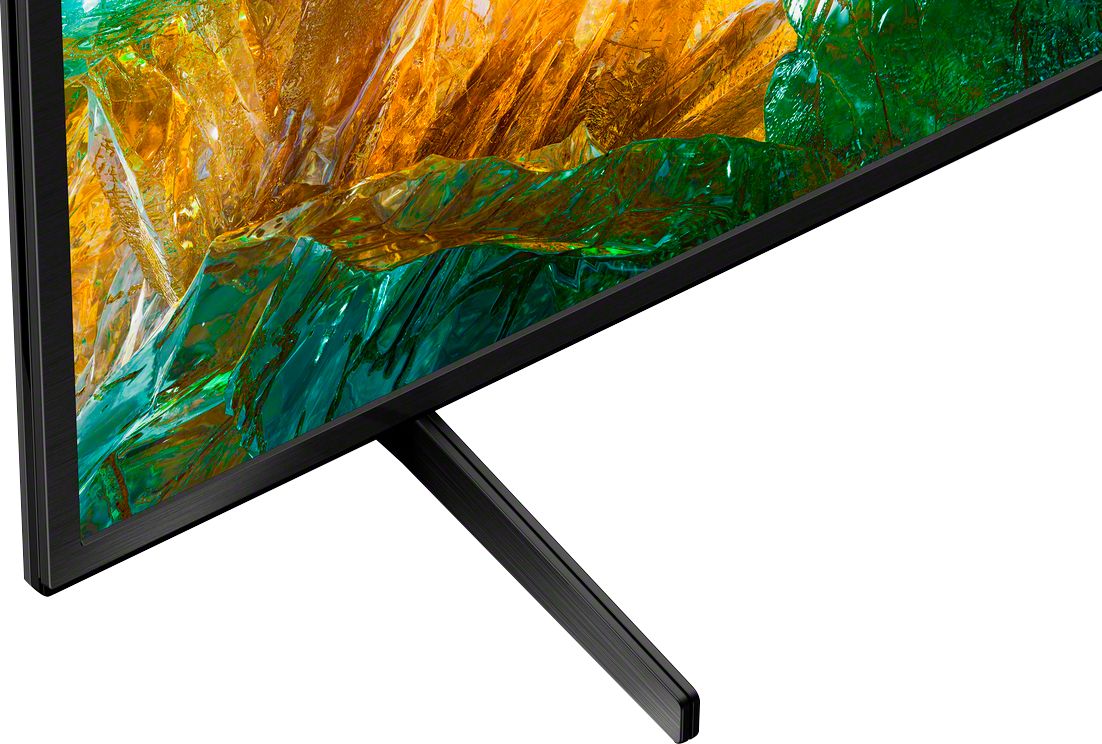
A:AnswerHello, thank you for your question. The measurement between the legs of the TV stand is 38 5/8 inches. Unfortunately, you can only use the supplied TV stand for table-top setup. ~Earl

A:AnswerHi PJ, we appreciate your interest in our products. You don't need another device as this unit has streaming apps like Netflix and YouTube already built in. You can also download other streaming apps using its built-in Google play store with access to over 5000+ apps. We recommend the G700 or the Z9F using the a high speed HDMI cable, These soundbars have dynamic surround sound good for watching TV and movies. They even feature a dedicated center speaker for clearer dialog and the Z9F can be upgraded to a 5.1 full surround sound with add on Z9R rears. Thank you~Earl
A:AnswerHi Rich, thank you for your question. Good news, the Apple TV app is available on the X800H with the latest software update. Once you have done that please go to the Home menu, then select All Apps. You can launch the Apple Tv app there and access the Apple TV+ app within it.
Hope this helps.
~Earl

A:AnswerHi Sid, thank you for your question. No, it is recommended to use the supplied stand only without any alteration as this is designed perfectly to secure the TV on the table-top setup. ~Earl

A:AnswerHi Riesling, thank you for choosing and purchasing our Sony X800H Ultra HD Smart TV. We're sorry to hear that you have an issue with your SONY unit. Whether a given app supports the Closed Caption feature depends on the app. Some apps enable subtitles by using their own setting menu instead of pressing the CC (Subtitle) button on the TV remote control. You can also change the language, text size, and color of the text in this caption menu. Just simply go to Settings/Device Preferences > Accessibility > Captions > Streaming & other content > Display. If you require any additional support in regards to this product, please email us at [email protected] with the following details: Name: Username: Model Number: Issue: Telephone Number: ~Earl
A:AnswerHi Barry, thank you for your question. The 800h US model has a power requirement of 120 V AC, 60 Hz. With the use of a power converter and a cable adaptor for the wall plug 240v could be used. ~Earl
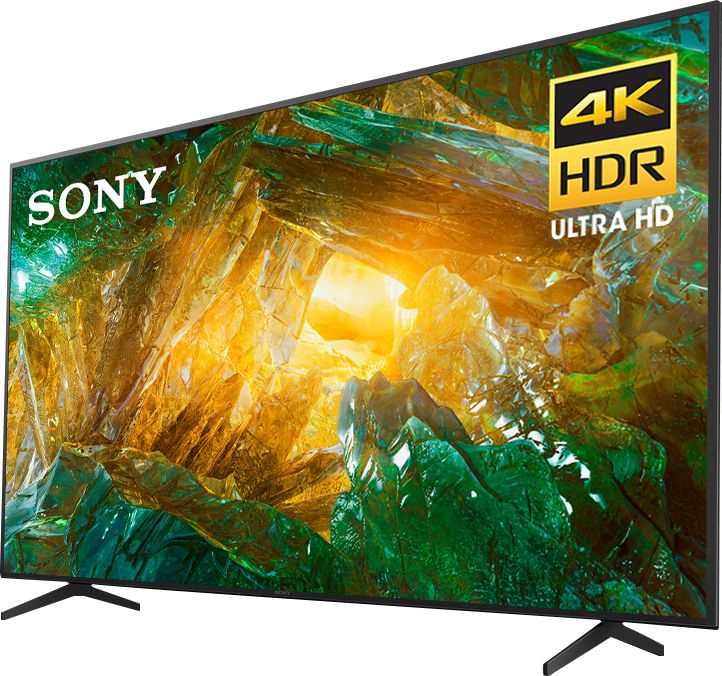
A:AnswerHi JimMcCallum, thank you for your question. The dimensions of this unit with the stand are approximately 49 inches for the width, 30 7/8 inches for the height, and 13 1/2 inches for the depth. ~Earl
A:AnswerWe watched the Super Bowl and had no issues with motion rate. Have not used the Bluetooth option yet (frankly don't know how to use it). We are extremely happy with our TV