A:AnswerHi there,
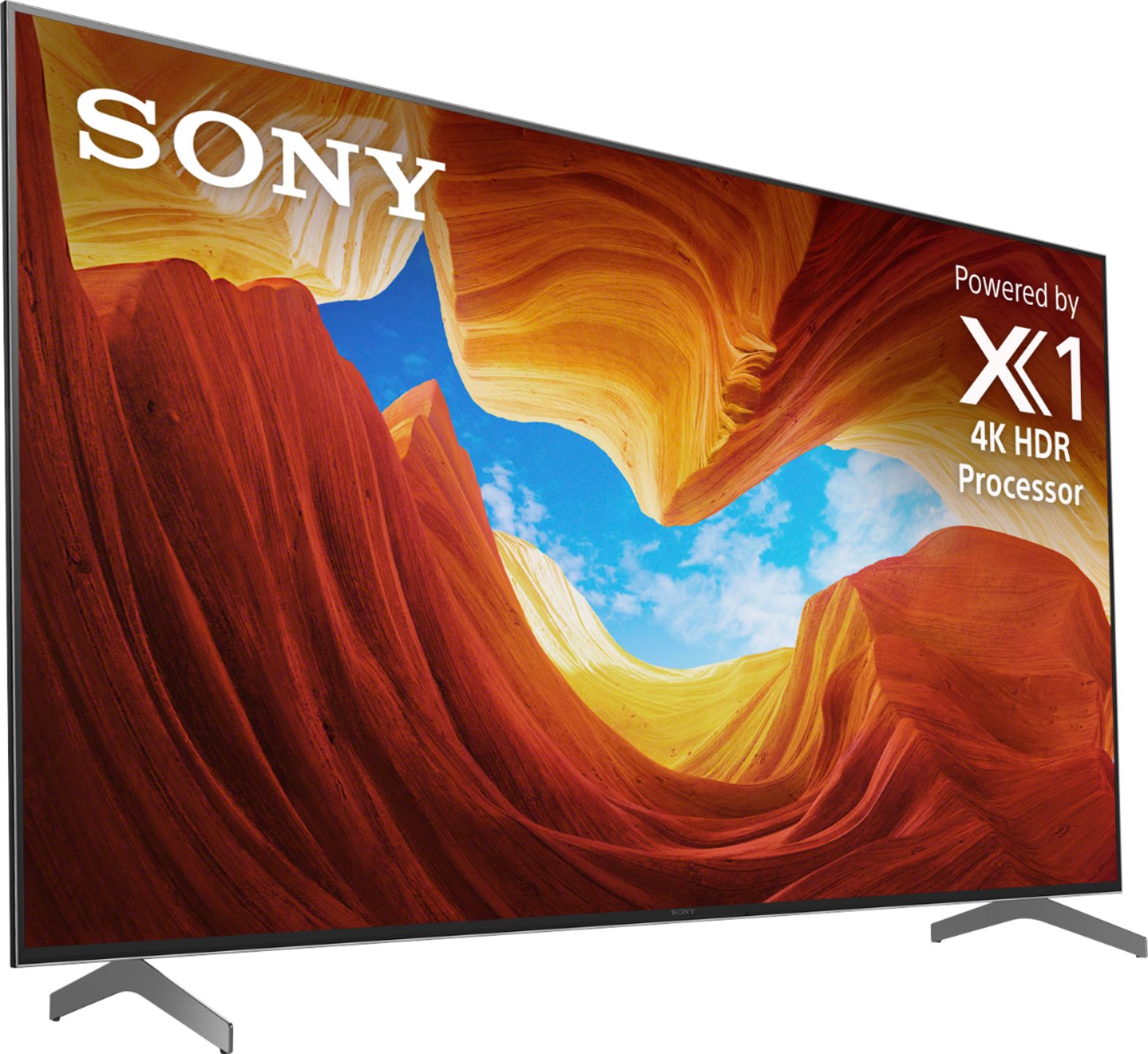
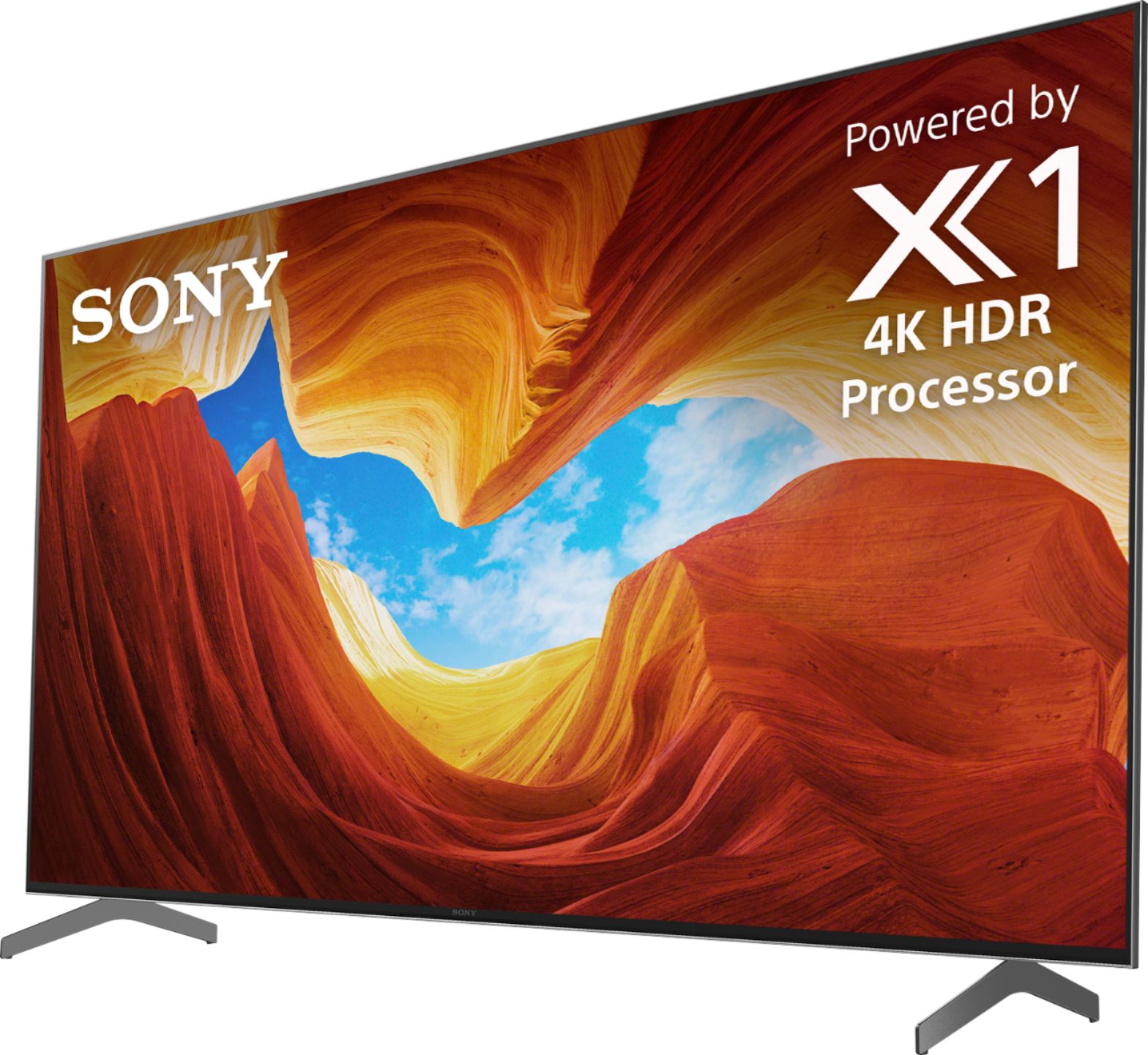
Thanks for your interest in the XBR55X900H TV. This TV will also work with an Xbox. The X900H has X-Motion Clarity, which uses object-based motion processing to compensate for low frame rate content. This revolutionary, best in class technology from Sony refines action on the screen in real-time with an incredible refresh rate for action that is brighter and clearer than ever before.
~Ralph
A:AnswerHi Trav, thanks for your interest in the XBR55X900H TV. The TV will support VRR via a future software update. The current update adds support for eARC and 4K120. ~Ralph
A:AnswerHi sony,
Thanks for your interest in the XBR55X900H TV. The unit comes with a 1-year manufacturer's warranty. You may refer to this link for more information:
https://www.sony.com/electronics/support/res/manuals/4595/c93100a1fe624cd97594959ae4e8b271/45953330M.pdf
~Ralph
A:AnswerHi Bennett,
Thank you for your inquiry. We regret to hear that the TV is shutting itself off. Yes, the TV has an auto shut-off settings. You may follow the steps below to resolve the issue:
Make sure that the software is updated
The screen may have been turned off due to [Sleep timer] settings.
Check the [Duration] setting of [Timer].
Check if [Idle TV standby] in [Power] is activated.
The screen may have been turned off due to [Screen saver] settings.
Check if [Auto shut-off] in [Power] is activated.
If the issue was not resolved, may we contact you directly to assist you? If so, please email the below information to [email protected].
Apologies if you disclosed some of this information in your review and to customer service, we want to ensure that we have your accurate details at the time of communication.
Full Name:
Best Buy Username:
Telephone Number:
Sony TV Model Number:
Additional Information regarding your experience with the X900H:
We value you being a Sony customer. Sorry for the inconvenience and hope to speak directly to try to resolve this matter.
Thank you for letting us help assist you.
Sincerely,
Kris
A:AnswerTake a look at the Logitech Harmony Companion system. I've seen this used to address use of multiple TVs at the same time to eliminate the problem you are havin. You may need a mini IR for one TV so the hub can communicate to each IR (TV or STB depending on your setup). Hope this gets you off to a start!
A:AnswerHi Kevin, Thanks for purchasing the XBR55X900H TV. It will be supported on HDMI Input 3 and 4. We have already released an update that adds support for eARC (Enhanced Audio Return Channel) and for the 4K 120Hz signal format to allow for PlayStation 5 compatibility. Variable Refresh Rate (VRR) and Auto Low Latency Mode (ALLM) will be added via a future firmware update. I hope this helps! ~Ralph
A:AnswerHi Alex, Thanks for your inquiry. If you are referring about the bundled remote, the X900H comes with a wireless remote control offering many features, including the convenience of voice control and is battery powered. Thanks! -Jess
A:AnswerHi Roseville, we appreciate your inquiry about the XBR55X900H TV. The TV speakers are not specifically designed to be used as center speakers on a surround sound setup. However, sound can be output from both an audio system connected to the TV and the TV speakers at the same time by satisfying the following conditions:
-Connecting the TV and audio system using a digital optical cable
-Setting [Digital audio out] to [PCM]
~Ralph
A:AnswerHi there, Thanks for your interest in the XBR55X900H TV. Unfortunately, information about the full specifications of the ATSC 3.0 update is currently unavailable. The support for ATSC 3.0 will be available via a future software update. For more product updates and announcements, please visit our official support website: https://www.sony.com/ ~Ralph
A:AnswerHi Samwise, thanks for your interest in the XBR55X900H TV. Yes, this TV can be used as a monitor. You may refer to this link for more information:
https://helpguide.sony.net/tv/husltn2/v1/en-003/04-03_02.html
~Ralph
A:AnswerHi there,
Thanks for your interest in the XBR55X900H TV. You may want to take into consideration the recommended viewing distance for this TV. Please refer to this link for more information:
https://www.sony.com/electronics/support/televisions-projectors-lcd-tvs-android-/xbr-55x900h/articles/00008601
~Ralph
A:AnswerHi Sriniwaas, thanks for your interest in the XBR55X900H. Sony uses the industry standard of Dolby Vision. Sony’s “Cinema” mode is what others call “Film Maker” mode, it can be found in the picture settings and has been used on all our Bravia televisions for years. ~Ralph
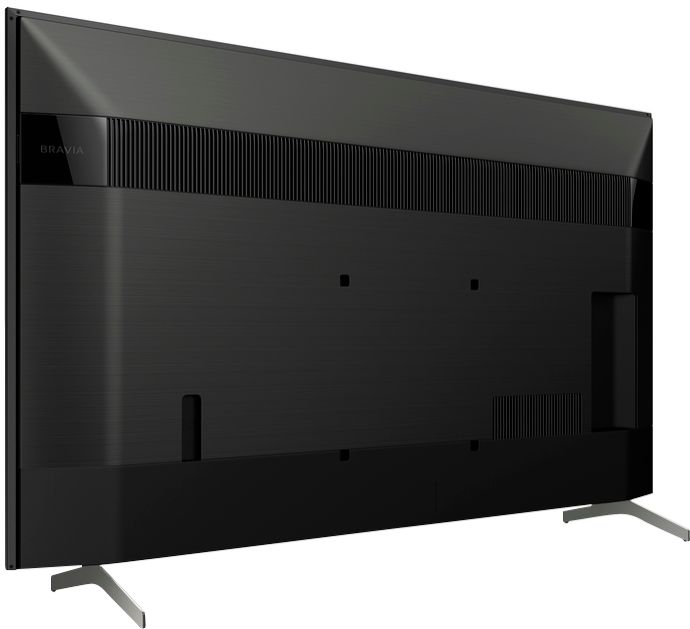
A:AnswerThe legs on mine measure 41 1/2 inches front and back when measured up close to the console front and back. I think the legs snap into place as I remember.
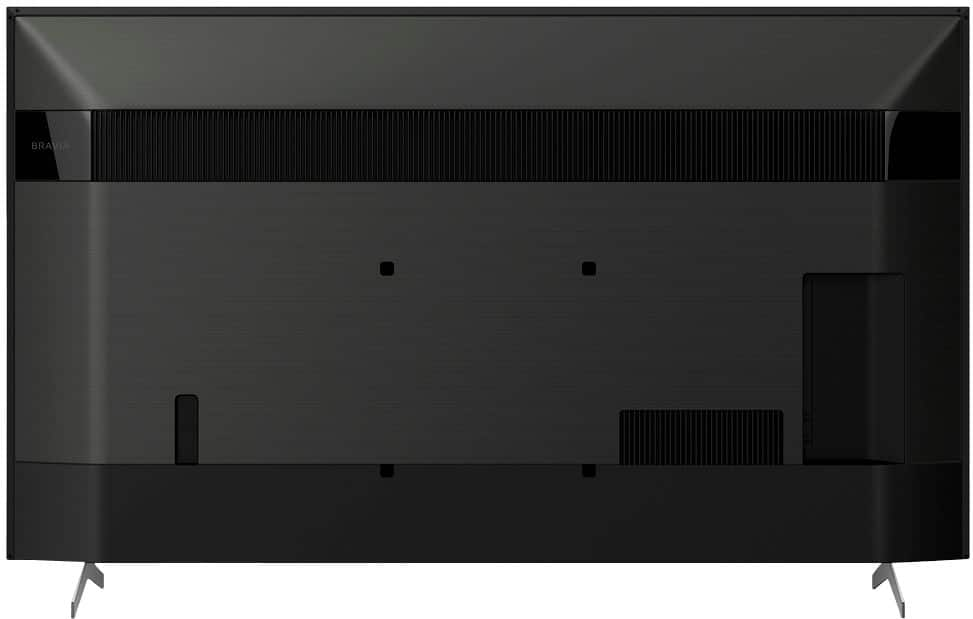
A:AnswerHi Moscato, thanks for your interest in the XBR55X900H. Unfortunately, the TV doesn't have slots for those devices. You can only connect the cable or wired connections of those devices. You may refer to this link for more information about the TV:
https://www.sony.com/electronics/support/res/manuals/5015/eb0c5563ce385268ca3bbd11bbb6e10e/50156661M.pdf
~Ralph
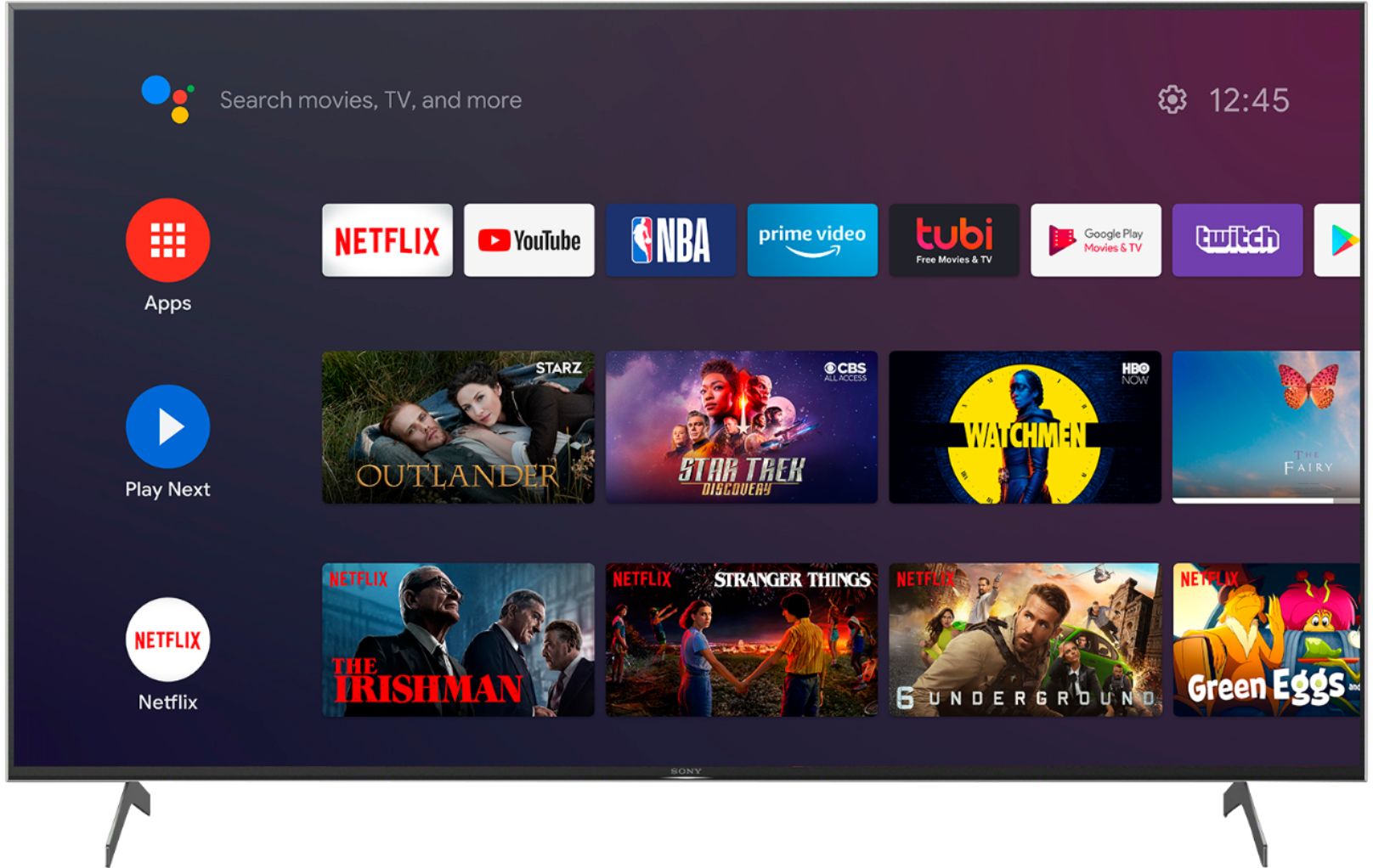
A:AnswerThe current Spectrum TV app is not available for Android TV.
Only compatible apps will be available for download on Google Play Store. You may refer to this link for more information:
https://www.sony.com/electronics/support/televisions-projectors-lcd-tvs-android-/xbr-55x900h/articles/00120598
~Ralph