A:Answer Thanks for contacting Sony.
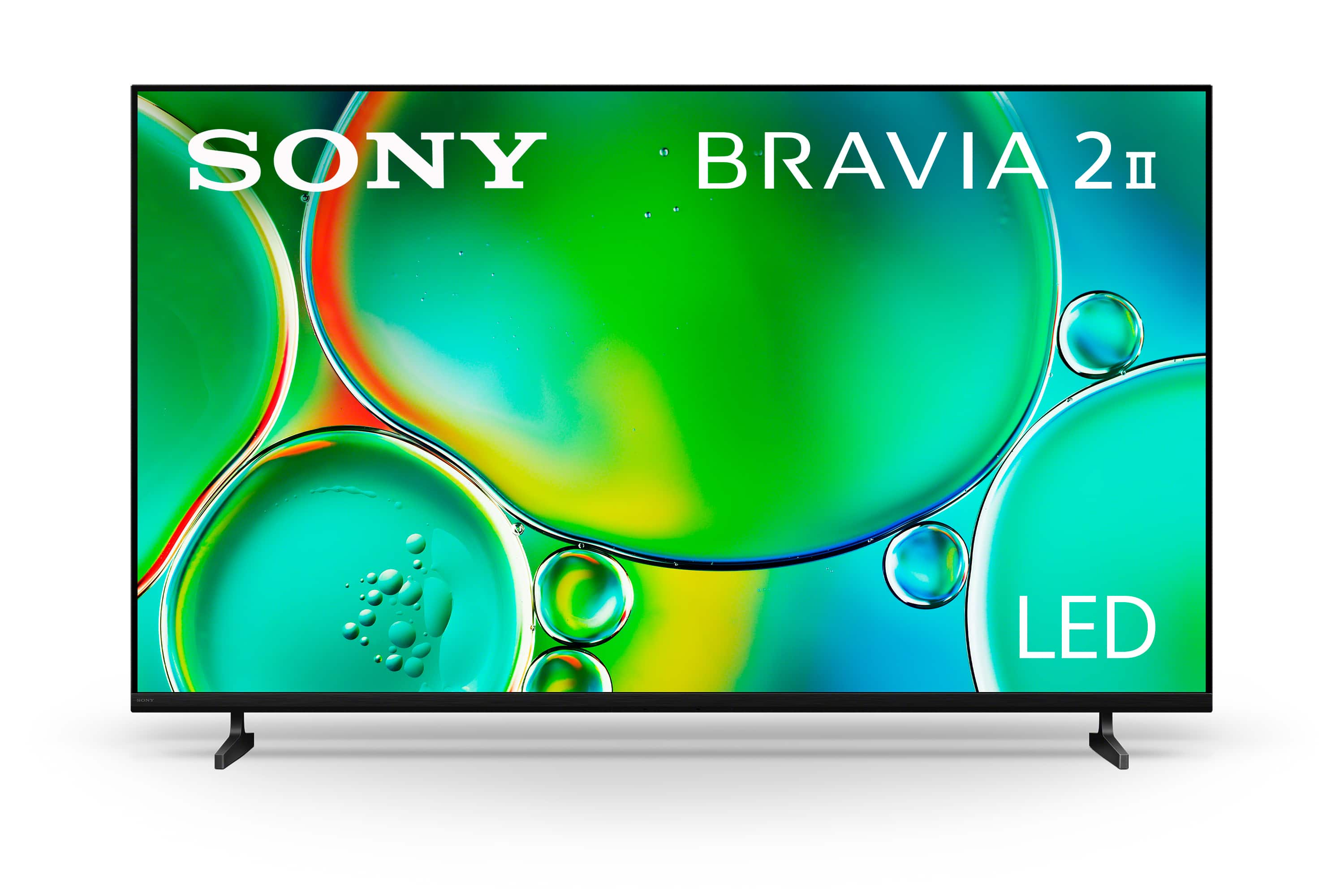
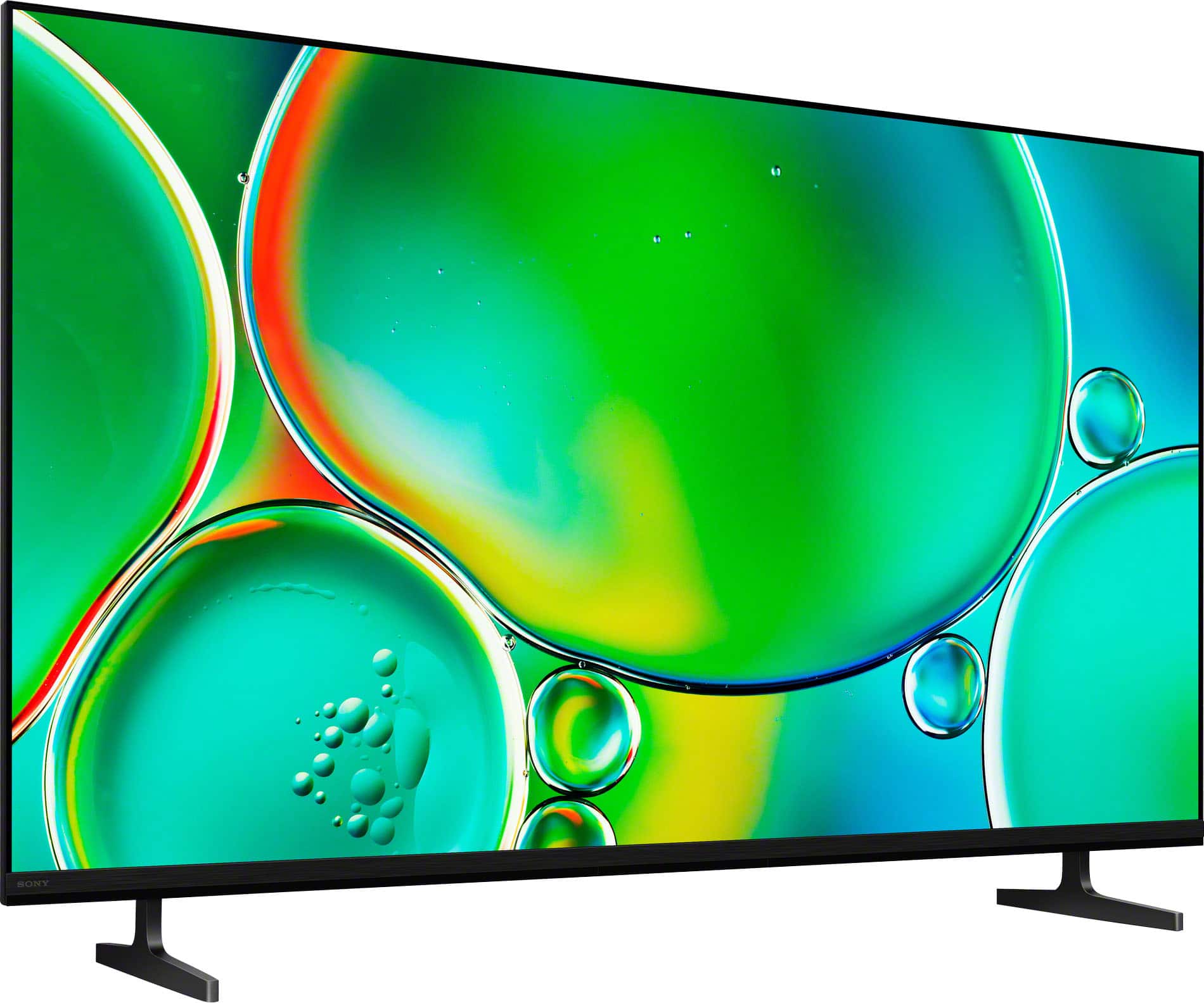
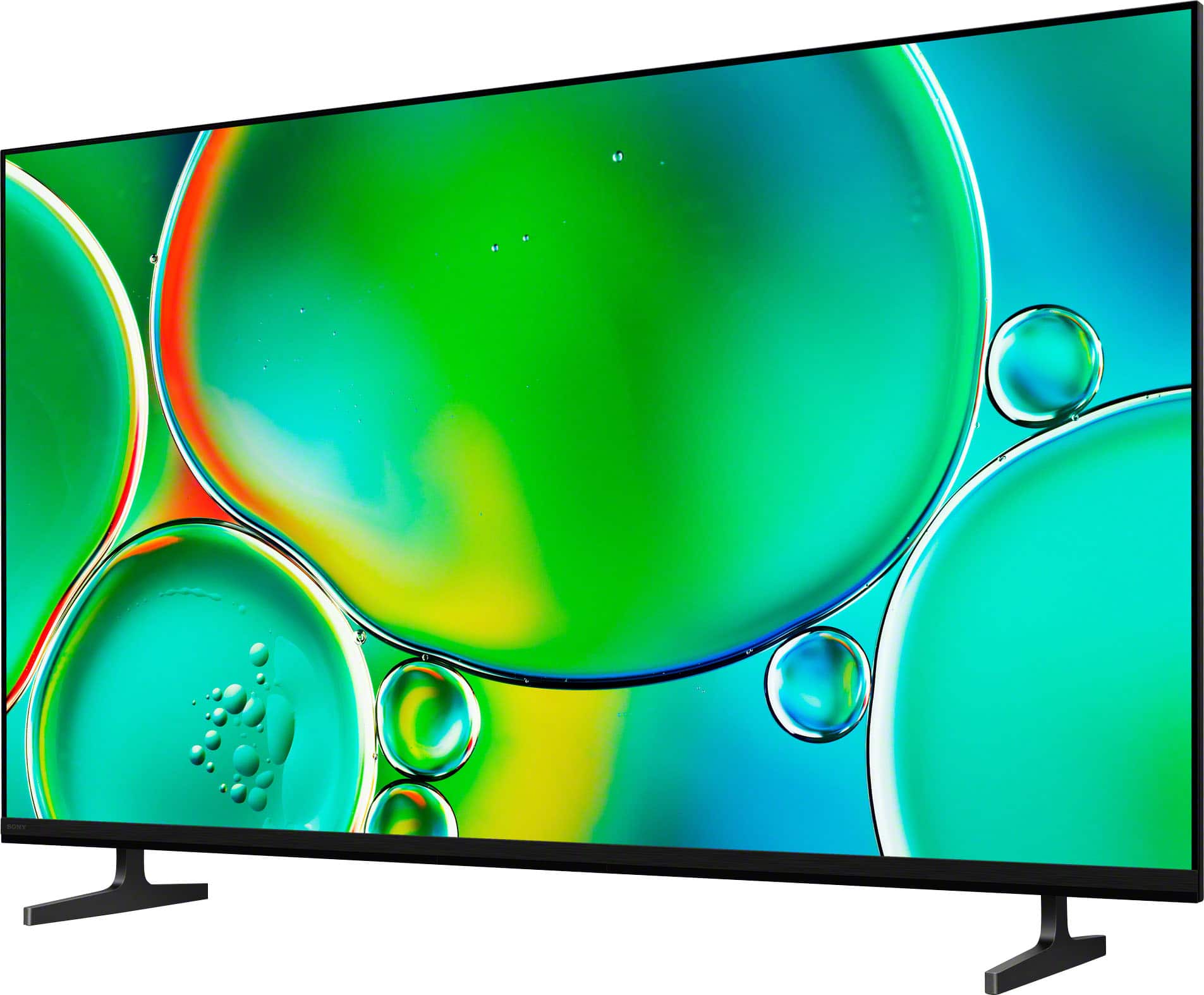
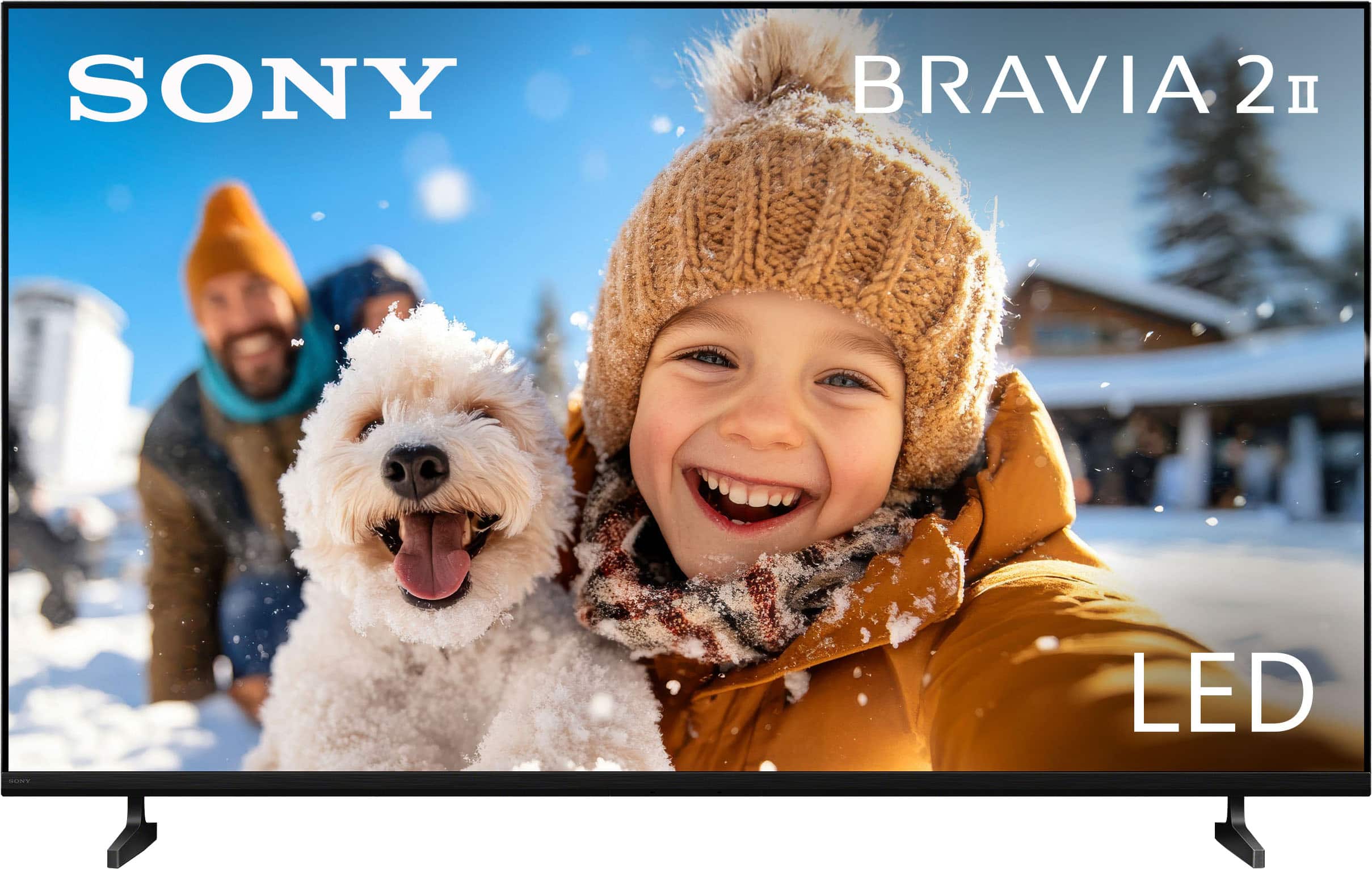
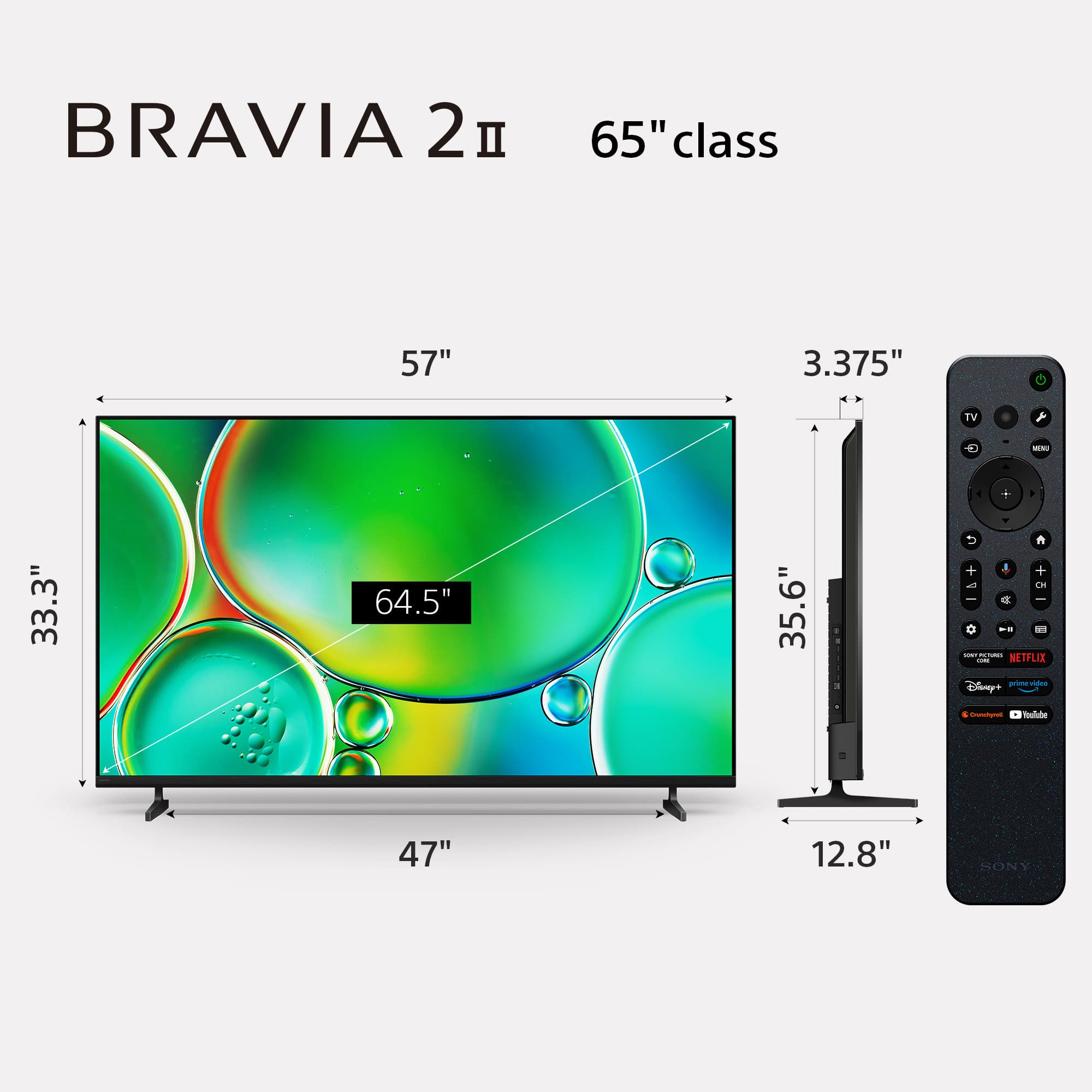
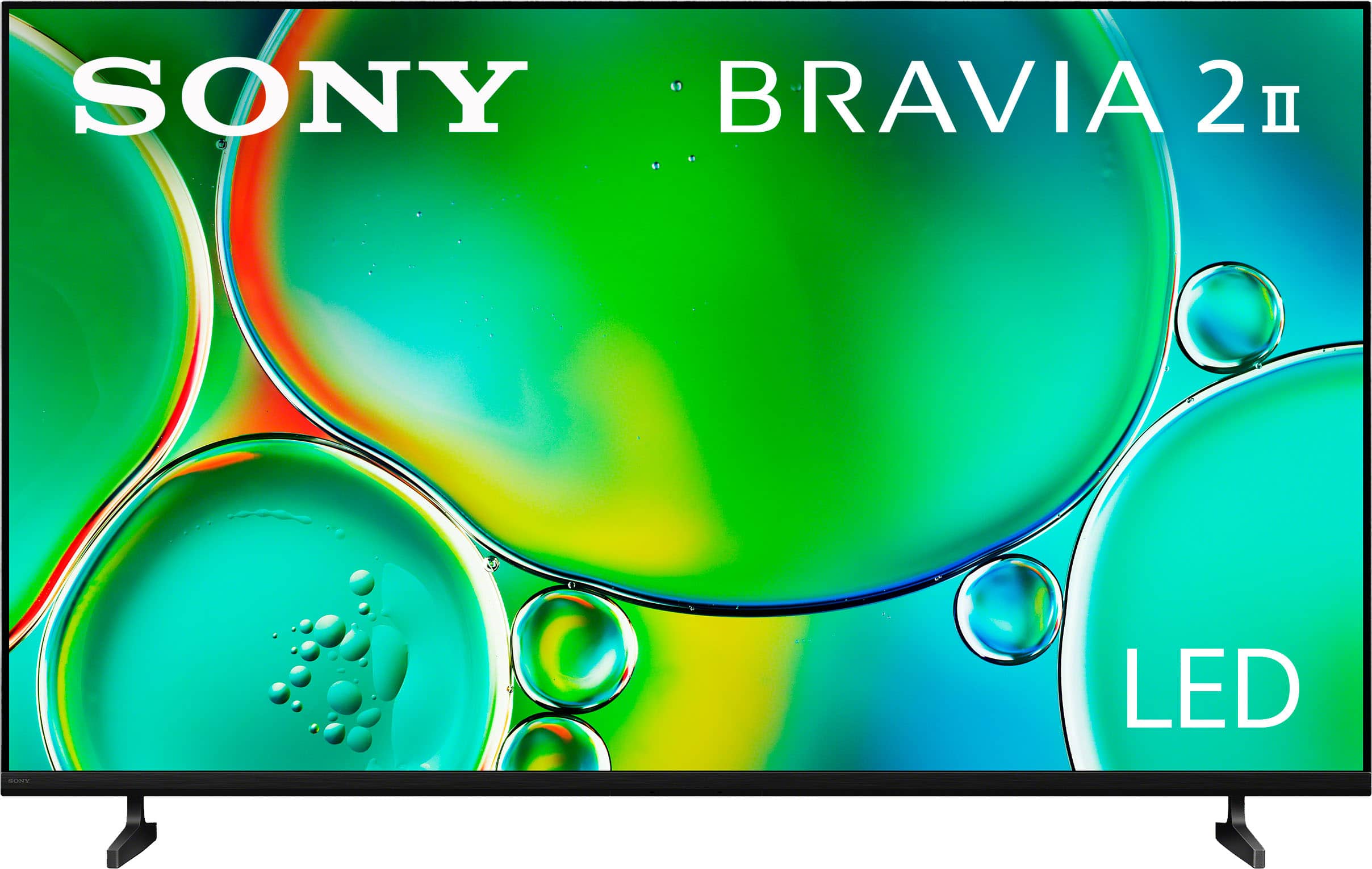
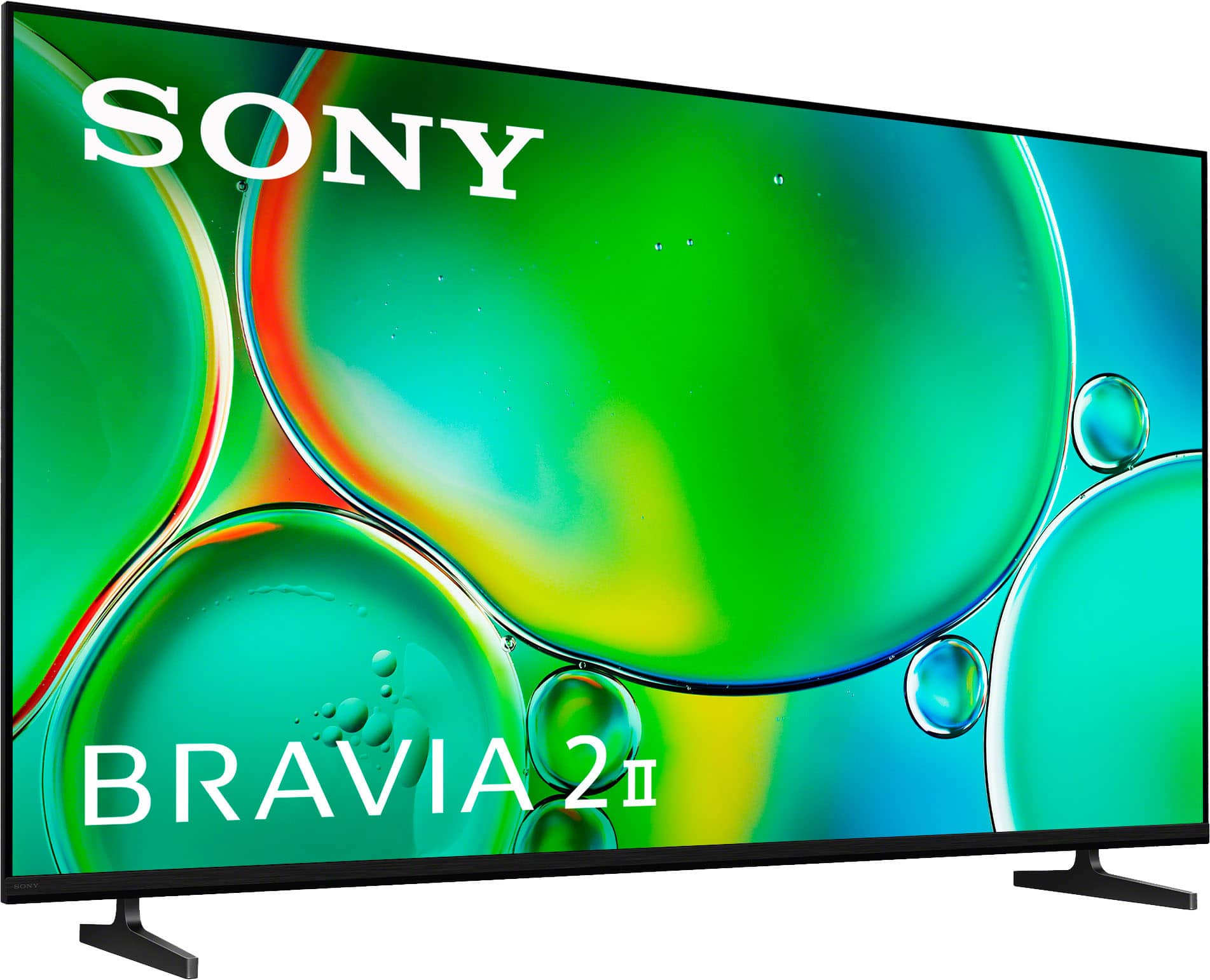
The BRAVIA 2 II is absolutely more than perfect to use exclusively for streaming without a cable box. It was truly designed for the modern streaming viewer.
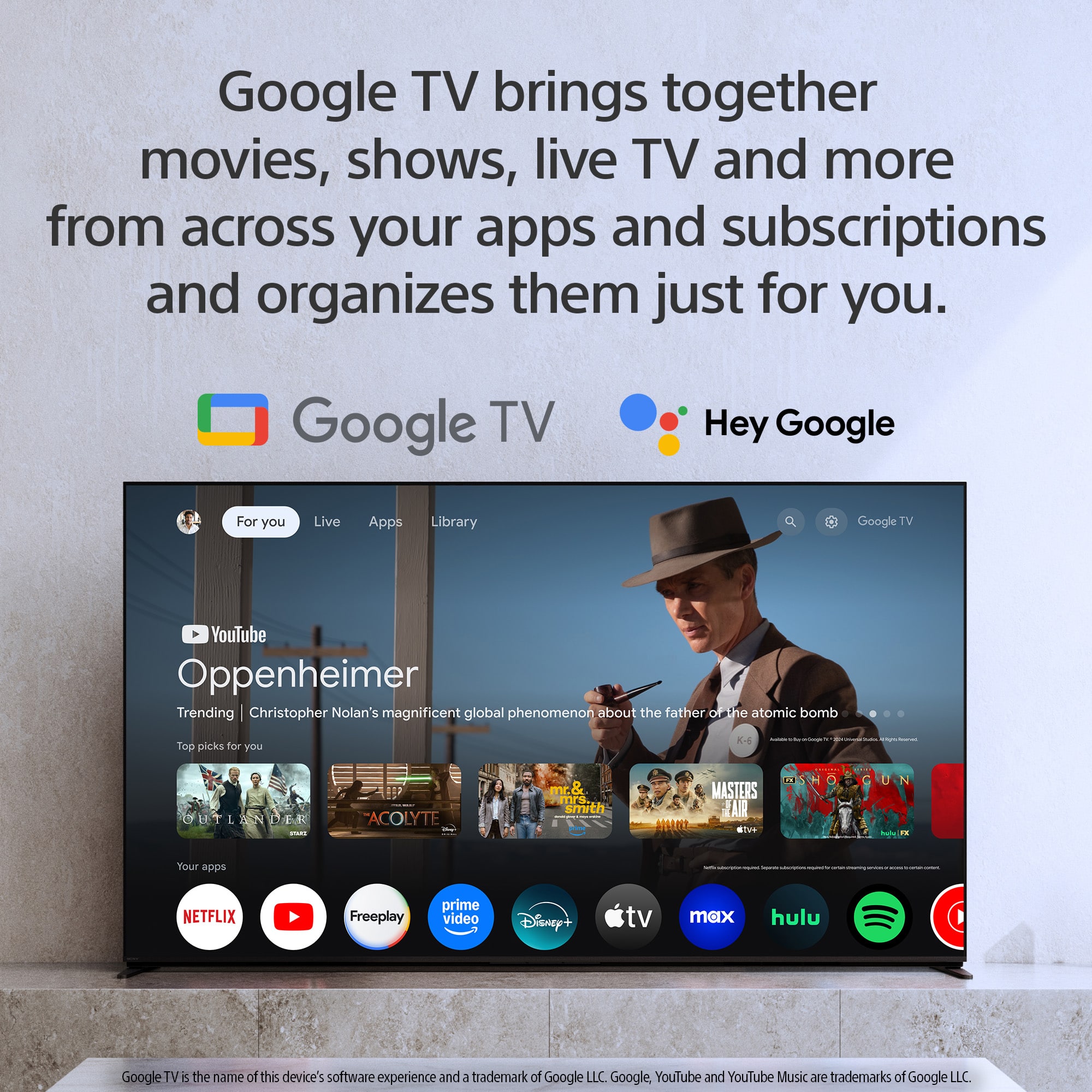
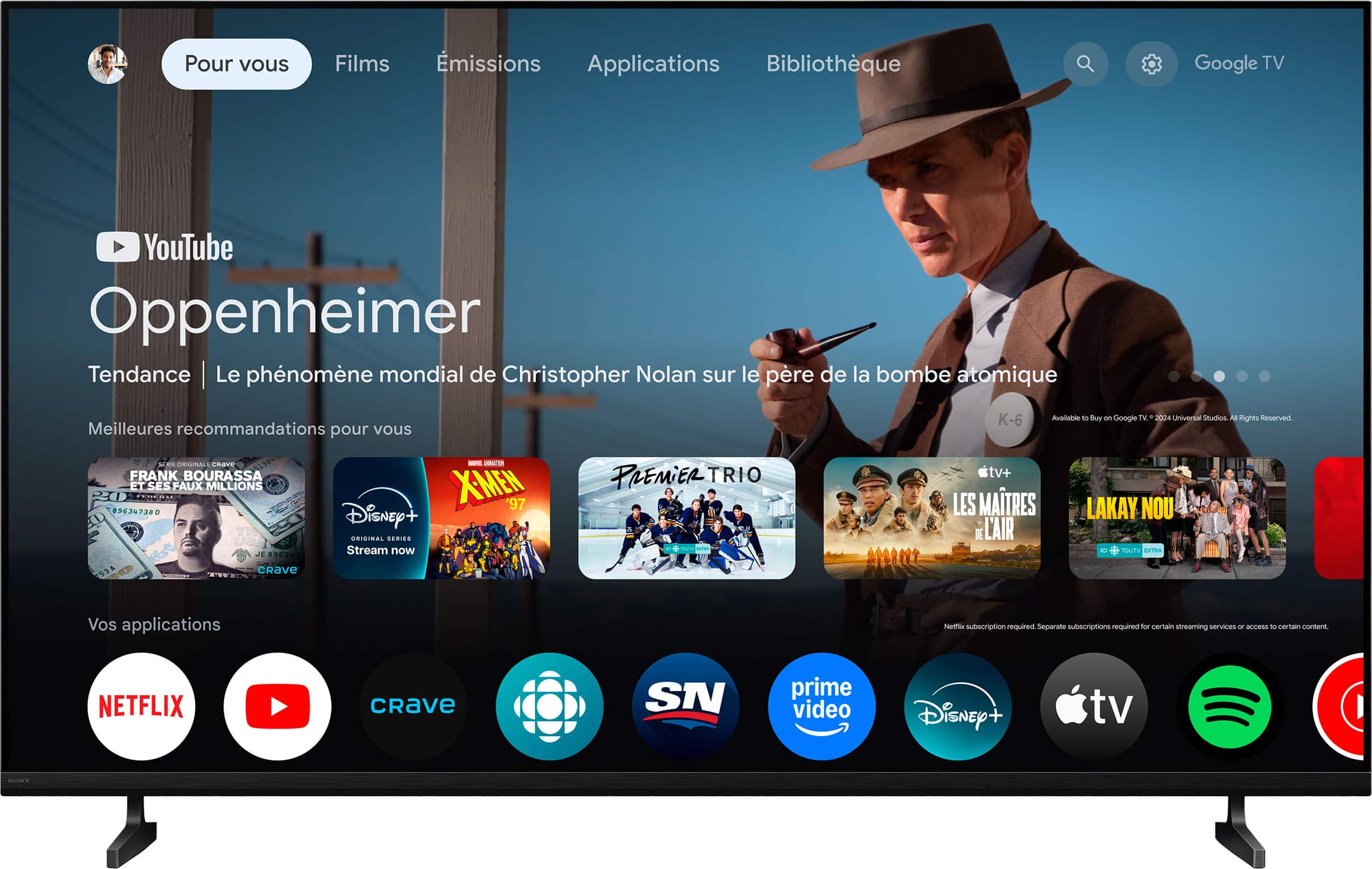
The built-in Google TV operating system brings all your entertainment directly to the screen and offers several key benefits for a cable-free experience:
Unified Entertainment Hub: Google TV organizes over 700,000 movies and TV episodes from all your different streaming apps (Netflix, Disney+, Max, etc.) into one easy, centralized place.
Complete App Access: You can effortlessly download virtually every major streaming service and app directly through the integrated Google Play Store.
Seamless Mobile Integration: Need to share content? The TV supports Chromecast built-in for Android and Apple AirPlay 2 for iOS, making it simple to cast content from your phone or tablet.
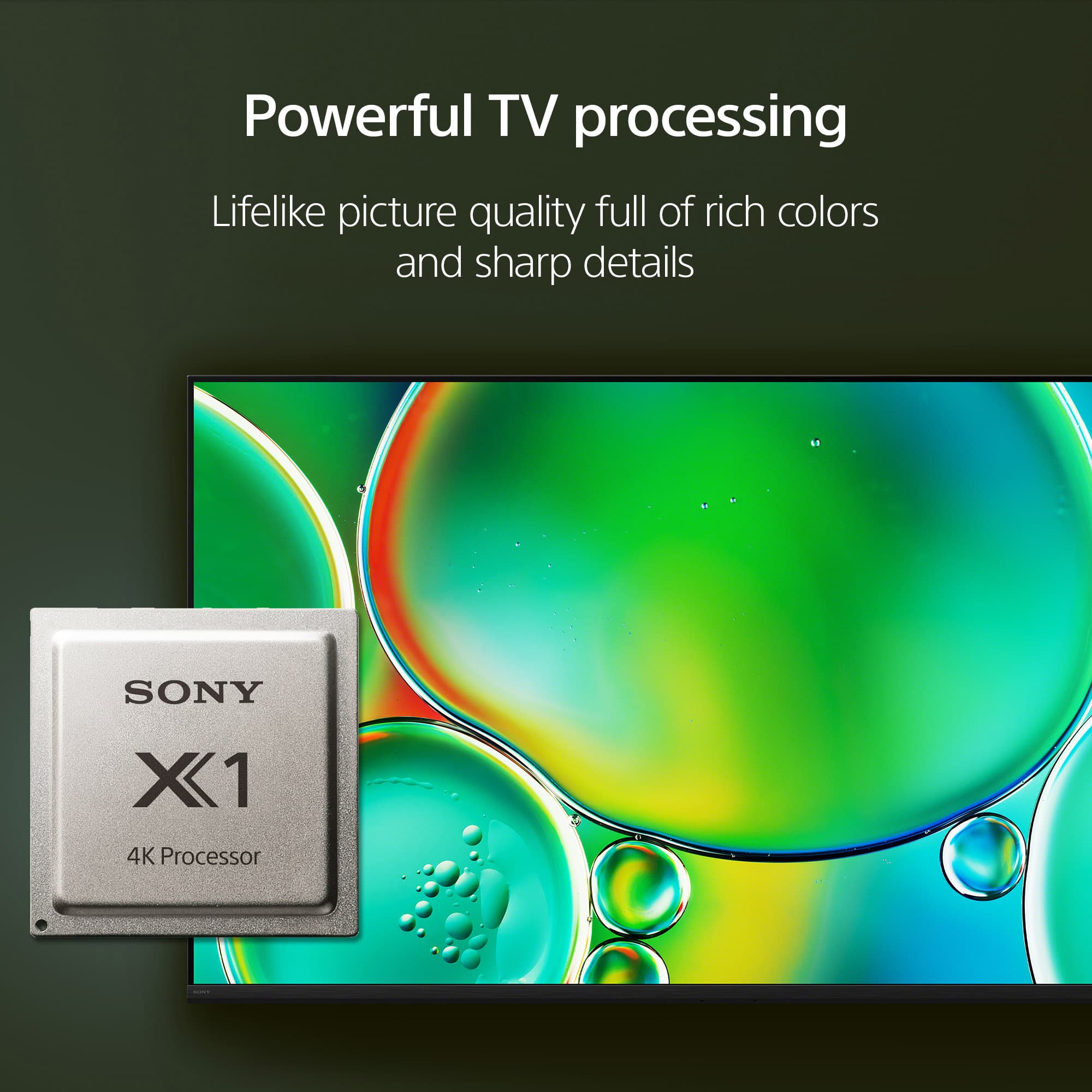
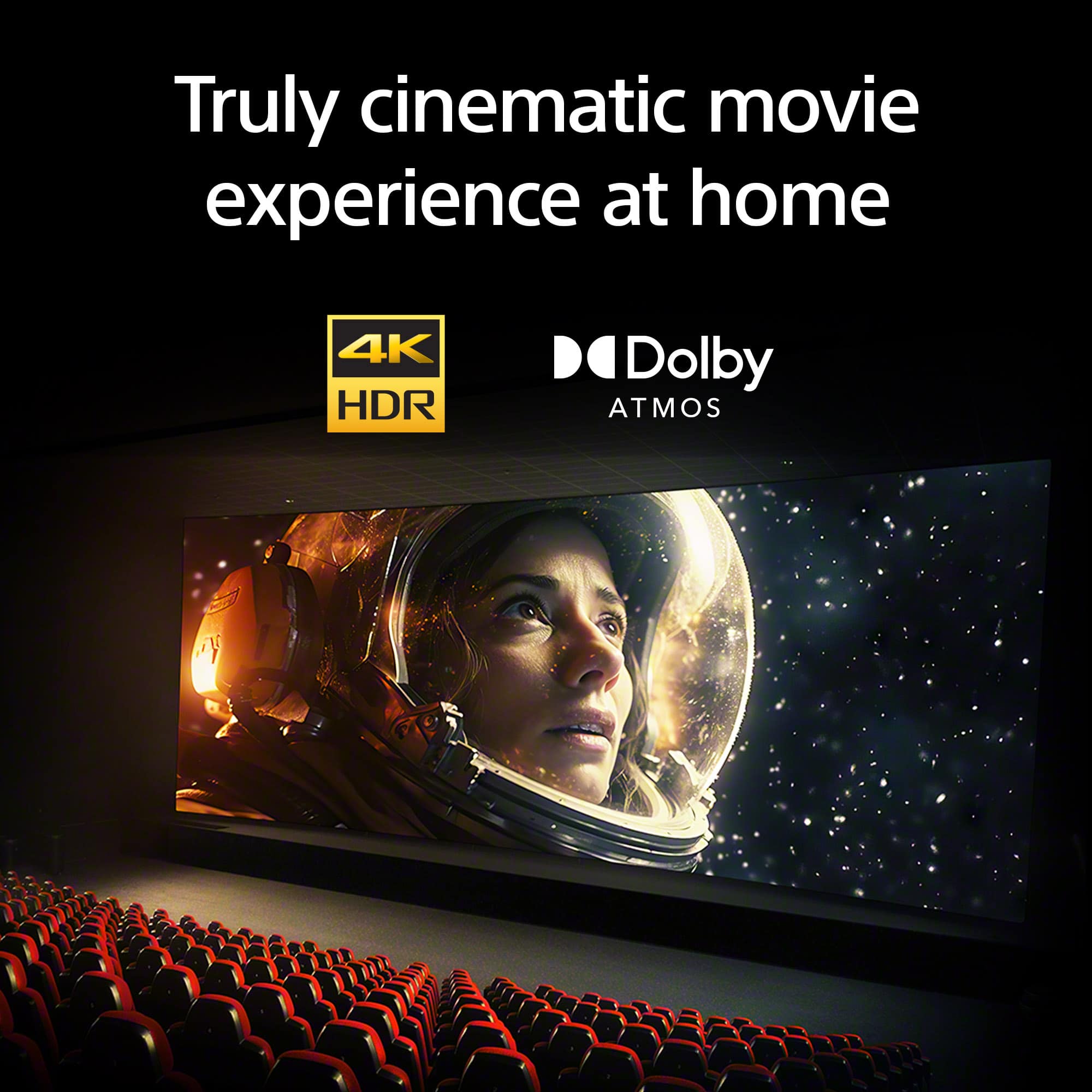
Enhanced Picture Quality: Many older streamed shows aren't 4K. Our 4K Processor X1 uses 4K X-Reality™ PRO technology to automatically upscale your HD and SD streaming content, ensuring that even your favorites look sharp and clear in near-4K quality.
In short, the BRAVIA 2 II provides a comprehensive, high-quality, and user-friendly experience built specifically around your streaming needs!
We appreciate your interest in Sony products, if you need further assistance, don't hesitate and reach us for support! You can find contact options on the link below:
https://us.esupport.sony.com/support/s/support-contact?language=en_US&category=TV
Best regards,
Gus, Sony North America Customer Support