



Black Friday is hereShop new DoorbustersShop now

Main Content

Questions & Answers

Your price for this item is $999.99
The comparable value price is $1,499.99
Page Showing 1-15 of 15 questions
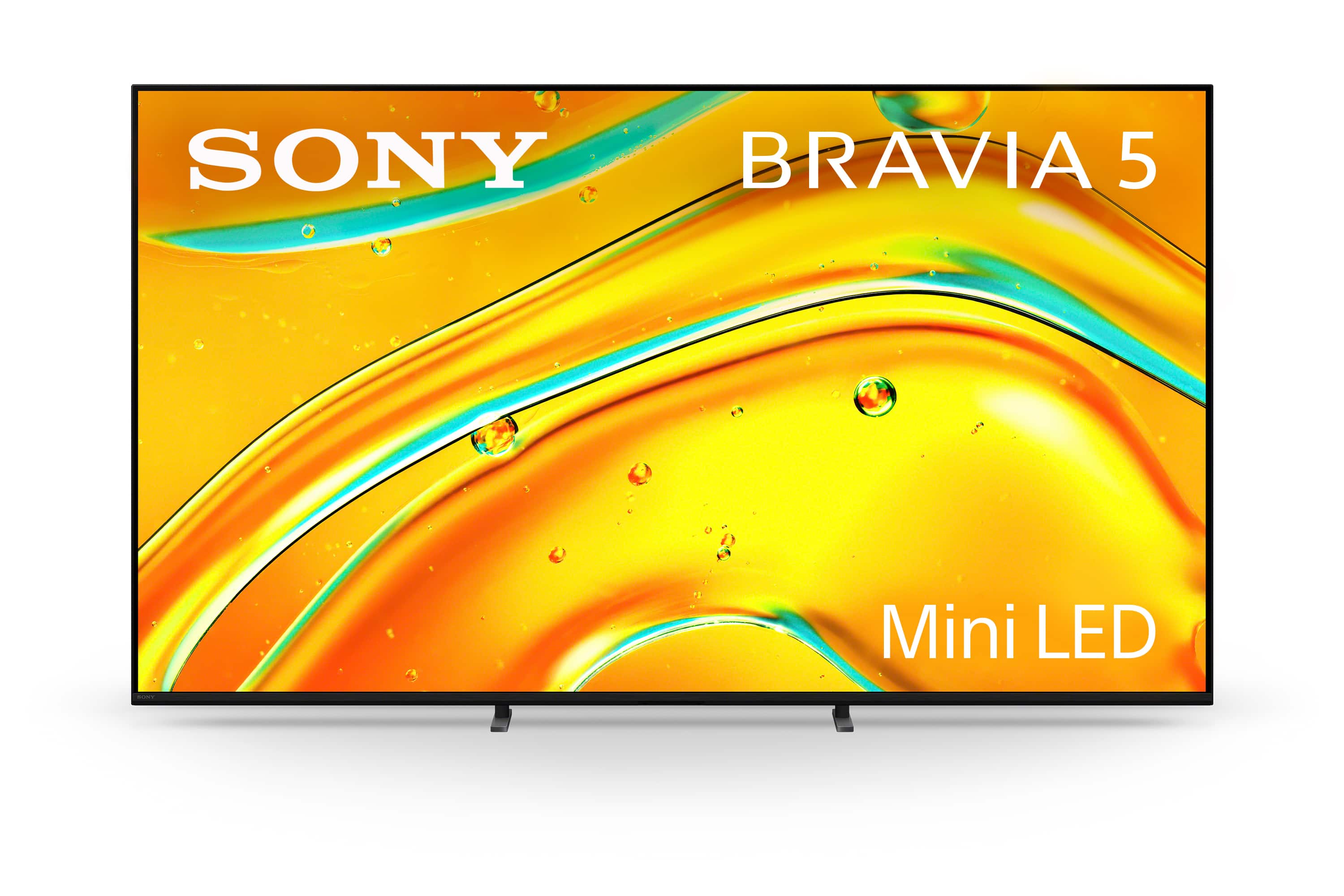
  • QuestionWhat type of backlight does this Sony TV use?

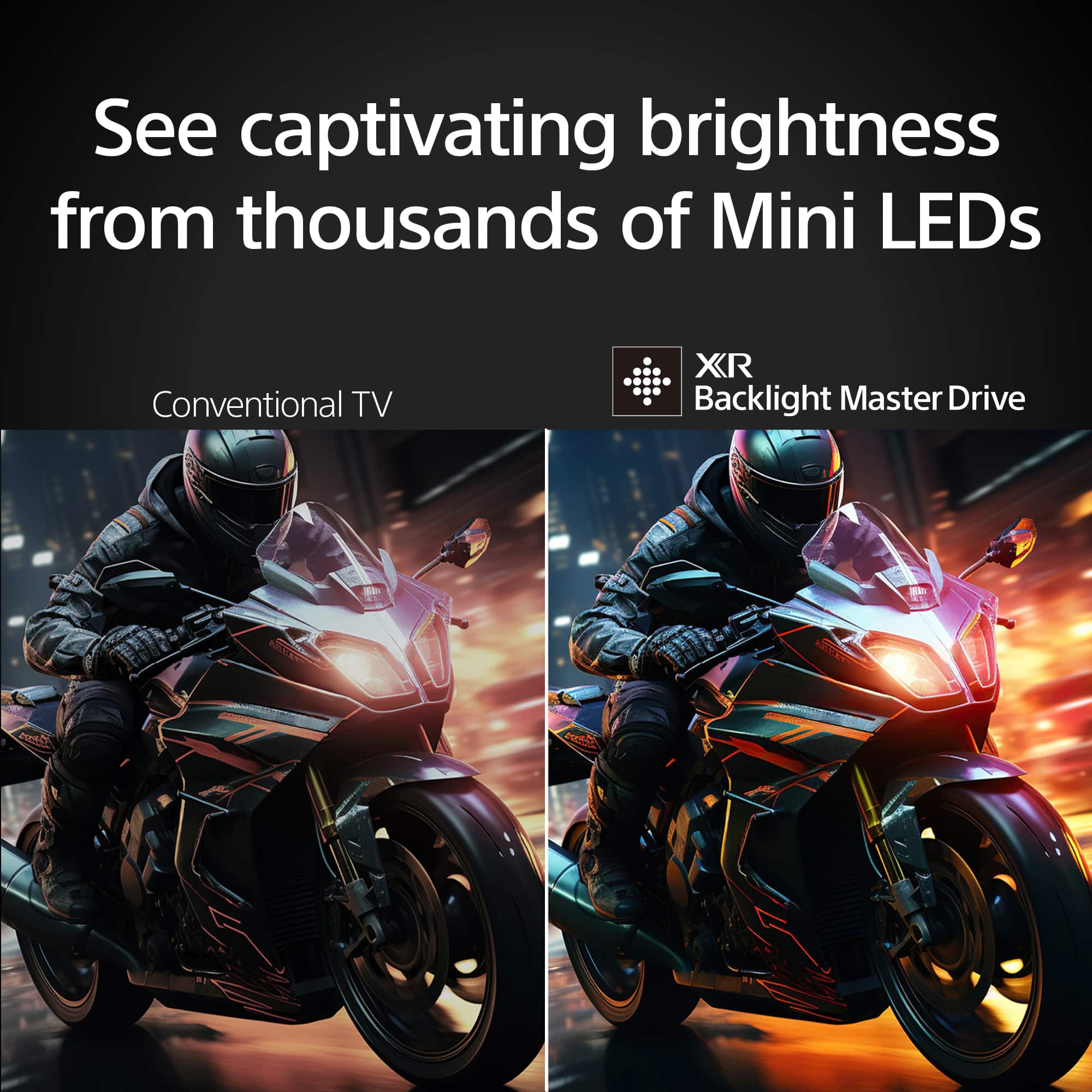
    • Answer This TV uses a Full Array Local Dimming backlight.
    This question and answer was generated by AI based on customer and product data.

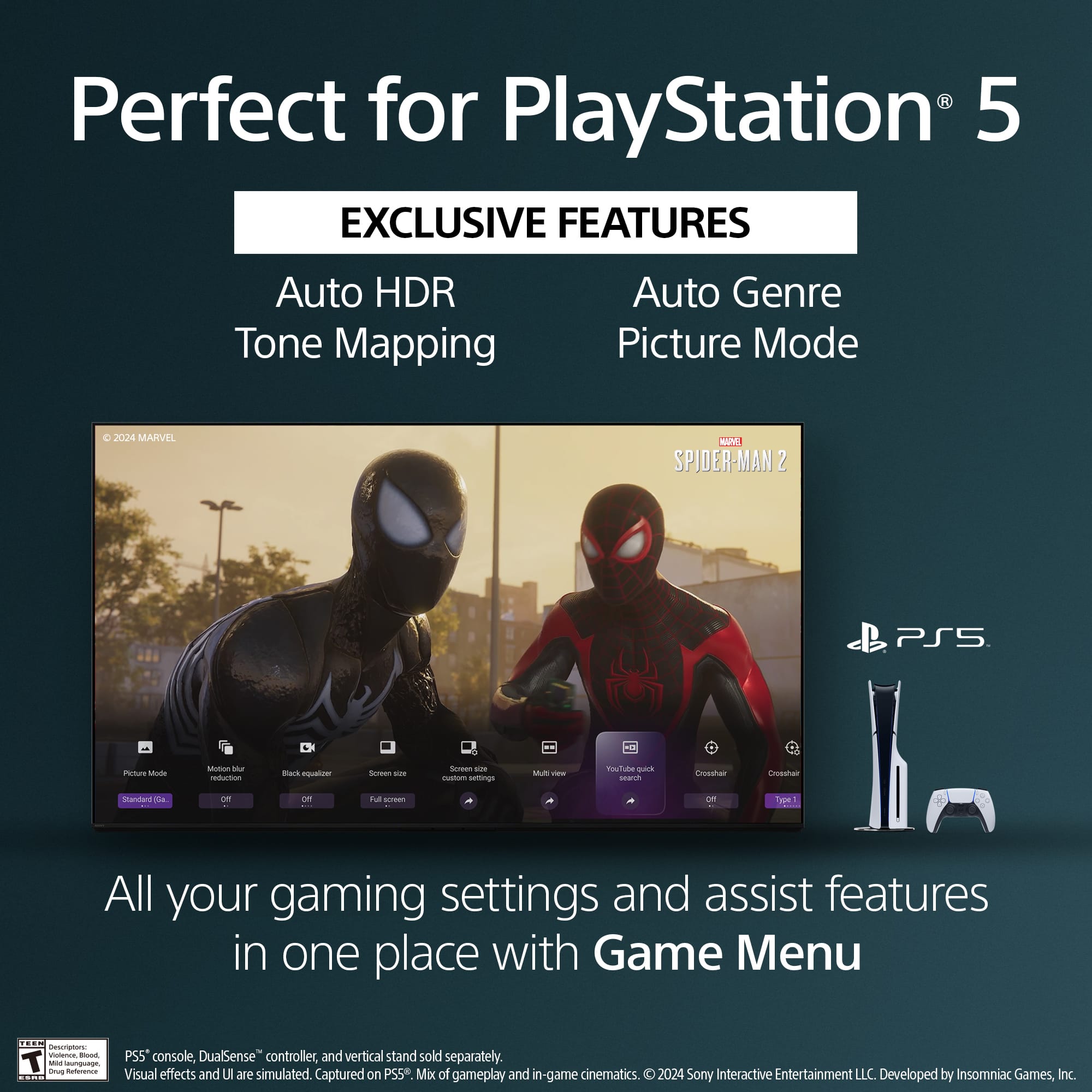
  • QuestionIs this Sony TV compatible with PlayStation 5?

    • Answer Yes, it's perfect for PlayStation 5 and includes exclusive features like Auto HDR Tone Mapping and Auto Genre Picture Mode.
    This question and answer was generated by AI based on customer and product data.

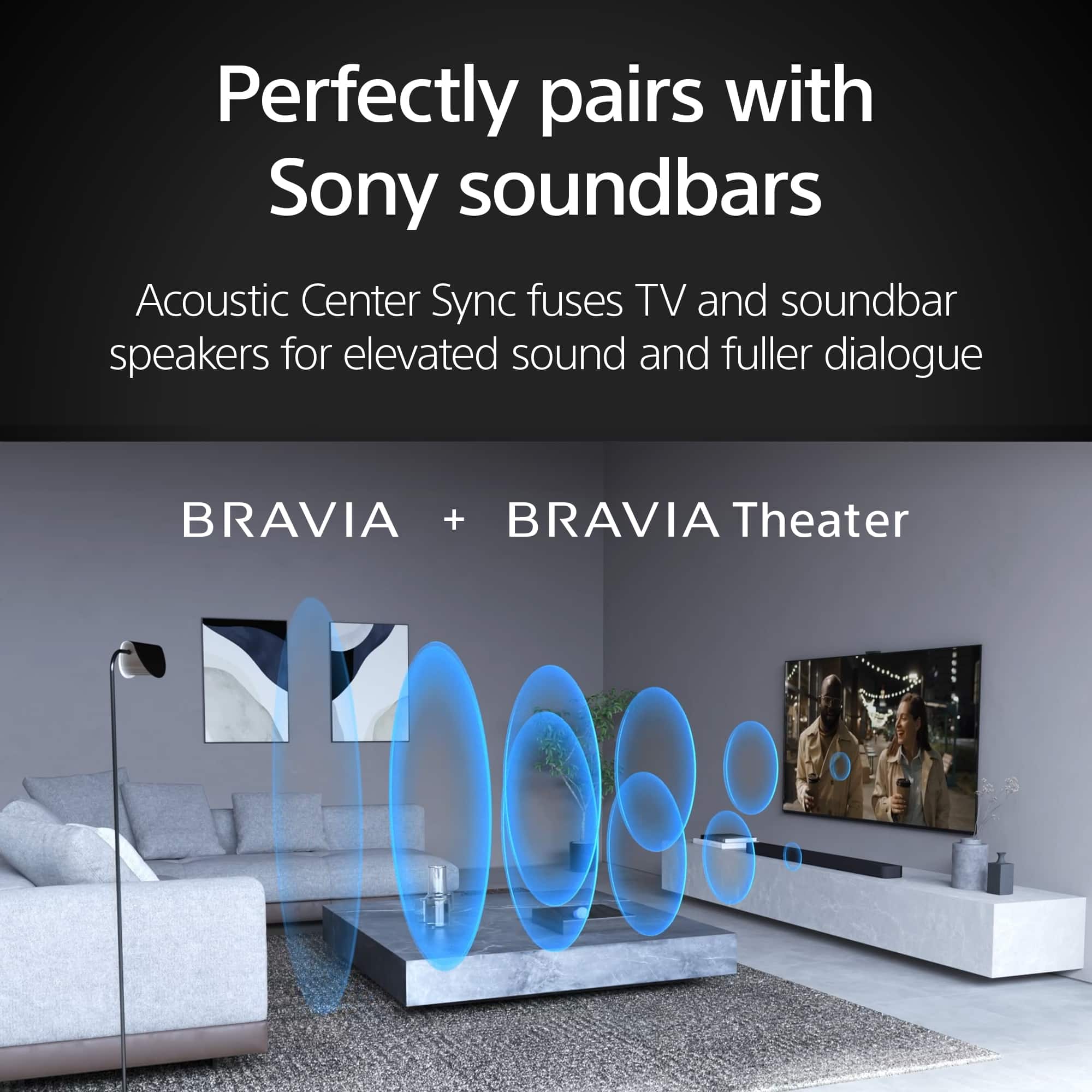
  • QuestionDoes this TV have built-in speakers?

    • Answer Yes, the TV has built-in downward-firing speakers.
    This question and answer was generated by AI based on customer and product data.
  • QuestionWhat is the refresh rate of this Sony TV?

    • Answer The refresh rate is 120Hz.
    This question and answer was generated by AI based on customer and product data.
  • QuestionHow can I control this TV with my smartphone?

    • Answer You can control the TV using the BRAVIA Connect app.
    This question and answer was generated by AI based on customer and product data.
  • QuestionWhich voice assistant is built-in to this TV?

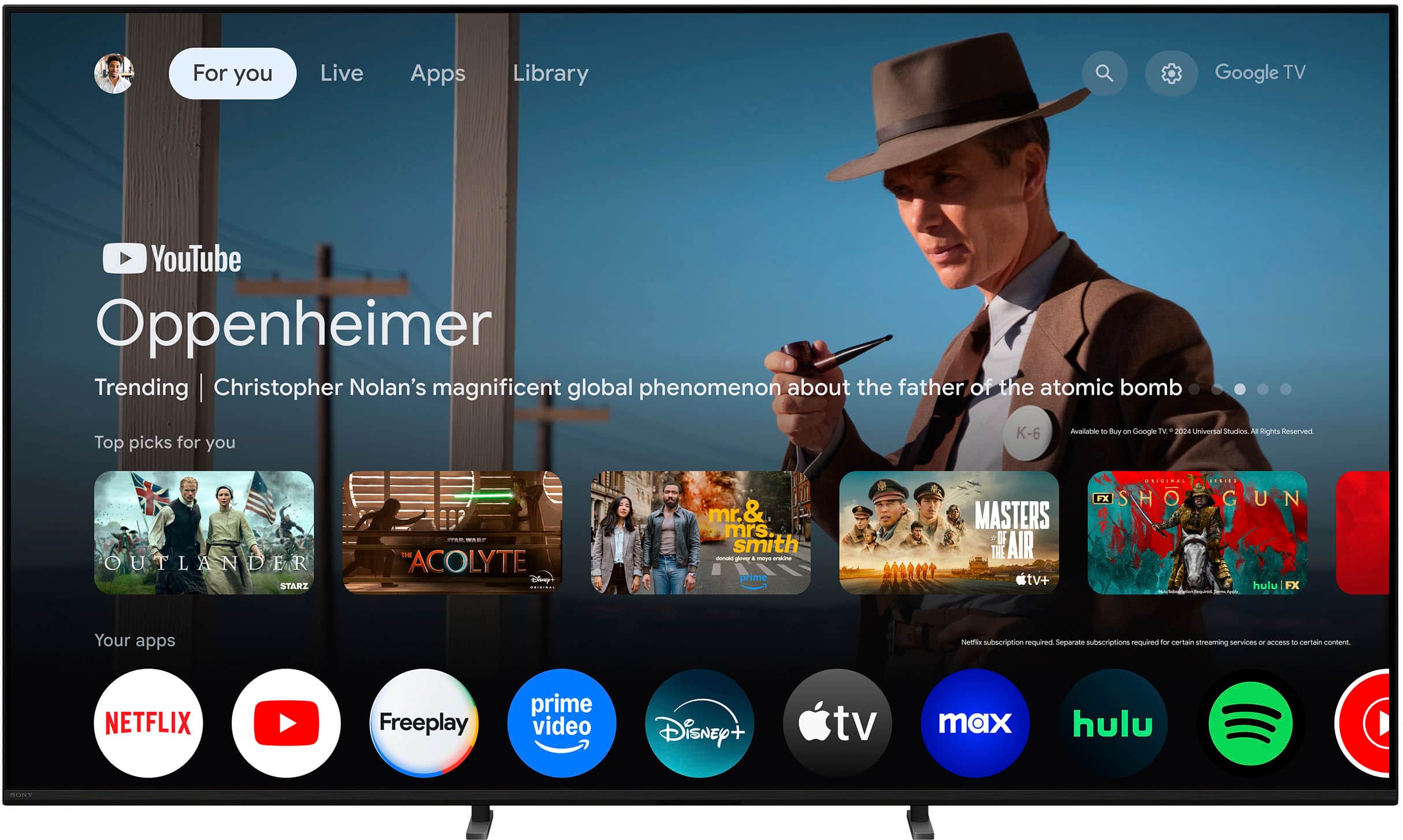
    • Answer This Sony TV has Google Assistant built-in.
    This question and answer was generated by AI based on customer and product data.

  • QuestionDoes this TV support Dolby Vision?

    • Answer Yes, this TV supports Dolby Vision and Atmos, IMAX Enhanced, and DTS:X.
    This question and answer was generated by AI based on customer and product data.

  • QuestionIi understand that the viewing angle of the bravia 9 is supposed to be significantly better than the bravia 7 (which i own). How does the viewing angle of the bravia 5 compare to the bravia 7 and 9?

    Asked by NeTFLoODeR.

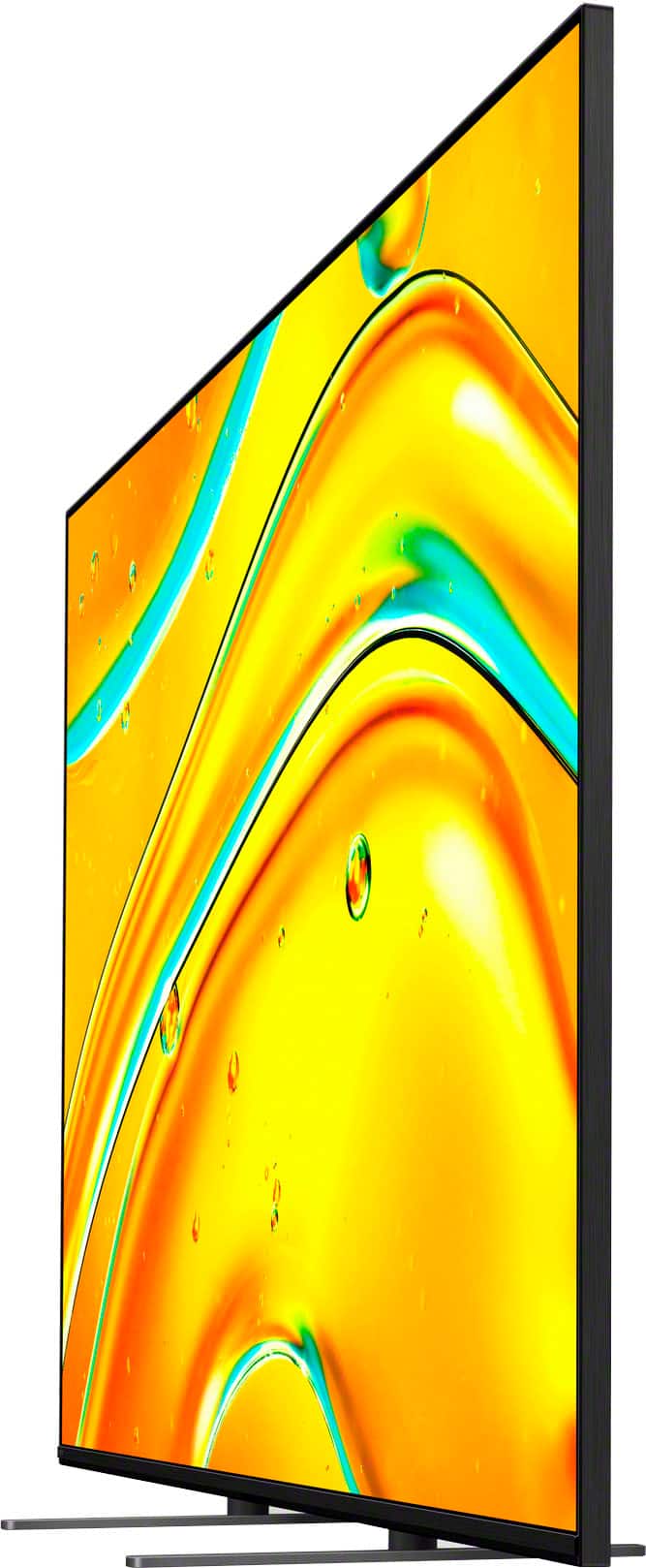
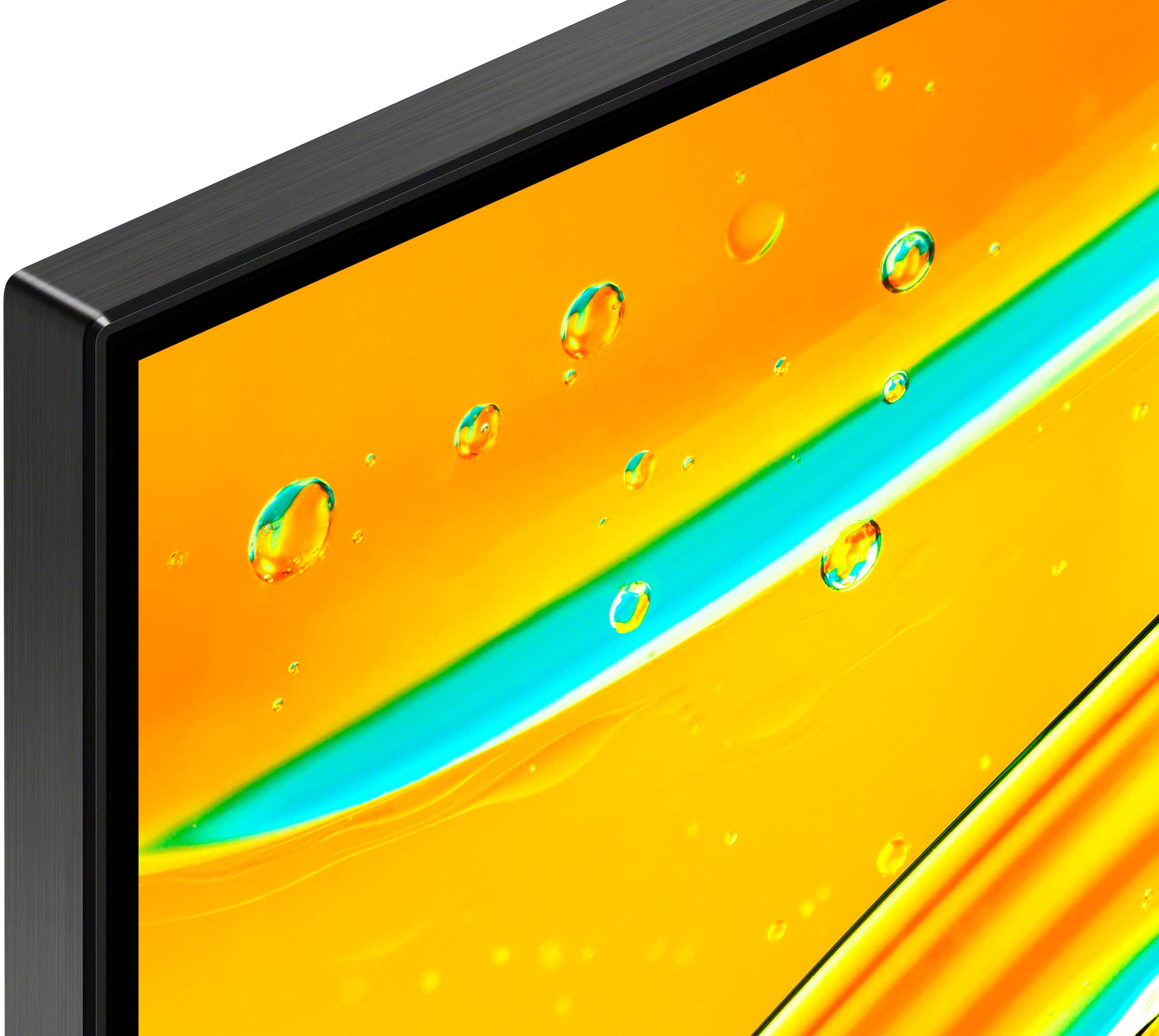
    • Answer Hi, Snowynorth, Thanks for the question. Regarding to the information, take in consideration the following: While the BRAVIA 9 incorporates X-Wide Angle technology to drastically improve off-axis viewing, the BRAVIA 7 and 5 do not include it. Instead they have semi gloss anti-glare screen, which may not be as effective as the BRAVIA 9, but it will definitely reduce the reflection from wide-angle layers. Thanks for considering Sony products, have a great day! -DiegoV

      Answered by SonyListens

  • QuestionWhat is the charge for basic set-up?

    Asked by Sony.

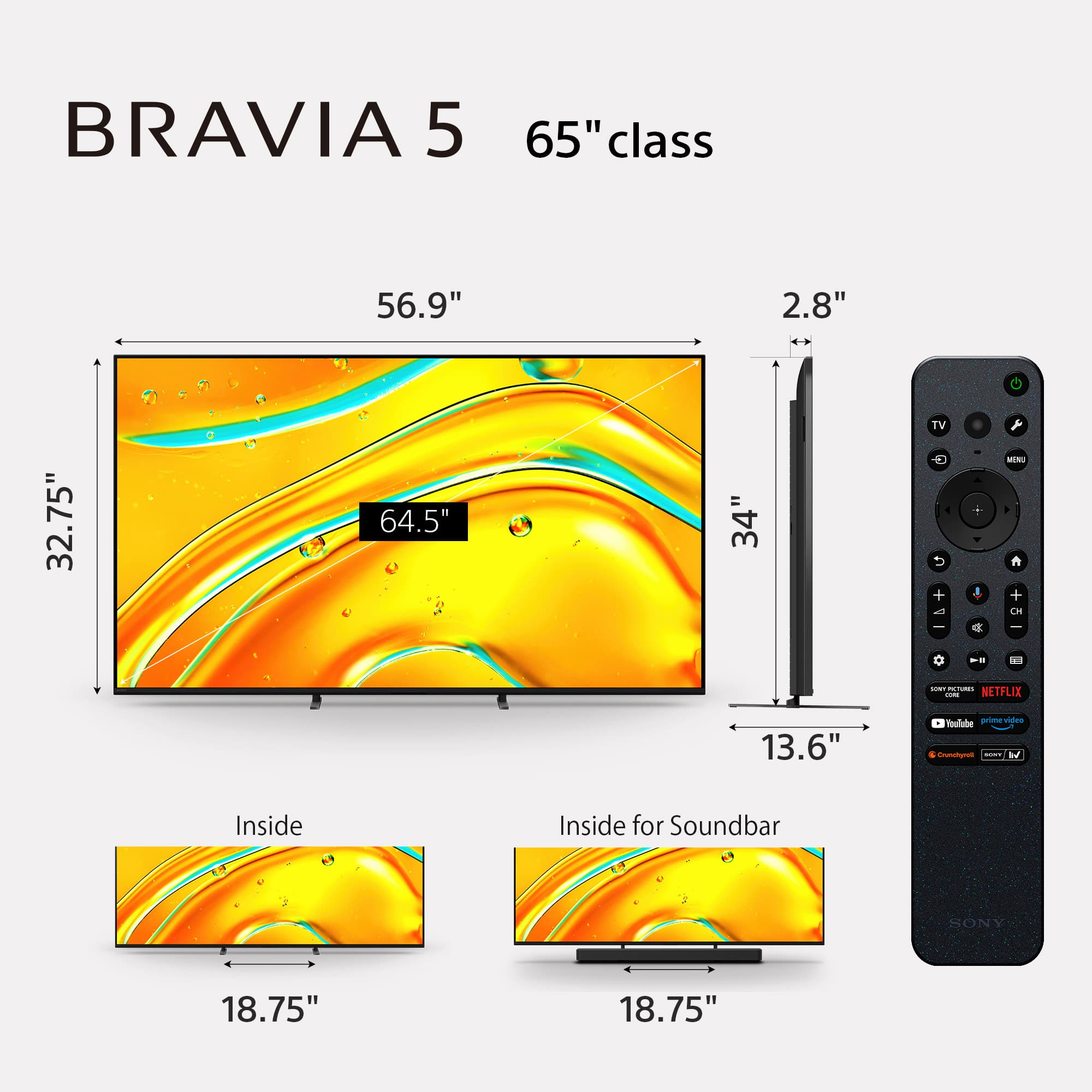
  • QuestionHow many HDMI 2.1 inputs does the Bravia 5 have?

    Asked by SusanB.

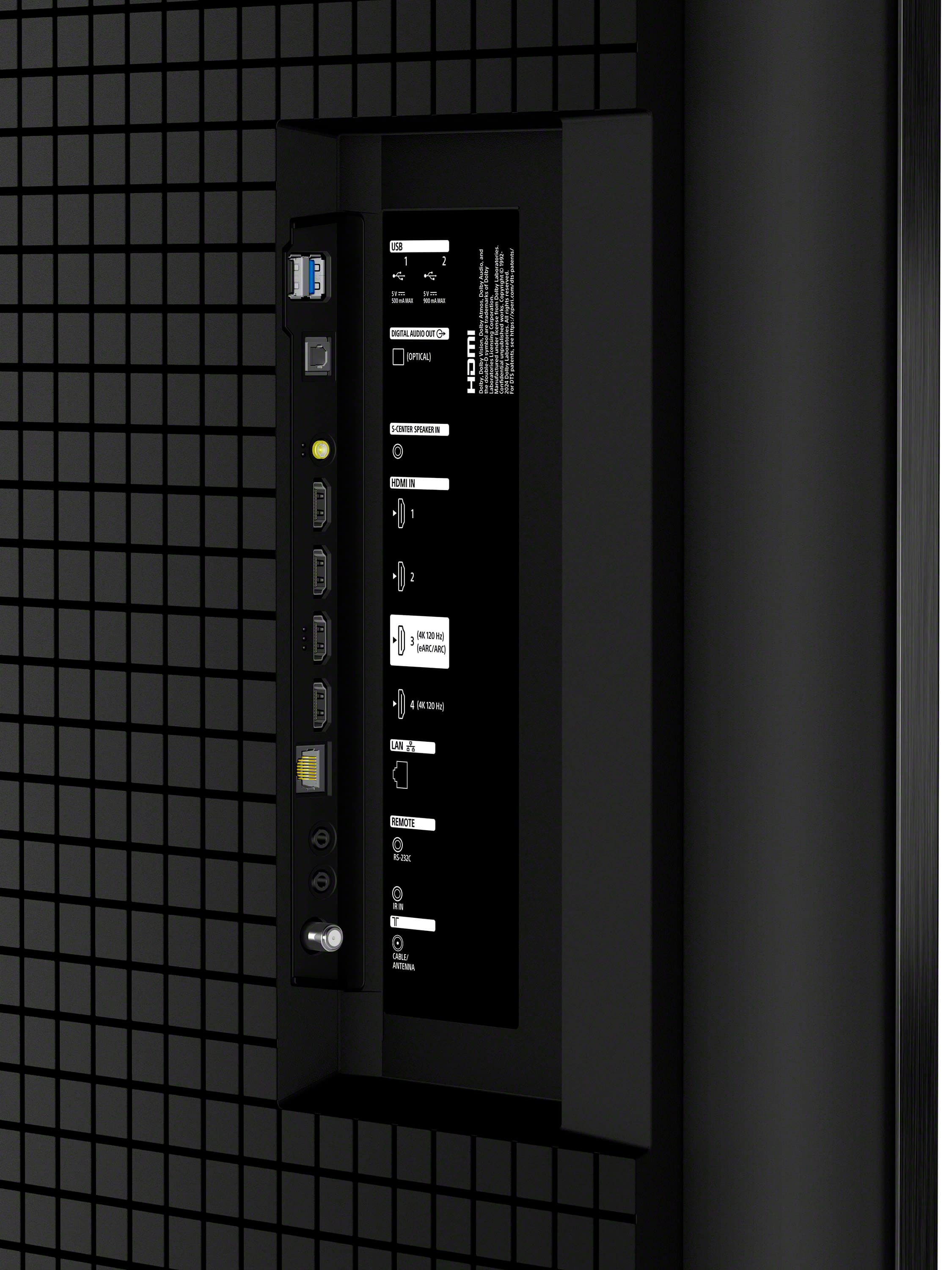
    • Answer Thank you for contacting Sony, SusanB. The BRAVIA 5 is equipped with a total of four HDMI inputs, and two (2) of these ports are HDMI 2.1 compatible. These two HDMI 2.1 ports support high-performance gaming and video features, including: 4K resolution at 120 frames per second (4K/120Hz) Variable Refresh Rate (VRR) Auto Low Latency Mode (ALLM) One of the two HDMI 2.1 ports also supports eARC (enhanced Audio Return Channel), which is typically used to connect a soundbar or A/V receiver. We appreciate your interest in Sony products. Should you require any further assistance, please don't hesitate to reach out for support here: https://us.esupport.sony.com/support/s/support-contact?language=en_US&category=tv Best regards, Gus, Sony North America Customer Support

      Answered by SonyListens

  • QuestionHow much RAM does this TV have?

    Asked by Anonymous.

  • QuestionCan the Spanish language be used for the Voice Control features?

    Asked by PeterB.

    • Answer Thank you for your question, PeterB! Yes, the Spanish language can definitely be used for the Voice Control and Voice Search features on your K-65XR50. Since your TV runs on the Google TV platform, it supports a wide range of languages for voice commands. Specifically, the Google Assistant and Voice Search features support: Spanish (Spain) Spanish (Mexico) Español (Estados Unidos) You can easily set your preferred language by navigating through the TV's settings menu. Once selected, you can use Spanish for voice commands, searches, and controlling your TV. We appreciate your interest in Sony products. Should you require any further assistance, please don't hesitate to reach out for support here: https://us.esupport.sony.com/support/s/support-contact?language=en_US&category=tv Best regards, Gus, Sony North America Customer Support

      Answered by SonyListens

  • QuestionIs it easy to hook up Xfinity cable box and which port do you use?

    Asked by Ricky.

    • Answer Thanks for contacting Sony, Ricky. We're happy to confirm that hooking up your Xfinity cable box is very easy and essentially a simple plug-and-play process. The K-65XR50 comes equipped with four HDMI ports, and you are free to use any of them for your cable box. Here’s a quick guide for connection: Connect an HDMI cable from the back of your Xfinity box to any of the HDMI inputs (1, 2, 3, or 4) on your K-65XR50. Select that corresponding HDMI input on your TV using your remote, and you should be enjoying your channels right away! If you plan to connect a soundbar or A/V receiver to your TV for audio, you should reserve HDMI Port 3 as it is the dedicated eARC/ARC port, which is best for transferring high-quality audio back from the TV. Otherwise, for just the cable box, any of the four ports will work perfectly. We appreciate your interest in the Sony K-65XR50! Should you need any further assistance with the setup, please don't hesitate to reach out to our dedicated support team here: https://us.esupport.sony.com/support/s/support-contact?language=en_US&category=tv Best regards, Gus, Sony North America Customer Support

      Answered by SonyListens

  • QuestionDoes this have an optical audio out for surround sound?

    Asked by astronuget.

    • Answer Yes

      Answered by hairball

  • QuestionHow much memory does it have

    Asked by JOHN.

    • Answer Hi JOHN, Thank you for reaching out with your question about the K-65XR50. We appreciate your interest in our products! The K-65XR50 is equipped with 32GB of memory. If you have any more questions or need further assistance, please feel free to ask. We're here to help! For additional specifications of the Bravia 5, please visit the following link: https://www.sony.com/electronics/support/televisions-projectors-lcd-tvs-android-/k-65xr50/specifications Thanks for considering Sony products! Best regards, Stephanie

      Answered by SonyListens









