Questions & Answers
- Model:
- K65XR80
- |
- SKU:
- 6578577
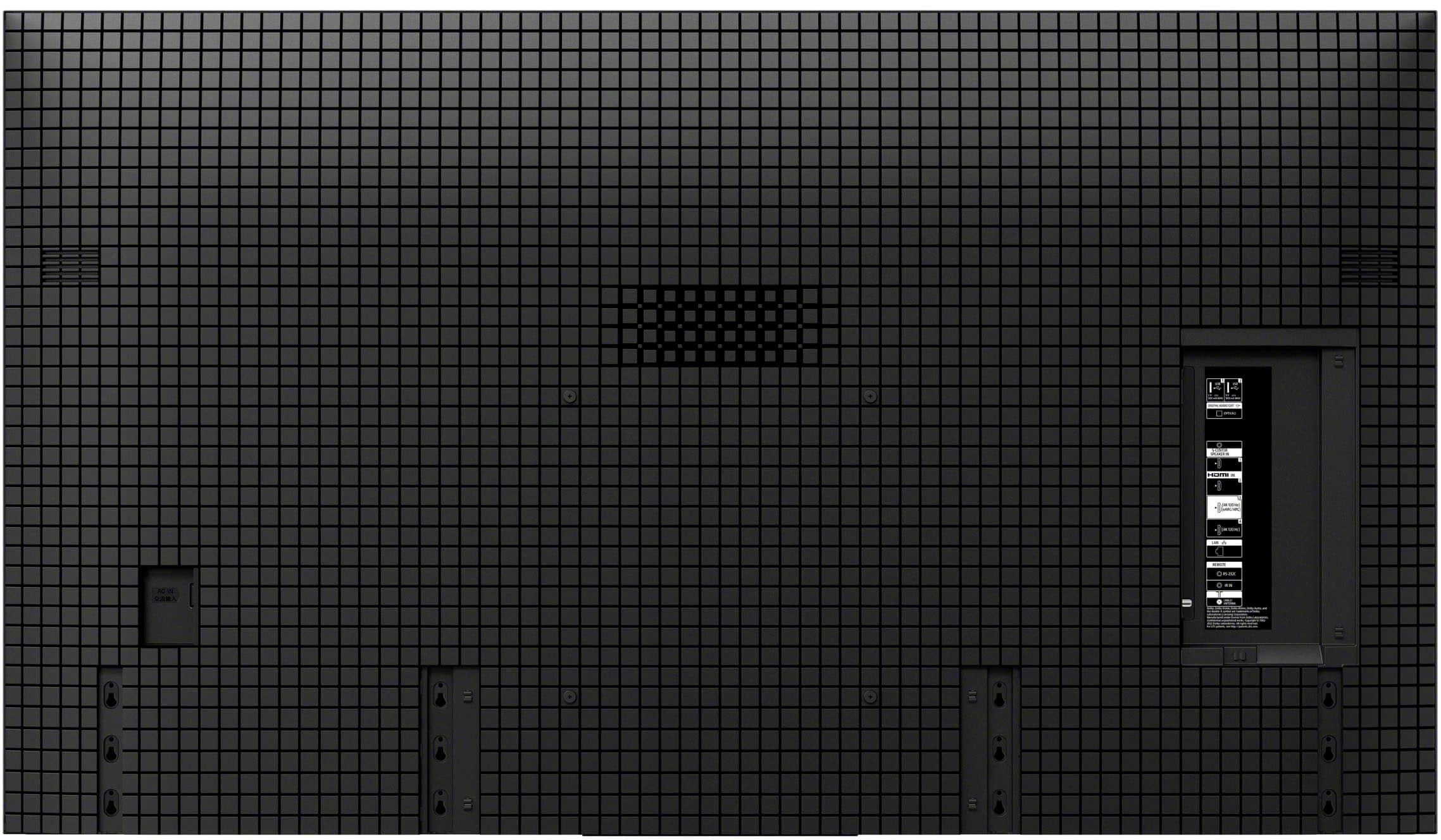
Q: Questionhow many hdmi ports does it have and how many usb ports does it have?
Asked by vidman.
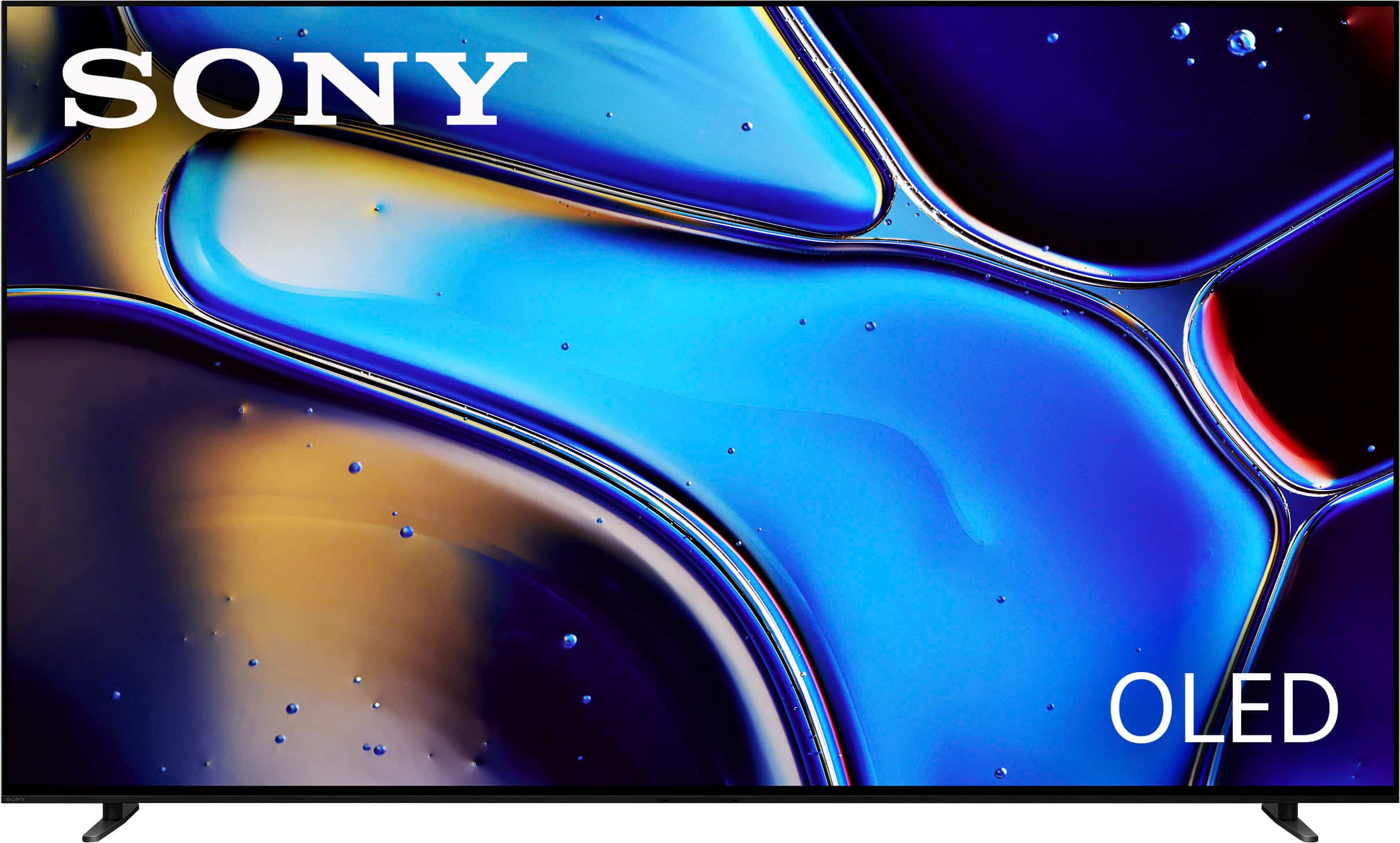
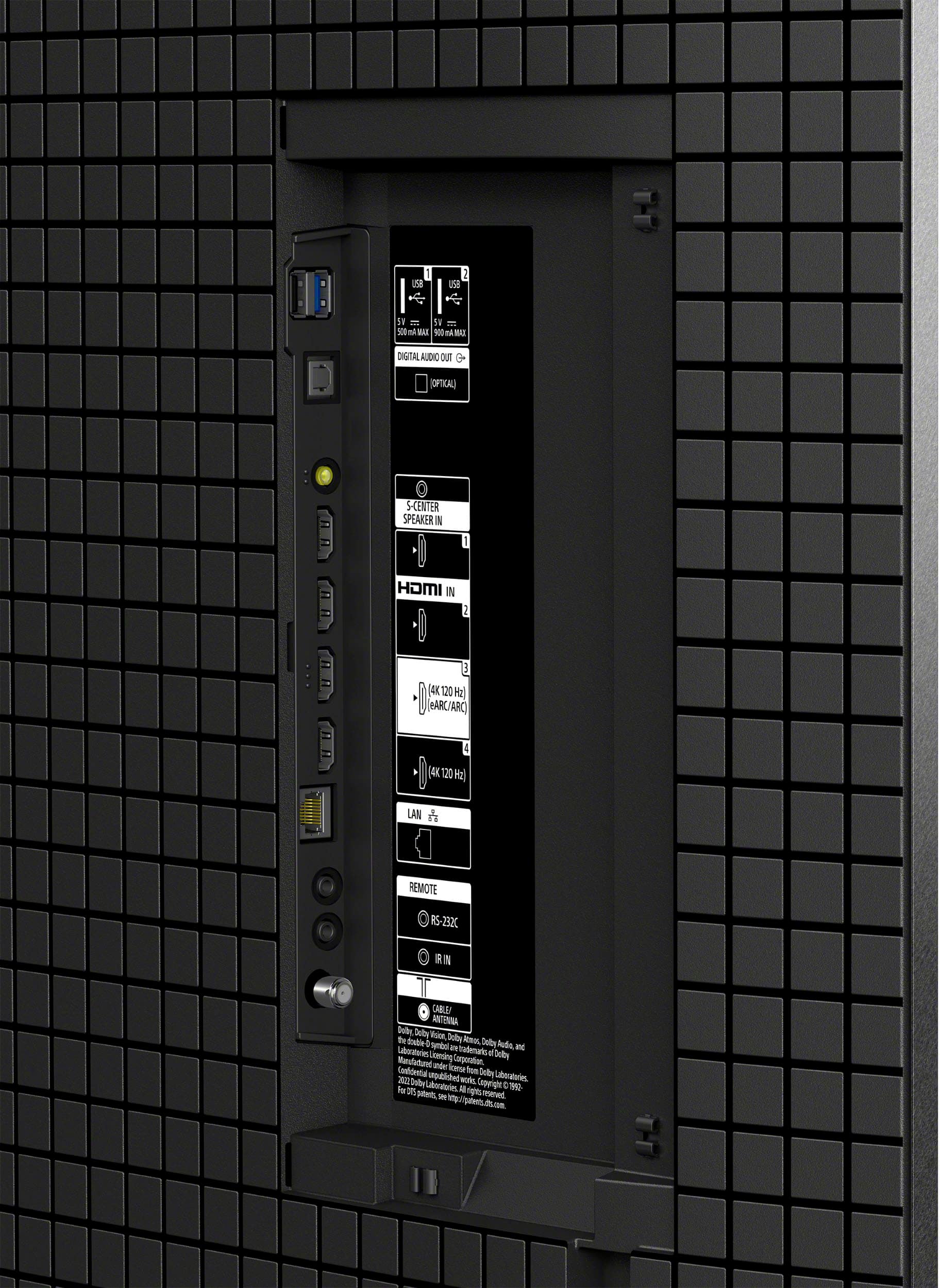
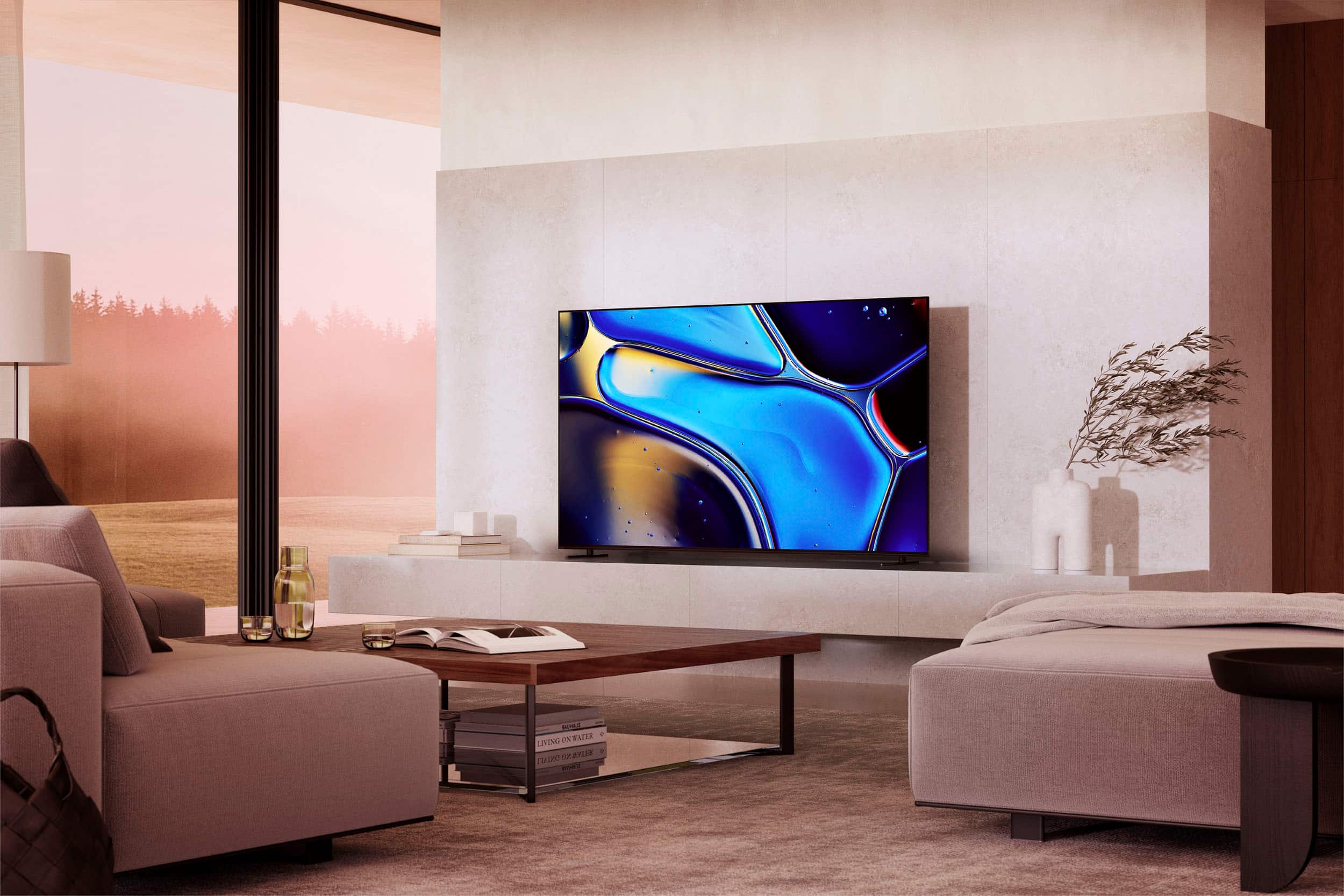
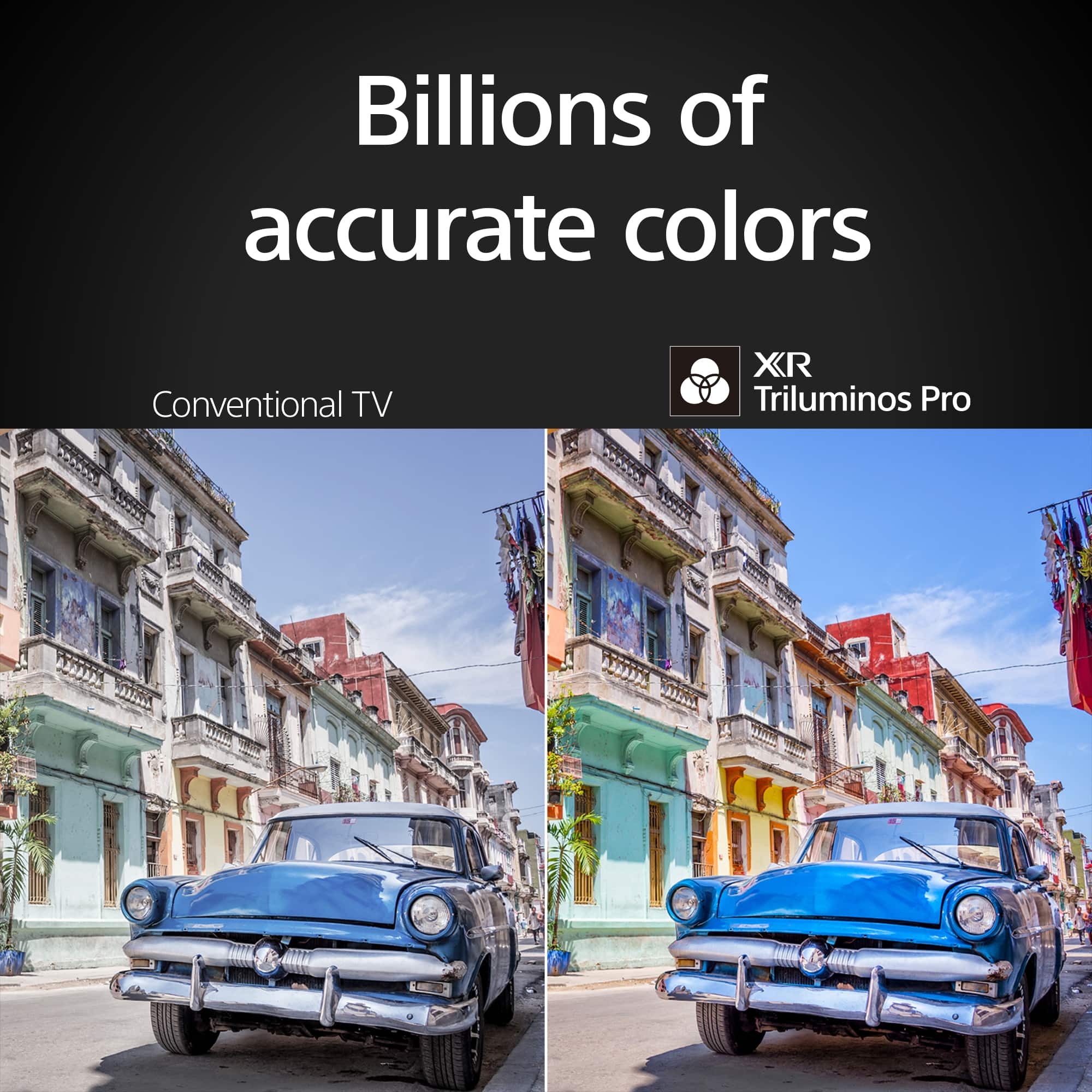
- A:Answer Hi Vidman, Thank you for the inquiry! The Sony BRAVIA 8 has 4 HDMI IN ports and 2 USB ports. Hope this helps! With a sleek design, cinematic audio, and stunning visuals, the Sony BRAVIA 8 K65XR80 65" 4K HDR Smart OLED TV makes the perfect centerpiece for your main TV viewing area. An incredibly accurate picture is created by millions of self-lit pixels, precisely controlled to produce pure black, with high brightness, and billions of shades of color. Regards, Sam

Answered by SonyListens

Q: QuestionIs installation available?
Asked by Shoppingtvoled.
- A:Answer Yes, but the Best buy tech did not set up the TV correctly and didn’t work with me on how to use it.
Answered by LoriaS
Q: QuestionWhat is unique with the Bravia 8?
Asked by Anonymous.
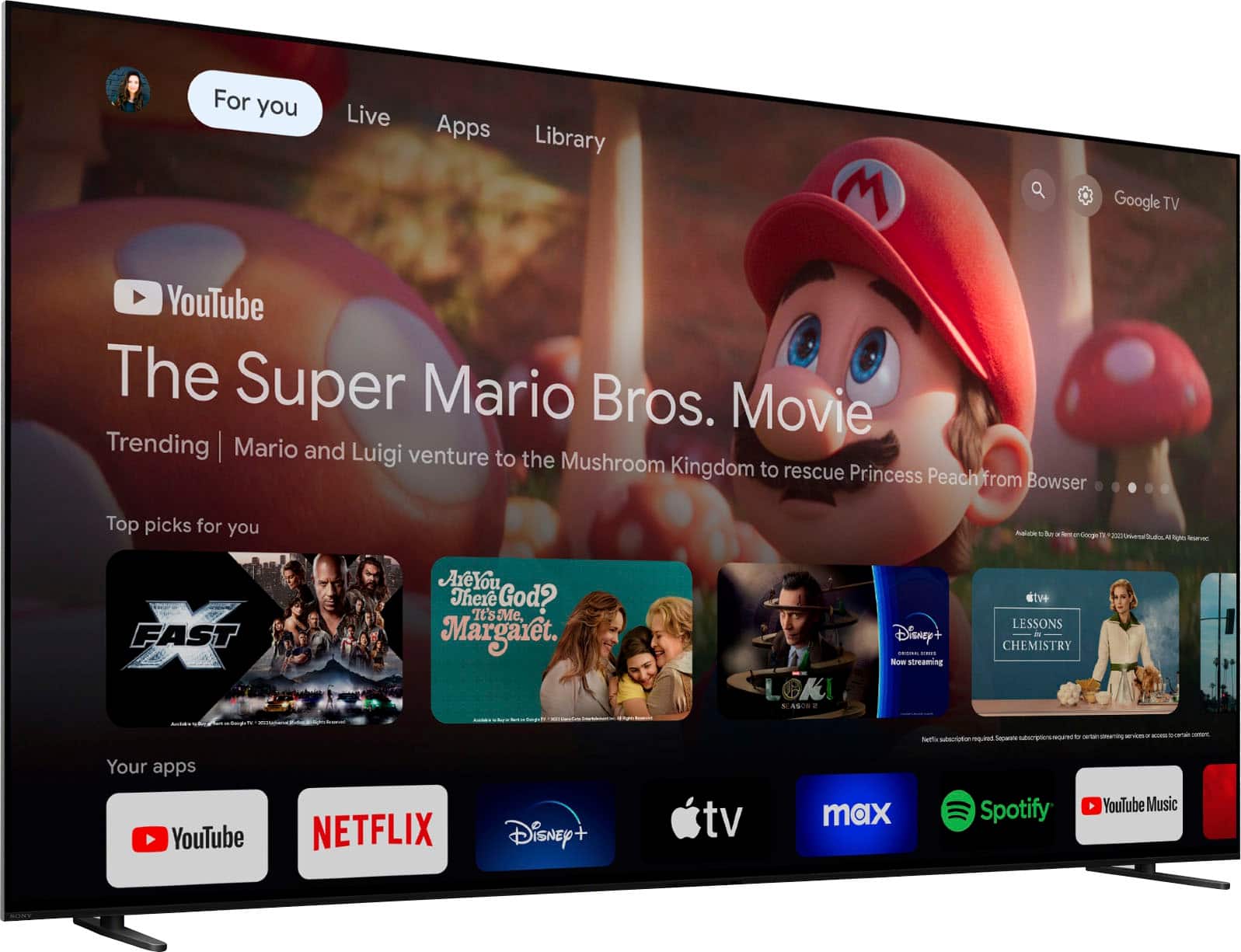
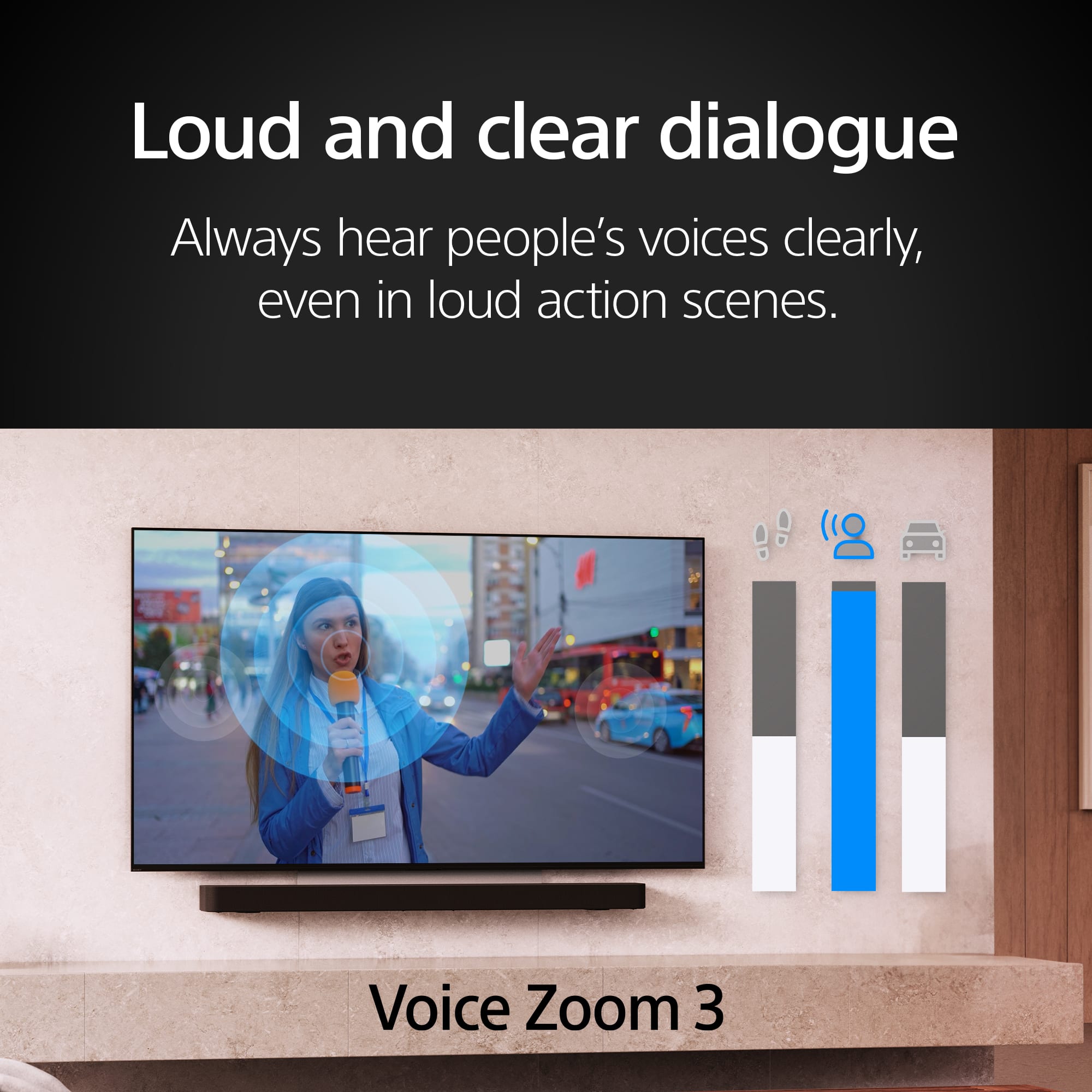
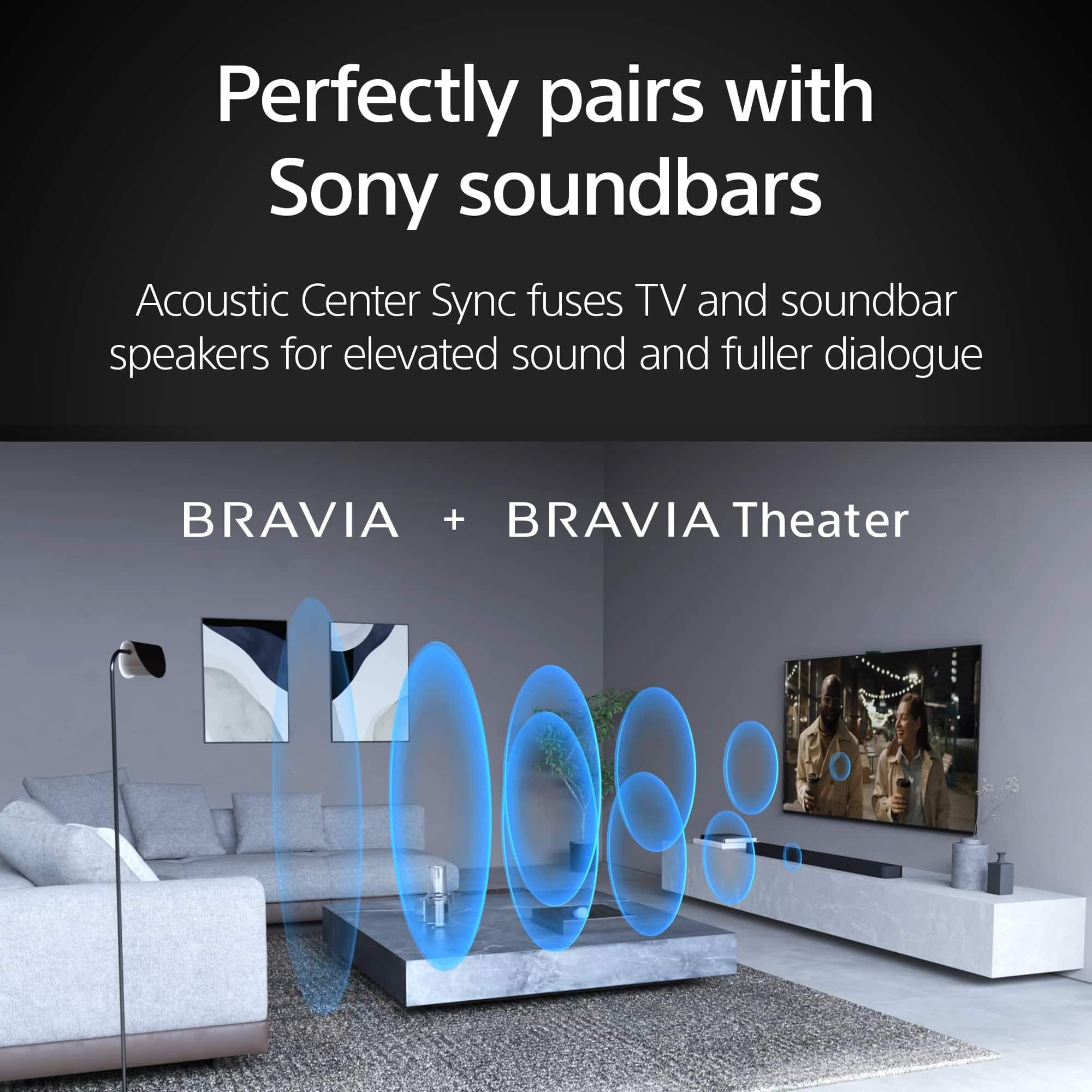
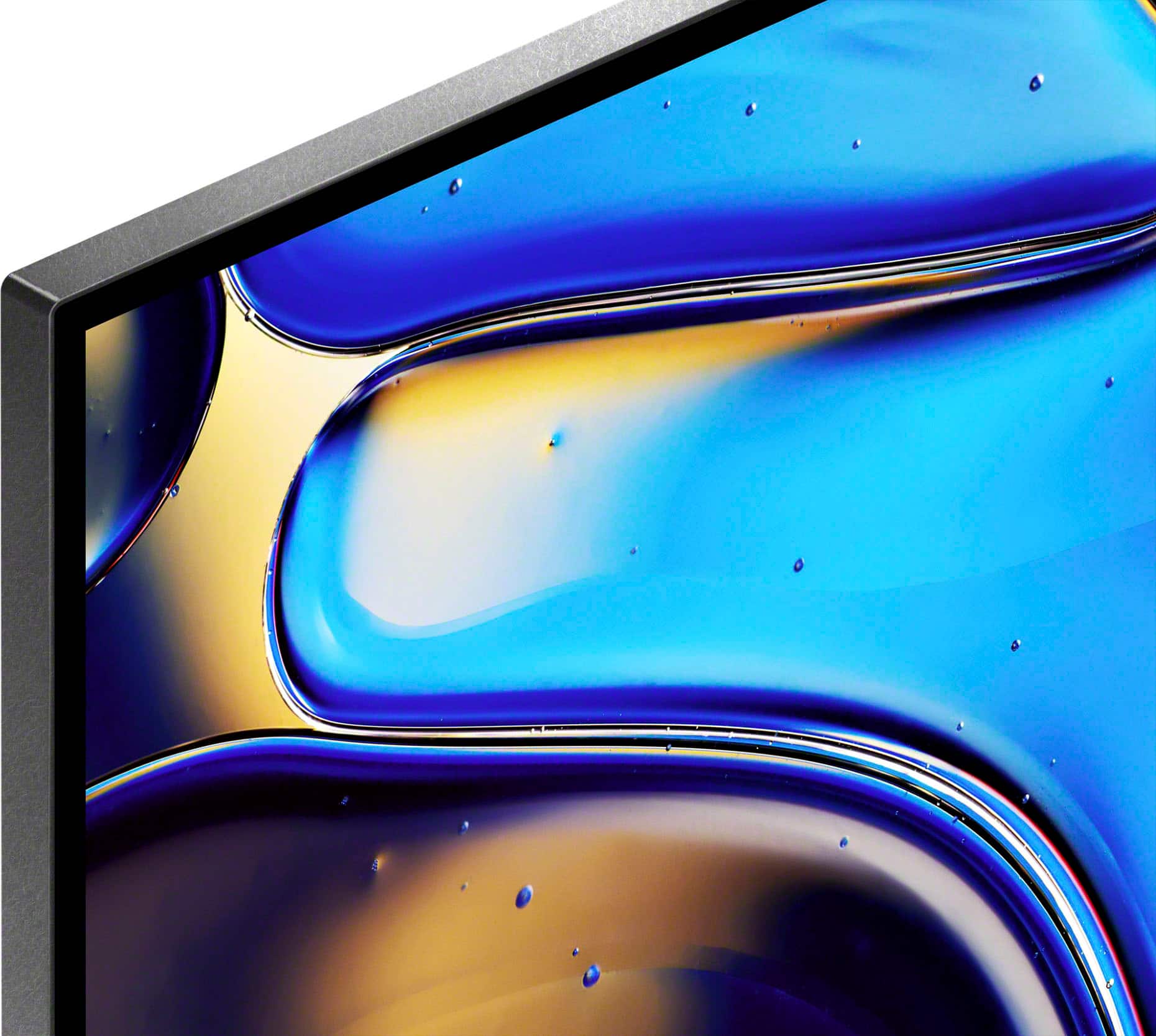
- A:Answer Hello there, Thank you for your interest in the Sony BRAVIA 8! The Sony BRAVIA 8 has several unique features and specifications such as: XR Processor: This advanced processor enhances picture quality by delivering deep blacks, high contrast, and vibrant colors. OLED Display: The OLED technology provides superior picture quality with perfect blacks and infinite contrast. Smart TV (Google TV): Integrates Google TV, allowing access to a wide range of apps, streaming services, and voice control via Google Assistant. Acoustic Center Sync: This feature synchronizes the TV's audio system with compatible Sony soundbars or home theater systems for an enhanced audio experience. Voice Zoom 3: Works with compatible soundbars or home theater systems to improve dialogue clarity. Living Decor: Allows the TV to display artwork, photos, or act as a clock when not in use, enhancing the aesthetic of your living space. IMAX Enhanced: Optimized for viewing IMAX Enhanced content, providing a more immersive cinematic experience. SONY PICTURES CORE: This app, included with eligible BRAVIA TVs, offers access to a range of new releases and classic catalog films, the largest IMAX Enhanced movie collection, and lossless UHD quality with Pure Stream. SLIM AND SLEEK DESIGN: Sleek and seamless. Our Slim One Slate concept fuses screen and bezel into a single slate, maximizing your experience. Its flush one-piece back accentuates the sleek lines and thin profile of the TV. Hope this helps! With a sleek design, cinematic audio, and stunning visuals, the Sony BRAVIA 8 K65XR80 65" 4K HDR Smart OLED TV makes the perfect centerpiece for your main TV viewing area. An incredibly accurate picture is created by millions of self-lit pixels, precisely controlled to produce pure black, with high brightness, and billions of shades of color. Regards, Sam
Answered by SonyListens

Q: QuestionWhere is this manufactured?
Asked by JohnP.
- A:Answer Hi JohnP, Thank you for you inquiry. TV's for the North American Market are assembled in Mexico. Hope this information helps! With a sleek design, cinematic audio, and stunning visuals, the Sony BRAVIA 8 K65XR80 65" 4K HDR Smart OLED TV makes the perfect centerpiece for your main TV viewing area. An incredibly accurate picture is created by millions of self-lit pixels, precisely controlled to produce pure black, with high brightness, and billions of shades of color. Best regards, Maria
Answered by SonyListens

Q: QuestionDoes Bravia 8 tv screen have protective glass
Asked by TheEdge1.
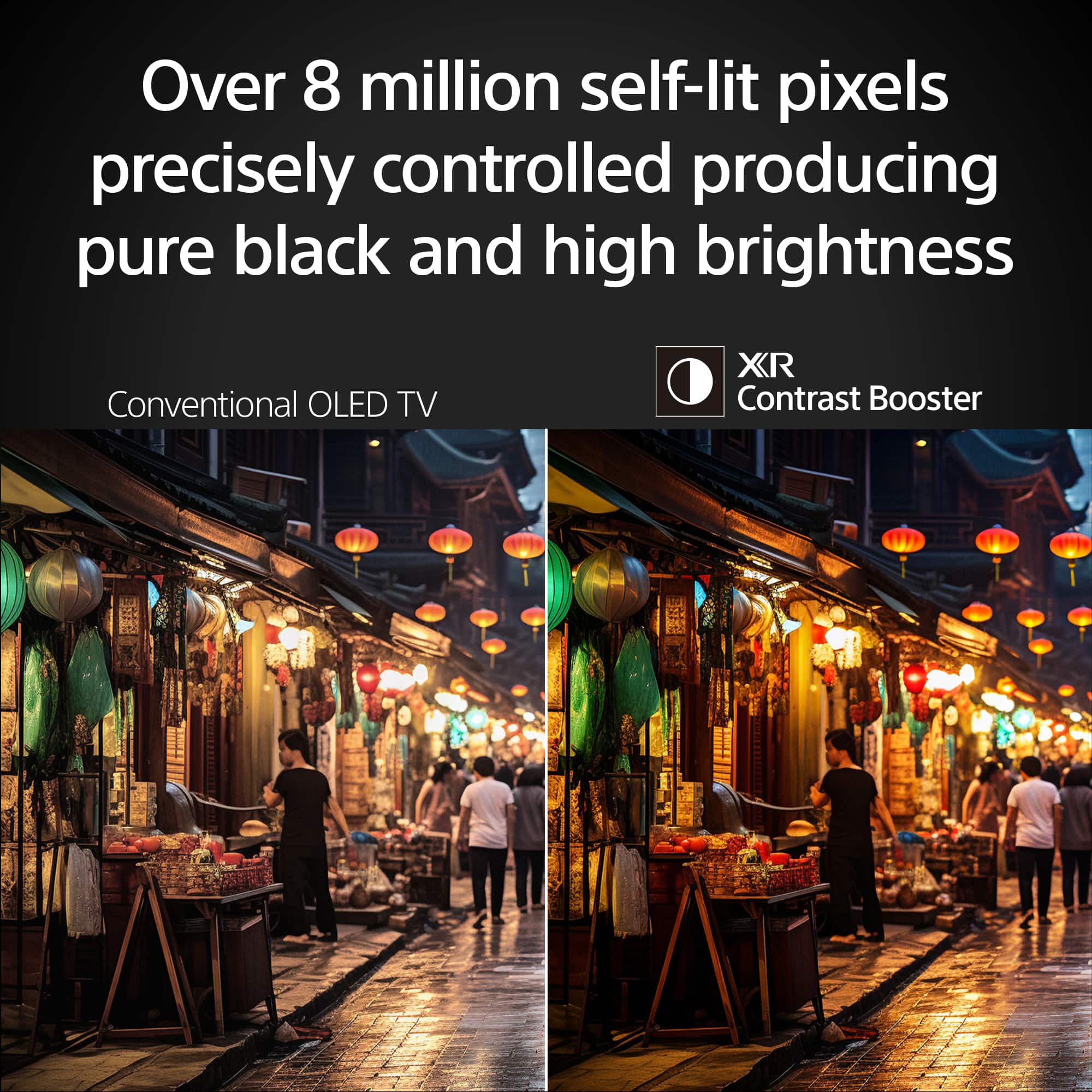
- A:Answer Hi TheEdge1, Thank you for your inquiry. The Sony BRAVIA 8 Screen is constructed of multiple layers to create the most accurate picture possible, but it does not come with a peel off protective plastic cover. Do not try and peel off the screen. Hope this information helps! Over 8 million self-lit pixels are precisely controlled to produce pure black with high brightness. Enhanced by XR Contrast Booster 15, the K65XR80 produces contrast with deep, detailed blacks and dazzling highlights, allowing you to see movies and shows as the creators intended. Best regards, Maria
Answered by SonyListens

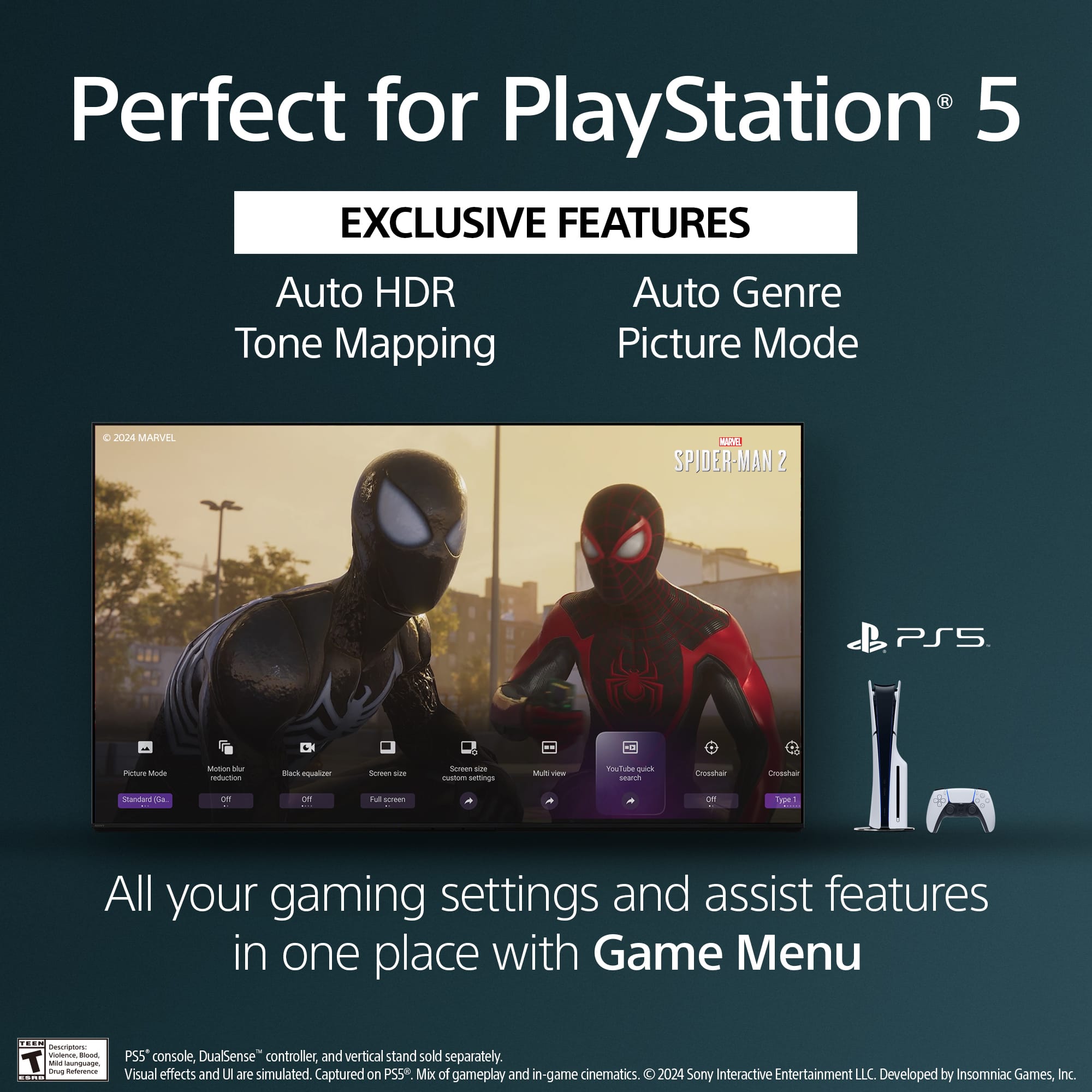
Q: QuestionIs this TV is good for the playstation 5. I dont know if i should buy this or the Bravia 9??
Asked by Terrell.
- A:Answer Yes, no need for the Bravia 9.
Answered by PhillyB
Q: QuestionSuddenly there are AI generated verbal descriptions of actions being viewed as if for visually impaired. How do you turn this off?
Asked by Anonymous.
- A:Answer Hi there, Thank you for your question. We apologize for the inconvenience you're experiencing. This is not the experience we want you to have. To assist you better with the issue, we'd like to know more information. Does this issue occur only when using external sources like a cable box, Blu-ray player, PlayStation, or other connected devices? Or does it also happen when using the TV’s internal apps or navigating through the settings? In the meantime, you can try the following steps to turn off the audio description: 1. Press the HOME button on your remote. 2. Go to [Settings] > [Accessibility]. Here, you can turn off features like text-to-speech or other user assistive options. Alternatively, you can quickly toggle the accessibility features by pressing and holding the Muting button on your remote for 3 seconds. https://www.sony.com/electronics/support/articles/00232484?utm_source Hope this helps! If you need further assistance, may we contact you directly? If so, please email the following information to [email protected]. Apologies if you've already shared this information with customer service — we just want to ensure we have your most accurate details: Full Name: Best Buy Username: Telephone Number: Additional Information regarding your experience with the K65XR80 Please let us know if the issue continues, and we’ll be happy to assist further. Sincerely, Maria
Answered by SonyListens

Q: QuestionWhat size screws does it use for wall mount
Asked by Anonymous.
- A:Answer The screws came with my new TV
Answered by Ricus44
Q: QuestionWill HT-CT800 sound bar work with K65XR80 tv
Asked by Jack.
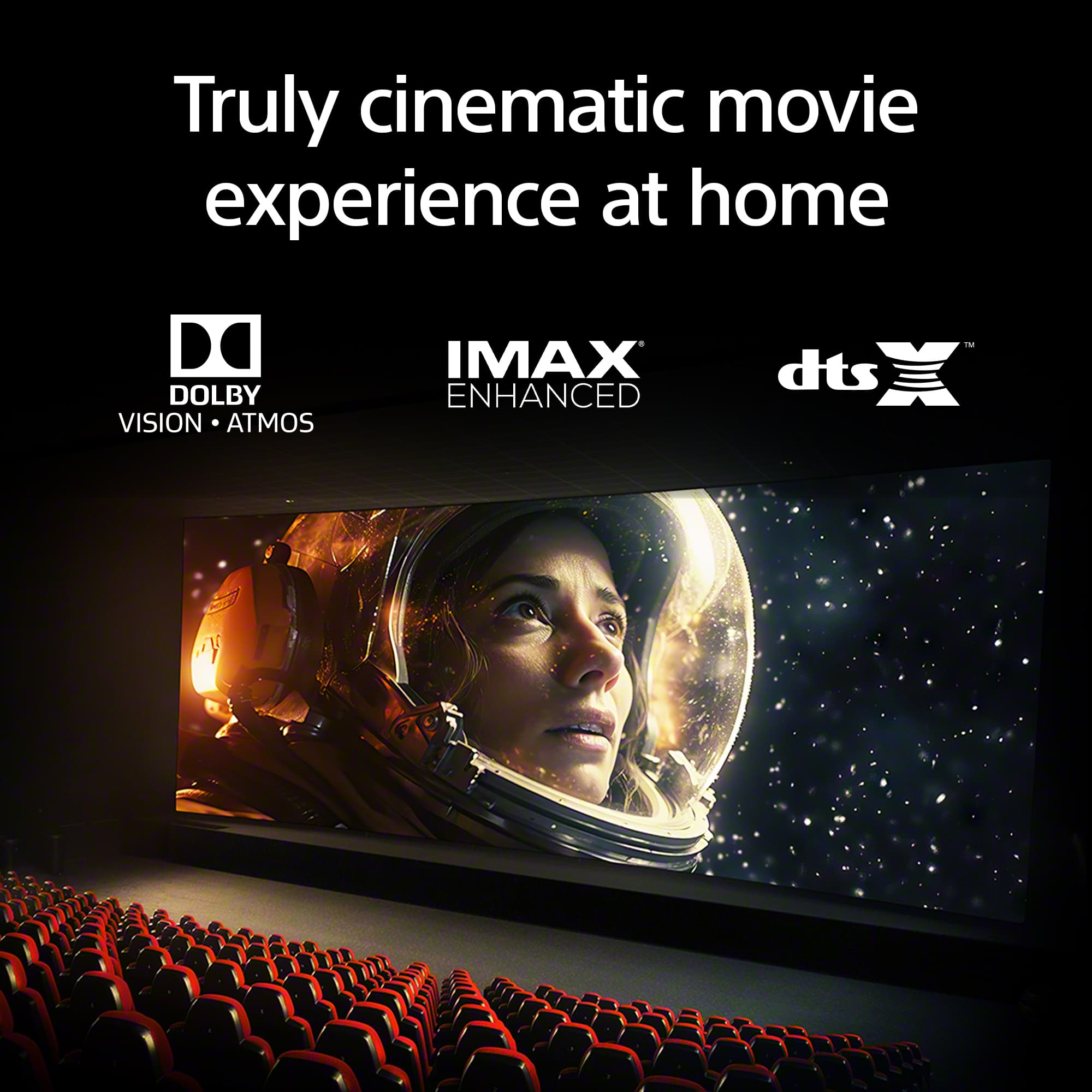
- A:Answer Hi Jack. Thank you for your question. You can hook up the HT-CT800 to the Bravia 8 since the soundbar has an HDMI and Optical connections. The sleek design and cinematic audio and visuals make BRAVIA 8 the perfect centerpiece for your living space. Pure OLED black and vibrant color brings out vibrant textures and astonishing realism in everything you watch. The screen is the speaker, delivering a totally unique and immersive theater-like sound that keeps you on the edge of your seat. Hope this helps. Regards, Erin
Answered by SonyListens

Q: QuestionLove my Bravia 8 TV, but I cannot see 2 of the network broadcast channels because they have encrypted their ATSC 3.0 signal. Is there a solution for this problem, i.e., a way to which to ATSC 1.0?
Asked by TJ.
- A:Answer This problem is well documented online. This isn't a Sony issue but a broadcast issue. You will see two options in the channel show/hide part of the menu. Please pick the other option and hide the other selection.
Answered by Ricus44
Q: QuestionHow many HDMI 2.1 ports?
Asked by Sal.
- A:Answer Hi Sal, Thanks for the question! The BRAVIA 8 TV has two HDMI 2.1 ports on HDMI 3 and 4. Features specified in HDMI 2.1 4K120, eARC, VRR, and SBTM are supported on HDMI 3 & 4. ALLM is supported on HDMI 1, 2, 3, & 4. For more information about the TV, please refer to our Sony official website. Additional information: The sleek design and cinematic audio and visuals make BRAVIA 8 the perfect centerpiece for your living space. Pure OLED black and vibrant color brings out vibrant textures and astonishing realism in everything you watch. The screen is the speaker, delivering a totally unique and immersive theater-like sound that keeps you on the edge of your seat. Hope this information helps! - Kris
Answered by SonyListens

Q: QuestionMy new Sony tv wont connecy to my wifi
Asked by boss.
- A:Answer Hello boss, Thank you for choosing Sony. We sincerely apologize for the inconvenience you're facing with the Wi-Fi connectivity issue on your Sony K65XR80 TV. We highly recommend trying the following steps to resolve the problem: Restart Your TV: Go to HOME → Settings → About → Restart → Restart. Check Network & Internet Settings: From your remote, go to Settings → Network & Internet. See if your TV detects your Wi-Fi network and check for messages like "Wi-Fi is not connected" or "No internet connection." Optimize Router Placement: Ensure your router is close to the TV (at least 3 feet or 1 meter away) to improve signal strength. Try to minimize interference from other electronic devices. Try the 5GHz Band: If your router supports both 2.4GHz and 5GHz, try connecting your TV to the 5GHz band. This can often provide a more stable and faster connection. For more detailed troubleshooting, please visit our support article: https://www.sony.com/electronics/support/articles/00127011 If you continue to encounter Wi-Fi connectivity issues despite following the suggested steps, please reach out to us via email at [email protected]. We kindly request that you include the following information in your message: - Name: - BestBuy Username: - Model Number: - Description of the Issue: - Telephone Number: We sincerely appreciate your patience and understanding as we work to resolve this matter. Best regards, -Fred
Answered by SonyListens
Q: QuestionMy TV will randomly turn off during watching, and then cycle through turning Off and turning on the startup Sony screen. What’s going on with this?
Asked by Frannybobanny.
- A:Answer Hi thank you Jess but that email address went no where, please provide a new one so I can get product support
Answered by Frannybobanny
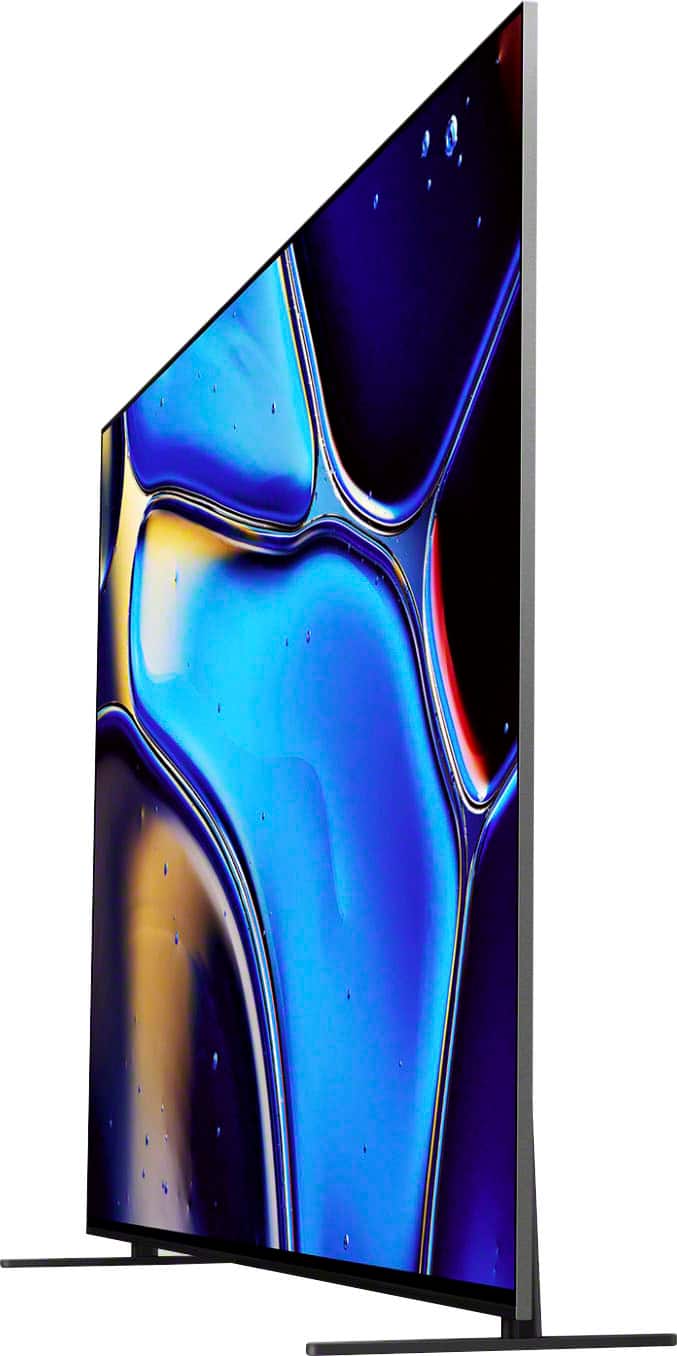
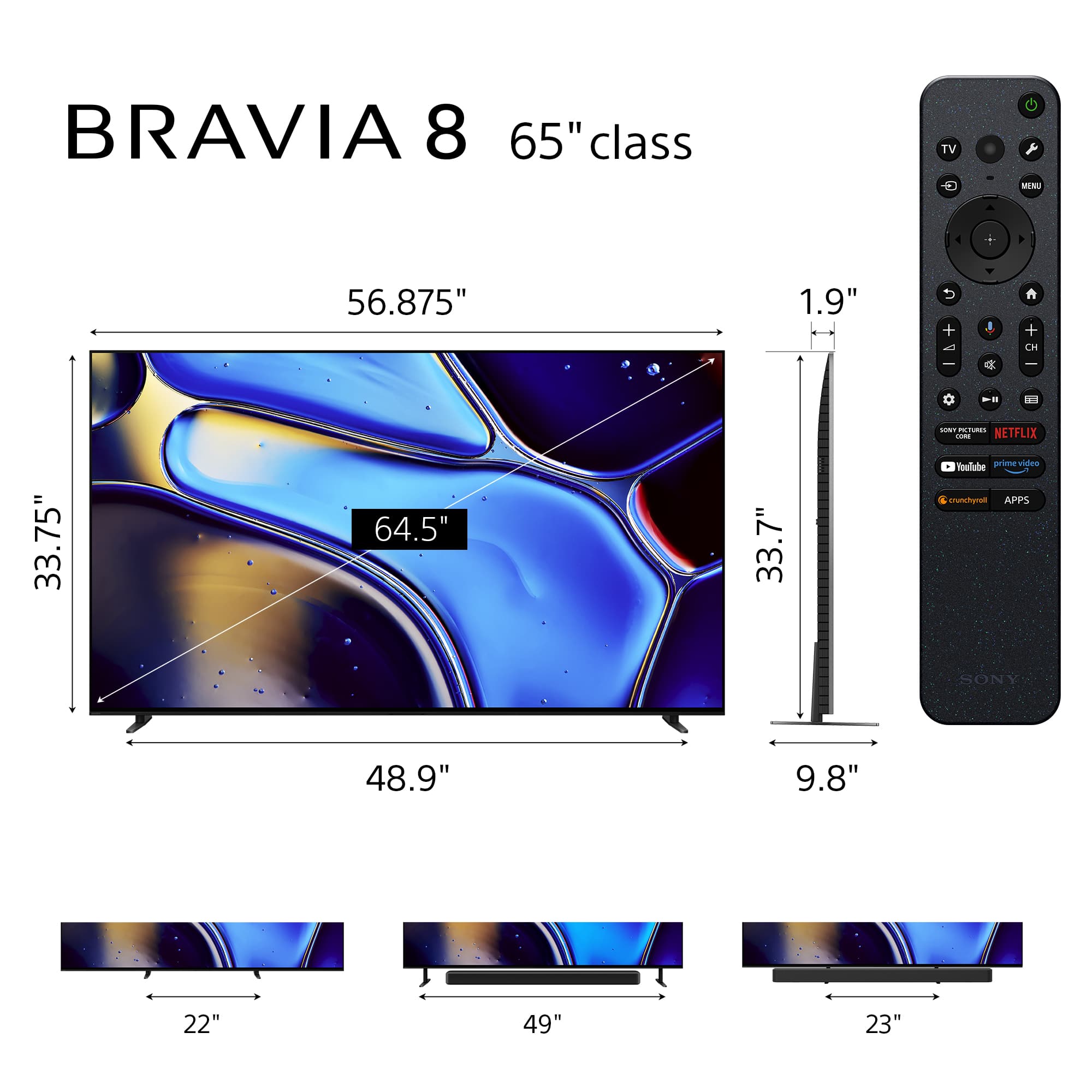
Q: QuestionHow does the adjustable stand work? Is it only height-adjustable or am I able to bring the stands further in or out to fit on an entertainment center?
Asked by Jake.
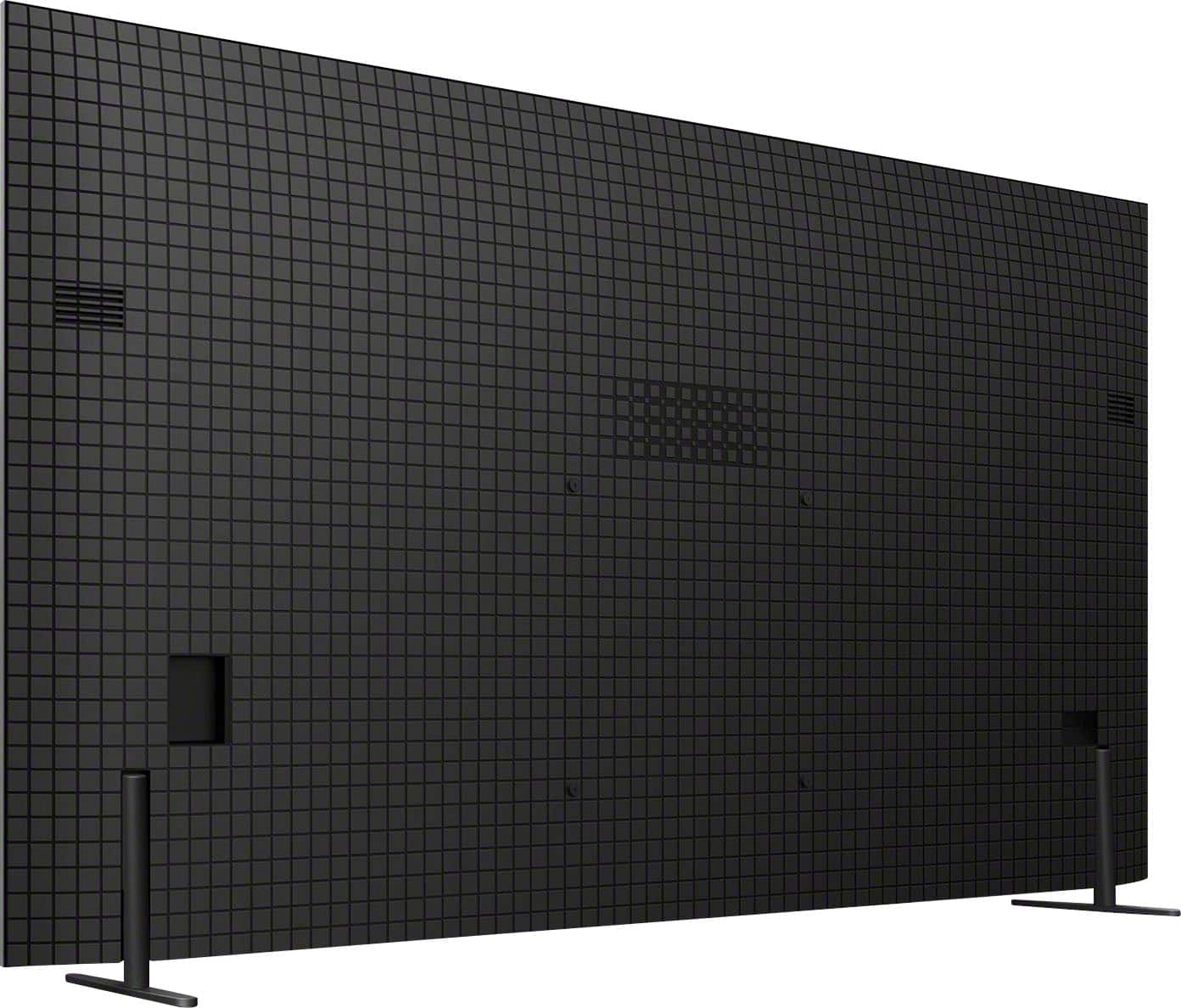
- A:Answer There are two possible positions for the stands with one being almost all the way out on each side.
Answered by LoriaS
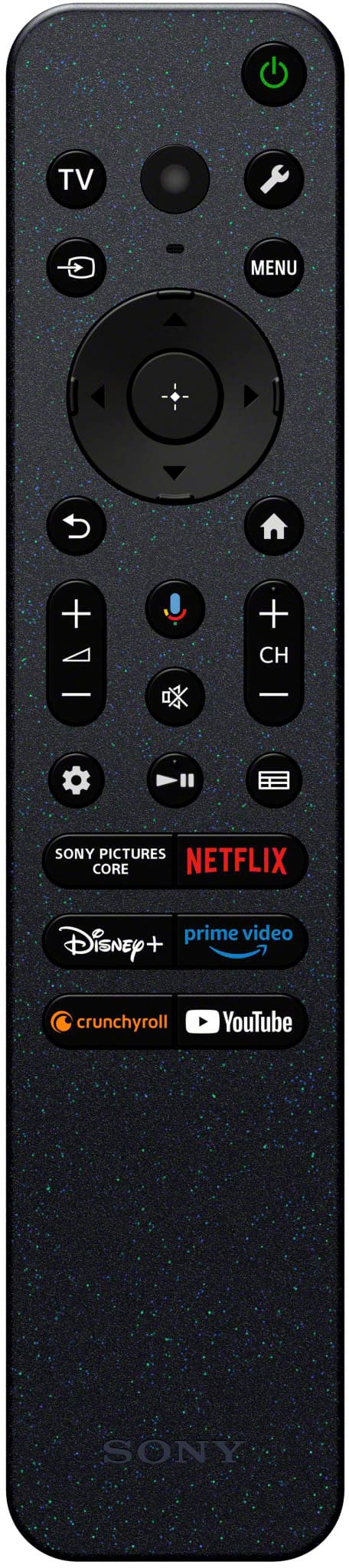
Q: QuestionI noticed that the included section mentioned a voice remote. Is a standard hand held remote included ?
Asked by William.
- A:Answer The remote is a standard tv remote, batteries included, which has voice button.
Answered by AdamB
Q: QuestionHow do I add my Spectrum app to my new Sony Bravia 8 TV
Asked by Anonymous.
- A:Answer Hi there! Thanks for your question! To install apps on your BRAVIA TV, navigate to the Google Play Store. You can usually find it on your TV's home screen or on Apps. Once in the Play Store, use the search function to look for the desired app. After finding it, you should see a prompt to install the app. You can find more information on how to do it on the following link as well: https://www.sony.com/electronics/support/articles/00279172?utm_source=glean It is possible that the app might not be available, which depend on the developer, the app or the region. In that case, you can use a firestick or streaming device to get the app! We hope this information comes in handy! Thanks for choosing Sony. Best regards, DiegoV
Answered by SonyListens

Q: QuestionMy LG OLED unfortunately has some built-in "features", that you can't turn off, which dim the screen when u don't want it to (ie ABL)... Does this have that too?
Asked by BleedMusic.
- A:Answer Not that I’ve encountered, this is the first Sony tv we’ve purchased and we’ve had LG models prior to this. This is a beautiful tv
Answered by ChristopherS
Q: QuestionI have noticed while watching sports, the tv “auto-dims”. The picture will start out bright and after a few minutes, the brightness level drops. All the eco settings are turned off and the “Auto adjust according to ambient light” is off as well.
Asked by Pat.
- A:Answer Hi Pat, Thank you for reaching us with your concern with your Sony BRAVIA 8 TV and its brightness level auto adjusting. Due to the characteristics of the materials used to achieve high-definition imaging, an Sony BRAVIA 8 OLED TV screen may experience image retention if an image is continuously displayed for long periods or when the same image is displayed repeatedly. We have equipped the TV screen with functions that automatically adjust the screen conditions to protect it from image retention. These functions automatically run according to your TV’s condition, or you can run them manually. For more information about this feature, you may find this link helpful: https://www.sony.com/electronics/support/articles/00173479?utm_source Hope this information helps! If you need further assistance, may we contact you directly? If so, please email the following information to [email protected]. Apologies if you've already shared this information with customer service — we just want to ensure we have your most accurate details: Full Name: Best Buy Username: Telephone Number: Additional Information regarding your experience with the BRAVIA 8 Thank you for your patience, and we look forward to making this a better experience! Best regards, Maria
Answered by SonyListens

Q: QuestionHow many watts do the speakers have?
Asked by Serge.
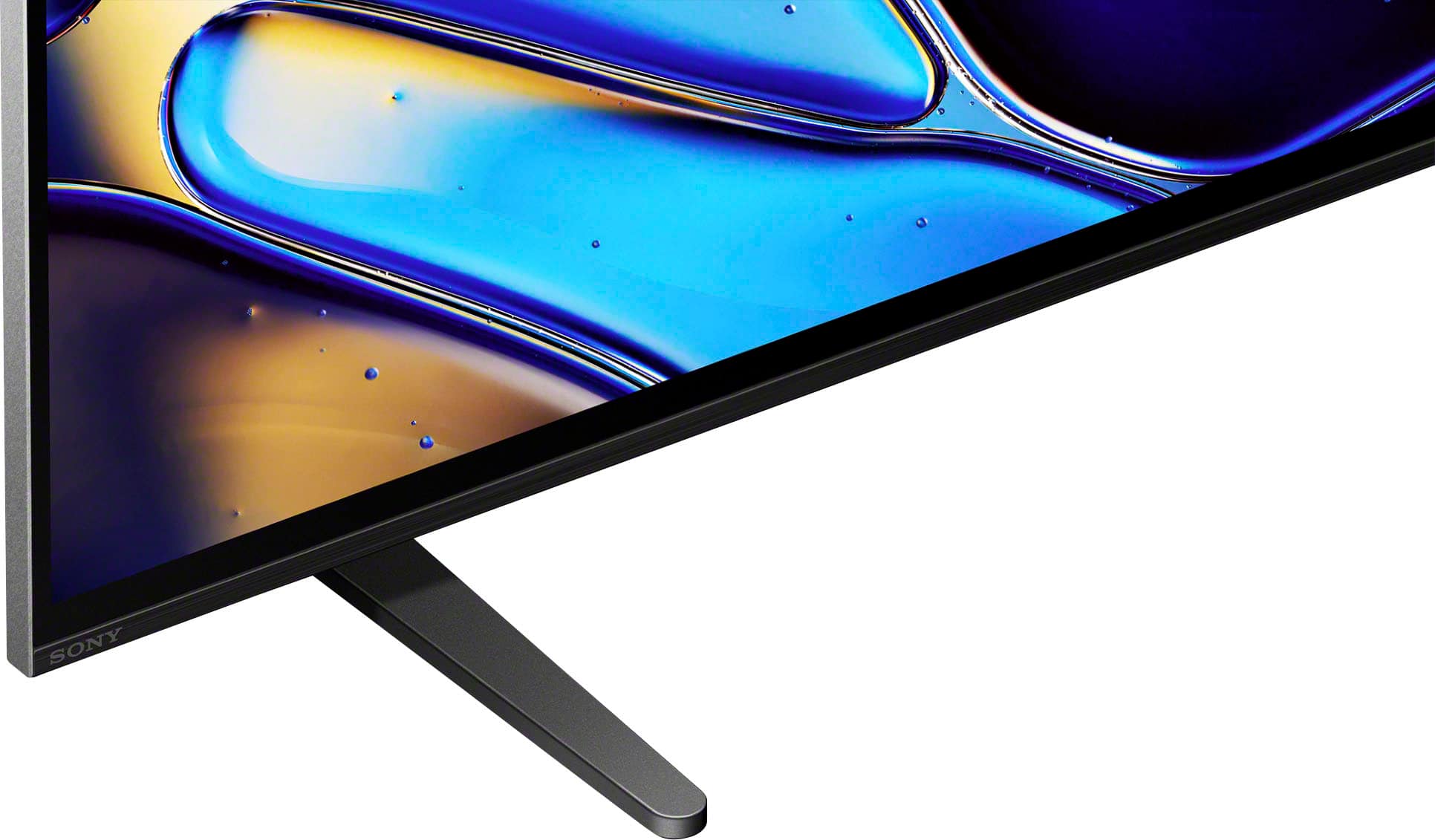
- A:Answer Hi Serge, Thank you for your interest with Sony BRAVIA 8 TV! Regarding your question, BRAVIA 8 has a speaker configuration: Actuator x2, Tweeter x2, Subwoofer x1. Unfortunately, we are unable to disclose specific information about the speaker wattage. For more detailed specifications and comparisons, you may refer to third-party websites that specialize in electronics reviews and specifications. Thank you for your understanding. With a sleek design, cinematic audio, and stunning visuals, the Sony BRAVIA 8 K65XR80 65" 4K HDR Smart OLED TV makes the perfect centerpiece for your main TV viewing area. An incredibly accurate picture is created by millions of self-lit pixels, precisely controlled to produce pure black, with high brightness, and billions of shades of color. Regards, Sam
Answered by SonyListens

Most-viewed items
- Doorbuster$529.99Your price for this item is $529.99
- Doorbuster$99.99Your price for this item is $99.99
- Black Friday Deal$229.99Your price for this item is $229.99
- Black Friday Deal$1,399.99Your price for this item is $1,399.99
- $999.99Your price for this item is $999.99$1,999.99The comparable value for this item is $1,999.99
- Black Friday Deal$499.99Your price for this item is $499.99
- Black Friday Deal$1,999.99Your price for this item is $1,999.99
- $899.99Your price for this item is $899.99$1,499.99The comparable value for this item is $1,499.99
- Black Friday Deal$599.99Your price for this item is $599.99
- $199.99Your price for this item is $199.99$349.99The comparable value for this item is $349.99
- $1,499.99Your price for this item is $1,499.99$2,999.99The comparable value for this item is $2,999.99
- Black Friday Deal$399.99Your price for this item is $399.99
- $279.99Your price for this item is $279.99$379.99The comparable value for this item is $379.99
- $949.99Your price for this item is $949.99$1,999.99The comparable value for this item is $1,999.99
- $74.99Your price for this item is $74.99$149.99The comparable value for this item is $149.99
- $109.99Your price for this item is $109.99$149.99The comparable value for this item is $149.99
- Black Friday Deal$1,199.99Your price for this item is $1,199.99
- $479.99Your price for this item is $479.99$649.99The comparable value for this item is $649.99
- Black Friday Deal$1,999.99Your price for this item is $1,999.99
- Black Friday Deal$399.99Your price for this item is $399.99