Last-Minute SavingsLimited quantities.Shop now

Skip to content
Gift Ideas
Main Content

Questions & Answers

Your price for this item is $545.99
Clearance
The comparable value price is $2,199.99
Page Showing 41-60 of 91 questions
  • QuestionIs the screen non-glare?

    Asked by Landa8.

    • Answer Very minimal with no troubles seeing a great picture

      Answered by JasonS

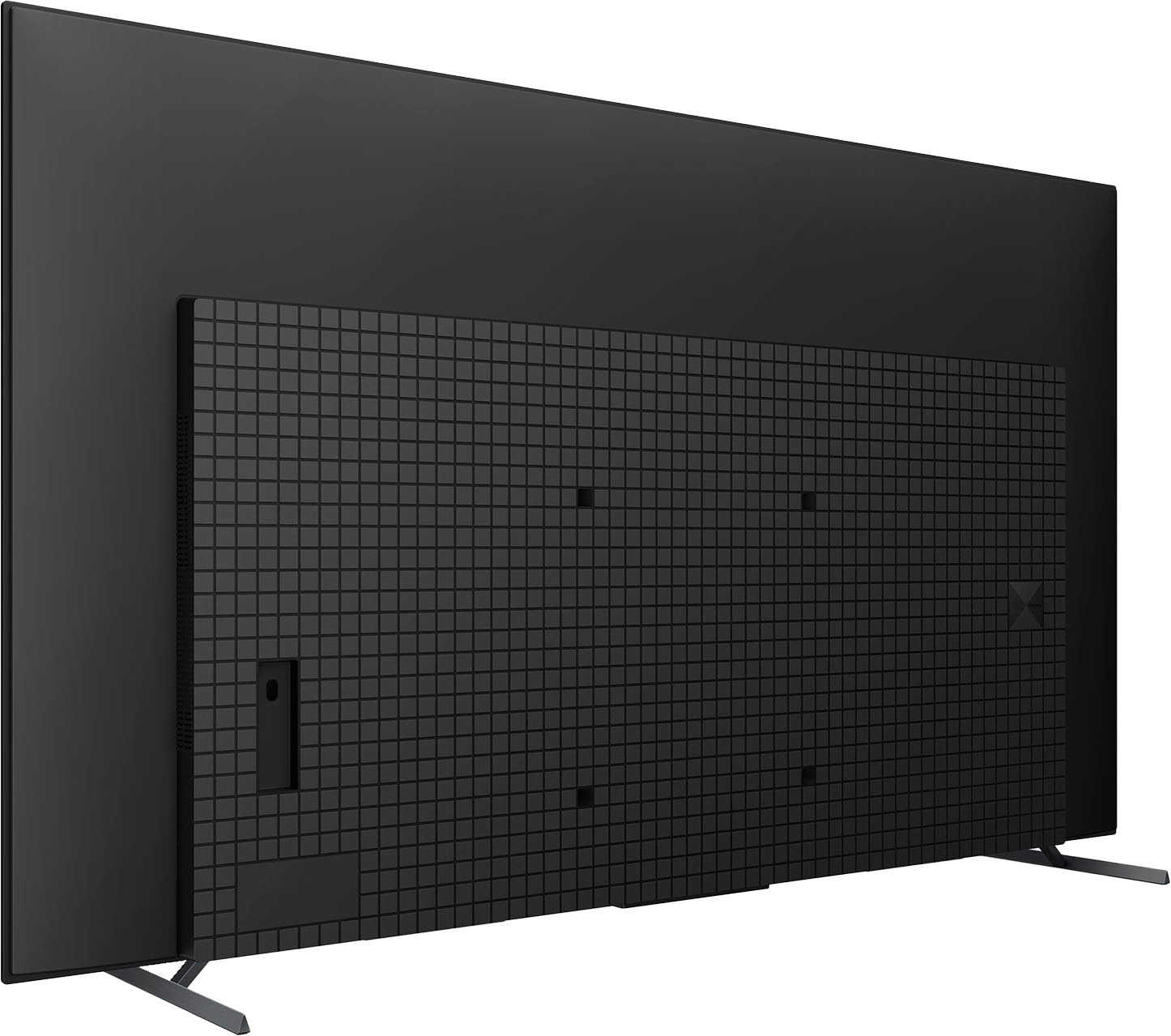
  • QuestionFrom the bottom of the TV, how many inches up are the bottom vesa mount holes? Thanks”

    Asked by Jen.

    • Answer Thank you for your question, Jen. The bottom VESA mounts are 4.736 inches or 120.3 mm from the bottom edge of the XR65A80L. I hope this helps. Our Pure Black OLED TV powered by Cognitive Processor XR™ delivers remarkable contrast and every single detail, even in dazzling light or deep shadow. Sound comes directly from the screen, ingeniously immersive. Thank you for considering Sony! Regards, Marco

      Answered by SonyListens

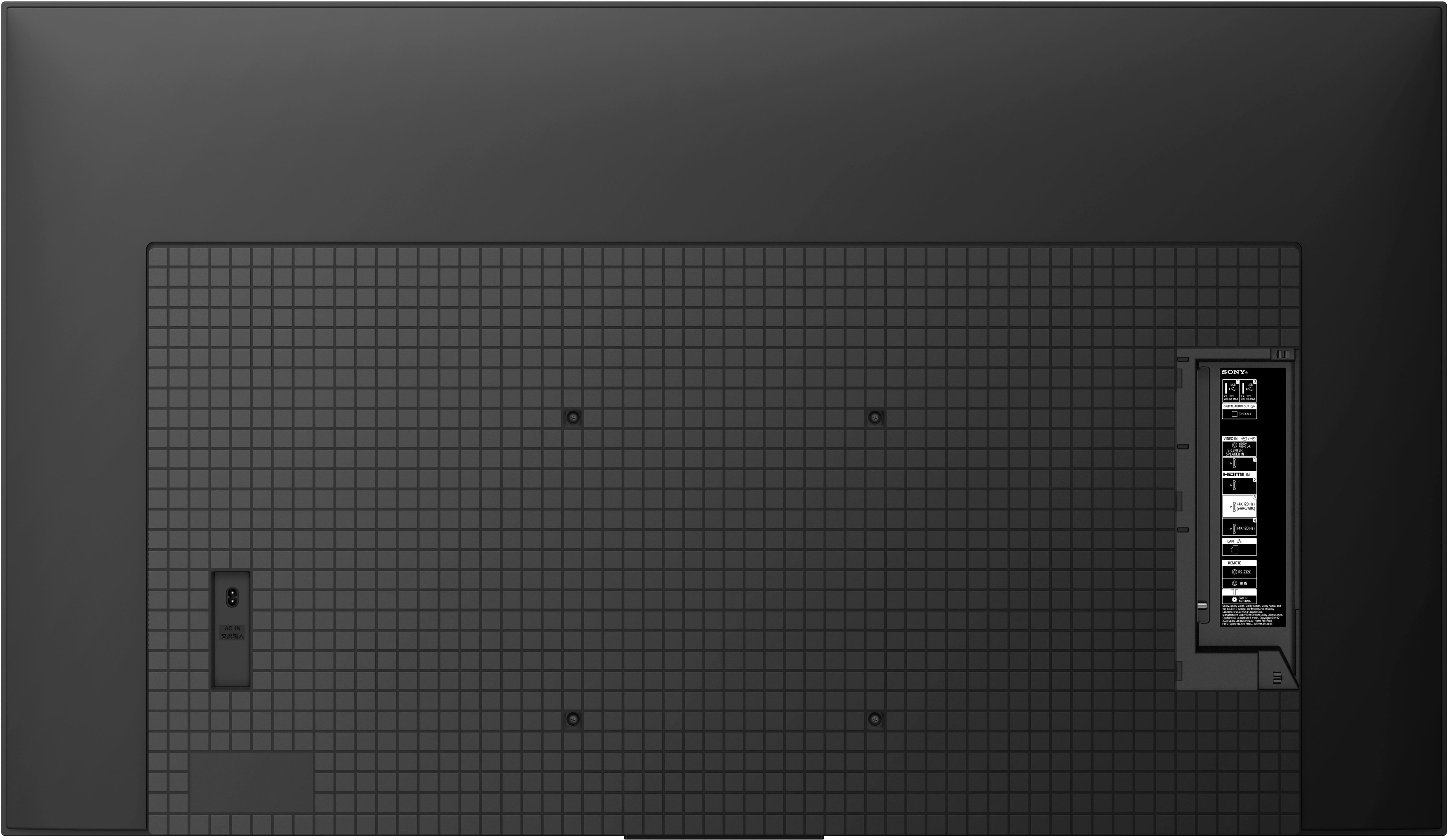
  • QuestionDoes this TV have an audio out connection (needed for hearing aid connector)

    Asked by AnnFlag.

    • Answer Hello AnnFlag, Thank you for your question. Our Sony XR65A80L does not have audio jack connection or headphone jack port. To connect a headphone or an audio device to the TV, you may need to connect it via HDMI port (eARC) or Bluetooth connection. This A80L model has a A2DP Bluetooth Profile that allows you to connect a headphone/hearing aid wirelessly. Please check with the hearing aid manufacturer or manual if the unit supports this Bluetooth profile. I hope this helps. Our Pure Black OLED TV powered by Cognitive Processor XR™ delivers remarkable contrast and every single detail, even in dazzling light or deep shadow. Sound comes directly from the screen, ingeniously immersive. Thank you for considering Sony! Regards, Marco

      Answered by SonyListens

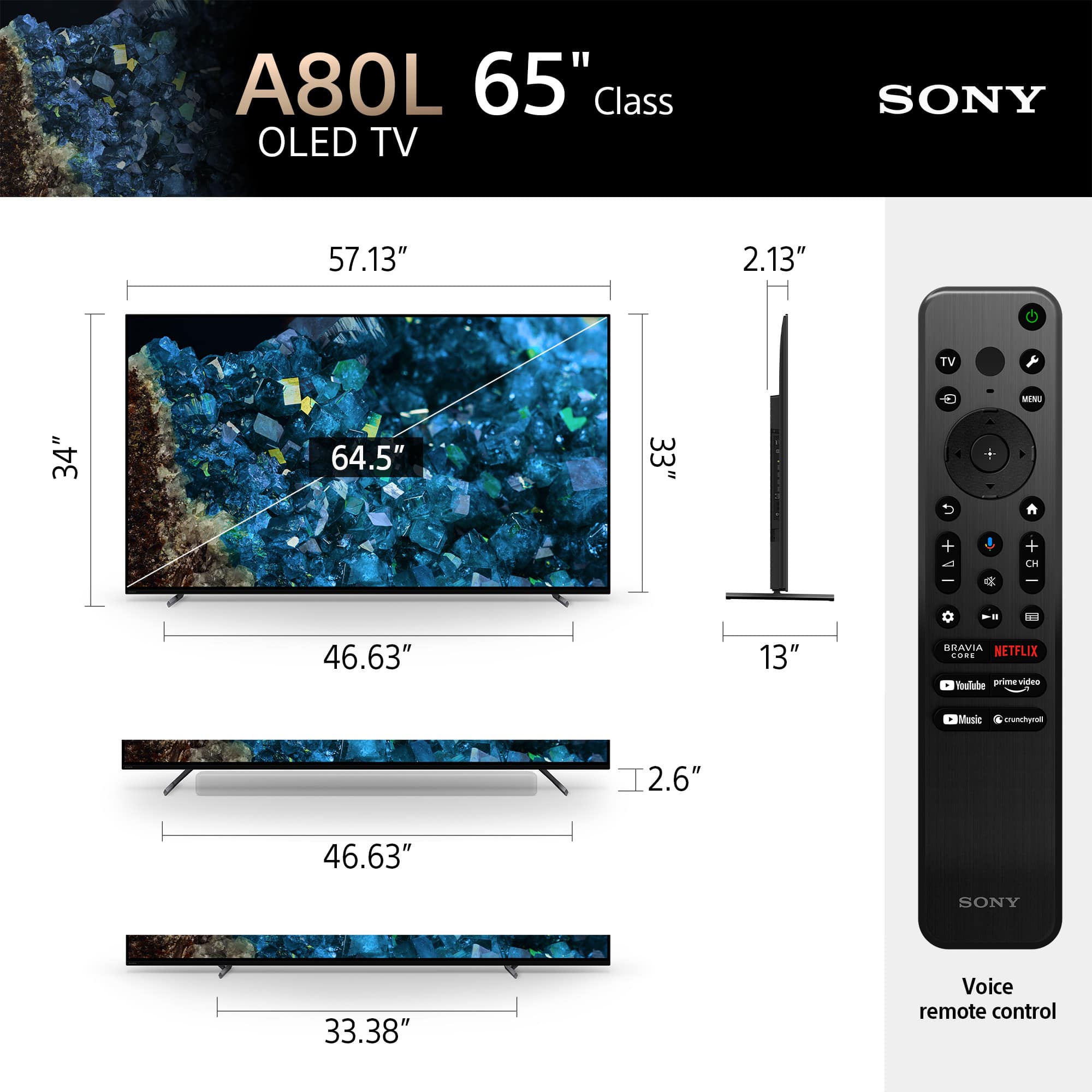
  • QuestionHow much does the tv weigh on its own?

    Asked by Mark.

    • Answer 51lbs

      Answered by EddieS

  • QuestionCan I download DirectTV Stream App onto tv, or would I need a fire stick for the tv service?

    Asked by Apps.

    • Answer Hi Apps, Thank you for your inquiry! Yes, you can download the DirecTV app using the Google Playstore app without the need for a firestick. Wonderful pictures with bright, pure black OLED! See every single detail, even in dazzling light or deep shadow. This OLED TV, powered by Cognitive Processor XR, maximizes picture quality for incredible realism. The A80L is designed with less noise, less blur, and more clarity in every picture! Regards, Carl
      Answered by SonyListens

  • QuestionIs this TV capable of Picture-in-Picture or multiview mode and, if so, how do I set that up?

    Asked by Alsswellthatendswell.

    • Answer Press the OPTIONS button. Select [Twin Picture] using the / buttons, then press the button. If the displayed source is other than the PC, select [PIP] using the / buttons, then press the button. https://www.youtube.com/watch?v=2a1OEVwGXZw

      Answered by Anonymous

  • QuestionHow well does this model do in a well lit natural daylight room? Trying to figure out if the A80L will be fine or go with the X90L.

    Asked by SonyDKR.

    • Answer There's a ton of natural light in the room we've got this in and there are zero issues with brightness. In fact there's less issue with this than our LCD it replaced.

      Answered by TomD

  • QuestionHow long will it be at this price

    Asked by RichardB.

    • Answer Actually we paid 1900 and some other gadgets for the tv, but we’ll worth it.

      Answered by RubenC

  • QuestionCan the Sony Bravia XR A80L OLED 4KUHD play USB flash drives

    Asked by jo.

    • Answer Hi Jo, Thank you for your inquiry! Yes, you can! You can connect a digital still camera/camcorder that supports HDMI 4K output to HDMI IN of the TV to display high resolution photos stored on the camera. You can also display high resolution photos stored in connected USB devices or your home network. A picture with a 4K or higher resolution can be displayed in 4K resolution (3840×2160). I hope this helps! Regards, Carl

      Answered by SonyListens

  • QuestionCan I put the ROKU app on this TV?

    Asked by Anonymous.

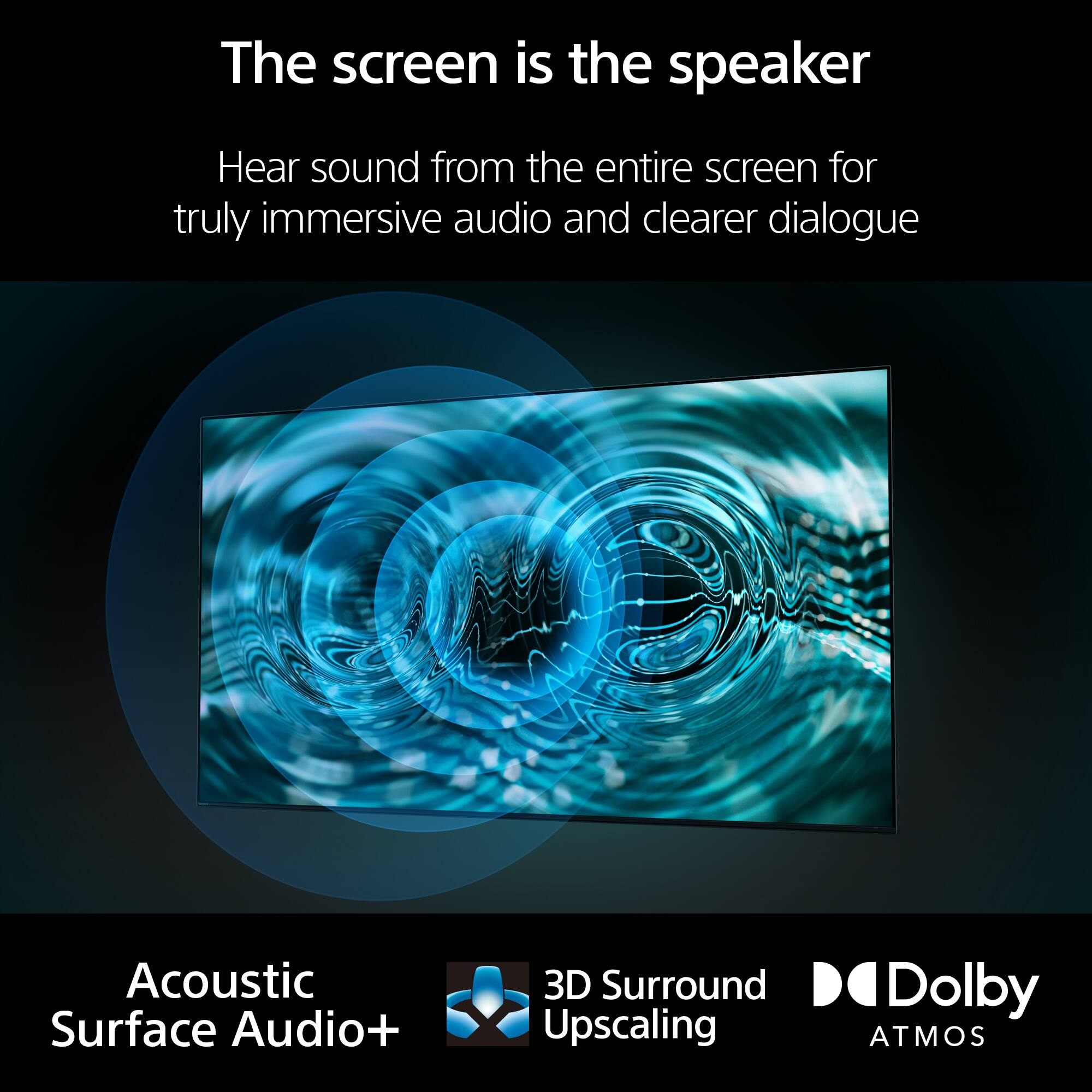
    • Answer Hi, thank you for your question. The XR65A80L comes with the Google Playstore app where you can download and install supported applications. You can navigate through the app store to check if Roku app is supported. With A80L, exceptional OLED picture and rich sound in perfect harmony, powered by the intelligent Cognitive Processor XR™. Billions of accurate colors and pure black make everything you watch and play come to life with natural hues and shades. Acoustic Surface Audio+™ turns the entire screen into a multi-channel speaker that follows the action on screen for a truly immersive viewing experience. Hope this helps. Erin

      Answered by SonyListens

  • QuestionCan you connect a dvd player to the set?

    Asked by kevin.

    • Answer Hi Kevin, Thank you for your inquiry! Yes, you can! For optimum picture quality, we recommend connecting your player to the TV using an HDMI cable. If your Blu-ray/DVD player has an HDMI jack (socket), connect it using an HDMI cable. If your Blu-ray/DVD player has composite jacks (sockets), connect them using a composite video/audio cable. For more information on this, please check our help guide link: https://helpguide.sony.net/tv/kusltn1/v1/en-003/04-02_01.html Wonderful pictures with bright, pure black OLED! See every single detail, even in dazzling light or deep shadow. This OLED TV, powered by Cognitive Processor XR, maximizes picture quality for incredible realism. The A80L is designed with less noise, less blur, and more clarity in every picture! Regards, Carl
      Answered by SonyListens

  • QuestionHow do I play a slide show on my new SONY XR65A80L? I have a USB 3.1 loaded with ~200 .jpg's connected to the TV. I get to the Media Player, select the folder and the only options appear to be to be to display a single .jpg or all in a matrix.

    Asked by NewOwner.

    • Answer Go to the Google play app store on the tv and download any media player app. It should allow you to do a slide show and ALL files should be visible i only say that because the built-in media player doesn't. I usually download multiple ones and see which i like best and delete the others.

      Answered by Gumby

  • QuestionHow do I connect my Android gallery to my BRAVIA XR?

    Asked by NewOwner.

    • Answer Hi NewOwner, Thank you so much for your inquiry! You can view your photos, music and movies on the TV by connecting them using USB or HDMI. For more information on connecting your devices on the TV, please check our help guide link: https://helpguide.sony.net/tv/kusltn1/v1/en-003/04-01_01.html Should you need further assistance on your concern, please contact us for help. Send us an email at [email protected] using the format below. Apologies if you disclosed some of this information in your review and to customer service, we just want to ensure that we have your accurate details at the time of communication. Full Name: Username: Telephone Number: Model Number: Issue: Regards, Carl
      Answered by SonyListens

  • Question1.What is difference between LED & OLED? 2. When will the Black Friday sale price end?

    Asked by Zazz.

    • Answer Oled. Colors are more distinct. Black is darker. Contrast is better.

      Answered by RobertF

  • QuestionCan you use different stands/feet on 65” Sony. We prefer the center stand on the lg tv.

    Asked by Crusin39.

    • Answer Yes, the salesman showed us some options but we decided to use the original for now

      Answered by formula271

  • QuestionDoes this tv have an auto pixel refresh

    Asked by Duck.

    • Answer Yes.

      Answered by RobertF

  • QuestionDoes this TV accept a Vesa mount?

    Asked by Chess.

    • Answer Per online manual, no.

      Answered by Anonymous

  • QuestionOften background music/sound effects nearly drown out voice/dialog during certain TV shows. What would be the best sound setting(s) for this TV to emphasize voice/dialog over background noise? We do not have a sound bar and don't really want one.

    Asked by amfh.

    • Answer Same issue. I believe this goes with any movie these days but if you do not want to spend money on a sound system, try the "Dialog" sound setting. That's as good as it can get without attachments.

      Answered by Varun

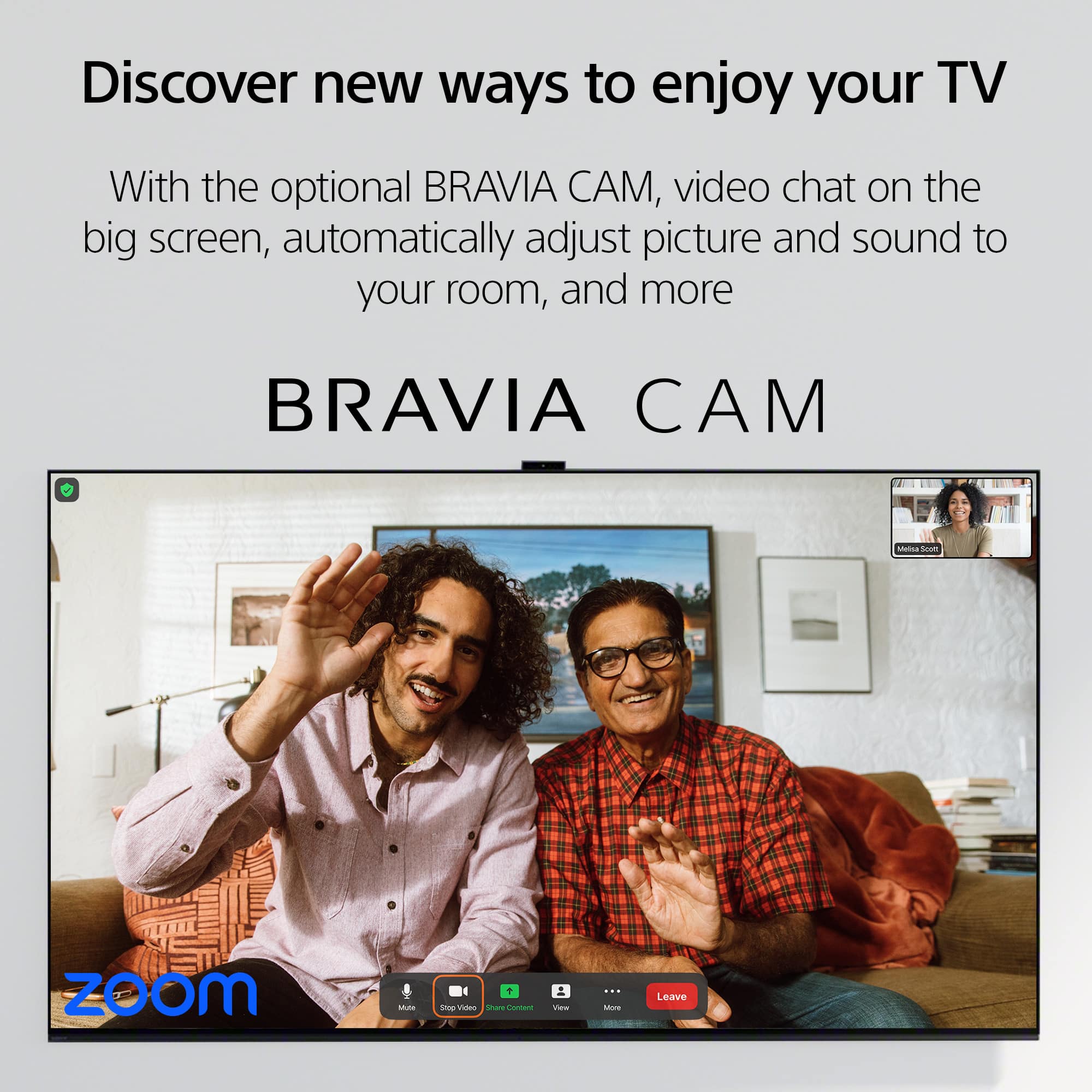
  • QuestionIs there a camera anywhere on this television??

    Asked by mommagirl.

    • Answer I do not think so. I hope not!

      Answered by Anonymous

  • QuestionIs this TV edge-lit, direct-lit, or full array?

    Asked by AyaNyx.

    • Answer Research what OLED means. Each pixel is individually “lit” from pure black to pure white. I suspect that in the way that you ask this question, it’s “full array”

      Answered by PatrickD