Questions & Answers
- Model:
- XR65X90L
- |
- SKU:
- 6544733
Highly rated by customers for: Picture Quality, Color, Ease of use
$1,199.99Your price for this item is $1,199.99
Page Showing 21-40 of 135 questions
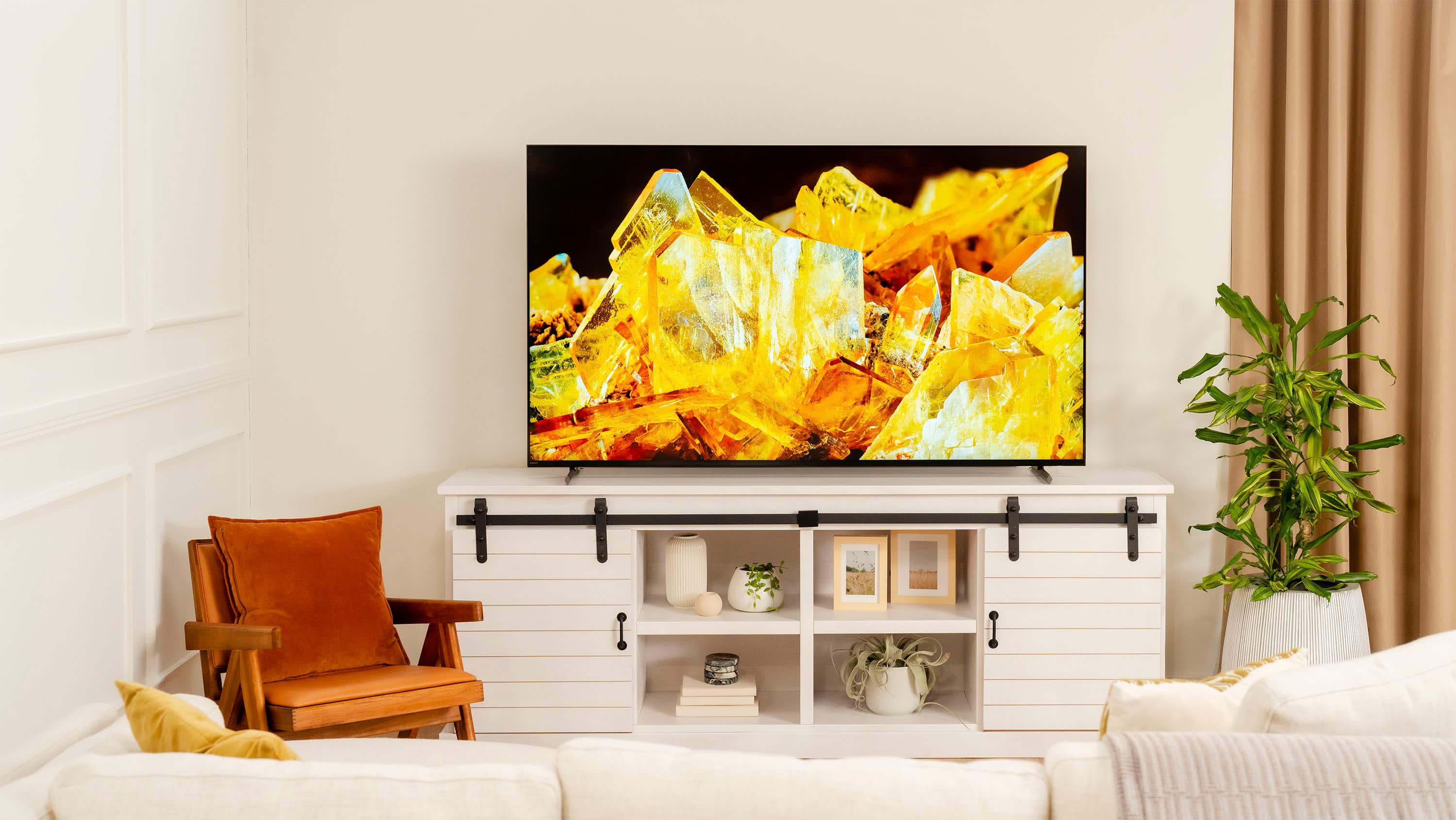
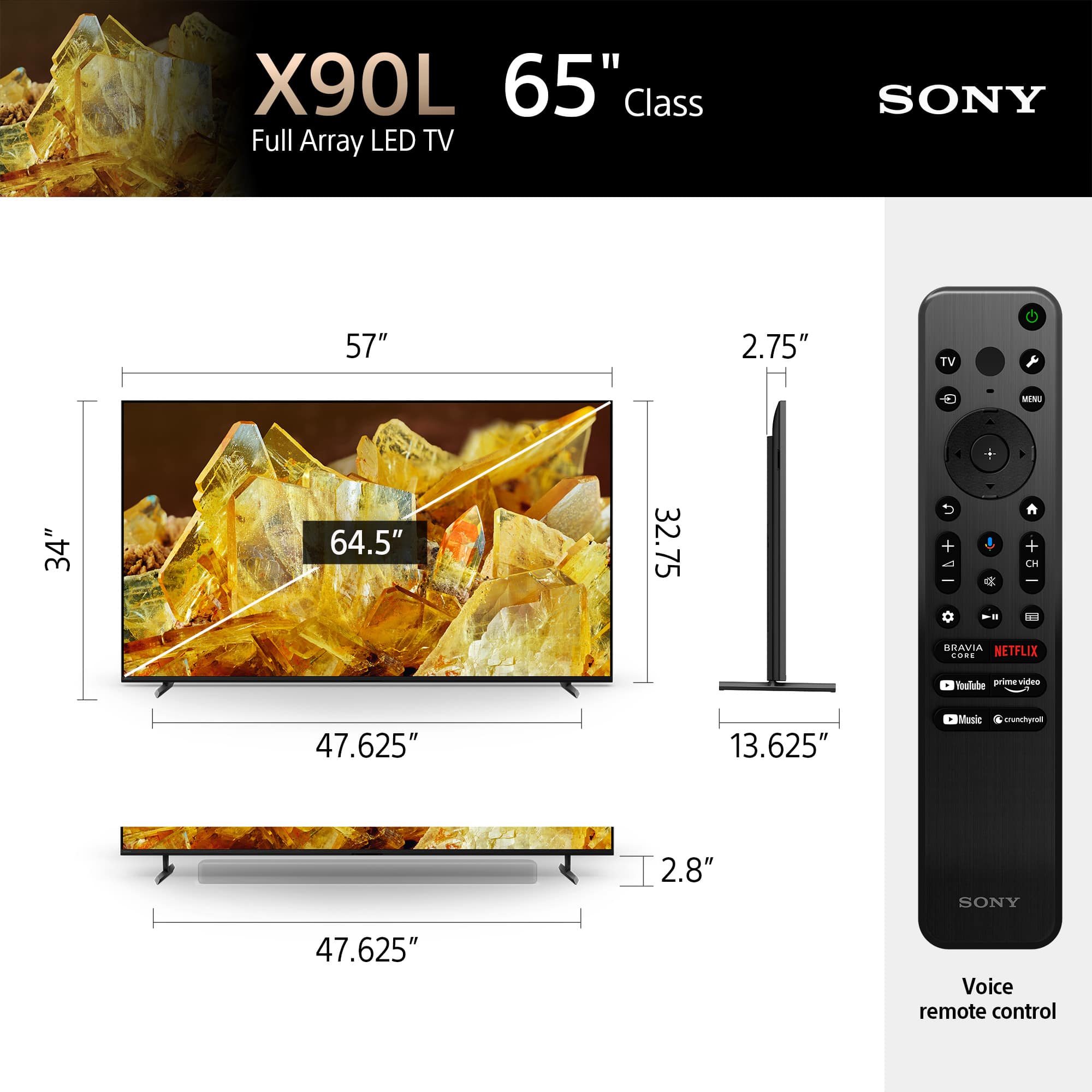
Q: QuestionMy stand is 15" deep. Will this be enough room to comfortably fit the tv? I know the legs take up close to 14" so would purchasing a wider stand be necessary?
Asked by Anonymous.
- A:Answer Tough question to answer. I would go with a new stand. I would absolutely spend a couple hundred bucks to preserve a $1200 TV. But I would look for one that prevents the TV from falling forward. If you’re TV is gong to break from some sort of fall, it will most likely be from falling forward.
Answered by JerzeeJack
Q: QuestionWill this tv knock down the high background nois, music etc as it apppesrs inirder for one to understand the conversations without continually using the remote control to do this ?
Asked by Olliedog.
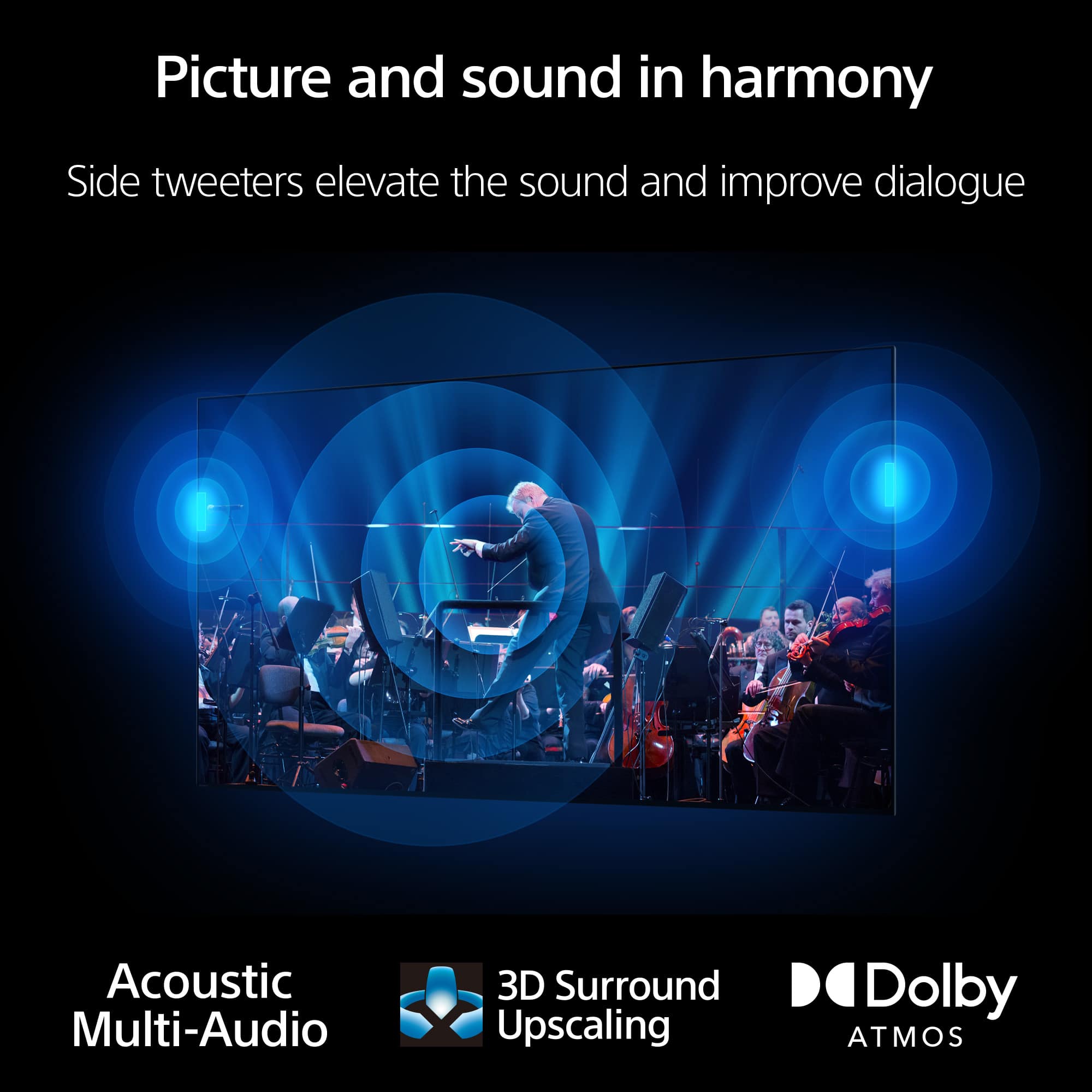
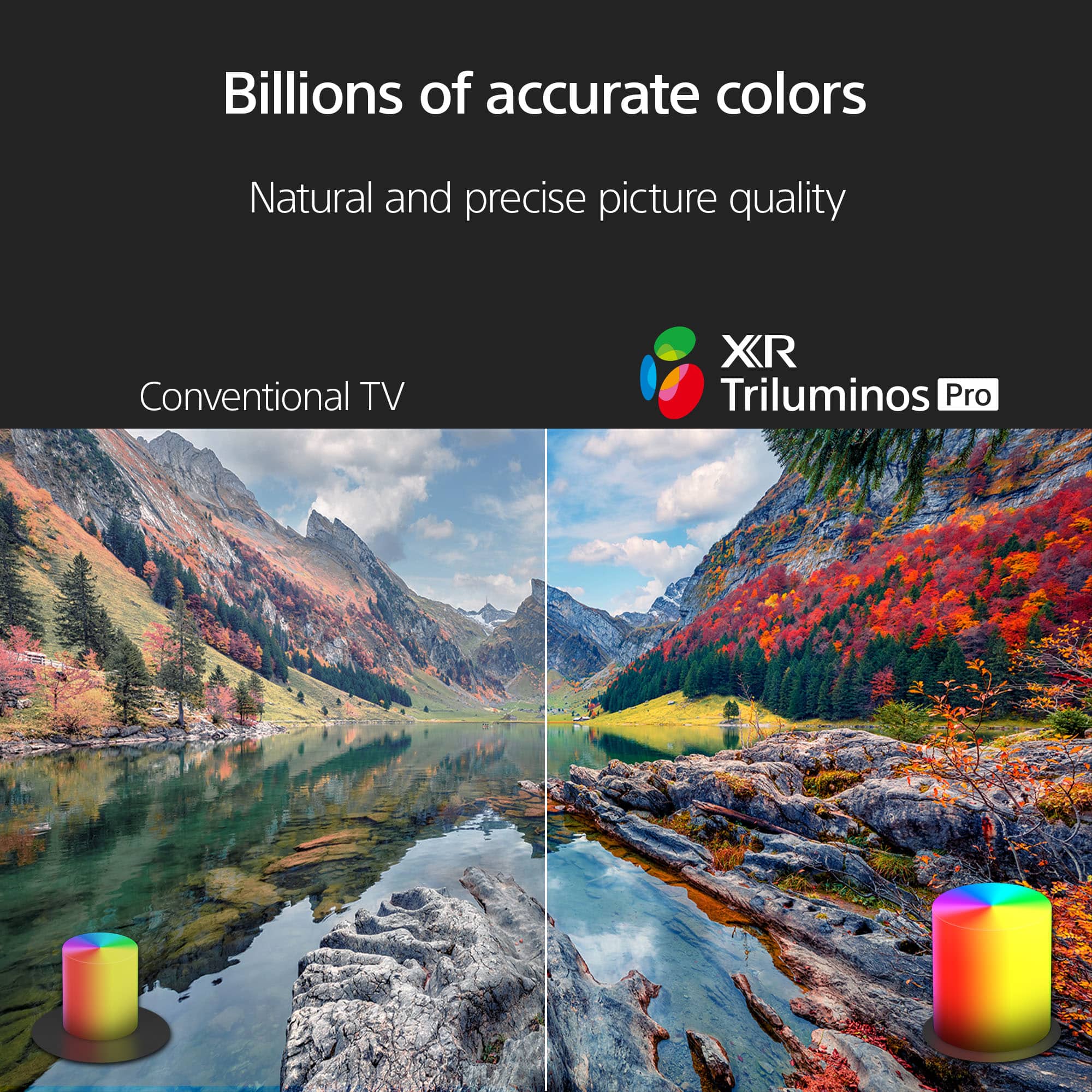
- A:Answer Hi Olliedog, Thank you for your question. Sound quality on this TV is great! When you raise the level of the TV's Voice Zoom function, you can hear voices clearly and ambient sound is lowered. See a vivid, crisp picture while you watch and game, all enhanced by Full Array LED and powered by the intelligent Cognitive Processor XR™️. Sound positioning tweeters, in additional to the TV speakers, elevates the sound so what you hear matches the picture you see. Take entertainment further by pairing your BRAVIA XR™️ TV with Sony audio equipment. You’ll discover an unmatched audio-visual experience with outstanding XR picture and sound quality. -Ralph
Answered by SonyListens

Q: QuestionWhat is the space under TV in high soundbar legs setting?
Asked by Rafal.
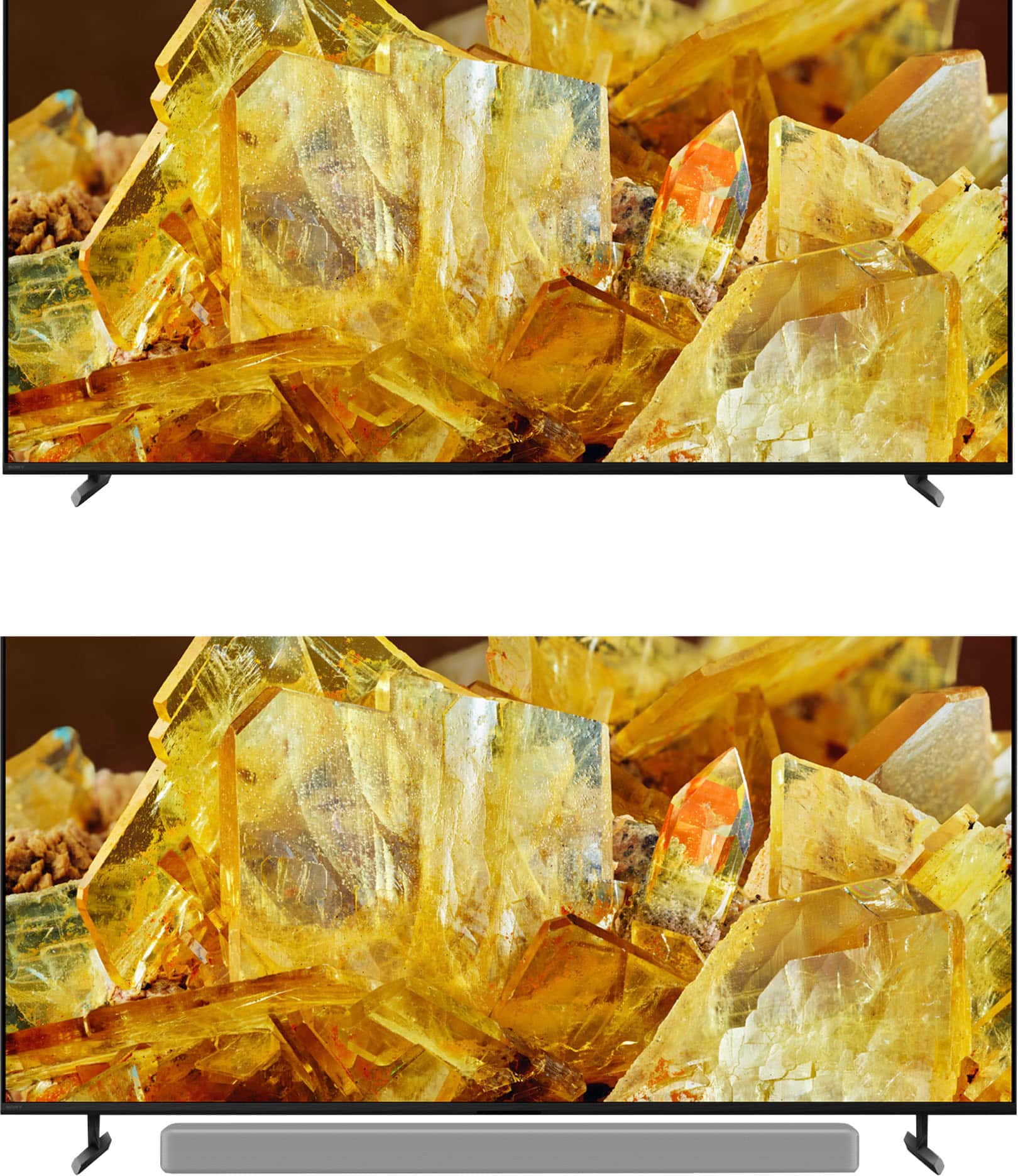
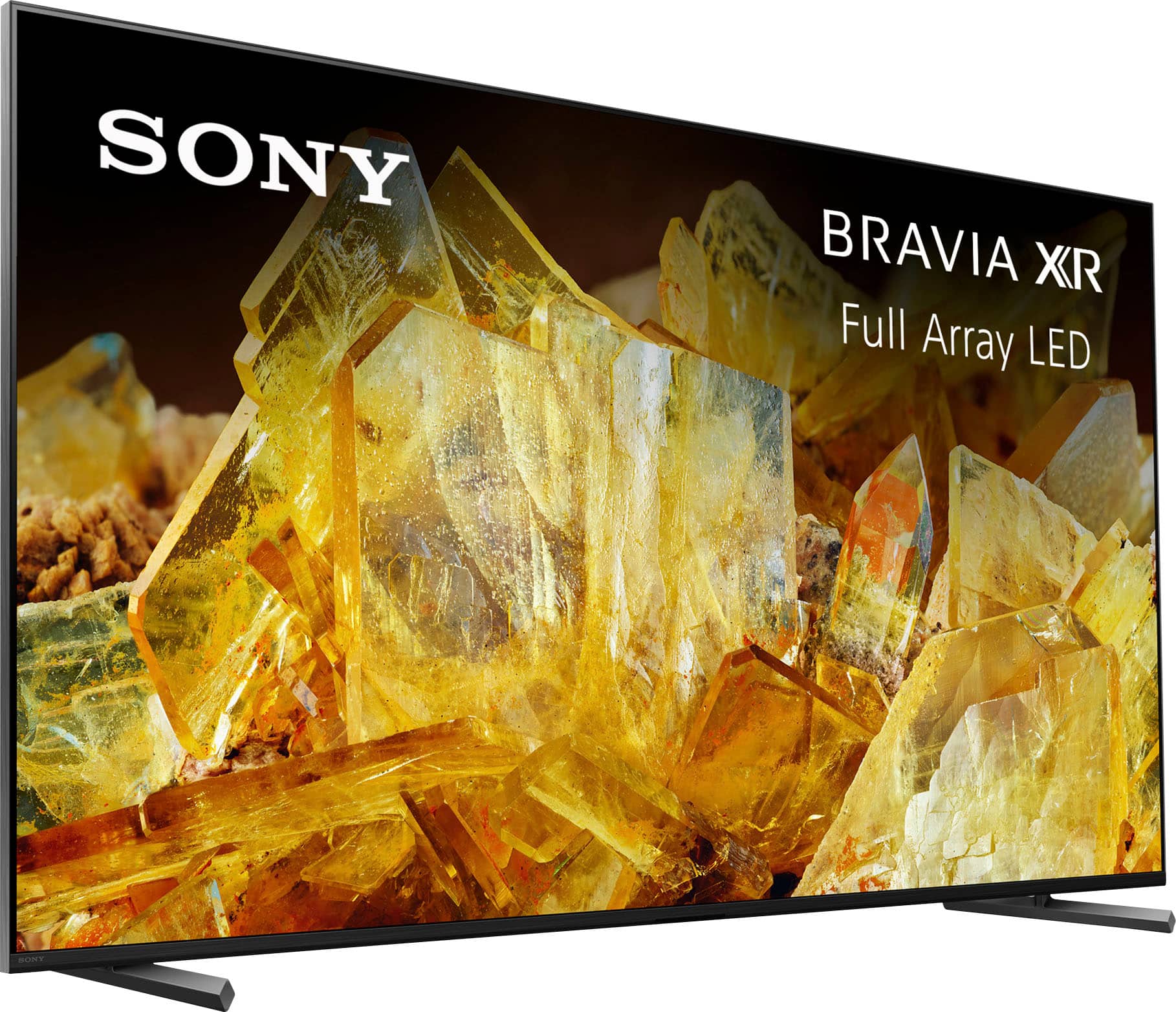
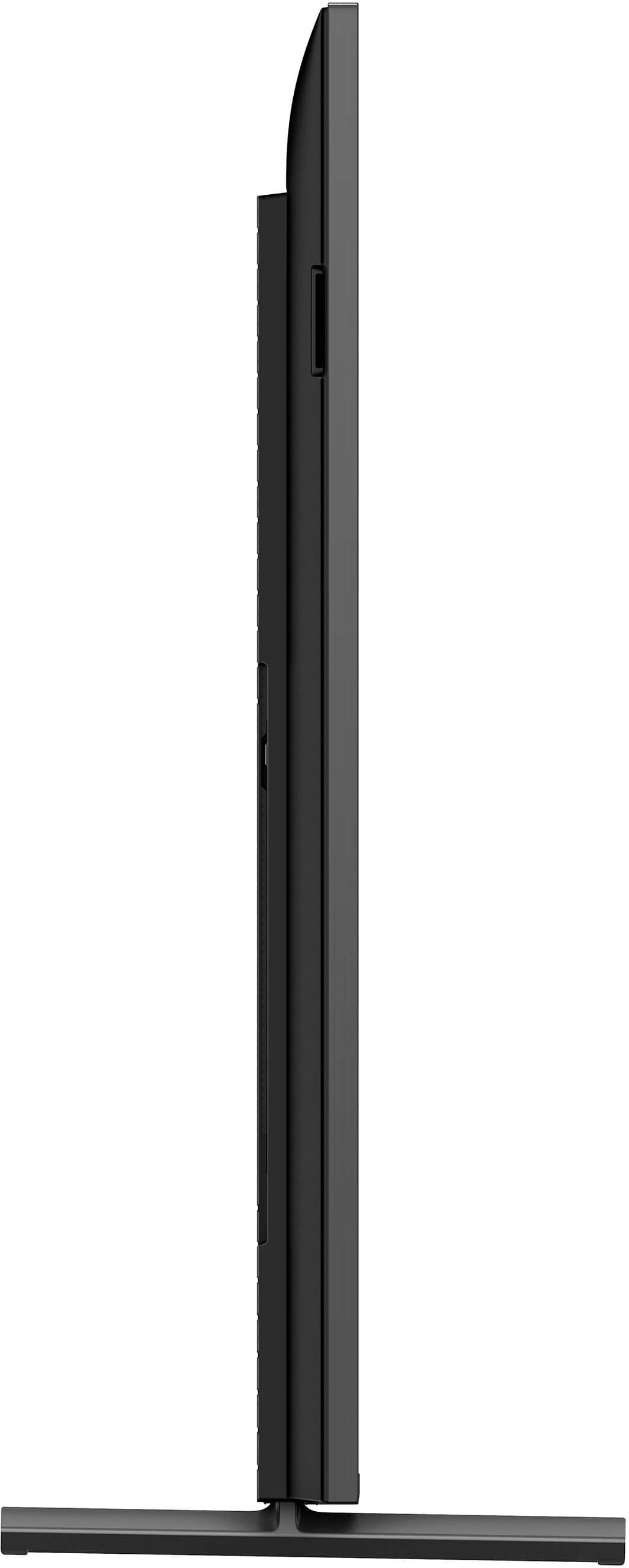
- A:Answer Hi Rafal, Thank you for your question. It measures 2.75 inches (69.85 mm) (height). See a vivid, crisp picture while you watch and game, all enhanced by Full Array LED and powered by the intelligent Cognitive Processor XR™️. Sound positioning tweeters, in additional to the TV speakers, elevates the sound so what you hear matches the picture you see. Take entertainment further by pairing your BRAVIA XR™️ TV with Sony audio equipment. You’ll discover an unmatched audio-visual experience with outstanding XR picture and sound quality. -Ralph
Answered by SonyListens

Q: QuestionDoes this TV support being able to watch multiple channels or inputs on the screen at the same time (picture in picture)? Thanks
Asked by REman.
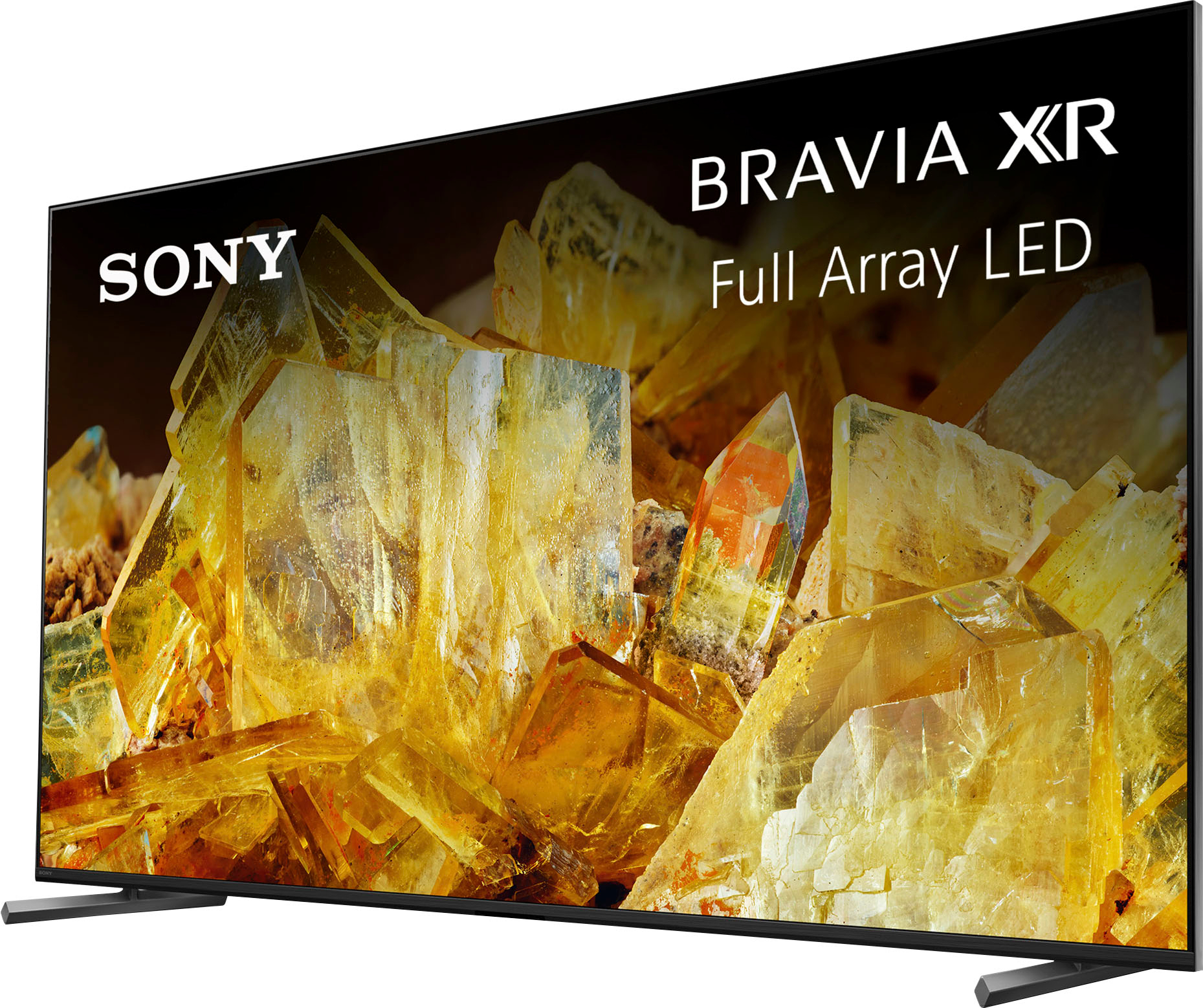
- A:Answer Hi REman, Thank you for your question. The X90L doesn't have Picture-in-Picture (PIP), Picture & Picture (P&P), or Twin Picture capability. However, similar functionality may be available through a third-party service or channel for sports, videos, etc. Check with your cable or satellite TV provider for options. See a vivid, crisp picture while you watch and game, all enhanced by Full Array LED and powered by the intelligent Cognitive Processor XR™️. Sound positioning tweeters, in additional to the TV speakers, elevates the sound so what you hear matches the picture you see. Take entertainment further by pairing your BRAVIA XR™️ TV with Sony audio equipment. You’ll discover an unmatched audio-visual experience with outstanding XR picture and sound quality. -Ralph
Answered by SonyListens

Q: QuestionCan you play games? ex:PlayStation,Xbox
Asked by Ben.
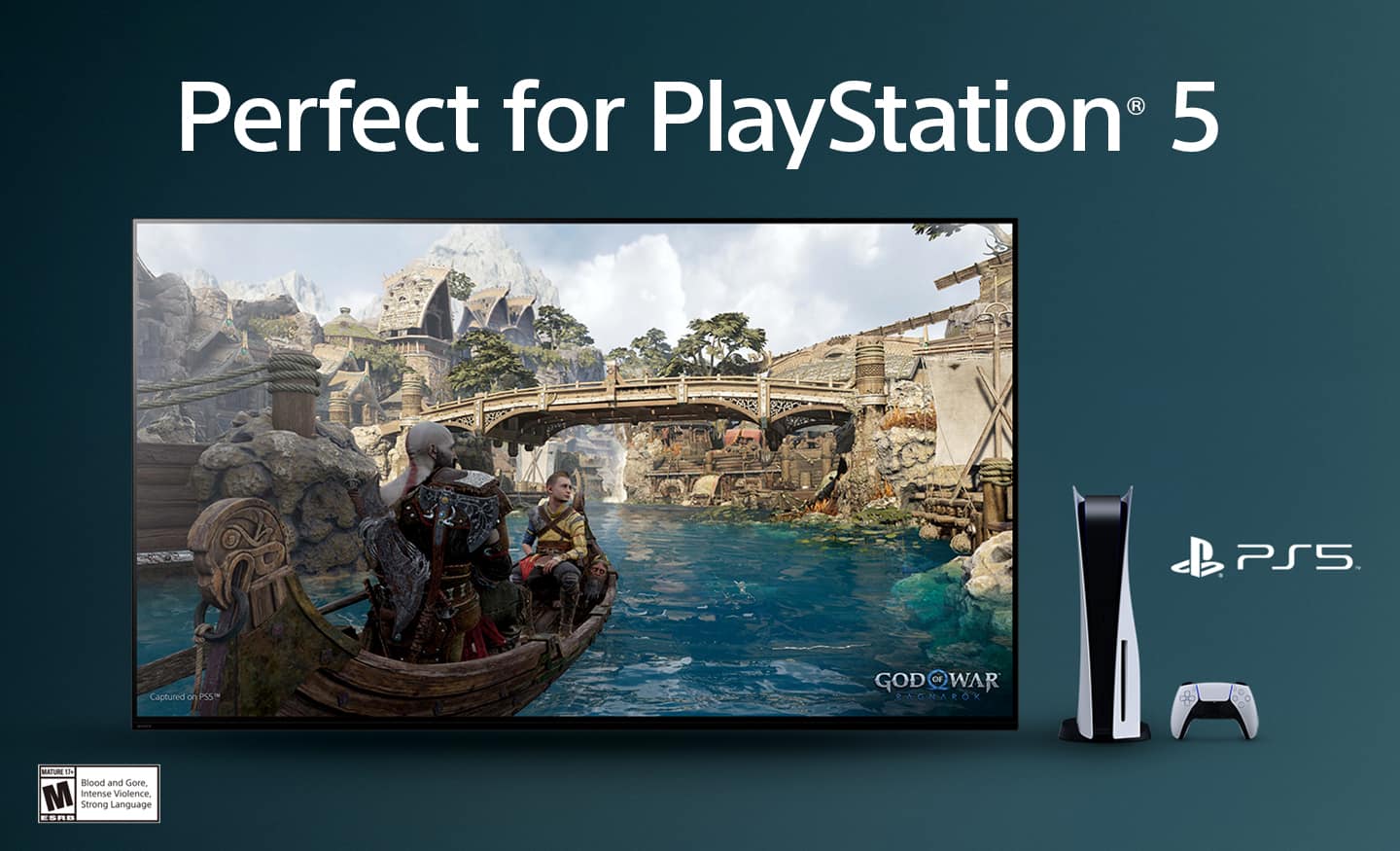
- A:Answer Hi Ben, Thank you for your question. Great news! The X90L TV works well with gaming consoles like the Xbox or PlayStation. Our BRAVIA XR TVs capture the awesome graphics and soundscapes of today’s games. With 4K/120fps, a Variable Refresh Rate and Auto Low Latency Mode, our TVs give you smooth and clear movement for responsive gameplay. See a vivid, crisp picture while you watch and game, all enhanced by Full Array LED and powered by the intelligent Cognitive Processor XR™️. Sound positioning tweeters, in additional to the TV speakers, elevates the sound so what you hear matches the picture you see. Take entertainment further by pairing your BRAVIA XR™️ TV with Sony audio equipment. You’ll discover an unmatched audio-visual experience with outstanding XR picture and sound quality. -Ralph
Answered by SonyListens

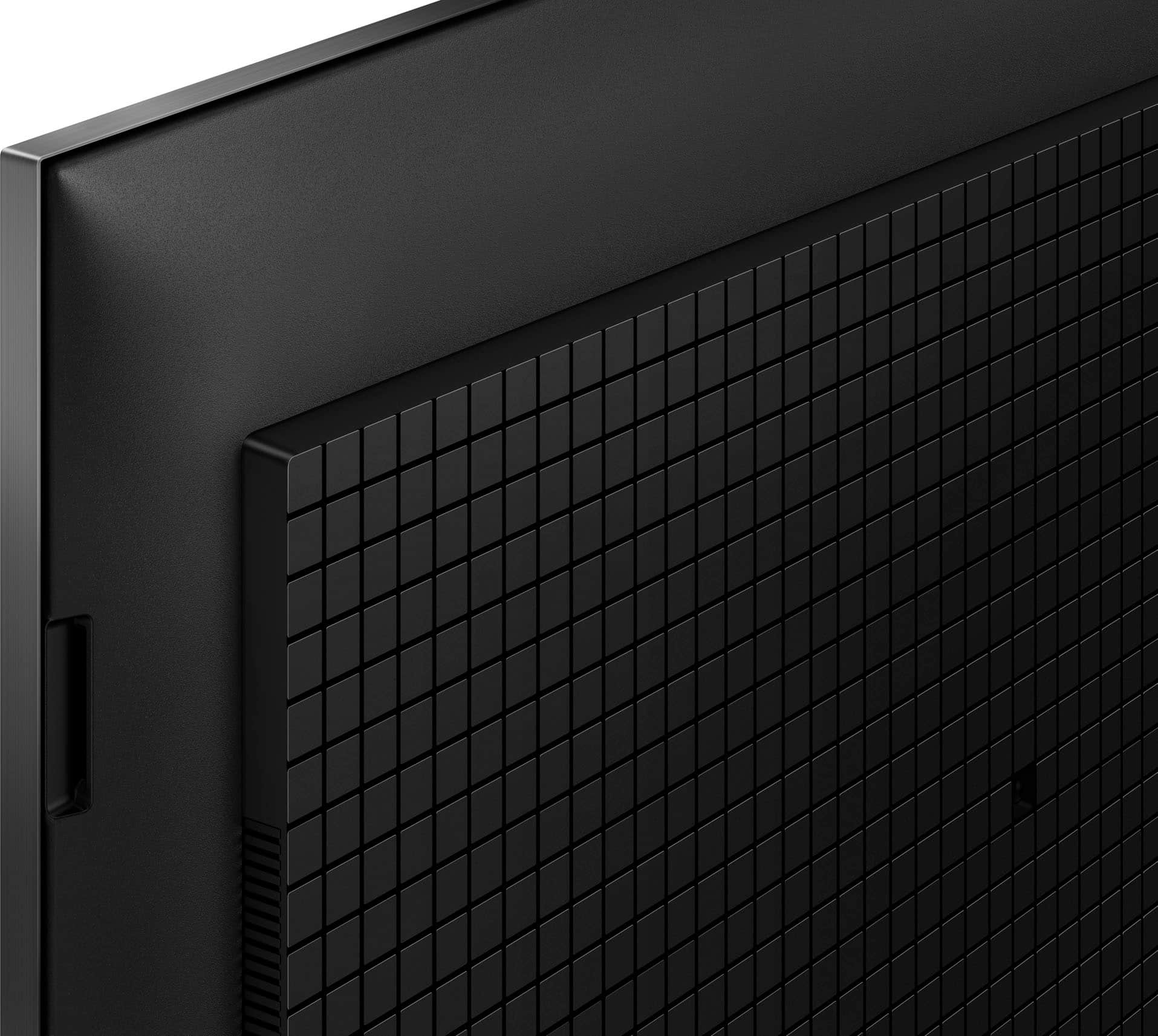
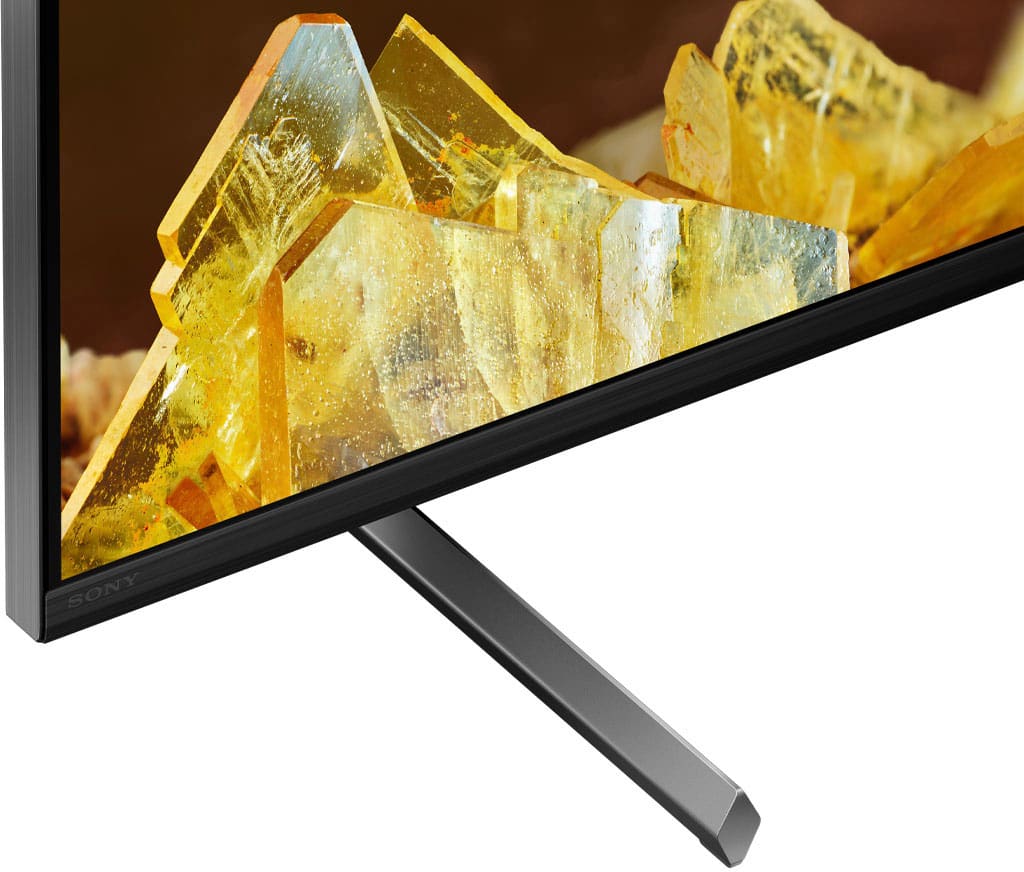
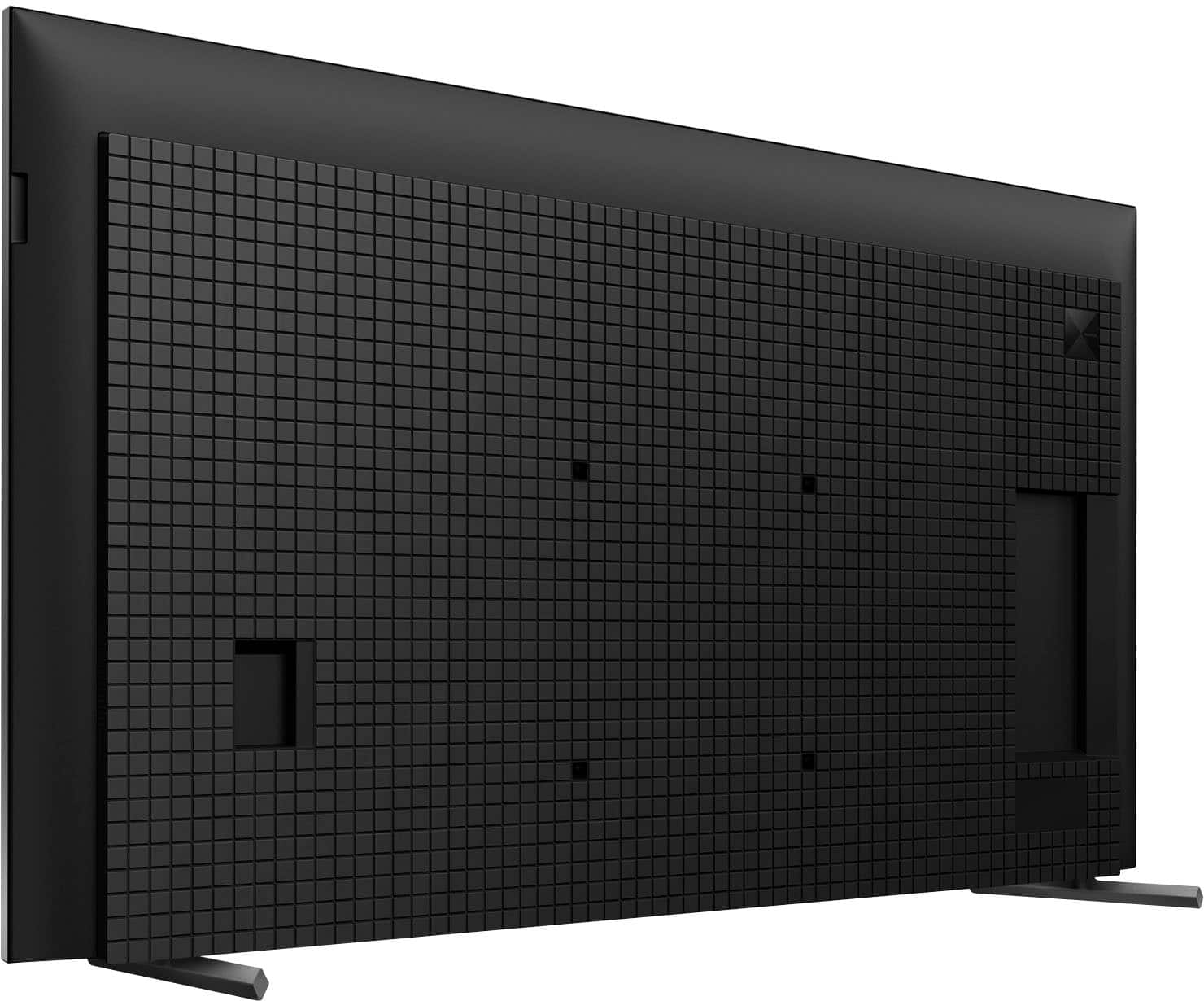
Q: QuestionThe two “legs” this tv stands on are so flimsy that this tv is very dangerous in a household with children. It could easily be tipped over if a kid runs into the console. How can I secure this 65” screen so it’s safe with kids around?
Asked by BeanBunny.
- A:Answer Hi BeanBunny, We understand your concern about the TV stand. For optimum performance, make sure that the stand is installed properly. It is designed to provide stability to the TV. Aside from using the TV stand, you do have the option to wall-mount the TV to keep it more secure from the surroundings. We recommend the Sony SU-WL855. You can also use a VESA compatible wall-mount bracket that supports 11.81 x 11.81 inches (300 x 300 mm) (W x H) hole pattern and a weight of 53.4 lb (24.2 kg). See a vivid, crisp picture while you watch and game, all enhanced by Full Array LED and powered by the intelligent Cognitive Processor XR™️. Sound positioning tweeters, in additional to the TV speakers, elevates the sound so what you hear matches the picture you see. Take entertainment further by pairing your BRAVIA XR™️ TV with Sony audio equipment. You’ll discover an unmatched audio-visual experience with outstanding XR picture and sound quality. -Ralph
Answered by SonyListens

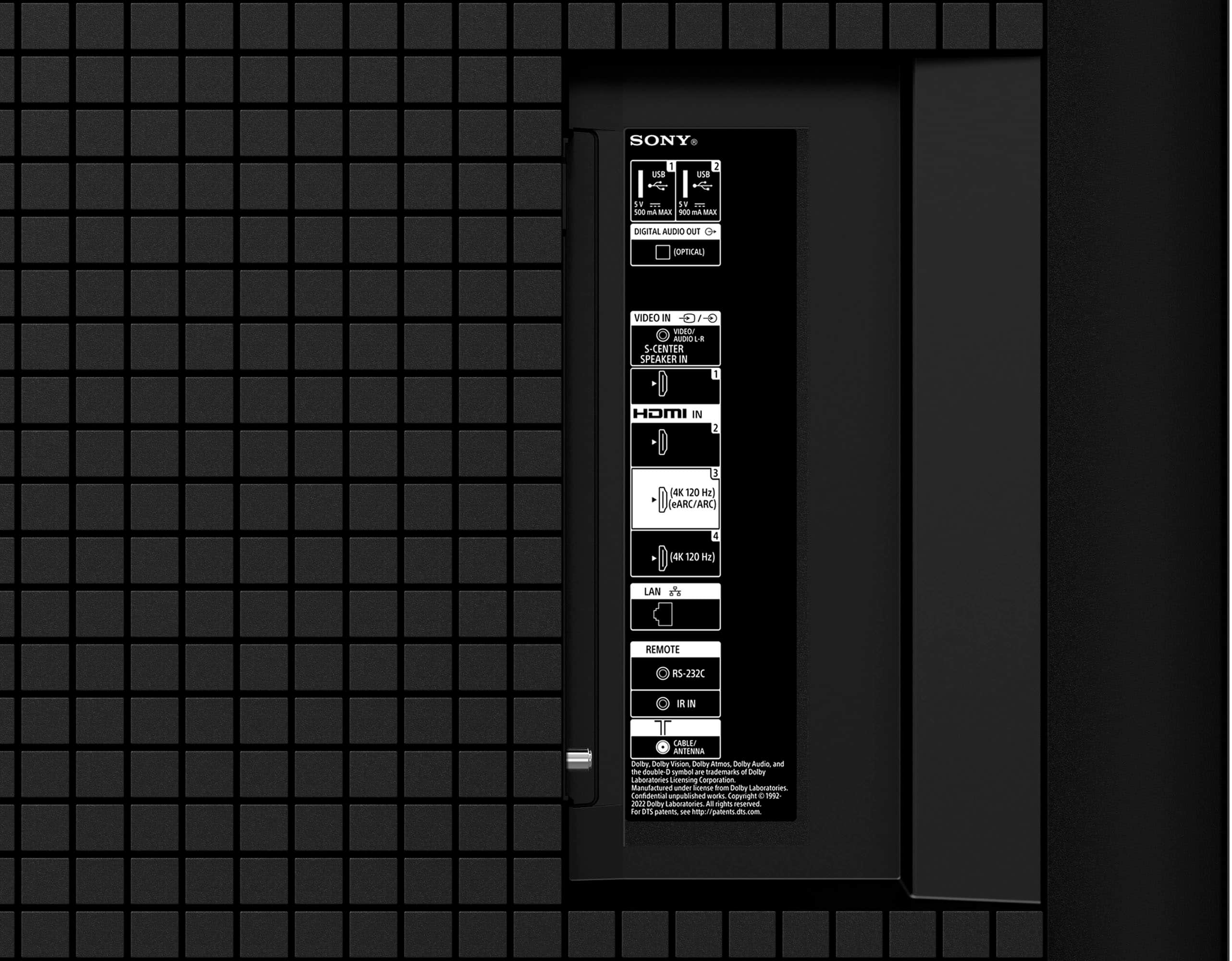
Q: QuestionA previous question asked about supporting HDMI 2.1 and the response was that it is supported on ports 3 and 4. Is HDMI 2.1 supported on the ARC port? This port is what is normally used to connect A/V receivers. Is it supported on ARC as well?
Asked by MalikH.
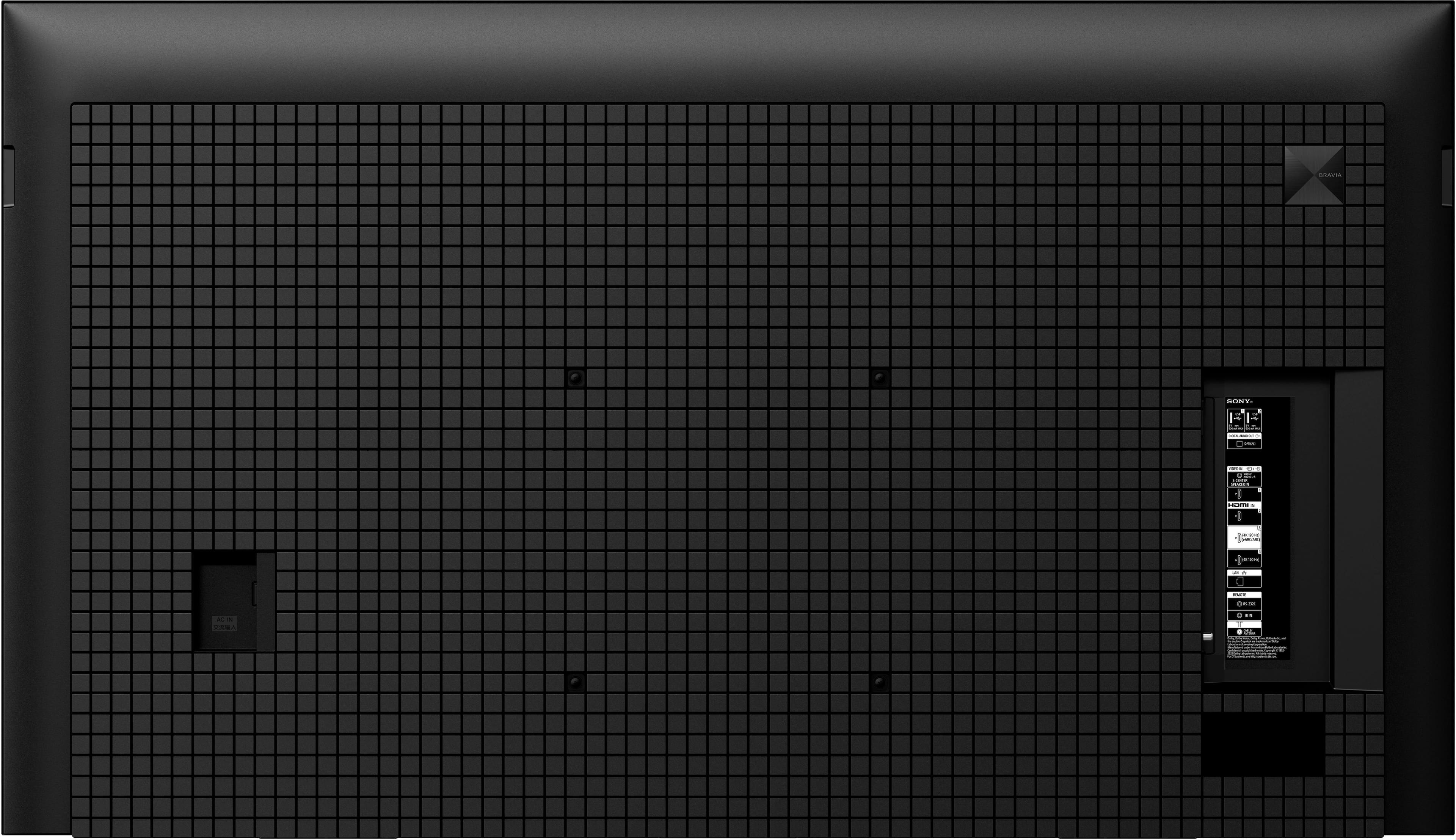
- A:Answer Hi MHawkins, Thank you for your question. The ARC port (HDMI 3) supports features specified in the HDMI 2.1 standard (4K120/eARC/VRR/ALLM). For more information about the TV, please refer to our official website. See a vivid, crisp picture while you watch and game, all enhanced by Full Array LED and powered by the intelligent Cognitive Processor XR™️. Sound positioning tweeters, in additional to the TV speakers, elevates the sound so what you hear matches the picture you see. Take entertainment further by pairing your BRAVIA XR™️ TV with Sony audio equipment. You’ll discover an unmatched audio-visual experience with outstanding XR picture and sound quality. -Ralph
Answered by SonyListens

Q: QuestionHello, what is the distance measured from the lowest vesa mount location to the bottom edge of the tv?
Asked by Danny.
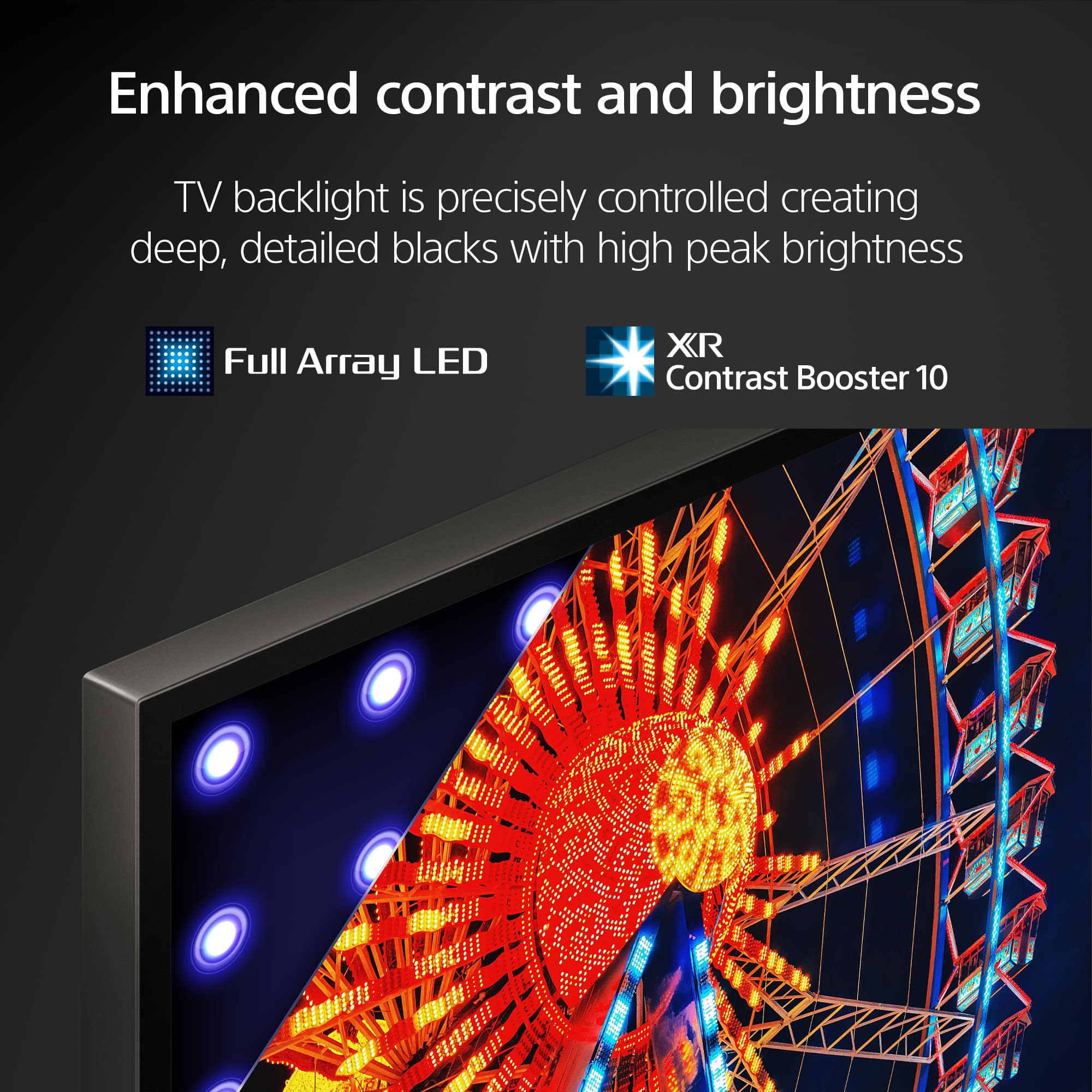
- A:Answer Hi Danny, Thank you for your inquiry! The distance from the lowest VESA mount hole to the bottom edge of the TV is approximately 140.9mm/5.547inches. Hope this helps! See breathtakingly beautiful pictures full of realistic depth on our Full Array LED screen powered by Cognitive Processor XR™. XR Contrast Booster precisely balances light across the screen, adjusting brightness for higher peaks in glare and deeper blacks in shadow. Peak brightness is higher than ever for sublime depth and detail. Regards, Vincent

Answered by SonyListens

Q: QuestionDoes this have a USB 3.0 port?
Asked by CR.
- A:Answer Hi CR, That is an excellent question! The Sony BRAVIA X90L features two USB ports on the side panel, and one of them is indeed a high-speed port compatible with USB 3.0 standards. Here is the breakdown of the ports: USB Port 1: Supports High Speed USB (USB 2.0). This is ideal for basic devices like a keyboard, mouse, or simple flash drives. USB Port 2: Supports Super Speed USB (USB 3.2 Gen 1). This is the port you’ll want to use for high-performance tasks, as it is equivalent to the USB 3.0/3.1 standard. We hope this answers your question, and thanks for considering Sony! Regards, Dominick
Answered by SonyListens
Q: QuestionWhat is the viewing angle?
Asked by CTV.
- A:Answer Thank you for contacting Sony, CTV. The XR-65X90L viewing angle is 178° (89 degrees right/left and up/down). We appreciate your interest in Sony products. Should you require any further assistance, please don't hesitate to reach out for support here: https://us.esupport.sony.com/support/s/support-contact?language=en_US&category=tv Best regards, Gus, Sony North America Customer Support
Answered by SonyListens
Q: QuestionWhat is the charge to set up a tv
Asked by Dave.
- A:Answer I ordered one yesterday and it showed $119 to set it up without wall mounting and $179 for setup with wall mount. It said this was $100 off both services regular price. Delivery without setup was free.
Answered by Nichole
Q: QuestionCan I hook this up to a surround sound amplifier?
Asked by DocB.
- A:Answer Hello DocB, Thank you for considering Sony products! We appreciate your question and are here to assist you. Yes, you can connect your Sony XR65X90L TV to a surround sound amplifier. The TV is equipped with multiple HDMI ports, including HDMI ARC (Audio Return Channel) and eARC (enhanced Audio Return Channel), which allow for high-quality audio transmission to compatible audio devices. Additionally, it features a digital audio output (optical) for connecting to audio systems that support this input. You can find the step-by-step instructions on how to connect your TV with an amplifier here: https://www.sony.com/electronics/support/articles/00231150 Best regards, -Fred
Answered by SonyListens
Q: QuestionI see this TV has an optical jack, really leaning towards buying it even though it's an older model. Can this TV turn on a sound bar via optical jack when your turn TV on? Soundbar is capable. Thanks
Asked by Buyer.
- A:Answer Hello Buyer, Thank you for considering Sony products! We appreciate your question and are here to assist you. The Sony XR-65X90L TV has an optical audio output, which carries audio only—not power or control signals—so the TV can’t turn a soundbar on via the optical jack. This TV does include HDMI eARC, which supports full audio and power control through HDMI-CEC (Bravia Sync). Using eARC is the best way to have the soundbar turn on/off automatically and control volume with the TV remote. Just make sure HDMI-CEC is enabled on both devices. For more details about this feature, you can visit Sony's support page: https://www.sony.com/electronics/support/articles/00161073 Best regards, -Fred
Answered by SonyListens
Q: QuestionWhere is the manual power button for this tv
Asked by Power.
- A:Answer Hi Power, The manual power button for the Sony 65" Class BRAVIA XR X90L is located on the underside of the TV, right in the center. It is usually a single, multi-function button. You can typically press it once to display a menu with options like Power, Volume, and Input, and then press it again to navigate and select the Power option to turn the TV off or on. Thanks for choosing Sony. Best regards, Eliab
Answered by SonyListens
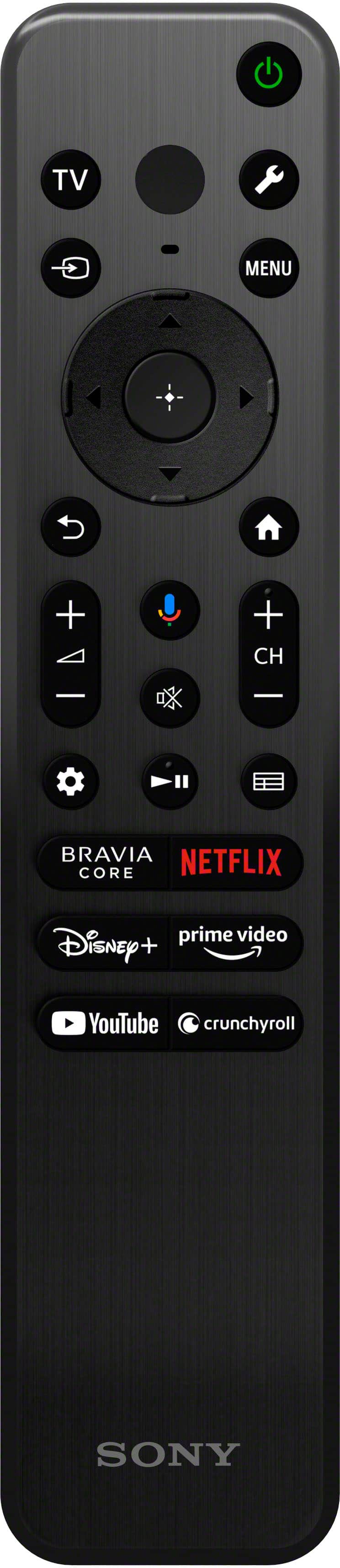
Q: QuestionCan a Bose SOUND Bar Be used with this tv? Imam already using the ARC port for cable input….
Asked by Bmw.
- A:Answer Hi Bmw, Thank you for your question! Yes, a Bose Sound Bar can definitely be used with your Sony BRAVIA X90L. Since you are using the HDMI eARC/ARC port for your cable box, we recommend moving the cable box to one of the TV's other three HDMI inputs. This will free up the HDMI 3 (eARC/ARC) port to connect your sound bar for the best quality audio and seamless volume control. Alternatively, the TV also features an Optical Digital Audio Output port that you can use to connect your Bose system. We hope you find this information helpful, and thank you for considering Sony products! Regards, Dominick
Answered by SonyListens
Q: QuestionDoes this TV pair with headphones through bluetooth?
Asked by GRod.
- A:Answer Thank you for contacting Sony, GRod. The XR-65X90L is fully capable of connecting with your headphones wirelessly. The TV supports the Bluetooth profile A2DP, which allows you to seamlessly connect compatible Bluetooth headphones for a private, high-quality audio experience. For a detailed guide on how to pair your headphones with your TV, please refer to this article: https://www.sony.com/electronics/support/articles/00232572 We appreciate your interest in Sony products. Should you require any further assistance, please don't hesitate to reach out for support here: https://us.esupport.sony.com/support/s/support-contact?language=en_US&category=tv Best regards, Gus, Sony North America Customer Support
Answered by SonyListens
Q: QuestionDo you remove old tvs
Asked by Mary.
- A:Answer Yes for a price they do but my trash company took my old 65 inch
Answered by GaryS
Q: QuestionWhen looking at the screeen of the tv, is the power cord on the back on the left or right side of the tv?
Asked by Trex.
- A:Answer left side bottom
Answered by GarrisonM
Most-viewed items
- Year End Deal$329.99Your price for this item is $329.99
- Year End Deal$449.99Your price for this item is $449.99
- Year End Deal$199.99Your price for this item is $199.99
- Year End Deal$329.99Your price for this item is $329.99
- Year End Deal$1,996.99Your price for this item is $1,996.99
- $249.99Your price for this item is $249.99$379.99The comparable value for this item is $379.99
- Year End Deal$79.99Your price for this item is $79.99
- $229.99Your price for this item is $229.99$299.99The comparable value for this item is $299.99
- $1,399.99Your price for this item is $1,399.99$2,699.99The comparable value for this item is $2,699.99
- Year End Deal$949.99Your price for this item is $949.99
- Year End Deal$59.99Your price for this item is $59.99
- Year End Deal$249.99Your price for this item is $249.99
- $1,499.99Your price for this item is $1,499.99$2,499.99The comparable value for this item is $2,499.99
- $449.99Your price for this item is $449.99$689.99The comparable value for this item is $689.99
- Year End Deal$699.99Your price for this item is $699.99
- $109.99Your price for this item is $109.99$149.99The comparable value for this item is $149.99
- $649.99Your price for this item is $649.99$999.99The comparable value for this item is $999.99
- $529.99Your price for this item is $529.99$799.99The comparable value for this item is $799.99
- Year End Deal$229.99Your price for this item is $229.99
- $996.99Your price for this item is $996.99$1,999.99The comparable value for this item is $1,999.99