A:AnswerHi RONC,
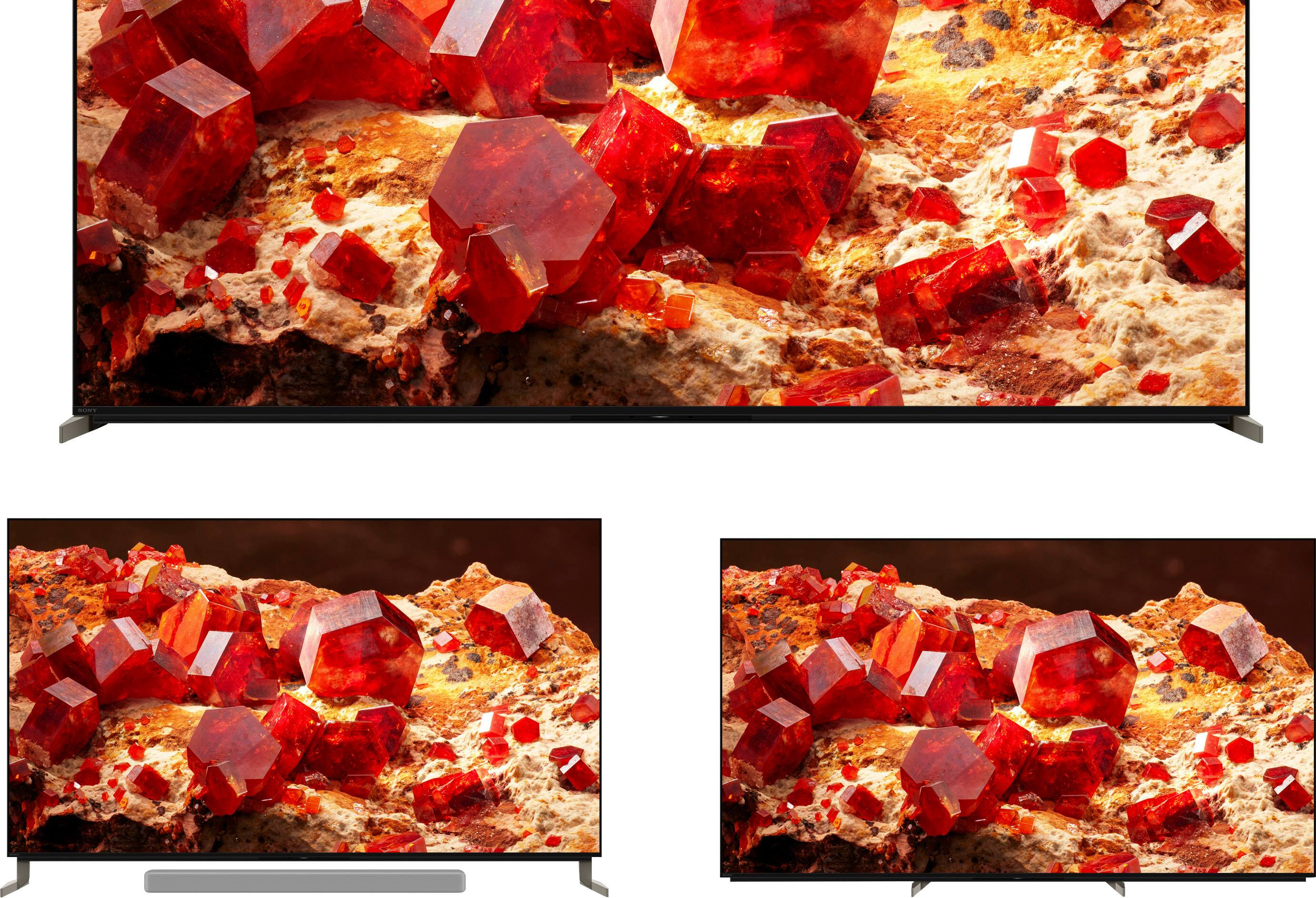
Thank you for your inquiry! Our Acoustic Multi-Audio™ technology includes sound positioning tweeters on the sides of the TV in addition to the down firing drivers that produce a wider, elevated soundstage, enabling audio to follow the action on screen. An integrated subwoofer delivers powerful bass and rounds out the sound for a truly immersive cinematic feel. And with Dolby Atmos® support and 3D Surround Upscaling, everything you watch gets the true surround sound treatment.
The speaker system integrated with X93L features Multi way Multi-amplifier connections (Mid Range x2, Tweeter x2, Subwoofer x2) speakers that is powered by 10 W + 10 W + 10 W + 10 W + 10 W + 10 W. Hope this helps.
Regards,
Jess
A:AnswerHi TheBeardedGamer,
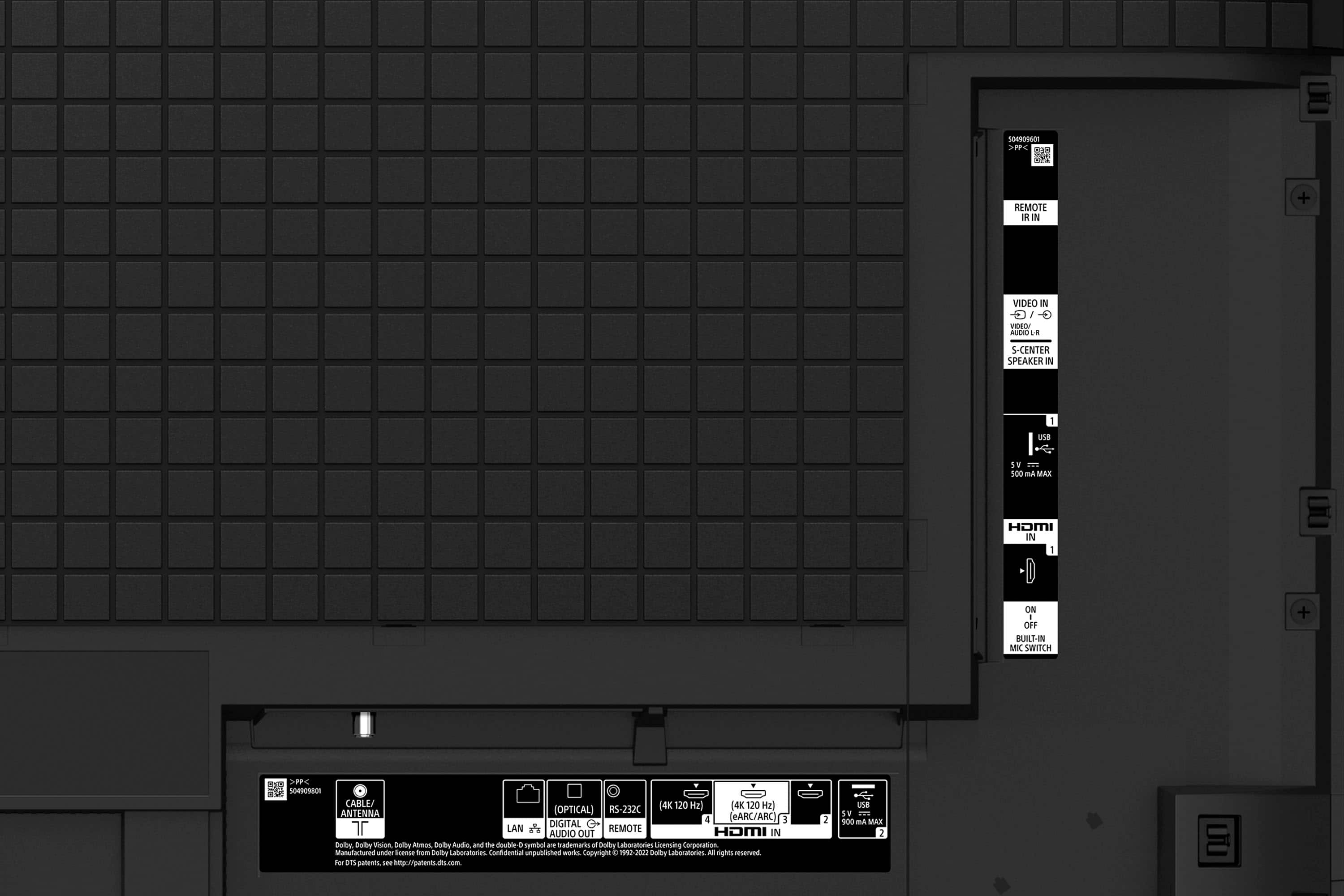
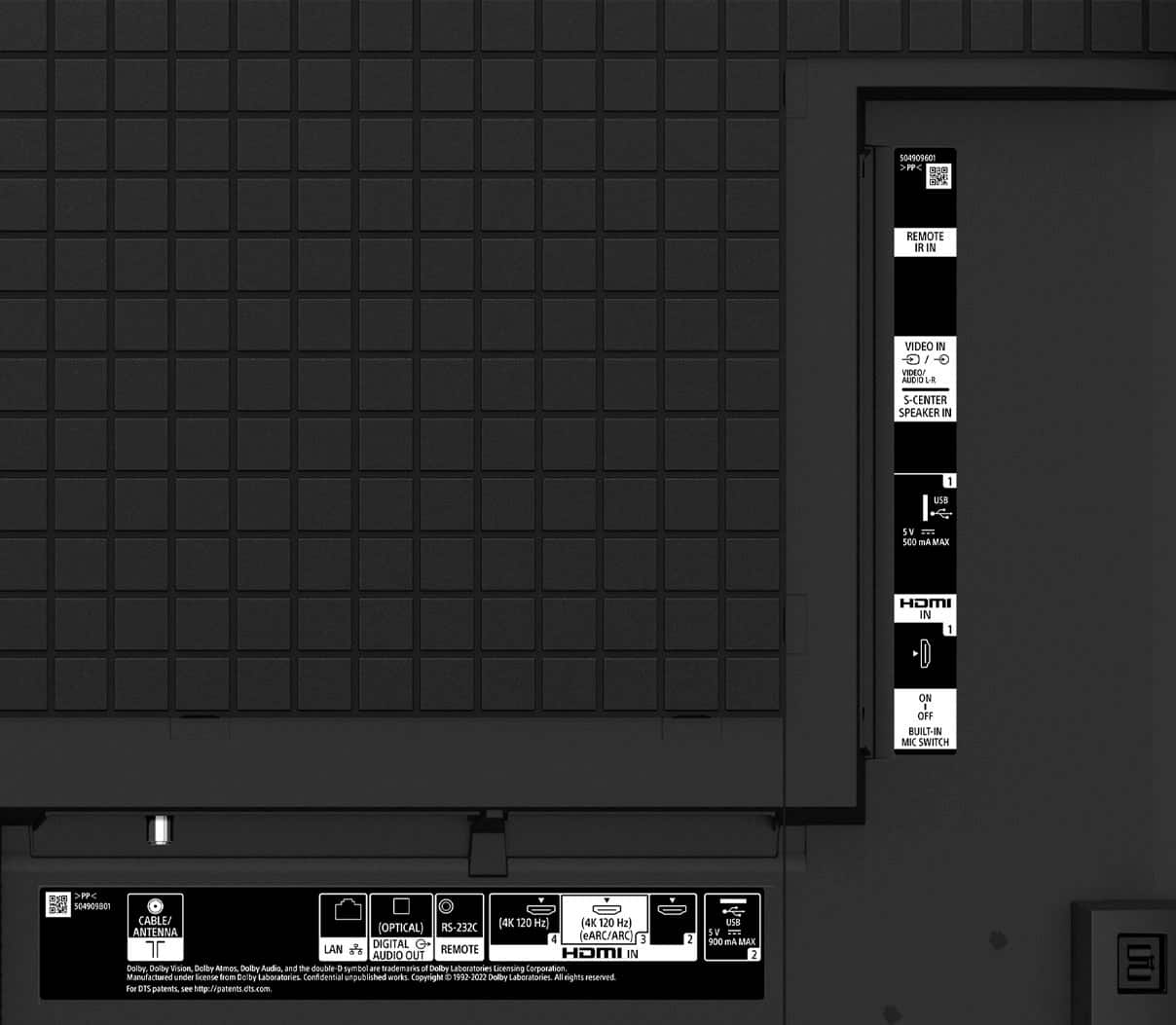
This is correct you will need to change the HDMI format each time. We recommend using the internal apps in the TV for the best quality video. If you must use a Firestick, please use for example HDMI #4 and change the format to Dolby Vision. For the receiver use HDMI #3 and leave it on VRR if a gaming console is connected. This way you will not need to change the HDMI format. HDMI#3 is also the eARC port so even if you are watching the Firestick you will get Dolby Atmos sound via HDMI. Hope this helps.
-David
A:AnswerHi TheBeardedGamer,
This is correct you will need to change the HDMI format each time. We recommend using the internal apps in the TV for the best quality video. If you must use a Firestick, please use for example HDMI #4 and change the format to Dolby Vision. For the receiver use HDMI #3 and leave it on VRR if a gaming console is connected. This way you will not need to change the HDMI format. HDMI#3 is also the eARC port so even if you are watching the Firestick you will get Dolby Atmos sound via HDMI. Hope this helps.
-David
A:AnswerHi RONC,
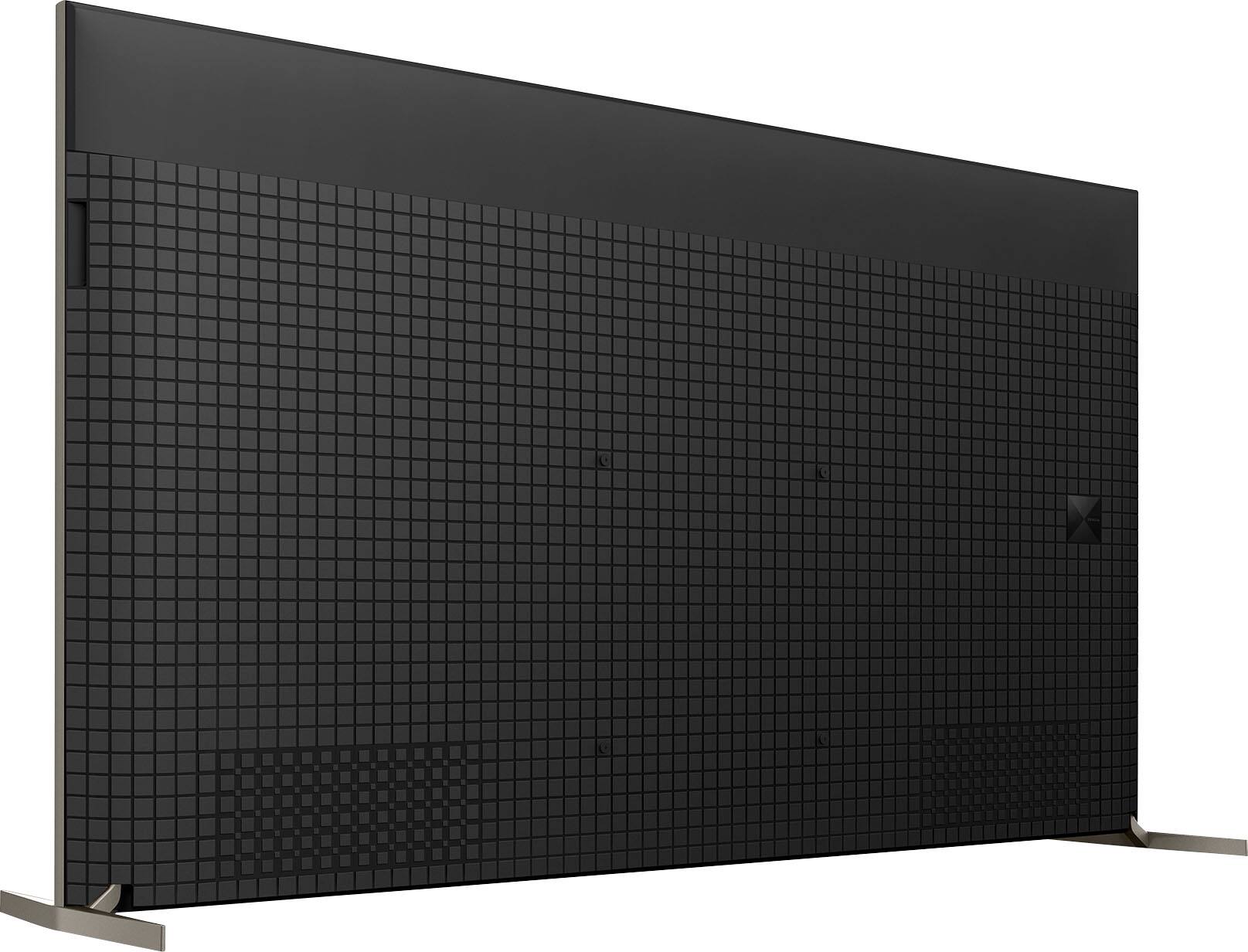
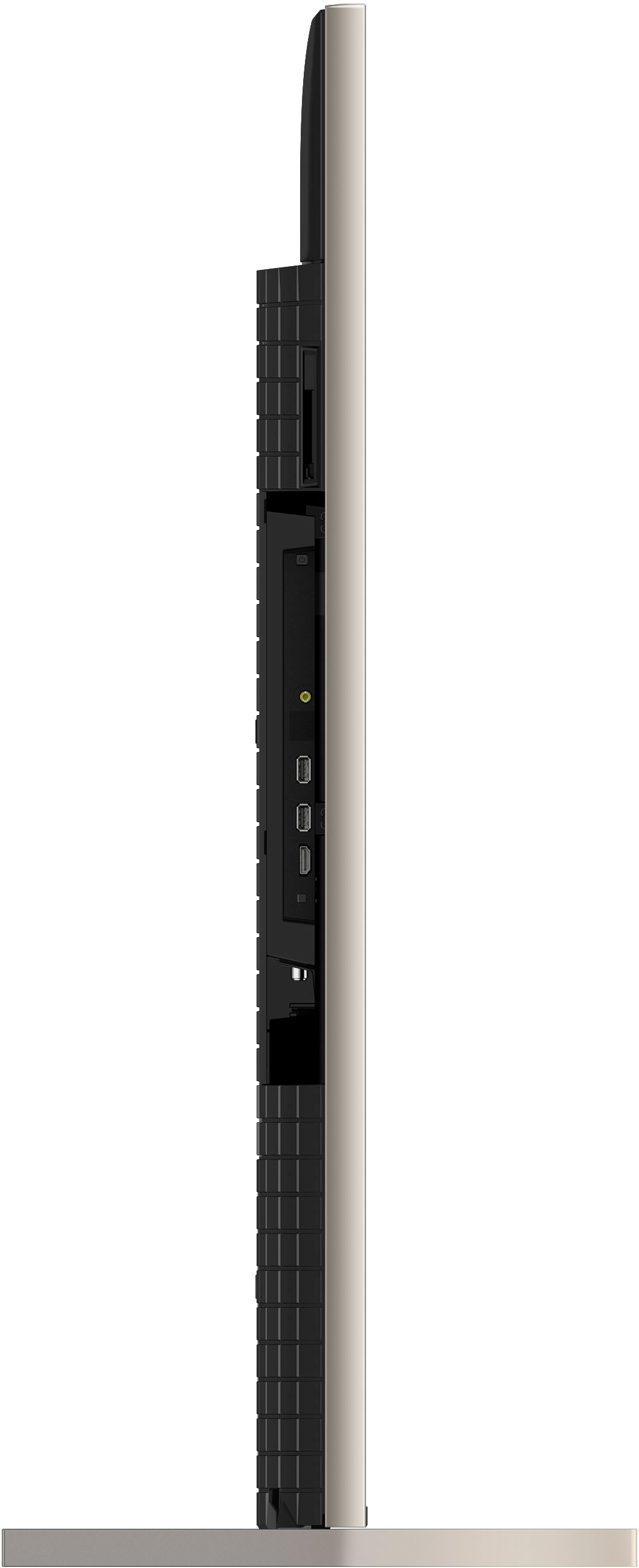
Thank you for inquiring about the TV. There is no built-in cooling fan present on the X93L. The A90J, A95K, and A95L series have a heatsink or heat diffusion sheet installed for dissipating heat.
The TV is designed with slots and openings for necessary ventilation. When installing the TV against a wall or enclosed area, allow adequate space around the TV set to ensure proper air circulation. As a general guideline, there should be a clearance of at least 11 7/8 inches (30 cm) above the TV set. The rear of the TV should be 2 to 6 inches away from the wall and 4 inches (10 cm) of ventilation space on each side. If mounted on the wall, allow at least 4 inches (10 cm) of clearance at the bottom of the screen.
Note:
• Do not block or cover the ventilation openings with cloth or other materials.
• Never place the TV in a confined space, such as a bookcase or built-in cabinet, unless proper ventilation is provided.
Regards,
Jess
A:AnswerHi Ron,
Thank you for the inquiry! Technically, there's no difference with these models. They're the exact same technical specifications. The X93CL is club/store model where it is sold specifically for our authorized dealer.
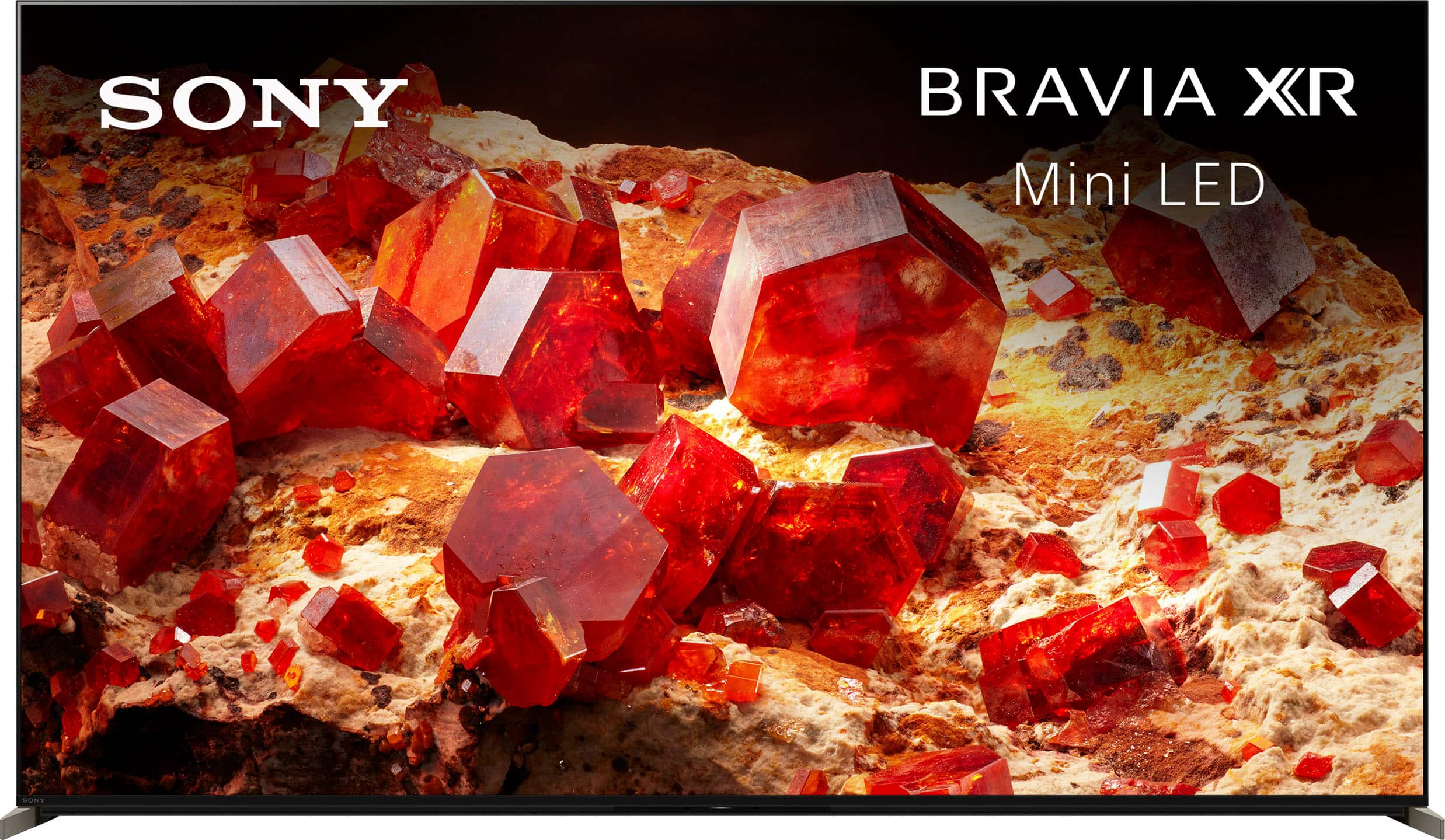
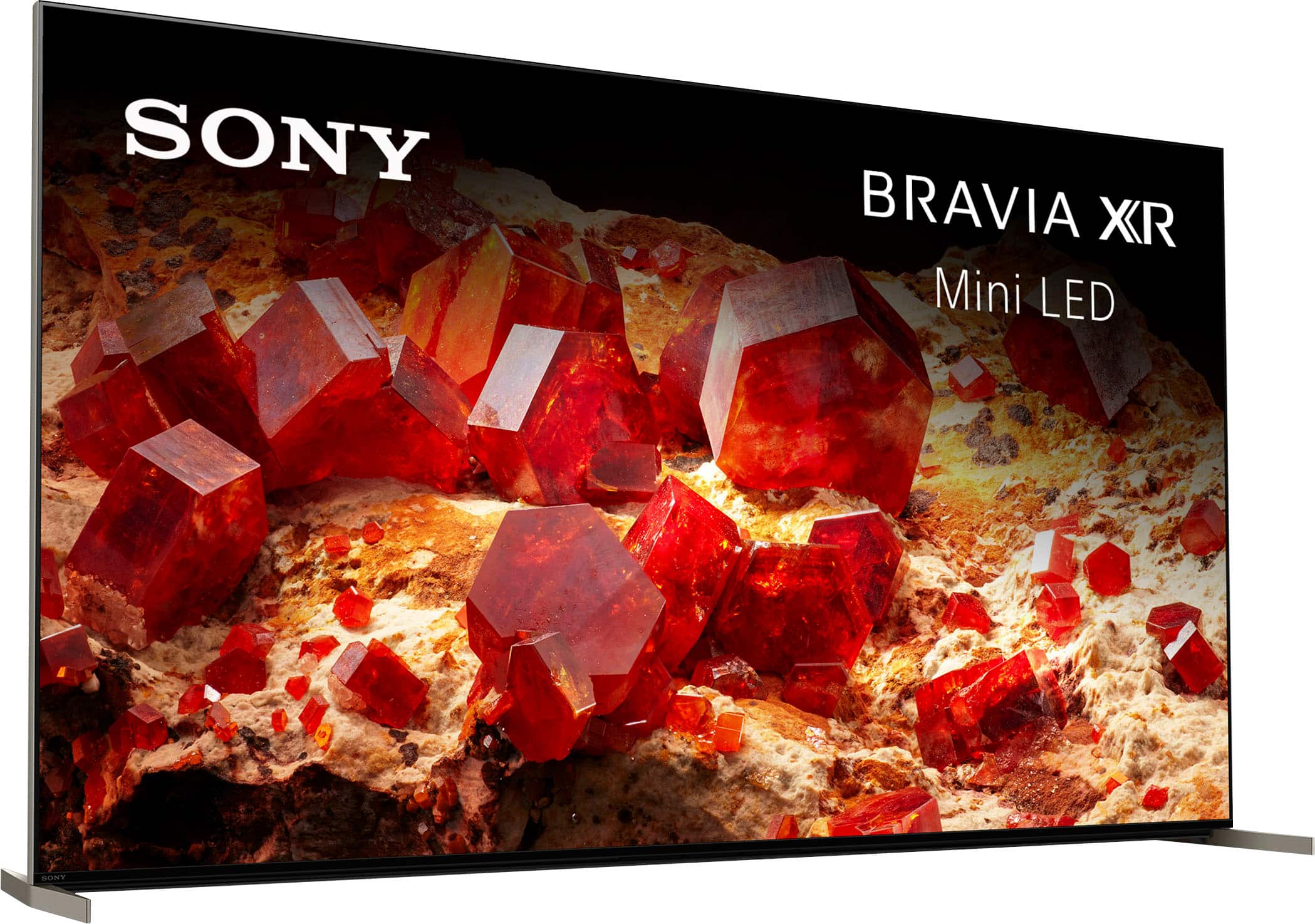
Rediscover your favorite content with impressive Mini LED contrast and brightness, powered by the intelligent Cognitive Processor XR™. Thousands of Mini LEDs, pricelessly controlled by XR Backlight Master Drive, deliver a picture full of vibrant colors and detailed shadows, perfect for any room. Experience immersive, expansive sound with integrated sound poisoning speakers matching what you hear with what you see on screen.
-David
A:AnswerHi Donna,
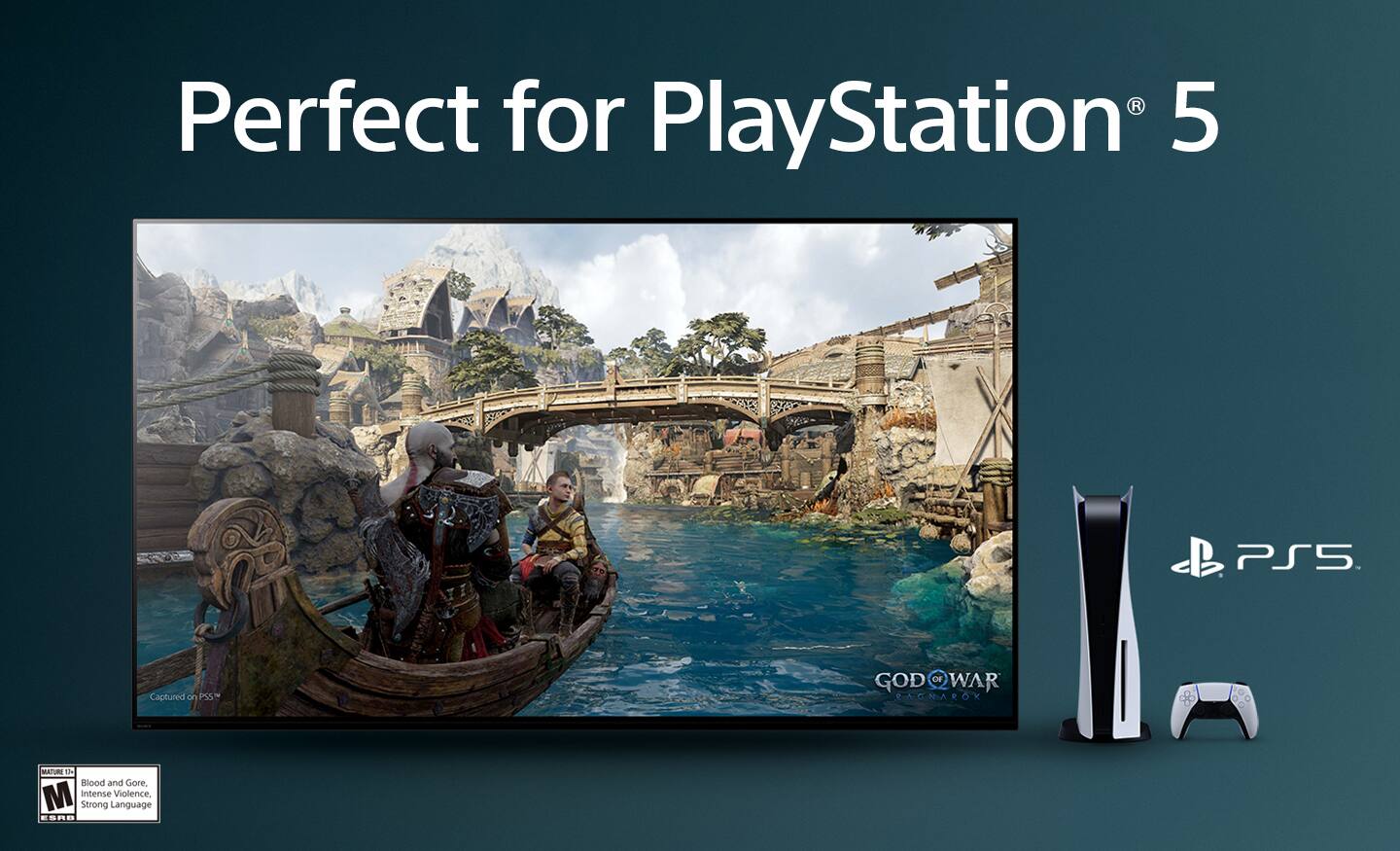
Thanks for reaching out to us. We understand you're having trouble with turning on Game mode on your TV. The X93L features a dedicated Game Mode for a smoother, more responsive gaming experience. If your TV doesn't allow you to turn on Game mode in the menu, it might be caused by a setting on the TV or connected device. Please note that the Game mode is not available for normal TV viewing.
BRAVIA XR automatically switches into Game mode depending on the connected video game console. If [Game] is not selected automatically, set it manually. To ensure you can turn on Game mode in the settings menu, please make sure your video game console or PC is connected to the appropriate HDMI input, then select the proper source on the TV. Make sure your device is connected to the HDMI 3 or HDMI 4 input on the TV using a Premium High Speed HDMI Cable(s) that supports speeds of 18 Gbps or better.
To turn on the TV's Game mode, press the (Quick Settings) button on the remote control, then select Settings — Display & Sound — Picture — Picture mode — Game.
And to maximize the performance of your TV and video game console, set the [HDMI signal format]. To change the HDMI signal format setting, press the (Quick Settings) button on the remote control, then select Settings — Channels & Inputs — External inputs — HDMI signal format.
Select the optimal format for your video game console:
- If you connect a video game console that supports 4K 120 Hz video output, set to [Enhanced format (4K120, 8K)].
- If you connect a video game console that supports VRR, set to [Enhanced format (VRR)].
If you have a video console connected, check your console video output settings and whether the connected device has the latest settings or firmware. If you require further assistance, please contact us. Unfortunately, due to the current Best Buy phishing protocol for your protection, we cannot provide a direct email or phone number for customer support as of now. Please find Sony Electronics' Support information: Go to our support website > click on “Support” > scroll down click on “Contact Support” > click on "TV & Projectors" and from there you'll see different ways to contact us.
Regards,
Jess
A:AnswerHi dj,
Thank you for the inquiry! It depends on what you're watching, if you more powerful sound we recommend using a soundbar.
Rediscover your favorite content with impressive Mini LED contrast and brightness, powered by the intelligent Cognitive Processor XR. Thousands of Mini LEDs, pricelessly controlled by XR Backlight Master Drive, deliver a picture full of vibrant colors and detailed shadows, perfect for any room. Experience immersive, expansive sound with integrated sound poisoning speakers matching what you hear with what you see on screen.
-David
A:AnswerHi 88Nicknick,
Thank you for the inquiry! Mini LED utilizes very small blue LEDs as a backlight. Compared to the LEDs in a conventional display. The X93L is a Mini LED with Backlight Master Drive with Contrast Booster 15, which translates to dazzling peak brightness, deep blacks, and natural mid tones. The XR Backlight Master Drive controls thousands of ultra-dense Mini LEDs with absolute precision and independence for extreme contrast.
Rediscover your favorite content with impressive Mini LED contrast and brightness, powered by the intelligent Cognitive Processor XR™. Thousands of Mini LEDs, pricelessly controlled by XR Backlight Master Drive, deliver a picture full of vibrant colors and detailed shadows, perfect for any room. Experience immersive, expansive sound with integrated sound poisoning speakers matching what you hear with what you see on screen.
-David
A:AnswerHi Randy,
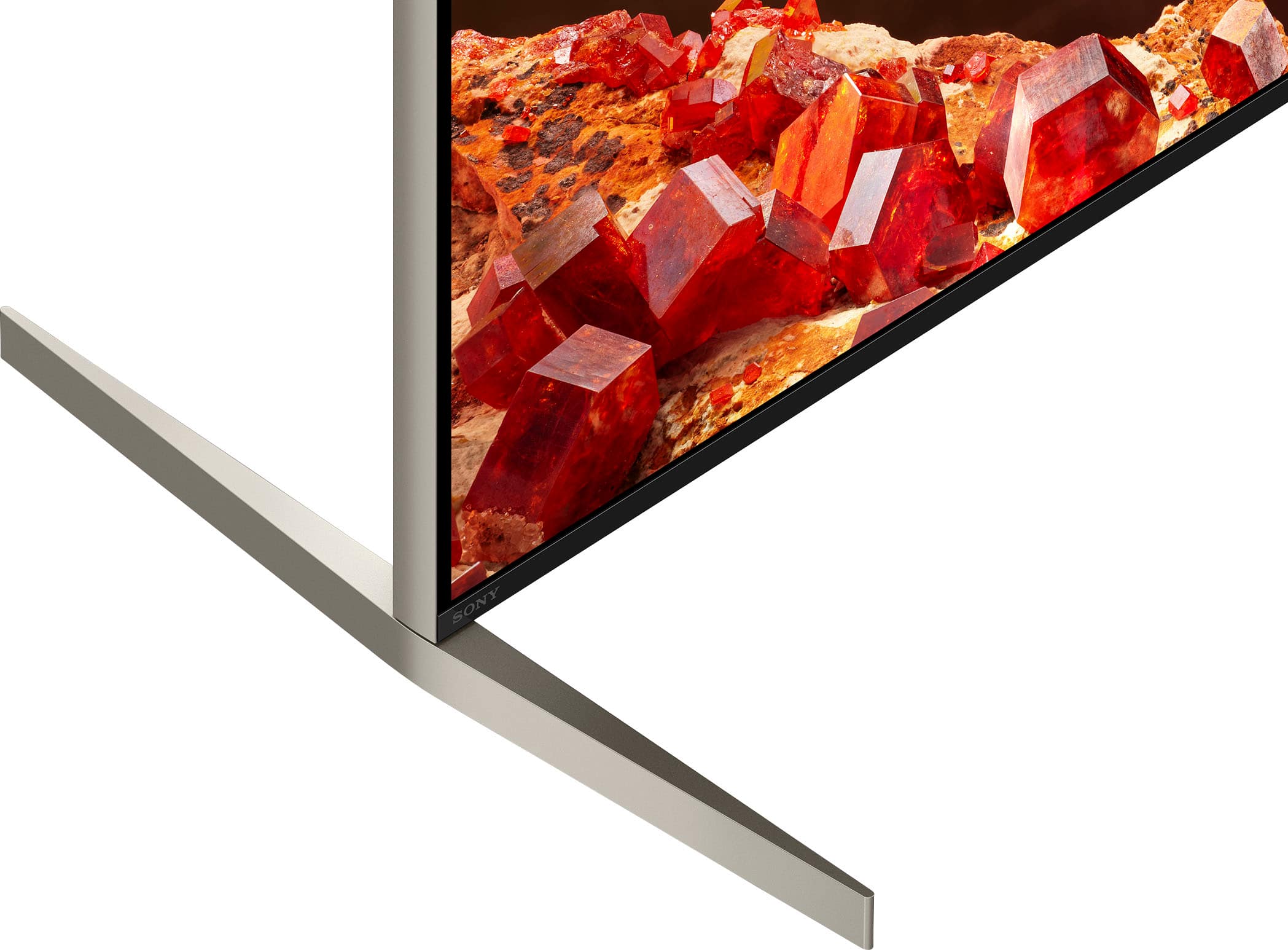
Thank you for your question. The stand width (narrow position) of the XR65X93L measures 20.25 inches (514 mm) and can't be adjusted to a smaller width.
See ultimate contrast from thousands of Mini LEDs and billions of accurate colors controlled by the intelligent Cognitive Processor XR. Immersive with pictures full of sparkling brilliance and deep blacks. Sony’s precision control and Mini LED powered by Cognitive Processor XR™️ puts you right in the scene. Take entertainment further by pairing your BRAVIA XR™️ TV with Sony audio equipment. You’ll discover an unmatched audio-visual experience with outstanding XR picture and sound quality.
-Ralph
A:AnswerHi Hendrix1,
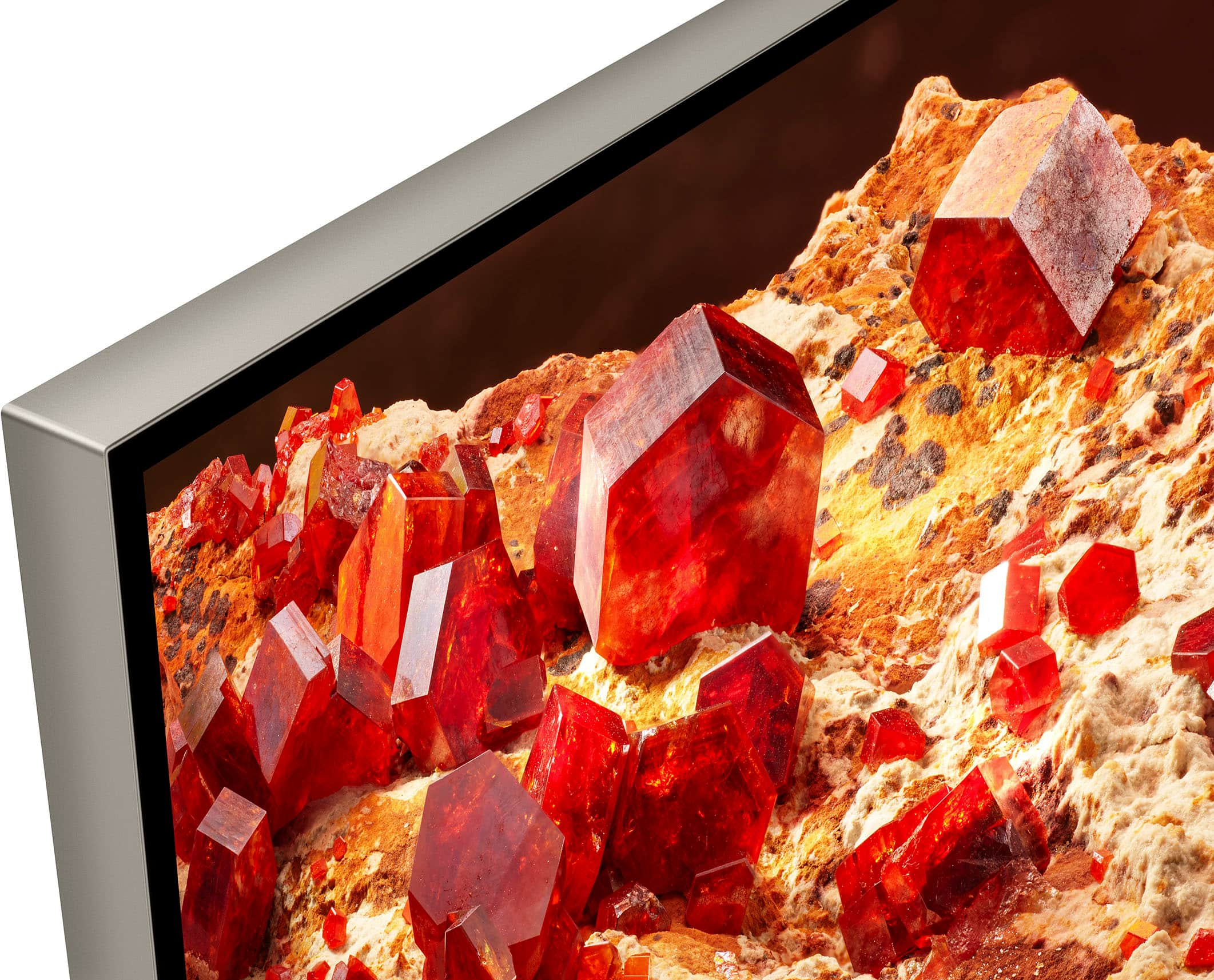
Thank you for the question. Yes. The X93L Mini LED TV features X-Wide Angle and X-Anti Reflection technologies. The X-Wide Angle panel keeps pictures beautiful from any angle so even people watching at the sides get as satisfying experience as those from the center. And with X-Anti Reflection, pictures are much clearer with less light reflection and glare.
Rediscover your favorite content with impressive Mini LED contrast and brightness, powered by the intelligent Cognitive Processor XR™. Thousands of Mini LEDs, pricelessly controlled by XR Backlight Master Drive, deliver a picture full of vibrant colors and detailed shadows, perfect for any room. Experience immersive, expansive sound with integrated sound poisoning speakers matching what you hear with what you see on screen.
Regards,
Jess
A:AnswerHi Tom,
Thank you for the inquiry! You can output the sound from both a TV and an audio device by connecting the audio device to the DIGITAL AUDIO OUT terminal of the TV. You cannot output the sound from both TV speakers and headphones at the same time. However, it is possible to output sound from the Wireless Neckband Speaker by connecting a transmitter to the DIGITAL AUDIO OUTPUT terminal of the TV.
Rediscover your favorite content with impressive Mini LED contrast and brightness, powered by the intelligent Cognitive Processor XR. Thousands of Mini LEDs, pricelessly controlled by XR Backlight Master Drive, deliver a picture full of vibrant colors and detailed shadows, perfect for any room. Experience immersive, expansive sound with integrated sound positioning speakers matching what you hear with what you see on screen.
-David
A:AnswerHi Grooovus,
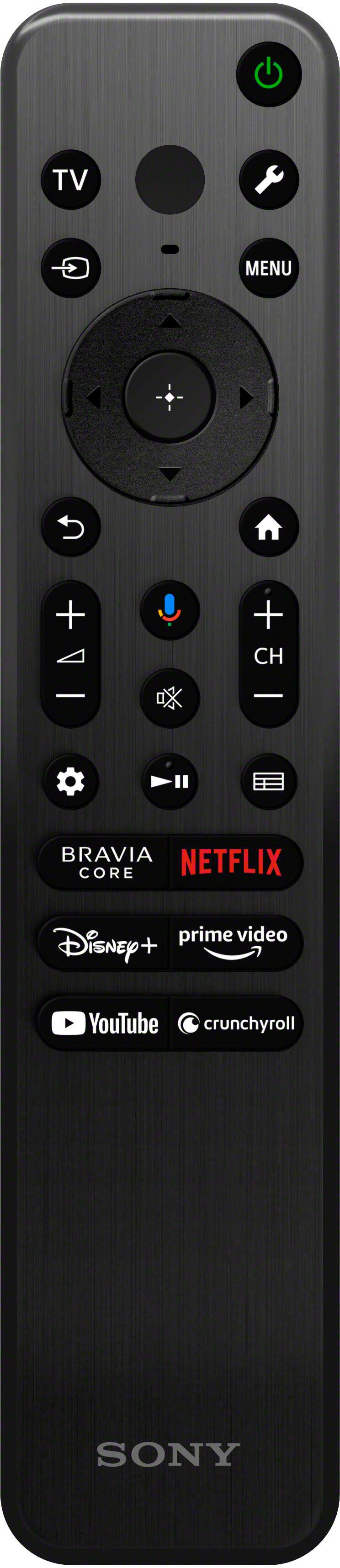
Thank you for the inquiry! Unfortunately, the supplied remote control is not backlit.
Rediscover your favorite content with impressive Mini LED contrast and brightness, powered by the intelligent Cognitive Processor XR™. Thousands of Mini LEDs, pricelessly controlled by XR Backlight Master Drive, deliver a picture full of vibrant colors and detailed shadows, perfect for any room. Experience immersive, expansive sound with integrated sound positioning speakers matching what you hear with what you see on screen.
-David
A:AnswerHi RonK62, thank you for your question. Great news, the X93L supports ATSC3.0(NEXTGEN TV). Hope this helps. Erin
Rediscover your favorite content with impressive Mini LED contrast and brightness, powered by the intelligent Cognitive Processor XR™. Thousands of Mini LEDs, pricelessly controlled by XR Backlight Master Drive, deliver a picture full of vibrant colors and detailed shadows, perfect for any room. Experience immersive, expansive sound with integrated sound poisoning speakers matching what you hear with what you see on screen.
A:AnswerHi Barracuda,
Thank you for the inquiry! Unfortunately, HDR10+ is not supported, but it will have Dolby Vision which is more widely used than HDR 10+.
Rediscover your favorite content with impressive Mini LED contrast and brightness, powered by the intelligent Cognitive Processor XR™. Thousands of Mini LEDs, pricelessly controlled by XR Backlight Master Drive, deliver a picture full of vibrant colors and detailed shadows, perfect for any room. Experience immersive, expansive sound with integrated sound positioning speakers matching what you hear with what you see on screen.
-David
A:AnswerCall the Best Buy 800 # or go in the store. We had no problem getting ours ever but sometimes it can take up to 60 days, they said but we have never had to wait that long.