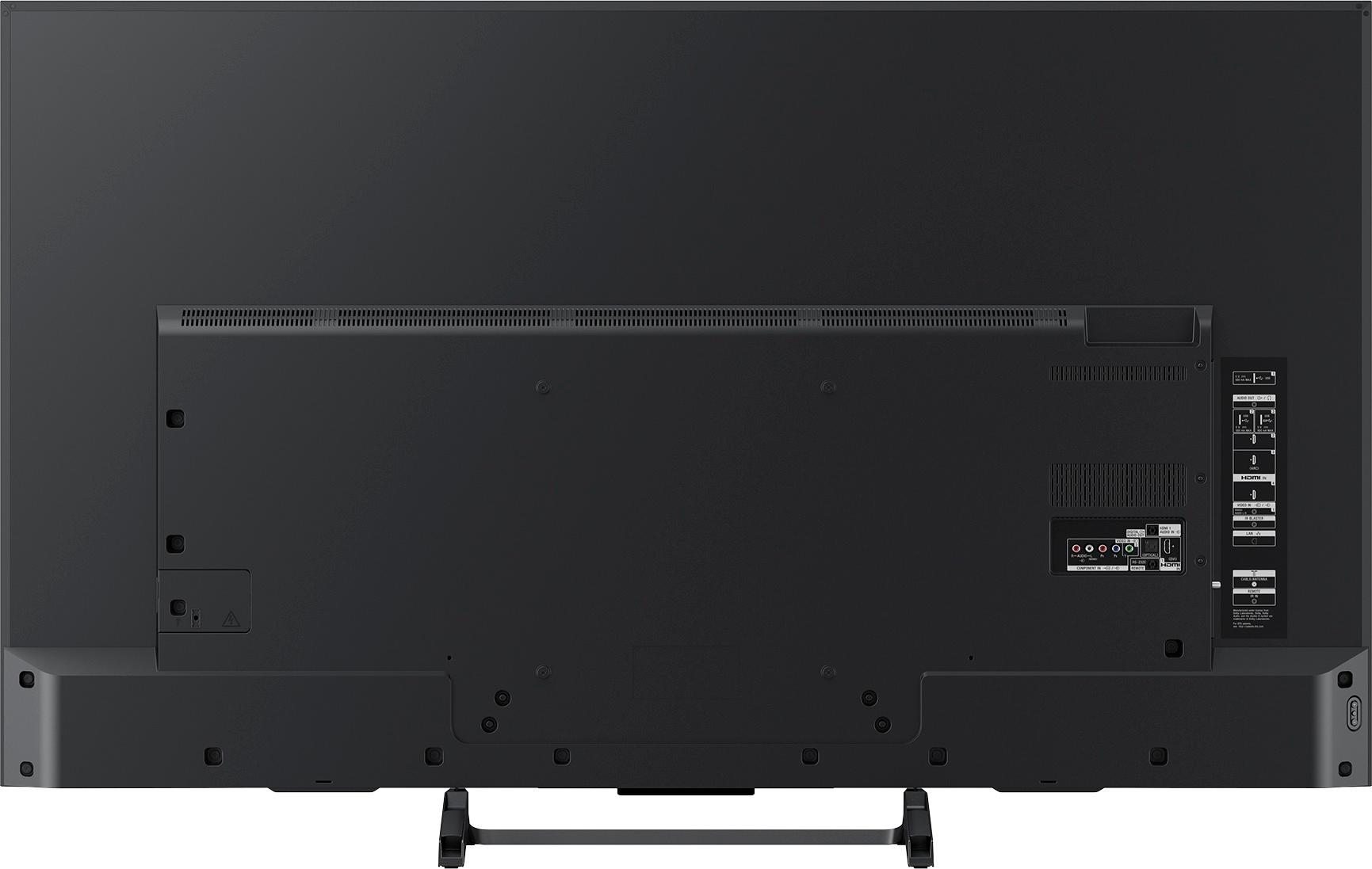
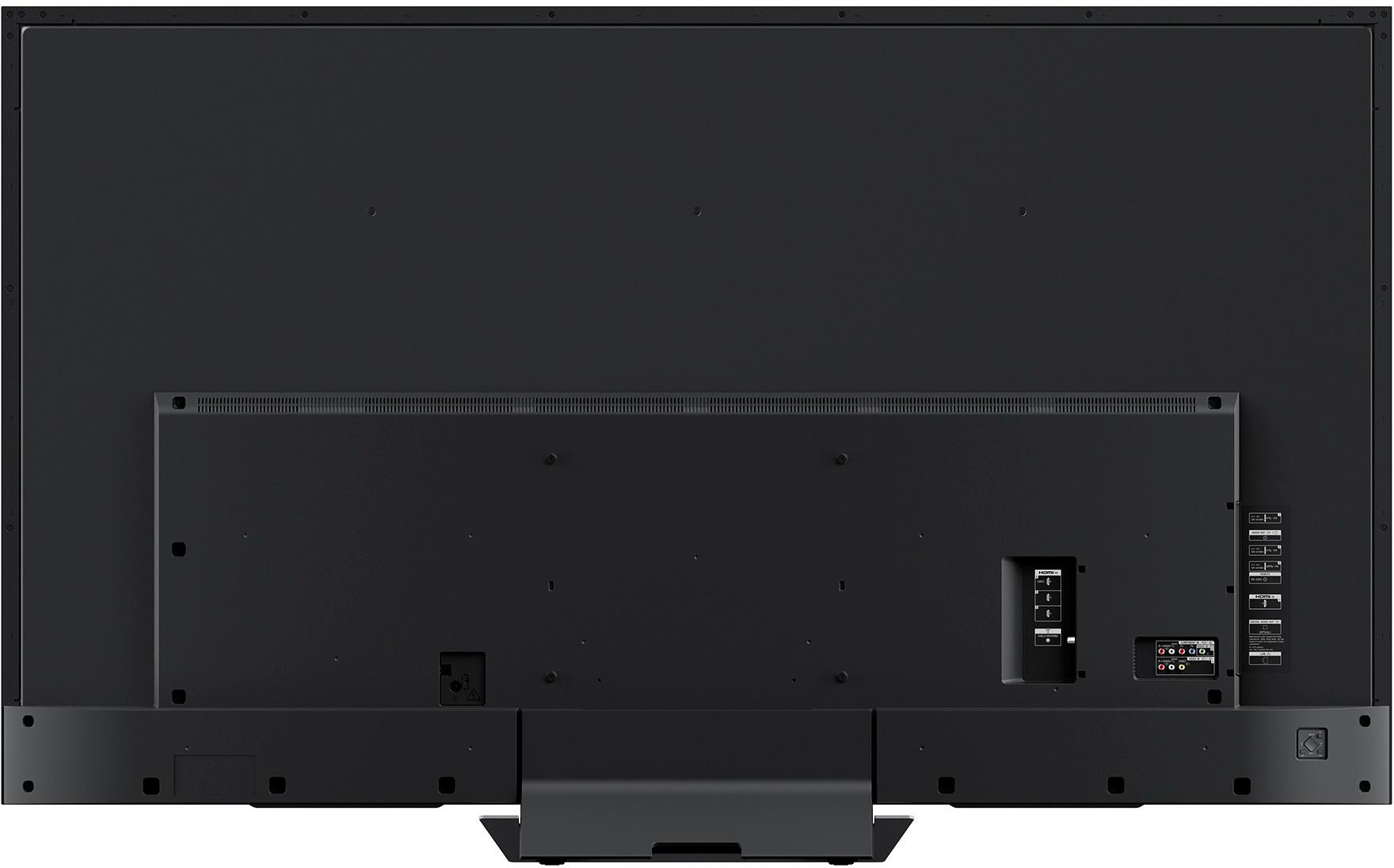
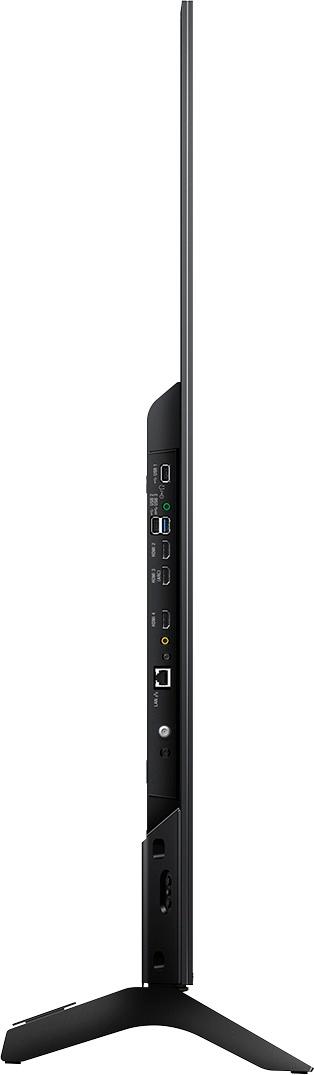
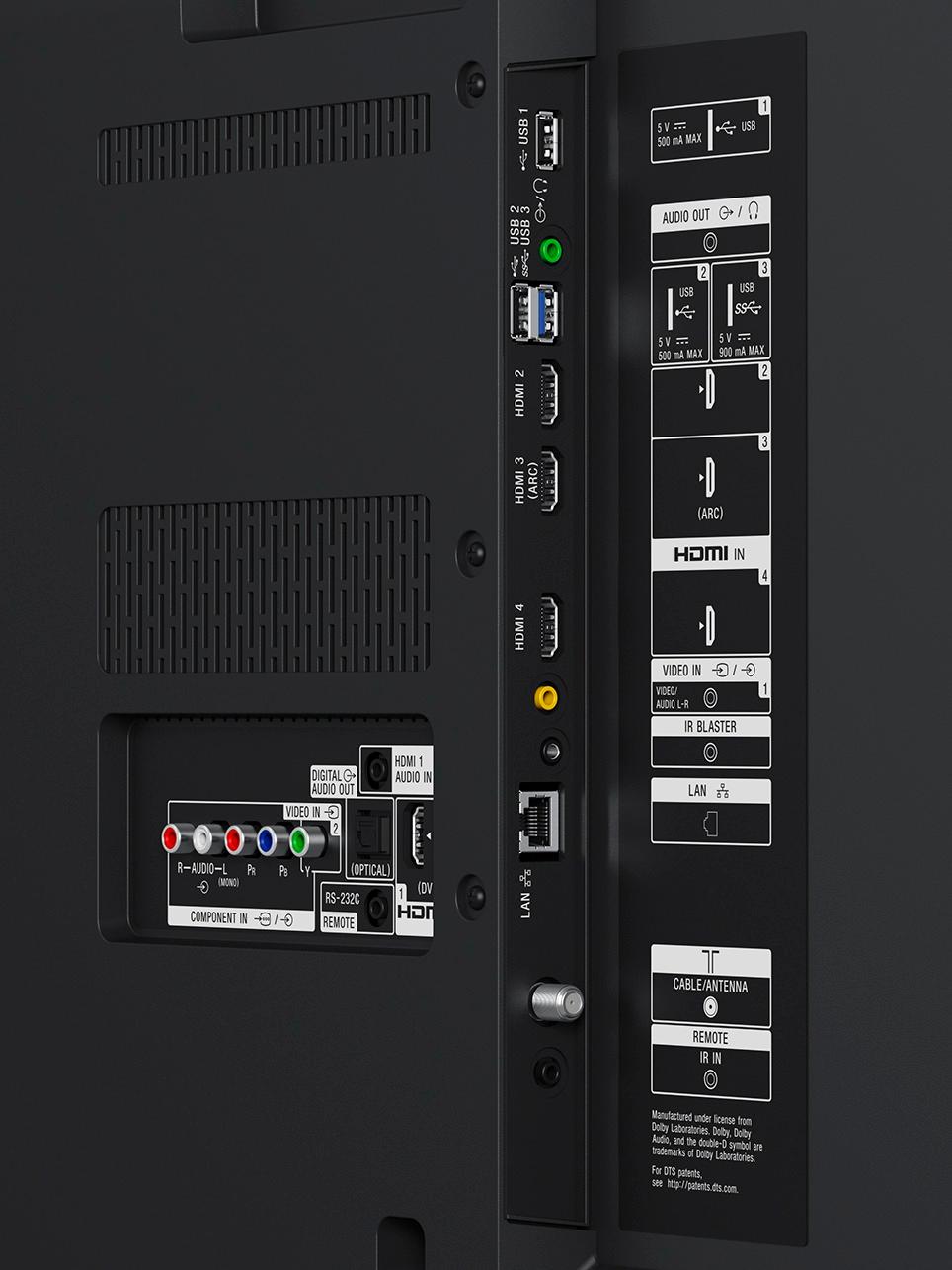
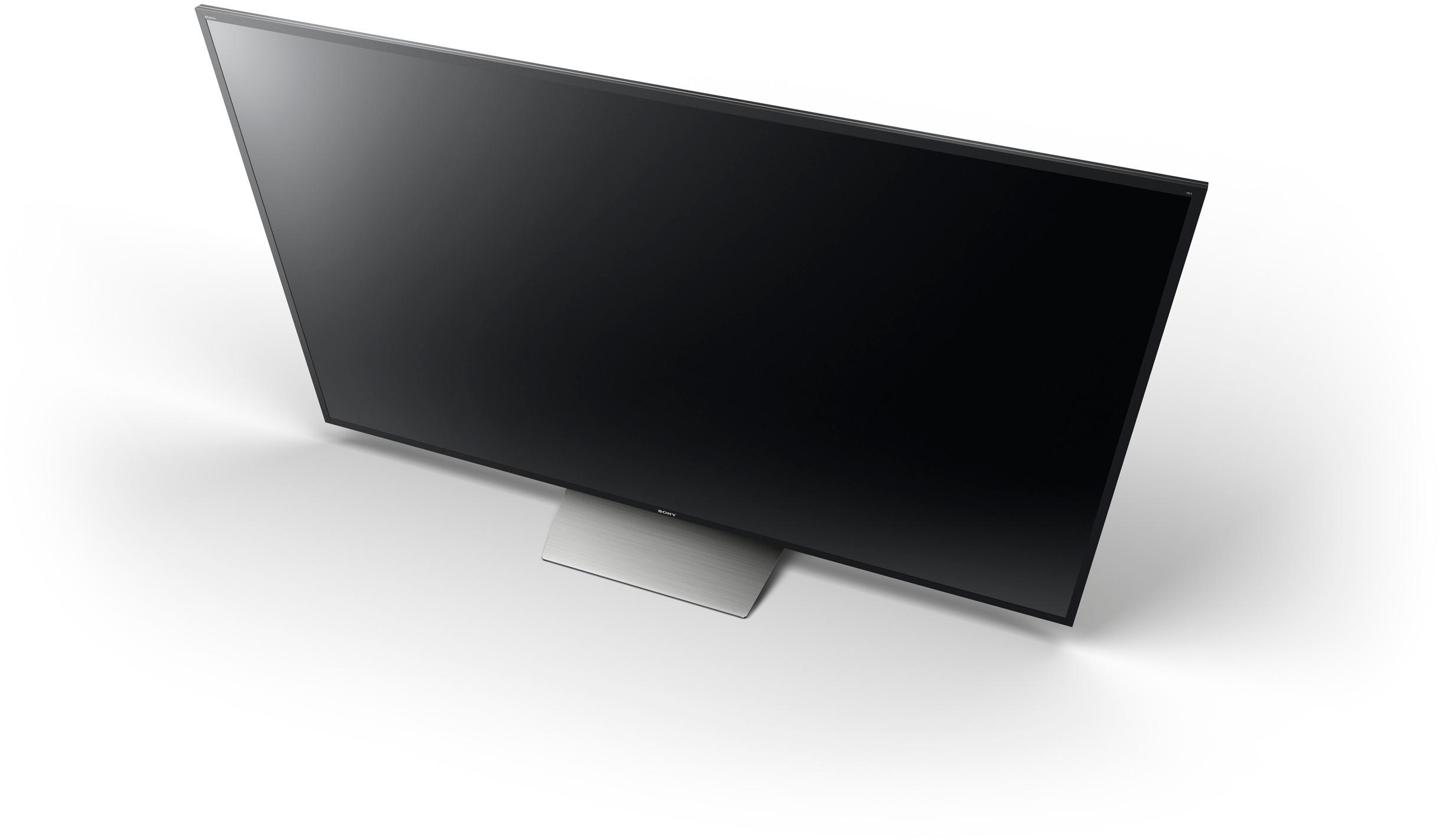
A:AnswerThe IR blaster connects on the side facing panel above the Ethernet (LAN) port. It transmits a signal that allows the TV to communicate with some RF capable peripherals attached to your TV.
A:AnswerOurs came with a smart remote and also a normal remote, but purchased ours more than a yr ago. I would just make sure it comes with one you want.
A:AnswerSound bar shouldn't get in the way. Stand is high enough, mounted on wall just make sure it's higher than whatever speakers are sitting on. TV menu has option for "TV" or "external speaker". only one at a time so whichever you pick will be only sound output.
A:AnswerAssuming your modem speeds can handle it , sounds like a router problem or interference causing the signal to drop? Router tech has changed a lot in the last year. Might be time to upgrade if you have an older router. Especially if you have multiple devices teathered to the signal or thick walls. If improve the wifi signal, fix the experience. Best of luck.
A:AnswerHi aleisha, The Sling TV app is currently supported by this TV and is available for download via Google Play store. To do this, you can follow the steps here: https://us.en.kb.sony.com/app/answers/detail/a_id/75271 Regards, Zac
A:AnswerThere is no right answer to those questions. That's why Sony gives you the options to set them to your preference. I'd say change the setting and watch some TV since and repeat till you find the settings that work the best for you
A:AnswerHi thomasr1950, if you are referring to this TV, there is no need to connect it to Android as it is already using an Android operating system. Kindly visit this link If you need assistance in using its Chromecast feature: https://us.en.kb.sony.com/app/answers/detail/a_id/60997/kw/chromecast/related/1 Thanks, -Mark
A:AnswerYes! A Geek Squad Protection plan will provide you with service options outside of the manufacturer's warranty, and also offers time frames that extend beyond the manufacturer's warranty. It would cover things like dust, heat, humidity, power failure due to surge, and burn-in and pixel issues. You can learn more, here: http://www.bestbuy.com/site/geek-squad-protection/tv-home-theater-protection-plans/pcmcat280100050012.c?id=pcmcat280100050012.
A:AnswerIt was a little more reflection than my last TV. You will definitely see it when there is no picture being displayed. When the picture is on you may see a little reflection with darker pictures.
However the picture quality you get for the price cannot be beat. 120 htz and a picture quality that is almost the same as the x900. Your getting a $2000 - $2500 TV for $1100. Make sure you are getting the 850e, not the 850f model
A:AnswerThe analog audio output is variable. I connected the audio output to Presonus speakers. I control the volume of the speakers using the tv volume. I use a Comcast remote and Roku Ultra remote to control the volume after setting the Presonus speakers at a midpoint volume.
A:AnswerThe only was you could have that option on an 850e is if you somehow ended up with incorrect software or something else weird like getting a 900e in an 850 case. My set does not have that option, and the 850e models don't have that feature either. The lowest level Sony tv that has local dimming is the 900 series, since it's basically meant as the feature to try to get you to step up to the next model and pay more. The local dimming requires some sort of software algorithm to run it, and the 850 firmware simply wouldn't include it, or maybe it would, but there would be no way to activate it. The 900e (and now 900f) is a full-array TV instead of edge-lit like the 850e, so even if you somehow could activate it, I don't have any idea what it could actually do, since there are no sections of LEDs in the back of the set to dim. The only other edge-lit TV that Sony has that has local dimming is the 930e, but it is lit from both the top and bottom and the local dimming is thanks to a very complicated and unique software algorithm that actively directs the light to different parts of the screen, basically simulating (very effectively) what a full-array local dimming set does. Assuming you have a regular 850e that's lit from the bottom, even if you could somehow enable local dimming, I don't think there is anything it could do. Anyways, sorry for the long-winded response, but local dimming is definitely not a feature of the 850e, and the option should not even appear in the menus, because Sony doesn't include menu options for feature not available on the TV. Maybe you got lucky and ended up with something better! :D
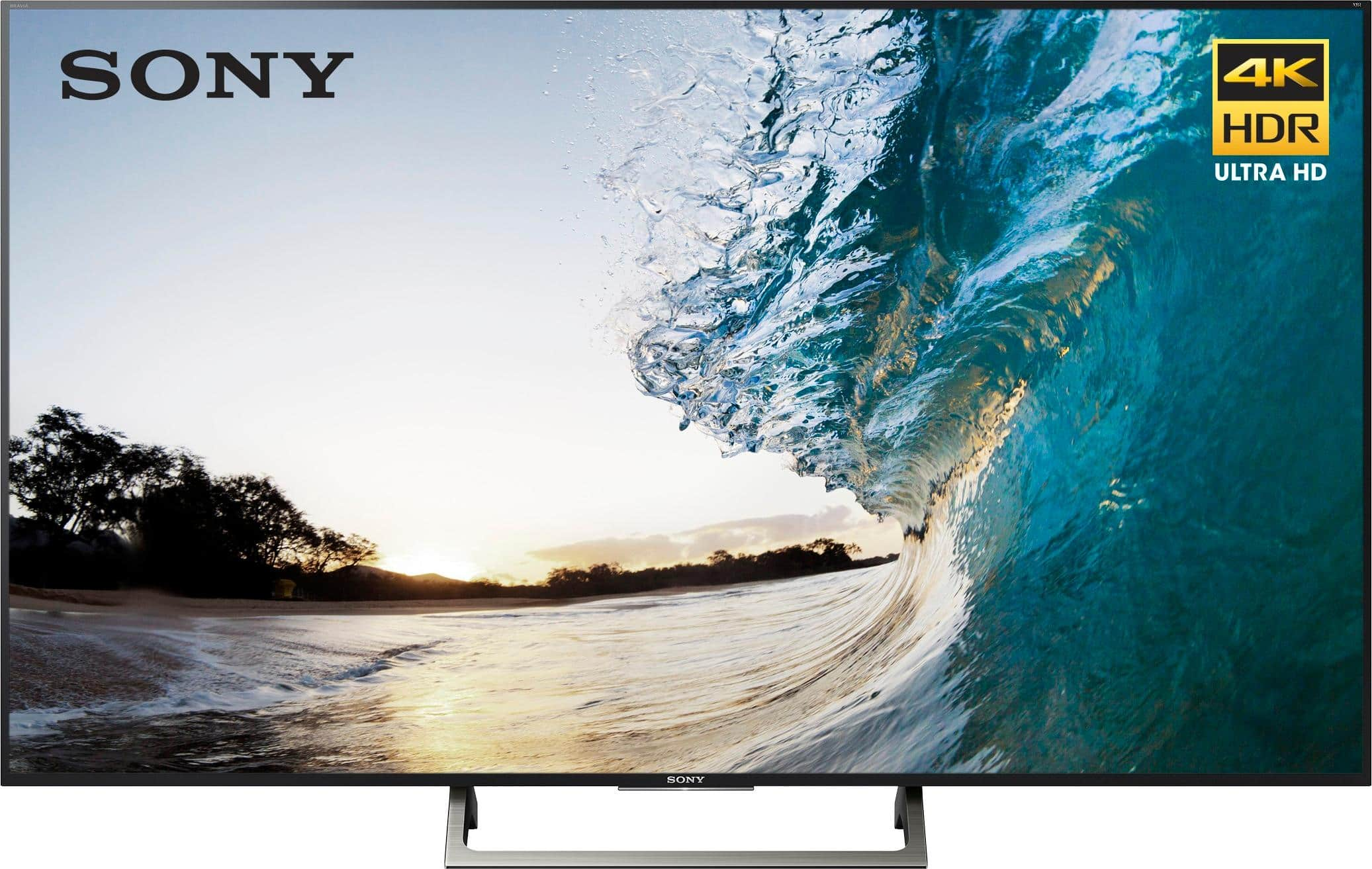
A:AnswerWe found that the Standard setting looked pretty good on general content, such as Youtube videos, etc. If used for watching movies at home I would recommend using the Cinema Home setting with a few minor tweaks, such as a tad more color, etc. Don't be afraid to play around with the settings. To get the color/brightness/contrast pop you see in the store you'll need to use the Vivid or Sports setting, although it may be a little much for general home use. That's why we tend to use the Cinema Home or Standard setting and tweak up slightly to get a good balance between accuracy (skin tone, nature, etc.) and vividness.
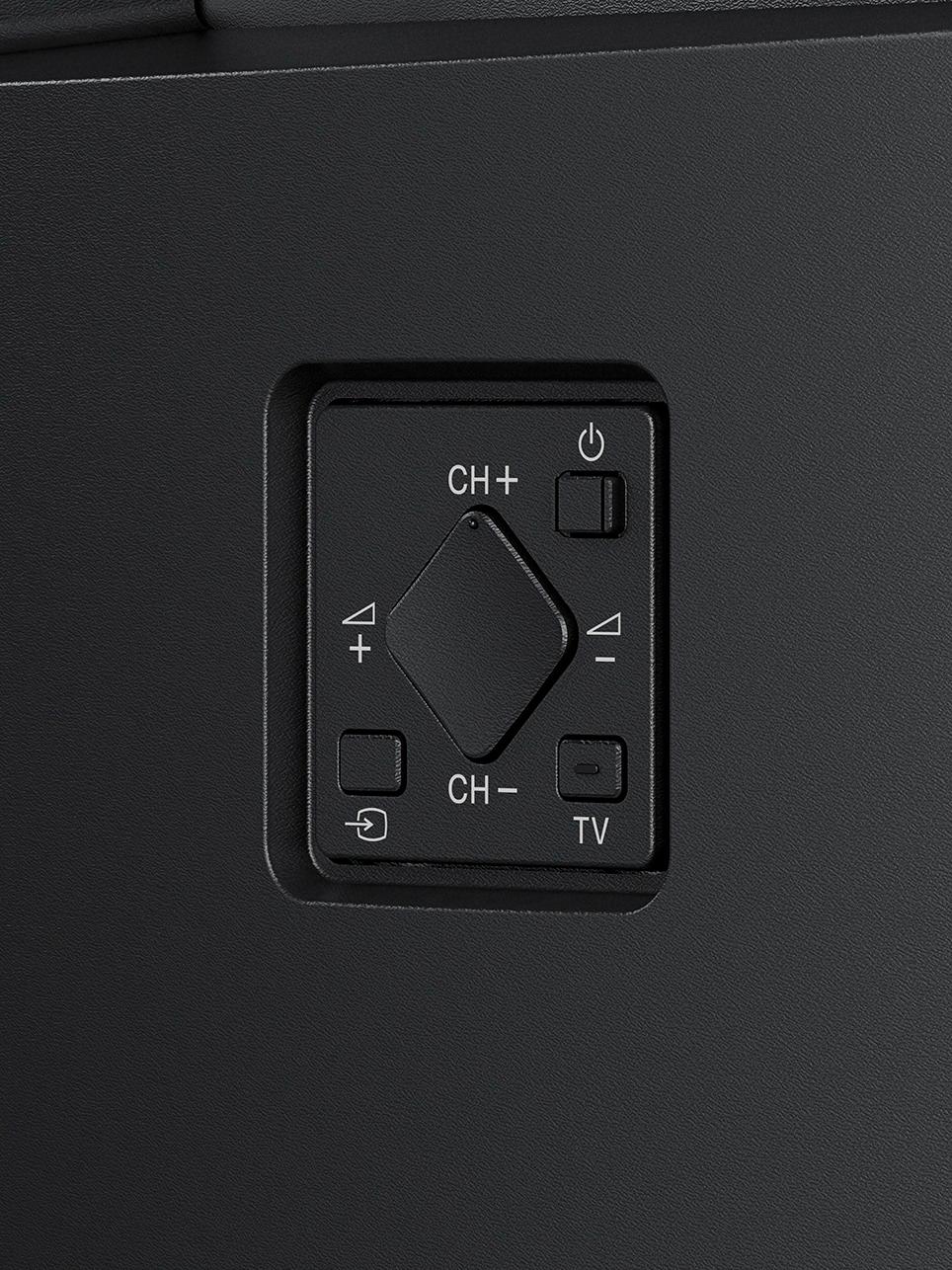
A:AnswerDo a hard reset. Hold the power button for 20 seconds and the TV will restart. Also check the input source with the first button on the top left corner of the TV remote.
If these don’t work you may need a technician to look at it. Hope it helps.