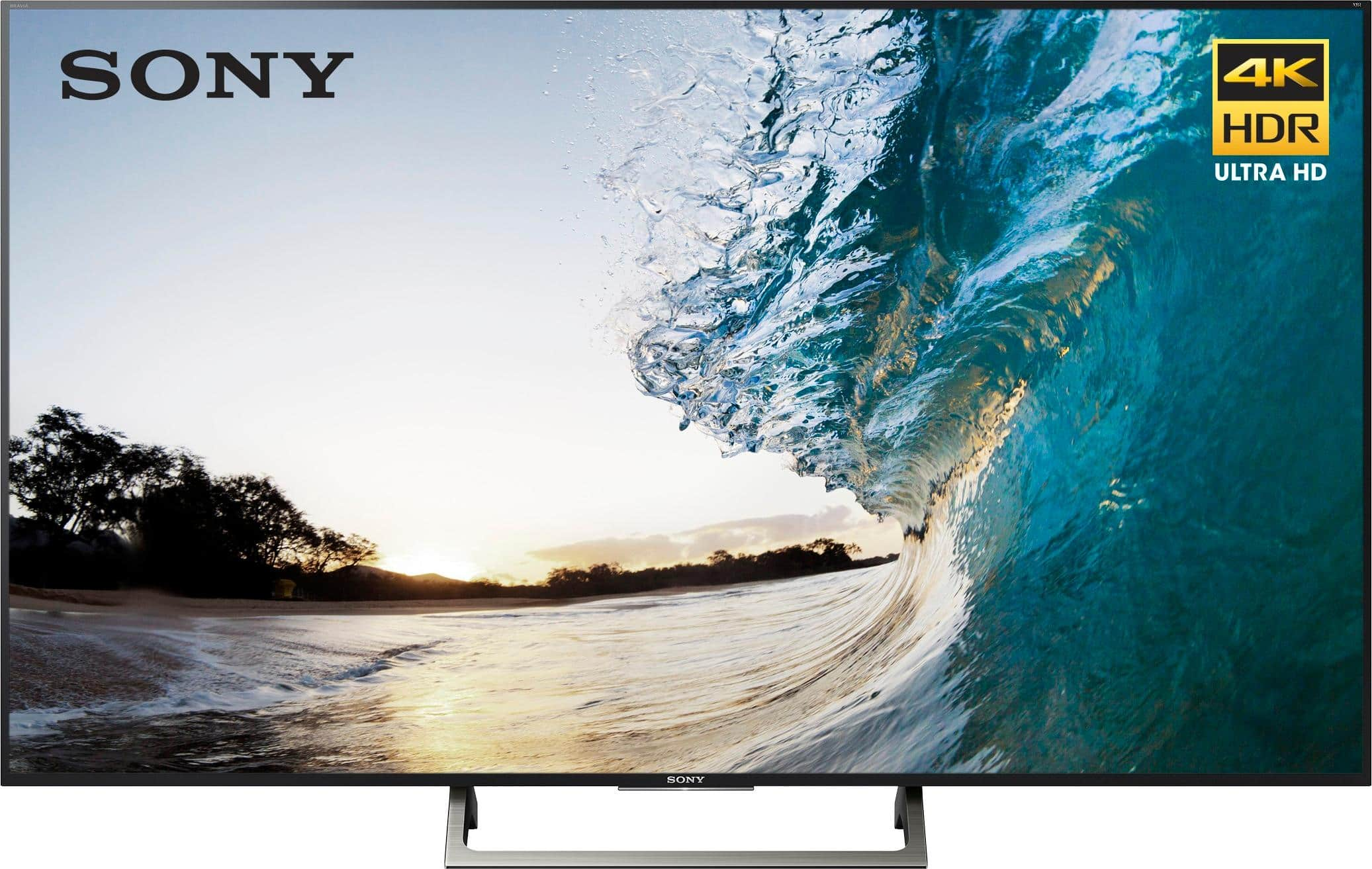
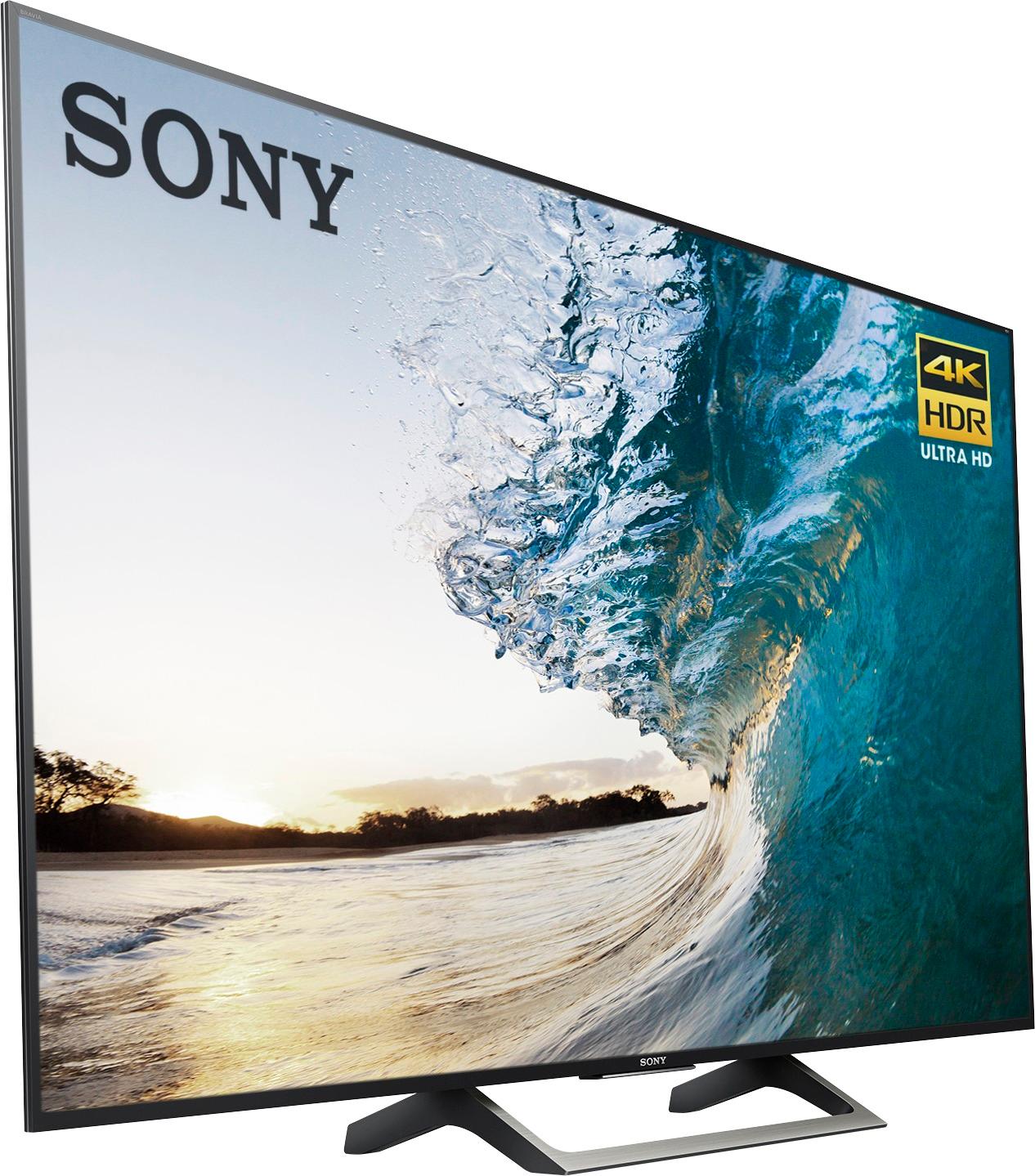
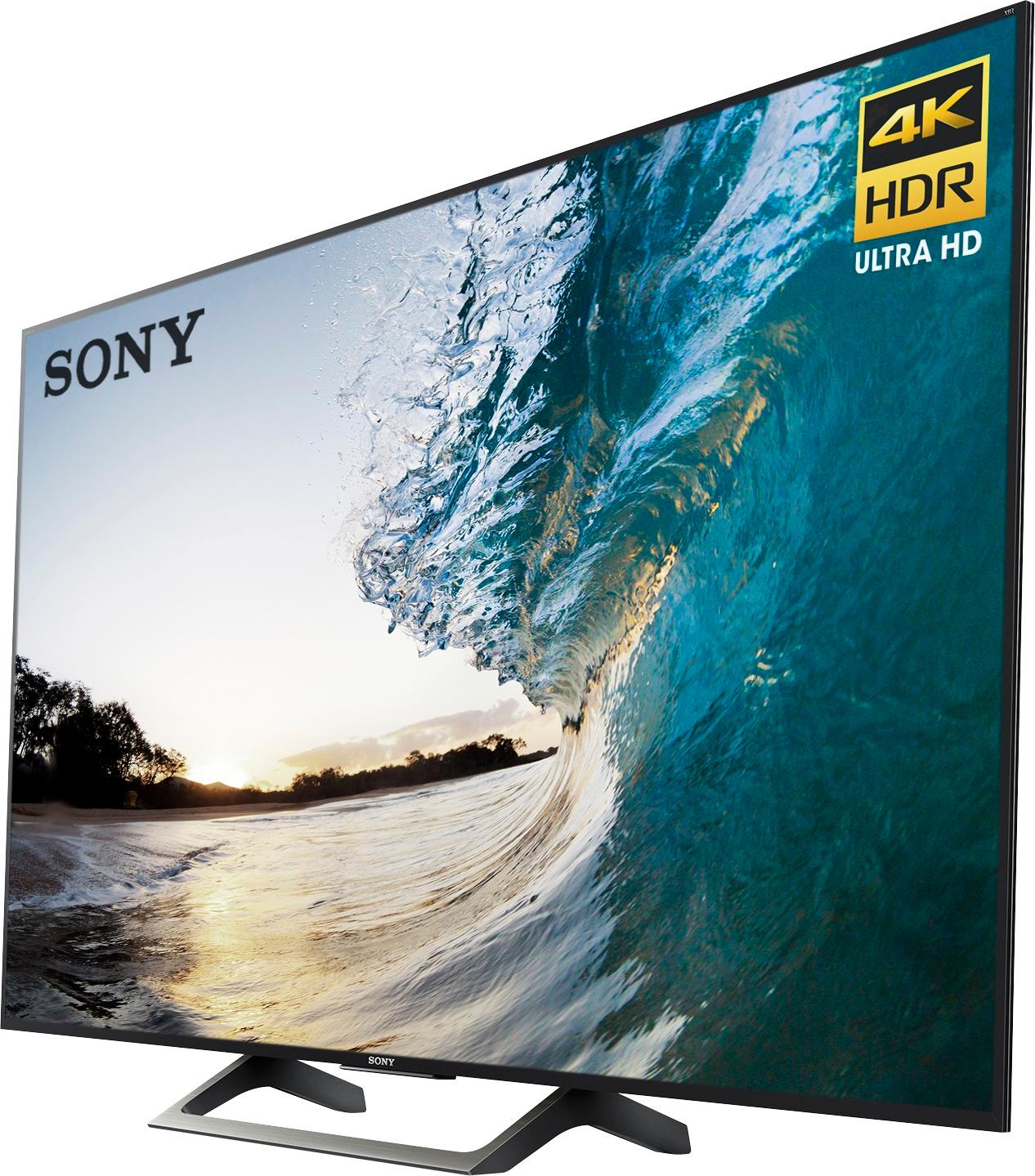
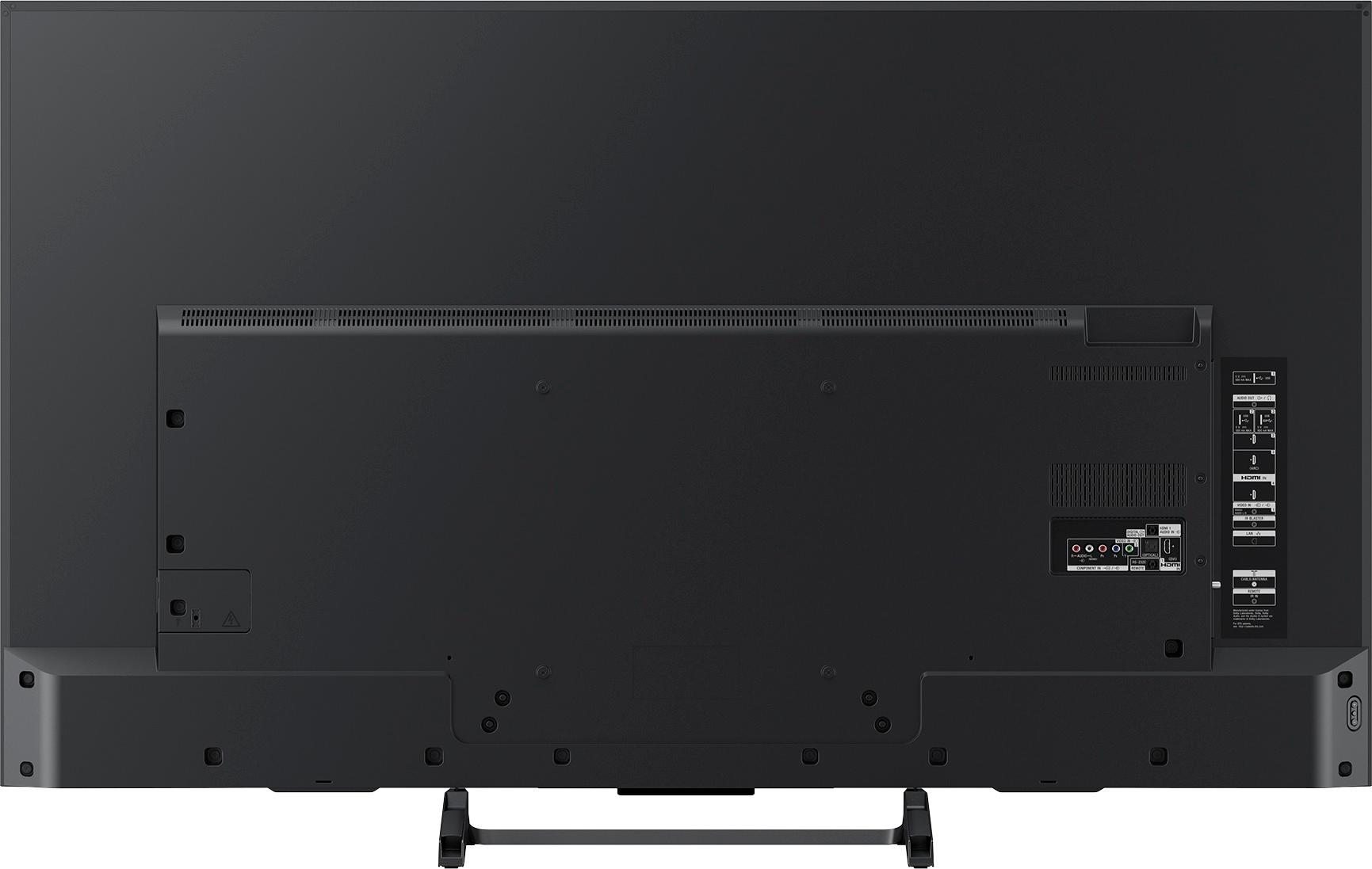
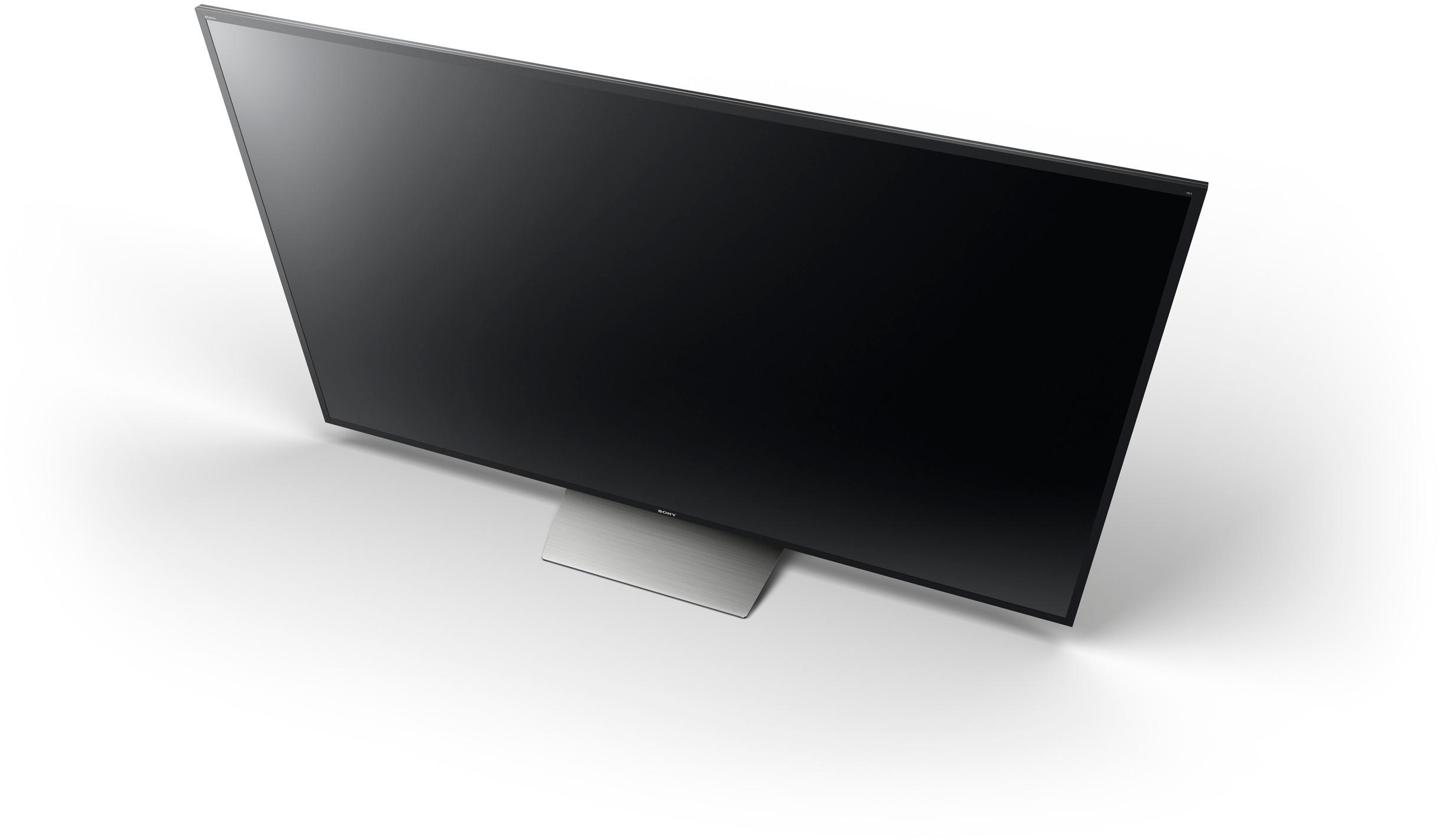
A:AnswerYes, using the included stand, my tv leans slightly backwards. Thought it was just mine. Picture still looks great and I plan to eventually hang out on the wall, so I'll leave it as is for now.
A:AnswerFrom my research, no TV on the market truly has a 240Hz refresh rate, despite what their product description says. Different manufacturers may slip it in their nomenclature but the best you can get at the moment is 120Hz - which this TV has. Hope this helps.
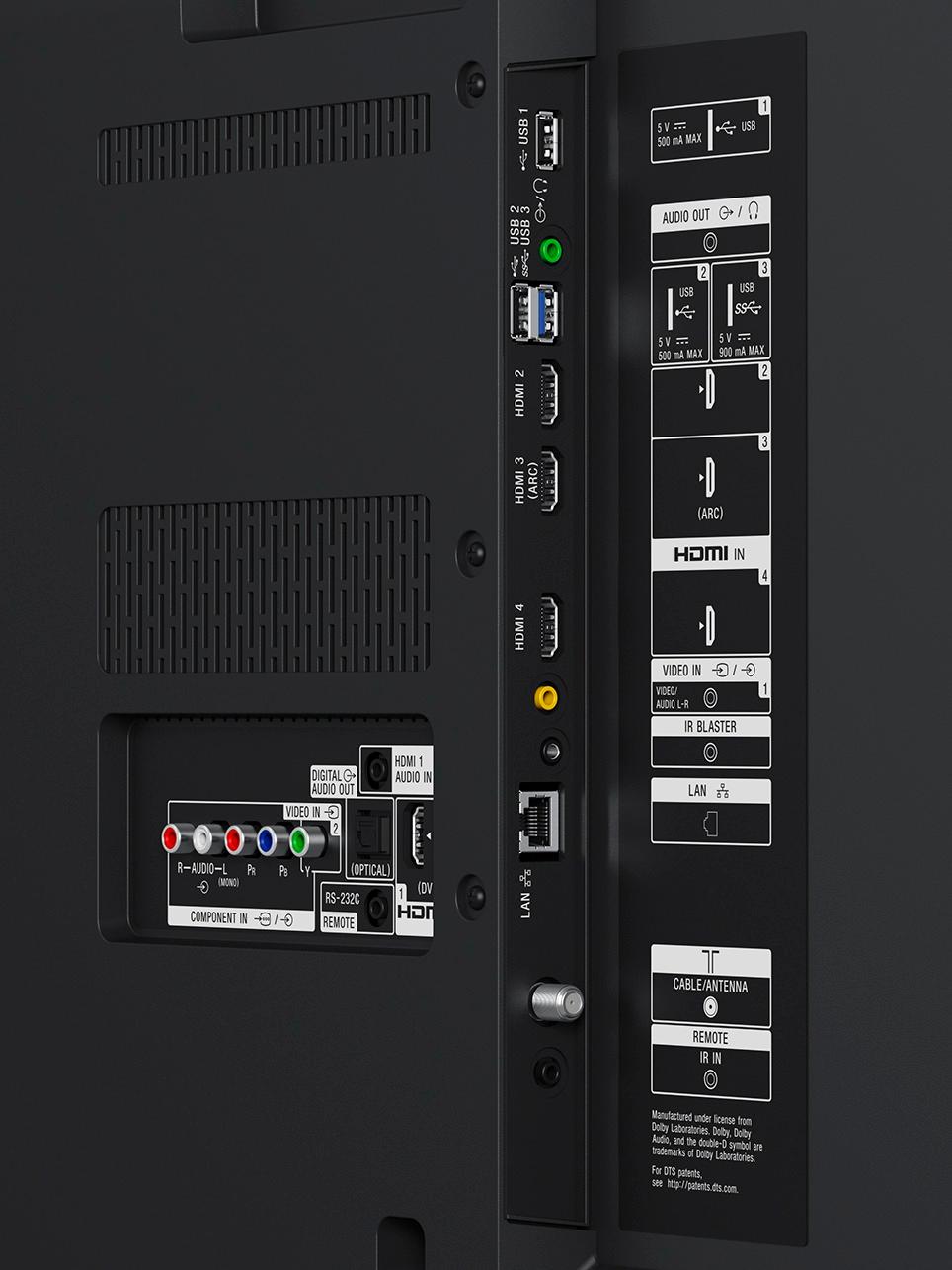
A:AnswerI found that if I have my Sony Blu-Ray on it assumes that's the only input I want to use and experienced the same thing you are. I shut off the Blu-Ray and was able to access all the other inputs. Hope that helps!
A:AnswerHi lkh23,
As long as they support the same connection, YES. You may check the supported connections of this TV in the link below.
https://docs.sony.com/release//Help_C418100121.pdf
Thanks,
>Joffrey
A:AnswerI use the headphone socket output to feed the stereo RCA inputs of my old amplifier. Not sure what you'd do with a non-optical amplifier/receiver with more than 2 channels though.
A:AnswerHi Packey, below is the information about this TV. Thanks! ^Ron
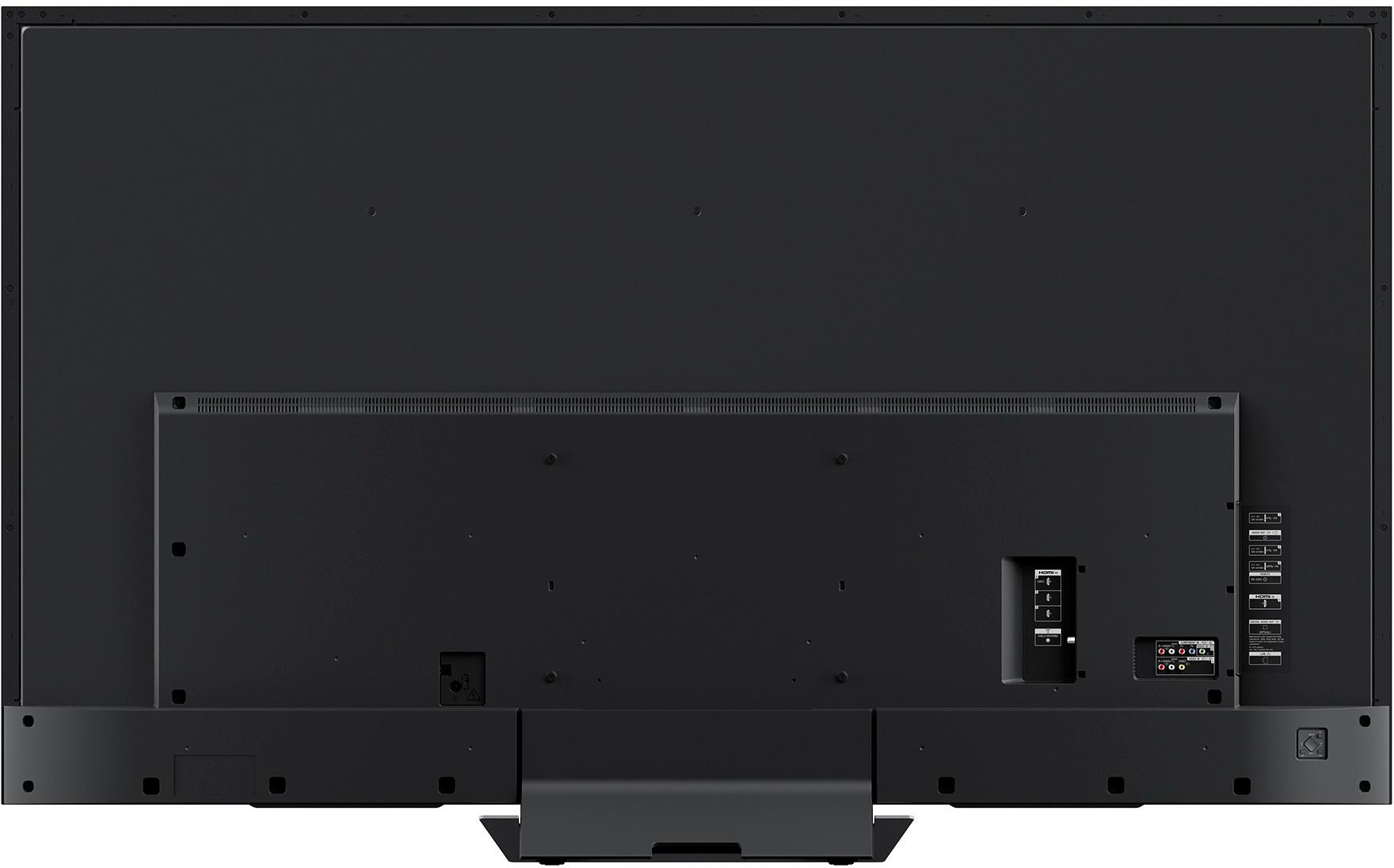
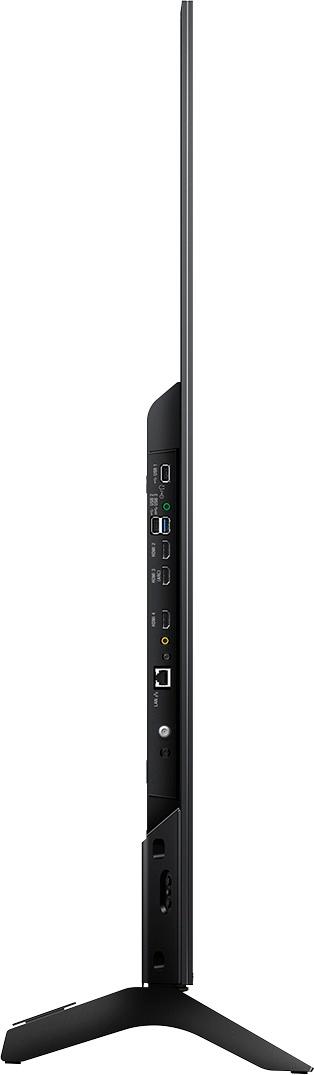
TV only: 57 1/4 x 33 1/8 x 1 3/4(15/32) inch (1454 x 840 x 44 (11.2) mm) and
TV with stand: 57 1/4 x 35 3/4 x 10 1/2 inch (1454 x 905 x 266 mm)
A:AnswerThe 900E is now on sale for the same price you paid for for your 850E - and it included FALD. I'd see if I could exchange the TV for a better one that's currently the same price you paid.
A:AnswerSkip the earphones and get the best surround system you can afford to thoroughly enjoy big screen tv watching. Use the ear phones with a tablet
A:AnswerHi Julie, the dimensions of the TV are 57 1/4 x 33 1/8 x 1 3/4(15/32) inch (WxHxD) and 57 1/4 x 35 3/4 x 10 1/2 inch (WxHxD) with the stand attached. You may check this link for its specifications: https://docs.sony.com/release//specs/XBR65X850E_mksp.pdf Thanks, -Mark