DoorBOOsters are hereExclusions apply. Ends 11/2/25.Shop now

Main Content

Questions & Answers

Your price for this item is $235.99
Clearance
The comparable value price is $999.99
Page Showing 41-60 of 67 questions
  • QuestionIs there a reason motion flow doesn’t change anything? Tried adjusting from low to max and don’t seem to notice a difference no matter what media source. Netflix, sports etc. Was hoping for a noticeable difference. Can’t seem to get “soap opera effect”

    Asked by Max.

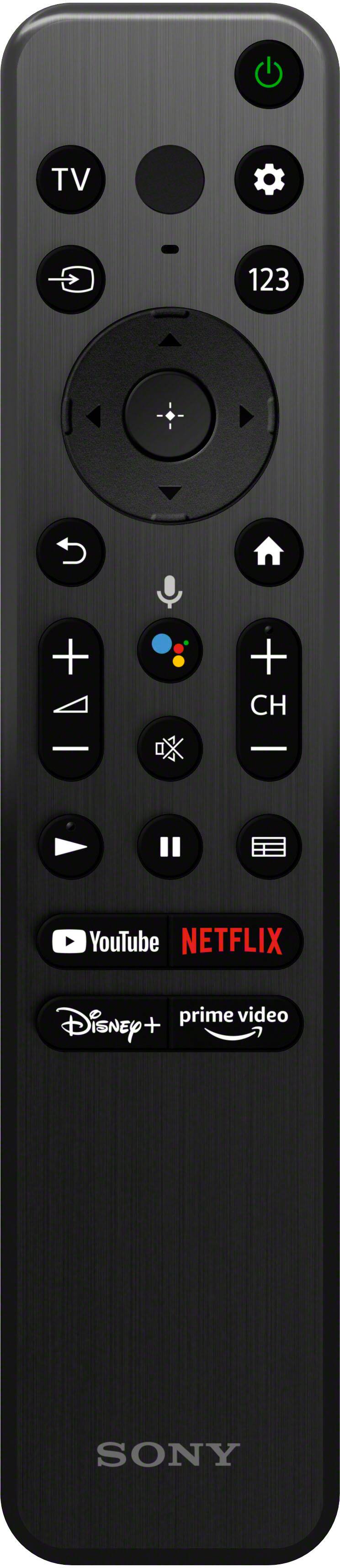
    • Answer Hi Max, We appreciate your feedback and we are sorry if you can’t seem to get “soap opera effect”. Aside from turning on the Motionflow, you can also use the CineMotion feature to smoothly reproduce the motion of filmed images (images recorded at 24 frames per second) such as movies. To turn on this feature, press the (Quick Settings) button on the remote control, then select [Settings] — [Display & Sound] — [Picture] — [Motion] — [CineMotion]. With our new X85K, you can enjoy smoother motion and transitions with 120-Hz refresh rate. You will also see glorious 4K pictures, rich with real-world detail and texture, exclusively powered by our 4K HDR Processor X1. Thank you for your inquiry and I hope this helps! -Vincent

      Answered by SonyListens

  • QuestionWhat is the difference between the X77L, X80K and X85K models?

    Asked by Anonymous.

    • Answer Hi there! Thank you for your inquiry! Our X77L is a 2023 model BRAVIA while the X80K and X85K are 2022. Both X80K and X85K support Dolby Vision and the BRAVIA CAM CMU-BC1, while the X77L does not have this option. X77L has 3 HDMI ports while the other models have 4 HDMI ports. You can further compare these BRAVIA TVs by visiting the links below: * 65X80K - https://www.sony.com/electronics/support/televisions-projectors-lcd-tvs-android-/kd-65x80k/specifications * 65X85K - https://www.sony.com/electronics/support/televisions-projectors-lcd-tvs-android-/kd-65x85k/specifications * 65X77L - https://www.sony.com/electronics/support/televisions-projectors-lcd-tvs-android-/kd-65x77l/specifications With our new X85K, you can enjoy smoother motion and transitions with high 120-Hz refresh rate. You will also see glorious 4K pictures, rich with real-world detail and texture, exclusively powered by our 4K HDR Processor X1. Hope this helps! -Vincent

      Answered by SonyListens

  • QuestionDoes this TV have Bluetooth?

    Asked by Julie.

    • Answer Yes

      Answered by SeanJ

  • QuestionBought this tv months ago and all it does is restart itself over and over. I tried to factory reset, soft reset, and even turned a lot of things off that could have been causing it. Has anyone else had this problem?

    Asked by Slasher13.

    • Answer Hi Slasher13, We're sorry to hear you're experiencing unexpected issues with your TV restarting by itself occasionally. We want to make sure that you’re taken care of and go through some troubleshooting with you to make sure your TV is great. We would also like to know more about the situation. Does it restart in full boot (Sony logo then Android logo)? This issue might be caused by a setting on the TV or connected device. We also recommend updating the software of the TV. A firmware update improves the functionality and features of your unit. It can provide fixes to any performance issues that may occur. If you haven't yet, you can isolate this issue by following the troubleshooting steps below. 1. Turn off the TV and disconnect all devices connected from the TV. 2. Perform a power reset by unplugging the power cord. Turn off the TV. Unplug the power cord for two minutes, and then plug it back in. Turn on the TV. 3. Go to back to Settings and look for Power → make sure Power Saving and Auto Shut off are both OFF. 4. Observe the issue if it's resolved. 5. If the behavior still continues and you have an external device connected to the TV, try plugging the external device to different HDMI input on the TV. Try to disable the BRAVIA Sync on the TV and control for HDMI function on the external device. Please note we have a customer hotline that is happy to assist you and help troubleshoot any concerns you have, and your TV has a 1-year warranty from the date of purchase. Additional Information regarding your experience with the X85K. We value you being a Sony customer. Thank you for letting us help assist you. Sincerely, Jess

      Answered by SonyListens

  • QuestionWhat are the overall dimensions of the TV?

    Asked by Ron.

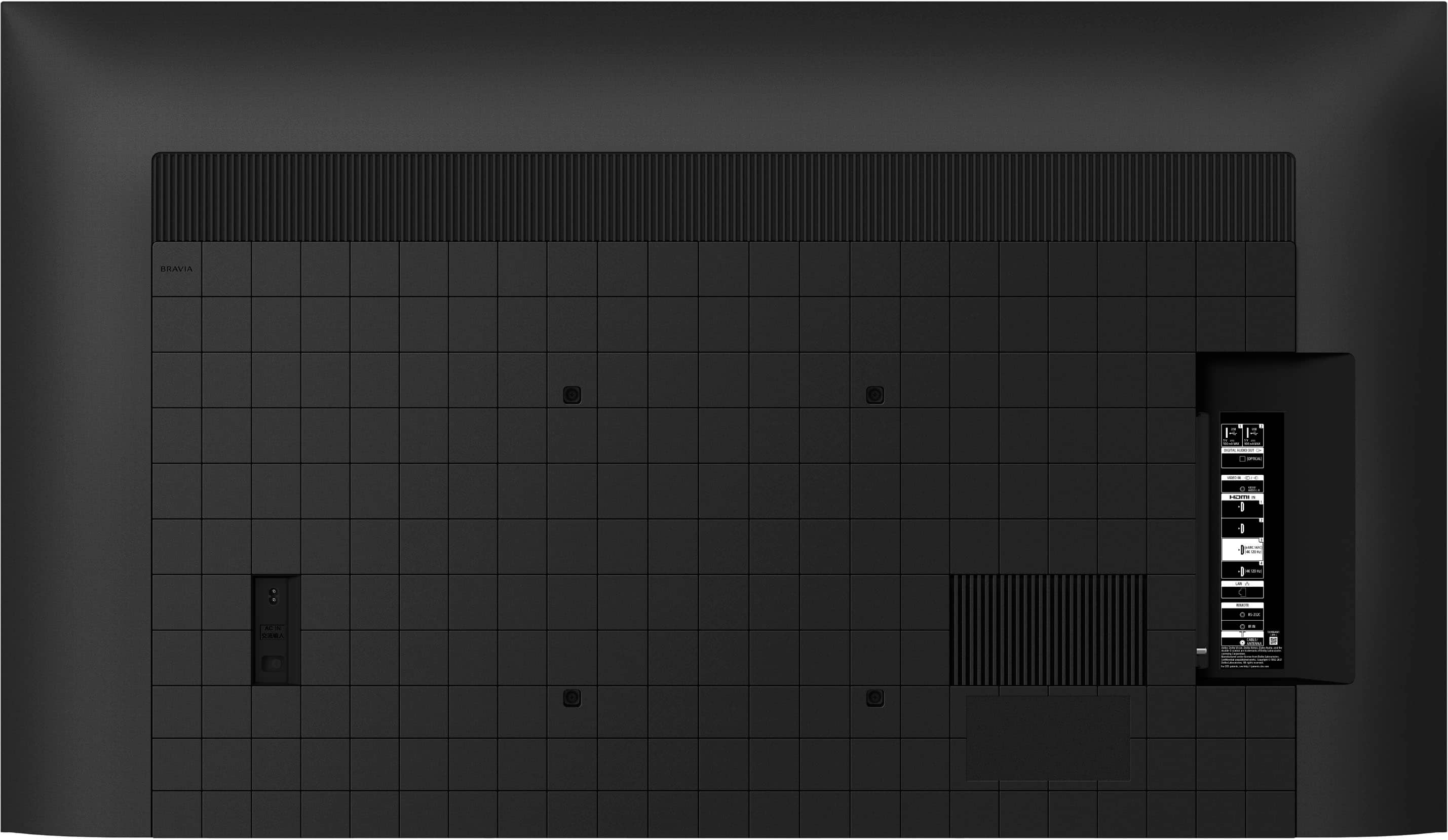
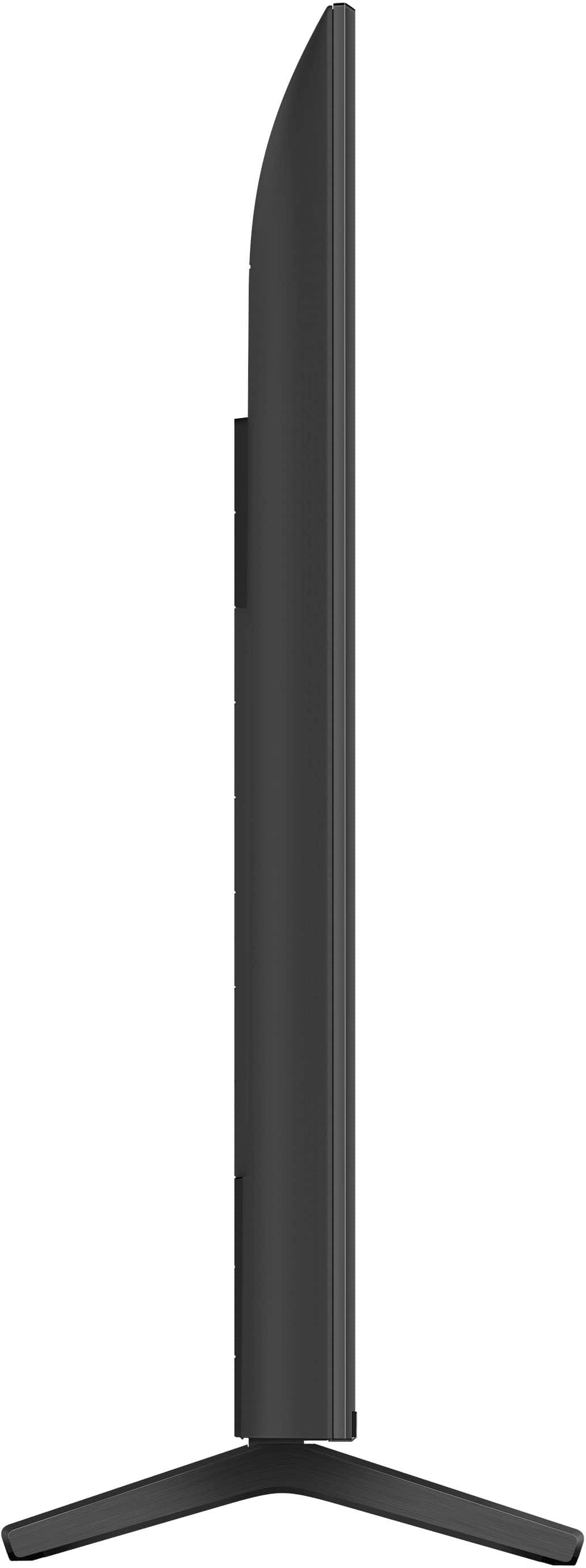
    • Answer Hi Ron, Thanks for inquiring about the KD-65X85K. For your reference, please check the approximate dimensions of this TV below: Dimension of TV without Stand (W x H x D): 57.17 x 32.91 x 2.83 inch (1,452 x 836 x 72 mm) Dimension of TV with Stand (Standard position) (W x H x D): 57.17 x 35.63 x 13.31 (1,452 x 905 x 338 mm) For more details about the product dimensions for KD X85K series, please visit our Sony Support website. Enjoy smoother motion and transitions on this Sony BRAVIA 4K TV with high 120Hz refresh rate. You'll also see sharp details in fast moving scenes with Motionflow™ XR. The flush surface design keeps you focused on the action. Regards, Jess

      Answered by SonyListens

  • QuestionMy TV is stuck in Please Wait mode...how do you fix that?

    Asked by Anonymous.

    • Answer Hi there, We're sorry to hear that your TV is stuck in "Please wait" mode. This is usually not the case for our TVs nor the experience we want you to have. Let's try to to isolate and resolve this issue by performing a power reset. -Turn off the TV. -Unplug the television power cord (mains lead) from the electrical outlet. -Let the television remain without power for 2 minutes. -Plug the power cord (mains lead) back into the electrical outlet. If you are unable to resolve your concern, please contact us. Unfortunately, due to the current Bestbuy phishing protocol for your protection, we cannot provide a direct email or phone number for customer support as of now. Please find Sony Electronics' Support information: Go to our support website > click on “Support” > scroll down click on “Contact Support” > click on [Product Type] and from there you'll see different ways to reach us. Regards, Sam

      Answered by SonyListens

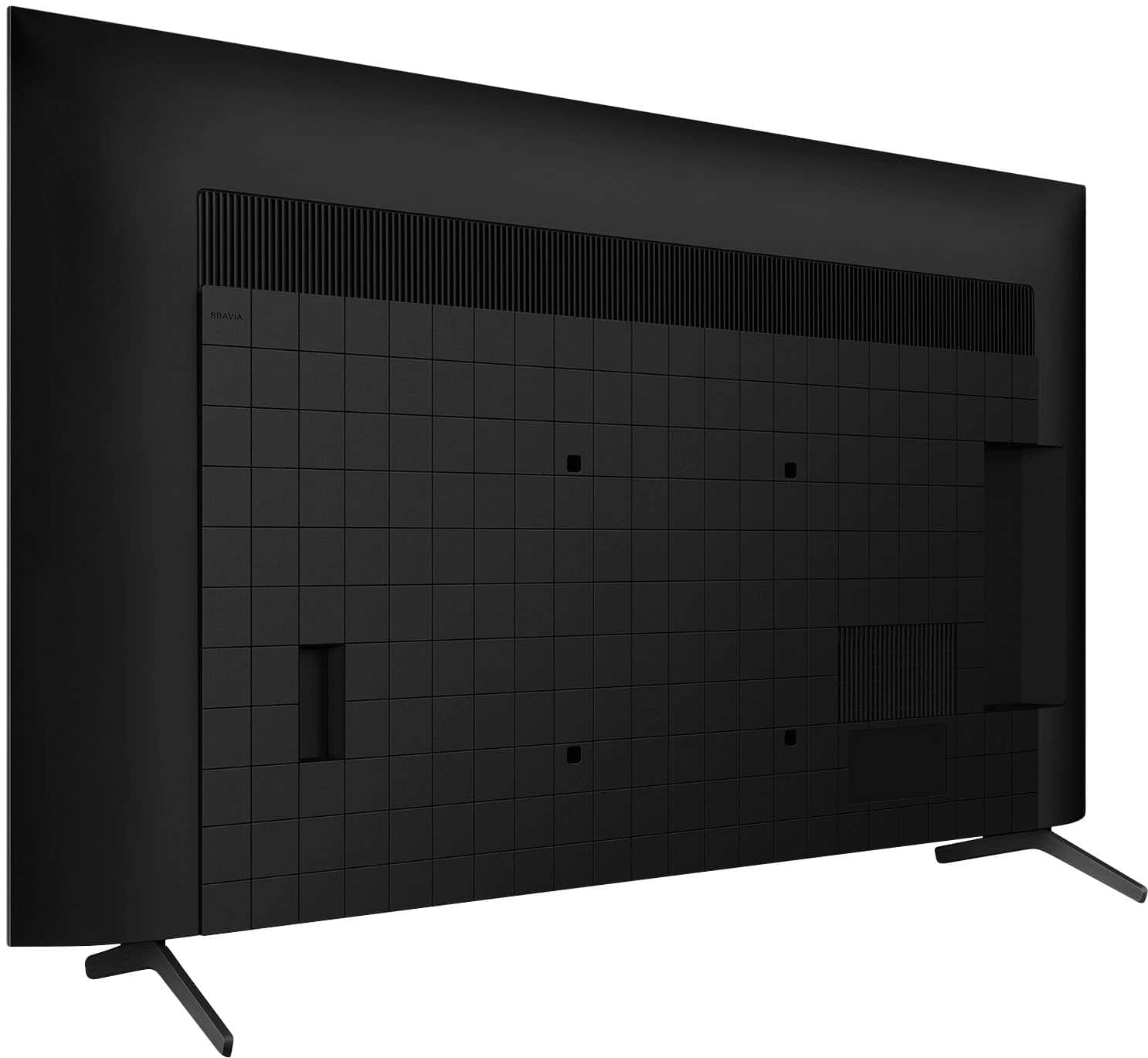
  • QuestionIs it possible to rotate the stand legs? Or are they fixed/rigid?

    Asked by Tommy.

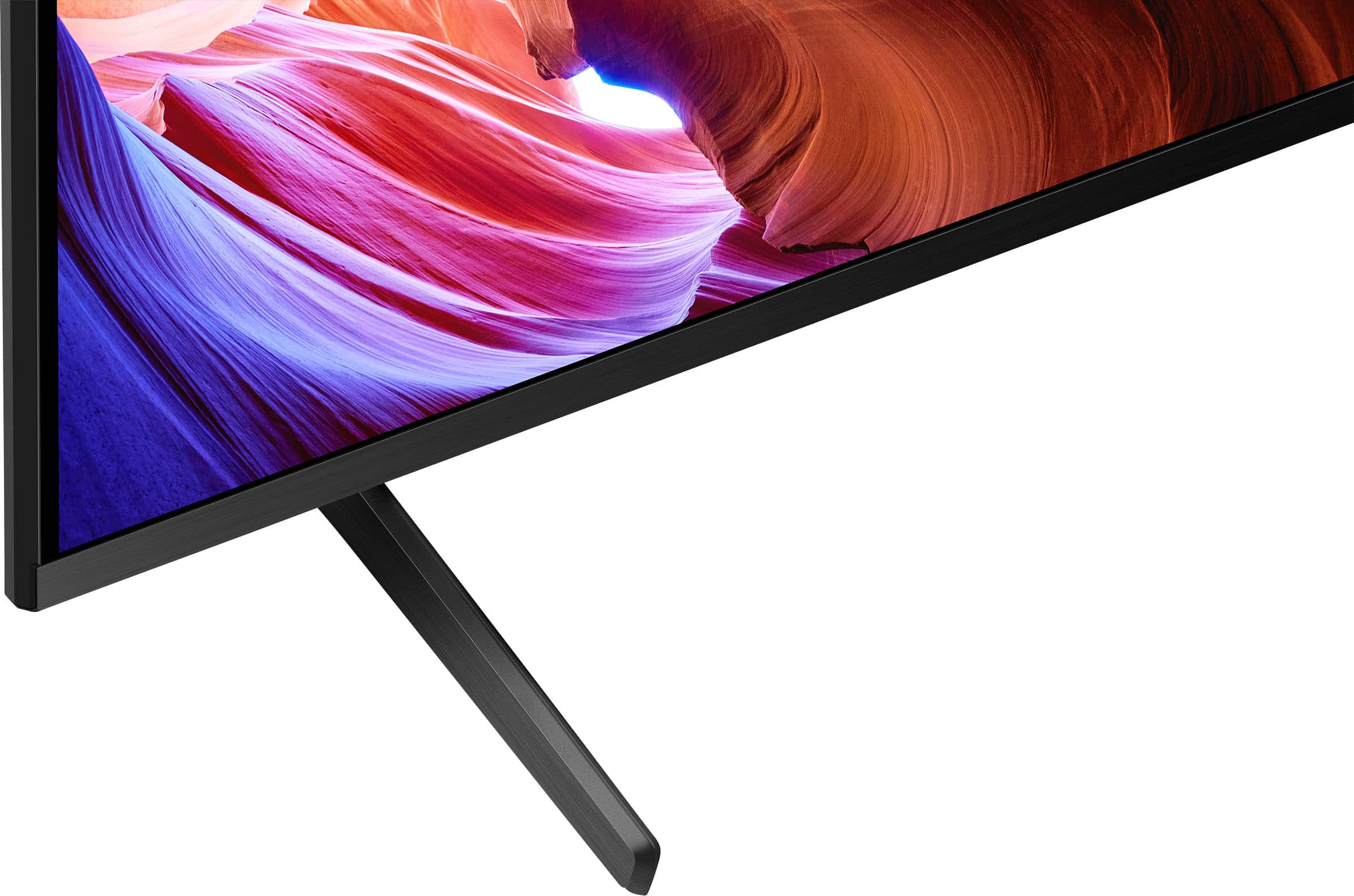
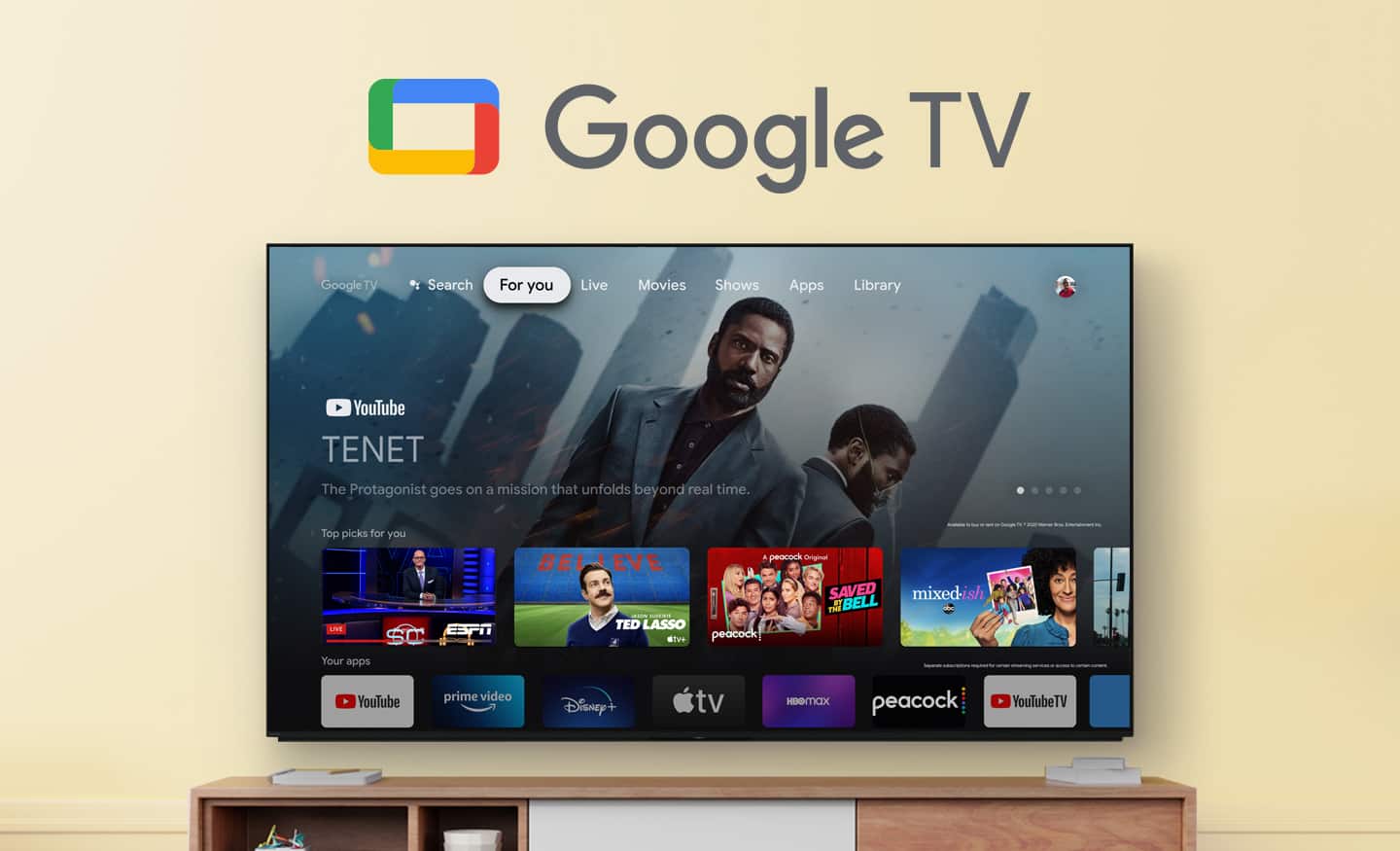
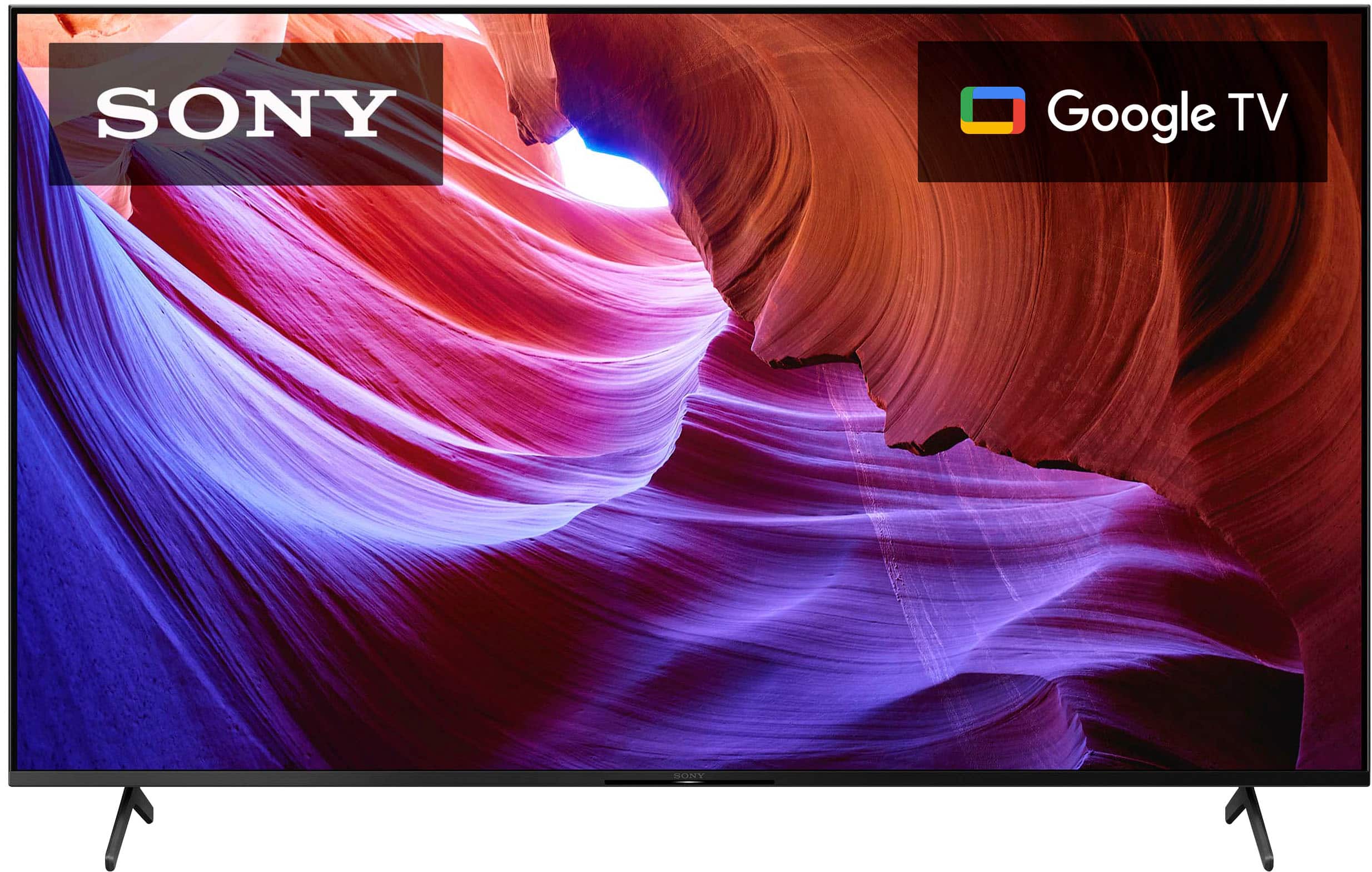
    • Answer Hi Tommy, Good question! Unfortunately, no. The TV stand/legs of the KD65X85K can only be set into 1 TV stand position (Standard position). If you're looking for a Sony TV that has an option to change into multiple stand/legs position, please check out some these models: X95K, X90K, A80K, A90K. Hope this helps! Smart, powerful, and sleek, the BRAVIA X85K 4K HDR LED TV is designed for all your favorite content. Powered by the 4K HDR Processor X1 and TRILUMINOS PRO, picture quality comes to life with billions of colors and realistic contrast. With Google TV and enhanced Motionflow XR refresh rate technology, your favorite content is easy to find and looks clear and blur-free. Regards, Sam
      Answered by SonyListens

  • QuestionTV stopped working , no picture no sound , maybe a fuse burn out , it is safe it to remove the back and look for it?

    Asked by Anonymous.

    • Answer Hi there, We're sorry to hear that your Sony X85K has stopped working. This is definitely not the experience we want you to have. We do not recommend opening or removing the back of the TV as it may cause personal injury or further damage to the TV. Let's try to resolve this issue by following the troubleshooting steps on the link below: https://www.sony.com/electronics/support/televisions-projectors-lcd-tvs-android-/kd-65x85k/articles/00153674 If you are unable to resolve your concern, please email us at [email protected] with the following details: Name: Username: Model Number: Issue: Telephone Number: Sincerely, Sam

      Answered by SonyListens

  • QuestionHow is possible to connect a Sony slv d380p to this television, I need to view my old family movies?

    Asked by Anonymous.

    • Answer You need an AV to HDMI converter to make this work. The box will have an AV input on one side and an HDMI out on the other.

      Answered by WesleyB2024

  • QuestionWhenever I adjust the volume a loud woman's voice responds informing me of the decision I have made. Example: 5 percent volume How do I turn off this voice?

    Asked by TeeJay.

    • Answer In settings

      Answered by Christina

  • QuestionDoes this TV have Steam Link built-in?

    Asked by matt.

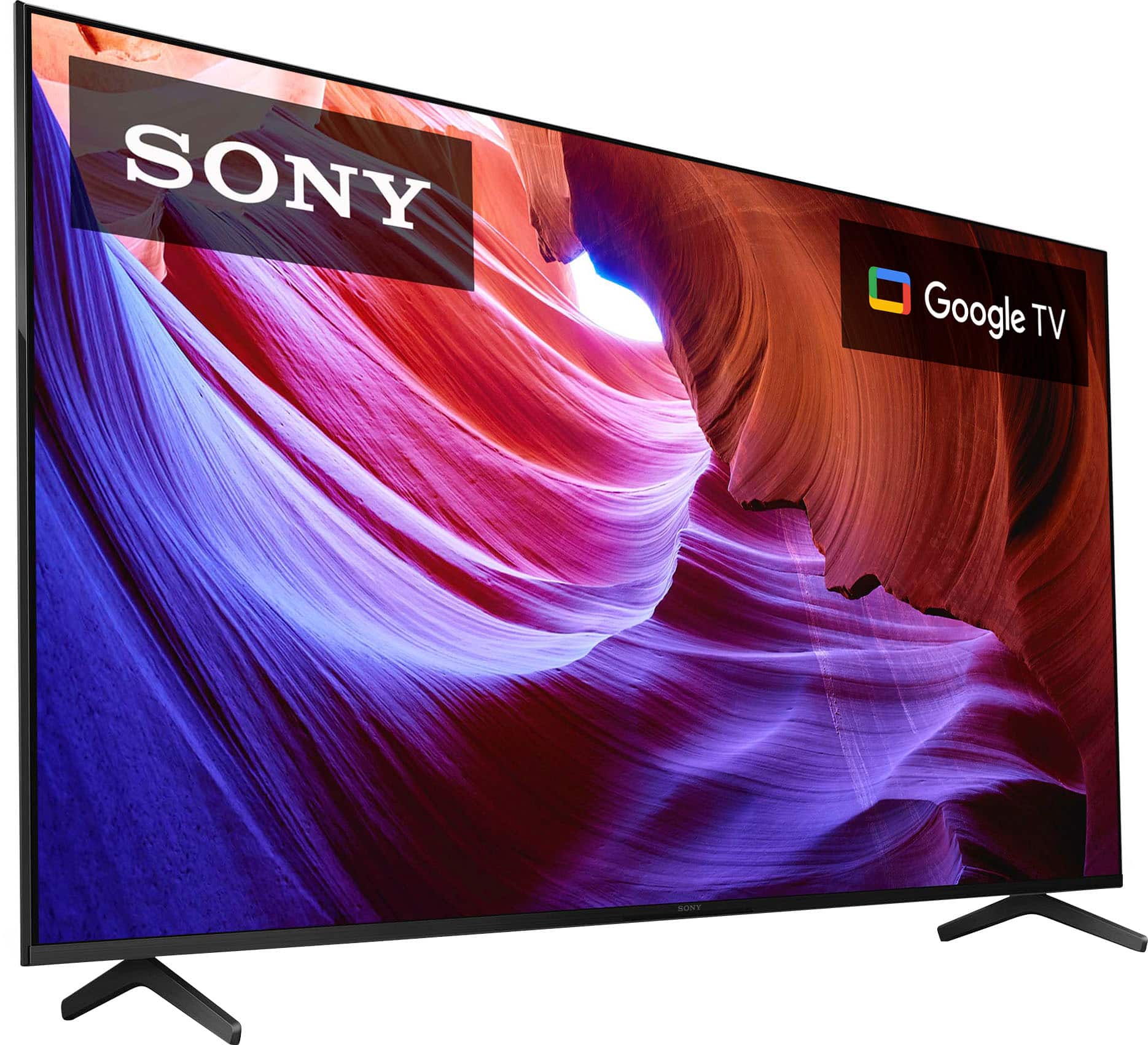
    • Answer Hi matt, Great question! Steam link doesn't come pre-installed, but you can download it on the Google play store on this TV. Hope this helps! Smart, powerful, and sleek, the BRAVIA X85K 4K HDR LED TV is designed for all your favorite content. Powered by the 4K HDR Processor X1 and TRILUMINOS PRO, picture quality comes to life with billions of colors and realistic contrast. With Google TV and enhanced Motionflow XR refresh rate technology, your favorite content is easy to find and looks clear and blur-free. Regards, Sam
      Answered by SonyListens

  • QuestionCan I stream Spectrum TV on this television?

    Asked by Hank.

    • Answer Yes

      Answered by Christina

  • QuestionSony 65" X85K 4K HDR LED TV with smart Google TV is it compatible with Ring?

    Asked by Bill.

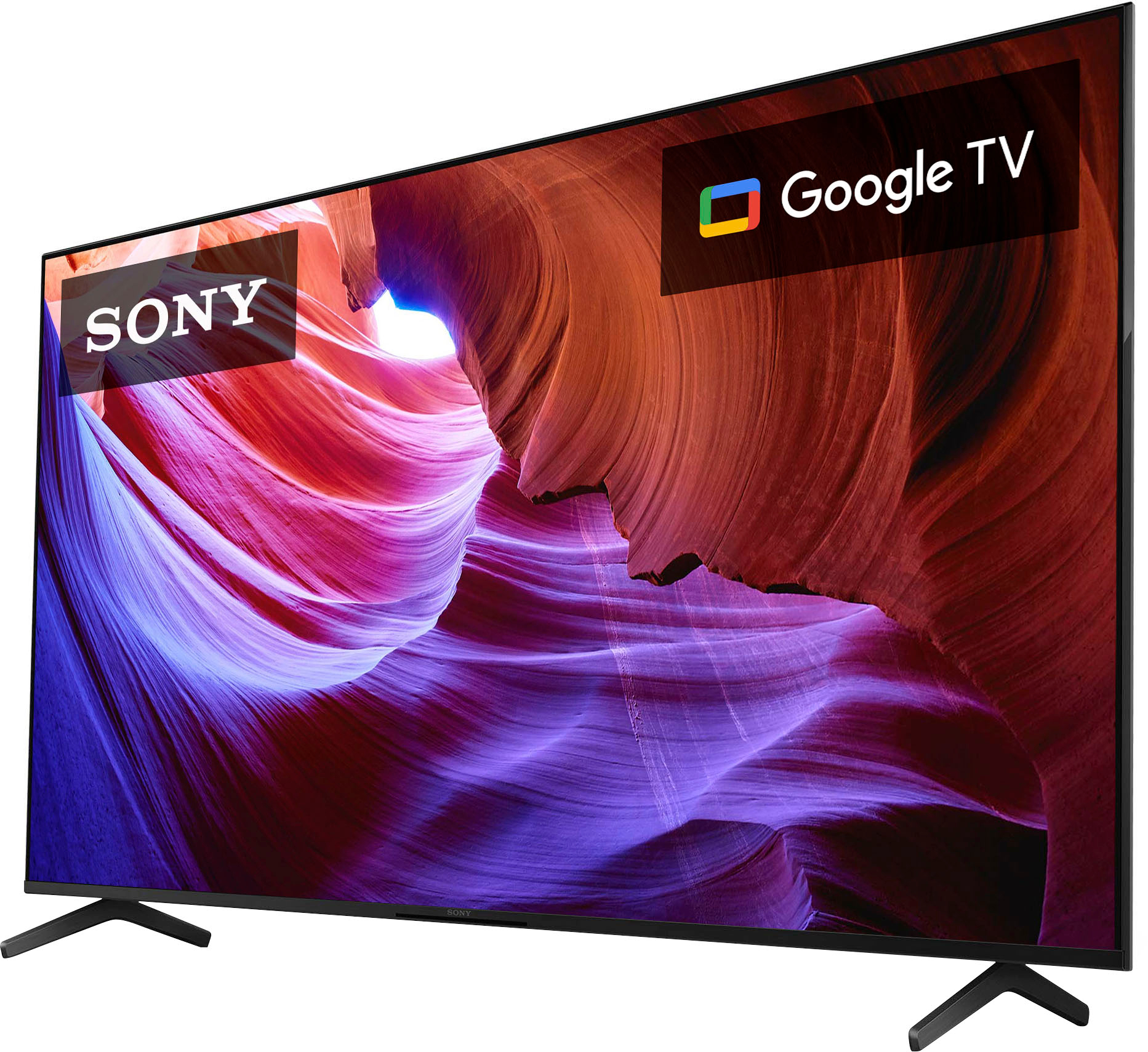
    • Answer Hi Bill, Thank you for your question. Great News! Yes the X85K model is compatible with the Ring app to connect to your Ring devices. Please download the Alexa app (use the search field)onto your Google TV X85K and also use the Alexa app on your mobile device to setup your Ring device(camera, Doorbell etc.). If you don’t have the Alexa app on your mobile device please download that and install from your phones app store. Please follow the instructions on Alexa app and on the your X85K during setup. Smart, powerful, and sleek, the BRAVIA X85K 4K HDR LED TV is designed for all your favorite content. Powered by the 4K HDR Processor X1 and TRILUMINOS PRO, picture quality comes to life with billions of colors and realistic contrast. With Google TV and enhanced Motionflow XR refresh rate technology, your favorite content is easy to find and looks clear and blur-free. Regards, Sam
      Answered by SonyListens

  • QuestionDoes this model support screen mirroring from Macs?

    Asked by Anonymous.

    • Answer Yes! I use it with an HDMI cable or with Apple's AirPlay.

      Answered by Kit71

  • QuestionCan I set up my cable on this tv

    Asked by Mario45.

    • Answer Yes. I have mine connected. You will have the option on home page to go to your cable TV.

      Answered by ToniaP

  • QuestionHow much does this model weigh including the stand?

    Asked by TomP.

    • Answer It's around 50lbs.

      Answered by HaydynC

  • QuestionDoes this tv has VRR?

    Asked by R3AC0.

    • Answer Yes.

      Answered by BBuy2020

  • QuestionDoes this TV support Cincinnati Bell fioptics/altafiber TV app?

    Asked by Anonymous.

    • Answer Samsung

      Answered by Anonymous

  • QuestionDoes this TV have Dolby Vision?

    Asked by DBERGS.

    • Answer Absolutely, without a doubt.

      Answered by BBuy2020

  • QuestionHow do you add an app on a k85k Sony tv

    Asked by Jake.

    • Answer For TV apps, you can use the voice on the remote or just search under apps. An external device with apps, of course, has to be plugged into an HDMI port.

      Answered by BBuy2020