A:AnswerHi ShellDude, thank you for choosing Sony! We are sorry to hear that you are experiencing audio issues when playing from your applications following a software update. Unfortunately, we are not able to revert back to the previous software version once the TV is updated. We'd love to troubleshoot the issue and make this a better experience for you. We would like to know more information such as your TV connections and applications for us to provide better assistance. Also, please make sure that the software version installed on your TV is the v6.4960. You can check the update on this link: https://www.sony.com/electronics/support/televisions-projectors-lcd-tvs-android-/xbr-65x950h/downloads/00017078.
May we contact you to help and gather more information about the issue that you are having? If so, please email the below information to [email protected]
Apologies if you disclosed some of this information in your review and to customer service, we just want to ensure that we have your accurate details at the time of communication.
Full Name:
Best Buy Username:
Telephone Number:
Model Number:
Issue:
Regards,
Carl
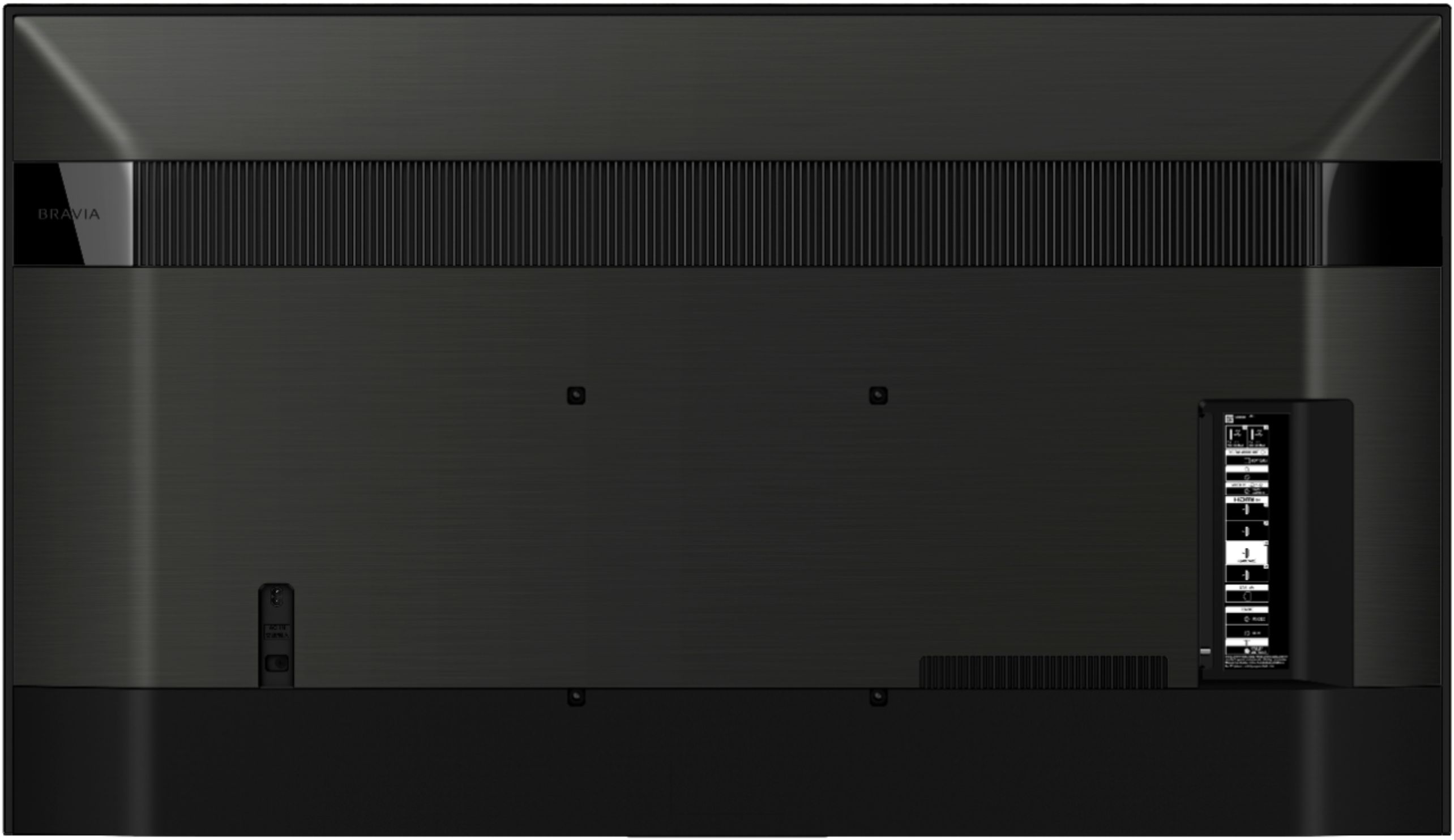
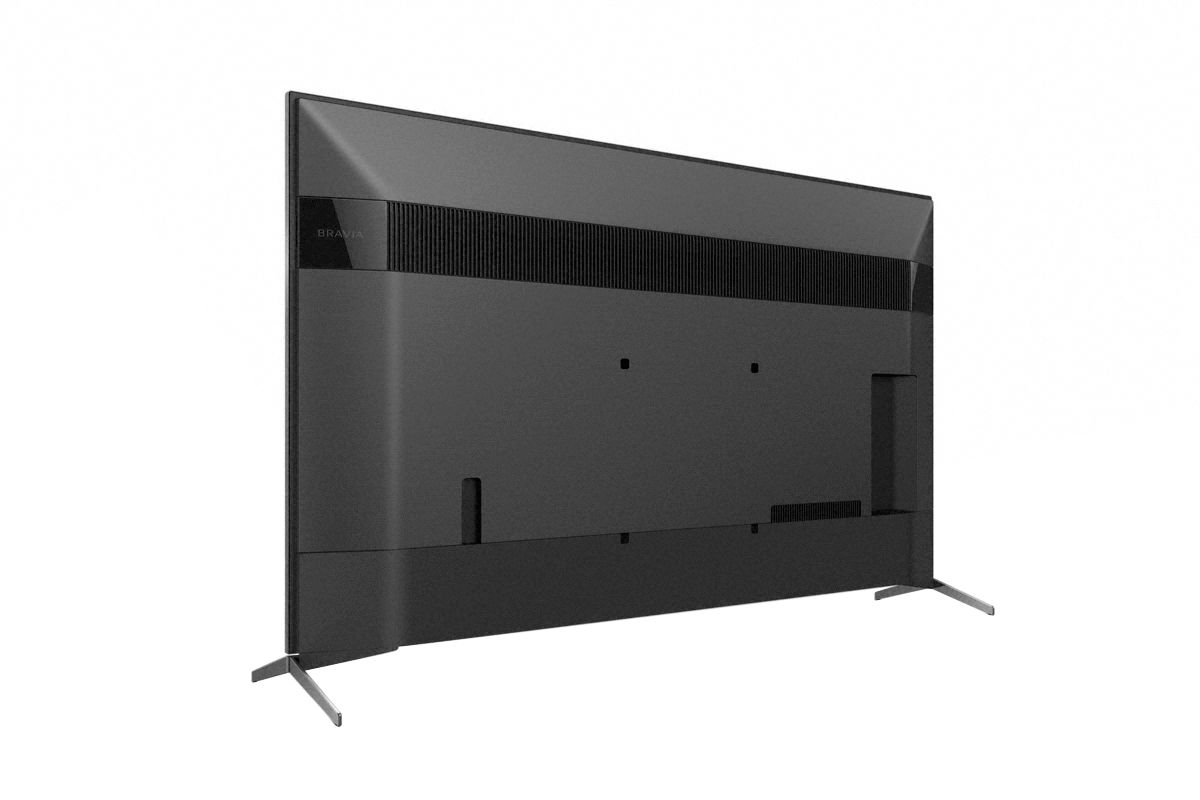
A:AnswerHi Clark, Thank you for your inquiry! The TV is designed with slots and openings for necessary ventilation. To ensure reliable operation and to protect it from overheating, these slots and openings must never be blocked or covered. As a general guideline, the rear of the TV should be 2 to 6 inches away from the wall and the sides of the TV should have about 4 inches of ventilation space. I hope this helps! -Carl
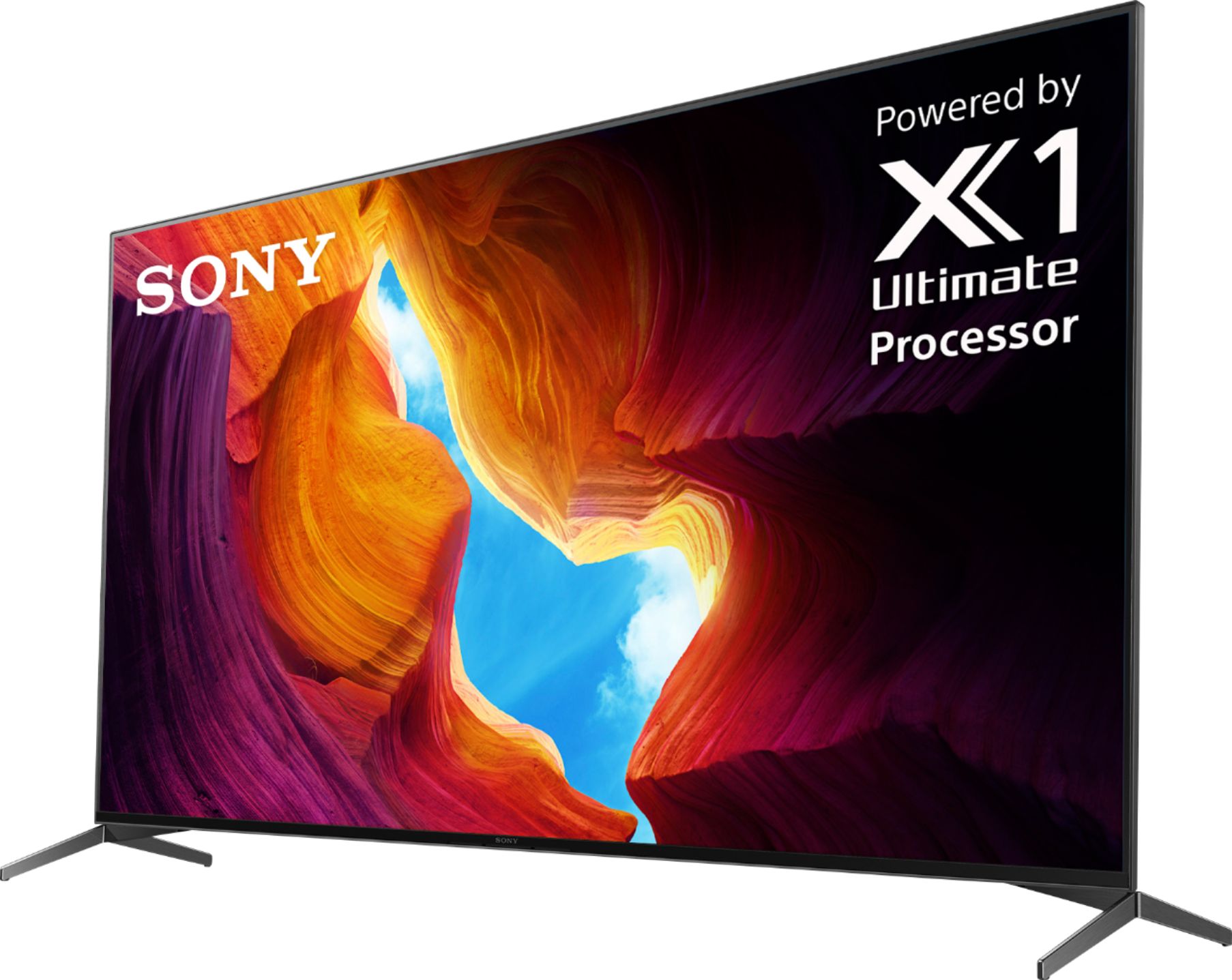
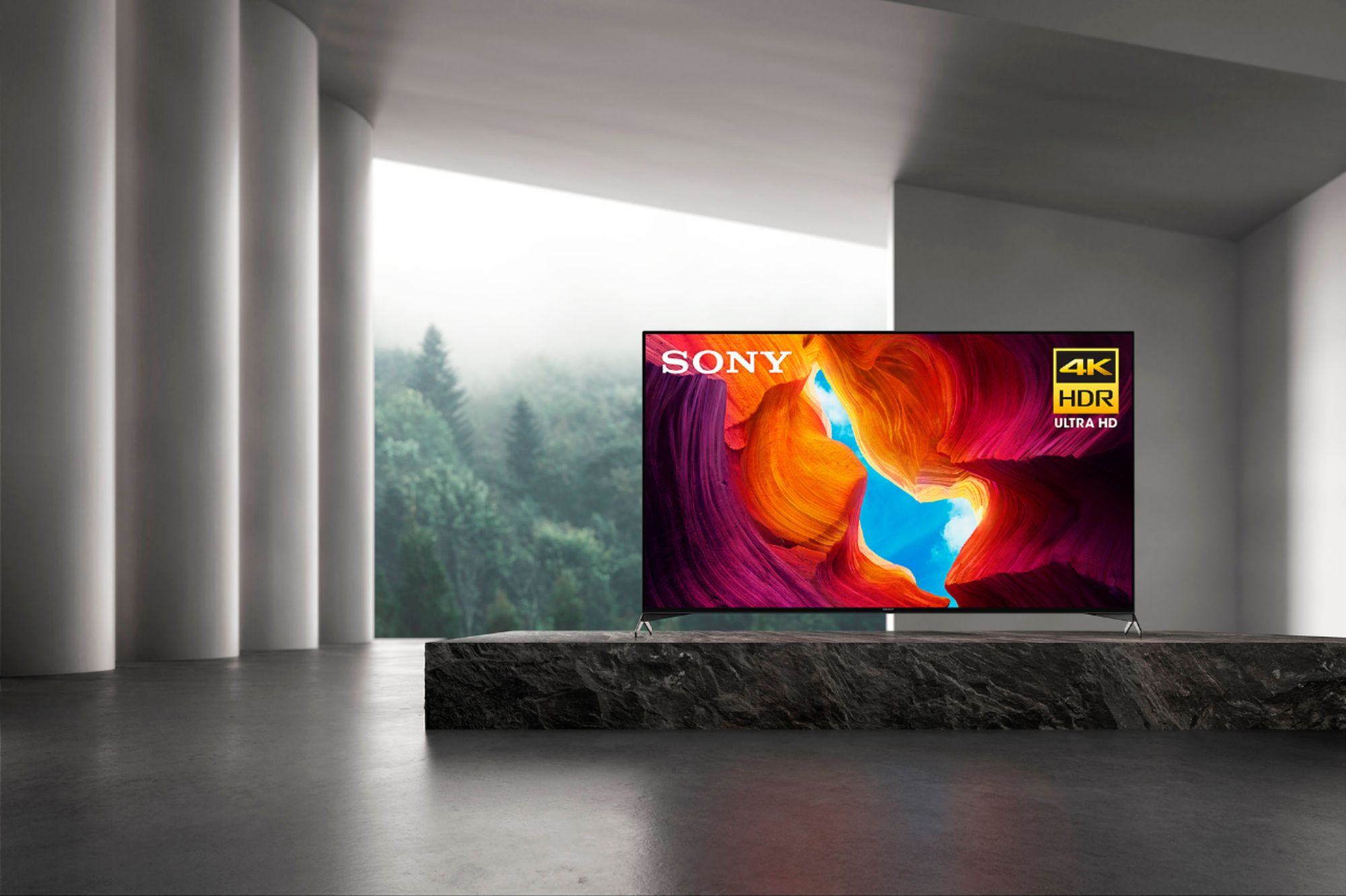
A:AnswerHi russ, we appreciate your interest in our product. You don't really need a soundbar on this TV. Designed to complement the sound quality and slimness of the 950H with its unique new shape, our X-Balanced Speaker drives movies and music with clear sound. Thank you. ~Earl
A:AnswerHi Johnh, Thank you for your inquiry! Yes, you can. The 65" X950H has built-in applications such as Netflix and YouTube which you can enjoy even without the Apple TV box, if you need to, you can still use the HDMI ports of the TV to connect your Apple TV box to enjoy its benefits. I hope this helps! -Carl
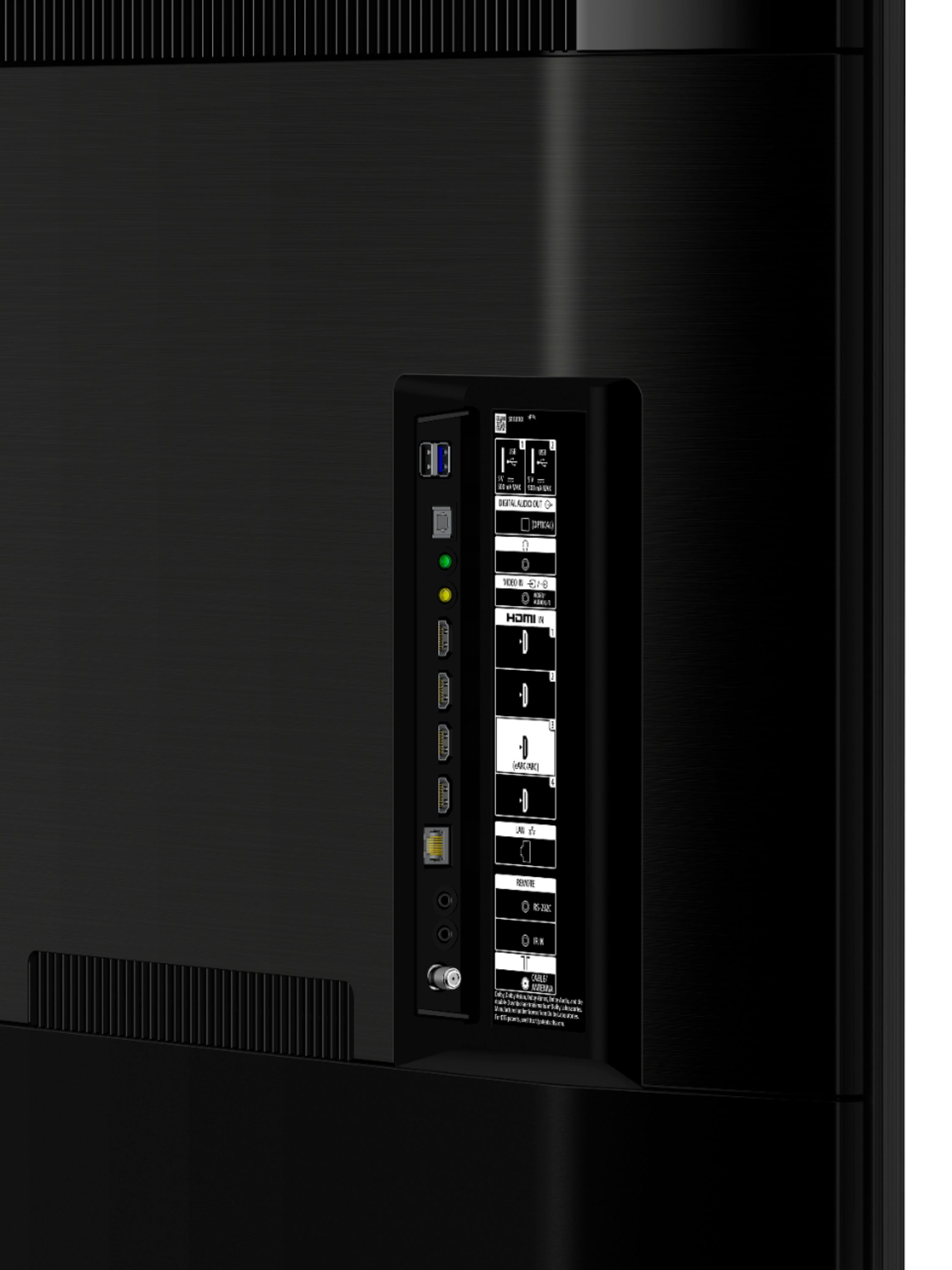
A:AnswerHi Brian, Thank you for choosing Sony! The TV can be connected to your receiver using the HDMI and Digital Optical port and output the TV audio to the receiver. For this please refer to this link on how to connect the TV and Receiver https://www.sony.com/electronics/support/televisions-projectors-lcd-tvs-android-/xbr-65x950h/articles/00231669?model=XBR-65X950H&category=televisions-projectors-lcd-tvs-android-
You may also use this link https://www.sony.com/electronics/support/televisions-projectors-lcd-tvs-android-/xbr-65x950h/articles/00007061
For best results, please make sure that the TV is set to audio system so it outputs the audio to your receiver.
Should you need further assistance, please feel free to contact us for help.
Please email the below information to [email protected]
Apologies if you disclosed some of this information in your review and to customer service, we just want to ensure that we have your accurate details at the time of communication.
Full Name:
Best Buy Username:
Telephone Number:
Model Number:
Issue:
Regards,
Carl
A:AnswerHi DavidplusPam, Thank you for your inquiry! Yes, you can use the TV with apple devices. The X950H supports both Apple AirPlay and Apple HomeKit that can be used to connect Apple devices to the TV. The TV also has HDMI eARC/ARC and Digital Optical Audio out that you can use to connect with your sound system. Also, the TV is an has an android operating system, while it already has built-in applications that will let you stream like Netflix, YouTube and Amazon, you can still add/install additional apps using the Google Play store. I hope this helps! -Carl
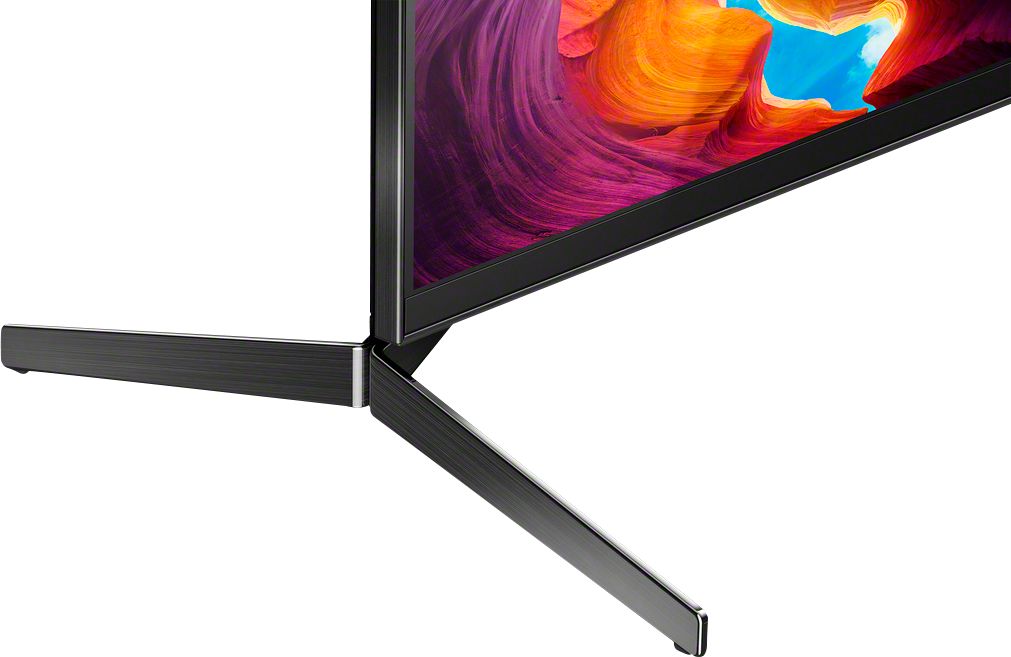
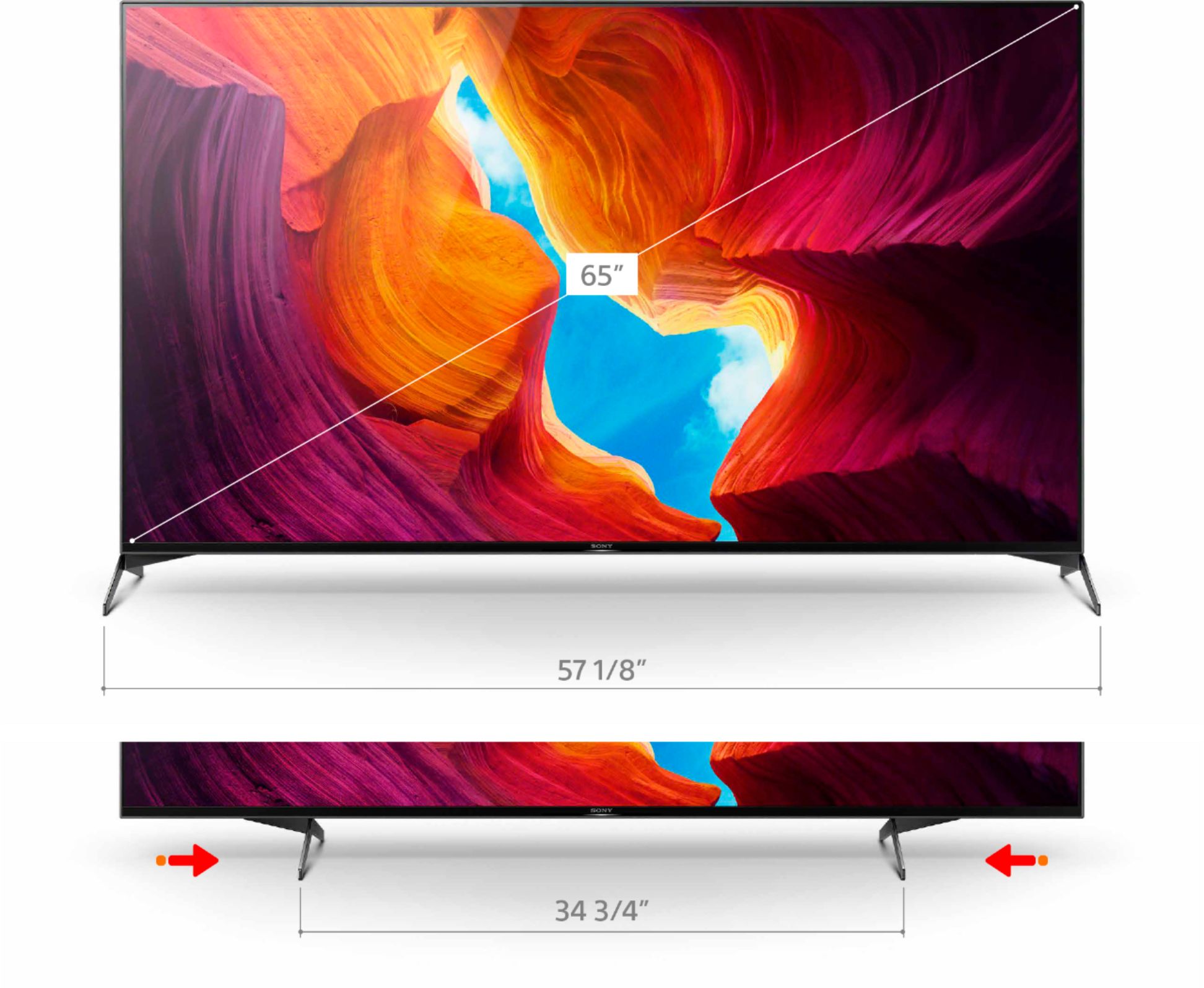
A:AnswerHi there, thank you for choosing Sony! We are sorry to hear that you are having issues with the TV stand. The stand can be positioned in two ways (narrow and wide). Based on the quality and stability of the stand legs we are sure it will be equally stable regardless of the stand position. Please make sure that the TV is placed on a stable platform for best results.
Should you need further assistance, please contact us for help. Please email the below information to [email protected]
Apologies if you disclosed some of this information in your review and to customer service, we just want to ensure that we have your accurate details at the time of communication.
Full Name:
Best Buy Username:
Telephone Number:
Sony TV Model Number:
Regards,
Carl

A:AnswerHi Scooter, Thank you for your inquiry! The Manufacturer's warranty for the TV is 1 year from the date of purchase, for the extended warranty please contact the store for better assistance, you may also refer to this link for the 1-year warranty. https://www.sony.com/electronics/support/res/manuals/4595/c93100a1fe624cd97594959ae4e8b271/45953330M.pdf I hope this helps! -Carl
A:AnswerHi Oldtimer, Thank you for your inquiry! The stand can be positioned in two ways (narrow and wide). Based on the quality and stability of the stand legs we are sure it will be equally stable regardless of the stand position. Please make sure that the TV is placed on a stable platform for best results.
Regards,
Carl

A:AnswerHi Seema, we appreciate your interest in our SONY product. Unfortunately, you cannot connect two Bluetooth devices simultaneously on this TV. Thank you. ~Earl

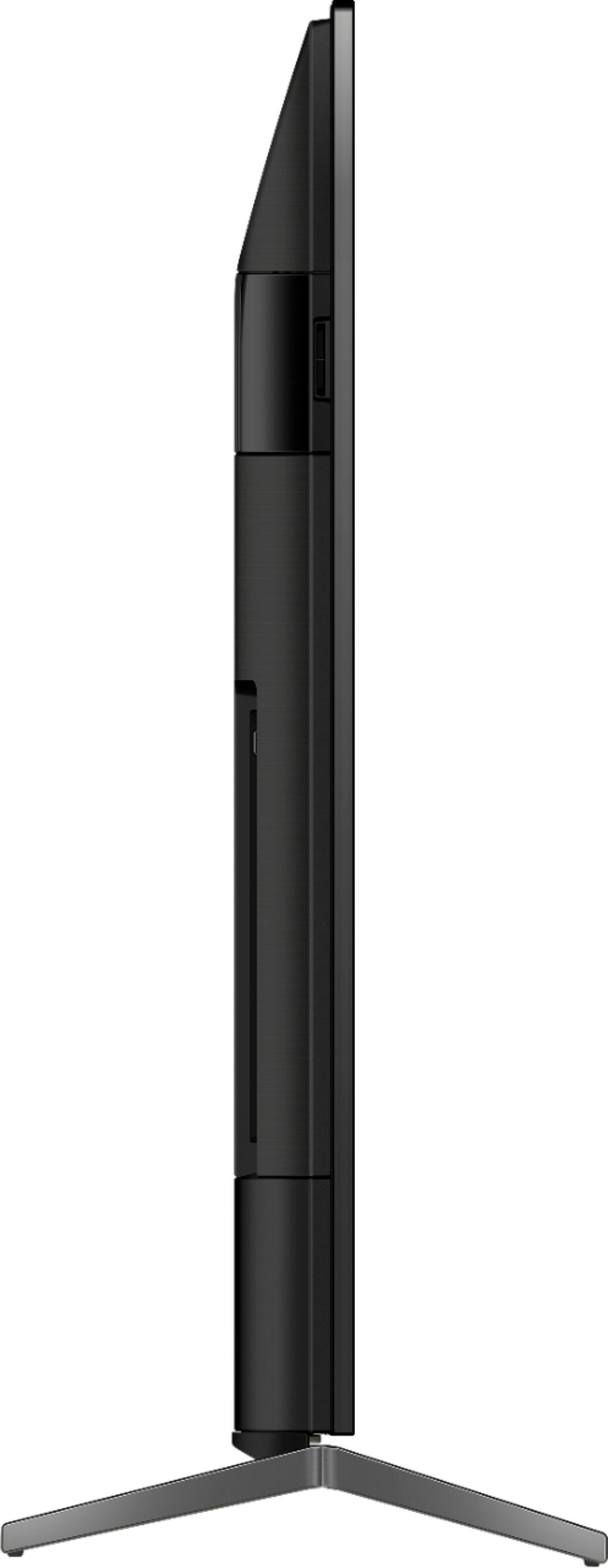
A:AnswerHi Harold, thank you for purchasing our product. The Android TV™ device is designed to lean back slightly on the stand in anticipation of setting it on a low TV rack. ~Earl
A:AnswerHi EarToSound, thanks for your interest in the XBR65X950H TV. Unfortunately, the TV's stand (legs) is not designed to have a perfect fit with the HTZ9F soundbar. You may want to consider the A8H TV which has a soundbar-ready position. ~Ralph
A:AnswerHello eliza, The XBR-65X950H weighs approximately 49.2 lb (22.3 kg) without the TV stand. With the TV stand, it weighs approximately 52.3 lb (23.7 kg). Thank you for your inquiry! -Vincent
A:AnswerHello Bud, Below are the approximate dimensions (W x H x D) of the XBR65X950H:
Without the TV stand:
57-1/8 x 32-7/8 x 2-7/8 inch (1,448 x 833 x 70 mm)
With the TV stand:
57-1/8 x 35-3/4 x 14 inch (1,449 x 906 x 353 mm)
-Vincent
A:AnswerHi BEBE, Sony does not have a waterproof cover this Sony Bravia TVs. A Third-party waterproof cover may work, but we cannot guarantee its full operation. Thanks! -Vincent