

Skip to contentGo to Product Search
Main Content

Questions & Answers

$1,999.99
Page Showing 1-20 of 21 questions
  • QuestionDoes this TV have built-in speakers?

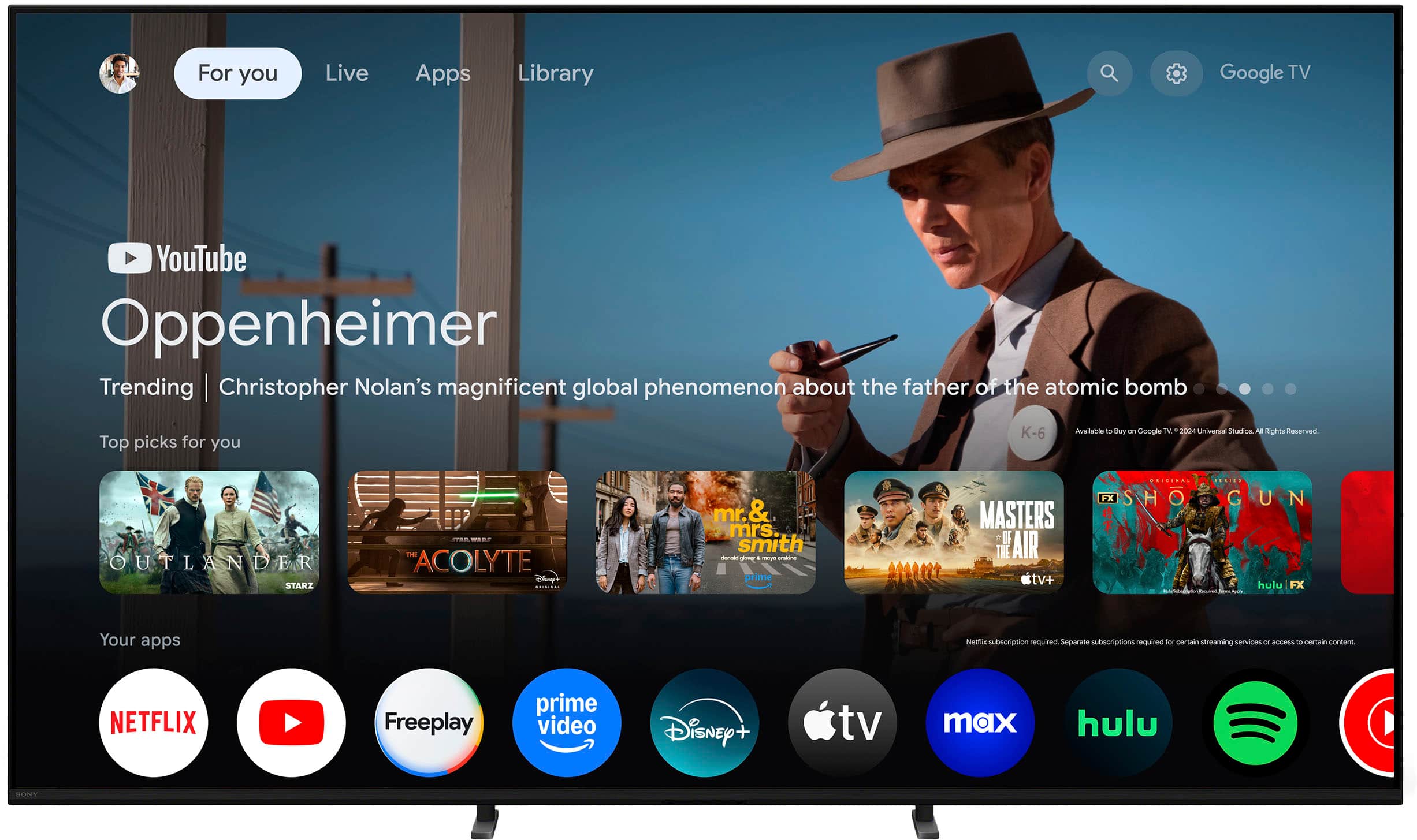
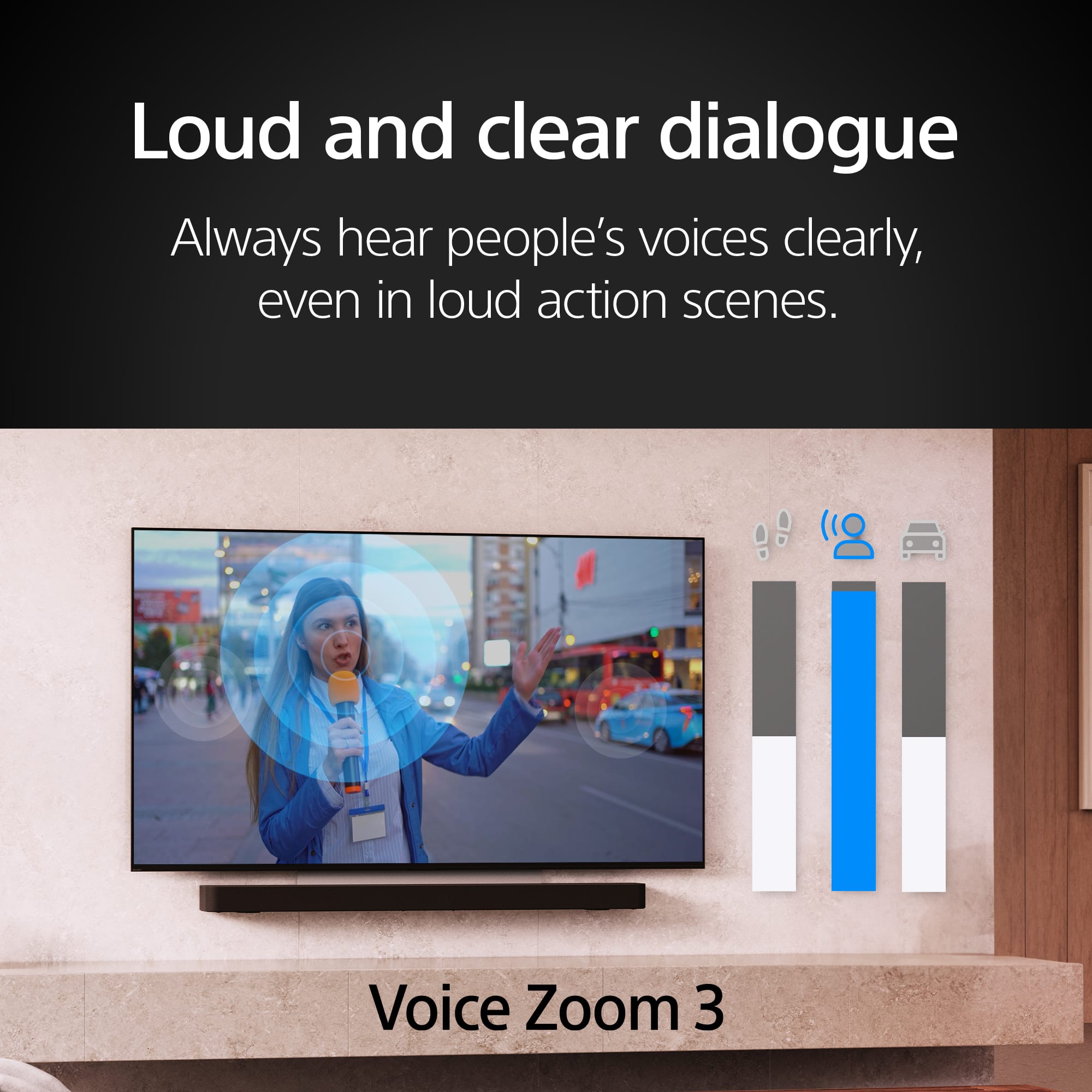
    • Answer Yes, this TV has built-in downward-firing speakers.
    This question and answer was generated by AI based on customer and product data.

  • QuestionWhat operating system does this Sony TV use?

    • Answer This Sony TV uses Google TV™ as its operating system.
    This question and answer was generated by AI based on customer and product data.

  • QuestionHow many HDMI inputs does this TV have?

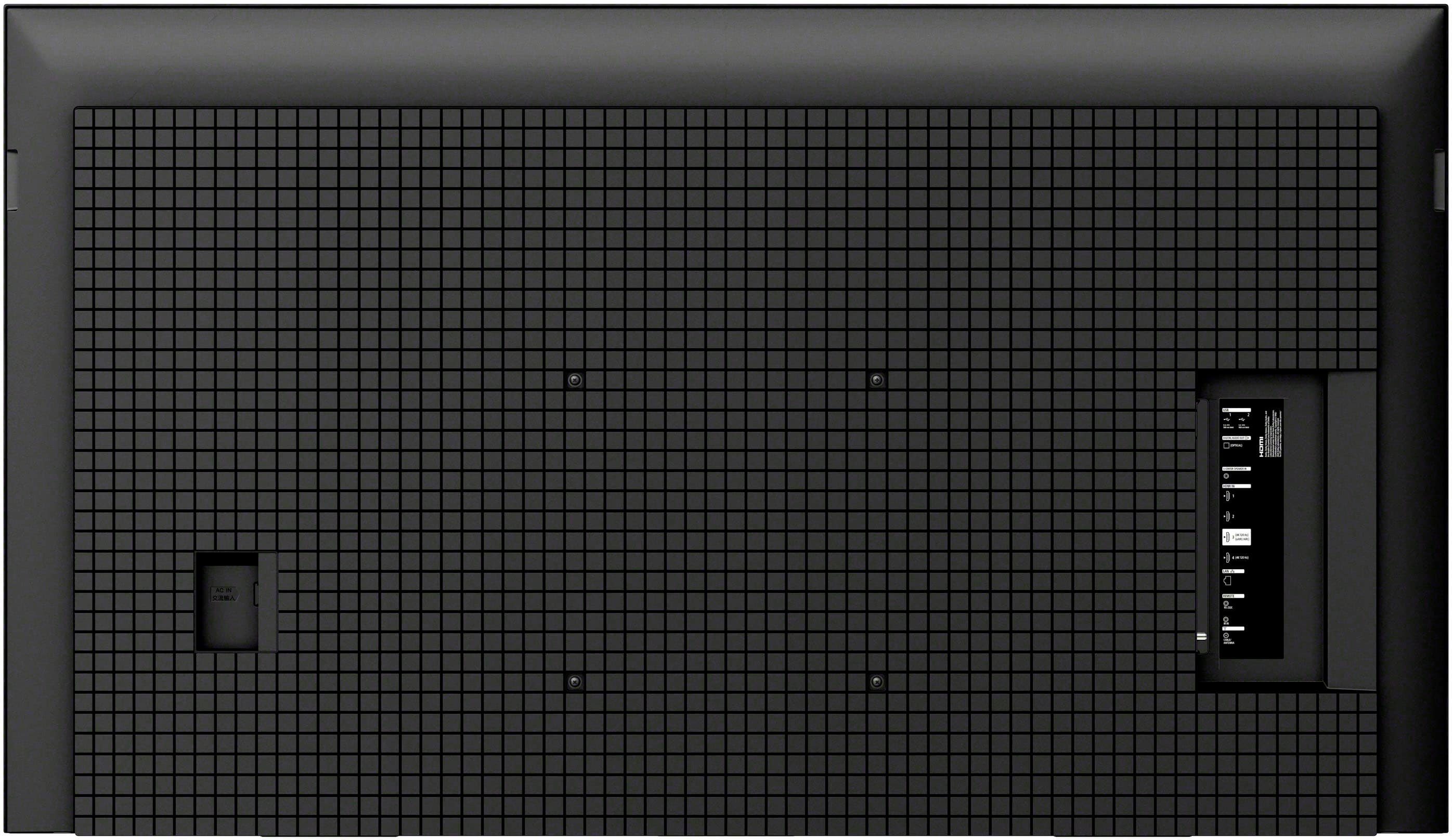
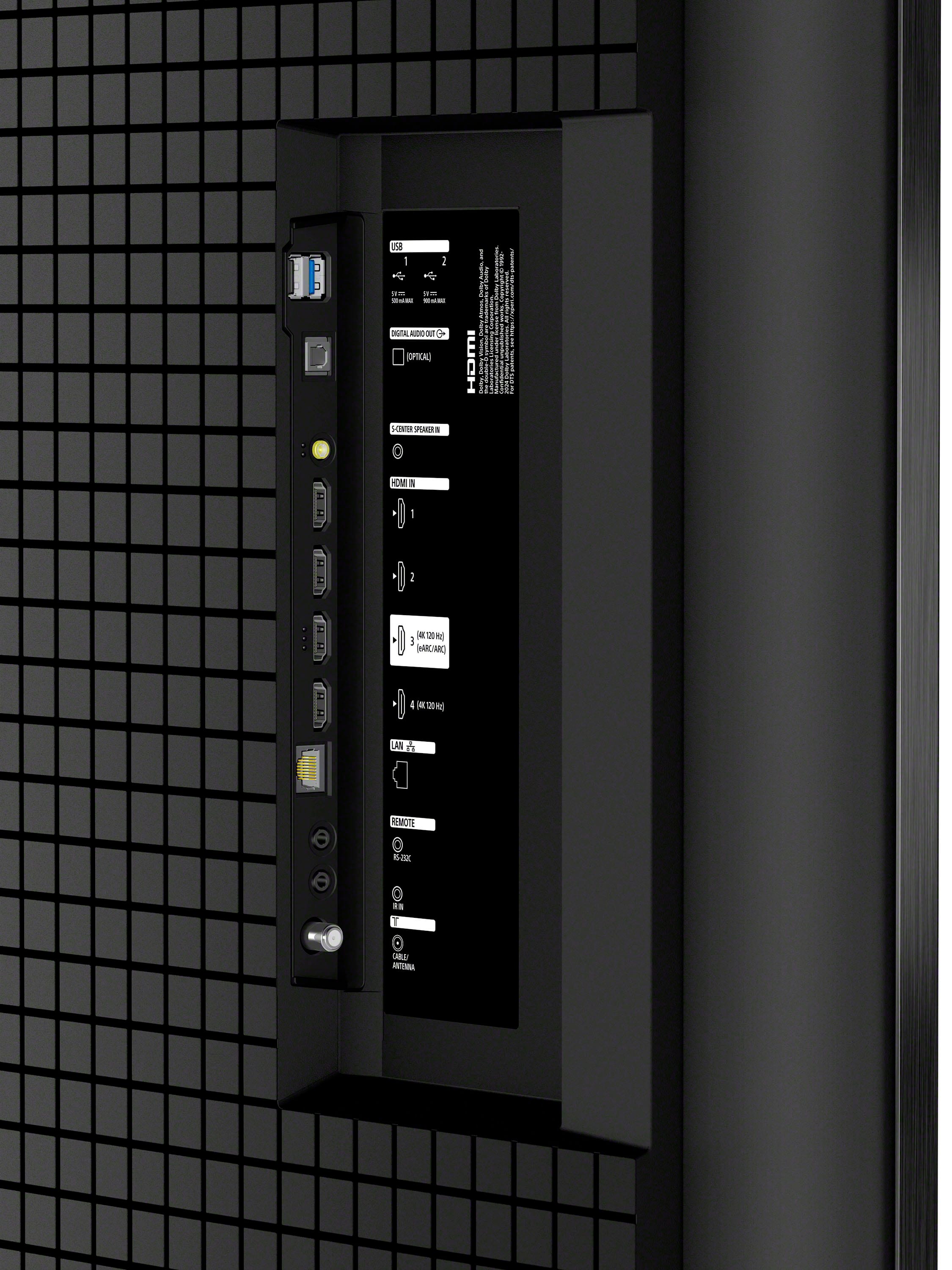
    • Answer This TV has a total of 4 HDMI inputs, one of which supports eARC.
    This question and answer was generated by AI based on customer and product data.
  • QuestionWhat is the refresh rate of this Sony TV?

    • Answer This Sony TV has a 120Hz refresh rate.
    This question and answer was generated by AI based on customer and product data.
  • QuestionIs this Sony TV compatible with Dolby Vision?

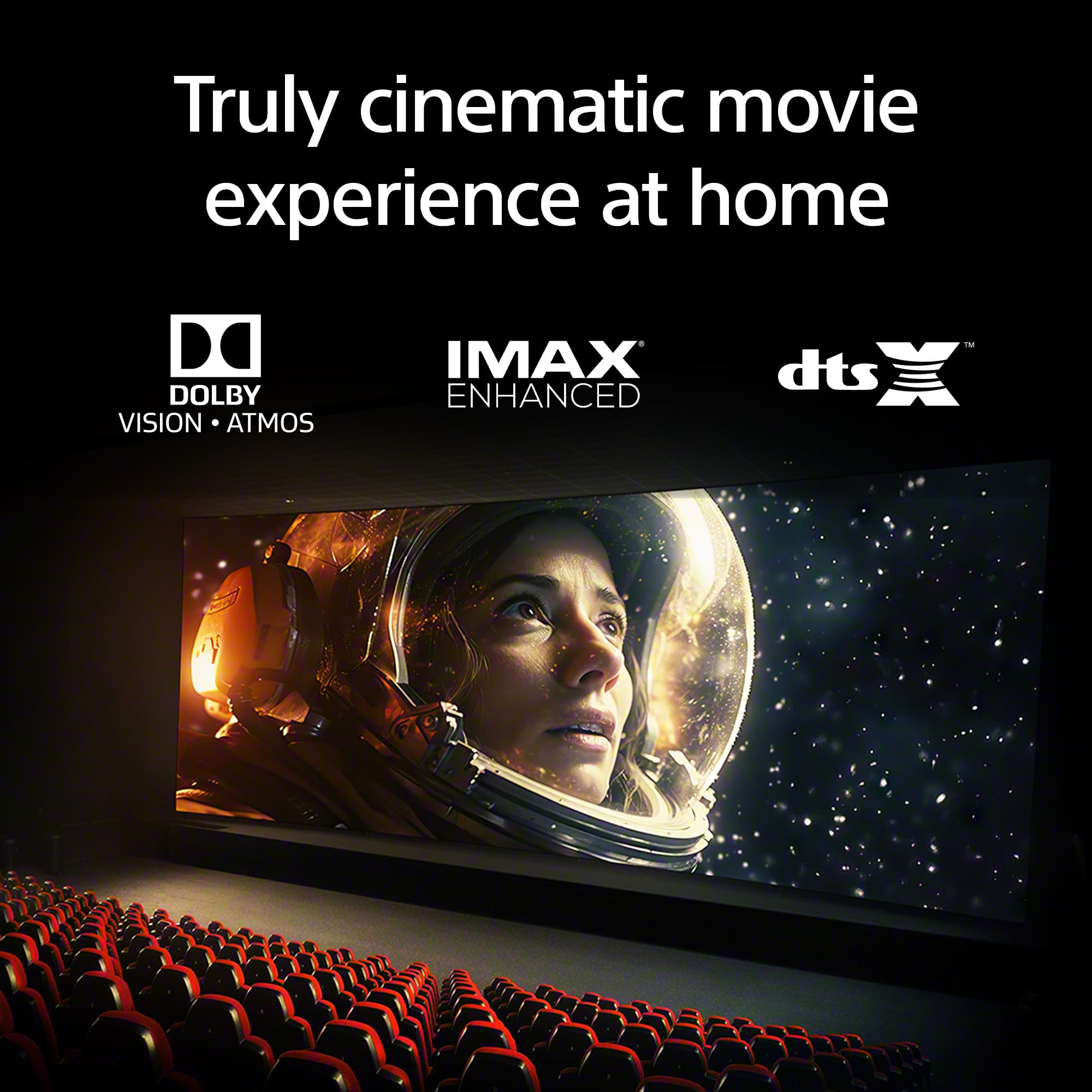
    • Answer Yes, this TV supports Dolby Vision® and Atmos® for a more immersive movie experience.
    This question and answer was generated by AI based on customer and product data.

  • QuestionCan I use Apple AirPlay with this TV?

    • Answer Yes, this TV supports Apple AirPlay® 2 for easy streaming.
    This question and answer was generated by AI based on customer and product data.
  • QuestionWhat type of backlight does this Sony TV use?

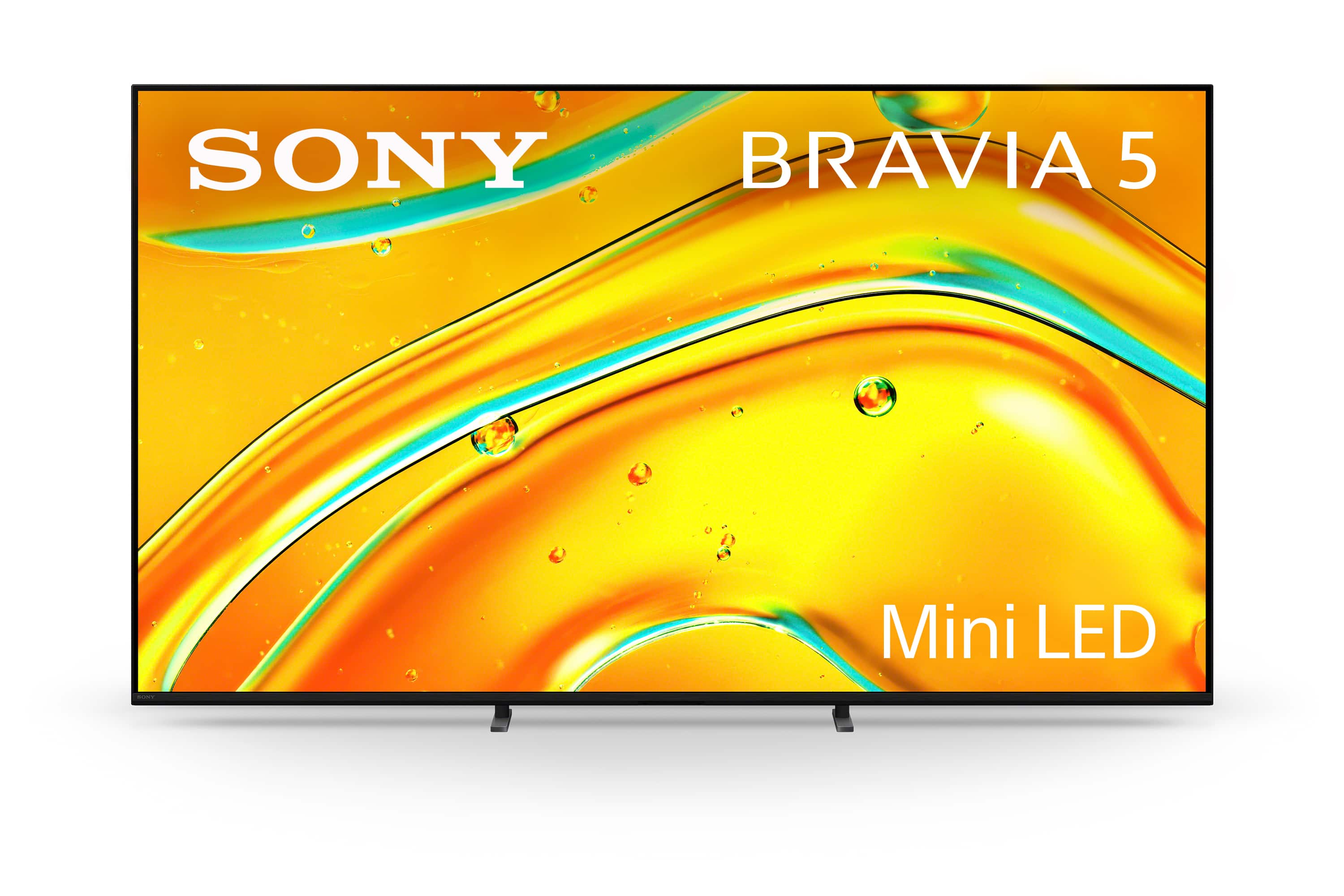
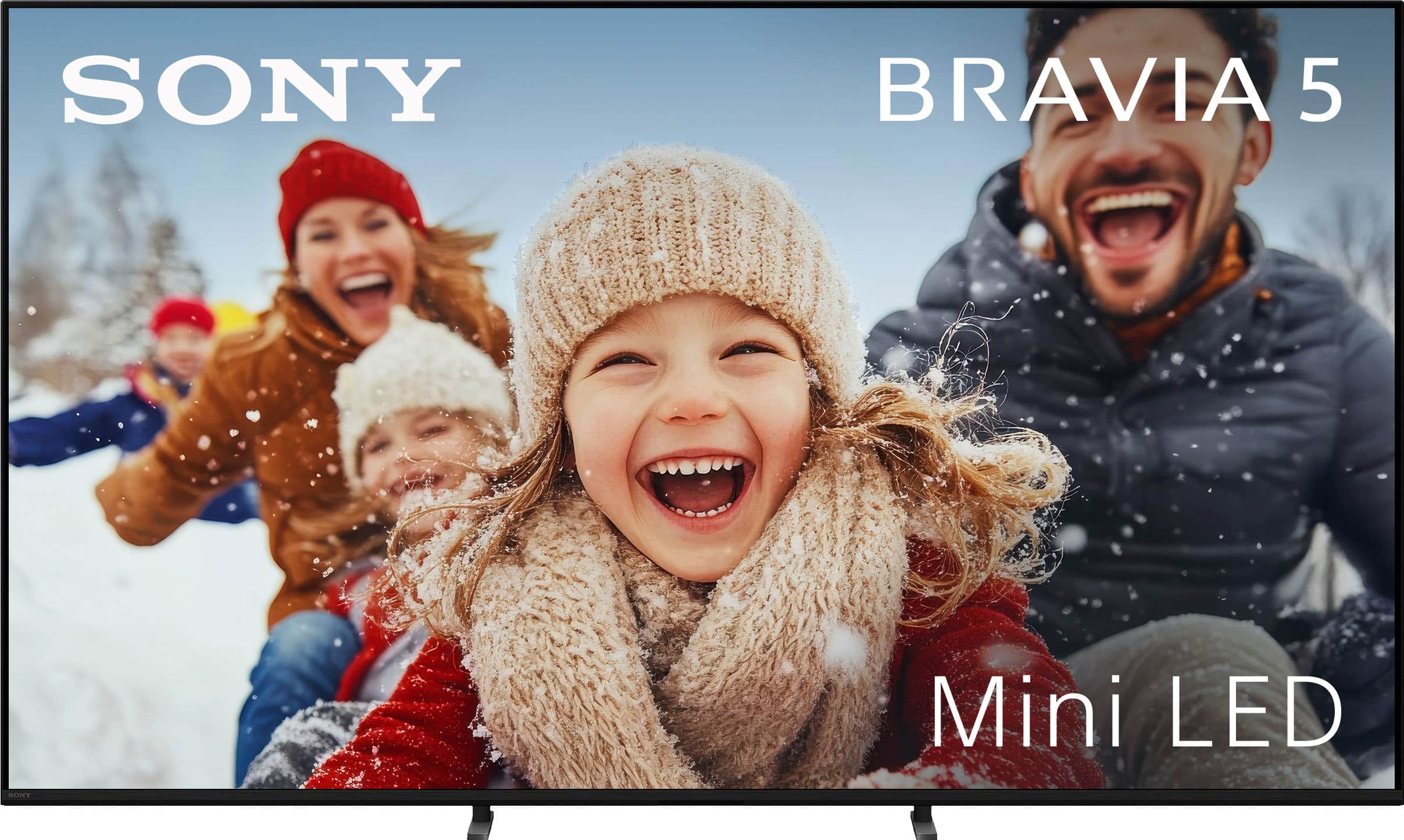
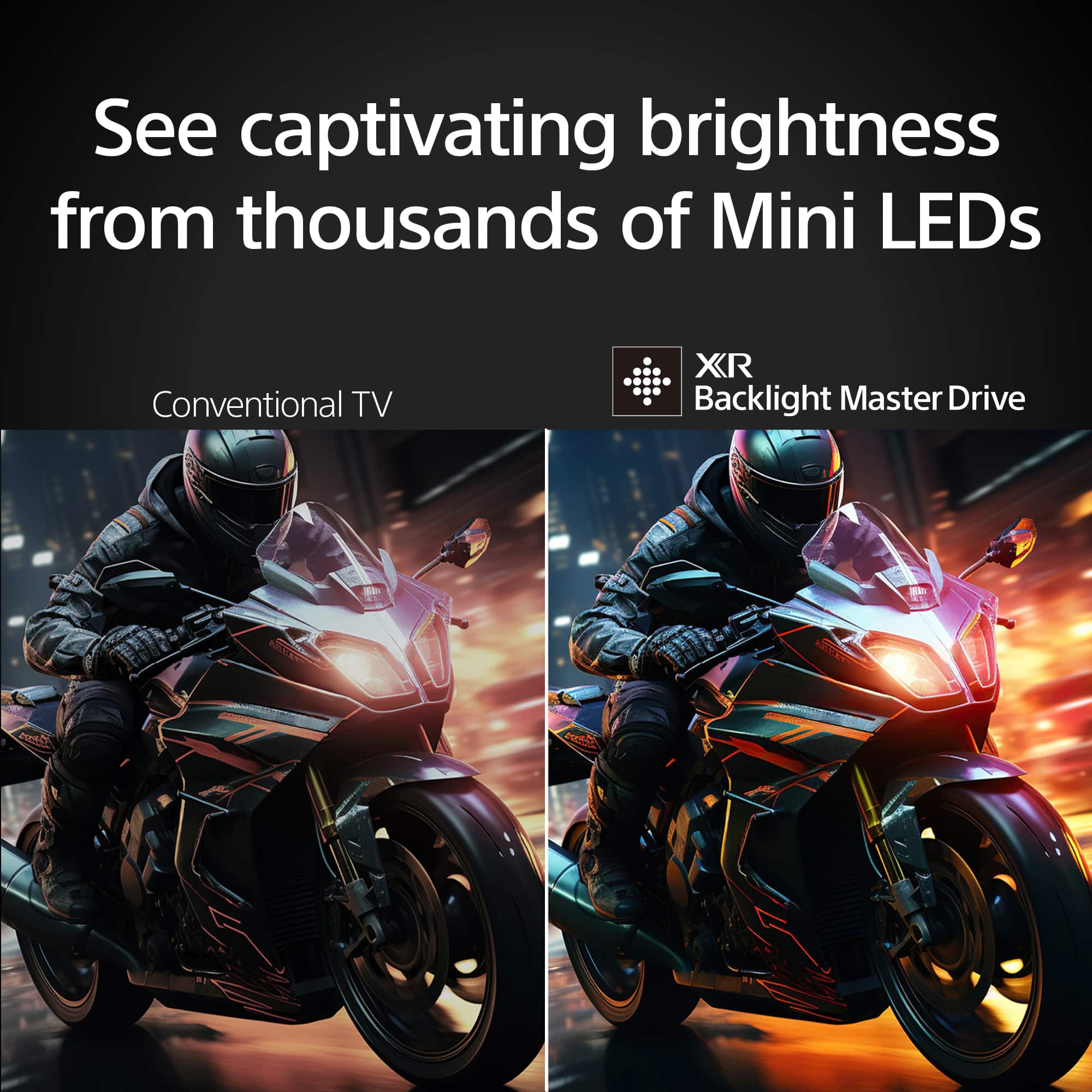
    • Answer This TV utilizes Mini LED backlighting with full array local dimming controlled by XR Backlight Master Drive™.
    This question and answer was generated by AI based on customer and product data.
  • QuestionThe differences from this and the Bravia 9 are minor but the engine that drives the actual panel is identical. Things like hidden wiring channels and adjustable-width feet are not important to me. The 5 is basically a budget version of the 9. Am I wrong?

    Asked by Dave.

    • Answer Hello Dave, thanks for your interest in our BRAVIA TVs. We understand your concerns about the price difference between the BRAVIA 9 and BRAVIA 5, and we're happy to clarify. The BRAVIA 9 is our premium LED model, offering significantly higher brightness (up to 4000 nits), more local dimming zones for better contrast, advanced audio with Acoustic Multi-Audio+, and our lates 2nd Gen Cognitive Processor XR. The BRAVIA 5, while is still offering excellent performance, is designed as a more accessible option with fewer dimming zones, lower brightness, and a more basic audio system. You can choose based on your viewing needs and budget! We hope this addresses your concerns effectively. Sincerely, Jenn.

      Answered by SonyListens

  • QuestionAre all hdmi ports 2.1 ?

    Asked by dmenace1.

    • Answer Hi Dmenace1, Thank you for your question regarding the Sony BRAVIA 5. The TV features a total of four HDMI ports, but they are not all HDMI 2.1. Specifically, ports 3 and 4 support full HDMI 2.1 capabilities, which include high-performance features like 4K/120Hz, Variable Refresh Rate (VRR), and Auto Low Latency Mode (ALLM). Ports 1 and 2 support the standard HDMI 2.0 specification. If you plan on connecting a next-generation gaming console or a high-performance PC, we recommend plugging them directly into port 3 or port 4 to get the absolute best performance out of your TV. We hope you find this information helpful, and thanks for considering Sony! Best regards, Dominick

      Answered by SonyListens

  • QuestionTwice since we have owned this tv, I’ve had trouble getting it to power on. I end up unplugging the power cord, then pressing the power bottom located at the center and bottom of the screen.

    Asked by WillNotPowerOn.

    • Answer Hi Dominic, that you, I will try this and if the issue continues, I will go to the link you sent me. Thanks, Jack

      Answered by Anonymous

  • QuestionWhat kind of wall mount can be used for the 75” Bravia 5?

    Asked by Wolf.

    • Answer Hello Wolf, Thank you for considering Sony products! We appreciate your inquiry about the wall mount compatible with the K75XR50 TV and are happy to assist you. We recommend using the SU-WL905 wall mount, which is specifically designed for this TV model to ensure optimal fit, stability, and safety. This mount supports the TV's size and weight, allowing for secure installation while providing an elegant, low-profile look that complements your living space. The SU-WL905 also offers easy tilt and swivel adjustments, giving you the flexibility to find the perfect viewing angle. Additionally, its robust build ensures durability and peace of mind. For more detailed information on installation and specifications, please refer to the user manual here: https://www.sony.com/electronics/support/res/manuals/BF31/313c6acd700558a5d0980b455a31f9ee/BF311001M.pdf If you have any further questions or need assistance with other Sony products, please feel free to reach out. Best regards, -Fred

      Answered by SonyListens

  • QuestionHow does the 2025 Bravia 5 (75XR50) compare to the 2024 Bravia 7 (75XR70)?

    Asked by LT.

    • Answer Hi LT! Thanks for your question; we're happy to help. The BRAVIA 5 (K-75XR50) and BRAVIA 7 (K-75XR70) are both 75-inch 4K HDR TVs with great features. The BRAVIA 5 uses Mini LED for bright, clear pictures, while the BRAVIA 7 has QLED with Mini LED for even richer colors and deeper blacks. Both support advanced gaming features like 4K at 120Hz and VRR. The BRAVIA 7 offers stronger audio and a more premium design, while the BRAVIA 5 is a great option with solid performance at a more affordable price. If you'd like to learn more about these TVs, please feel free to visit the following links: https://www.sony.com/electronics/support/televisions-projectors-lcd-tvs-android-/k-75xr50/manuals https://www.sony.com/electronics/support/televisions-projectors-lcd-tvs-android-/k-75xr70/manuals Thanks for considering Sony! Best regards, Estefany

      Answered by SonyListens

  • QuestionDoes this TV support VESA wall mounting?

    Asked by webbenchjason.

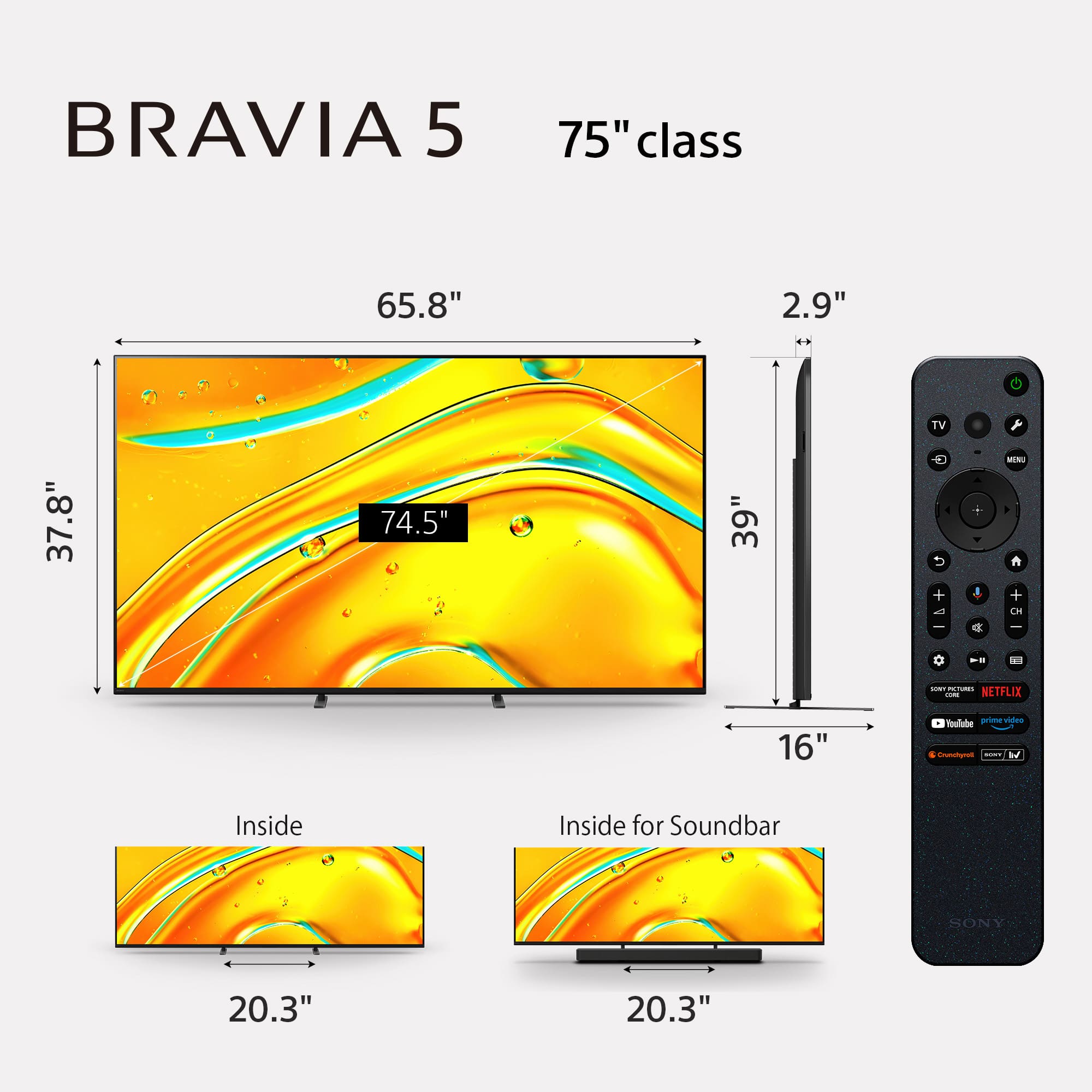
    • Answer Thank you for contacting Sony, webbenchjason. Yes, the BRAVIA 5 supports VESA wall mounting. It uses a standard 300 mm x 300 mm hole pattern. We appreciate your interest in Sony products. Should you require any further assistance, please don't hesitate to reach out for support here: https://us.esupport.sony.com/support/s/support-contact?language=en_US&category=tv Best regards, Gus, Sony North America Customer Support

      Answered by SonyListens

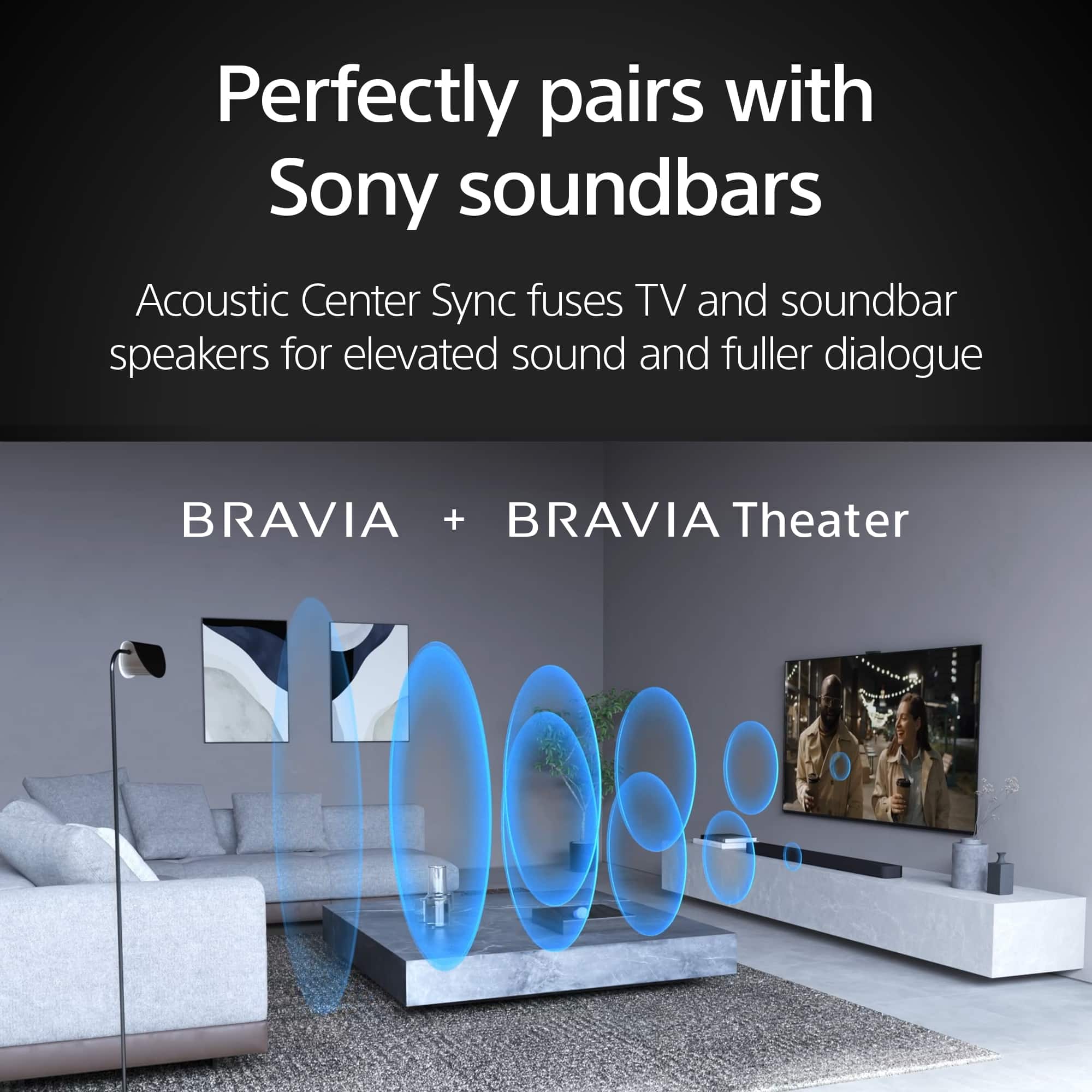
  • QuestionI have this and the Bravia theater 6 soundbar. After a week at times when I turn it on the soundbar just has a blue flashing light like it’s trying to pair. Does not happen every time. Also the TV at times has a yellow amber light that shows in the middle

    Asked by Snlmiles.

    • Answer Hi Snlmiles, It is great to hear you have paired the BRAVIA 5 with the BRAVIA Theater Bar 6. Both behaviors you are seeing are actually standard operational indicators rather than malfunctions, and they can be easily managed. Regarding the flashing blue light on your soundbar, this typically occurs if the Bar Speaker is connected to the TV via Bluetooth. The flashing blue light indicates that the connection with the Bluetooth device is currently in progress. Once the handshake is complete, the light should stabilize. For a full breakdown of what each light pattern means, you can visit our indicator guide here: https://helpguide.sony.net/ht/2088/v1/en/contents/005_Indicators_on_the_Master_Unit_2088.html As for the amber light on your BRAVIA 5, this appears when the TV is set to detect the "Hey Google" command via the built-in microphone. It serves as a visual cue that the voice assistant is active and ready to listen. If you prefer to turn this light off, you can do so by following these steps: Press the (Quick Settings) button on the remote control, then select [Settings] — [System] — [LED indicator], disable [Voice detection status]. This will turn off the amber operational response LED while allowing you to continue enjoying your TV. We hope you find this information helpful, and thanks for being part of the Sony family! Regards, Dominick

      Answered by SonyListens

  • QuestionCan I plug in Bose speakers into my tv

    Asked by AprilS.

    • Answer yes wireless and wired

      Answered by BrianY

  • QuestionHow to install the leg stand on Sony Bravia 75-inch TV? There are no clear steps in the instruction manual

    Asked by Anonymous.

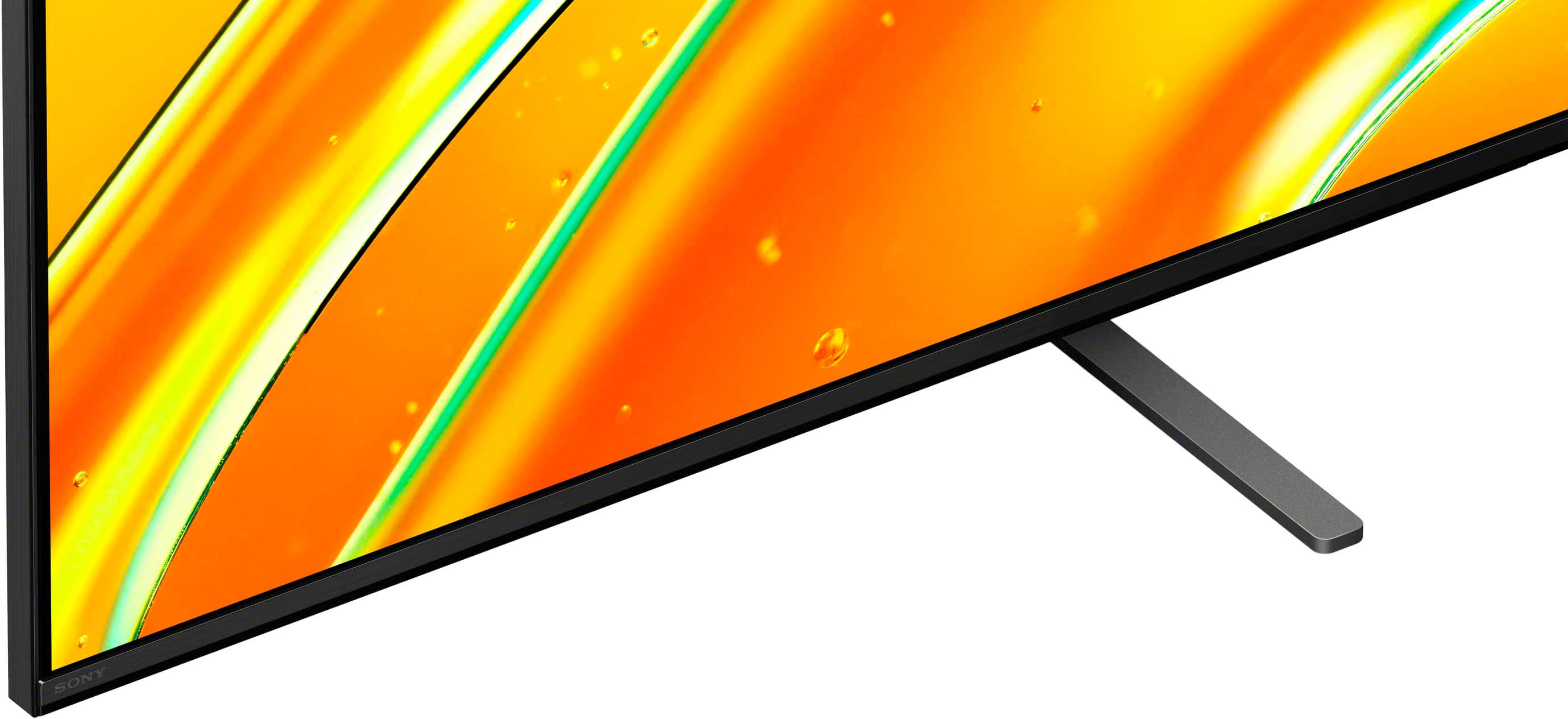
    • Answer Hi there, Thank you for your question! The detailed instructions for installing the legs on your TV are explained in Steps 4 and 5 of the included Setup Guide. You can view the digital version of the guide here: https://www.sony.com/electronics/support/res/manuals/5065/cfbcb692cd299903353099fb85ea78f0/50658331M.pdf If you require more personalized assistance to follow those steps, our dedicated technical support team would be happy to help you. You can contact them directly via this link: https://us.esupport.sony.com/support/s/support-contact?language=en_US&category=tv Thank you for considering Sony! Regards, Dominick

      Answered by SonyListens

  • QuestionDoes this tv work good with ps5

    Asked by Snoopy.

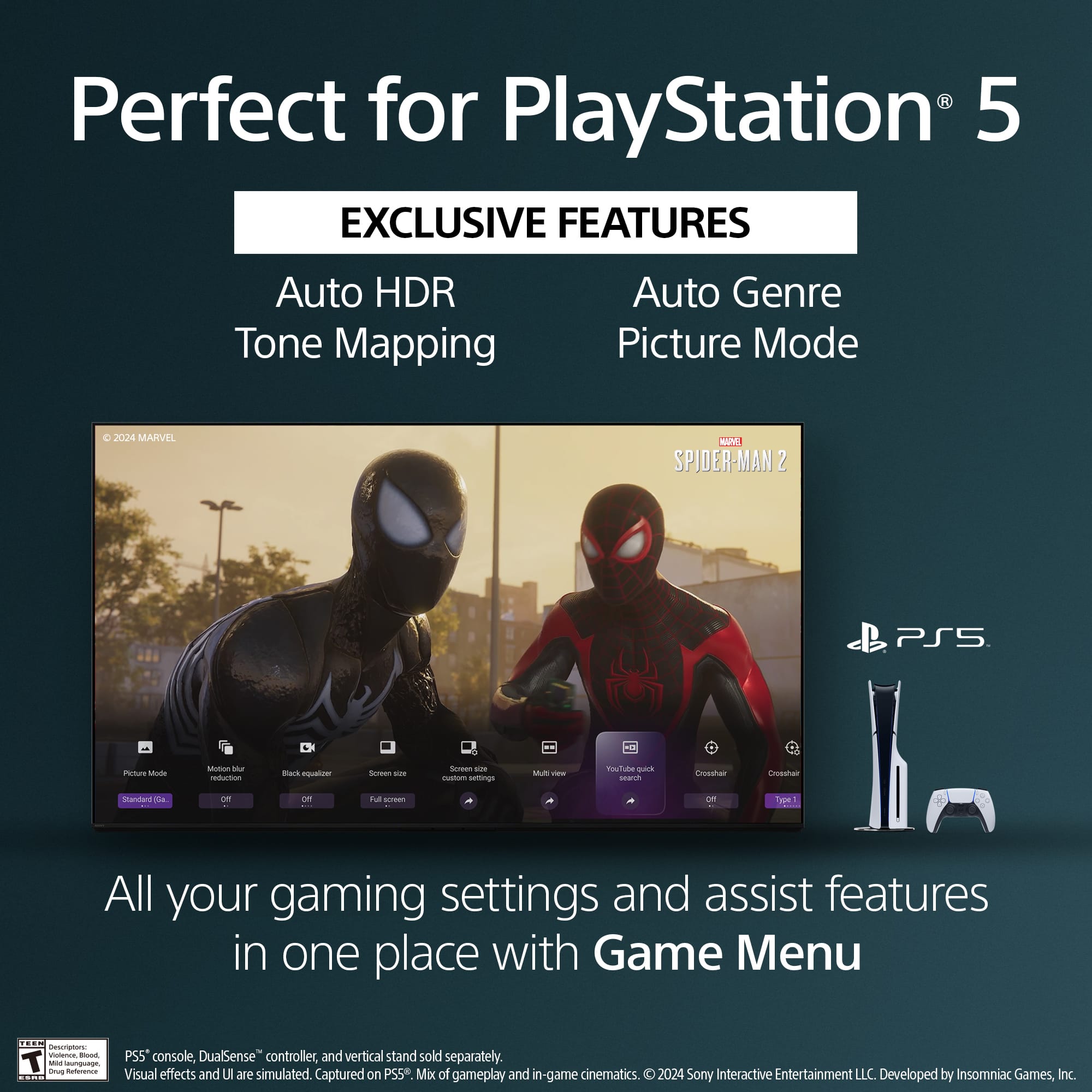
    • Answer Hi Snoopy, Yes, the Sony BRAVIA 5 Mini LED will work very well with the PS5. Thanks for choosing Sony. Best regards, Eliab

      Answered by SonyListens

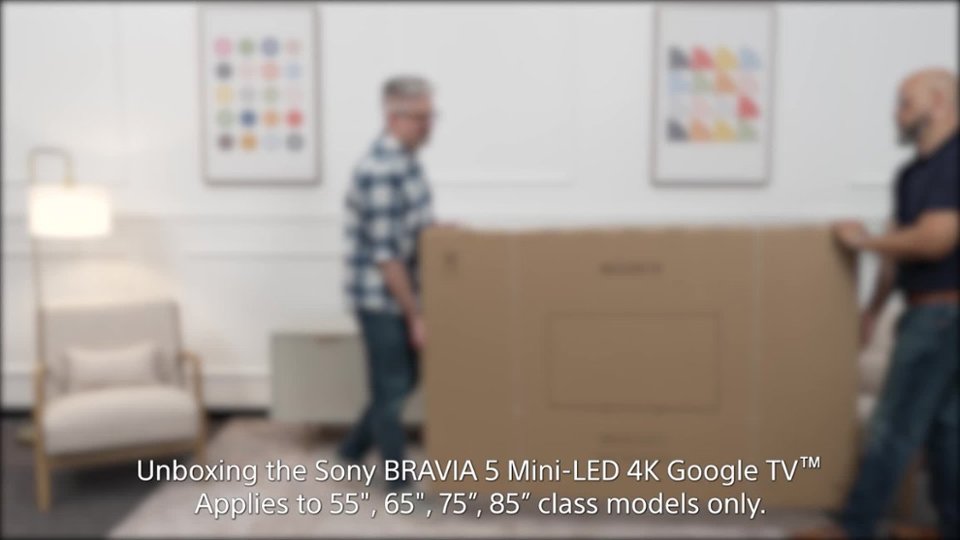
  • QuestionWhat are the dimensions of the box to determine what vehicle I need for pickup

    Asked by Sergio.

    • Answer 71" x 43 3/4" x 7"

      Answered by BryonT

  • QuestionDoes this screen use quantum dot tech?

    Asked by CommonSense.

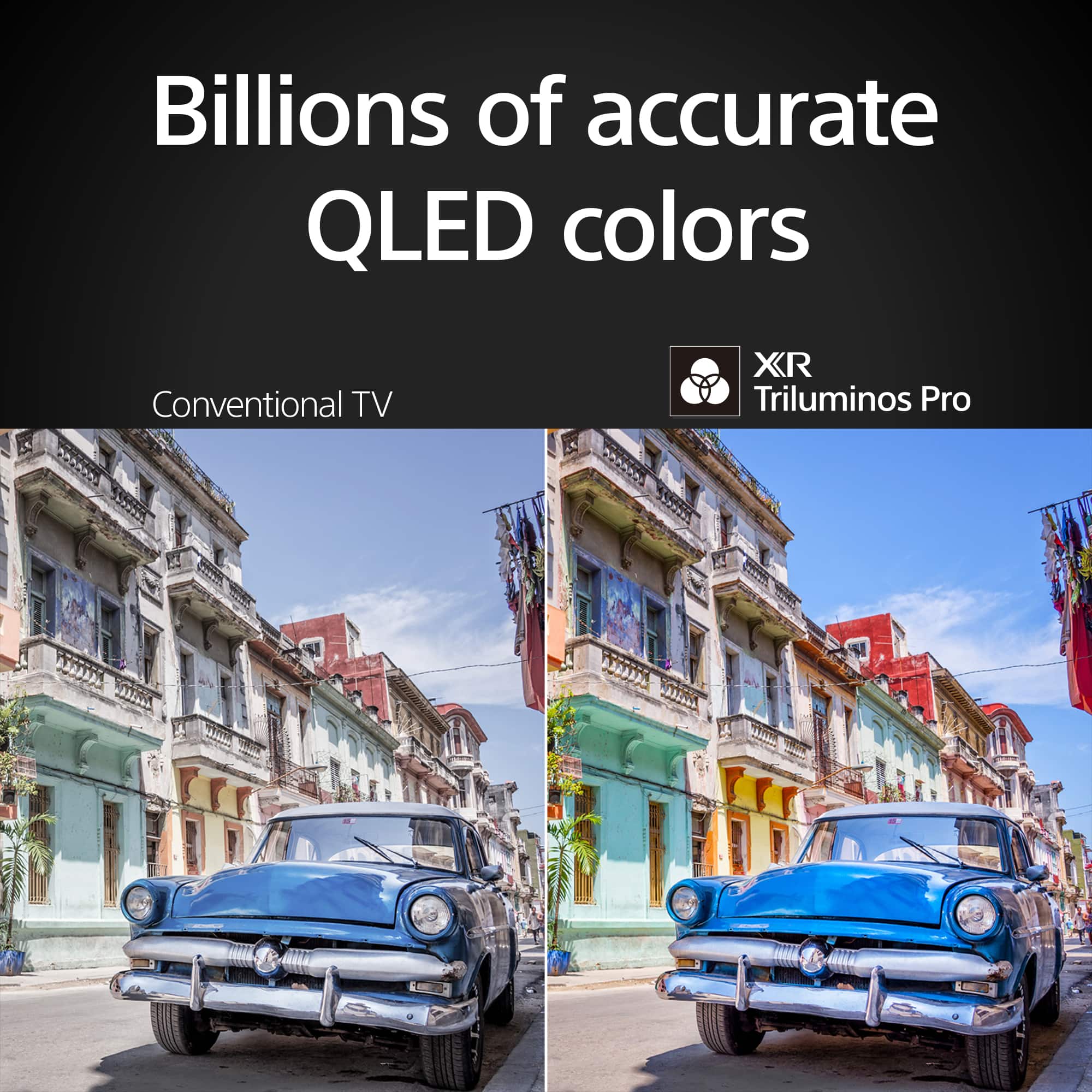
    • Answer Hi JaxMan, thank you for your question regarding the Sony - 75" Class BRAVIA 5! This model features a stunning Mini LED display, which delivers exceptional brightness and contrast. However it does not use Quantum Dot technology. If you're specifically looking for a Quantum Dot TV, we recommend checking out our A95L model (released in 2023) or the latest 2025 Sony - BRAVIA 8 II, they both include this technology. Thank you for considering Sony products! Best regards, -Dominick

      Answered by SonyListens









