Black Friday is hereShop new DoorbustersShop now

Main Content

Questions & Answers

Your price for this item is $256.99
Clearance
The comparable value price is $1,199.99
Page Showing 21-40 of 71 questions
  • QuestionIs this tv Bluetooth?

    Asked by Kurtis.

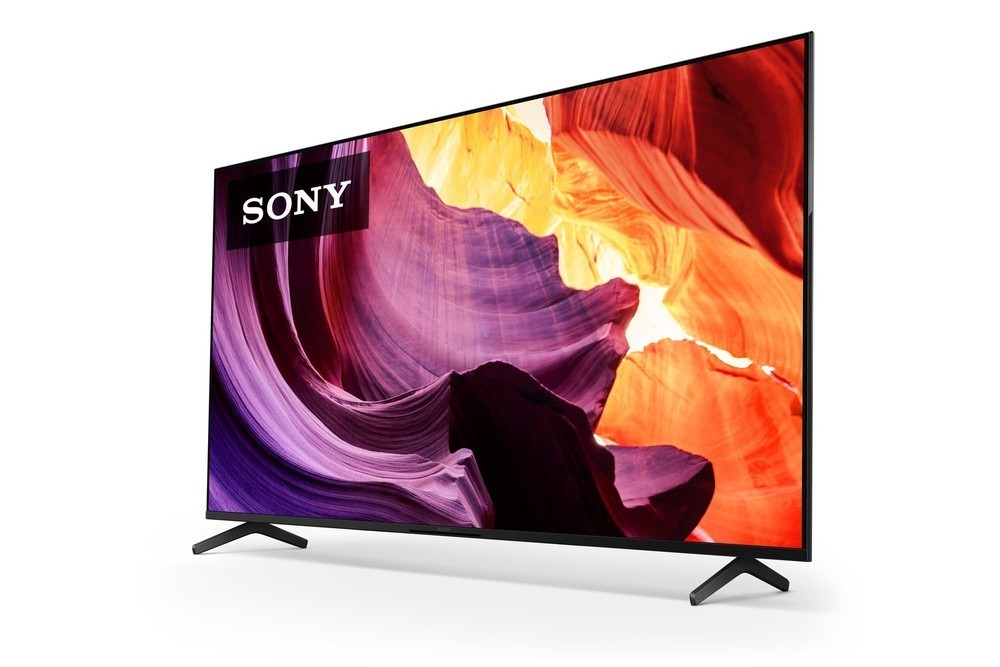
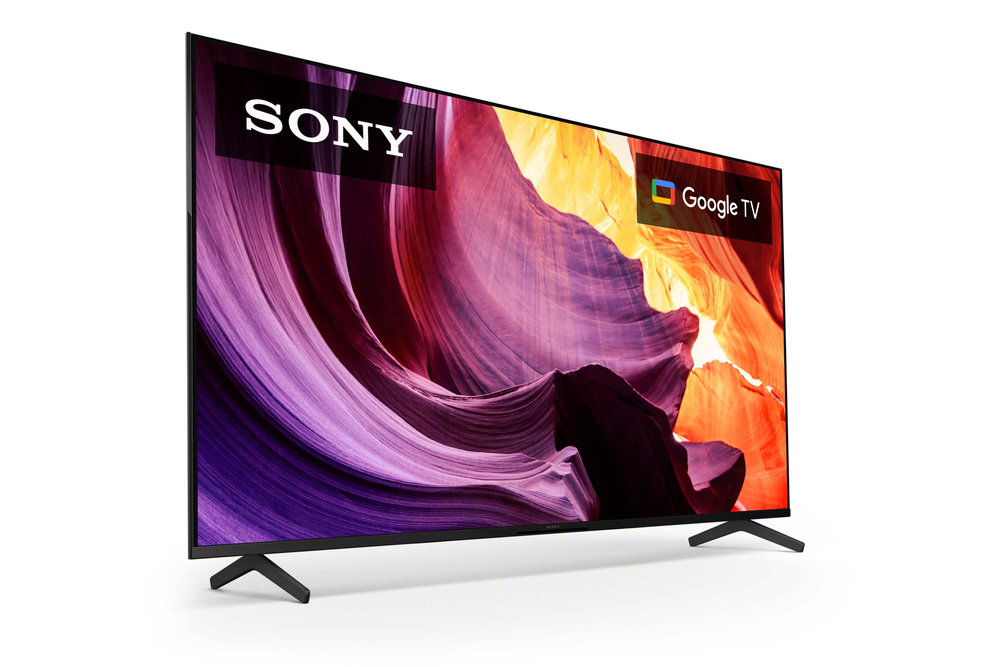
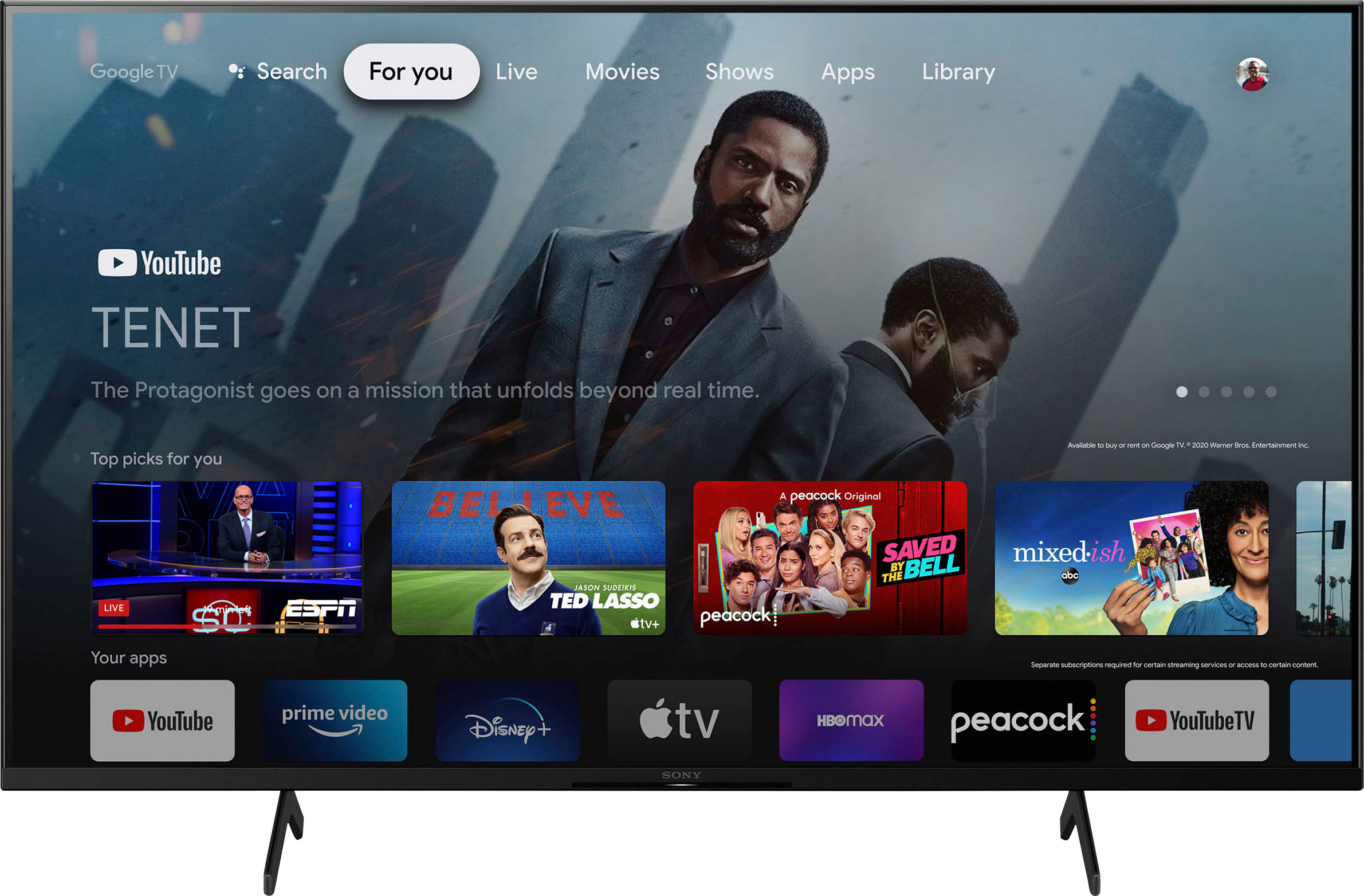
    • Answer Hi Kurtis, Thank you for your question. Great news! The X80K has Bluetooth capability. It supports the following Bluetooth profiles: HID (mouse/keyboard connectivity)/HOGP (Low Energy device connectivity)/SPP (Serial Port Profile)/Advanced Audio Distribution Profile (stereo audio) 1/AVRCP (AV remote control). Enjoy an intuitive smart TV experience with natural color and clear sound with the BRAVIA X80K LED TV. The powerful 4K HDR Processor X1 reduces digital noise and boosts details for lifelike picture quality. Google TV gives you access to all your favorite streaming apps, while Google Assistant easily searches for content and controls your smart home simply by using your voice. -Ralph

      Answered by SonyListens

  • QuestionCan the Peacock app be downloaded on the TV? Also why do i go to get new apps? fyi - just got the TV

    Asked by JASON.

    • Answer Yes

      Answered by STANIMAL

  • QuestionDoes this tv have the hulu app on it?

    Asked by Mark.

    • Answer Hi Mark, Thank you for your question. Great news! The Hulu app (which supports both on-demand and live content streaming) is supported by the TV. You can also download more apps through the built-in Google Play Store of the TV. Enjoy an intuitive smart TV experience with natural color and clear sound with the BRAVIA X80K LED TV. The powerful 4K HDR Processor X1 reduces digital noise and boosts details for lifelike picture quality. Google TV gives you access to all your favorite streaming apps, while Google Assistant easily searches for content and controls your smart home simply by using your voice. -Ralph

      Answered by SonyListens

  • QuestionIs this model a bravia as well?

    Asked by JT.

    • Answer Hi JT, Thank you for your question. Great news! The X80K is a Sony BRAVIA TV. Enjoy an intuitive smart TV experience with natural color and clear sound with the BRAVIA X80K LED TV. The powerful 4K HDR Processor X1 reduces digital noise and boosts details for lifelike picture quality. Google TV gives you access to all your favorite streaming apps, while Google Assistant easily searches for content and controls your smart home simply by using your voice. -Ralph

      Answered by SonyListens

  • QuestionDoes this model have EARC?

    Asked by Walt.

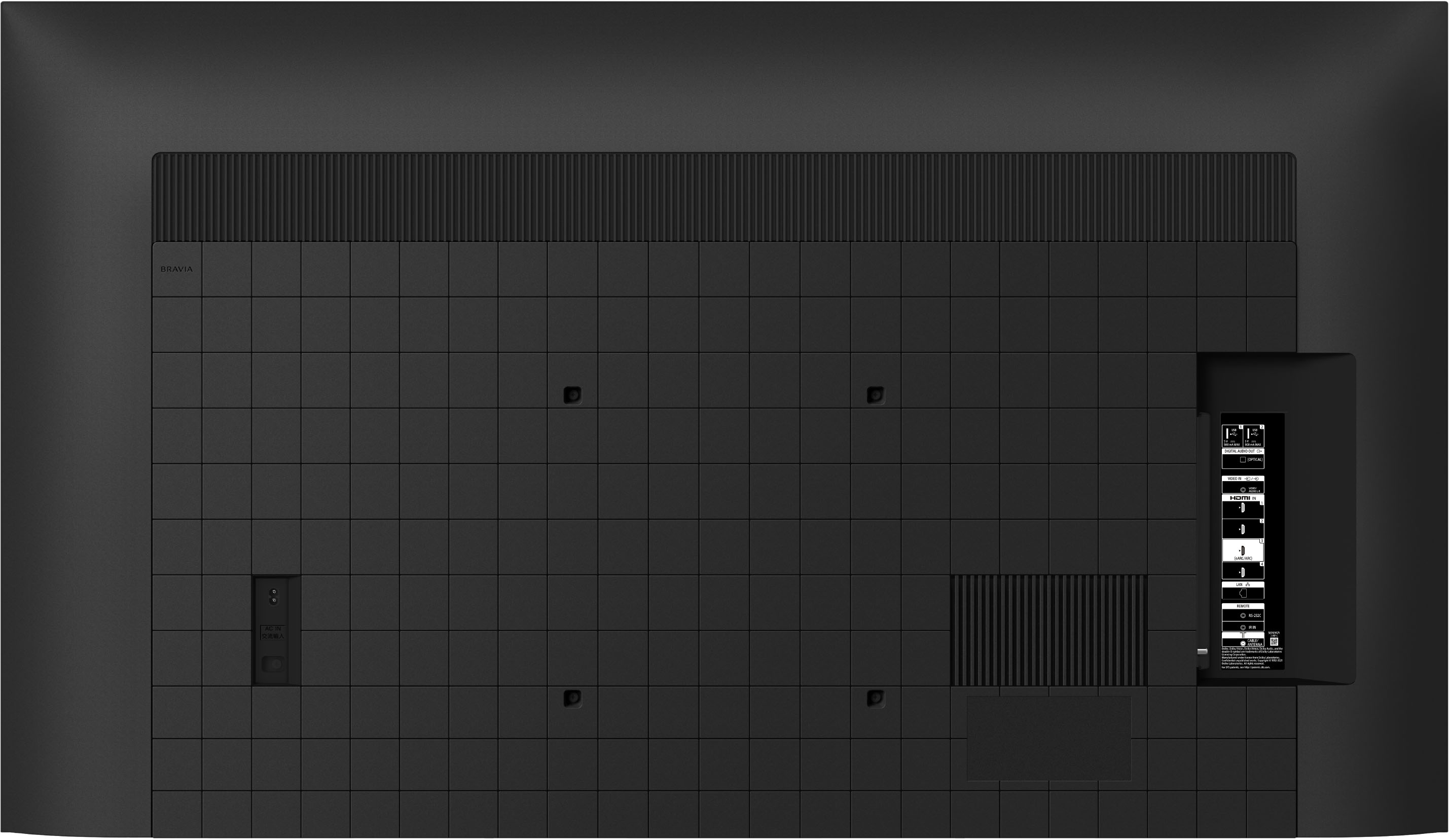
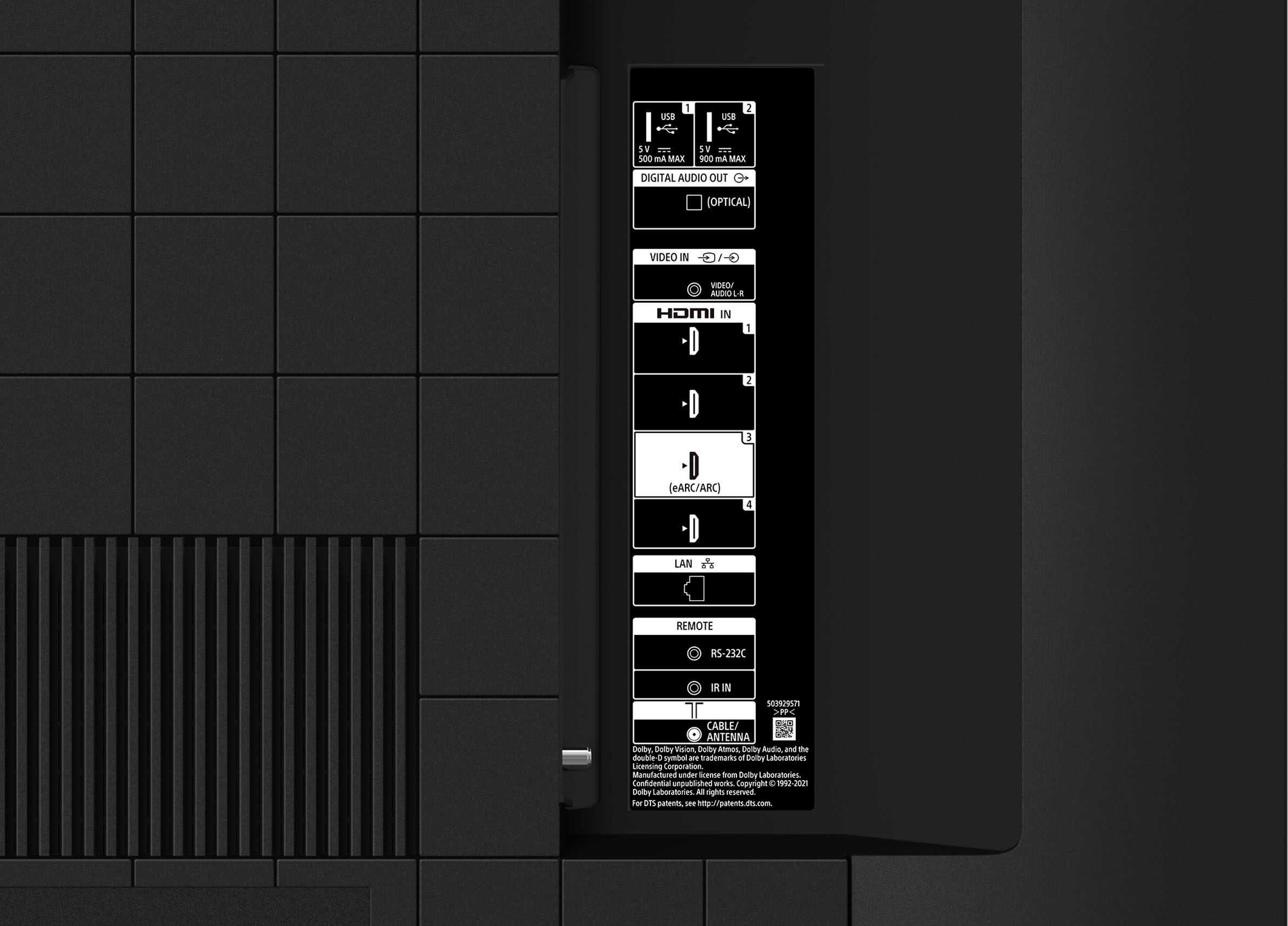
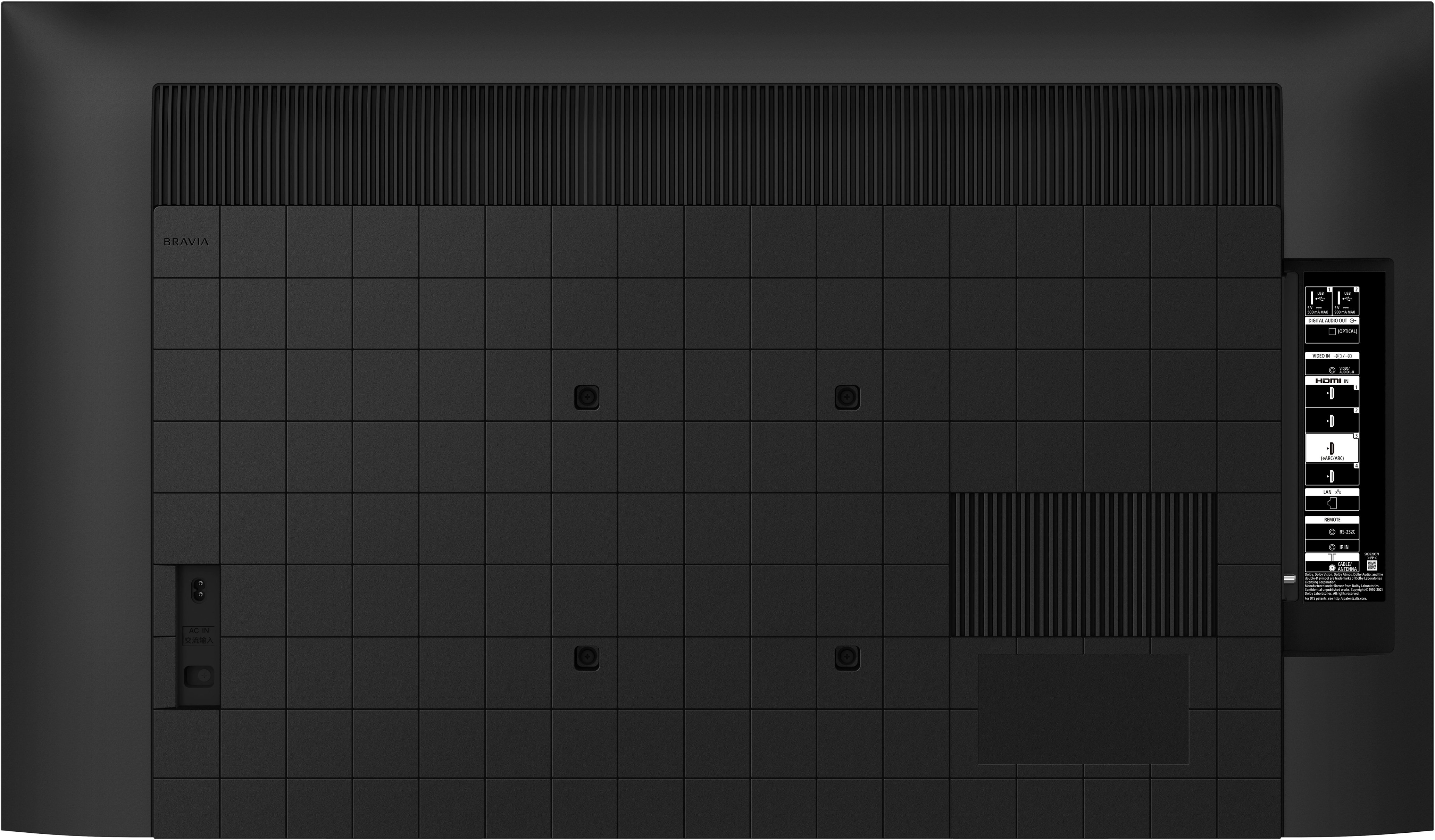
    • Answer Hi Walt, Thank you for your question. Great news! The TV has HDMI eARC/ARC (HDMI 3). Enjoy an intuitive smart TV experience with natural color and clear sound with the BRAVIA X80K LED TV. The powerful 4K HDR Processor X1 reduces digital noise and boosts details for lifelike picture quality. Google TV gives you access to all your favorite streaming apps, while Google Assistant easily searches for content and controls your smart home simply by using your voice. -Ralph

      Answered by SonyListens

  • Questionwhat is the difference between TV's that are either: Smart TV With Google TV or Fire TV or Roku TV?

    Asked by pm.

    • Answer Each of these operating systems presents a different front page to the user with different functions and ways to access programs and features. If you have a Roku box and like it, then a Roku OS may be for you. If instead you have an Amazon Fire Stick, you may prefer a TV with that OS. Also, the different OS work with different home control systems, so if you prefer Siri or Alexa, that may influence your choice.

      Answered by DavidM

  • QuestionCan Roku app be installed on TV?

    Asked by Michael.

    • Answer Hi Michael, Thank you for your question. Unfortunately, the Roku app is currently not available on the X80K TV. However, you may connect a Roku streaming device to one of the HDMI ports of the TV or cast your favorite apps from your mobile device to the TV. You can also enjoy the built-in streaming apps such as Netflix, Apple TV+, Prime Video, YouTube, etc. and download additional apps through Google Play store on this TV. Enjoy an intuitive smart TV experience with natural color and clear sound with the BRAVIA X80K LED TV. The powerful 4K HDR Processor X1 reduces digital noise and boosts details for lifelike picture quality. Google TV gives you access to all your favorite streaming apps, while Google Assistant easily searches for content and controls your smart home simply by using your voice. -Ralph

      Answered by SonyListens

  • Questiondoes it have built in dvd player and dolby

    Asked by tony.

    • Answer No

      Answered by RobertB

  • Questionwhat is the refresh rate?

    Asked by LJK76.

    • Answer Hi LJK76, Thank you for your question. The X80K TV has a 60 Hz panel refresh rate. Enjoy an intuitive smart TV experience with natural color and clear sound with the BRAVIA X80K LED TV. The powerful 4K HDR Processor X1 reduces digital noise and boosts details for lifelike picture quality. Google TV gives you access to all your favorite streaming apps, while Google Assistant easily searches for content and controls your smart home simply by using your voice. -Ralph

      Answered by SonyListens

  • QuestionWhat is the length between the two feet the tv sits on. Want to make sure it fits in my entertainment center. Thank you.

    Asked by Aggie.

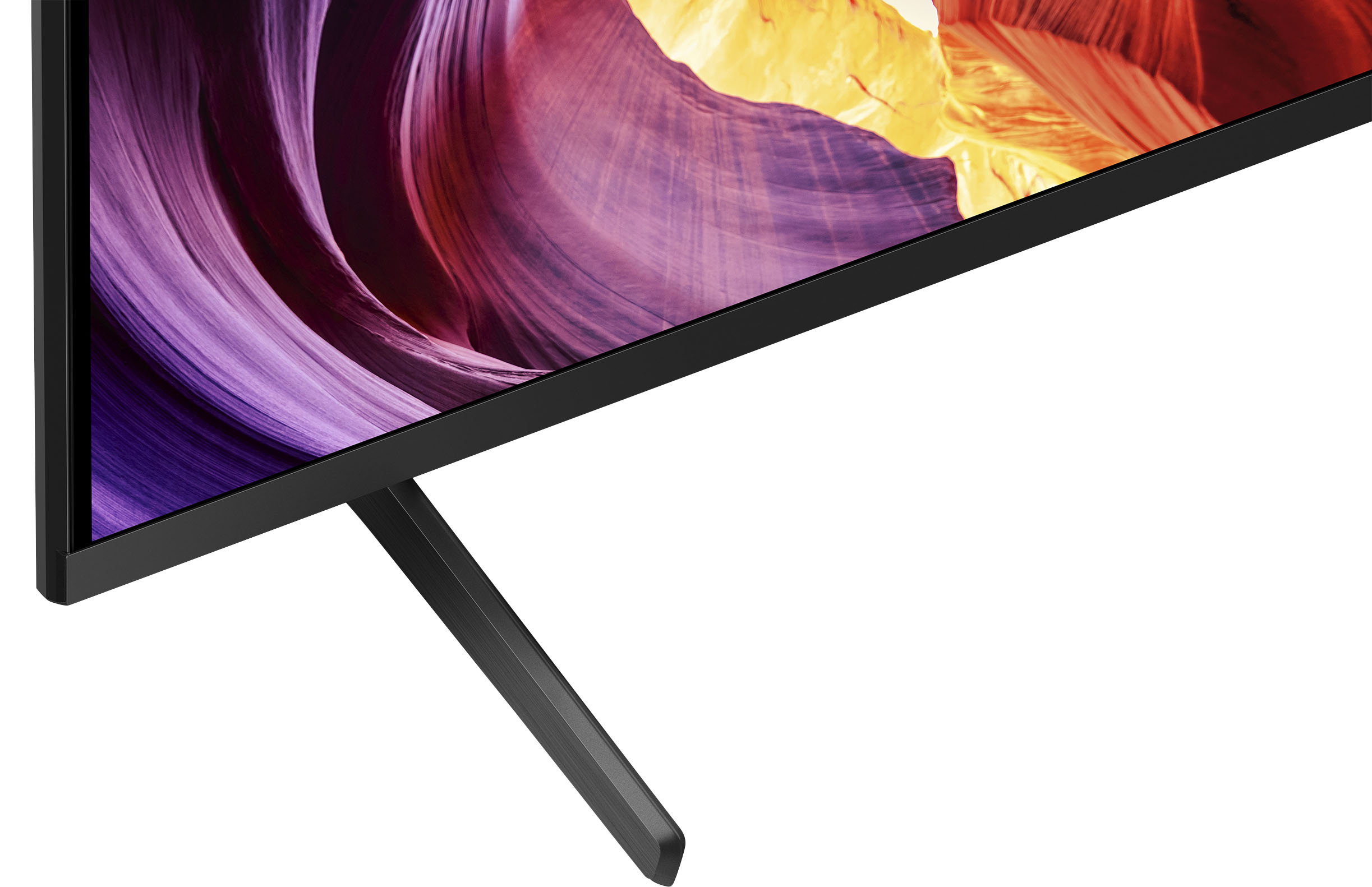
    • Answer Hi Aggie, Thank you for your question. The width of the stand measures 52 3/8 inches (1330 mm) (outer) and 51 5/8 inches (1309 mm) (inner). The depth is 16 1/4 inches (411.4 mm). Enjoy an intuitive smart TV experience with natural color and clear sound with the BRAVIA X80K LED TV. The powerful 4K HDR Processor X1 reduces digital noise and boosts details for lifelike picture quality. Google TV gives you access to all your favorite streaming apps, while Google Assistant easily searches for content and controls your smart home simply by using your voice. -Ralph

      Answered by SonyListens

  • QuestionDo all HDMI ports support full 4K HDR? I have a TV now that has 4 HDMI ports and only 1 supports 4K HDR and it is faulty now, so shopping for new TV.

    Asked by EZ.

    • Answer Hi EZ, Thank you for your question. All 4 HDMI ports support HDR and 4K picture with Enhanced format. Features specified in HDMI 2.1 (eARC/ALLM) are supported on HDMI 3 and 4. Enjoy an intuitive smart TV experience with natural color and clear sound with the BRAVIA X80K LED TV. The powerful 4K HDR Processor X1 reduces digital noise and boosts details for lifelike picture quality. Google TV gives you access to all your favorite streaming apps, while Google Assistant easily searches for content and controls your smart home simply by using your voice. -Ralph

      Answered by SonyListens

  • QuestionIf purchased would it be possible to have it delivered, set-up and the old TV removed, this would be a wall mount.

    Asked by Rastg.

    • Answer Yes, the old tv was removed and the geek squad installed without a mess. A great job installing.

      Answered by JaneP

  • QuestionWhere do I locate the App Store ? Looking to download the MLB app ?

    Asked by Dmann123.

    • Answer Mlb.com. 180 for the season block outs apply.

      Answered by RobertB

  • QuestionDo you a sound bar with sonny 75 tv

    Asked by Anonymous.

    • Answer Up 2 u no need 4one

      Answered by RobertB

  • QuestionDoes this tv have protection for an extremely humid room?

    Asked by Skirat.

    • Answer Hi Skirat, Thanks for your inquiry. Unfortunately, the BRAVIA X80K does not feature X-Protection PRO, which safeguards your TV against dust, humidity, lightning and surges. The TV is designed with slots and openings for necessary ventilation to ensure reliable operation of the TV. We recommend to use the TV with temperatures between 0 ºC – 40 ºC / 32 ºF - 104 ºF. Also, please make sure to check the following: -Do not install the TV in hot, humid, excessively dusty places or in areas with oily smoke or steam (e.g., near a stove or humidifier). -Ensure your TV has adequate ventilation, refer to the safety documentation. -Do not place anything or block the ventilation holes of the TV. Regards, Jess
      Answered by SonyListens

  • QuestionMy sound keeps going off along with the cc. The frequency is increasing, any idea what it could be? I have an older Bravia upstairs and never had an issue. Every so often (couple times a year, tv will make a loud sound (like tornado siren) then turns on

    Asked by Fish.

    • Answer Under warranty call get a new tv asap

      Answered by RobertB

  • QuestionCan you connect a laptop wirelessly to this TV?

    Asked by TVShopper.

    • Answer Hi TVShopper, Thanks for the question. Good news! Yes, you can cast your favorite entertainment and apps from your computer to your Google TV device. For instructions, refer to the manual of the TV. Everything feels so real on this 4K Google TV with over a billion colors, excellent contrast, and effortless voice control. Regards, Jess

      Answered by SonyListens

  • Questionwhat is the actual width of the 75" TV...not diagonal but true width from edge to edge?

    Asked by Ace.

    • Answer 65 3/4 inches You can use the Pythagorean theorem to calculate the height.

      Answered by PatriciaH

  • QuestionCan I use the Apple plus tv app on the sony tv?

    Asked by Nick.

    • Answer Yes you are able to down load any apps you like

      Answered by GabrielR

  • QuestionWhat are the horizontal and vertical measurements of the 75” TV?

    Asked by OregonRain.

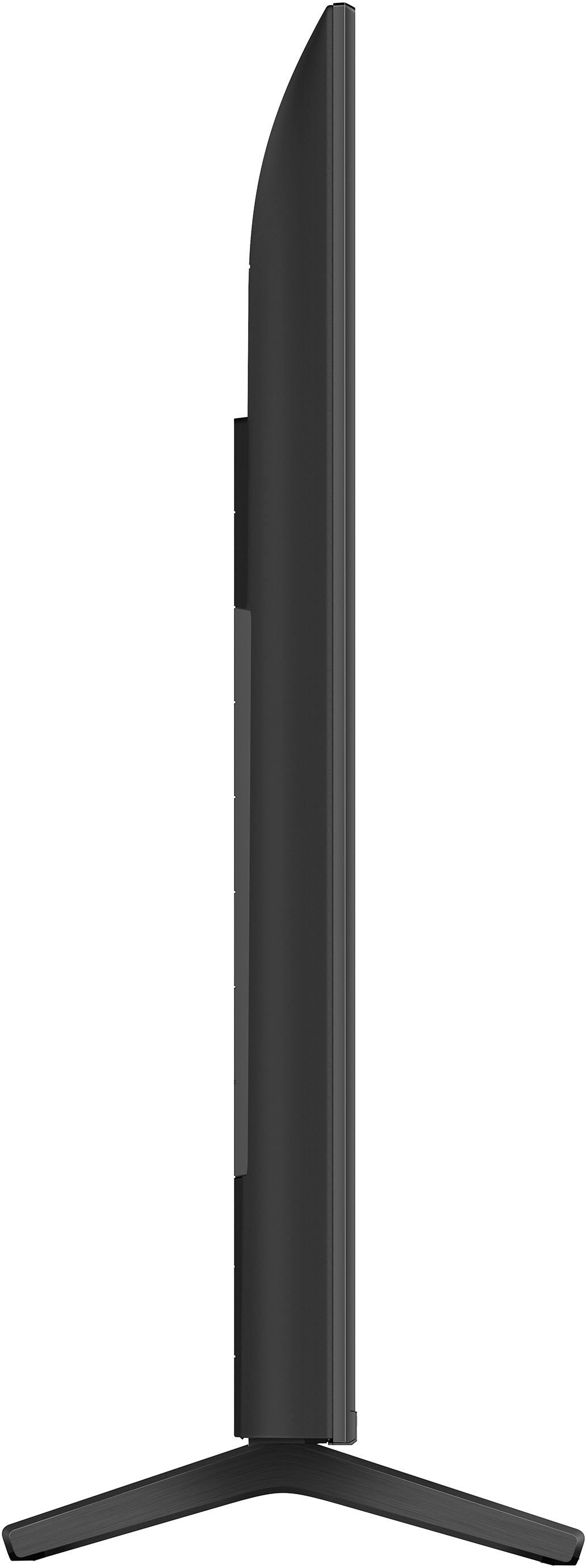
    • Answer Hi OregonRain, Thank you for your interest in the KD-75X80K. The height of the TV without the TV stand is approx. 37.88 inch (962 mm) while the distance from left to right or screen width of the TV is approx. 66 inch (1,675 mm). For your reference, please check the approximate dimensions of this TV below: Dimension of TV without Stand (W x H x D): 66 x 37.88 x 2.88 inches (1,675 x 962 x 73 mm) Dimension of TV with Stand (Standard Position) (W x H x D): 66 x 41 x 16.25 inches (1,675 x 1,040 x 410 mm) For more information about the product dimensions of this 75" X80K, visit the link below. https://www.sony.com/electronics/support/televisions-projectors-lcd-tvs-android-/kd-75x80k/articles/00286216 Regards, Jess

      Answered by SonyListens