Black Friday is hereNew Doorbusters added. Ends 11/29.Shop now

Main Content

Questions & Answers

Highly rated by customers for:
Your price for this item is $399.99
Clearance
The comparable value price is $1,999.99
Page Showing 1-20 of 96 questions
  • QuestionDoes it have hdmi2.1

    Asked by Rico.

    • Answer Upon doing a lot of reviews. The 950h WILL NOT HAVE HDMI 2.1 but this model 900H will. This will future proof you if you (like me ) plan to..

      Answered by TVHead

  • QuestionDoes this TV have the X-wide angle viewing on the 75 in. model?

    Asked by Scott.

    • Answer None of the 900H sizes have the X-wide angle filter/layer that the 950H series has, but the 900H does result in having a higher contrast ratio vs the 950H (the X-wide layer reduces overall contast and can cause a rainbow effect in reflictions when the TV is off). I have the 75inch 900H and am perfectly satisfied with the viewing angle; I have loveseats on the side of the room that are at least a 45-55 degree angle and the vieiwing is fine for my family. I'd recomend looking at one in the store to see if it meets your specfic needs. Viewing angle was my largest pre-buy concern until I saw it in person and realized it was totally acceptable.

      Answered by RPro

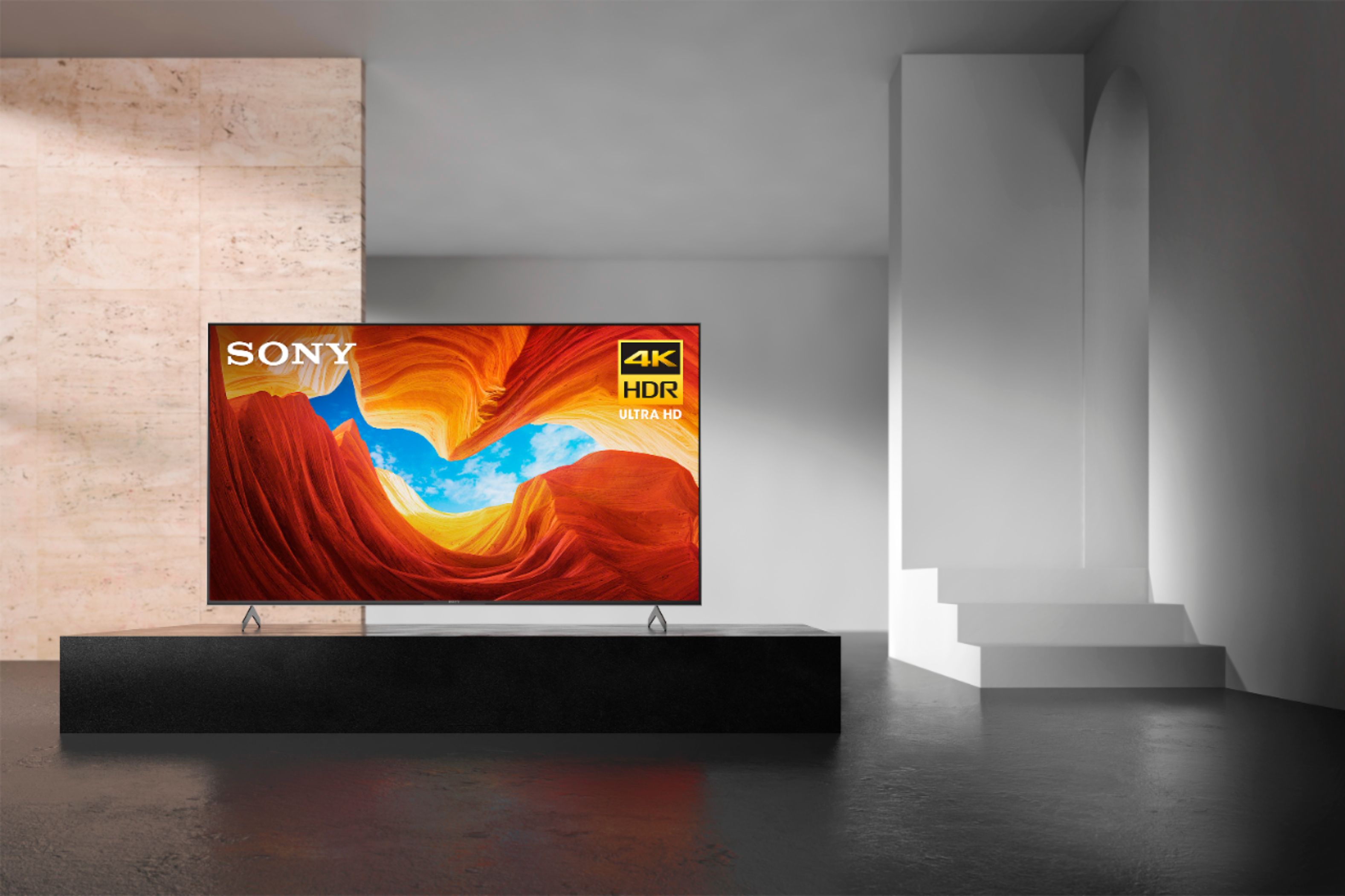
  • QuestionHow far apart are the leg stands...Also are the legs adjustable? Thanks Mitch

    Asked by Anonymous.

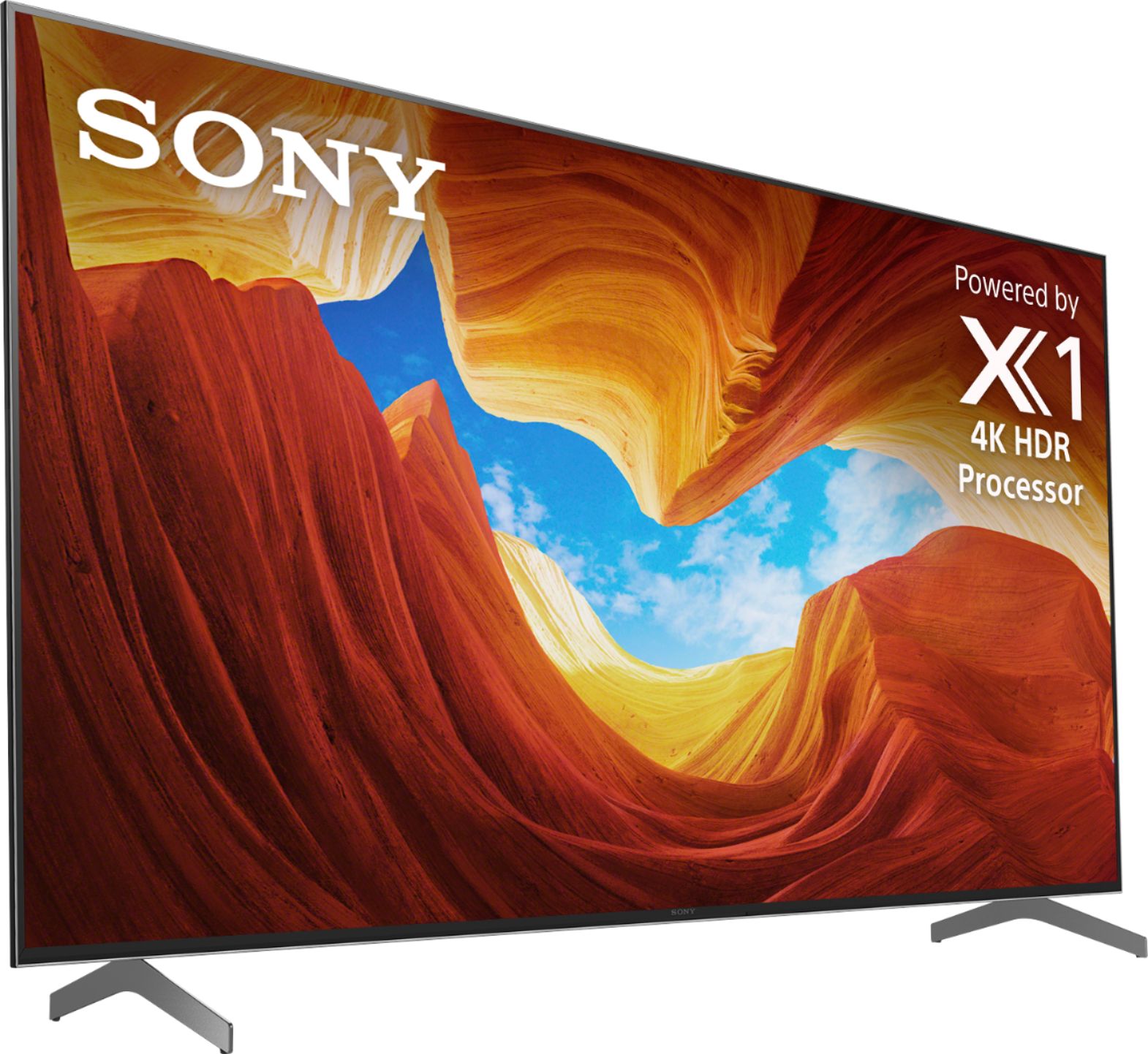
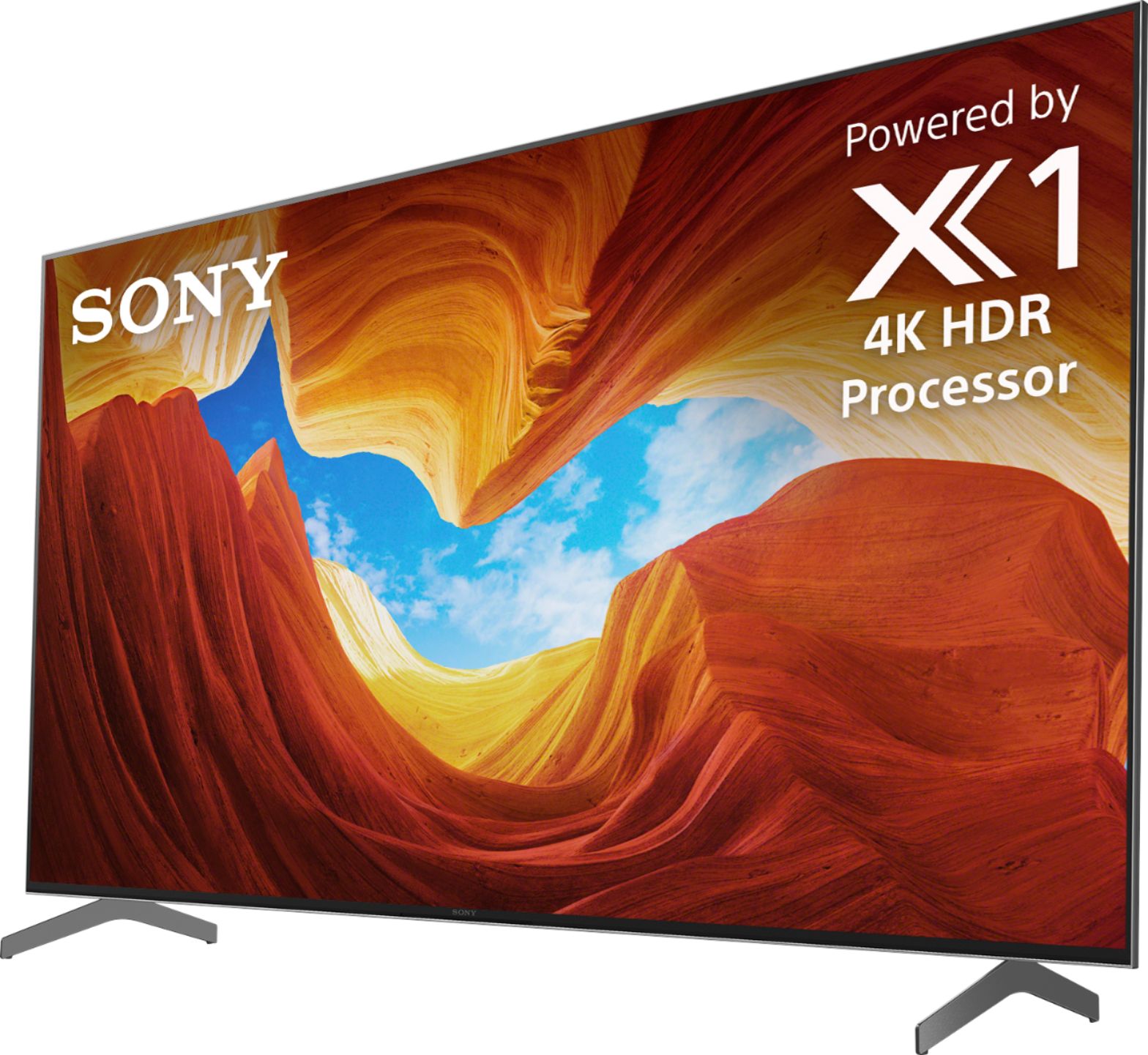
    • Answer Sony’s website states the stand width is approx. 52 1/8” for the 75” model. The legs are not adjustable on the 900H.

      Answered by Anonymous

  • QuestionWill this support hdmi 2.1 on more then one port? Say I want to connect an Xbox Series X and a PS5 for 4Kx120 gaming?

    Asked by Matthew.

    • Answer Hi Matthew, Thank you so much for your inquiry! These will be supported on HDMI Input 3 and 4. We have already released an update that adds support for eARC(Enhanced Audio Return Channel) and for the 4K 120Hz signal format to allow for PlayStation®️5 compatibility. Variable Refresh Rate (VRR) and Auto Low Latency Mode (ALLM) will be added via a future firmware update. I hope this helps! Thanks! - Romeo

      Answered by SonyListens

  • QuestionDoes this tv have the capability to do screen mirroring with a laptop that has an operating system of Windows 10?

    Asked by Lizzy.

    • Answer Yes, this model has the ability to do screen mirroring.

      Answered by CommunityAnswer

  • QuestionDoes this support Dolby Atmos? I don't see mention of this in the specs.

    Asked by DC.

    • Answer Surround Sound Supported DTS Digital Surround, Dolby Atmos, Dolby Audio

      Answered by LA1401

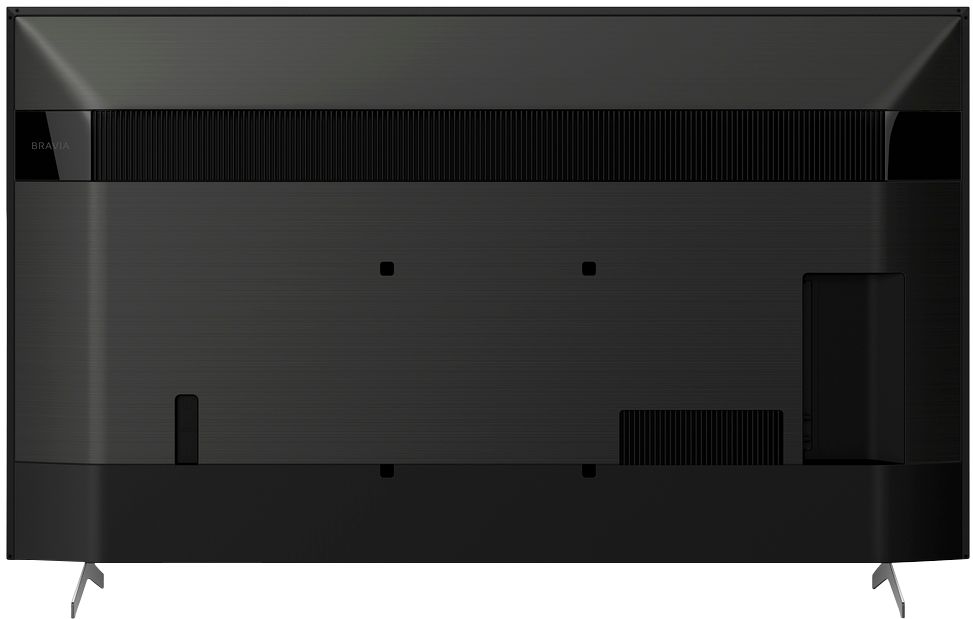
  • QuestionDoes anyone know what the distance from the bottom mounting holes to the bottom of the TV is?

    Asked by Tyronol.

    • Answer Hi Tyronol, Thank you so much for your inquiry in our one of the best TV in the market X900H Full Array LED 4K Ultra HD Android TV! The 75" X900H has a distance of approx. 141.1mm (5 1/2 inches) from the bottom mounting holes to the bottom of the TV. I hope this helps! Thanks again for considering Sony! - Romeo

      Answered by SonyListens

  • QuestionWhen is this TV is going to be available Can I pre-ordered it

    Asked by Rico.

    • Answer The release date keeps slipping. As of May 15th, 2020, the forums are reporting dates ranging from June 8th to June 15th. But not for the 75-inch version; only for the other three sizes. The 75 will come later; how much later is not known. The hold-up for all sizes apparently is testing on the ATSC 3.0 digital tuner. Probably the coronavirus has affected manufacturing and distribution, as well.

      Answered by MarylandUSA

  • QuestionI have a TV stand that is 70" long and 16" wide. Will this Sony 75" TV fit on this size TV stand?

    Asked by JohnnyV.

    • Answer 70" is wider than the TV, but the leg depth is 16.25" which will probably cut it too close

      Answered by Joel

  • QuestionWhat is X-Motion Clarity? How does it relate to 240 motion or other motion standards?

    Asked by Speedy.

    • Answer X-Motion Clarity is Sony’s “upscaling” motion technology. Although the tv has a native 120hz refresh rate, the motion technology pushes that to the next level. What separates X-Motion Clarity from other brands’ motion technology (like Samsung and LG) is brightness. When a tv is adjusting to high motion, it consumes more power and thus dims the tv. Sony released X-Motion Clarity for most of their 2020 “H” models and it is capable of adjusting to high motion AND keep its brightness.

      Answered by Kobie

  • QuestionAnybody have any idea why my 1080p looks so bad? Any 4K I throw at it looks amazing, but 1080 looks terrible. ie, xfinity tv, Apple TV (non 4K), etc. I feel like I must be missing something obvious but can’t figure it out.

    Asked by TV.

    • Answer Hi TV, Thank you for bringing this to our attention and we are sorry for the inconvenience. Picture quality may also depend on the signal and content. This issue can be fixed by changing the picture settings according to your preferences. You may check out this link for more information https://helpguide.sony.net/tv/husltn2/v1/en-003/01-03-09_01.html?hl=picture+quality. To get the most out of your X900H, we recommend updating its firmware to the latest version (v6.0414). The software includes key features, applications, bug fixes, and feature improvements. For more information, please visit https://www.sony.com/electronics/support/televisions-projectors-lcd-tvs-android-/xbr-75x900h/downloads. We want to make sure you’re taken care of and help check on your TV.   May we contact you directly to assist you?  If so, please email the below information to [email protected]. Apologies if you disclosed some of this information in your review and to customer service, we just want to ensure that we have your accurate details at the time of communication.   Full Name: Best Buy Username: Telephone Number: Sony TV Model Number: Additional Information regarding your experience with the X900H:    We value you being a Sony customer. Sorry for the inconvenience and hope to speak directly to try to resolve this matter.   Thank you for letting us help assist you.   Sincerely, Romeo

      Answered by SonyListens

  • QuestionDoes this have audio settings for VARIABLE AUDIO OUTPUT so the TV remote controls the volume/mute when audio is going through an amp or powered speakers?

    Asked by MarkSaMo.

    • Answer Hi MarkSaMo, thank you so much for your inquiry. Unfortunately, the XBR75X900H doesn't have FIXED or VARIABLE audio output settings. However, this TV features the BRAVIA Sync function which allows you to control your audio system with the TV's remote control when connected via an HDMI cable. For more information, please visit https://helpguide.sony.net/tv/husltn2/v1/en-003/04-07_02.html. I hope this helps! Thanks! - Romeo Thank you, Romeo Sony Social Media Team

      Answered by SonyListens

  • QuestionI have a 65 inch Sony on a wall mount, will the 75 inch be able to use the same mount?

    Asked by Leon.

    • Answer The mounts are made to hold ranges of sizes. I don't know exact numbers but the one ours is on is for 65" and up. And we have a 75" tv. I think the range before it is 45" to 64" so if your 65" was properly mounted on a mount for 65" and larger you will be good. Hope this is helpful!

      Answered by Ziggy67

  • QuestionWhere do I find the dimensions of the TV's?

    Asked by bubbathegreek.

    • Answer Hi bubbathegreek, Thank you so much for your inquiry! This information is listed on the TV's specifications. You may refer to this link for more details: https://www.sony.com/electronics/support/televisions-projectors-lcd-tvs-android-/xbr-75x900h/specifications. I hope this helps! Thanks! - Romeo

      Answered by SonyListens

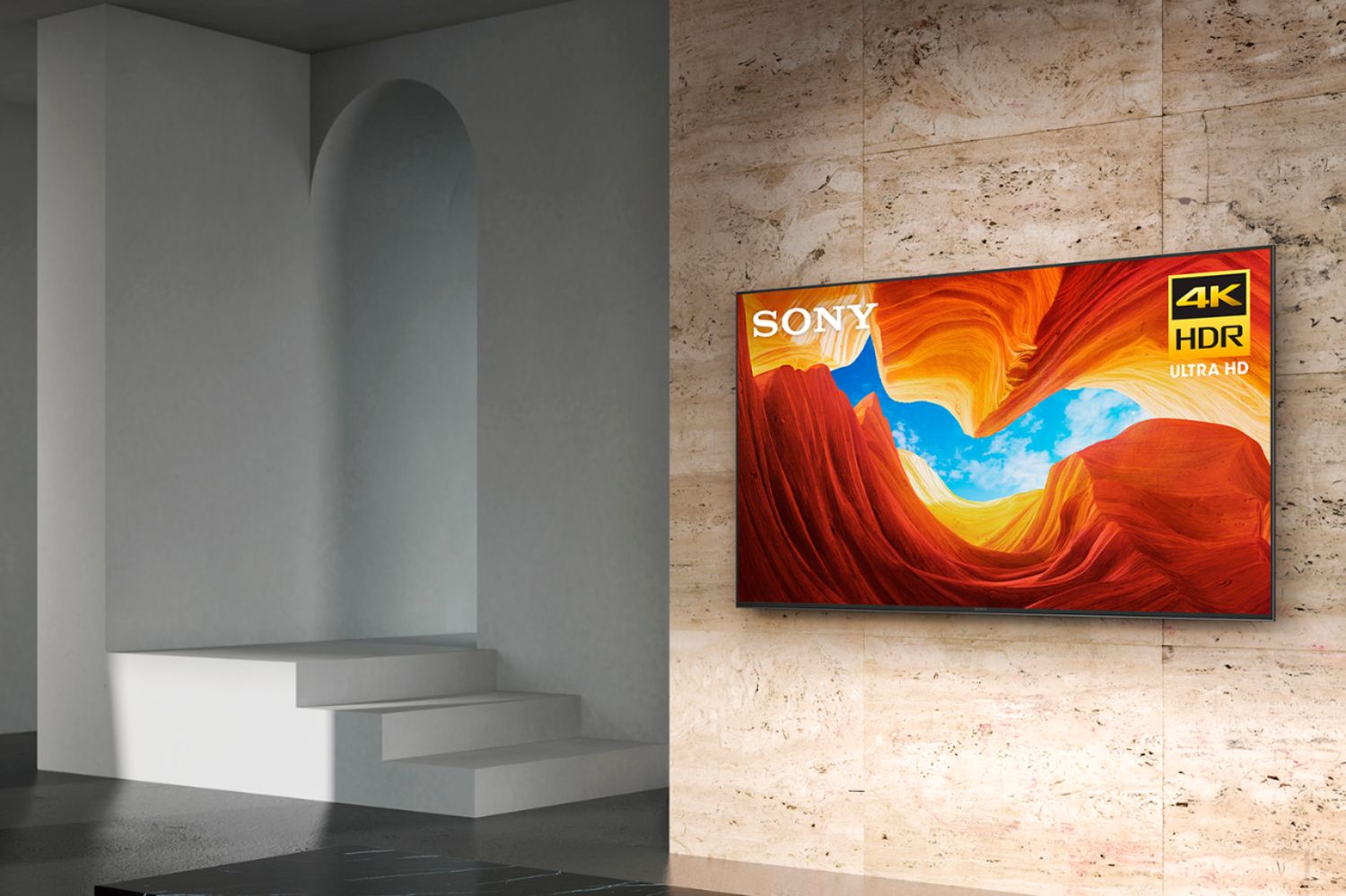
  • QuestionDoes this Sony TV support wall mounting and what hardware is needed for that

    Asked by Amy.

    • Answer I mounted mine on the same existing 8 year old wall mount I used on my previous T.V.

      Answered by Chris

  • QuestionI have a PS5 and plan on getting an Xbox Series X. This TV has two hdmi 2.1 ports with 4k@120hz on ports 3 and 4. Earc is also on port 3. Can I use earc on port 3 with a sound bar and also my ps5 on port 3 running 4k@120 at same time?

    Asked by Matthew.

    • Answer Hi Matthew, Thank you so much for your inquiry. We are not sure what brand/model of soundbar you have, however, if your soundbar supports 4K 120 Hz timing, yes, you can connect your PlayStation5 to the input of your soundbar and pass it through the HDMI 3 eARC port of the X900H for 4K 120 Hz timing (available via a firmware update). I hope this helps! Thanks again for considering Sony! - Romeo

      Answered by SonyListens

  • Questionother than price what is the difference between the 75 inch x900h and the 75 inch x950 h?

    Asked by POD84.

    • Answer Hi POD84, Thank you so much for your inquiry. Here are the key features of each model: The 75X950H supports Picture Processor X1™ Ultimate (Sony’s most advanced processor to date), X-tended Dynamic Range PRO (for increased contrast accuracy and performance), and X-Wide Angle (which preserves color and contrast off-angle). For the speaker type, it does have Acoustic Multi-Audio; Sound Positioning Tweeters, and X-Balanced Speakers. For stand design, it has the Dual-position Premium Blade Stand. The 75X900H supports 4K HDR Picture Processor X1, X-tended Dynamic Range, NextGen TV, and HDMI 2.1 features like VRR, ALLM, and 4K120. For the speaker type, it has Acoustic Multi-Audio; Sound Positioning Tweeter, and X-Balanced Speaker. For stand design, it does have Metal Blade Stand. You may visit our support website sony.com to learn more about each model. I hope this helps! Thanks again for considering Sony! - Romeo
      Answered by SonyListens

  • QuestionJust bought this tv and got it today. Turned it on and the picture is blurry and there is a major lag time and picture is not clear. Is there something we are missing or setting we need to select? Expected a clearer picture out of the gate for a Sony tv.

    Asked by sunnystar62.

    • Answer Hi sunnystar62, We are so sorry if the picture quality of our X900H out of the box did not meet your expectations. Does this issue happen on the home screen & built-in applications, and connected devices? Picture quality depends on the signal and content. This issue can be fixed by changing the picture settings according to your preferences. You may check out this link for more information https://helpguide.sony.net/tv/husltn2/v1/en-003/01-03-09_01.html?hl=picture+quality. If you haven't yet, to get the most out of your X900H, please update its firmware to the latest version as it includes key features, applications, bug fixes, and feature improvements. For instructions, please visit https://www.sony.com/electronics/support/televisions-projectors-lcd-tvs-android-/xbr-75x900h/downloads?operating-system=system_os. If the problem is still occurring, please send us an email at [email protected] to better assist you. Apologies if you disclosed some of this information in your review and to customer service. We just want to ensure that we have your accurate details at the time of communication. Full Name: BestBuy Username: Telephone Number: Issue: Model Number: We're looking forward to your message! Sincerely, Romeo Sony Social Support

      Answered by SonyListens

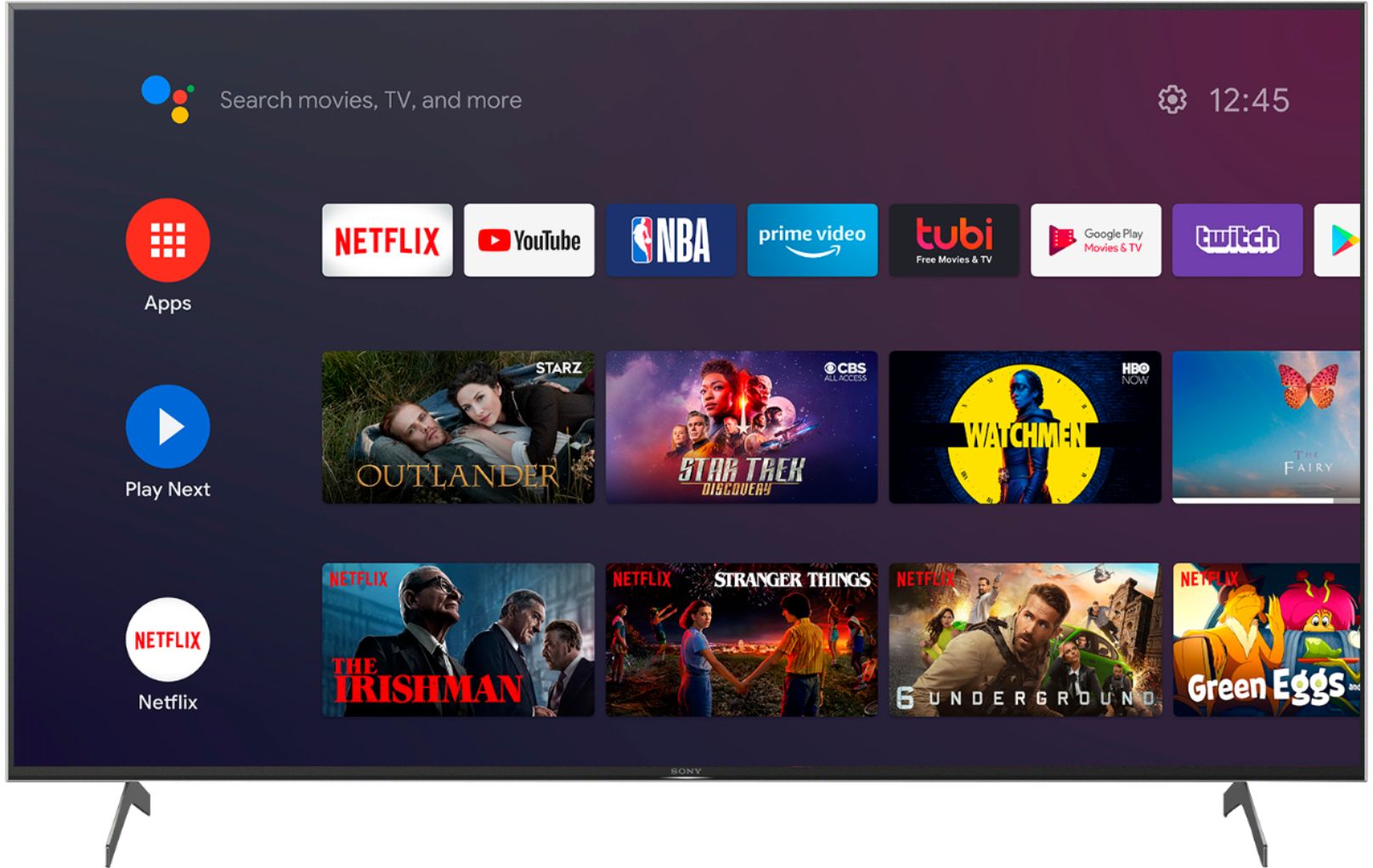
  • QuestionIs there any way to remove the PERMANENT ADS from the home screen from the latest update?

    Asked by N7PistolPro.

    • Answer Hi N7PistolPro,There are certain applications like YouTube and others that will run ads depending on your viewing habits. This is not a feature you can turn off when it comes to those applications. During the initial setup process of the tv you can opt out of certain features and that is up to the user to decide what is best for their experience. Jay

      Answered by SonyListens

  • QuestionDoes this have adjustable legs? My tv stand is not wide enough for the 75 inch I hope to get but sometimes tvs have adjustable leg stand width. Is this an option with this tv?

    Asked by Oldmanonsilvercreek.

    • Answer Unfortunately the legs are fixed, you are not eliminated though. Search on Amazon for universal TV stand base and you will see some that mounts to back of the VESA pattern on rear of TV which is noticeably more narrow then the stock legs.

      Answered by 2muchspl