Best Buy Tech Fest SaleEnds Sunday. Limited quantities. No rainchecks.Shop now

Skip to contentGo to Product Search
Main Content

Questions & Answers

$2,498.00
Save $501.99
Comp. Value: $2,999.99
Page Showing 41-60 of 69 questions
  • Questionsome internal damage has caused picture to be distorted, there is no physical crack or damage to the screen. Can that be fixed?

    Asked by kamlesh.

    • Answer Hi Kamlesh, Thank you for your question. We're very sorry to hear that your Sony - BRAVIA 8 has internal damage causing a distorted picture. We understand how frustrating this can be and would like to help you explore the repair options. Please send us an email with the information below to [email protected] so we can better assist you. Full Name: Best Buy Username: Telephone Number: Model Number: Issue/Concern: Thank you for considering Sony products! Regards, Dominick

      Answered by SonyListens

  • QuestionCan I connect Apple TV and Verizon Box directly to the TV and use the EARC HDMI output with compatible HDMI cable to my AV Receiver for Atmos and other audio formats?

    Asked by Greg.

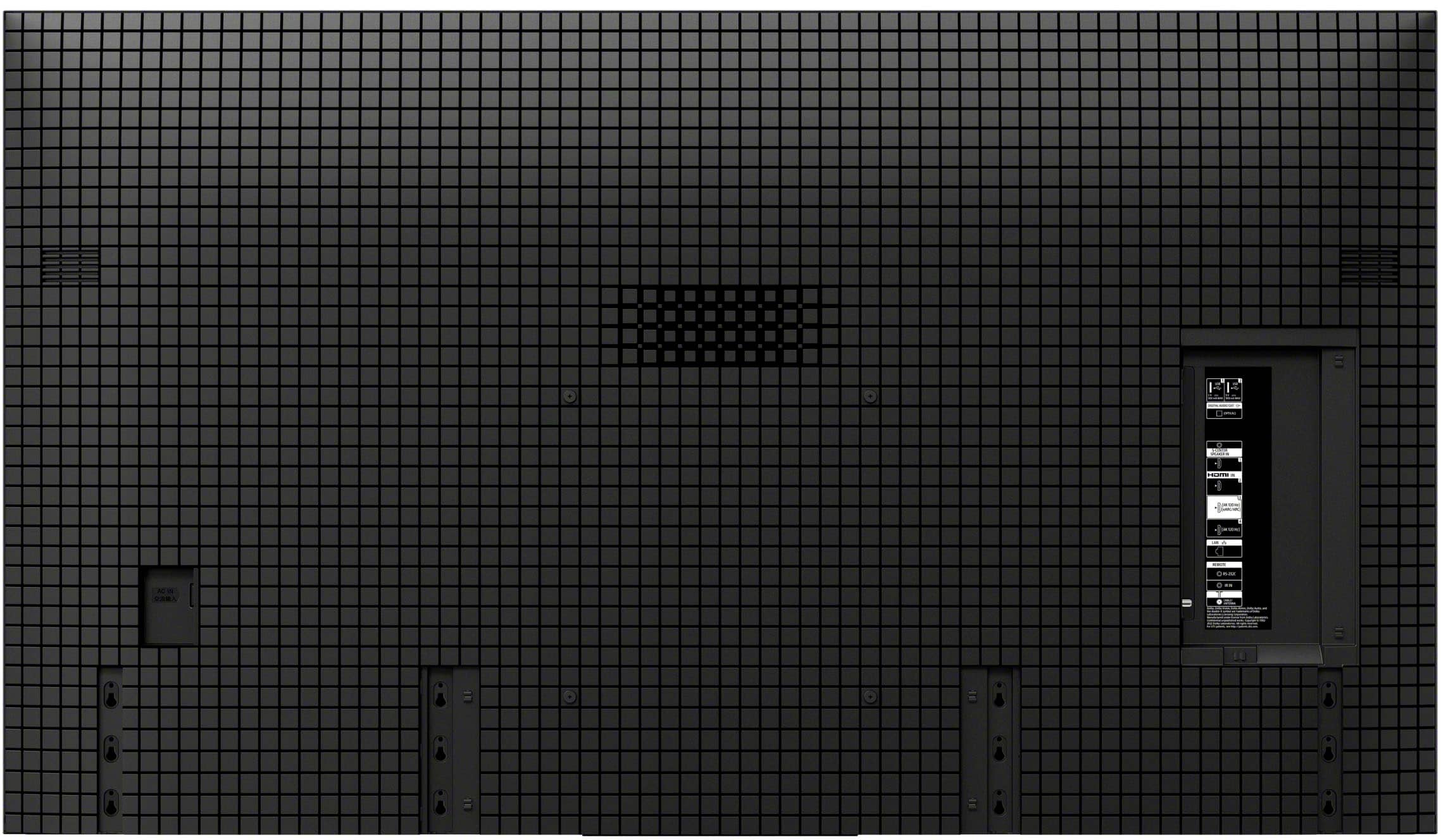
    • Answer Hi Greg, Yes, you can connect both your Apple TV and Verizon Box directly to your TV. The TV's HDMI eARC output is designed to send the audio from those devices to a compatible A/V receiver, allowing you to experience formats like Dolby Atmos. Just make sure to use an HDMI cable that supports eARC and that the eARC setting is turned on for both your TV and receiver. Thanks for choosing Sony. Best regards, Eliab

      Answered by SonyListens

  • QuestionCan this and other Sony models turn off the display using both a voice command and the remote control and play only the audio portion of the content? Thanks!

    Asked by DWayne.

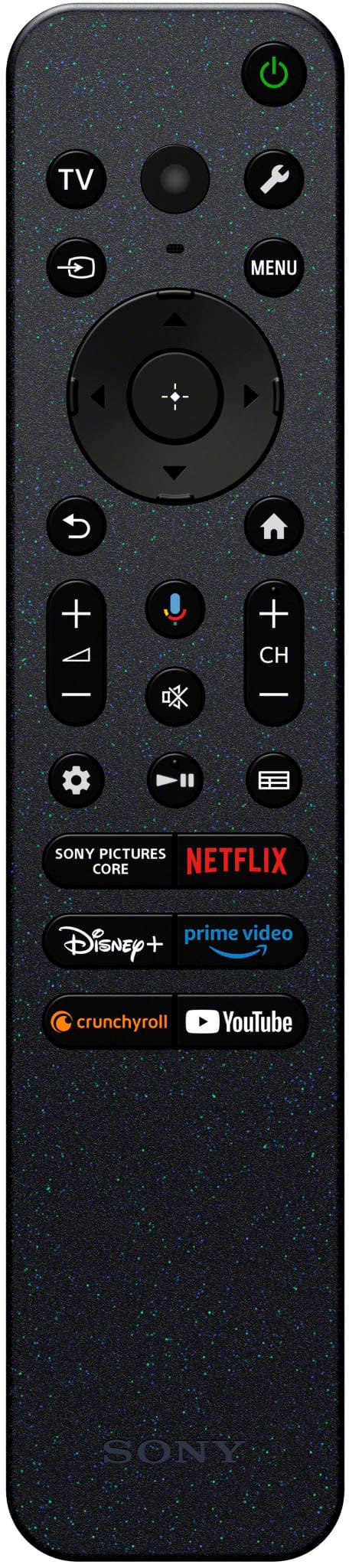
    • Answer Thank you for contacting Sony, DWayne. Short answer: Yes! Long answer: The K-77XR80 is able to use the picture mode off settings, you just have to press the quick settings button (it usually looks like a wrench or small gear icon) and then select the picture off settings. About doing it with the voice commands, unfortunately this is not supported and you cannot use the picture off setting by talking to the remote, just by using the quick settings. For detailed information you may check: https://www.sony.com/electronics/support/articles/00186878 We hope you find this information helpful. If you have any further questions, please feel free to reach out to us! Best regards, Gus, Sony North America Customer Support

      Answered by SonyListens

  • QuestionWith delivery will they take our old 65 inch LG tv for recycling or disposal?

    Asked by Pdav.

    • Answer We paid an additional fee for the old TV to be taken at the time of delivery of the new one. Thankful for that option.

      Answered by IMPster

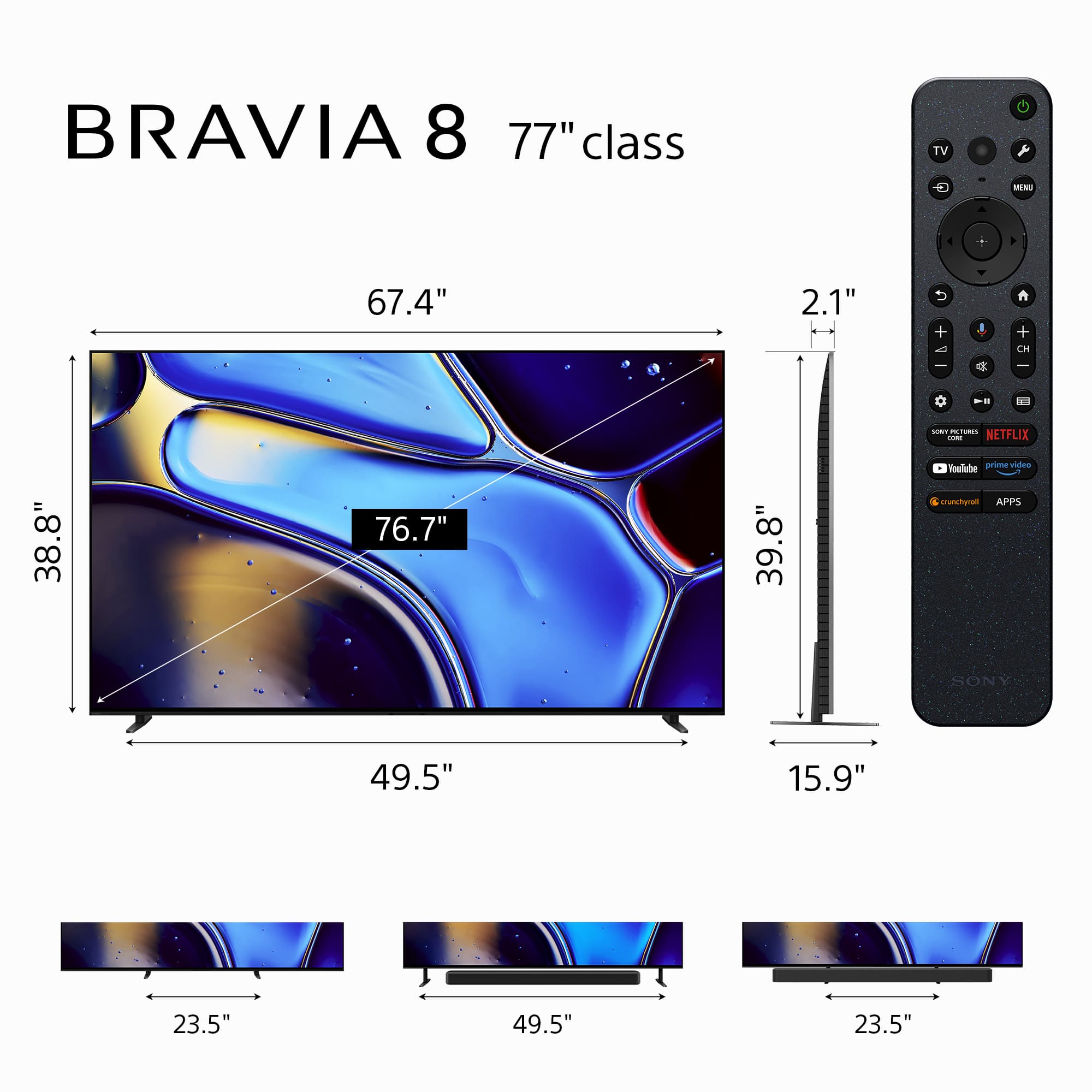
  • QuestionWhat are the dimensions of the box

    Asked by Gedp.

    • Answer Hi Gedp, thank you for your question. We're very glad to hear you're interested in the Sony - 77" Class BRAVIA 8! Here are the dimensions of the package: Width: 1912 mm (75.28 inches) Height: 1122 mm (44.17 inches) Depth: 191 mm (7.52 inches) We hope this answers your question. If you need to know more details about the TV, we're here to help! Thank you for considering Sony products! Regards, Dominick

      Answered by SonyListens

  • QuestionDoes this tv have a QD-OLED display?

    Asked by Guitarman.

    • Answer Hi Guitarman, thank you for your question! The Sony BRAVIA 8 features a high-quality OLED display, but it does not use QD-OLED technology. If you're specifically looking for a QD-OLED panel, we recommend checking out the Sony - BRAVIA 8 II, which does include the QD-OLED for enhanced performance, brighter highlights and more immersive dynamic picture. We hope this answers your question, and thank you for considering Sony products! Best regards, Dominick

      Answered by SonyListens

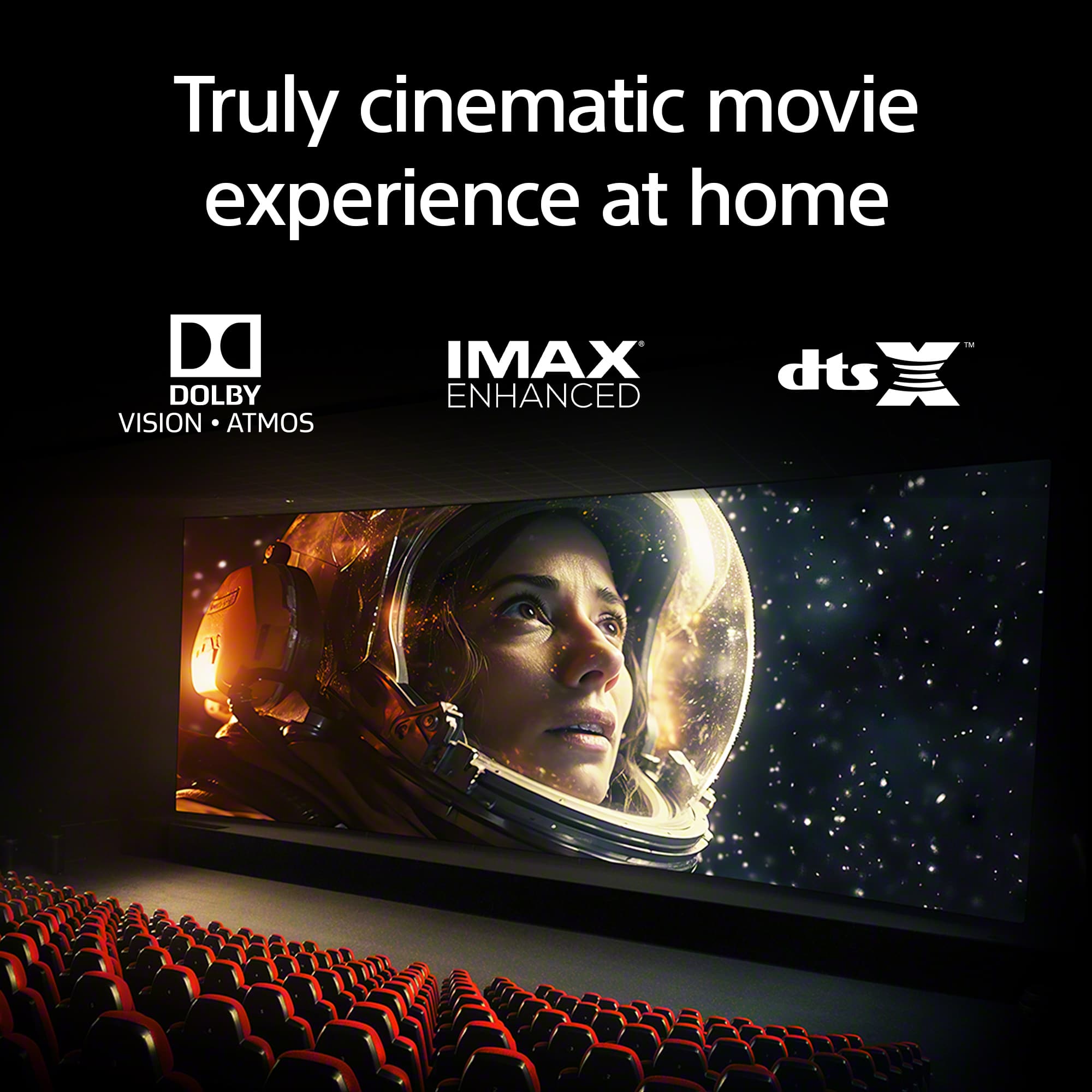
  • QuestionWill an lg 4k blue ray player transmit dolby vision thru this set?

    Asked by Melvin.

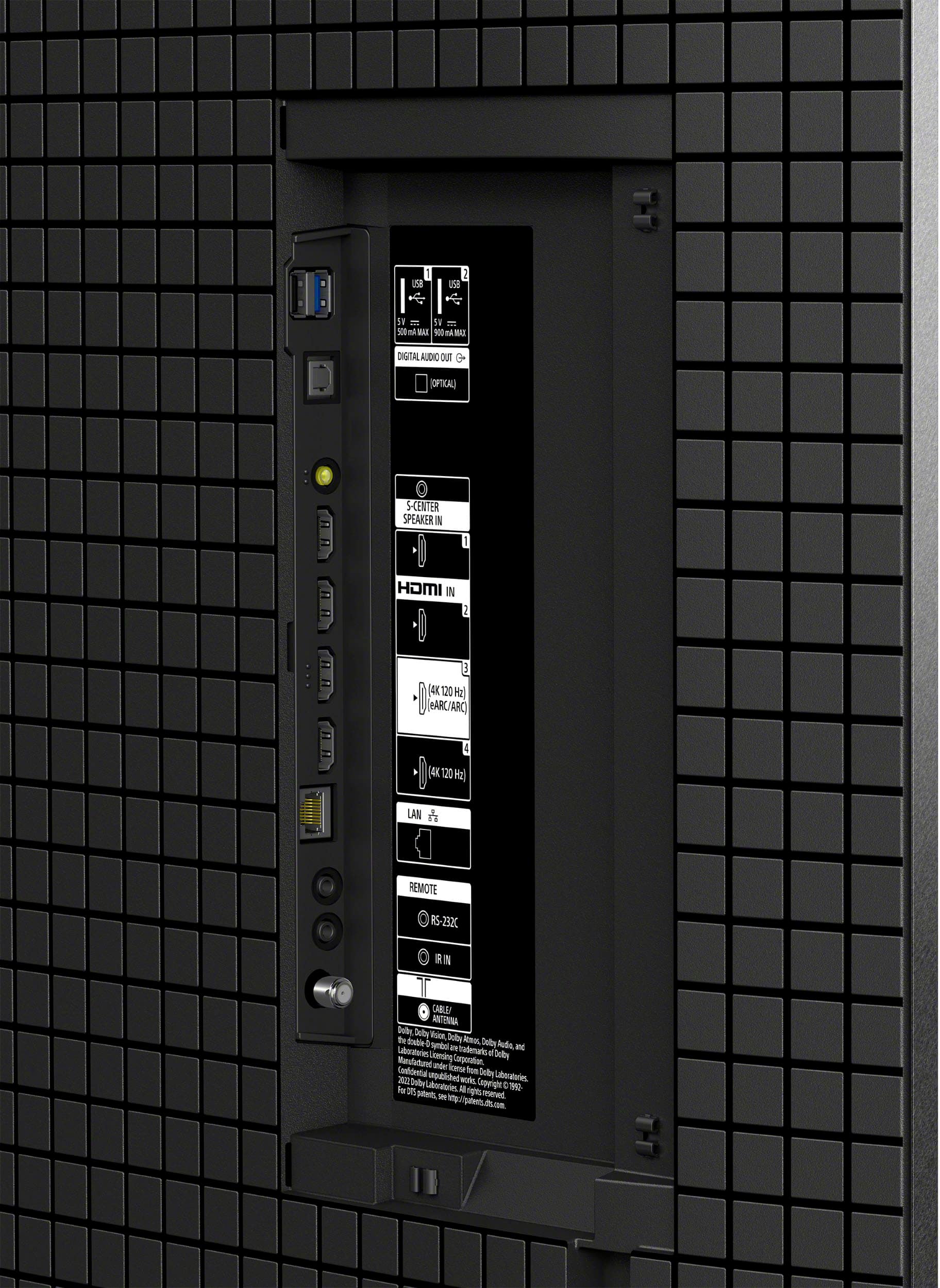
    • Answer Hi Melvin, thank you for your question! Yes, the Sony - BRAVIA 8 does support Dolby Vision content. To enjoy Dolby Vision from your LG 4K Blu-ray player, simply connect it using a high-speed HDMI cable to either HDMI port 3 or 4 on the TV, these are the ports that support this video format. Once connected properly, you'll be able to enjoy your movies in stunning Dolby Vision quality. Thank you for considering Sony products! Best regards, -Dominick

      Answered by SonyListens

  • QuestionDo all HDMI ports output 4K 120hz?

    Asked by thePhelps.

    • Answer Yes.

      Answered by LukeS

  • QuestionDoes this tv have blue tooth?

    Asked by Anonymous.

    • Answer Yes, but with any newer TV’s you should invest in a sound bar to get the full experience!

      Answered by LukeS

  • QuestionDoes any of the oled have matte screens

    Asked by Anonymous.

    • Answer Hello! Thank you for your interest in the BRAVIA 8. We would like to clarify that Sony's OLED TVs, including the BRAVIA 8, do not incorporate the anti-reflection technology (matte screens) found in our LED/LCD models like the BRAVIA 9. The BRAVIA 8 features a semi-glossy screen, which may result in more reflections compared to its LED counterparts. This is due to the unique properties of OLED technology, which prioritizes exceptional contrast and viewing angles over glare reduction. We hope you find this information helpful. For further details, please feel free to visit the following links: - [BRAVIA 9 Specifications - Model K-75XR90](https://www.sony.com/electronics/support/televisions-projectors-oled-tvs-android-/k-75xr90/specifications) - [BRAVIA 8 Specifications - Model K-77XR80](https://www.sony.com/electronics/support/televisions-projectors-oled-tvs-android-/k-77xr80/specifications) Thank you for considering Sony! Best regards, Gus

      Answered by SonyListens

  • QuestionWhat is the size of the box?

    Asked by Maryzoe.

    • Answer Hello Maryzoe, Thank you for your inquiry! The dimensions of the box are as follows: 1912 x 1122 x 191 mm (75 3/8 x 44 1/4 x 7 5/8 inches). For more detailed information about the TV, please visit the following link: https://electronics.sony.com/tv-video/televisions/all-tvs/p/k77xr80?srsltid=AfmBOopImAP3m46AIlVZQVDXdZgCGYqA-j_CjjIFxTwTTq_UvmFmqiU4 We appreciate your interest in Sony! Best regards, Gus

      Answered by SonyListens

  • QuestionDo you recommend a sound bar with this smart tv?

    Asked by Judym.

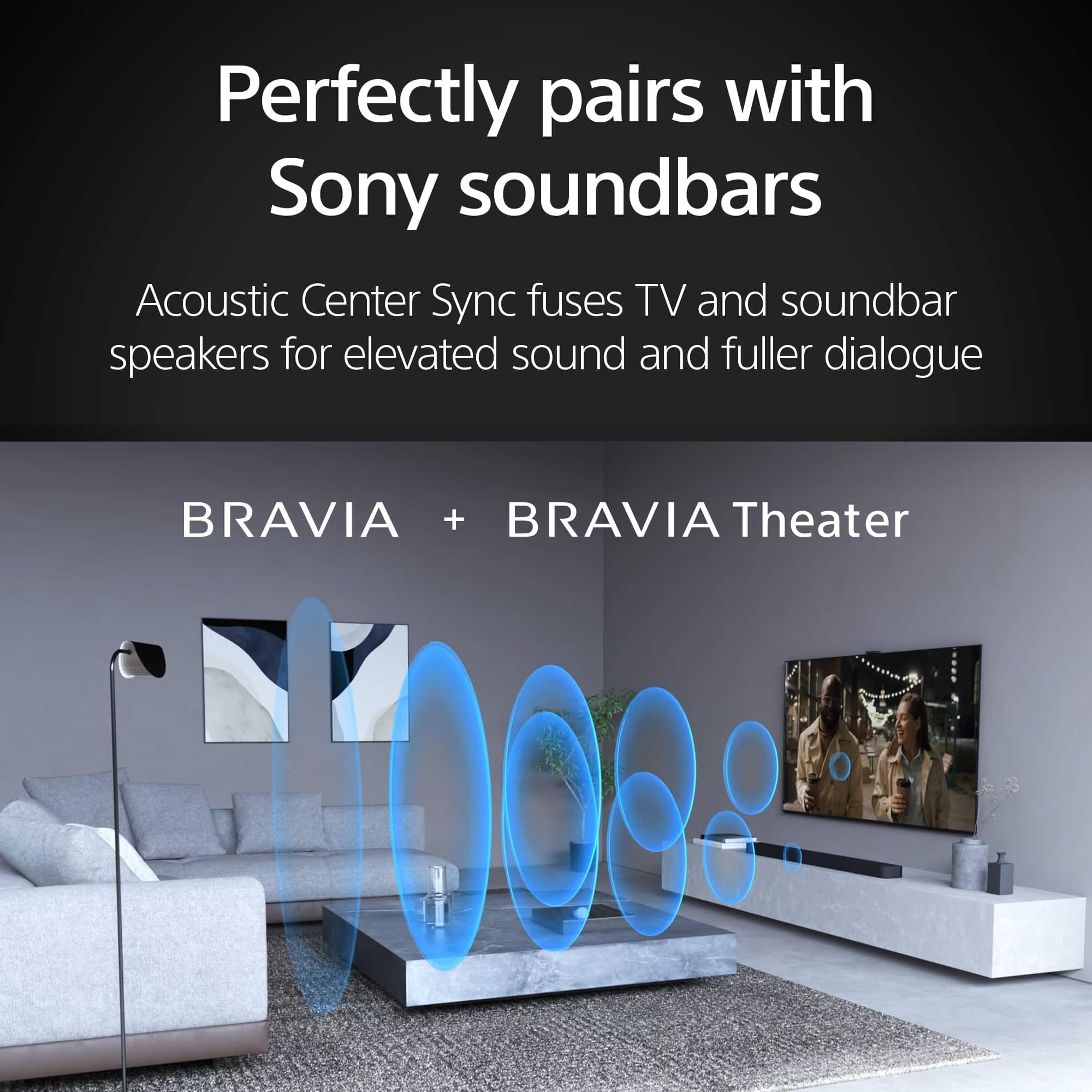
    • Answer Hello Judym, Thank you for reaching out to Sony! Great question about enhancing the audio on your K77XR80. While the TV's built-in speakers offer good sound, adding a soundbar can make a huge difference for a more immersive experience. We particularly recommend checking out the HT-A7000 or the new BRAVIA Theater Bar 9. The HT-A7000 delivers a powerful 7.1.2 channel setup with up-firing speakers and beam tweeters to bring Dolby Atmos and DTS:X right into your living room. Plus, it has a built-in subwoofer for that extra punch. For an even more theater-like feel, the BRAVIA Theater Bar 9 uses 13 speakers and 360 Spatial Sound Mapping to create a truly enveloping surround sound. Both of these soundbars integrate seamlessly with your smart TV and will significantly elevate your overall viewing enjoyment. They're fantastic options if you're looking for a serious audio upgrade. You can find those models at our Sony store by following this link: https://electronics.sony.com/audio/soundbars/c/all-soundbars Best regards, -Fred

      Answered by SonyListens

  • Questionwhat are the dimensions of this tv?

    Asked by Doc.

    • Answer 77

      Answered by AnthonyG

  • QuestionDoes this tv work with Alexa and can be operated using Alexa?

    Asked by Alexa.

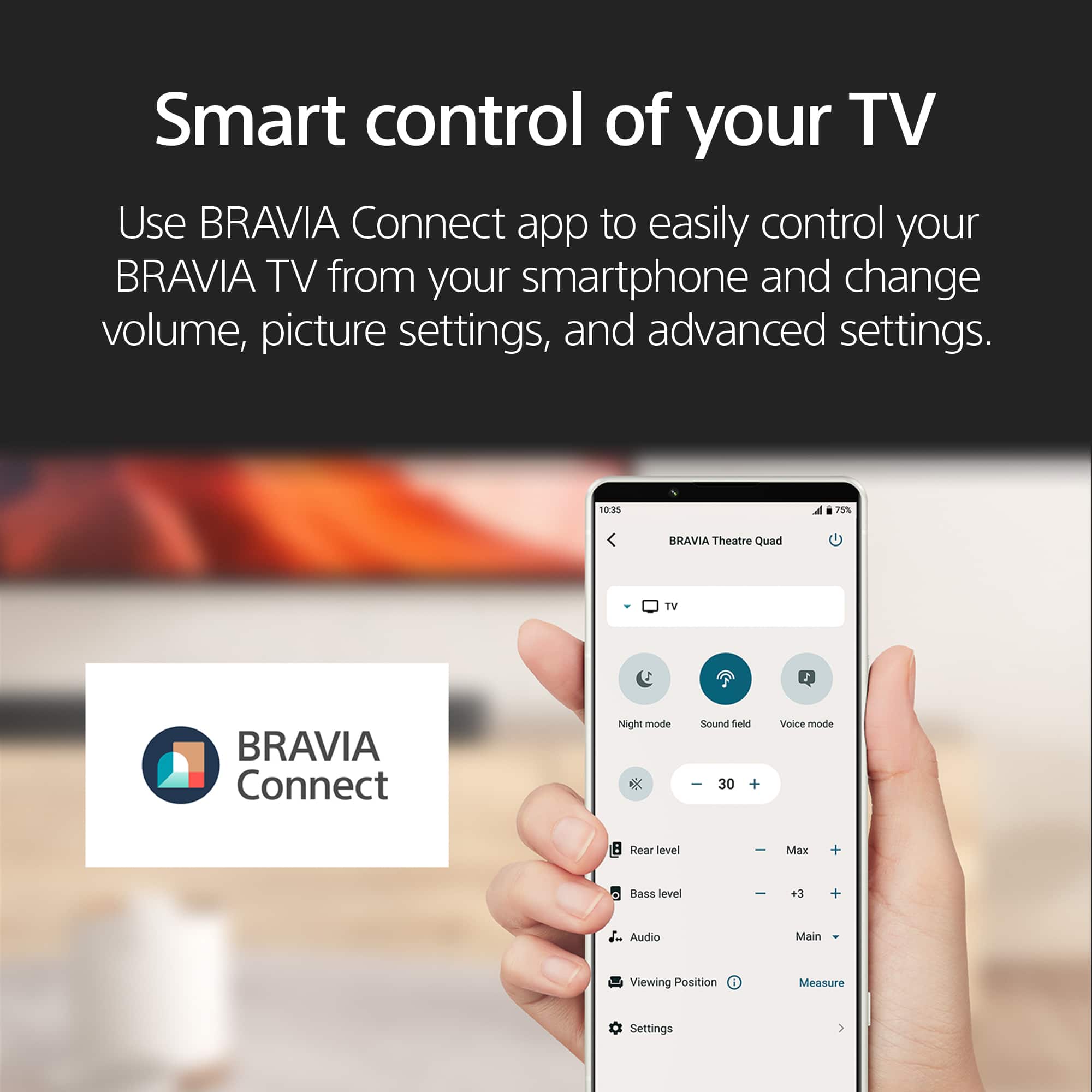
    • Answer Hey Alexa, we've got you covered! The BRAVIA 8, 77”, does work with Alexa! The steps are really easy to follow, you might find them on the links below: Connect your TV to the Amazon Alexa app https://www.sony.com/electronics/support/articles/00178939 https://www.sony.com/electronics/support/articles/S1F1709 Thanks for choosing Sony! Gus

      Answered by SonyListens

  • QuestionIs there an option for the TV to turn off the display and play only the audio portion of the content?

    Asked by CBus.

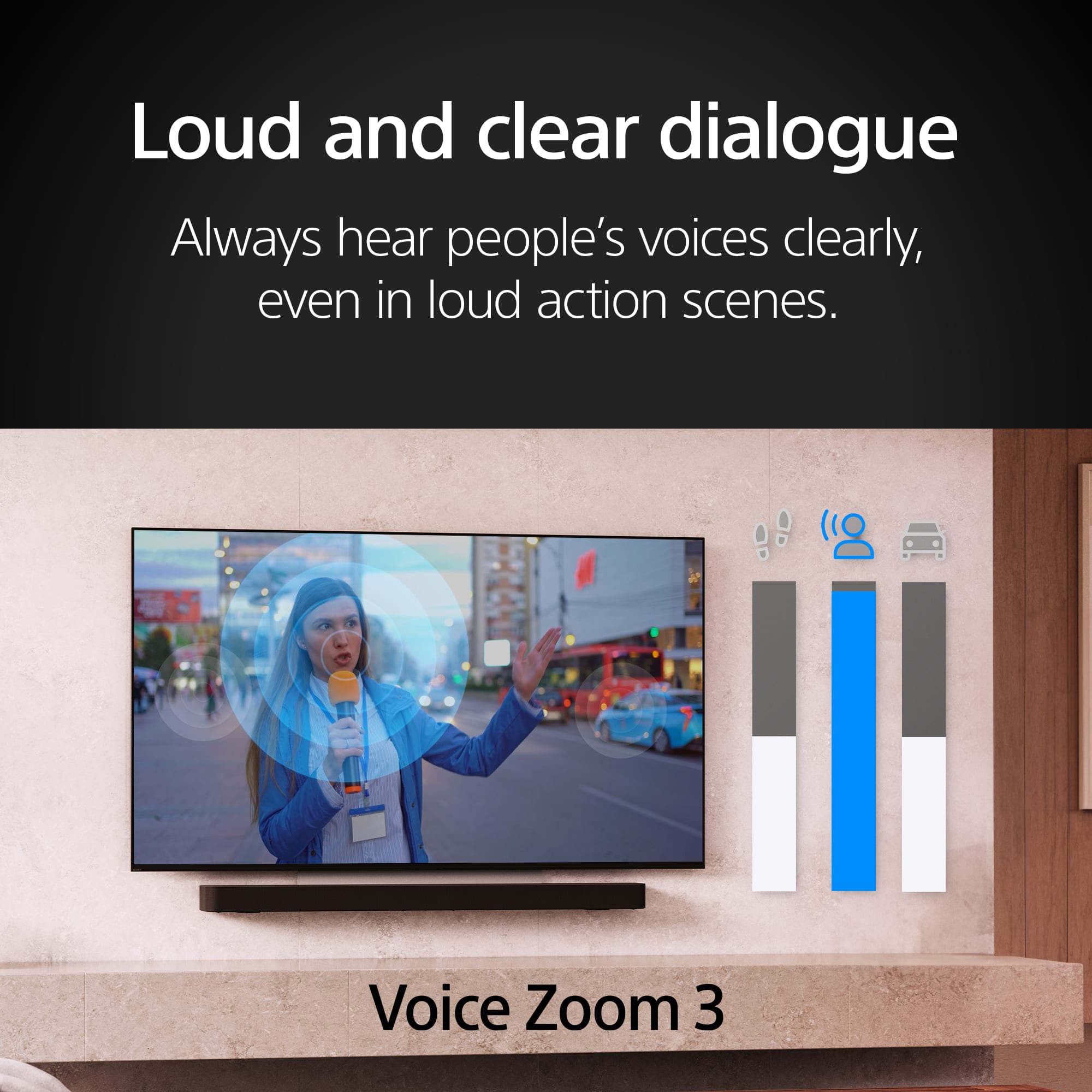
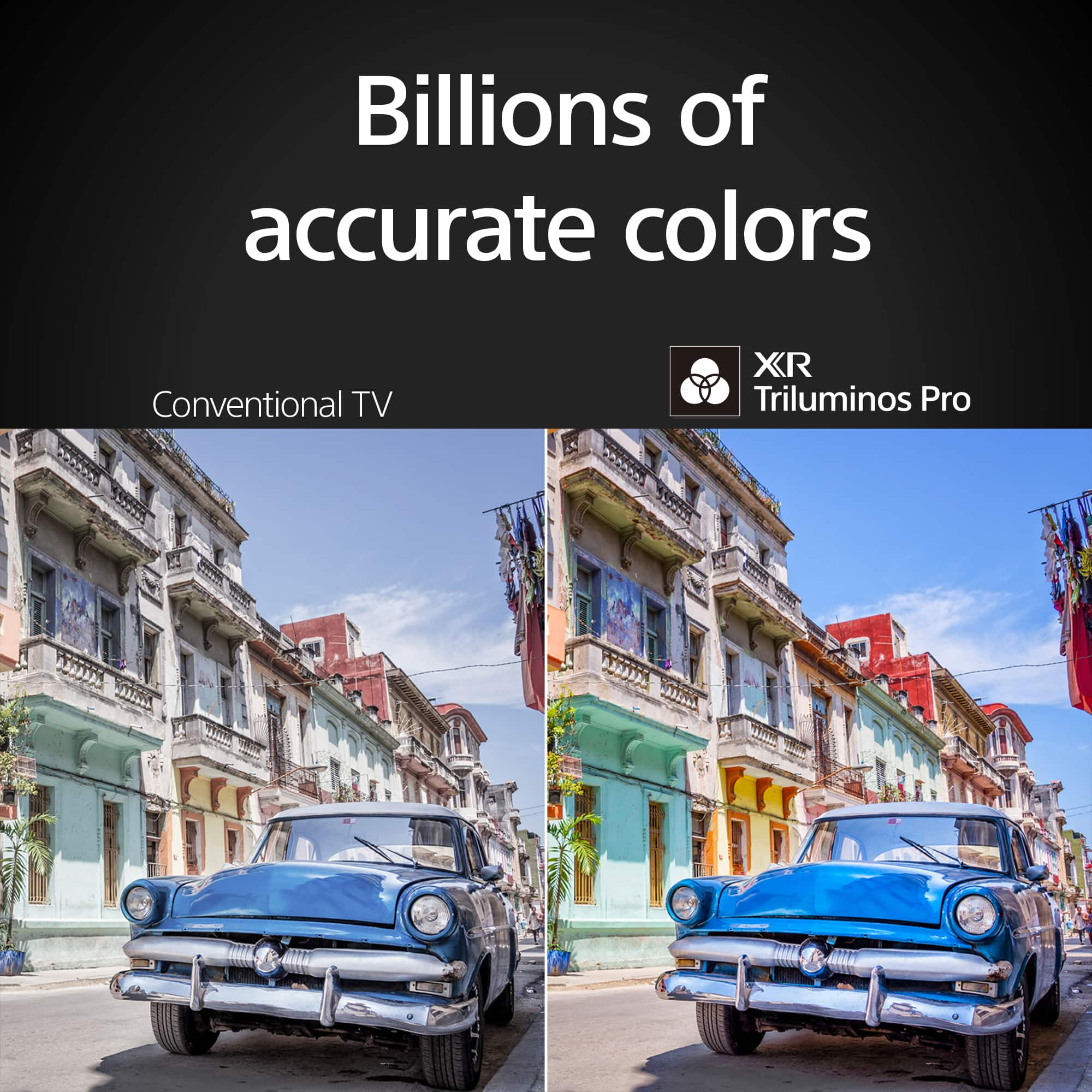
    • Answer Hi CBus, Thank you for your question. All Sony TVs have this functionality in the quick settings menu. See the world’s colors with all the vibrance of real life. Our XR Triluminos Pro™ reproduces over a billion of them with the subtle differences from saturation and hue that enables natural shades in every detail. Sound and pictures, perfectly in sync. Acoustic Surface Audio +™ with tweeter turns every part of the screen into a powerful speaker that emits sound from exactly the right place in the scene. Hear dialogue straight from the actor and bring the theater-like experience to your home. -Ralph

      Answered by SonyListens

  • QuestionDoes this model have a microphone built into the frame or only the remote?

    Asked by TV.

    • Answer Hi TV, Thank you for your question. Aside from the mic on the supplied remote, it also has a built-in mic on the TV itself. See the world’s colors with all the vibrance of real life. Our XR Triluminos Pro™ reproduces over a billion of them with the subtle differences from saturation and hue that enables natural shades in every detail. Sound and pictures, perfectly in sync. Acoustic Surface Audio +™ with tweeter turns every part of the screen into a powerful speaker that emits sound from exactly the right place in the scene. Hear dialogue straight from the actor and bring the theater-like experience to your home. -Ralph

      Answered by SonyListens

  • QuestionWhat are the dimensions of the box the TV comes in? I am limited for shipping space

    Asked by TheHuskyCheeta.

    • Answer Hi TheHuskyCheeta, Thank you for your message. The package carton measures 75.38 x 44.25 x 7.65 inches (1,912 x 1,122 x 191 mm) (W x H x D). See the world’s colors with all the vibrance of real life. Our XR Triluminos Pro™ reproduces over a billion of them with the subtle differences from saturation and hue that enables natural shades in every detail. Sound and pictures, perfectly in sync. Acoustic Surface Audio +™ with tweeter turns every part of the screen into a powerful speaker that emits sound from exactly the right place in the scene. Hear dialogue straight from the actor and bring the theater-like experience to your home. -Ralph

      Answered by SonyListens

  • QuestionCan I control the TV with Alexa?

    Asked by Bambam.

    • Answer Yes you can!

      Answered by MartinM

  • QuestionWhere is the menu spot to check if hdr is present on a stream or 4k blu ray disc?

    Asked by Melvin.

    • Answer Hi Melvin, Thank you for your question. If a video or game is HDR compatible, an HDR icon appears under the Picture adjustment settings in the menu. Check the Picture adjustment settings: 1. Press the HOME button. 2. Select Settings. 3. Under the TV category, select Picture & Display. 4. Under the Picture & Display settings, select Picture adjustments. -The HDR icon will appear on the Picture adjustments screen. Information about HDR content from supported streaming apps (like Netflix and Amazon) will be available on the app settings. Contact the app provider for more information. See the world’s colors with all the vibrance of real life. Our XR Triluminos Pro™ reproduces over a billion of them with the subtle differences from saturation and hue that enables natural shades in every detail. Sound and pictures, perfectly in sync. Acoustic Surface Audio +™ with tweeter turns every part of the screen into a powerful speaker that emits sound from exactly the right place in the scene. Hear dialogue straight from the actor and bring the theater-like experience to your home. -Ralph

      Answered by SonyListens