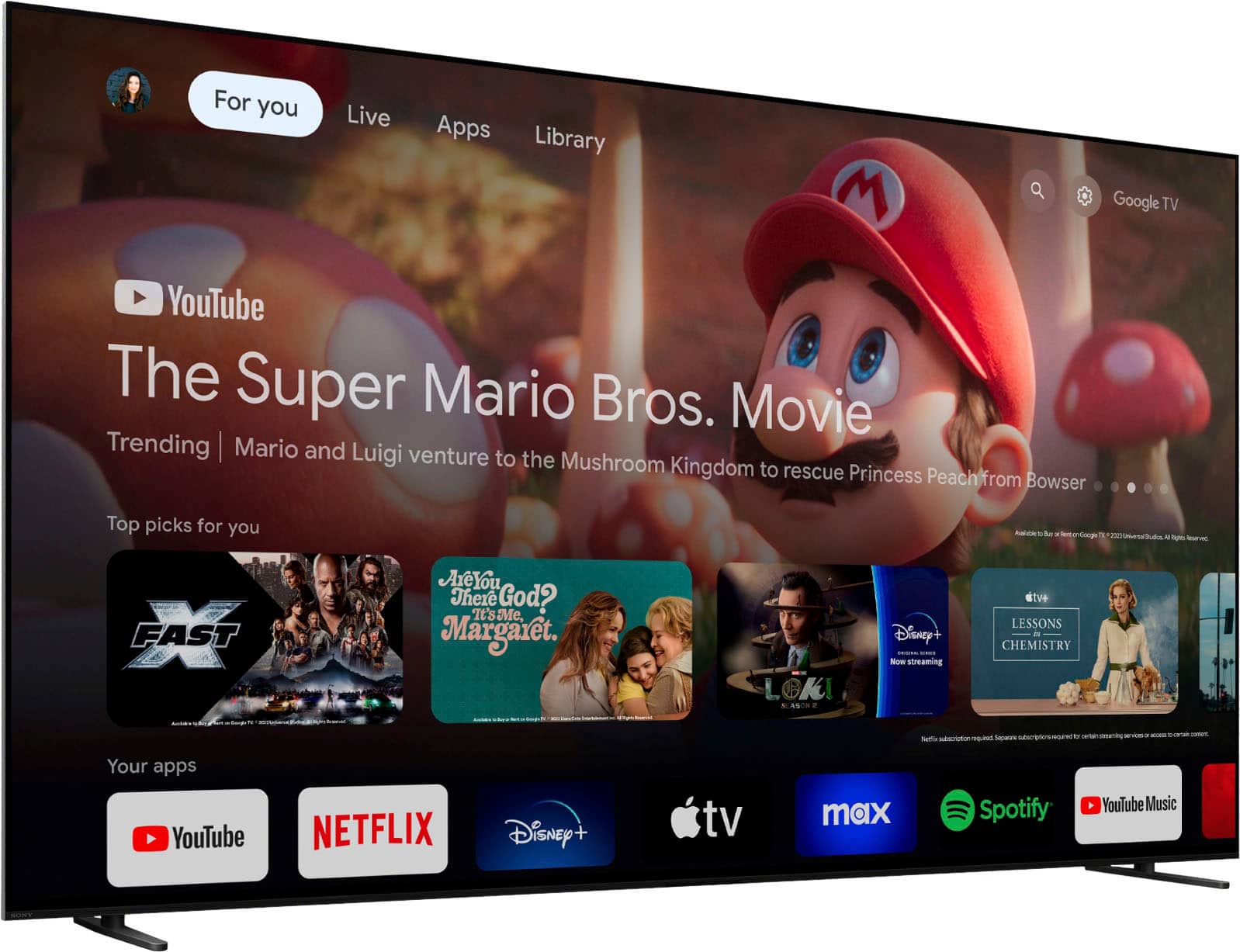
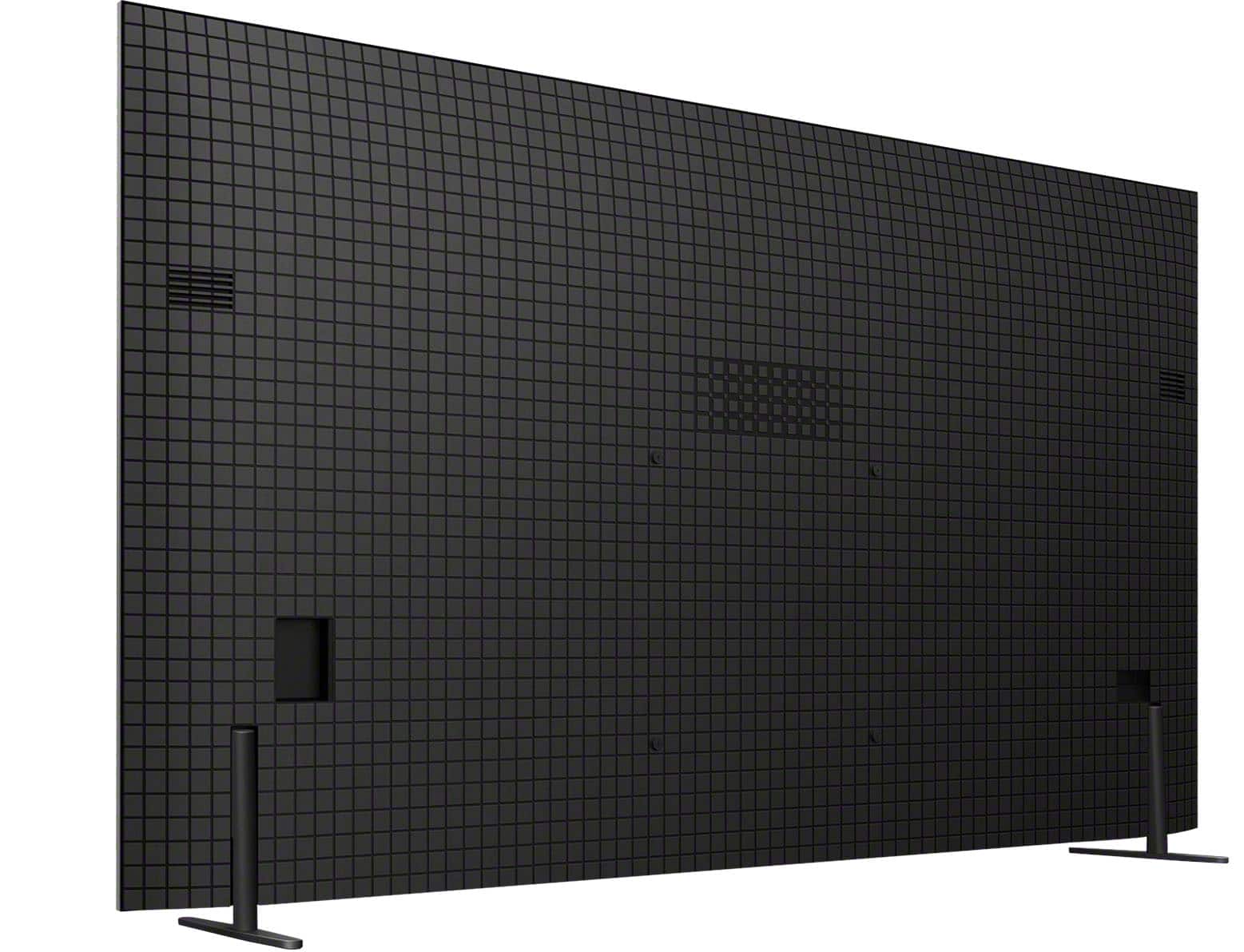
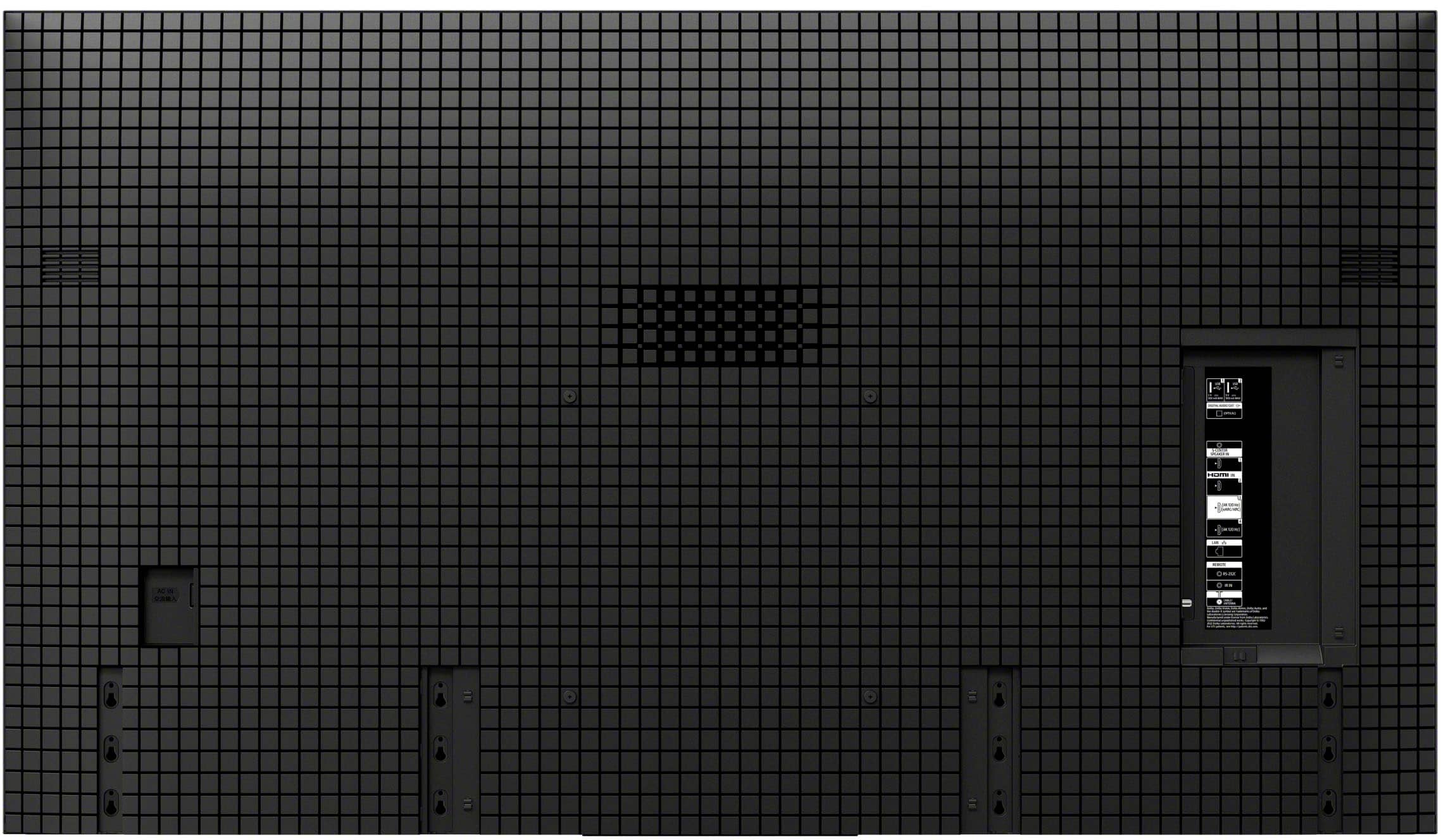
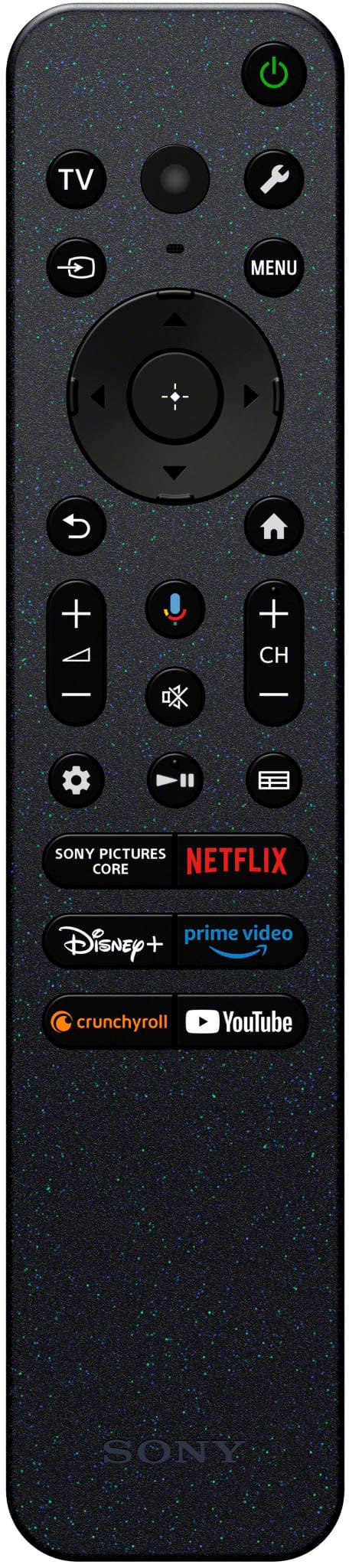
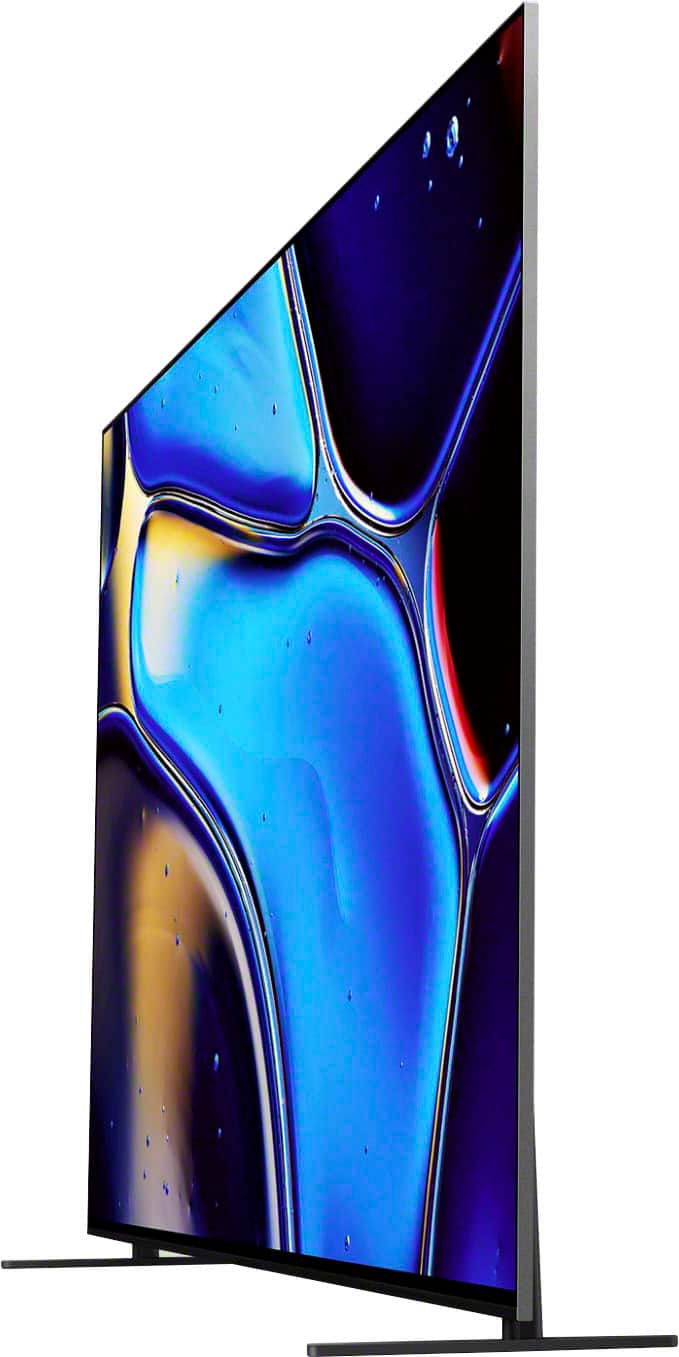
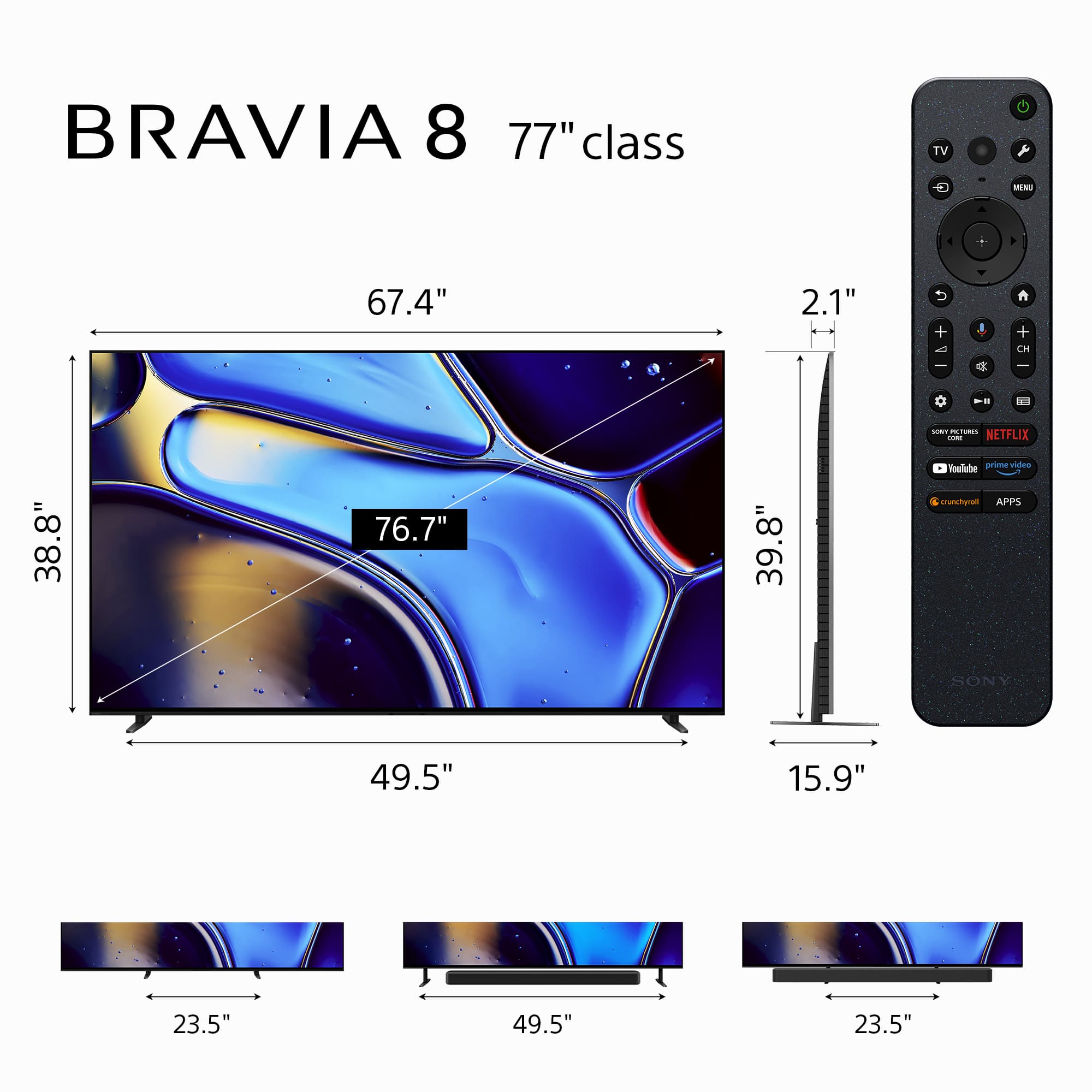
A:AnswerHi Gedp, thank you for your question. We're very glad to hear you're interested in the Sony - 77" Class BRAVIA 8! Here are the dimensions of the package:
Width: 1912 mm (75.28 inches)
Height: 1122 mm (44.17 inches)
Depth: 191 mm (7.52 inches)
We hope this answers your question. If you need to know more details about the TV, we're here to help!
Thank you for considering Sony products!
Regards,
Dominick
A:AnswerHi Guitarman, thank you for your question! The Sony BRAVIA 8 features a high-quality OLED display, but it does not use QD-OLED technology. If you're specifically looking for a QD-OLED panel, we recommend checking out the Sony - BRAVIA 8 II, which does include the QD-OLED for enhanced performance, brighter highlights and more immersive dynamic picture.
We hope this answers your question, and thank you for considering Sony products!
Best regards,
Dominick
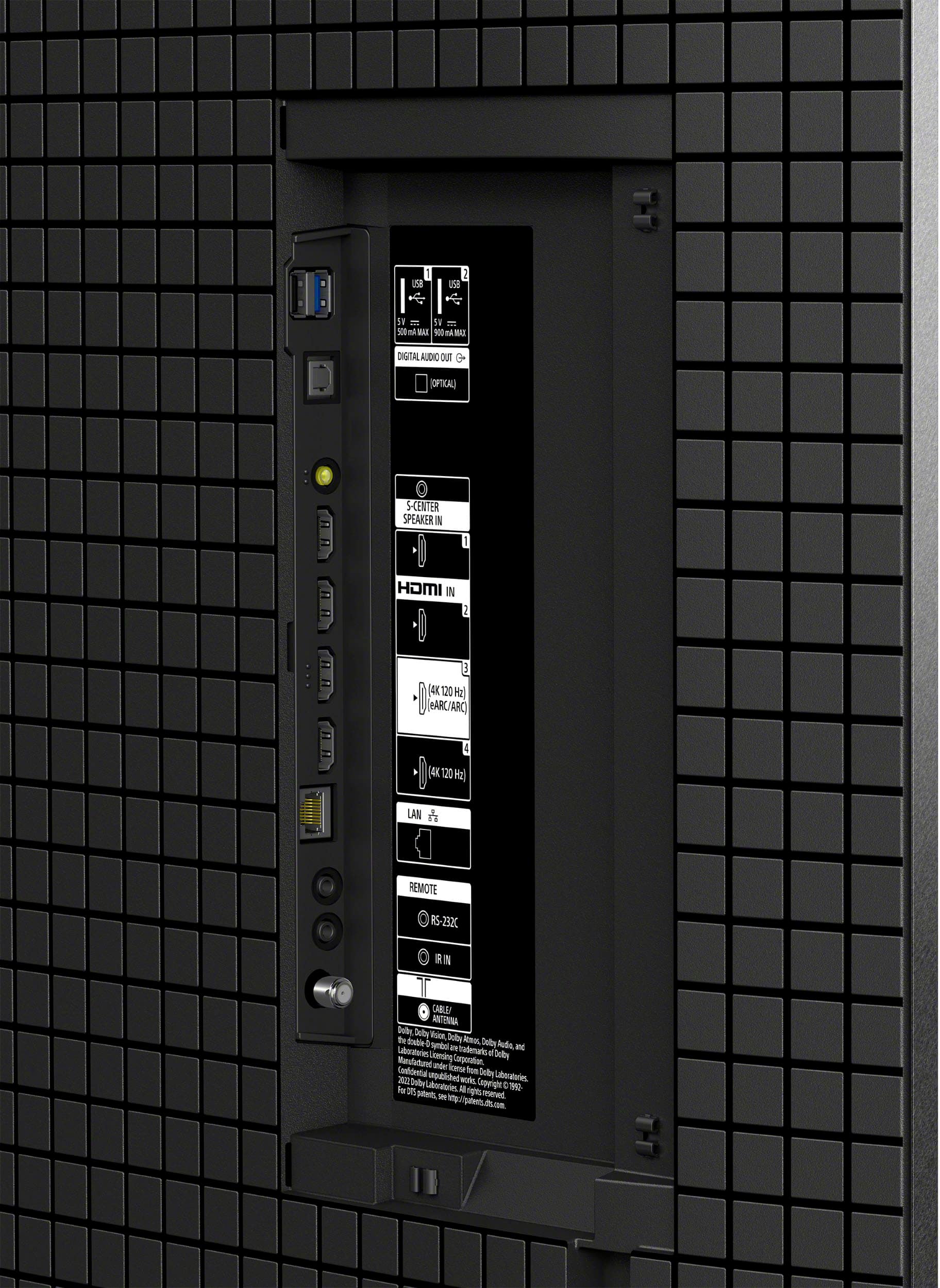
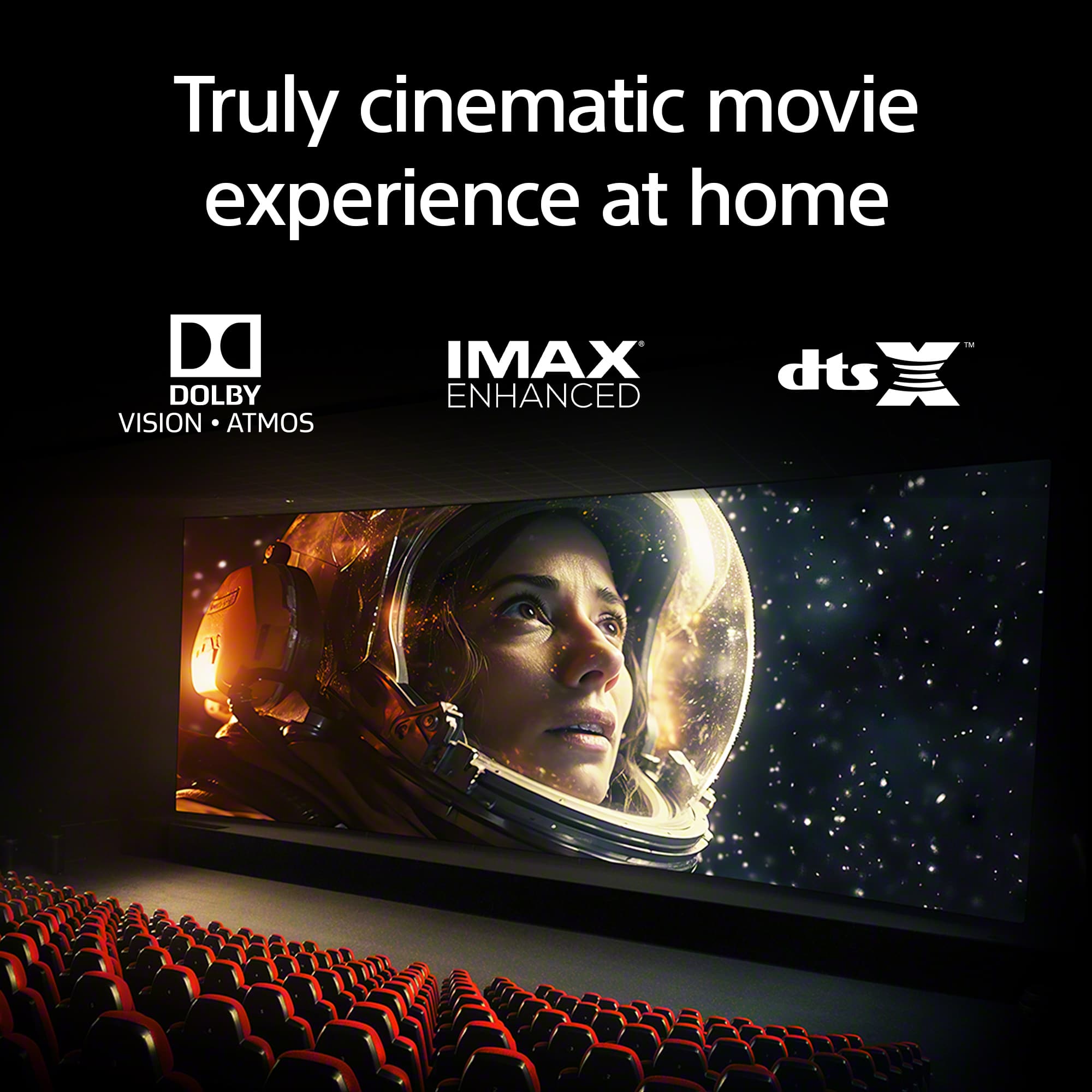
A:AnswerHi Melvin, thank you for your question! Yes, the Sony - BRAVIA 8 does support Dolby Vision content. To enjoy Dolby Vision from your LG 4K Blu-ray player, simply connect it using a high-speed HDMI cable to either HDMI port 3 or 4 on the TV, these are the ports that support this video format. Once connected properly, you'll be able to enjoy your movies in stunning Dolby Vision quality. Thank you for considering Sony products! Best regards, -Dominick

A:AnswerHello! Thank you for your interest in the BRAVIA 8.
We would like to clarify that Sony's OLED TVs, including the BRAVIA 8, do not incorporate the anti-reflection technology (matte screens) found in our LED/LCD models like the BRAVIA 9.
The BRAVIA 8 features a semi-glossy screen, which may result in more reflections compared to its LED counterparts. This is due to the unique properties of OLED technology, which prioritizes exceptional contrast and viewing angles over glare reduction.
We hope you find this information helpful. For further details, please feel free to visit the following links:
- [BRAVIA 9 Specifications - Model K-75XR90](https://www.sony.com/electronics/support/televisions-projectors-oled-tvs-android-/k-75xr90/specifications)
- [BRAVIA 8 Specifications - Model K-77XR80](https://www.sony.com/electronics/support/televisions-projectors-oled-tvs-android-/k-77xr80/specifications)
Thank you for considering Sony!
Best regards,
Gus
A:AnswerHello Maryzoe,
Thank you for your inquiry!
The dimensions of the box are as follows:
1912 x 1122 x 191 mm (75 3/8 x 44 1/4 x 7 5/8 inches).
For more detailed information about the TV, please visit the following link:
https://electronics.sony.com/tv-video/televisions/all-tvs/p/k77xr80?srsltid=AfmBOopImAP3m46AIlVZQVDXdZgCGYqA-j_CjjIFxTwTTq_UvmFmqiU4
We appreciate your interest in Sony!
Best regards,
Gus
A:AnswerHello Judym,
Thank you for reaching out to Sony!
Great question about enhancing the audio on your K77XR80. While the TV's built-in speakers offer good sound, adding a soundbar can make a huge difference for a more immersive experience.
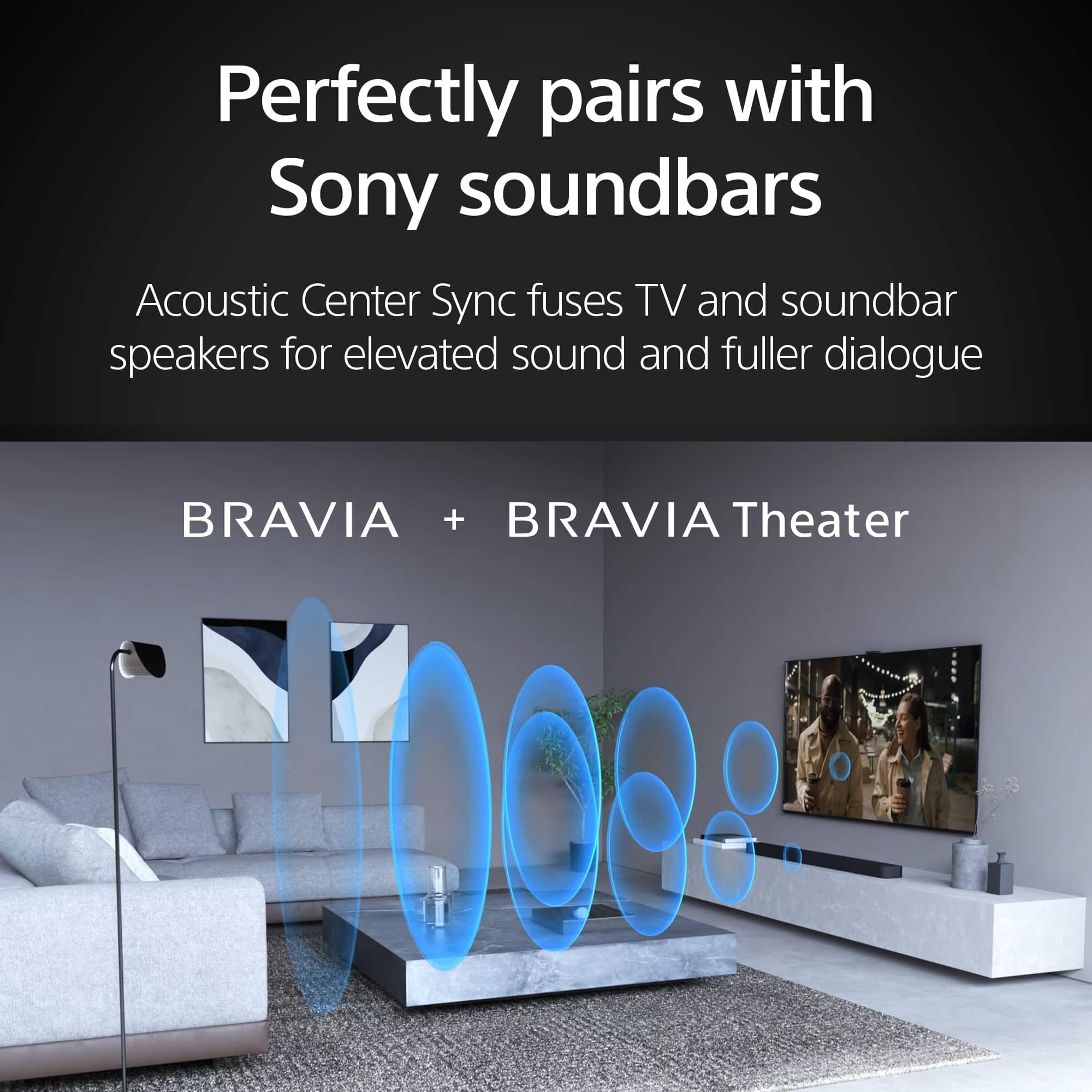
We particularly recommend checking out the HT-A7000 or the new BRAVIA Theater Bar 9. The HT-A7000 delivers a powerful 7.1.2 channel setup with up-firing speakers and beam tweeters to bring Dolby Atmos and DTS:X right into your living room. Plus, it has a built-in subwoofer for that extra punch.
For an even more theater-like feel, the BRAVIA Theater Bar 9 uses 13 speakers and 360 Spatial Sound Mapping to create a truly enveloping surround sound.
Both of these soundbars integrate seamlessly with your smart TV and will significantly elevate your overall viewing enjoyment. They're fantastic options if you're looking for a serious audio upgrade.
You can find those models at our Sony store by following this link: https://electronics.sony.com/audio/soundbars/c/all-soundbars
Best regards,
-Fred
A:AnswerHey Alexa, we've got you covered!
The BRAVIA 8, 77”, does work with Alexa! The steps are really easy to follow, you might find them on the links below:
Connect your TV to the Amazon Alexa app
https://www.sony.com/electronics/support/articles/00178939
https://www.sony.com/electronics/support/articles/S1F1709
Thanks for choosing Sony!
Gus
A:AnswerHi CBus,
Thank you for your question. All Sony TVs have this functionality in the quick settings menu.
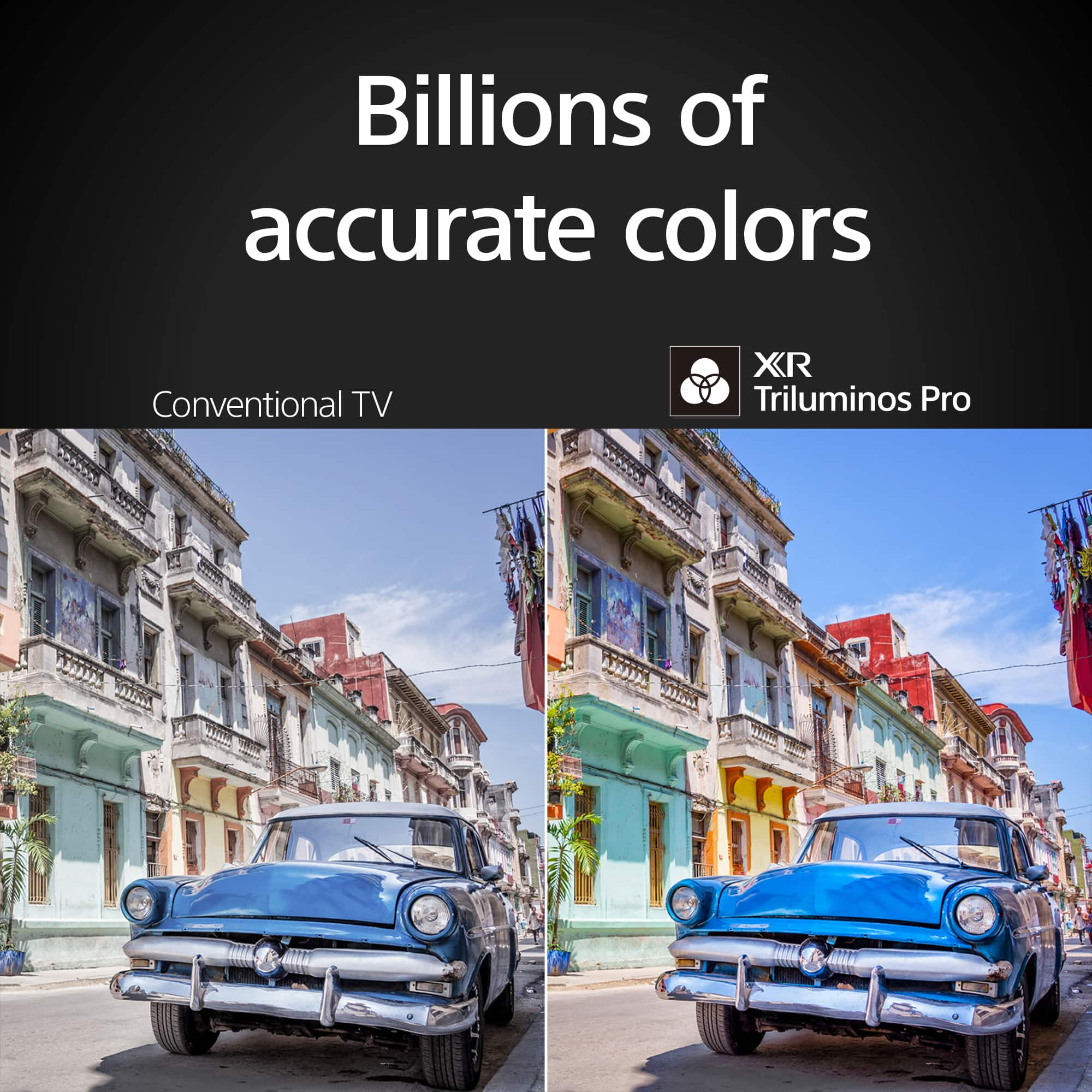
See the world’s colors with all the vibrance of real life. Our XR Triluminos Pro™ reproduces over a billion of them with the subtle differences from saturation and hue that enables natural shades in every detail. Sound and pictures, perfectly in sync. Acoustic Surface Audio +™ with tweeter turns every part of the screen into a powerful speaker that emits sound from exactly the right place in the scene. Hear dialogue straight from the actor and bring the theater-like experience to your home.
-Ralph
A:AnswerHi TV,
Thank you for your question. Aside from the mic on the supplied remote, it also has a built-in mic on the TV itself.
See the world’s colors with all the vibrance of real life. Our XR Triluminos Pro™ reproduces over a billion of them with the subtle differences from saturation and hue that enables natural shades in every detail. Sound and pictures, perfectly in sync. Acoustic Surface Audio +™ with tweeter turns every part of the screen into a powerful speaker that emits sound from exactly the right place in the scene. Hear dialogue straight from the actor and bring the theater-like experience to your home.
-Ralph
A:AnswerHi TheHuskyCheeta,
Thank you for your message. The package carton measures 75.38 x 44.25 x 7.65 inches (1,912 x 1,122 x 191 mm) (W x H x D).
See the world’s colors with all the vibrance of real life. Our XR Triluminos Pro™ reproduces over a billion of them with the subtle differences from saturation and hue that enables natural shades in every detail. Sound and pictures, perfectly in sync. Acoustic Surface Audio +™ with tweeter turns every part of the screen into a powerful speaker that emits sound from exactly the right place in the scene. Hear dialogue straight from the actor and bring the theater-like experience to your home.
-Ralph
A:AnswerHi Melvin,
Thank you for your question. If a video or game is HDR compatible, an HDR icon appears under the Picture adjustment settings in the menu. Check the Picture adjustment settings:
1. Press the HOME button.
2. Select Settings.
3. Under the TV category, select Picture & Display.
4. Under the Picture & Display settings, select Picture adjustments.
-The HDR icon will appear on the Picture adjustments screen.
Information about HDR content from supported streaming apps (like Netflix and Amazon) will be available on the app settings. Contact the app provider for more information.
See the world’s colors with all the vibrance of real life. Our XR Triluminos Pro™ reproduces over a billion of them with the subtle differences from saturation and hue that enables natural shades in every detail. Sound and pictures, perfectly in sync. Acoustic Surface Audio +™ with tweeter turns every part of the screen into a powerful speaker that emits sound from exactly the right place in the scene. Hear dialogue straight from the actor and bring the theater-like experience to your home.
-Ralph
A:AnswerHi AceBee,
Thank you for your question. The TV supports 10-12mm M6 screws. However, it may require you to use longer or shorter screws depending on the thickness of your wall mounting bracket. Most wall-mount brackets on the market may include multiple lengths of screws as well as spacers and washers for this reason. Please check the specifications of the wall-mount bracket. We recommend using the Sony SU-WL855 or SU-WL905 wall-mount brackets, which are not included with the TV. For safety reasons, product protection, and to make sure that the installation is performed correctly, Sony strongly recommends that the installation of our TV on a wall be performed by qualified professionals.
See the world’s colors with all the vibrance of real life. Our XR Triluminos Pro™ reproduces over a billion of them with the subtle differences from saturation and hue that enables natural shades in every detail. Sound and pictures, perfectly in sync. Acoustic Surface Audio +™ with tweeter turns every part of the screen into a powerful speaker that emits sound from exactly the right place in the scene. Hear dialogue straight from the actor and bring the theater-like experience to your home.
-Ralph
A:AnswerHi Larson,
Thank you for your message. You can connect a soundbar or audio system using HDMI eARC/ARC, optical, or via Bluetooth. Make sure to check the specifications of the audio system.
See the world’s colors with all the vibrance of real life. Our XR Triluminos Pro™ reproduces over a billion of them with the subtle differences from saturation and hue that enables natural shades in every detail. Sound and pictures, perfectly in sync. Acoustic Surface Audio +™ with tweeter turns every part of the screen into a powerful speaker that emits sound from exactly the right place in the scene. Hear dialogue straight from the actor and bring the theater-like experience to your home.
-Ralph
A:AnswerHi Jason,
Thank you for your question! The Sony BRAVIA 8 TV features an ATSC 3.0 tuner, which can decode local over-the-air (OTA) broadcasts, delivering exceptional picture quality. Since the TV is designed to display OTA broadcasts, DRM is not an issue.
Hope this information helps!
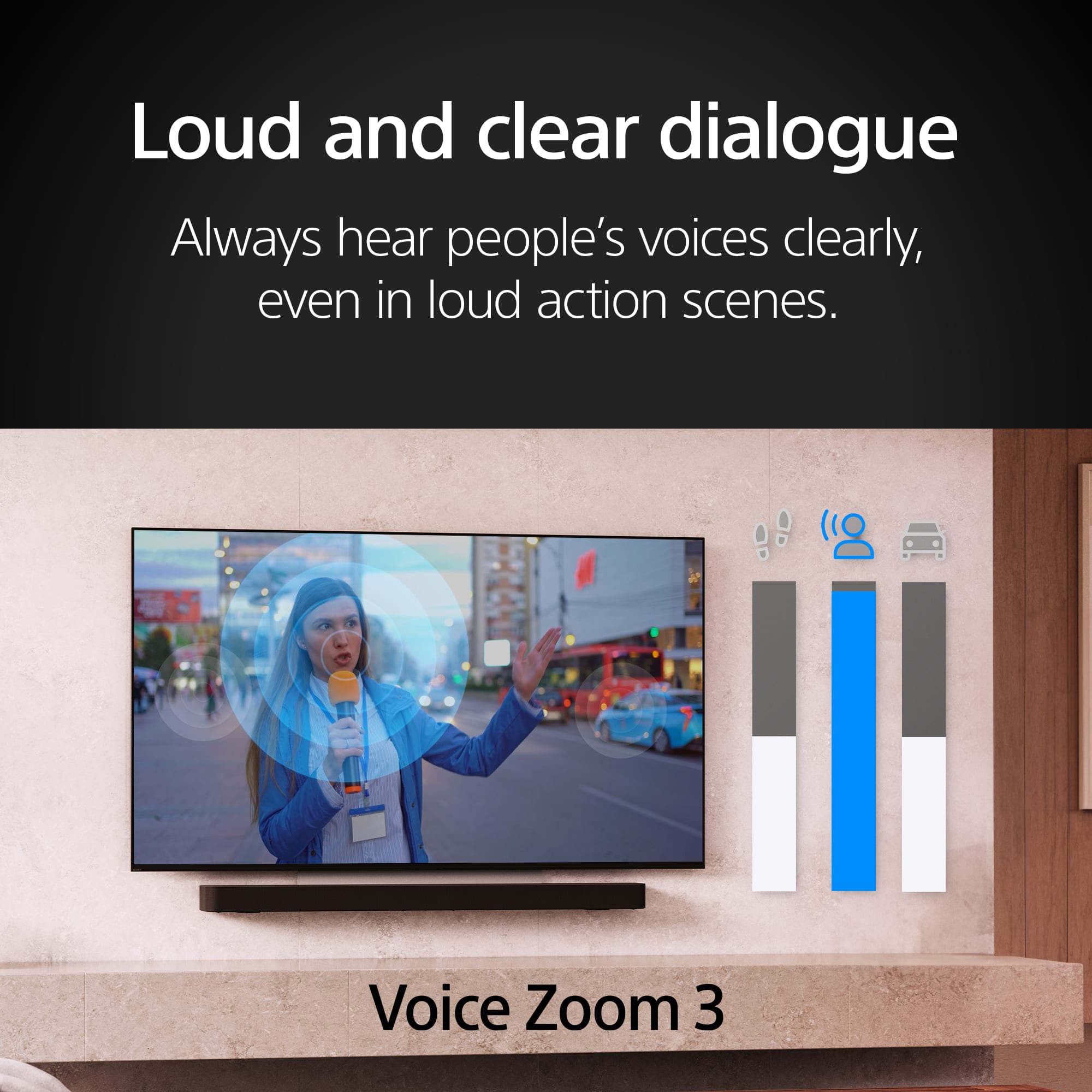
With Acoustic Surface Audio+, actuators behind the TV panel turn the entire screen into a speaker producing a wider, elevated soundstage, enabling audio to follow the action on screen. Voice Zoom 3 intelligently controls dialogue so that every word in a scene is always loud and clear. With support for Dolby Atmos, DTS:X, and 3D Surround Upscaling, everything you watch gets the surround sound treatment.
Best regards,
Maria