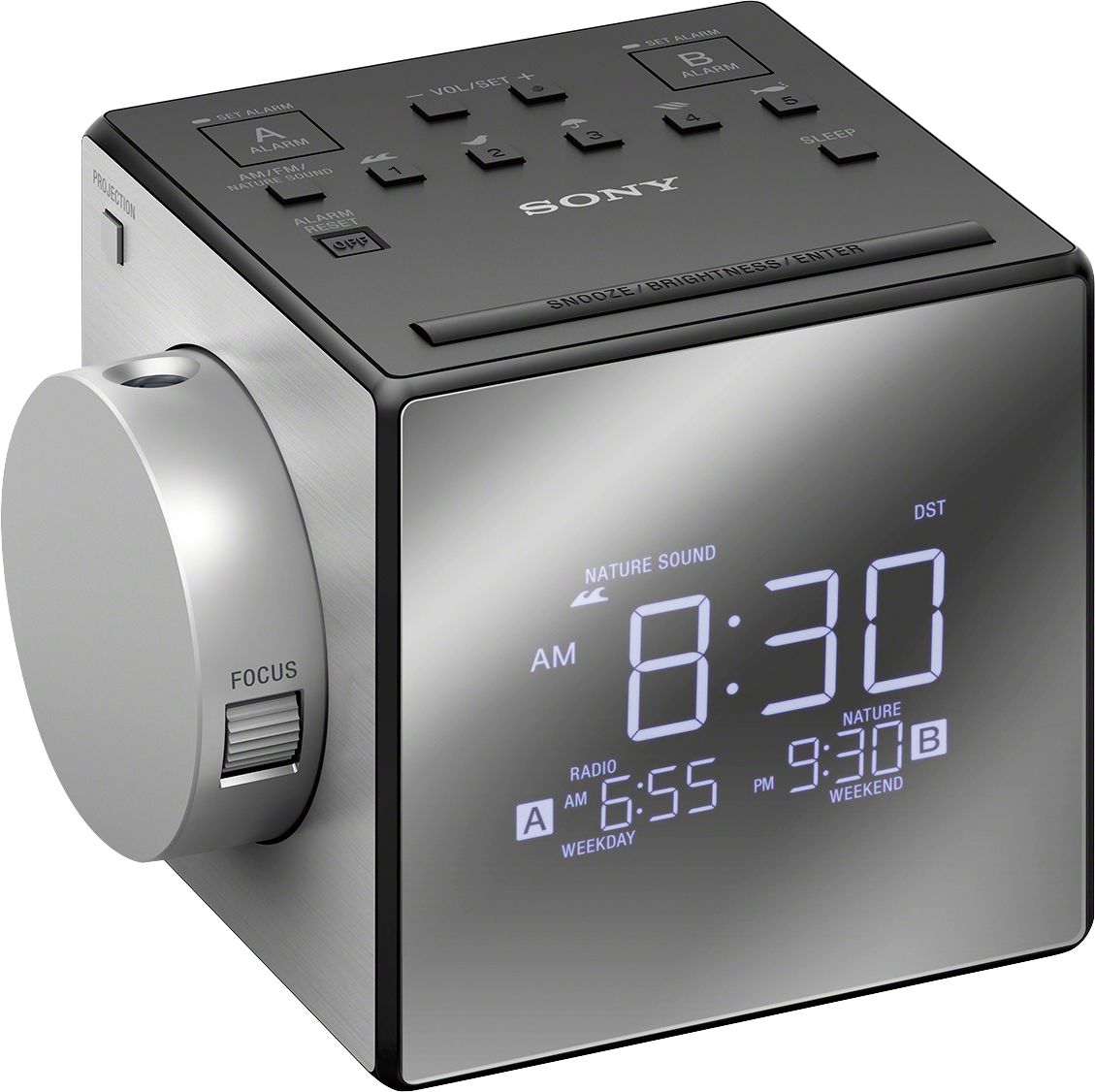
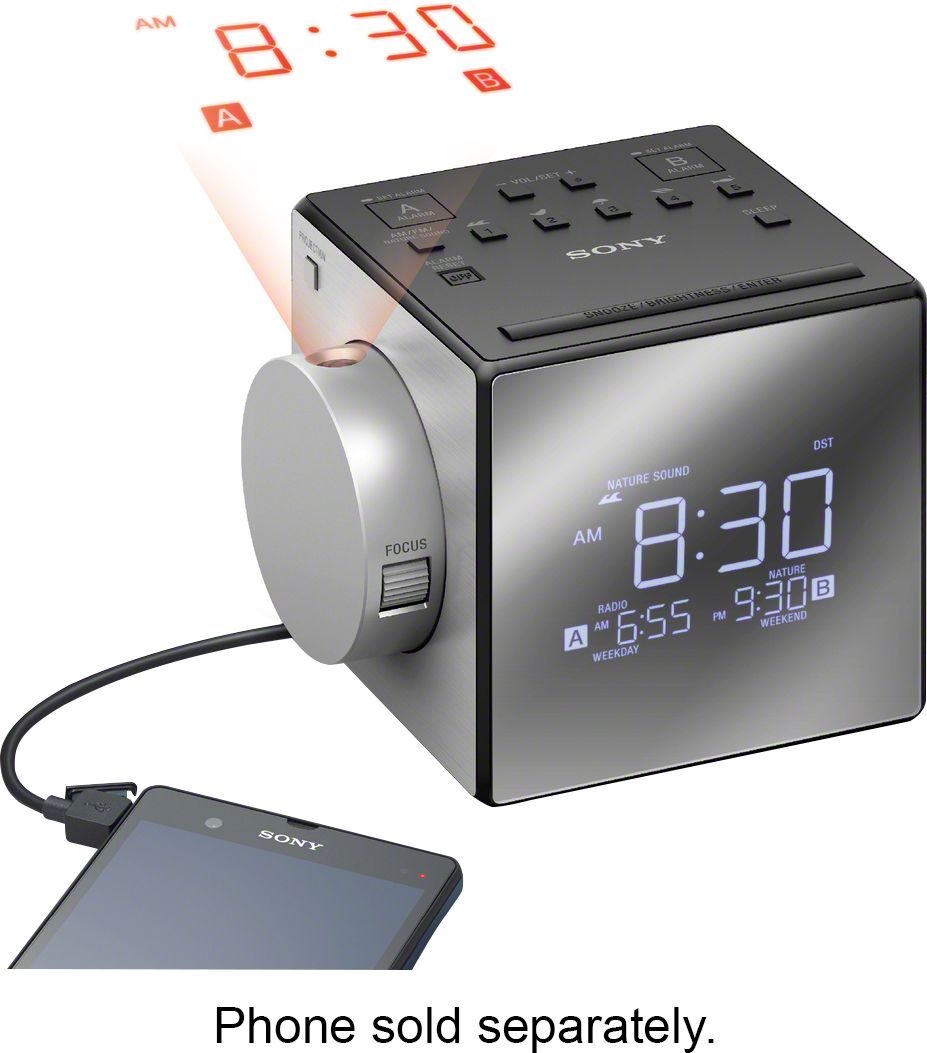
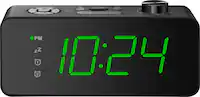
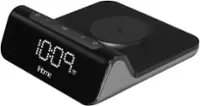
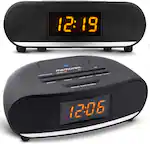
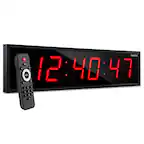
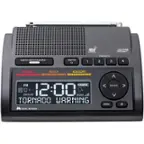
A:AnswerYou can cut it on using any of the preset buttons or by using the button that toggles between AM/FM/Nature sounds. The off button is on the top.
A:AnswerThere is a small square button just above the snooze bar. It is set flush with the top of the clock and can be a little hard to feel in the ark when trying to shut off the alarm.
A:AnswerHi dcm, There are three levels of brightness available (High, Middle, Low). You can also set the brightness of the display
to off. However, when the alarm is sounding or the snooze function is active, the brightness of the display cannot be changed. «Jerome
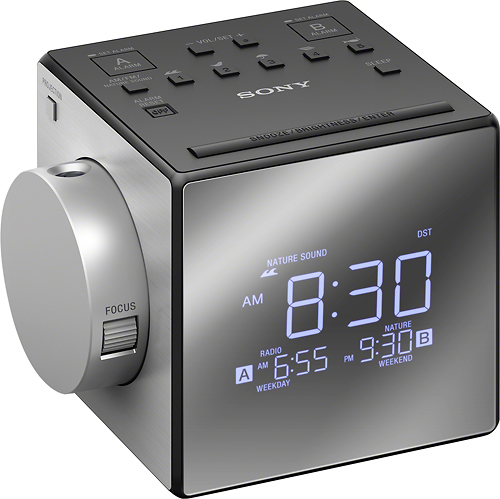
A:AnswerNot 100%, but pretty sure it will not operate at all on battery... it is for back-up purposes only. IE you don't have to reset everything if you lose power or unplug it.
Personally I would suggest just finding a cheap battery operated alarm clock. I have two, both were under $15. Both use about 2xAA batteries a year if not using as a daily alarm, and about 4xAA batteries if you are using it as a primary alarm clock. The battery operated clocks are touch lit. (You have to touch the snooze bar for the clock to light up.) The alarms you would have to research. One I have has one volume and that volume is "wake the neighbors." The other one I believe has quiet (wouldn't wake me from a cat nap) and loud (might wake me from a cat nap.) So the alarms are hit and miss.
Good luck.
A:AnswerNo there is no weekday/weekend alarm selection. I use Alarm 1 for weekdays and Alarm 2 for weekends but you must select each one on or off manually.