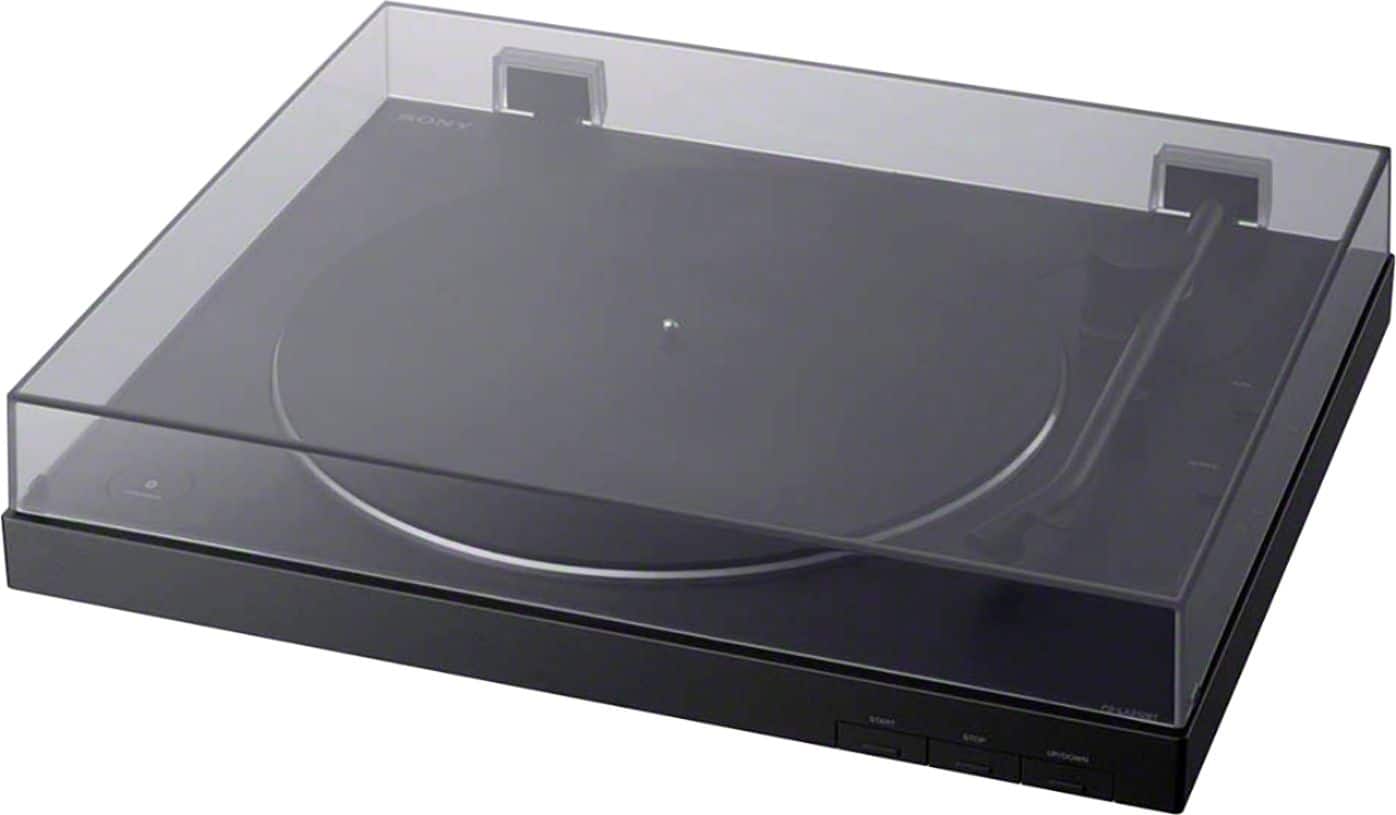
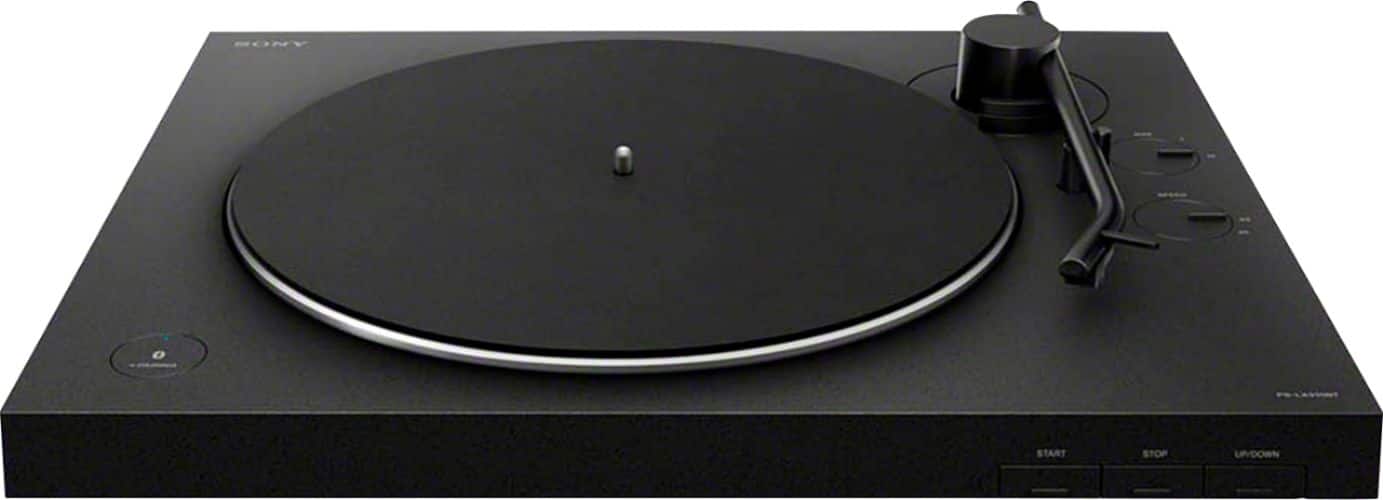
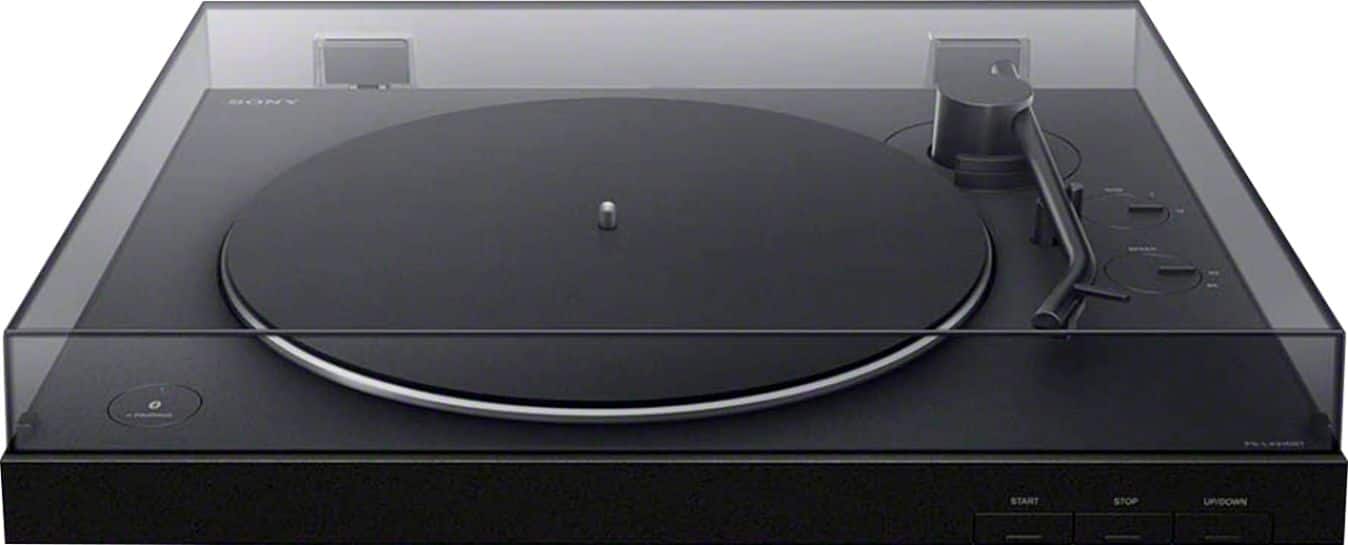
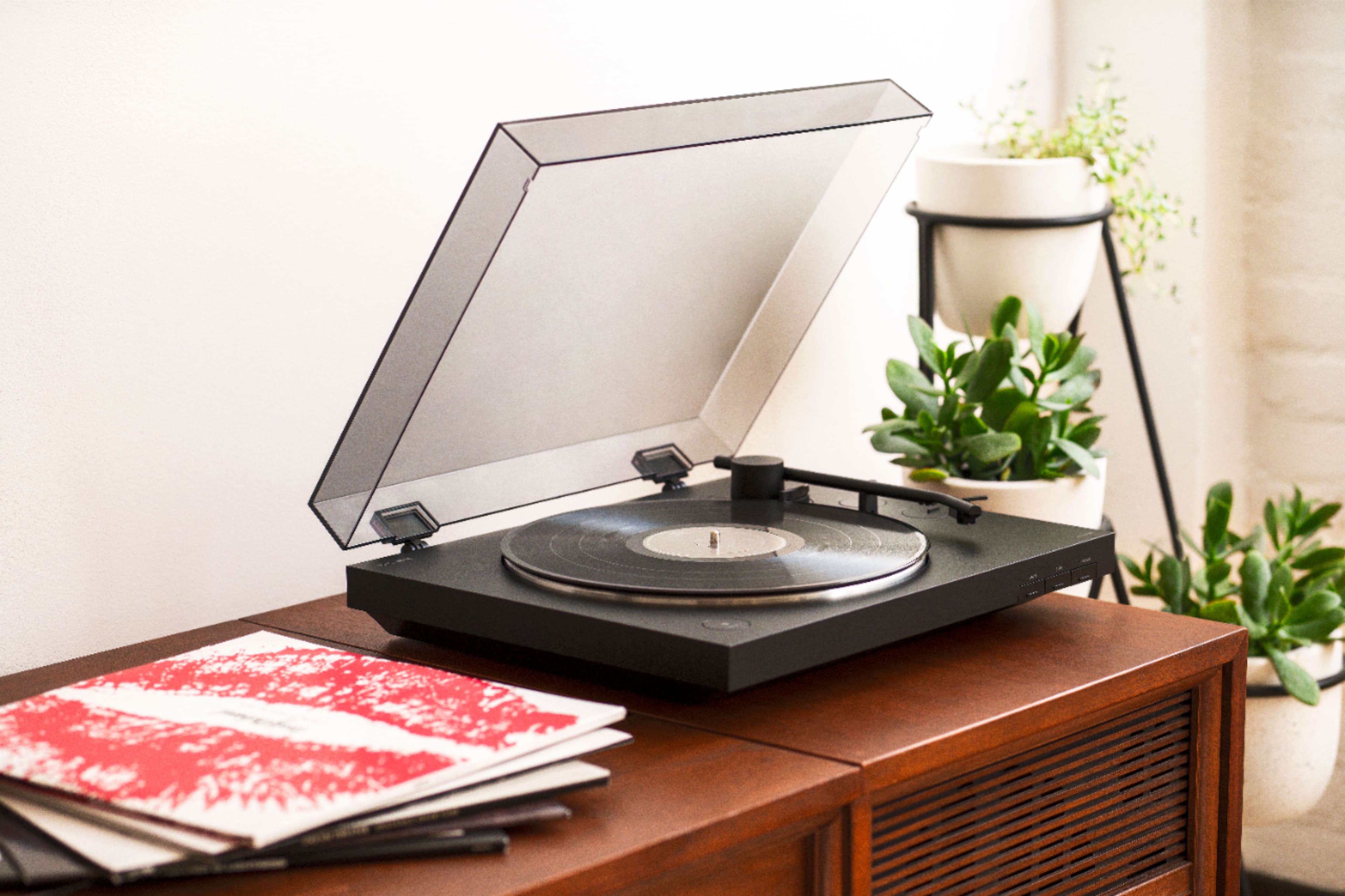
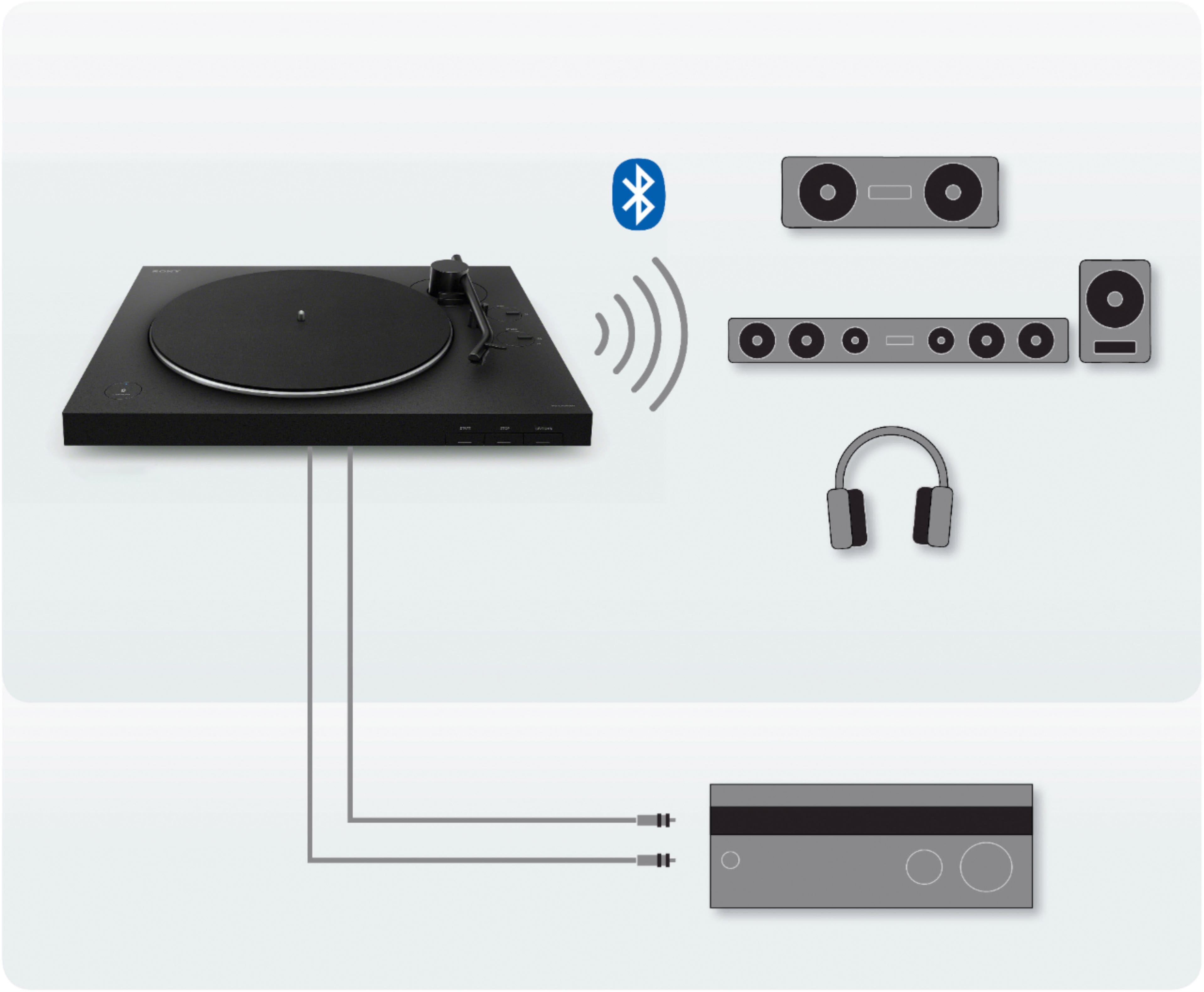
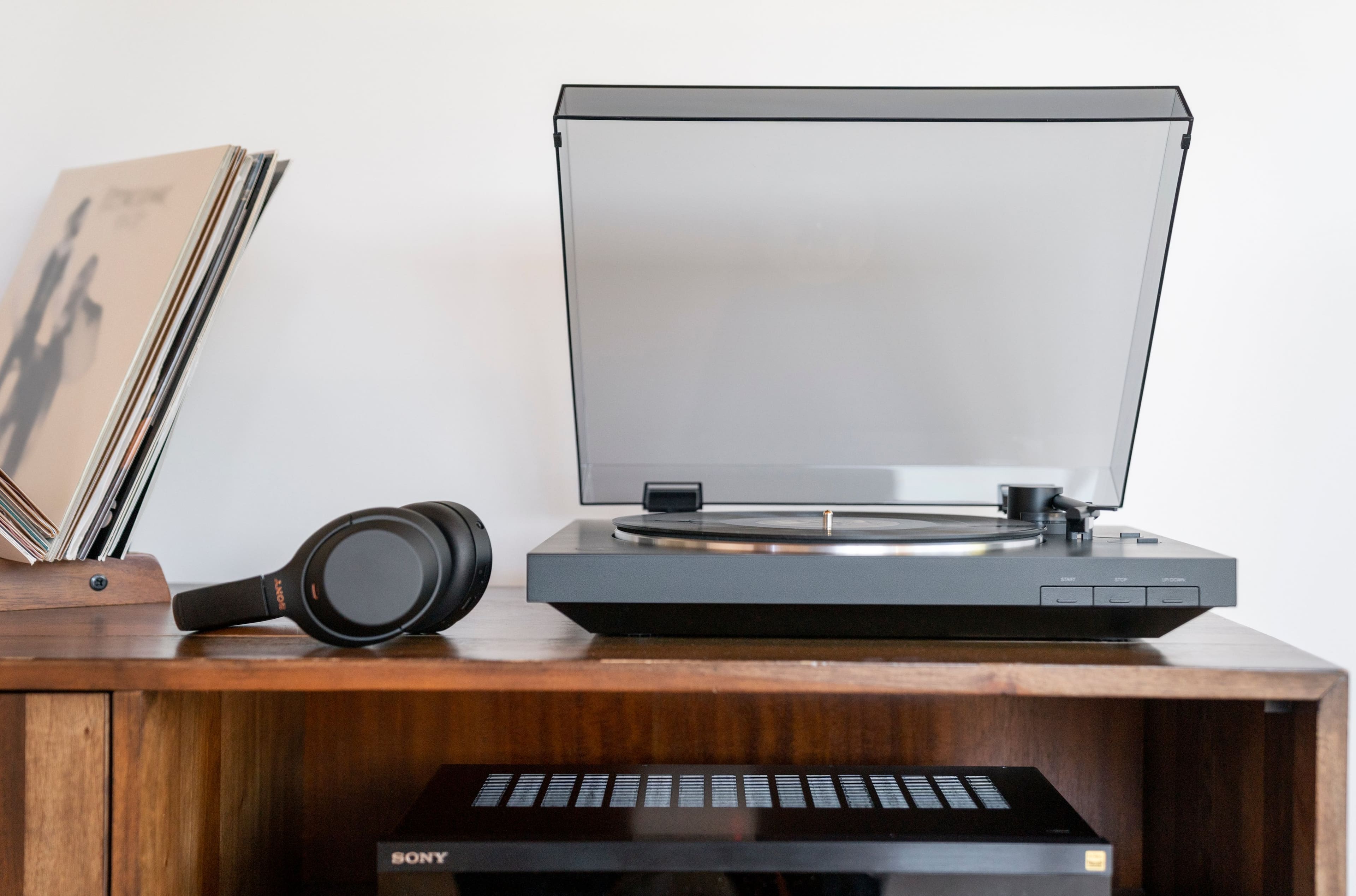
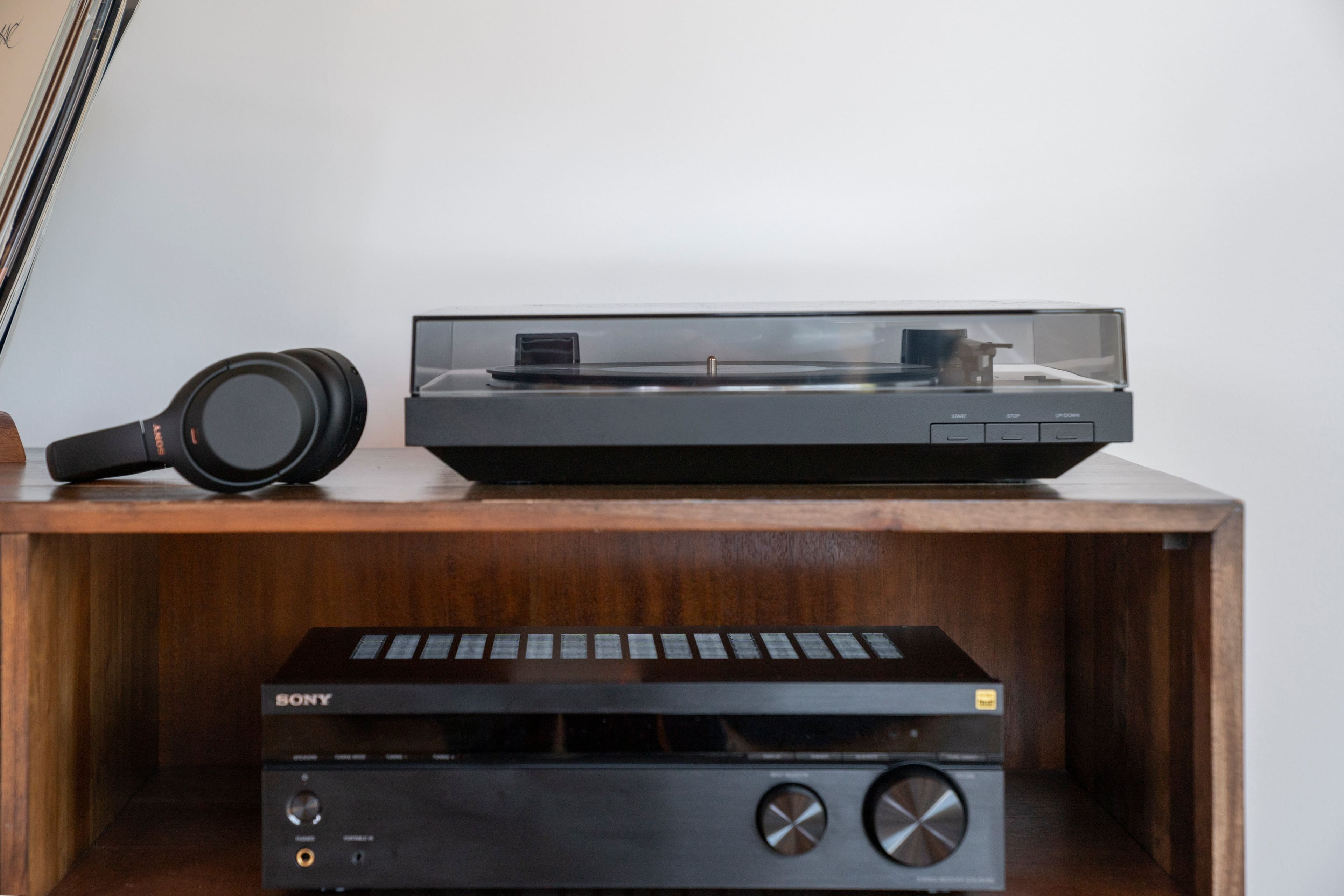
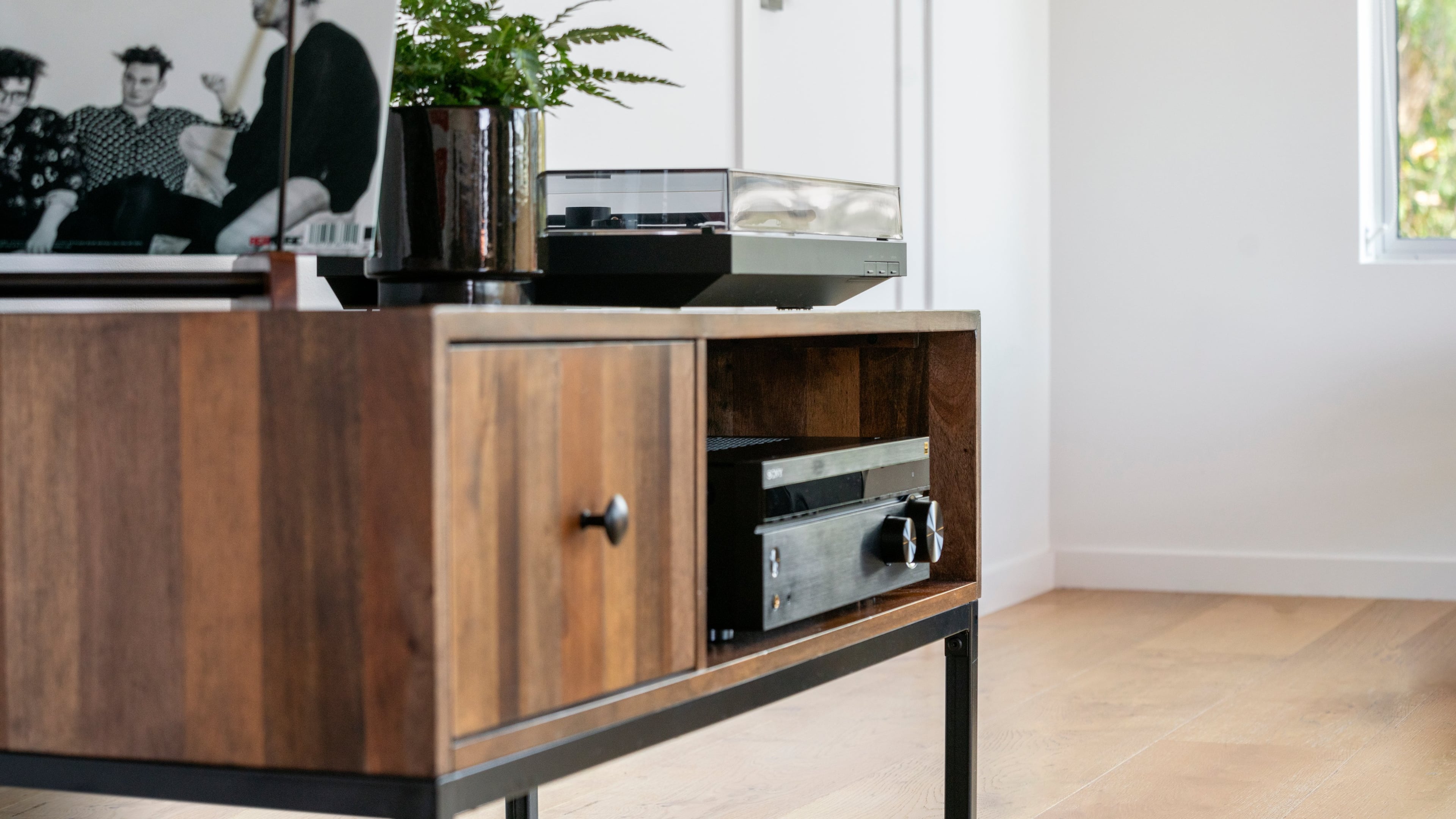
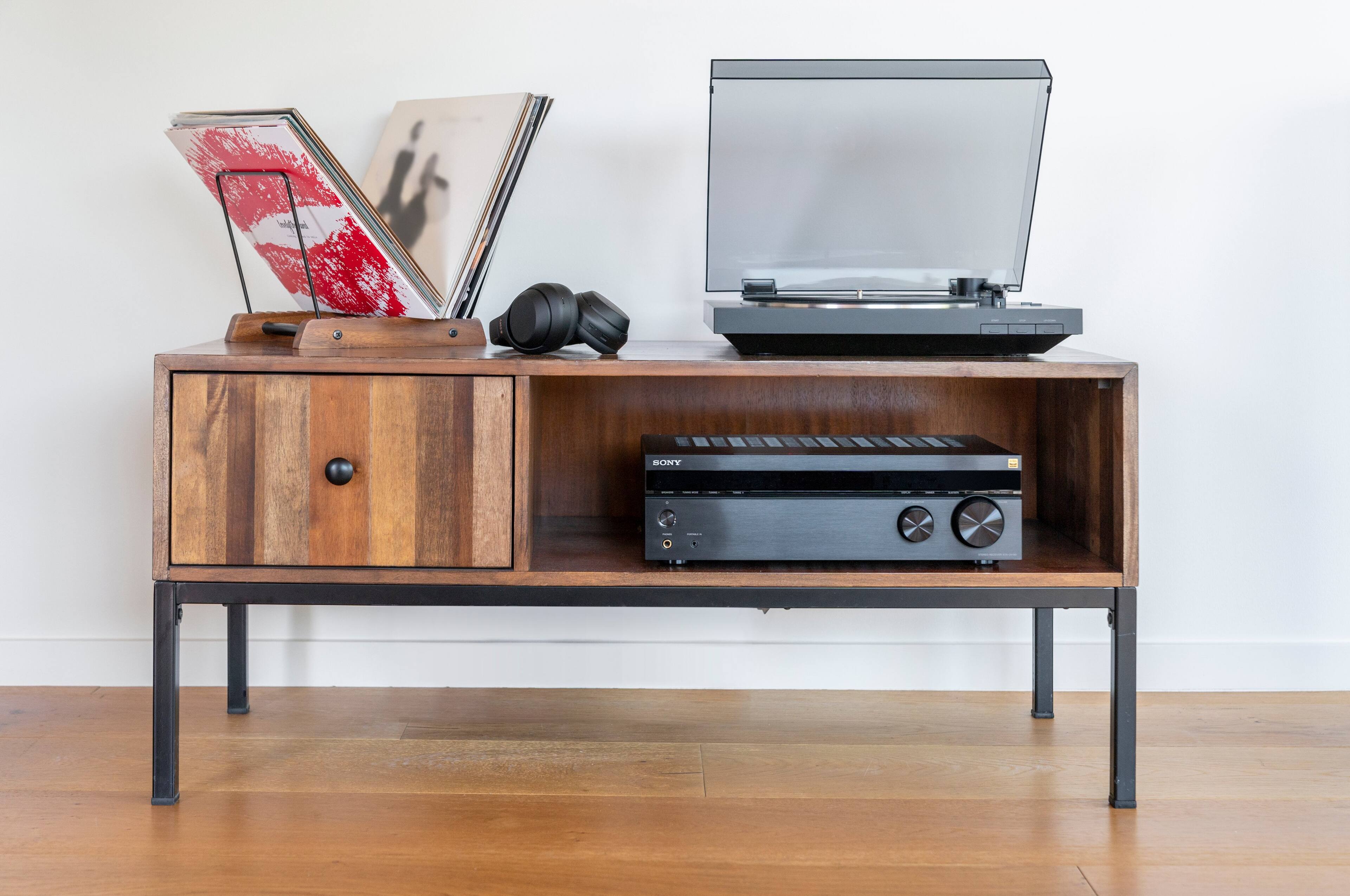
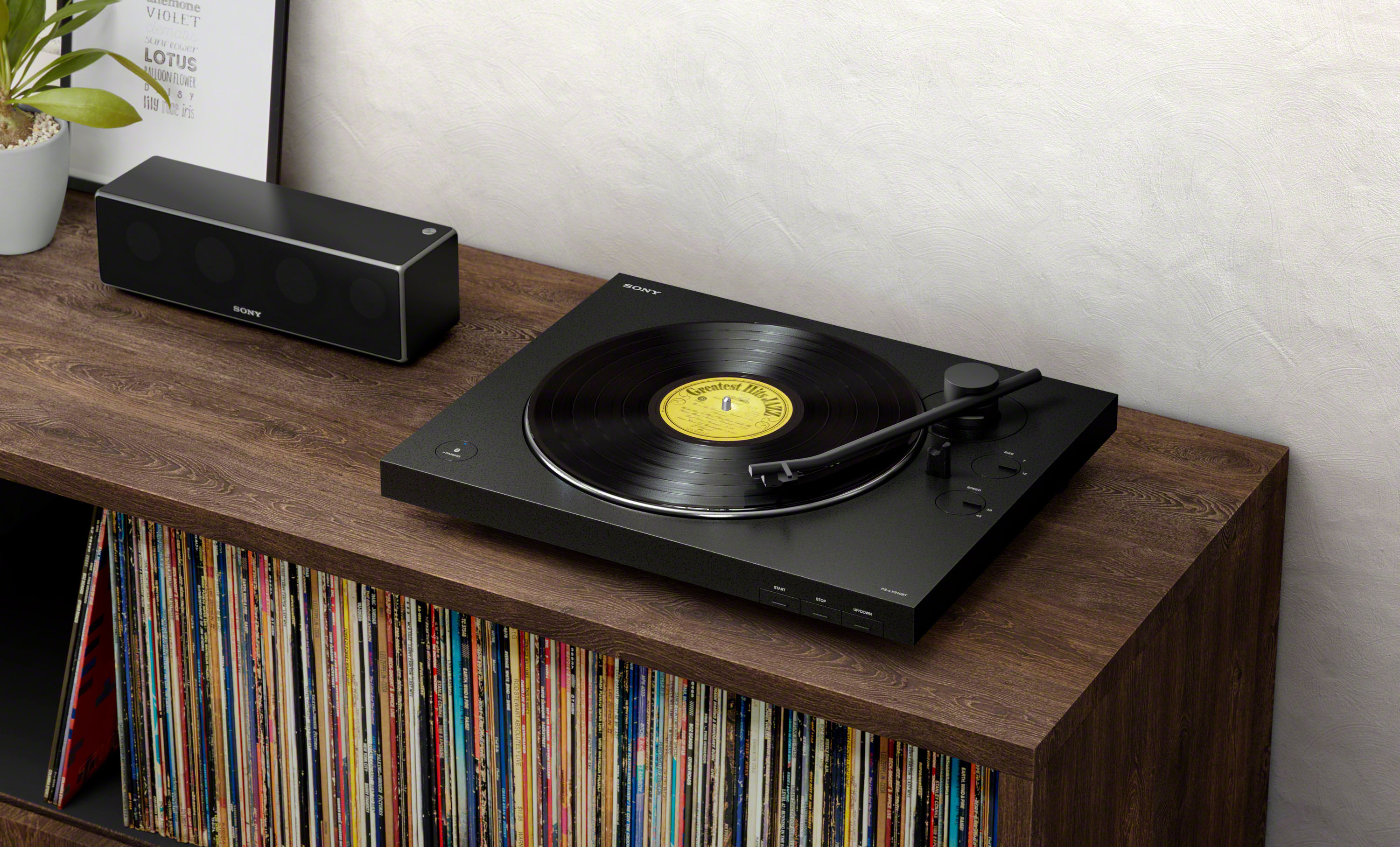
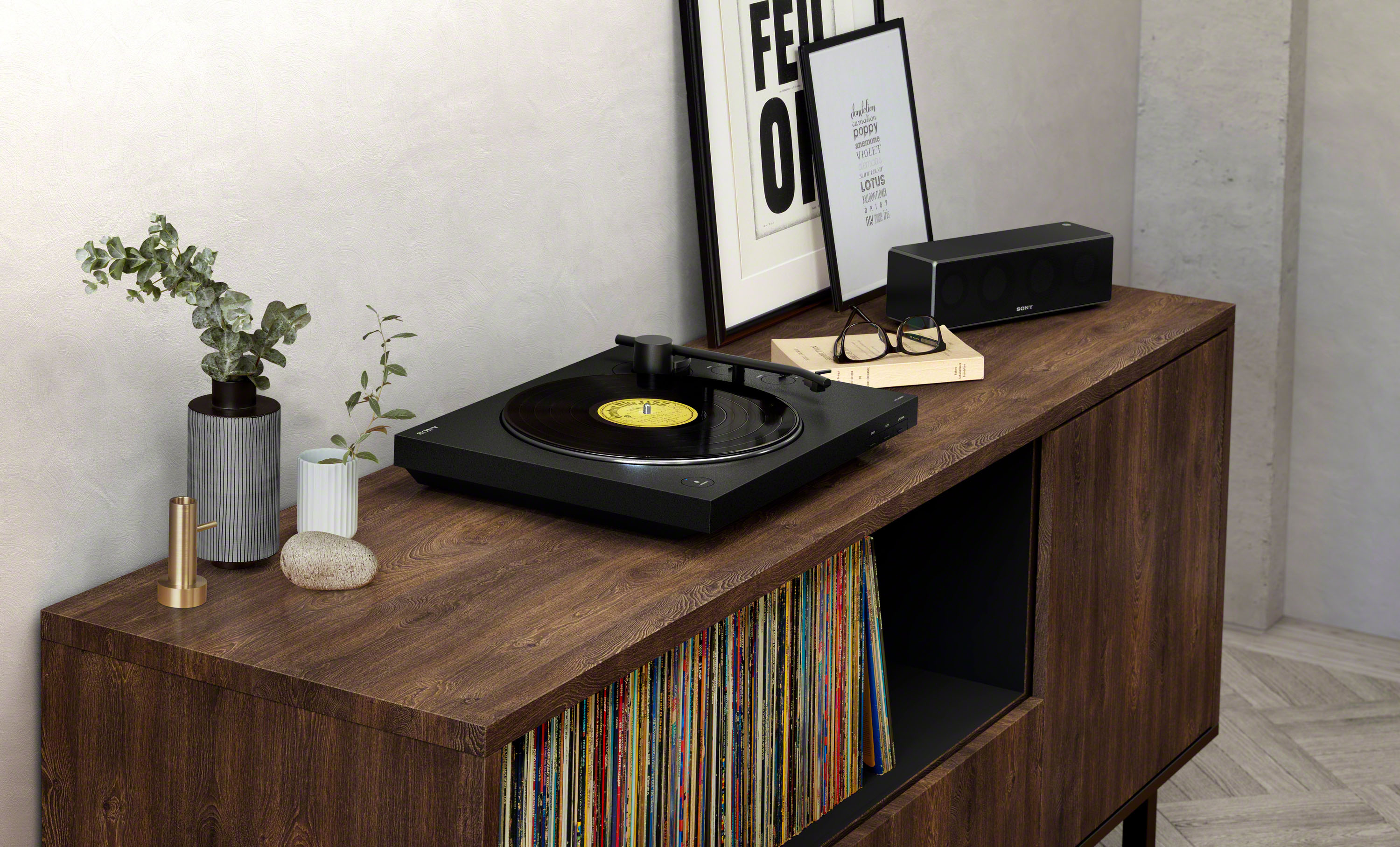
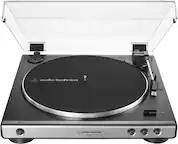
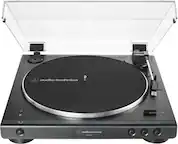
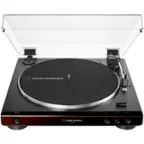
A:AnswerHi technicallychallenged, No, you don't have to connect a receiver to the PS-LX310BT. You can enjoy playing vinyl records by using your turntable's Bluetooth function to connect wirelessly to a playback device such as Bluetooth speaker or Bluetooth headphones. Please refer to this link for further details: https://www.sony.com/electronics/support/res/manuals/4748/2a8f06044efec02b753eff3df707fb93/47487551M.pdf (page 14-15). -Sam
A:AnswerHi, johnjohn!
You may refer to this link below on how to properly connect your Bluetooth speaker to this turntable. See page 14 for details.
https://www.sony.com/electronics/support/res/manuals/4748/2a8f06044efec02b753eff3df707fb93/47487551M.pdf
Happy to help,
David
A:AnswerHi, Customer!
You can only connect Bluetooth headphones or Bluetooth speakers to this turntable. See page 14 for details.
https://www.sony.com/electronics/support/res/manuals/4748/2a8f06044efec02b753eff3df707fb93/47487551M.pdf
Happy to help,
David
A:AnswerHi, GMOM!
Good news! Yes, this unit can be connected to a Mac Computer. Make sure it is running on Mac OS X 10.9 - 10.11 macOS 10.12 - 10.14. Regards, Sam
A:AnswerThe statement that this turntable cannot play 10” records is false. You can still play 10” records but you have to manually lift the arm and set the needle down, the automatic function is what won't work with 10” records which isn’t a huge deal,
A:AnswerHello kevrockdal,
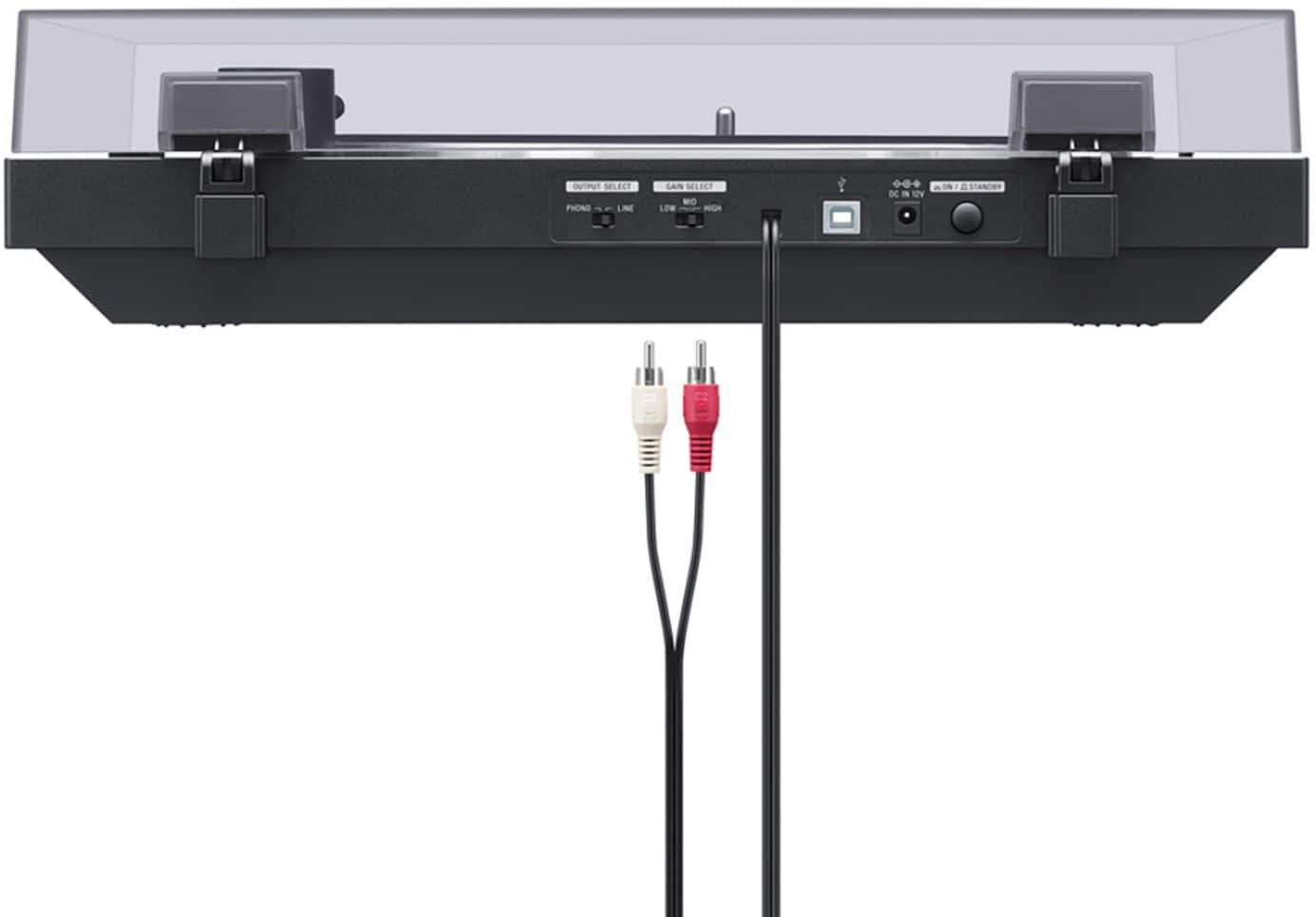
To listen to audio on vinyl records, either use an audio cable to connect to an audio device or
use Bluetooth function to connect to a Bluetooth wireless technology enabled
audio device, such as wireless speakers or wireless headphones.
Regards,
David
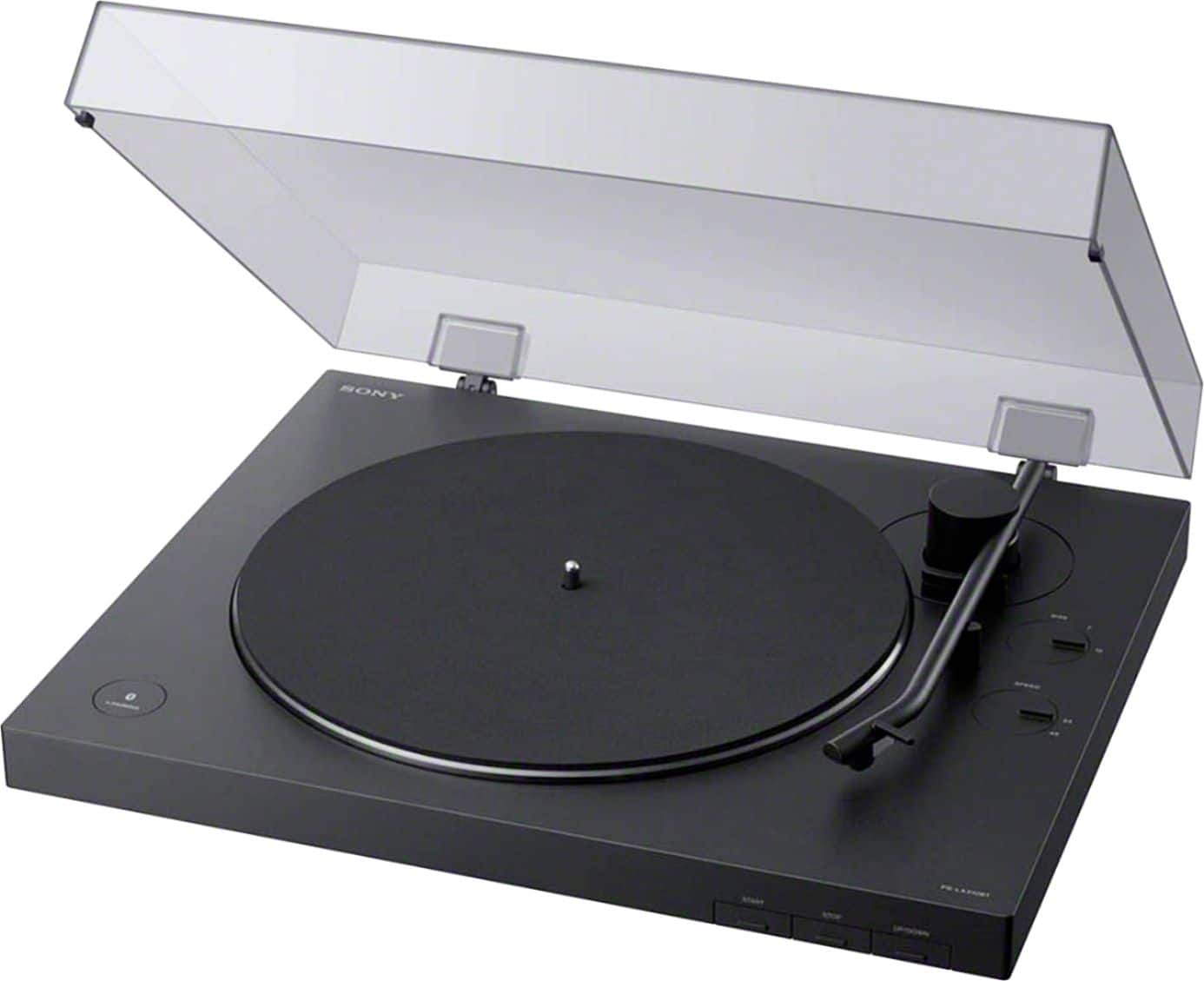
A:AnswerTurn off other Bluetooths transmitter buttons on smartphones, tablets etc. in the house. Initially place Bluetooth transmitter (turntable) and Bluetooth receiver (speaker) as close together as possible. Turn on the prompt on speaker then turn on prompt on turntable (see instructions for both devices). They should pair but may take several seconds (blue light on turntable will stop blinking and become solid). After they have paired like this, they should automatically pair from then on by just powering up the devices, but it sometimes requires that others Bluetooths on phones, etc. are in the off position while in the vicinity.
A:AnswerHello Bluetooth,
Upconverts means composite video to S-Video, S-Video to component video, and component video to HDMI video signal to provide a higher quality connection to the TV, while simultaneously reducing the need to switch input sources at the TV. Sony's exclusive system also offers control over Hue, Brightness and Contrast. This is included on some of the Sony Home Stereo receivers.
Regards,
David
A:AnswerHi PhonoNewbie,
Thanks for the inquiry! You no longer need a receiver for this. If you have a Bluetooth-enabled speaker then that is the way to do it. Kindly refer to this manual for the step by step instructions. Thanks!
https://docs.sony.com/release//Manual_4748755112.pdf
Regards,
Sam