
Black Friday is hereShop new DoorbustersShop now

Main Content

Questions & Answers

Your price for this item is $499.99
The comparable value price is $699.99
Page Showing 1-20 of 30 questions
  • QuestionHow can I control the soundbar settings?

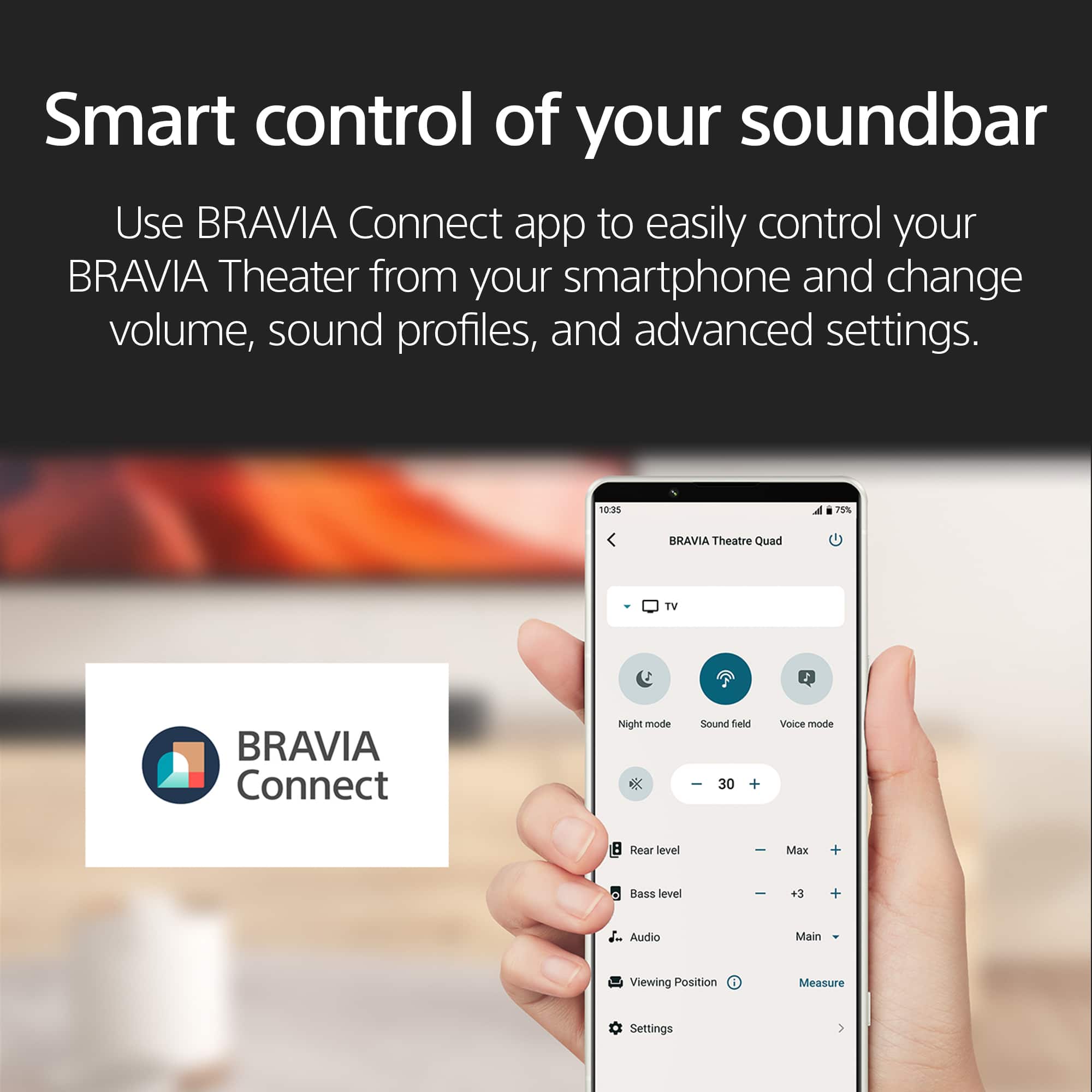
    • Answer You can control the soundbar settings through the BRAVIA Connect app on your smartphone, or if paired with a compatible BRAVIA TV, you can adjust settings through the TV's Quick Settings menu.
    This question and answer was generated by AI based on customer and product data.

  • QuestionWhat is the function of the center speaker?

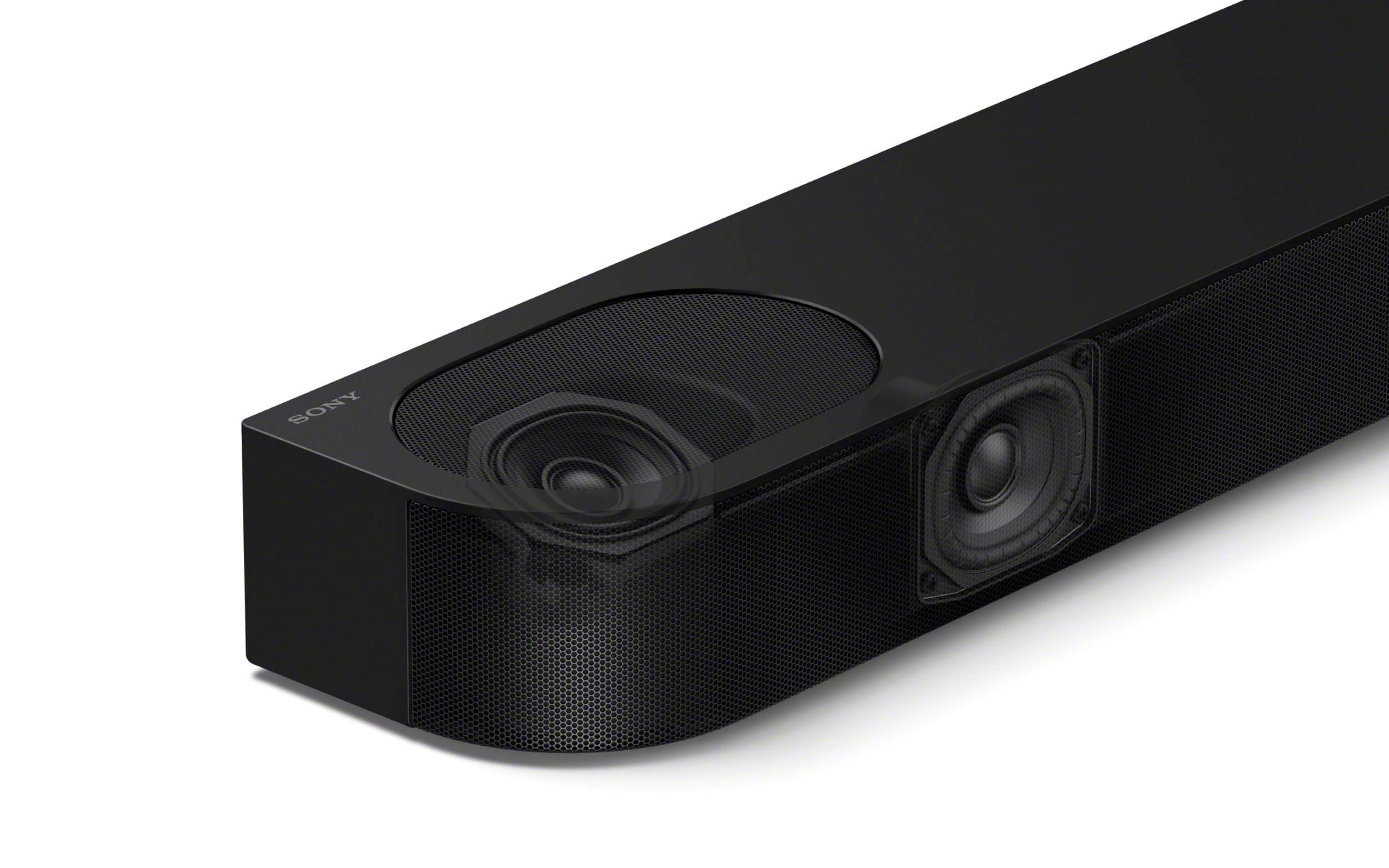
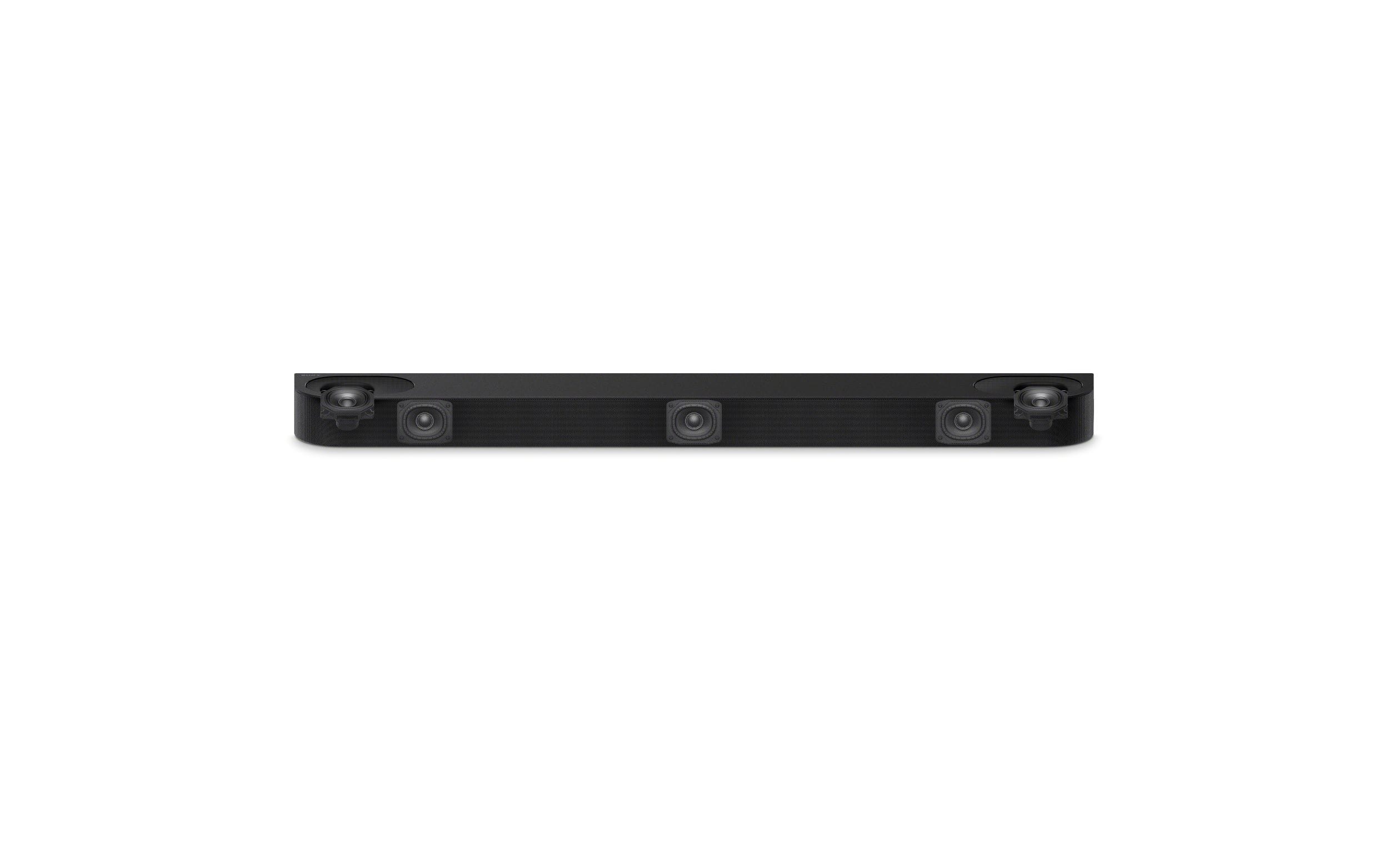
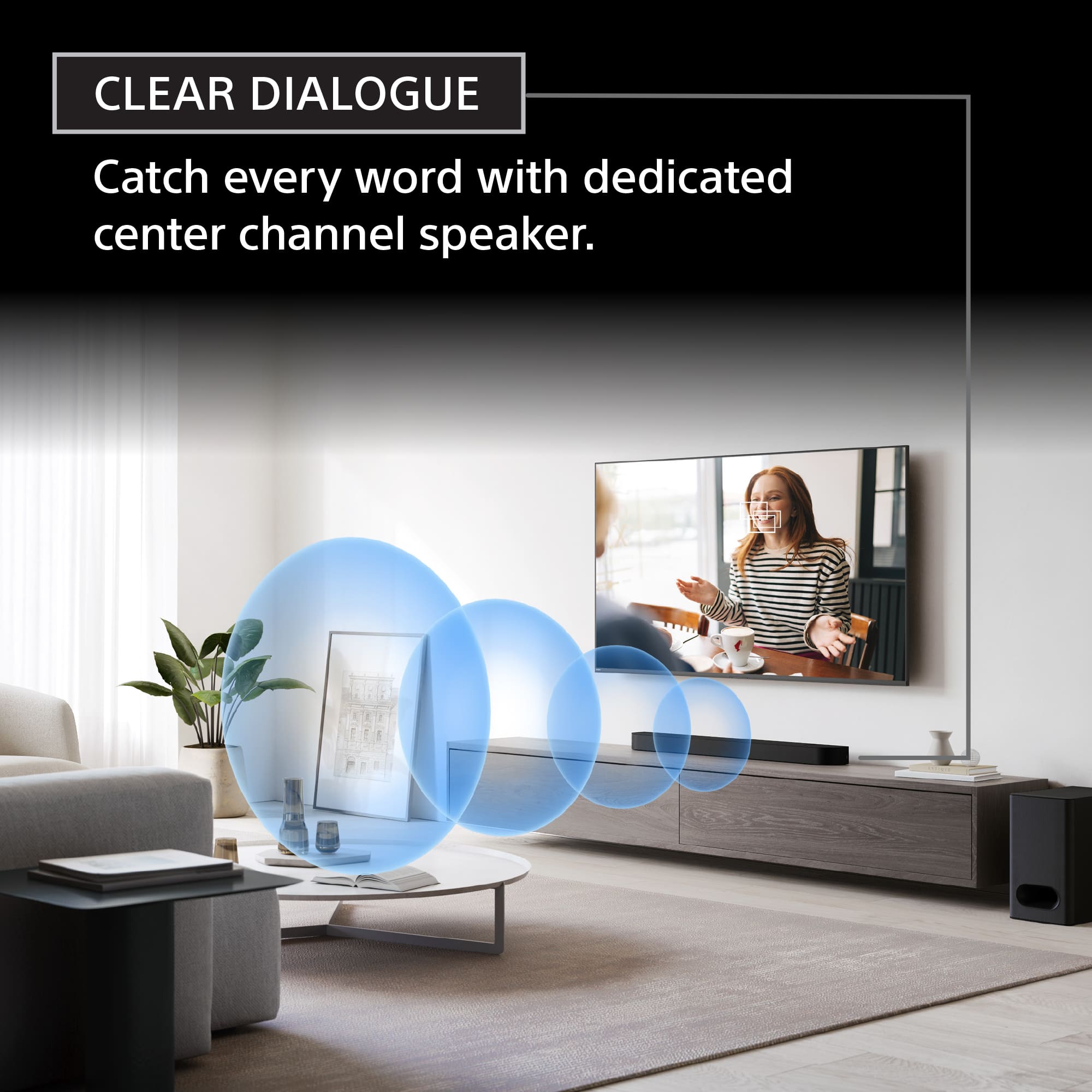
    • Answer The dedicated center channel speaker ensures clear voice reproduction, allowing you to hear dialogue clearly.
    This question and answer was generated by AI based on customer and product data.

  • QuestionHow many speakers does the Bravia Theater Bar 6 have?

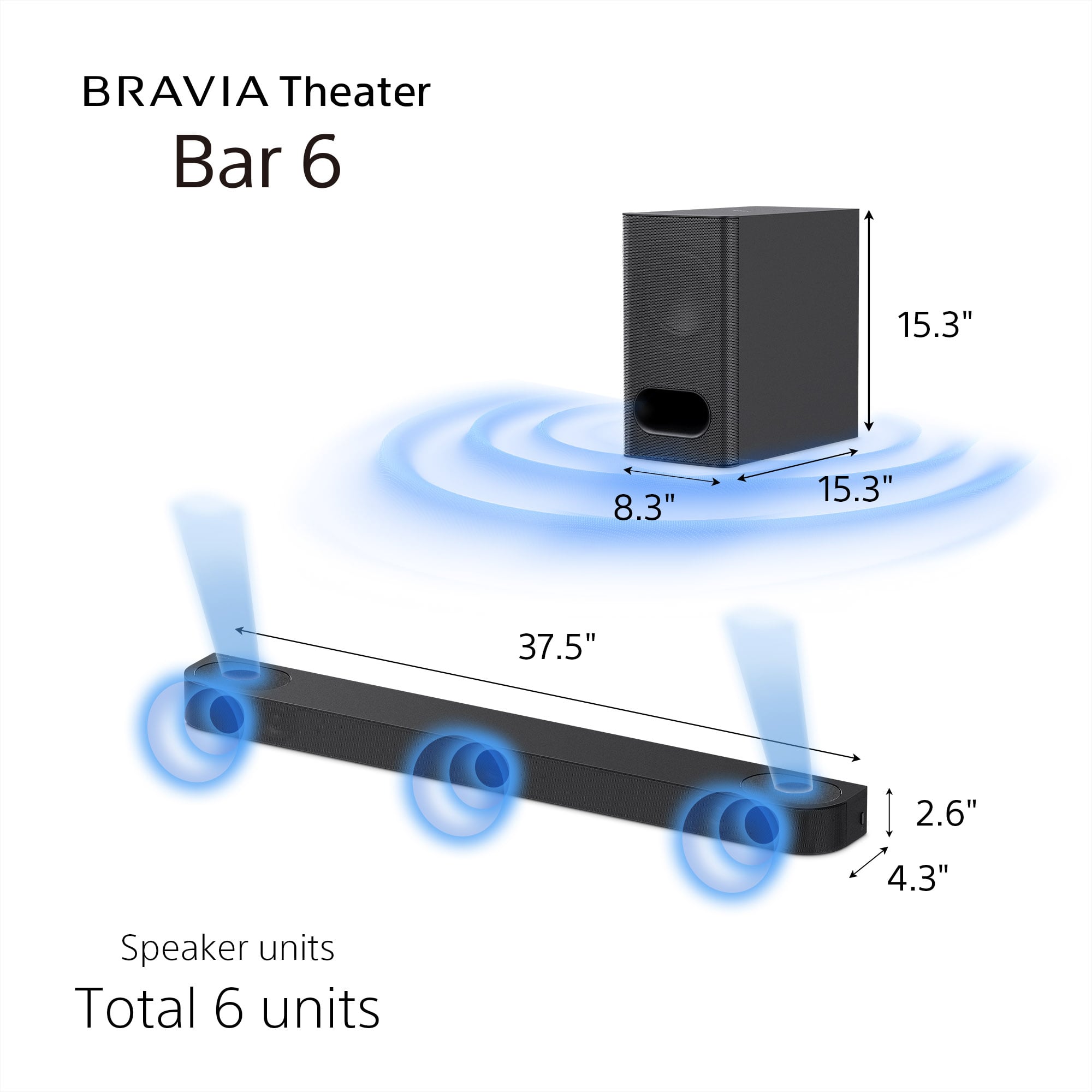
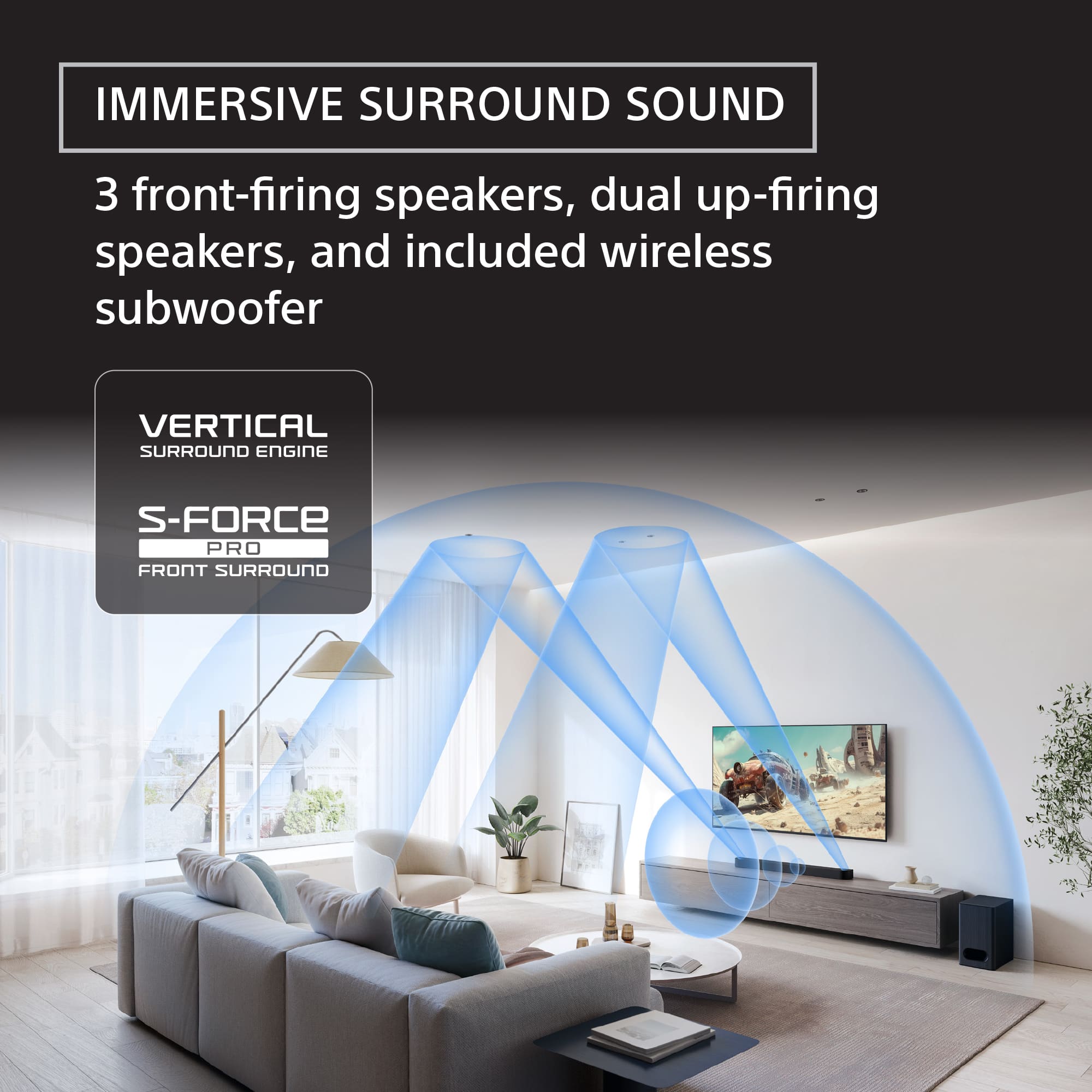
    • Answer The Bravia Theater Bar 6 features six total speakers, including the subwoofer.
    This question and answer was generated by AI based on customer and product data.

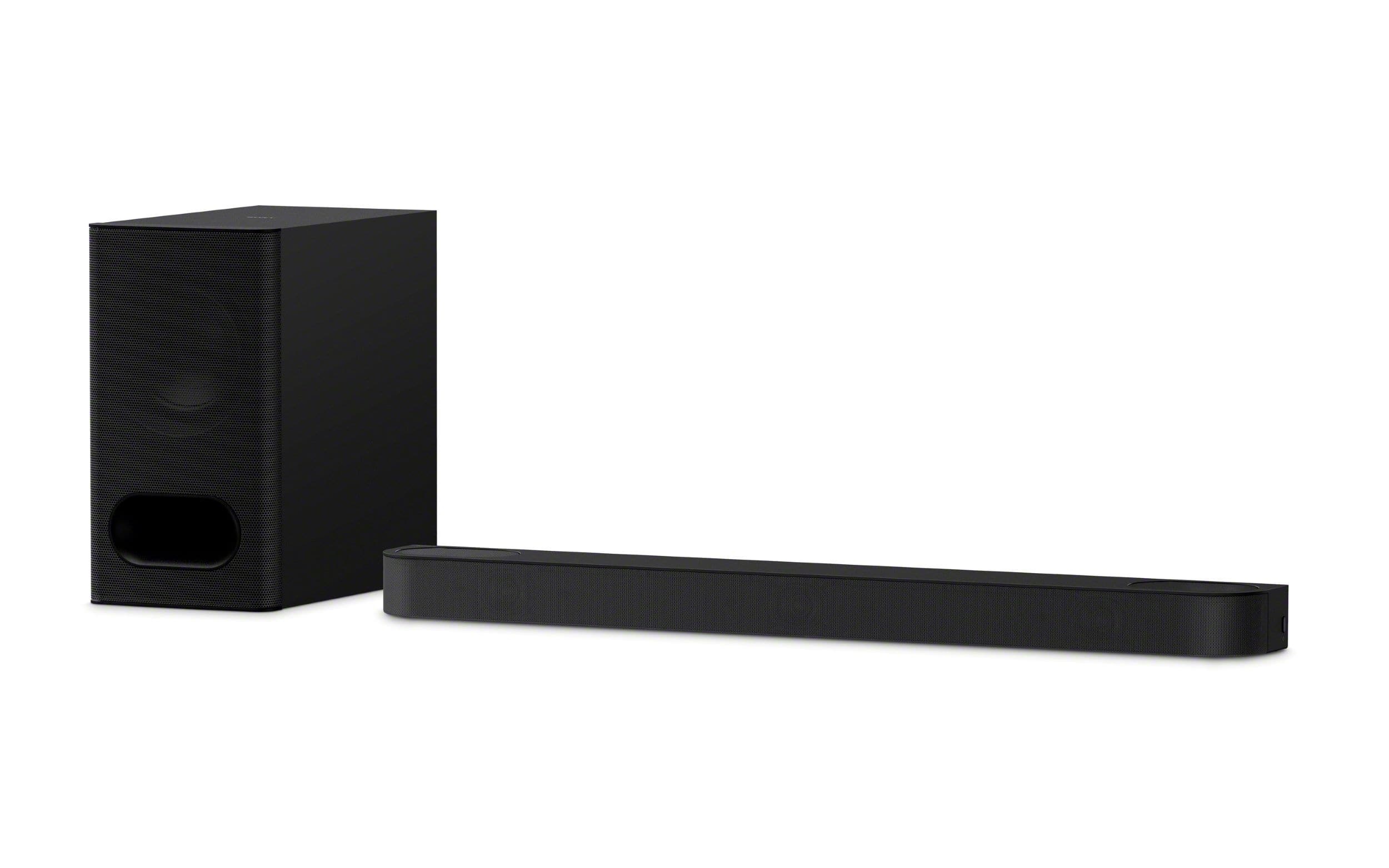
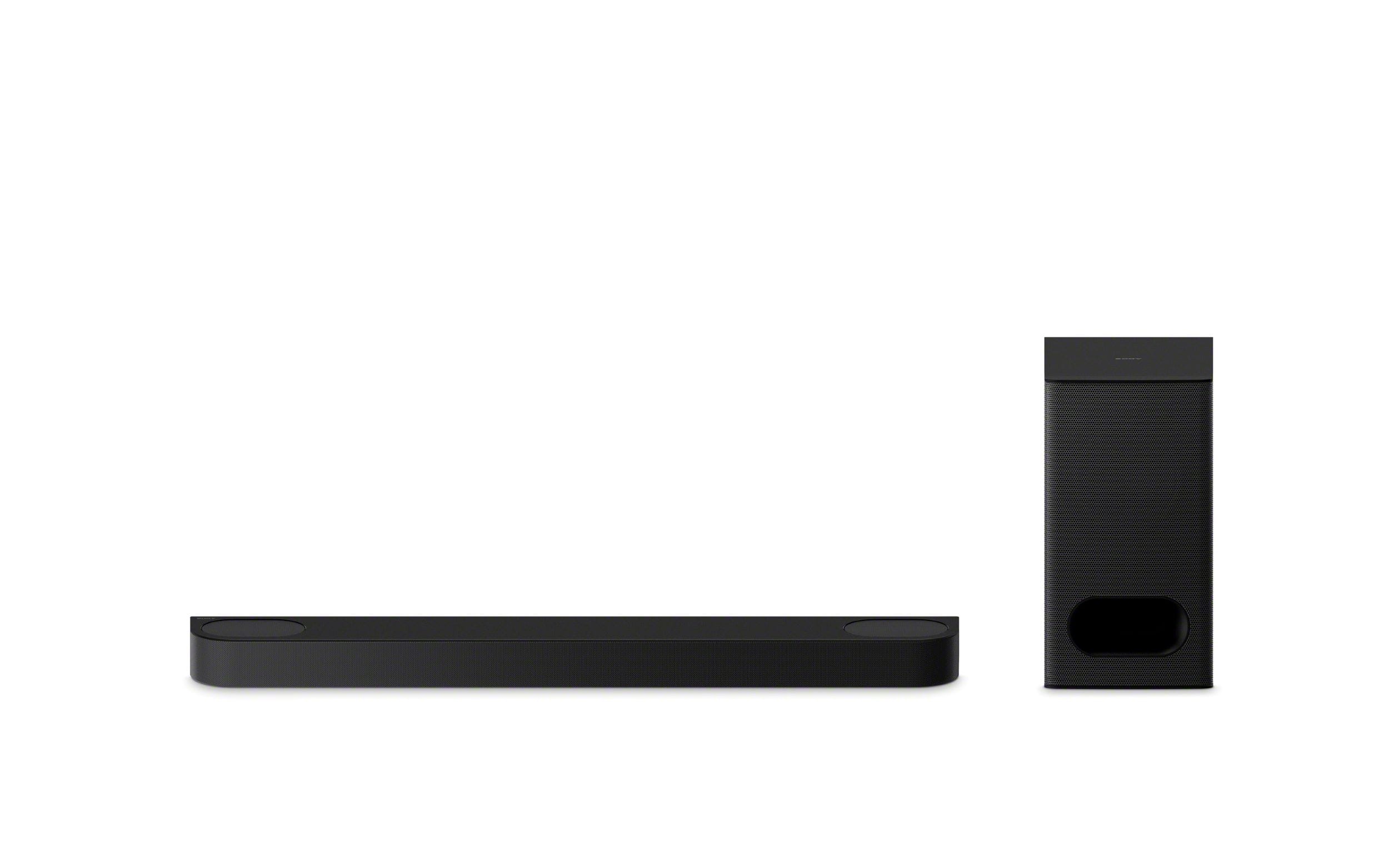
  • QuestionDoes this soundbar include a subwoofer?

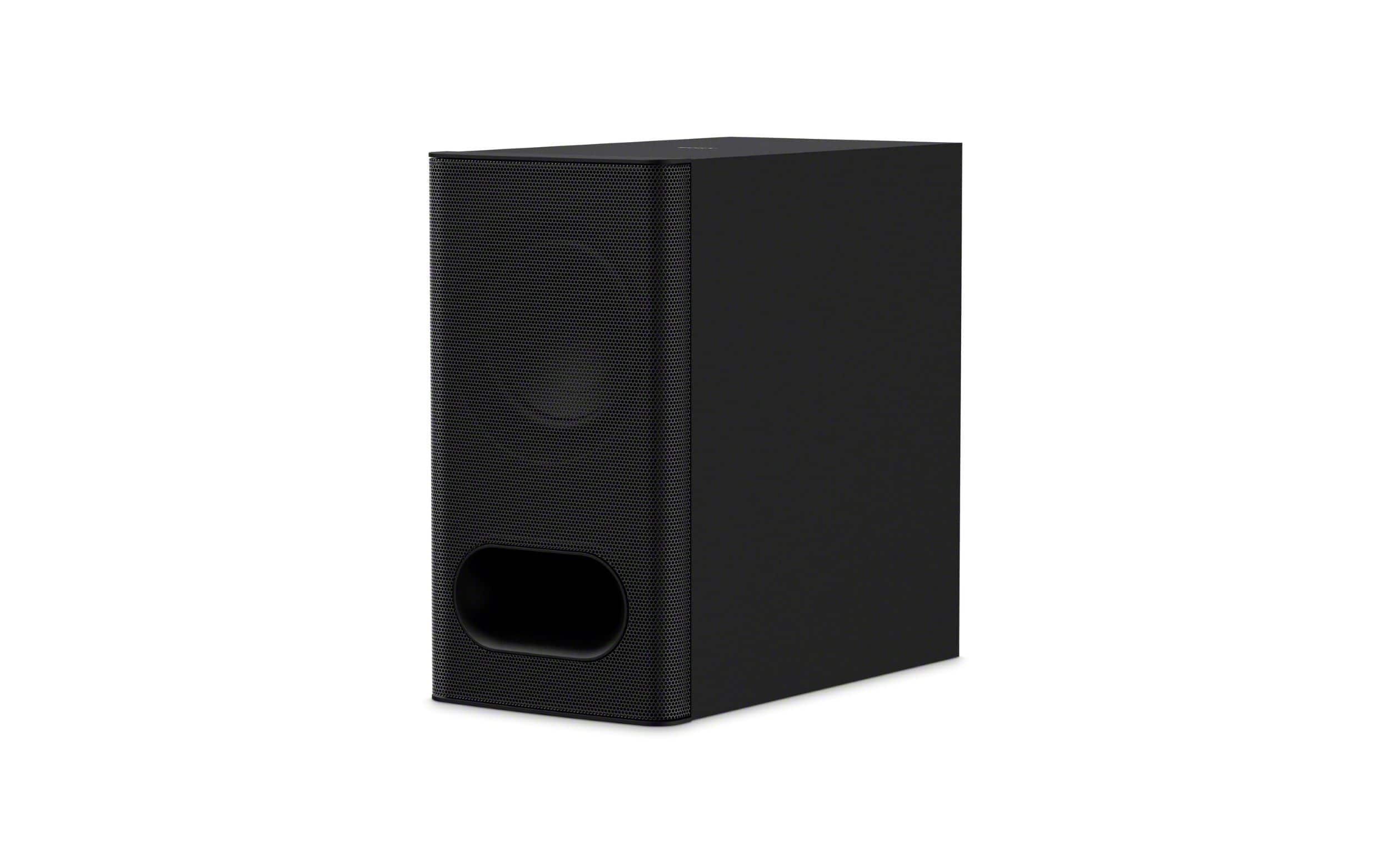
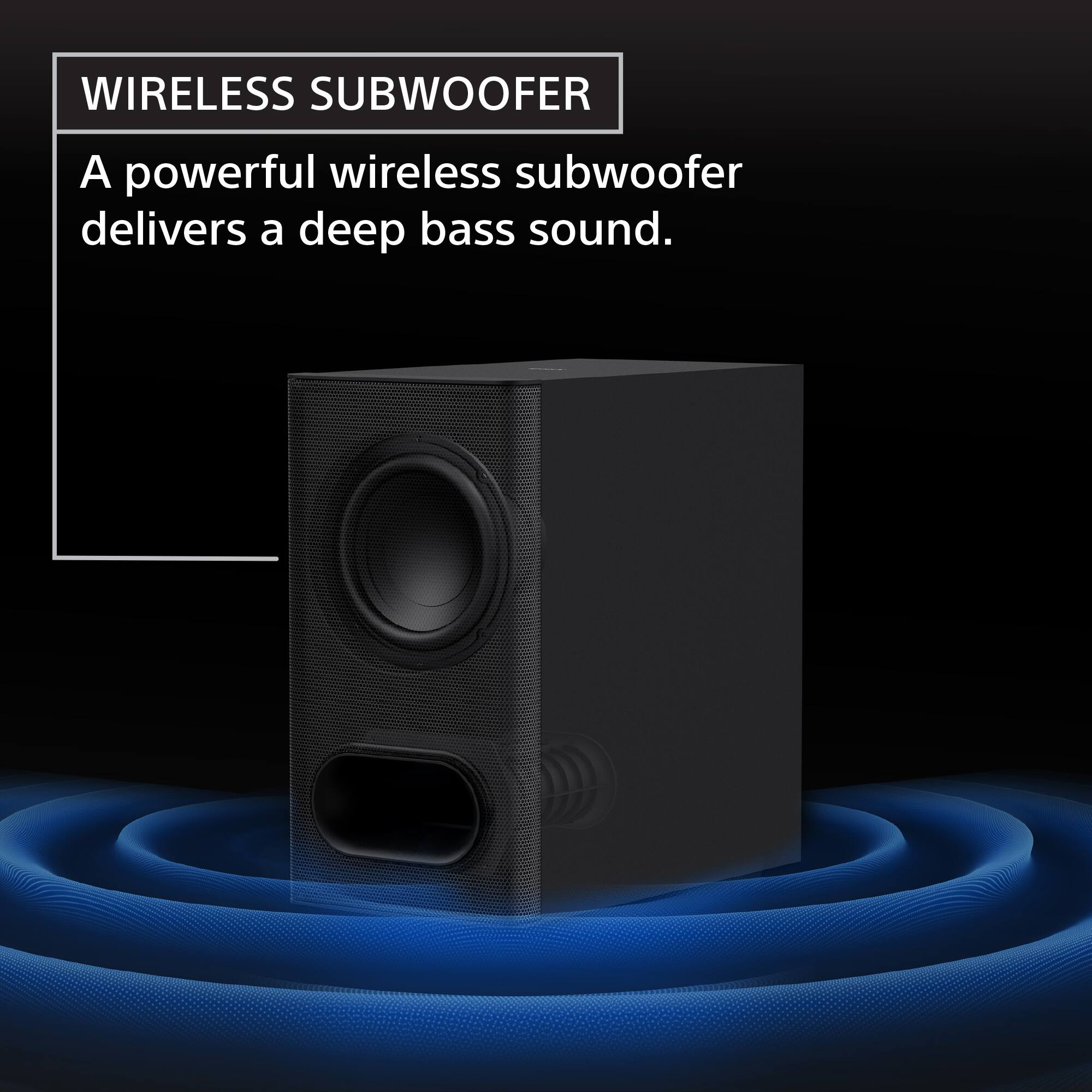
    • Answer Yes, a subwoofer is included with the soundbar.
    This question and answer was generated by AI based on customer and product data.

  • QuestionDoes the Bar 6 have a voice mode for clear dialog?

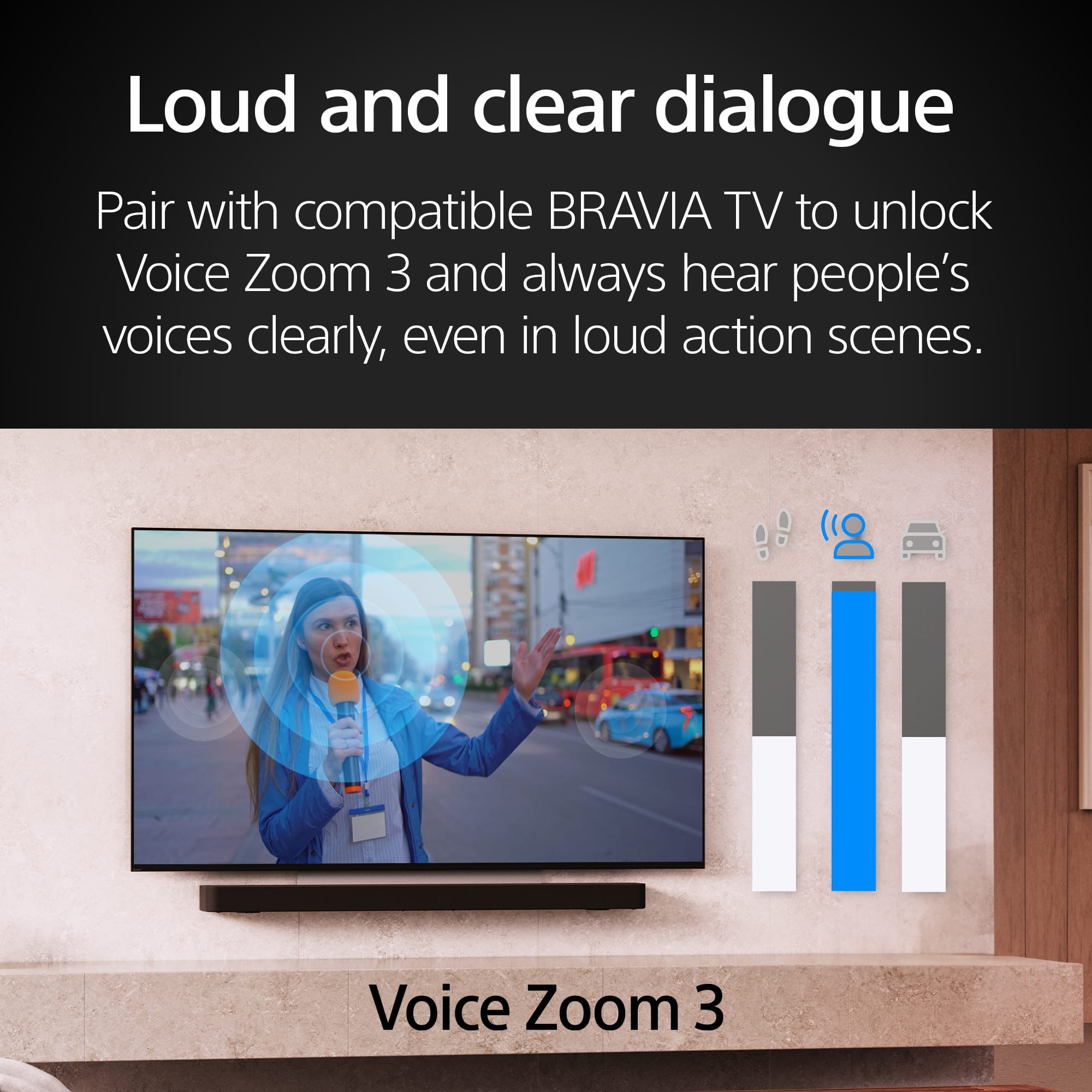
    • Answer Yes, the Bar 6 has a dedicated center channel and voice mode for clear dialog.
    This question and answer was generated by AI based on customer and product data.

  • QuestionCan I stream music wirelessly to this soundbar?

    • Answer Yes, you can stream music wirelessly using Bluetooth technology from your smartphone or other Bluetooth-enabled devices.
    This question and answer was generated by AI based on customer and product data.

  • QuestionWhat sound formats does this soundbar support?

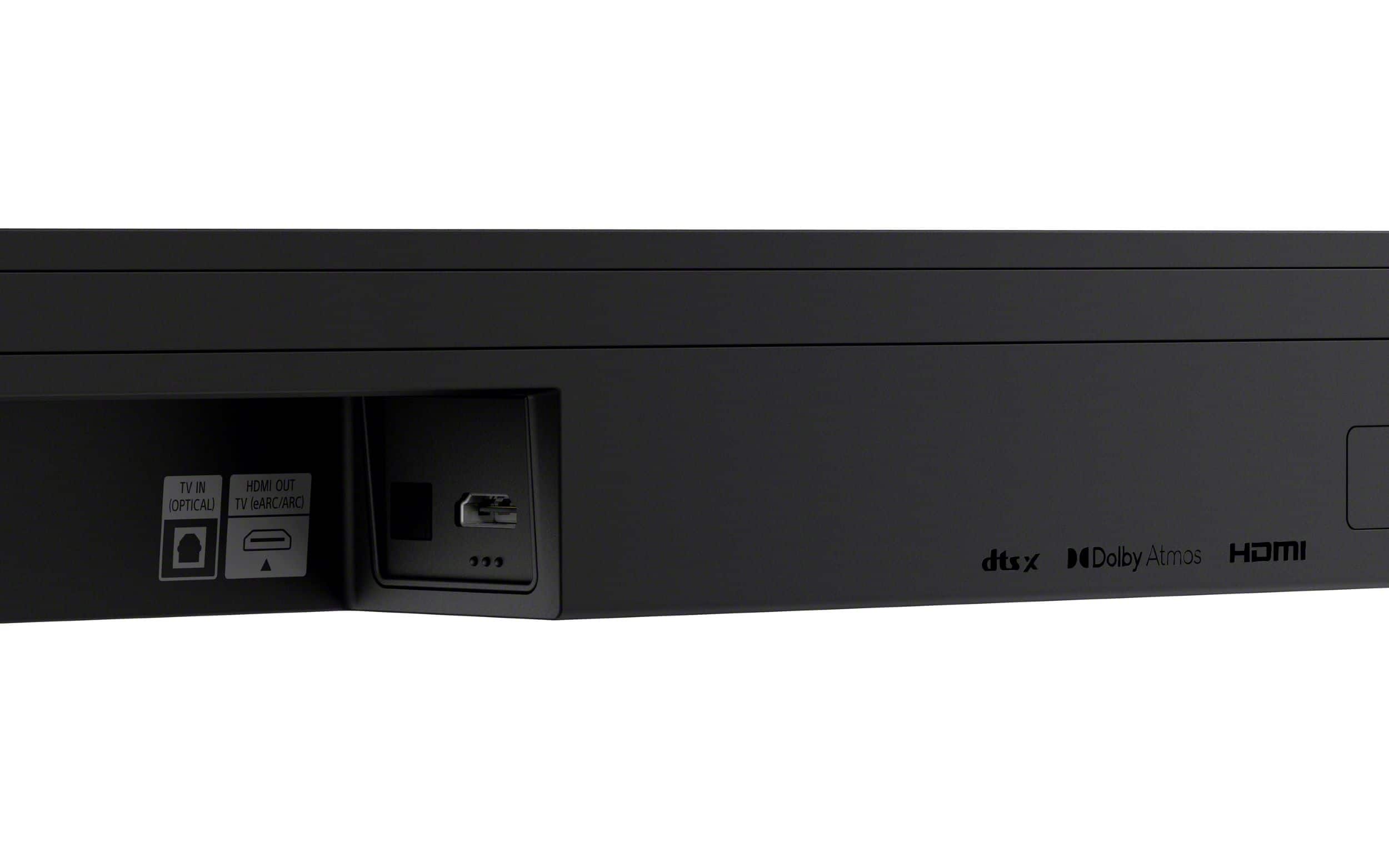
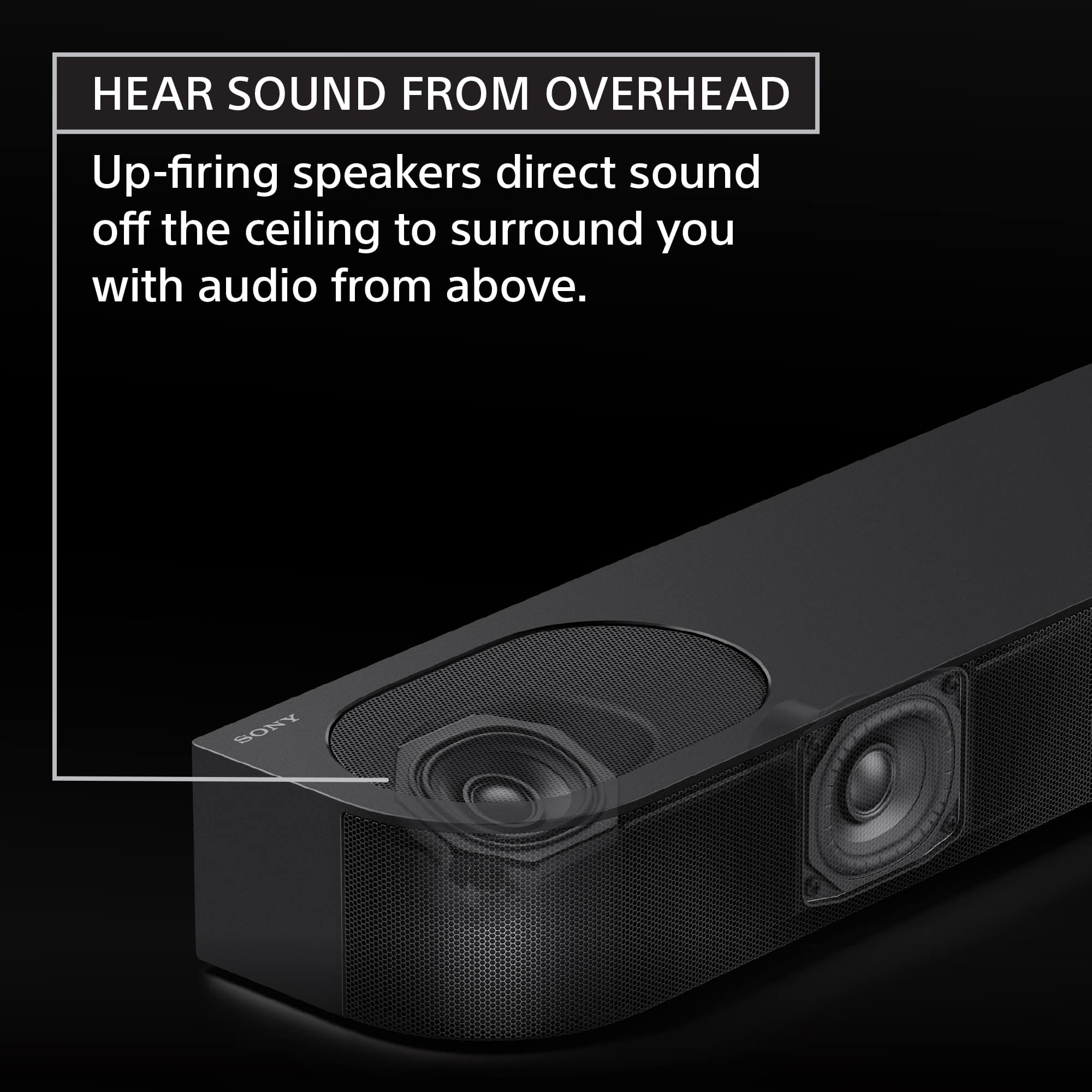
    • Answer This soundbar supports Dolby Atmos and DTS:X sound formats.
    This question and answer was generated by AI based on customer and product data.

  • QuestionWhat are the dimensions of the soundbar

    Asked by TKT1.

    • Answer Hello TKT1, Thank you for choosing Sony! We appreciate your question and are here to assist you. The Sony HTB600 soundbar has the following dimensions: - Soundbar: 37.4 x 2.5 x 4.3 inches (950 x 64 x 110 mm) - Subwoofer: 8.3 x 15.3 x 15.3 inches (210 x 388 x 388 mm) For more comprehensive product details and technical specifications, please visit the official product page: https://www.sony.com/electronics/support/sound-bars-home-theater-systems-sound-bars-surround-speakers/ht-b600/specifications Best regards, -Fred

      Answered by SonyListens

  • QuestionDoes this have a Optical connection?

    Asked by Dj.

    • Answer Hi Dj! Thanks for your interest in our product. We can certainly help you with that! To answer your question, yes, the HT-B600 soundbar does come with an optical connection. So if you want to hook it up using an optical cable for high-quality audio, you’re all set! If you’d like to learn more about this, feel free to check out the following link, we put together extra details there that might be helpful: https://helpguide.sony.net/ht/2088/v1/en/contents/011_Connecting_to_a_TV_2088.html We really appreciate you thinking of Sony for your purchase! Best regards, Estefany

      Answered by SonyListens

  • QuestionCan I add more speakers to this system? If so, which ones. The sound bar just doesn't cut it, I need at least 2 more speakers, because it just sounds like things are in front of me, not to the sides.

    Asked by JadeTX.

    • Answer 2 rear surrounds are available for another $600

      Answered by Unnamed

  • QuestionDoes thiis soundbar work with Bravia 8 oled for optimal cinematic sound

    Asked by Kp.

    • Answer Hello Kp, Thanks for reaching out! The HT-B600 soundbar is fully compatible with the Sony Bravia 8 OLED TV and is designed to deliver optimal cinematic sound when paired together. This soundbar delivers immersive, cinematic sound by supporting advanced audio formats like Dolby Atmos® and DTS:X®. When connected through HDMI ARC/eARC, features such as A/V sync help keep audio and video perfectly in sync for an optimal viewing experience. Plus, the HT-B600 works with the Sony | BRAVIA Connect app, making setup, control, and troubleshooting quick and convenient right from your smartphone. You can find more information about the soundbar here: https://helpguide.sony.net/ht/2088/v1/en/index.html Thanks for considering Sony products! Best regards, Estefany

      Answered by SonyListens

  • QuestionHow many Watts is this sound bar?

    Asked by Sam.

    • Answer 350 watts. It sounds great and delivers solid bass.

      Answered by Slack

  • Questionis it compatible with Roku ultimate?

    Asked by Mike.

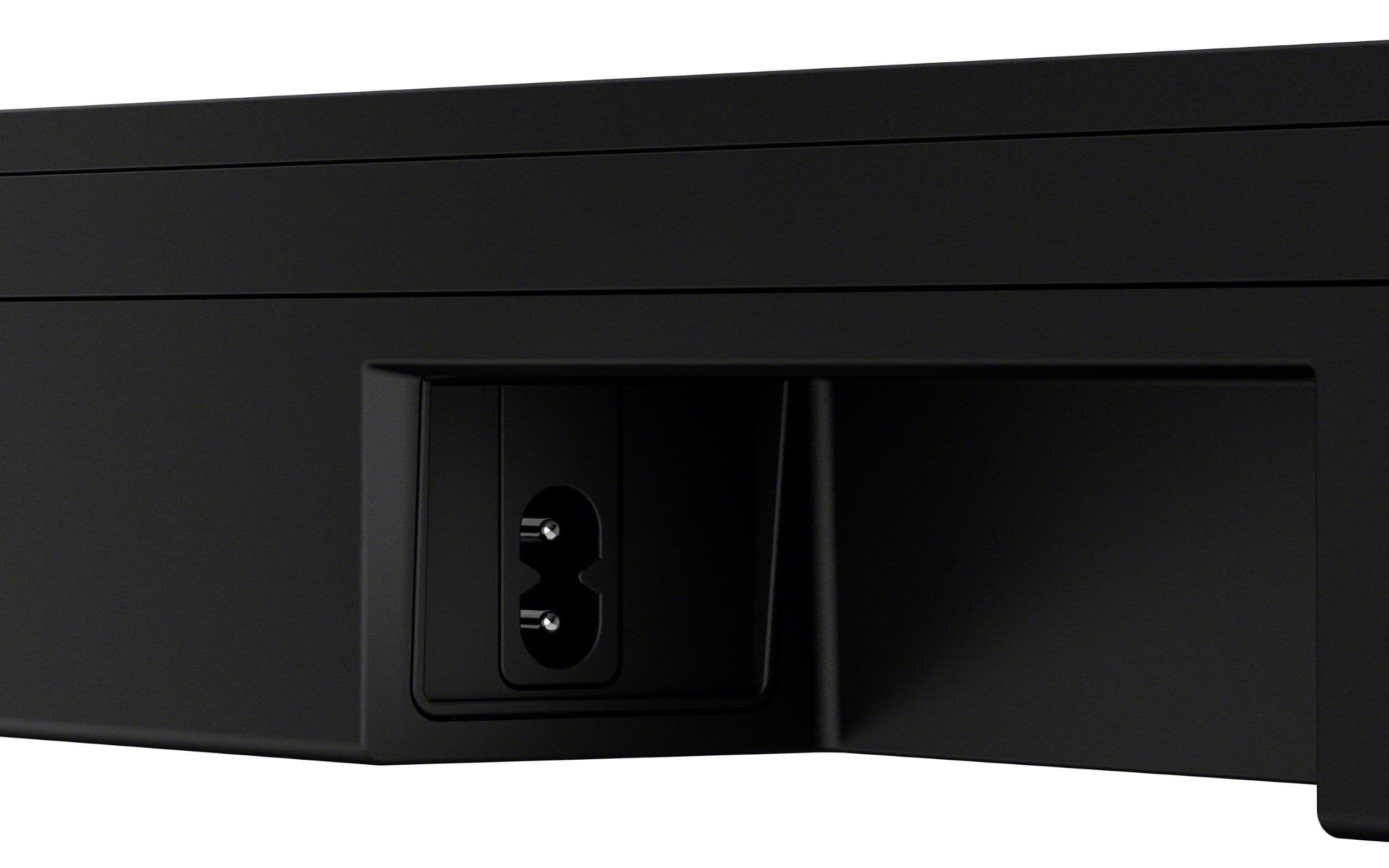
    • Answer Thank you for contacting Sony, Mike. No, you cannot connect the Roku Ultimate directly to the HT-B600 unit via HDMI. To use the Roku with your home theater speakers, you will need to connect the Roku Ultimate through your Television, using the TV as your central video hub: Connect the Roku Ultimate to one of the spare HDMI inputs on your Television. Ensure your Television is then connected to the HT-B600 unit via the dedicated HDMI ARC/eARC port. By using this setup, the video signal goes straight from the Roku to the TV screen, and the audio signal travels backward from the TV, through the ARC port, to the HT-B600. This ensures you can enjoy the Roku's audio through your powerful Sony speakers! We appreciate your interest in Sony products. Should you require any further assistance, please don't hesitate to reach out for support here: https://us.esupport.sony.com/support/s/support-contact?language=en_US&category=ht Best regards, Gus, Sony North America Customer Support

      Answered by SonyListens

  • QuestionHow do you download the Sony App to operate? Will my SONY Smart TV automatically detect? The Internet is not connected to my TV; however, Sony does automatic updates via Bluetooth/Wi-Fi. The SONY TV appears on my Dell Laptop, noticed PC with MS Media Play

    Asked by Katrese.

    • Answer Hi Katrese59, That's a great question regarding your BRAVIA Theater Bar 6. You can download the Sony | BRAVIA Connect app (BCA) from the Google Play or Apple App Stores, but it is not needed for basic setup; it's primarily used for calibration, which happens over Bluetooth. Your SONY Smart TV will automatically detect the soundbar when connected via the HDMI eARC/ARC port, enabling control via your TV remote. Please note that the Bar 6 does not have Wi-Fi, so any updates would be handled via the BCA (using Bluetooth) or by USB, as automatic Wi-Fi updates are not supported. Thanks for choosing Sony. Best regards, Eliab

      Answered by SonyListens

  • QuestionIs this soundbar compatible with Sony - 50" Class X85J Series LED 4K UHD Smart Google TV? Hate to purchase, if not. Unfortunately, I have brand new SONY Digital Wireless Headphones NS-HAWHP2 ($300) unable to use, in need of Sony Optical Cable(?)

    Asked by Katrese.

    • Answer Hi Katrese59, Thanks so much for reaching out and for being a loyal Sony customer! We can certainly help you with that. We're happy to confirm that the HT-B600 soundbar is absolutely compatible with your X85J TV. The very best way to connect them for high-quality audio is to use an HDMI cable and plug it into your TV's HDMI (eARC/ARC) port. This connection allows the TV and the soundbar to communicate perfectly, making setup and control incredibly simple. Regarding your headphones, we're truly sorry for the frustration you're experiencing. While those headphones are not a Sony brand product, your X85J TV does have the proper outputs to make them work. They require an Optical Digital Audio Cable to get the sound from the TV. Once you connect that cable from your TV's Optical Out port to the DIGITAL OPTICAL IN port on the headphone's base station, you should be all set! If you'd like to check out the full details on the various connections and inputs on your X85J TV, you can find them right here: https://www.sony.com/electronics/support/res/manuals/5024/42329395a1959531fa47149f9150cd7c/50248881M.pdf We really appreciate you thinking of Sony for your purchase! Warm regards, Estefany

      Answered by SonyListens

  • QuestionHow many Watts are in the system?

    Asked by BagJuice.

    • Answer 350 watts. It sounds great and delivers solid bass.

      Answered by Slack

  • QuestionDo the soundbar and subwoofer have to be wired to each other? And can we add more wireless speakers?

    Asked by Wesley.

    • Answer Sub is wireless Bluetooth and the rear speakers can be purchased in a bundle package or separately.

      Answered by Slack

  • QuestionCan i use my cable remote to raise and lower the volume on the sound bar.

    Asked by jeff.

    • Answer Hi Jeff! Thanks for reaching out. We can definitely help with that! The short answer is yes, you can use your cable remote to control the volume on your BRAVIA Theater Bar 6. To get it to work, you'll need to connect the soundbar to your TV using an HDMI cable and make sure the "Control for HDMI" or "HDMI CEC" function is enabled on both devices. The exact name might vary, but it's a feature that allows connected devices to talk to each other. Once that's all set up, your TV will automatically route the volume control to the soundbar and your cable remote will be able to adjust the volume. To know how to activate the Control for HDMI feature on the soundbar, please check this link: https://helpguide.sony.net/ht/2088/v1/en/contents/068_HDMI_Settings.html If you have a BRAVIA TV, this process is even easier because of a feature called BRAVIA Sync, but it works with other brands too. Just check the settings on your TV for "HDMI CEC" or a similar function. Hope this helps! Thanks for considering Sony products! Best regards, Estefany

      Answered by SonyListens

  • QuestionIs the sub woofer connected wirelessly? Does the sub have to be next to soundbar and tv or can it be located in the back of the room

    Asked by BryonM.

    • Answer Sub connects wirelessly and can be placed anywhere in the room.

      Answered by Hunter







