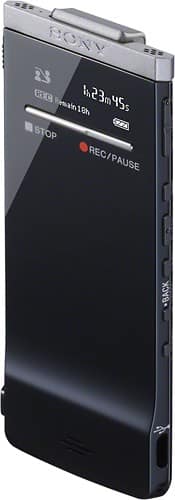
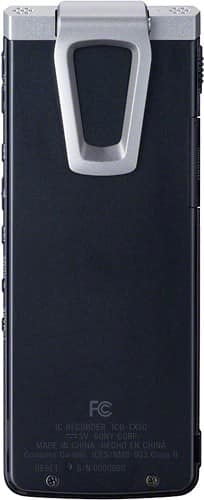
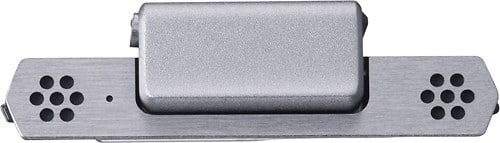
A:Answer You can choose the Mic Sensitivity of the IC recorder based on the location and requirement. The available Mic Sensitivity options are:
High: To record a sound far away from the IC recorder or a low sound, such as recording in a spacious room.
Medium: To record the sound of a normal conversation or meeting, such as recording in a meeting space or during interview.
Low: To record dictation with a microphone in front of your mouth, sound near the IC recorder, or a loud sound.
The IC recorder also has Scene Select option: (Shirt Pocket, Meeting, Voice Notes, Interview and My Scene options. The Shirt Pocket option allows good recording quality when the IC recorder is kept inside your shirt.
The direction of the built In Microphone cannot be changed.