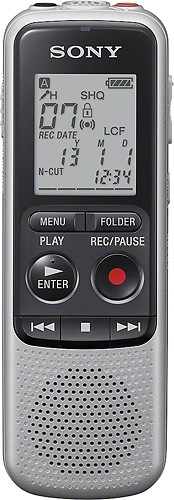
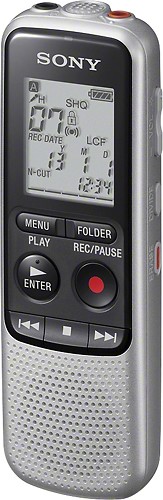
A:AnswerIf you mean to transfer the recording from the unit to a PC, yes you can by connecting the headphone jack of the recorder to the microphone jack of the computer. Please see further instructions on the article link that I have put below:
https://us.en.kb.sony.com/app/answers/detail/a_id/30985
A:AnswerNo it does not come with it.This model does not have any USB port as well, for you to connect it to your pc. You may check further information from the interactive User Guide thru the link provided below:
http://docs.esupport.sony.com/voicerecorder/ICDBX132/en/index.html
A:AnswerWhen the IC recorder is in the stop mode and you leave the IC recorder without attempting an operation for approximately 10 minutes, the auto power off function will take effect. However when the recorder is in VOR mode it should not turn off even though there's no sound being heard.