A:AnswerHi Cheese,
Thank you for the inquiry! We do apologize for the inconvenience. We recommend updating the software of your AV receiver. A firmware update improves the functionality and features of your device. It can provide fixes to any performance issues that may occur.
https://www.sony.com/electronics/support/sound-bars-home-theater-systems-sound-bars-surround-speakers/ht-a5000/software/00272343
For us to better assist you, please email us at [email protected] with the following details:
Name:
Best Buy Username:
Model Number:
Issue:
Telephone Number:
-David
A:AnswerHi Pigsey,
Thank you for the inquiry! Unfortunately, you can only play one audio source at a time.
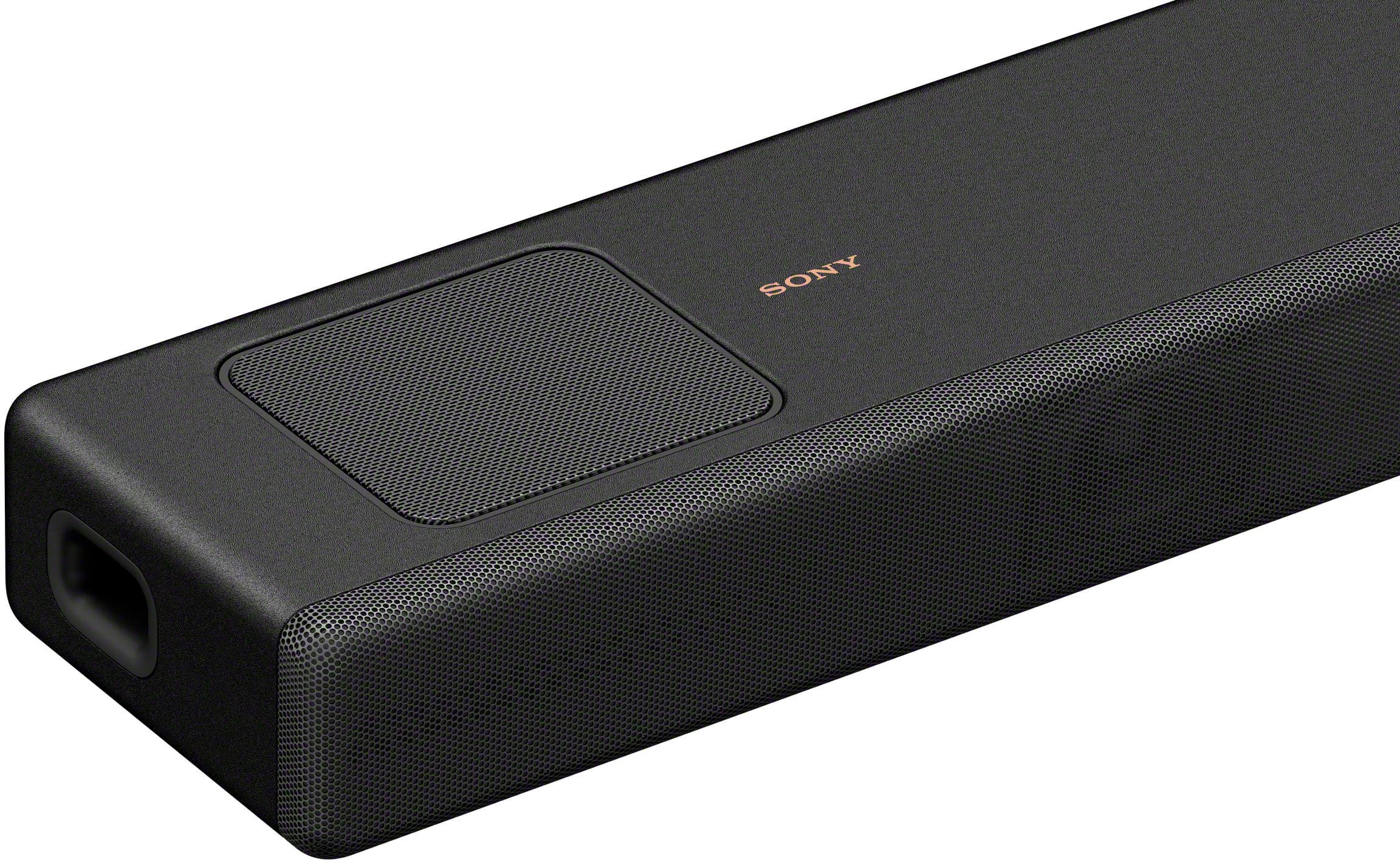
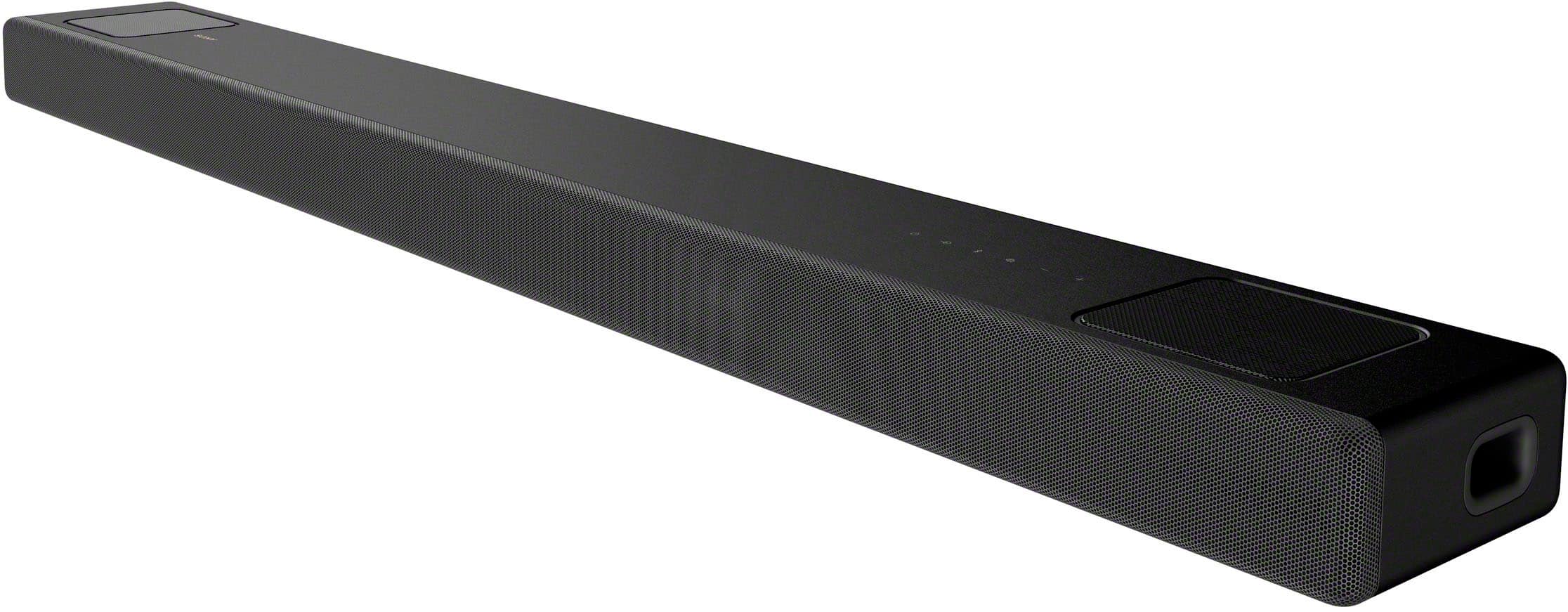
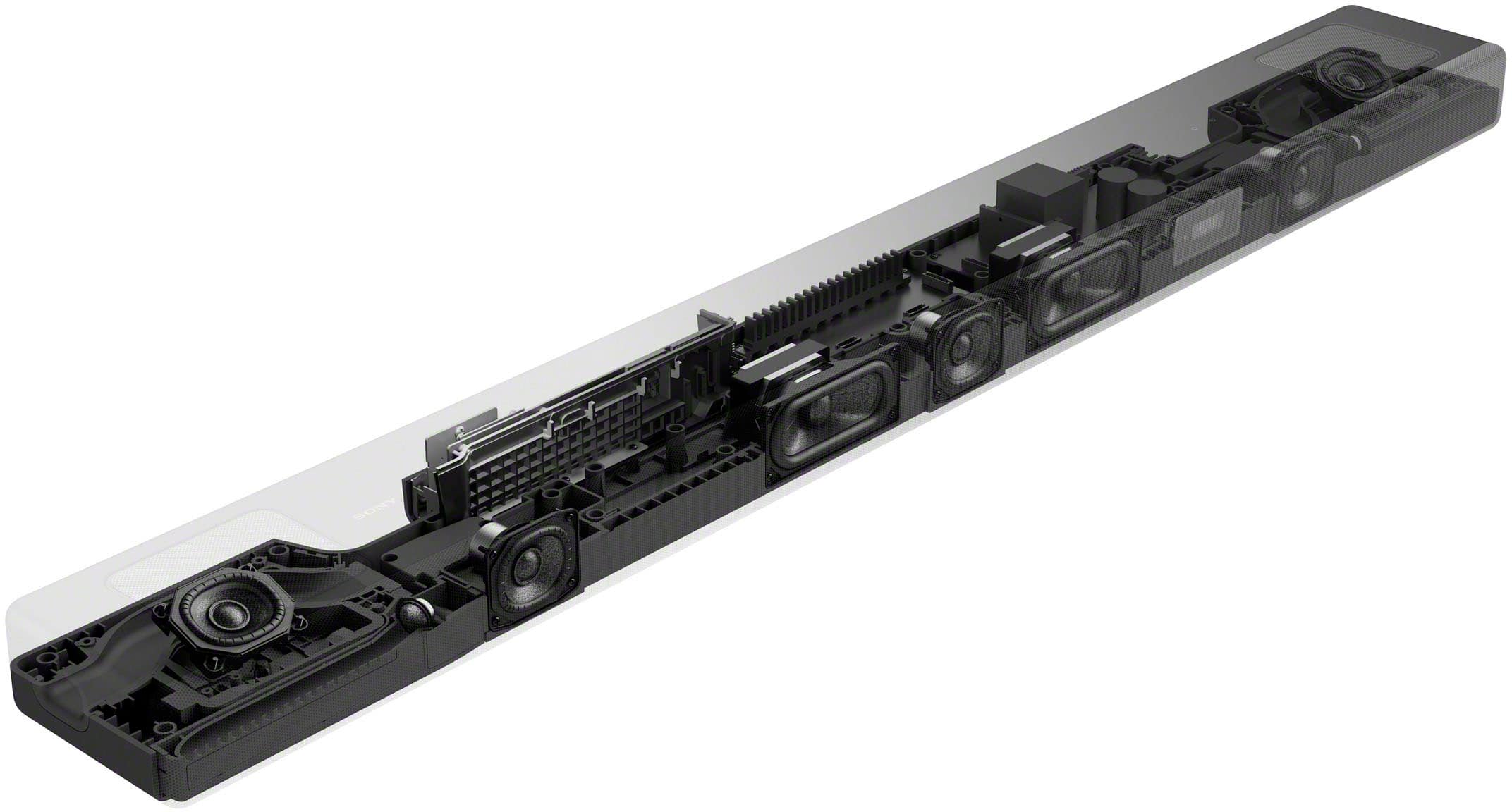
The HT-A5000 envelops you in authentic 5.1.2ch surround sound with up-firing speakers, side beam tweeters, built-in subwoofers, and advanced technologies that bring you Dolby Atmos® and DTS:X® audio as well as 8K and 4K video passthrough. And with rear speakers it supports 360 Spatial Sound Mapping, taking movies, TV and music into a whole new realm.
-David
A:AnswerHi MikeE,
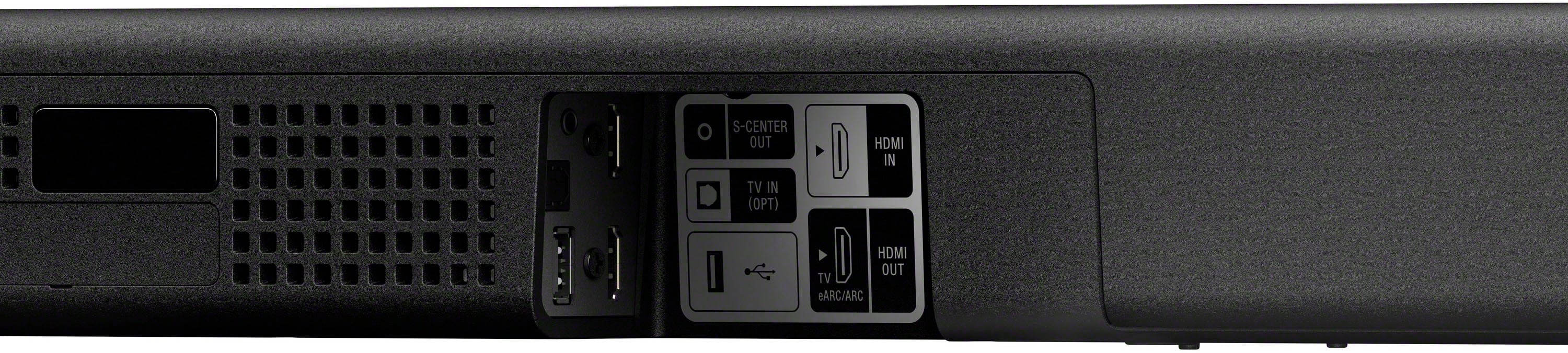
Thank you for the inquiry! Yes, simply connect your Sony soundbar to your TV via HDMI ARC connection and you're good to go! Connect one end of the HDMI cable to the HDMI IN (ARC) port on your TV. Connect the other end to the TV OUT (ARC) port on your sound bar.
The HT-A5000 envelops you in authentic 5.1.2ch surround sound with up-firing speakers, side beam tweeters, built-in subwoofers, and advanced technologies that bring you Dolby Atmos® and DTS:X® audio as well as 8K and 4K video passthrough. And with rear speakers it supports 360 Spatial Sound Mapping, taking movies, TV and music into a whole new realm.
-David
A:AnswerHi Scuba,
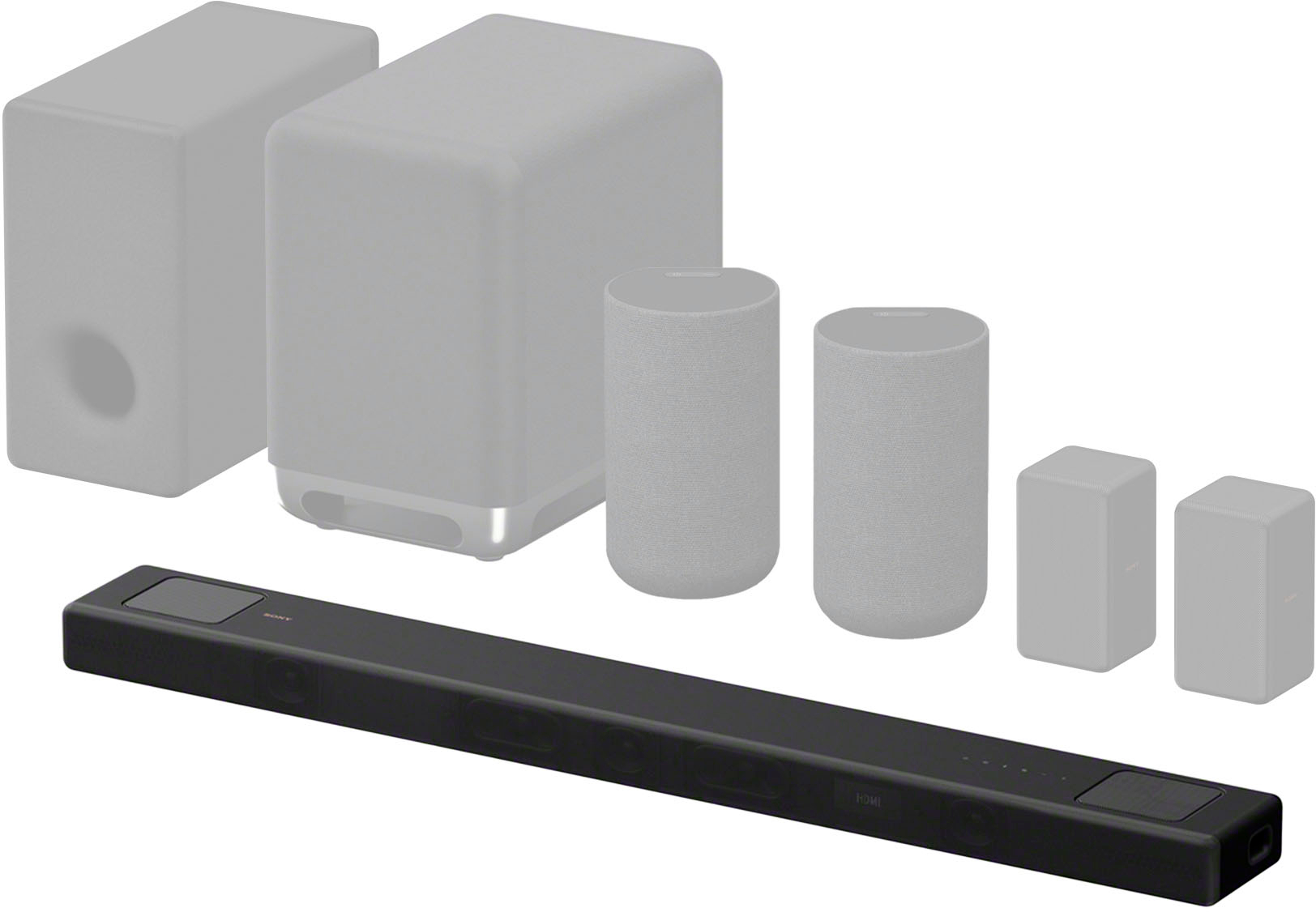
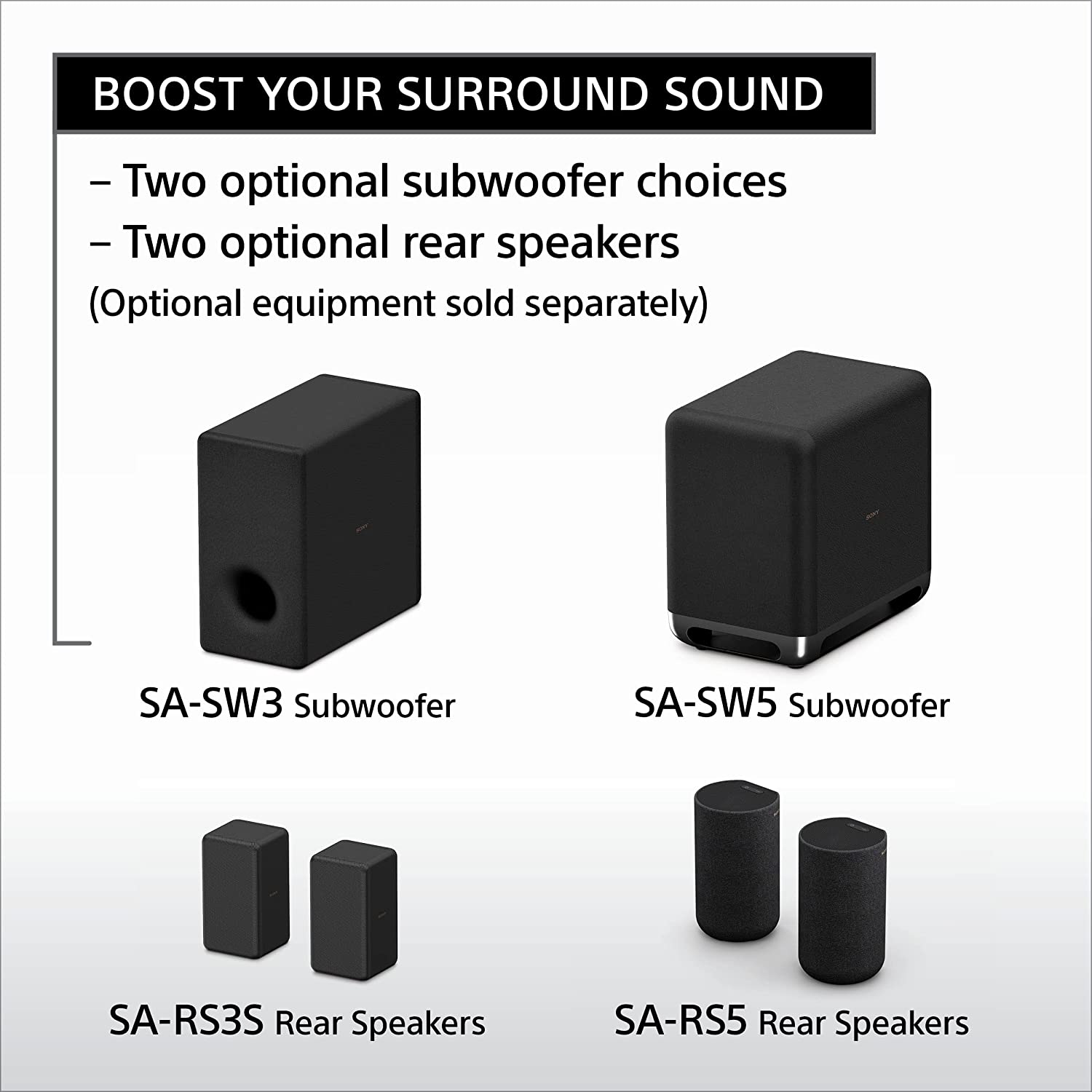
Thank you for the inquiry! You have two wireless subwoofer choices (SA-SW3 and SA-SW5) and rear speakers (SA-RS3S or SA-RS5) accessories (sold separately). These speakers are designed to help you enhance the immersion of your content by adding extra bass and surround sound.
Take your entertainment to a new realm of audio immersion. The HT-A5000 envelops you in authentic 5.1.2ch surround sound with up-firing speakers, side beam tweeters, built-in subwoofers, and advanced technologies that bring you Dolby Atmos® and DTS:X® audio as well as 8K and 4K video passthrough. And with rear speakers it supports 360 Spatial Sound Mapping, taking movies, TV and music into a whole new realm.
-David
A:AnswerHi AT5000,
Thank you for the inquiry! We're sorry to hear that issue you have with your soundbar. Please allow us to help you and turn this into a better experience. Power reset the unit, simply unplug the unit and wait 1-2 minutes then plug the device back in and power on. You can check this article on how to isolate and resolve the issue.
https://www.sony.com/electronics/support/sound-bars-home-theater-systems-sound-bars-surround-speakers/ht-a5000/articles/00250249
If you need further assistance, please email us at [email protected] with the following details:
Name:
Best Buy Username:
Model Number:
Issue:
Telephone Number:
-David
A:AnswerHi Aj,
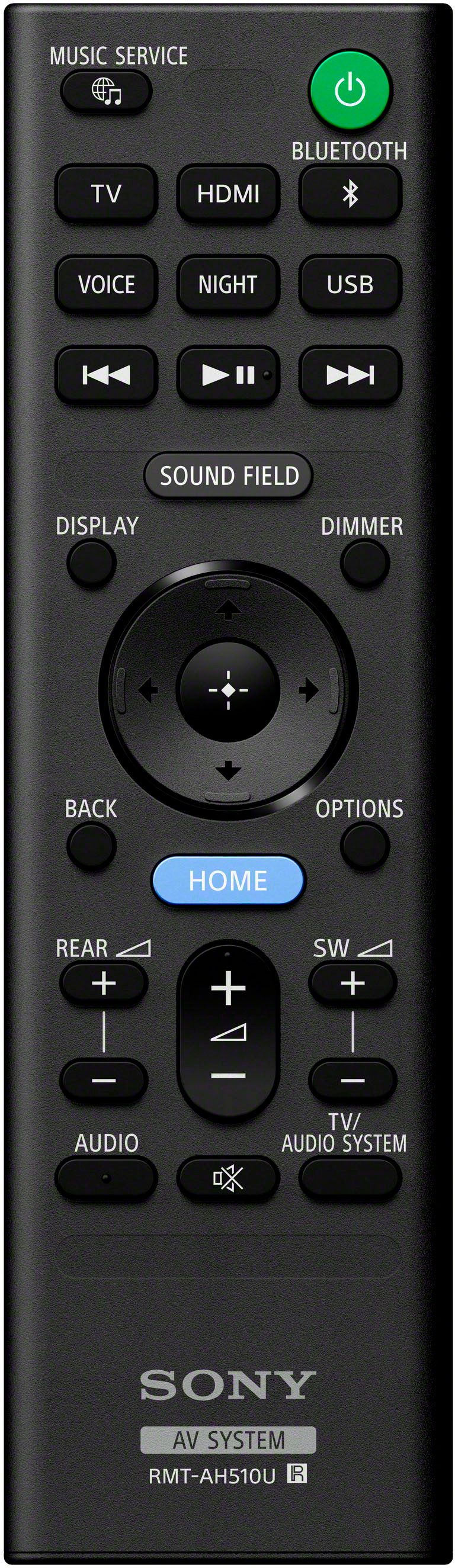
Thank you for the inquiry! We do apologize for the inconvenience. Press the VOL+ button on the soundbar remote control several times to increase the volume on the Soundbar. Check the Speakers setting on the TV. Depending on the TV specifications or settings, the TV can output the sound to the TV and Soundbar. To output only from the Soundbar, check the following settings. When Speakers is set to TV speaker, change the setting to Audio System. If the above steps don't work, please email us at [email protected] with the following details:
Name:
Best Buy Username:
Model Number:
Issue:
Telephone Number:
Regards,
David
A:AnswerHi Lenny,
Thank you for your question. When connected to a TV that's not compatible with HDMI (eARC), you will not be able to play Dolby Atmos format content output from the TV. However, the good news is that the HDMI IN 1/2 jack of this soundbar supports Dolby Atmos. You can output sound such as Dolby Atmos, Dolby TrueHD, and DTS:X in high quality by connecting an AV device to the speaker system.
Connection instructions:
1. Connect the Soundbar HDMI OUT (TV eARC/ARC) jack to the TV HDMI IN jack compatible with ARC/eARC using an HDMI cable.
2. Connect the playback device (in this case, your ROKU) to the Soundbar HDMI IN jack using an HDMI cable.
The HT-A5000 offers easy access to popular music services like Spotify to stream albums and playlists using Chromecast, Spotify Connect or Apple AirPlay 2. You can also stream wirelessly from your smartphone with Bluetooth technology or use the built-in Wi-Fi to stream music from your own devices.
Regards,
Jess

A:AnswerHi Rick,
Thank you for your question. The HT-A5000 with Dolby Atmos and DTS:X soundbar can only be connected to a one subwoofer and two rear speakers (SA-RS3S/SA-RS5) at a time. For the subwoofer, you will need to choose between the SA-SW3 (200W) and the larger SA-SW5 (300W) if you need more bass.
Regards,
Jess

A:AnswerOnly if the soundbar is certified for Atmos, it would not support. As for Atmos, you would require couple of upfiring speakers to give the vertical sound effect. Many of the sound bars support using a virtual mode using DSP, with no upfiring speakers.
A:AnswerHi Noidea,
Thank you for your question. Unfortunately, connecting a microphone to the soundbar is not supported.
We have speakers that have a dedicated mic input like the Sony SRS-XV900, SRS-XP700, or SRS-XP500. You may want to consider these amazing speakers for your karaoke needs.
-Ralph
A:AnswerHi GSC,
Thank you for your question. Great news! The X800H TV will work with the HT-A5000 soundbar via HDMI ARC.
Take your entertainment to a new realm of audio immersion. The HT-A5000 has 5.1.2 channels and X-Balanced speaker units minimize distortion while the up-firing speakers and beam tweeters fill the room to give an ultra-immersive listening experience. Built-in subwoofers provide an additional boost to low end frequencies. Vertical Surround Engine and S-Force Pro Front Surround creates immersive sound from all around, while Dolby Atmos® and DTS:X® lend a more realistic, multi-dimensional sound to your content.
-Ralph
A:AnswerHi CK,
Thank you for your question. Great news! You can connect your iPhone (via Bluetooth or AirPlay) to the HT-A5000 and enjoy your favorite audio content or apps through the soundbar. Additionally, you can listen to sounds from a connected Sony TV.
Take your entertainment to a new realm of audio immersion. The HT-A5000 has 5.1.2 channels and X-Balanced speaker units minimize distortion while the up-firing speakers and beam tweeters fill the room to give an ultra-immersive listening experience. Built-in subwoofers provide an additional boost to low end frequencies. Vertical Surround Engine and S-Force Pro Front Surround creates immersive sound from all around, while Dolby Atmos® and DTS:X® lend a more realistic, multi-dimensional sound to your content.
-Ralph
A:AnswerHi viking0413,
Thank you for your question. The Sony HTA5000 soundbar input is HDCP 2.2 compatible for connecting copy-protected 4K video sources.
Take your entertainment to a new realm of audio immersion. The HT-A5000 has 5.1.2 channels and X-Balanced speaker units minimize distortion while the up-firing speakers and beam tweeters fill the room to give an ultra-immersive listening experience. Built-in subwoofers provide an additional boost to low end frequencies. Vertical Surround Engine and S-Force Pro Front Surround creates immersive sound from all around, while Dolby Atmos® and DTS:X® lend a more realistic, multi-dimensional sound to your content.
-Ralph
A:Answerthis is a 5.1 sound system so you can connect 2 rear surround speakers and one subwoofer.
but you need to buy the speakers that are compatible with this model.