




Main Content

Questions & Answers

$499.99
Save $100
The comparable value is $599.99
Page Showing 1-20 of 61 questions
  • QuestionWhich virtual assistant is built-in to this soundbar?

    • Answer This soundbar has Google Assistant built-in.
    This question and answer was generated by AI based on customer and product data.

  • QuestionIs this soundbar wall mountable?

    • Answer Yes, you can mount this soundbar on the wall.
    This question and answer was generated by AI based on customer and product data.

  • QuestionWhat is the weight of this soundbar?

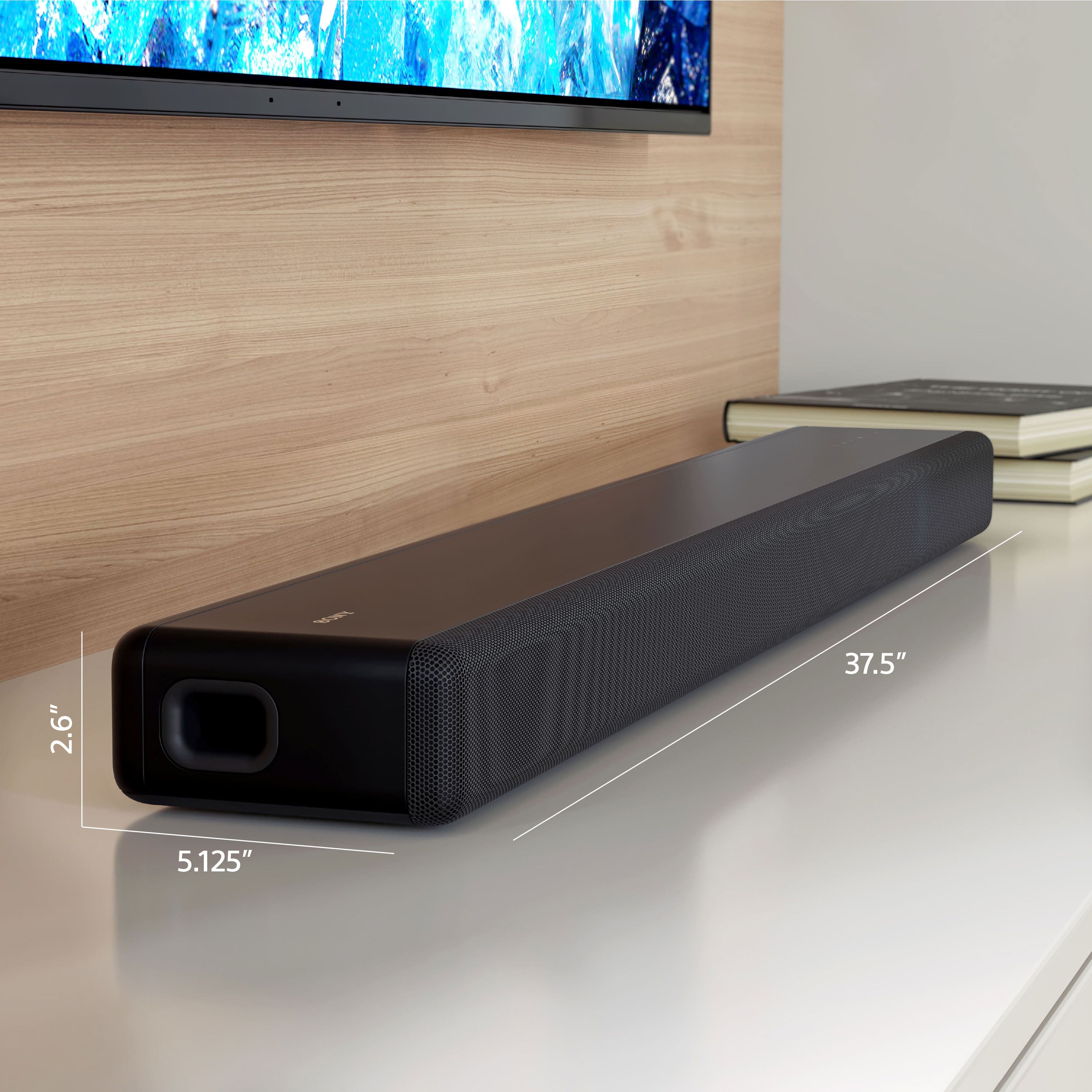
    • Answer This soundbar weighs 10.3 pounds.
    This question and answer was generated by AI based on customer and product data.

  • QuestionWhat is the goal of a center channel speaker?

    • Answer The goal of a center channel speaker is to produce crystal clear vocals.
    This question and answer was generated by AI based on customer and product data.

  • QuestionDoes this soundbar have a wireless subwoofer connectivity?

    • Answer Yes, this soundbar has wireless subwoofer connectivity.
    This question and answer was generated by AI based on customer and product data.

  • QuestionHow many channels does this soundbar have?

    • Answer This soundbar has 5 channels.
    This question and answer was generated by AI based on customer and product data.

  • QuestionCan I connect a subwoofer via Bluetooth? Or it is not required?

    Asked by Monirul.

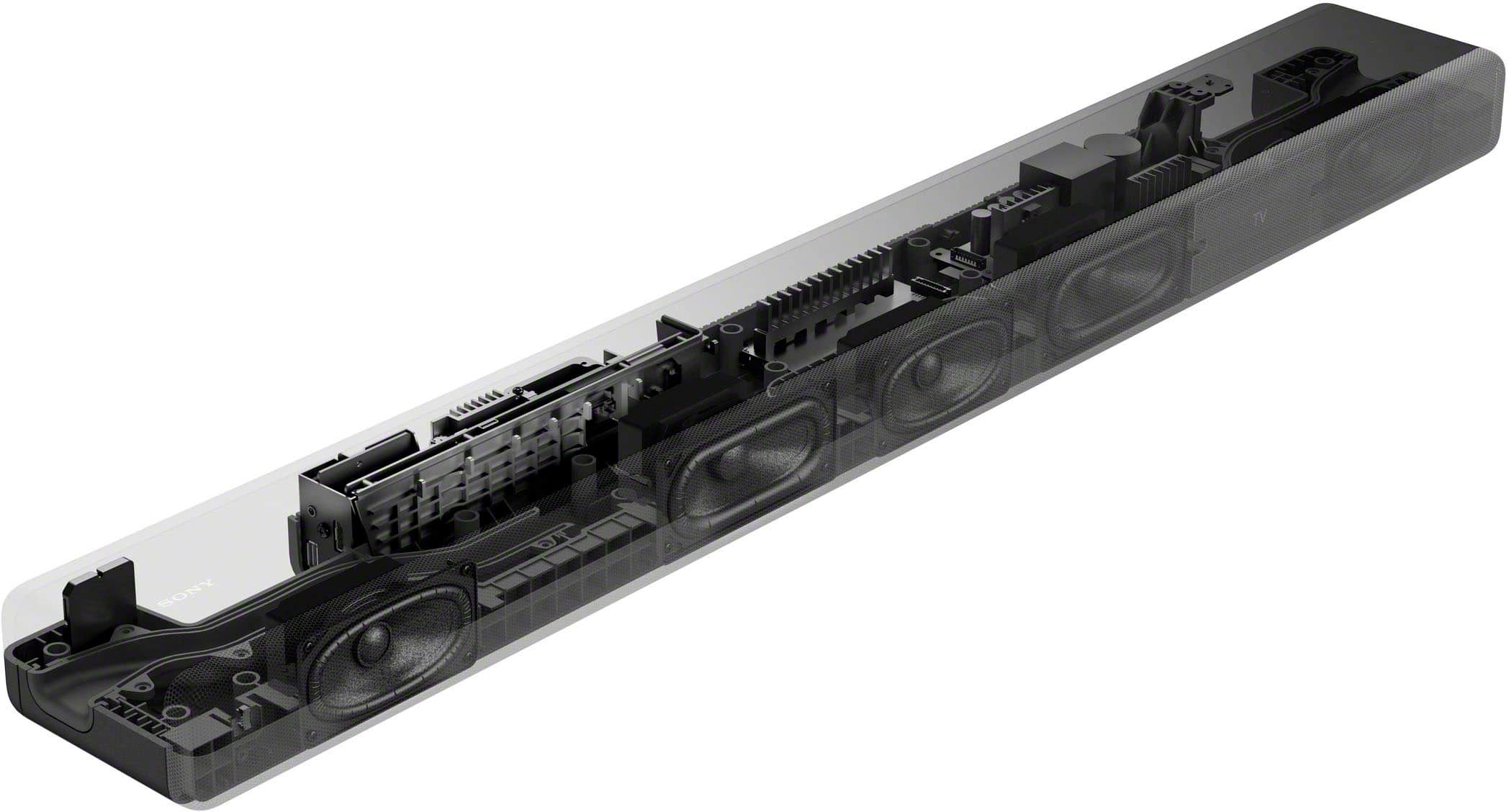
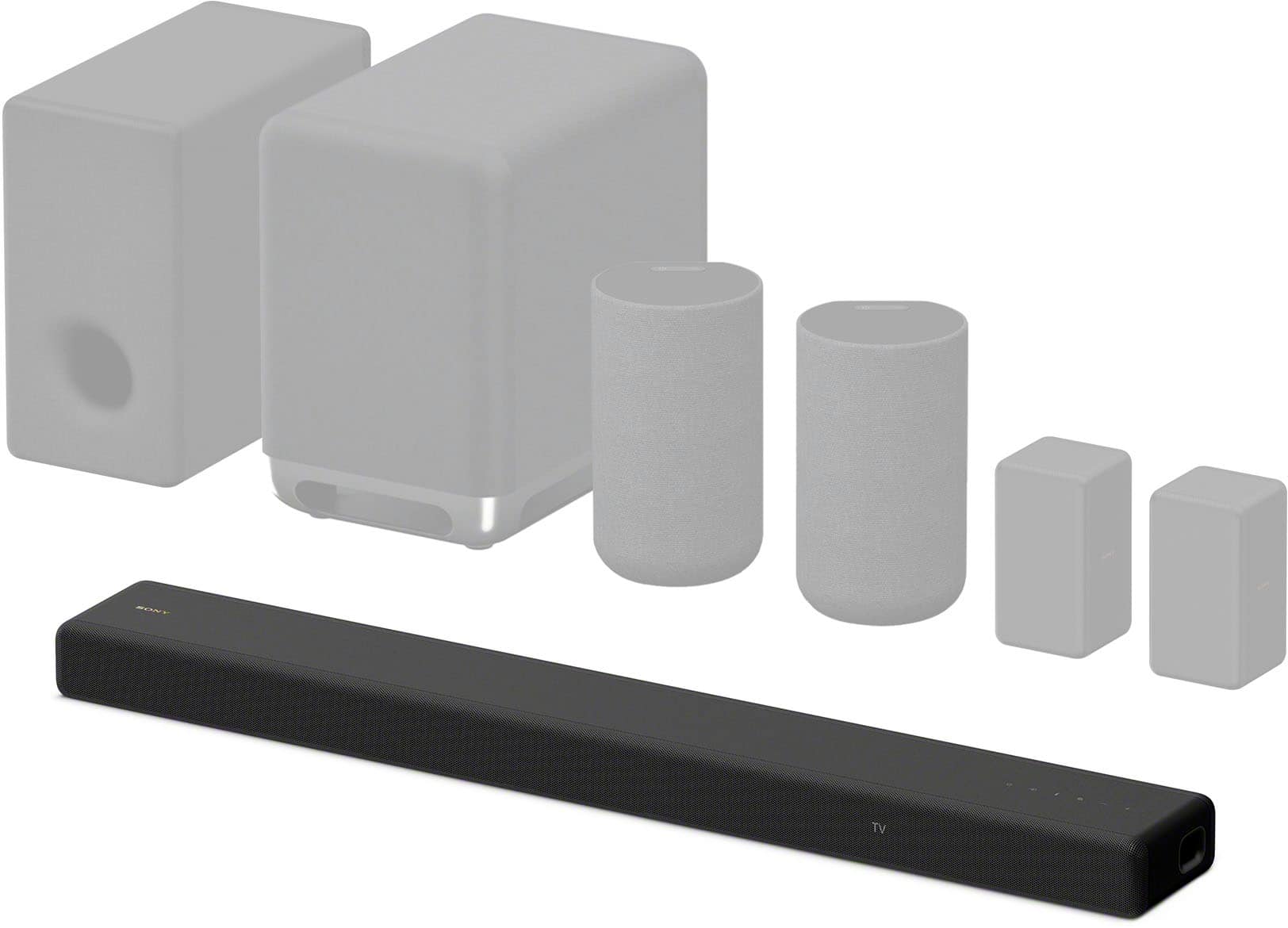
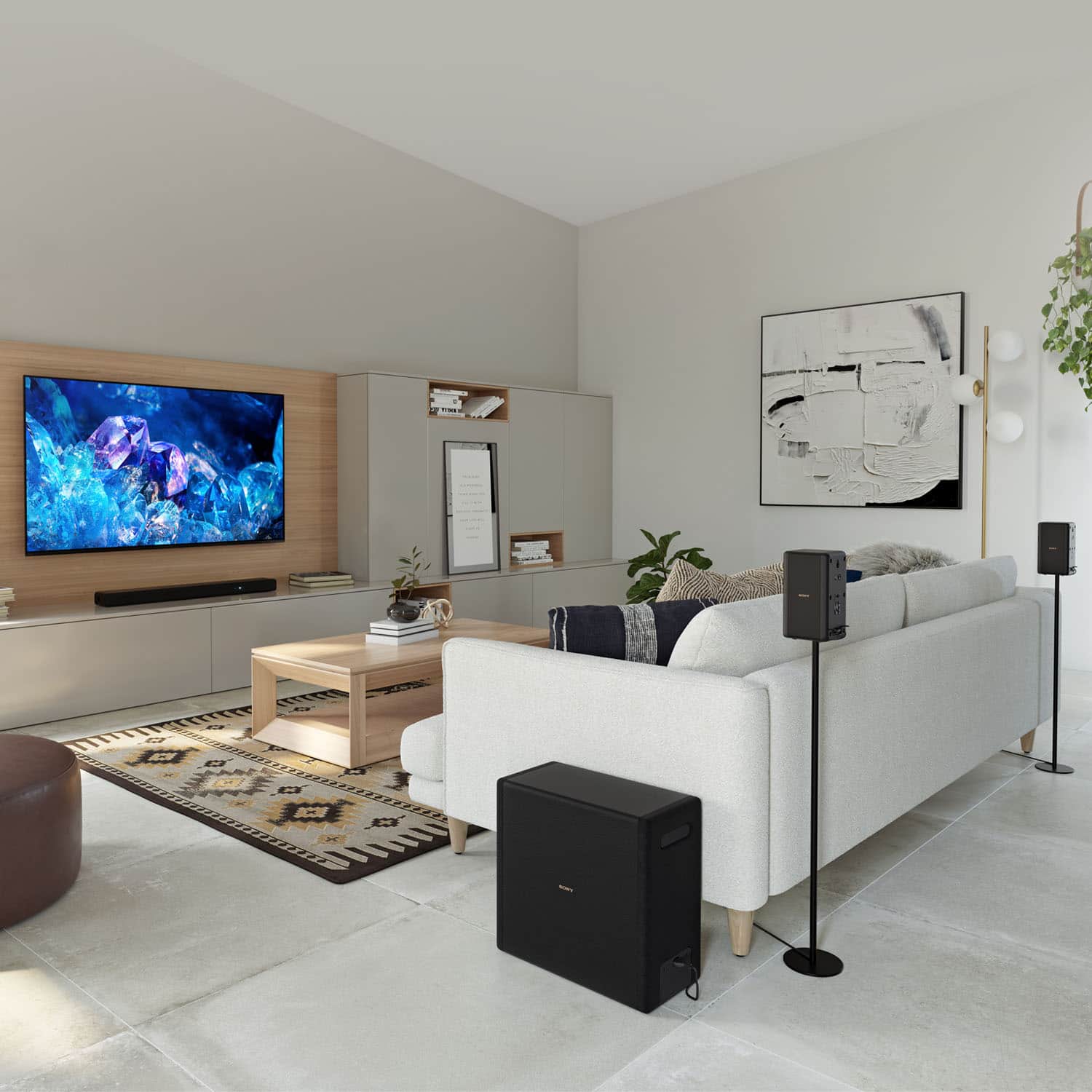
    • Answer Good day, OptimusPrime! Thank you for your question. It is not required to connect a wireless subwoofer since it has built-in subwoofer already but, yes, you can still connect an optional wireless subwoofer to our Sony HTA3000 Soundbar. We recommend checking our Sony SASW5 and SASW3 Wireless Subwoofers compatible with HTA3000 for additional bass sound. The HTA3000 has three front speakers including a center channel, and a powerful built-in dual subwoofer for clear dialogue and authentic surround sound. Using the soundbar alone, you’ll experience authentic 3.1 channel surround sound with S-Force PRO Front Surround and Vertical Surround Engine. Or you can add optional rear speakers to enjoy 360 Spatial Sound Mapping with multiple phantom speakers. Hope this helps and thank you for considering Sony. Regards, Marco

      Answered by SonyListens

  • QuestionHow far apart are the threaded holes used to attach the sound bar to a sound bar mount connected to the TV? Are they on the back, the bottom, or both?

    Asked by BeethovenK.

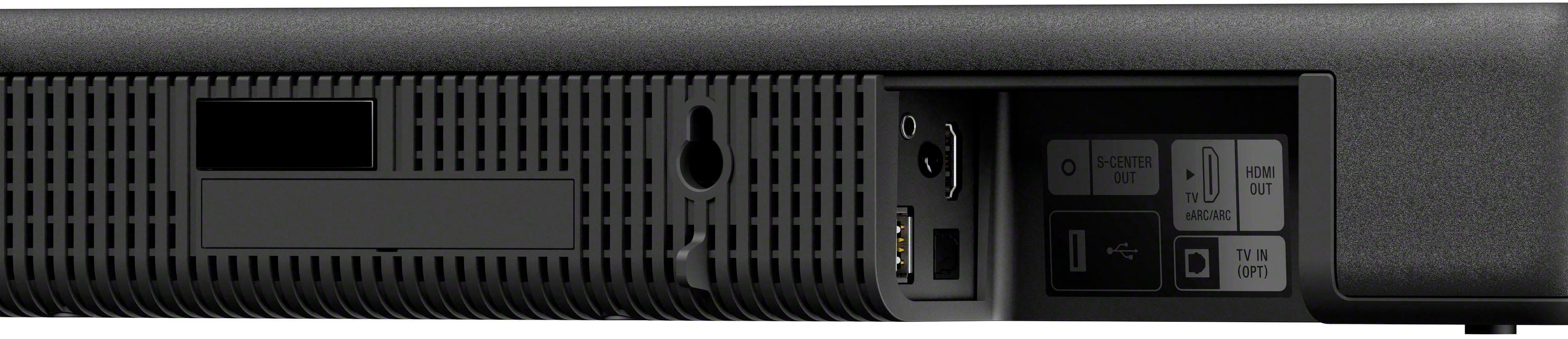
    • Answer Hi BeethovenK, Thank you for your question regarding the Sony HT-A3000. The mounting holes on this soundbar are located on the rear side of the unit and are spaced approximately 24.25 inches (540 mm) apart. Please keep in mind that these are not threaded holes for screws to be driven into; rather, they are keyhole-style slots designed for wall mounting. The soundbar is intended to hang securely onto the heads of screws that have been pre-installed into your wall or mounting bracket. For detailed instructions and a visual guide on how to properly align and hang the bar speaker, we recommend referring to the help guide here: https://helpguide.sony.net/ht/a3000/v1/en/contents/TP1000525135.html Thank you for considering Sony! Regards, Dominick

      Answered by SonyListens

  • QuestionIs there a "problem" mounting the HTA3000 3-1 Dolby Soundbar ABOVE the TV? All the instructions and marketing images show it below the TV. What will I lose if it mount I above the TV?

    Asked by SonyBuyer.

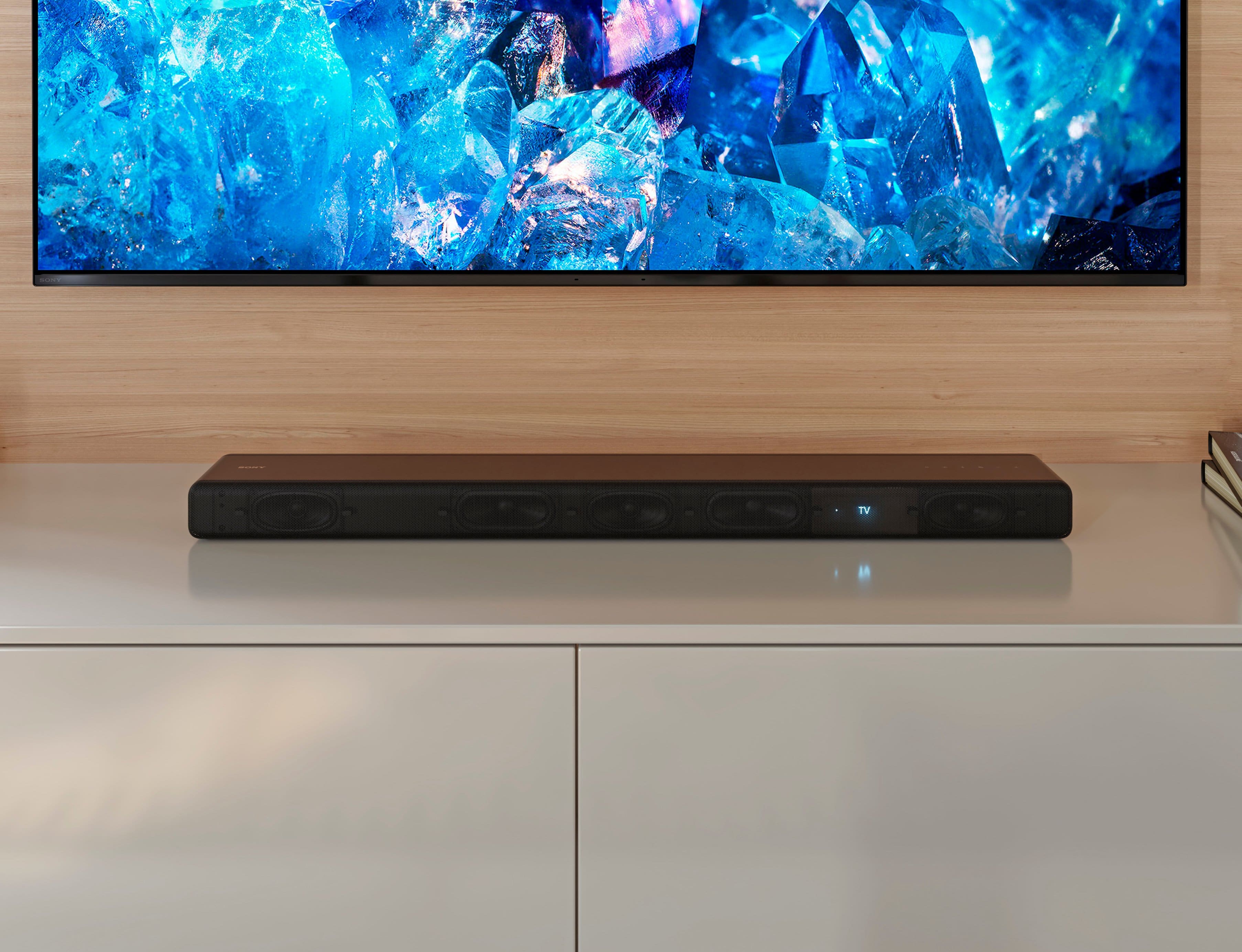
    • Answer Hi SonyBuyer, Thank you for your inquiry! Although it is feasible to mount the HT-A3000 above the TV, doing so may adversely affect sound quality and the overall audio experience. The soundbar is specifically designed to direct sound towards the listener, and positioning it above the TV could interfere with this intended sound projection, leading to a less immersive audio experience. For the best performance, we recommend following the standard practice of mounting the soundbar below the TV. Additional information: The HT-A3000 immerses you in authentic surround sound with a center speaker for clear dialogue and a built-in dual subwoofer for impressive power. With optional rear speakers it supports 360 Spatial Sound Mapping too, so you can lose yourself in your favorite movies, TV shows and music. I hope this helps! Best regards, Romeo

      Answered by SonyListens

  • QuestionI have a Sony Bravia x90k. Will this give me a surround sound effect? Or do I need to buy a 5.1 channel soundbar?

    Asked by Irene.

    • Answer Hi Irene, Great question! Yes, the Sony HT-A3000 provides an immersive surround sound experience. It has three front speakers including a center speaker designed for clear dialogue, and a built-in dual subwoofer for deep bass. With the Vertical Surround Engine and S-Force PRO Front Surround technology, the sound comes from all around you. And for enhanced listening, you have options: Our subwoofers (SA-SW3 and SA-SW5) and rear speaker sets (SA-RS3S or SA-RS5). With these optional rear speakers added, 360 Spatial Sound Mapping technology creates a sound field optimized for your unique space enveloping you in sound from multiple phantom speakers. Hope this helps! Regards, Sam

      Answered by SonyListens

  • QuestionI'm using this w/ back speakers & woofer. Connected it via the chord cable & HDMI to my BRAVIA XR X90L. Once connected and updated, can I get rid of all cables and only use the Bluetooth to get the same 360 Spatial Sound Mapping sound effect?

    Asked by JamesR.

    • Answer Hi James, Thank you for your question. Unfortunately, 360 Spatial Sound Mapping sound effect can only be achieved thru wired connection via eARC. 360 Spatial Sound Mapping will not be obtained with Bluetooth connection. The HTA3000 immerses you in authentic surround sound with a center speaker for clear dialogue and a built-in dual subwoofer for impressive power. With optional rear speakers, it supports 360 Spatial Sound Mapping, so you can lose yourself in your favorite movies, TV shows and music. Hope this helps and thanks for choosing Sony. Regards, Marco

      Answered by SonyListens

  • QuestionI experienced a power outage courtesy of a storm and a tree. My HTA3000 was working until the outage. the sound bar is no longer in sync with the tv. how do I re-sync? the sound bar will come on, but no volume and no number volume graphic on tv screen

    Asked by AlZorro.

    • Answer Hi AlZorro, We are sorry to hear about the issue your facing after the outage. This is definitely not the experience we'd like you to have. We'd love to help you troubleshoot your problem and turn this into a better experience. Check the type and connection of an HDMI cable, TV center speaker mode cable, or optical digital cable that is connected to the speaker system and the TV. Disconnect the cables that are connected to the TV and the speaker system, then connect them firmly again. Disconnect the AC power cords (mains leads) of the TV and the speaker system from the AC outlets (mains), then connect them again. When the speaker system and TV are connected with an HDMI cable, check the following. The HDMI jack of the connected TV is labeled with “eARC” or “ARC.” The Control for HDMI function of the TV is set to on. The eARC or ARC function of the TV is enabled. The number of connected devices that can be controlled by the Control for HDMI function has not exceeded the limit. On the speaker system, [Setup] - [Advanced Settings] - [HDMI Settings] - [Control for HDMI] is set to [On] and [Setup] - [Advanced Settings] - [HDMI Settings] - [TV Audio Input Mode] is set to [Auto]. Additional information is available on the help Guide. Please visit our support website for more details. If this does not help, please email us at [email protected] with the following details: Name: Username: Model Number: Issue: Telephone Number: Sincerely, Erin

      Answered by SonyListens

  • QuestionWill this work well with an XBR65A8H TV?

    Asked by Jeremy.

    • Answer Hi Jeremy, Thank you for your interest in Sony HTA3000! Yes, this soundbar is perfect for your Sony A8H. The HT-A3000 has three front speakers including a center channel, and a powerful built-in dual subwoofer for clear dialogue, authentic surround sound, and immersive audio experience. Hope this helps! With the Vertical Surround Engine and S-Force PRO Front Surround technology, the sound comes from all around you. It also supports 360 Spatial Sound Mapping, so you can lose yourself in your favorite movies, TV shows and music. For enhanced listening, you have options: Our subwoofers (SA-SW3 and SA-SW5) and rear speaker sets (SA-RS3S or SA-RS5) are designed to expand your listening experience—just power them on and they pair automatically. Regards, Sam

      Answered by SonyListens

  • QuestionIs this a good sound bar for sony Bravia X75K ?

    Asked by JMM3744.

    • Answer Hi JMM3744, Thank you for your interest in Sony HTA3000 soundbar! Definitely! This soundbar is perfect for your Sony X75K. The HT-A3000 has three front speakers including a center channel, and a powerful built-in dual subwoofer for clear dialogue, authentic surround sound, and immersive audio experience. Hope this helps! With the Vertical Surround Engine and S-Force PRO Front Surround technology, the sound comes from all around you. It also supports 360 Spatial Sound Mapping, so you can lose yourself in your favorite movies, TV shows and music. For enhanced listening, you have options: Our subwoofers (SA-SW3 and SA-SW5) and rear speaker sets (SA-RS3S or SA-RS5) are designed to expand your listening experience—just power them on and they pair automatically. Regards, Sam

      Answered by SonyListens

  • QuestionCan you run this Bluetooth to Sony tv without hdmi?

    Asked by JJ.

    • Answer Hi JJ, Great question! Yes, you can. When using a Sony TV(*) with the Bluetooth function, you can listen to sound of the TV or device that is connected to the TV by connecting the speaker system and TV wirelessly. Hope this helps! *The TV needs to be compatible with A2DP (Advanced Audio Distribution Profile) of the BLUETOOTH profile. The HT-A3000 immerses you in authentic surround sound with a center speaker for clear dialogue and a built-in dual subwoofer for impressive power. With optional rear speakers, it supports 360 Spatial Sound Mapping, so you can lose yourself in your favorite movies, TV shows and music. Regards, Sam

      Answered by SonyListens

  • QuestionCan the bar be automatically be turned on/off when using the optical connection (versus using the HDMI ARC connection). I am using all the HDMI ports on my TV - so the only way I can connect is using the Optical connection.

    Asked by Anon.

    • Answer No. You must use hdmi connection for that option.

      Answered by blackstainless

  • QuestionAre the legs adjusted

    Asked by Anonymous.

    • Answer Hello there, Thank you for considering Sony products! We appreciate your inquiry regarding the HT-A3000 soundbar’s legs and are pleased to assist you. The HT-A3000 is designed for wall mounting and does not feature adjustable legs. For optimal audio performance, we recommend either mounting the soundbar on the wall or placing it on a stable, flat surface free from obstructions. For further detailed specifications, please visit: https://www.sony.com/electronics/support/sound-bars-home-theater-systems-sound-bars-surround-speakers/ht-a3000/specifications Best regards, -Fred

      Answered by SonyListens

  • Questioni have a 65In tv Samsung smart tv. the voices are very hard to hear some sound muddled. Would a sound bar or external speaker able fix this problem

    Asked by debbie.

    • Answer Thank you for contacting Sony, Debbie. We’re sorry to hear you’re having trouble with muddled dialogue on your TV. Adding the HT-A3000 soundbar is a fantastic solution! It features a dedicated center channel specifically designed to make voices crisp and clear. Plus, with our Voice Mode feature, you can boost those frequencies even further so you never miss a word of your favorite shows. It's a huge upgrade over standard TV speakers! We appreciate your interest in Sony products. Should you require any further assistance, please don't hesitate to reach out for support here: https://us.esupport.sony.com/support/s/support-contact?language=en_US&category=ht Best regards, Gus, Sony North America Customer Support

      Answered by SonyListens

  • QuestionWill this work with sonos one back speakers

    Asked by BOBG.

    • Answer Hello BOBG, Thank you for considering Sony products! We appreciate your inquiry regarding the compatibility of the Sony HT-A3000 soundbar with Sonos One rear speakers. The HT-A3000 is engineered to function optimally with Sony’s dedicated wireless rear speakers, such as the SA-RS5 and SA-RS3S, providing an immersive 360 Spatial Sound experience. It is not compatible with Sonos One rear speakers. For a comprehensive list of compatible optional speakers for the HT-A3000 soundbar, please refer to the following support article: https://www.sony.com/electronics/support/articles/00345716 Best regards, -Fred

      Answered by SonyListens

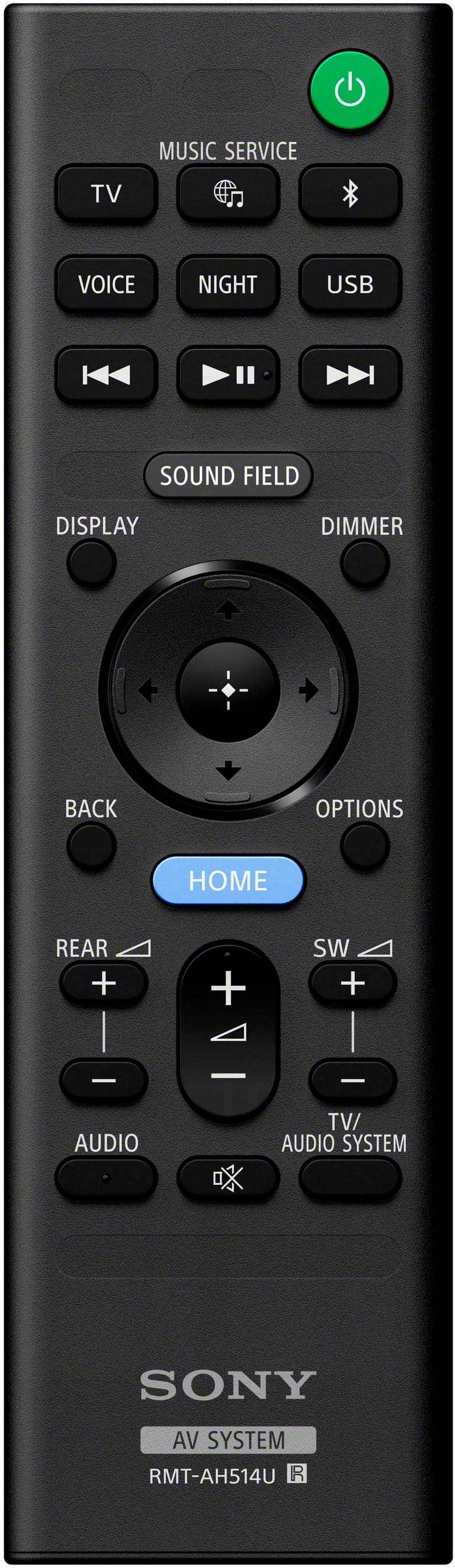
  • QuestionWill my Roku remote control the volume of this soundbar or will I have to use the two remotes to watch tv?

    Asked by MRagonese.

    • Answer Hi MRagonese, That is a great question! The Sony HT-A3000 supports HDMI-CEC (Consumer Electronics Control), which is a feature designed to allow a single remote to manage multiple devices. As long as your Roku and TV also support this function and are connected to the soundbar via an HDMI cable, your Roku remote will be able to power the soundbar on and off and adjust the volume automatically. This integration creates a seamless experience, effectively eliminating the need to juggle two different remotes while you are watching your favorite shows. Thank you for considering Sony! Regards, Dominick

      Answered by SonyListens