Questions & Answers
- Model:
- HTA3000
- |
- SKU:
- 6515725
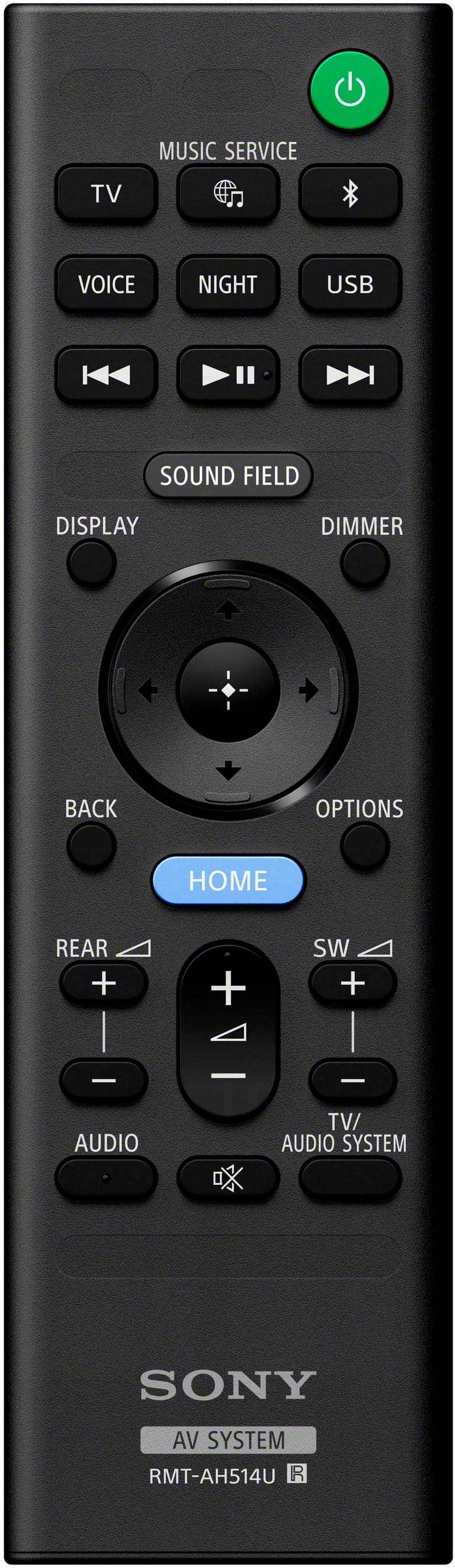
Q: QuestionOnce the sound bar is installed to the Sony tv how do you adjust the bass? Do you adjust it using the tv remote, sound bar remote or through the menu on the tv?
Asked by Anonymous.
- A:Answer You can also make some adjustments on the sound bar with on the sound bar itself. There are some tiny little instructions symbols at the top that you can adjust on the sound bar, but you have to look very closely and see it. It’s kinda like small but it is lit up so you can make some adjustments on the sound bar itself
Answered by OwenH
Q: QuestionI WEAR HEARING AIDS. CAN I CONNECT MY HEARING AIDS TO YOUR SOUND BAR AND STILL HAVE OTHER PEOPLE IN THE ROOM HEAR. I HEARD SONY 158 HTA 3000 CAN DO THIS IF SO SHOW ME THIS Modal OR ANY OTHER MODEL.
Asked by Anonymous.
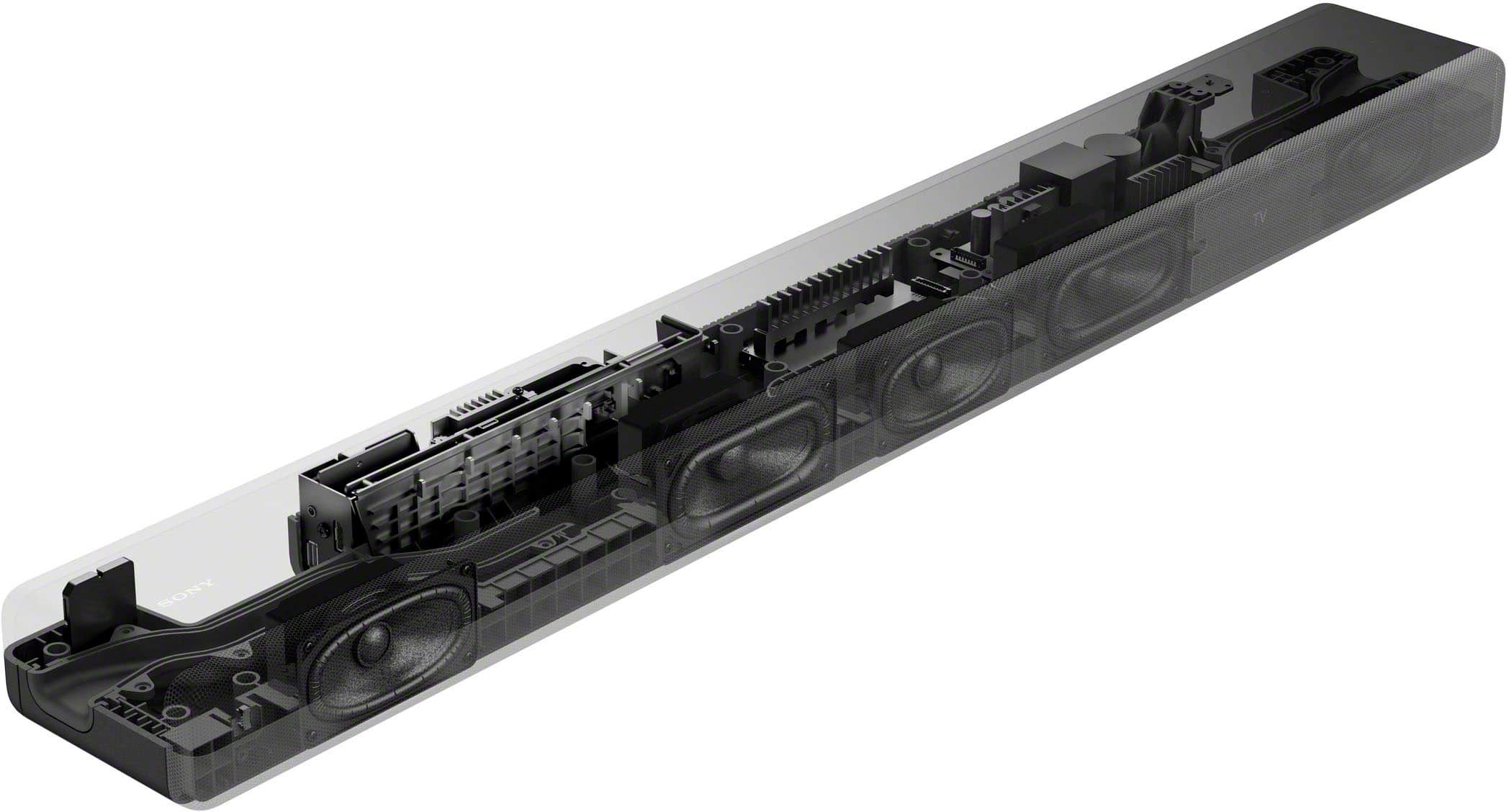
- A:Answer Hi there, Thank you very much for your inquiry. When you connect a Bluetooth device to the HT-A3000 soundbar, audio will only be played from the device it was paired with. If you want to use both the soundbar and the Bluetooth device simultaneously, you will need to upgrade to a higher model soundbar. If you need more information/technical assistance, please contact us by following the steps below: Unfortunately, due to the current Best Buy phishing protocol for your protection, we cannot provide a direct email or phone number for customer support as of now. Please find Sony Electronics' Support information: Go to our support website > click on “Support” > scroll down click on “Contact Support” > click on "(select your product type)" and from there you'll see different ways to contact us. Apologies if you disclosed some of this information in your review and to customer service, we just want to ensure that we have your accurate details at the time of communication. Name: BestBuy Username: Model Number: Question/concern: Telephone Number: The HT-A3000 immerses you in authentic surround sound with a center speaker for clear dialogue and a built-in dual subwoofer for impressive power. With optional rear speakers it supports 360 Spatial Sound Mapping too, so you can lose yourself in your favorite movies, TV shows and music. I hope this helps! Best regards, Romeo

Answered by SonyListens

Q: QuestionI have a x93L, it has good speakers, would SB3000 be a significant improvement over the TV speakers or should I get an 5000, (I don't think they are available now) or maybe an 8? thanks
Asked by CC.
- A:Answer A 5000 will do fine
Answered by GOODSCANNER
Q: QuestionCan I connect a usb turntable to hta 3000?
Asked by AlanG.
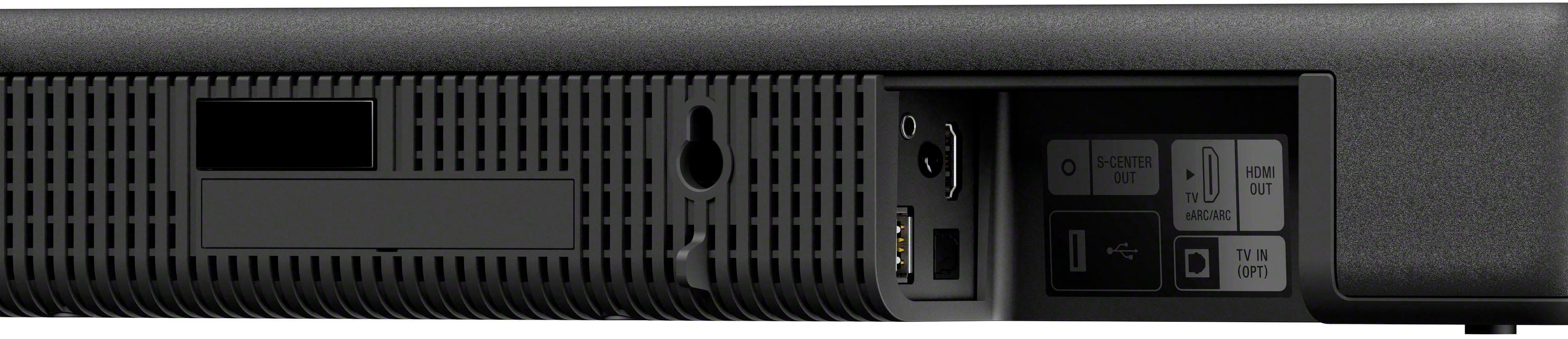
- A:Answer Hi Allie, Thank you for your question. Unfortunately, no. You cannot directly connect a USB turntable to this soundbar. The USB port on the HT-A3000 is designed to work only with a USB storage device. Additional information: This soundbar connects to a TV or an audio device using one of the following connections: • Digital Optical cable connection • HDMI ARC/eARC (Audio Return Channel/Enhanced Audio Return Channel) connection • Bluetooth connection The HT-A3000 immerses you in authentic surround sound with a center speaker for clear dialogue and a built-in dual subwoofer for impressive power. With optional rear speakers it supports 360 Spatial Sound Mapping too, so you can lose yourself in your favorite movies, TV shows and music. I hope this helps you, and thanks for considering Sony! Regards, Romeo
Answered by SonyListens

Q: QuestionI have a Sony x80k 2023 is this sound bar meant to use with my x80k? The description said it’s meant to pair with the Bravia I’m kinda a noob with this stuff my last set up was onn tv and a Vizio m series sound bar
Asked by Anonymous.
- A:Answer Hi there, Thank you very much for your inquiry and for being a Sony X80K owner! Yes, the HT-A3000 will work perfectly with your TV. You can connect it to your X80K using one of the following connections: • BLUETOOTH connection • HDMI connection (ARC/eARC) • Digital optical cable connection The HT-A3000 immerses you in authentic surround sound with a center speaker for clear dialogue and a built-in dual subwoofer for impressive power. With optional rear speakers (SA-RS3S/SA-RS5) it supports 360 Spatial Sound Mapping too, so you can lose yourself in your favorite movies, TV shows and music. Should you need more information/technical assistance, please contact us by following the steps below: Unfortunately, due to the current Best Buy phishing protocol for your protection, we cannot provide a direct email or phone number for customer support as of now. Please find Sony Electronics' Support information: Go to our support website > click on “Support” > scroll down click on “Contact Support” > click on "(select your product type)" and from there you'll see different ways to contact us. I hope you find this answer helpful, and thanks for choosing Sony! Best regards, Romeo
Answered by SonyListens

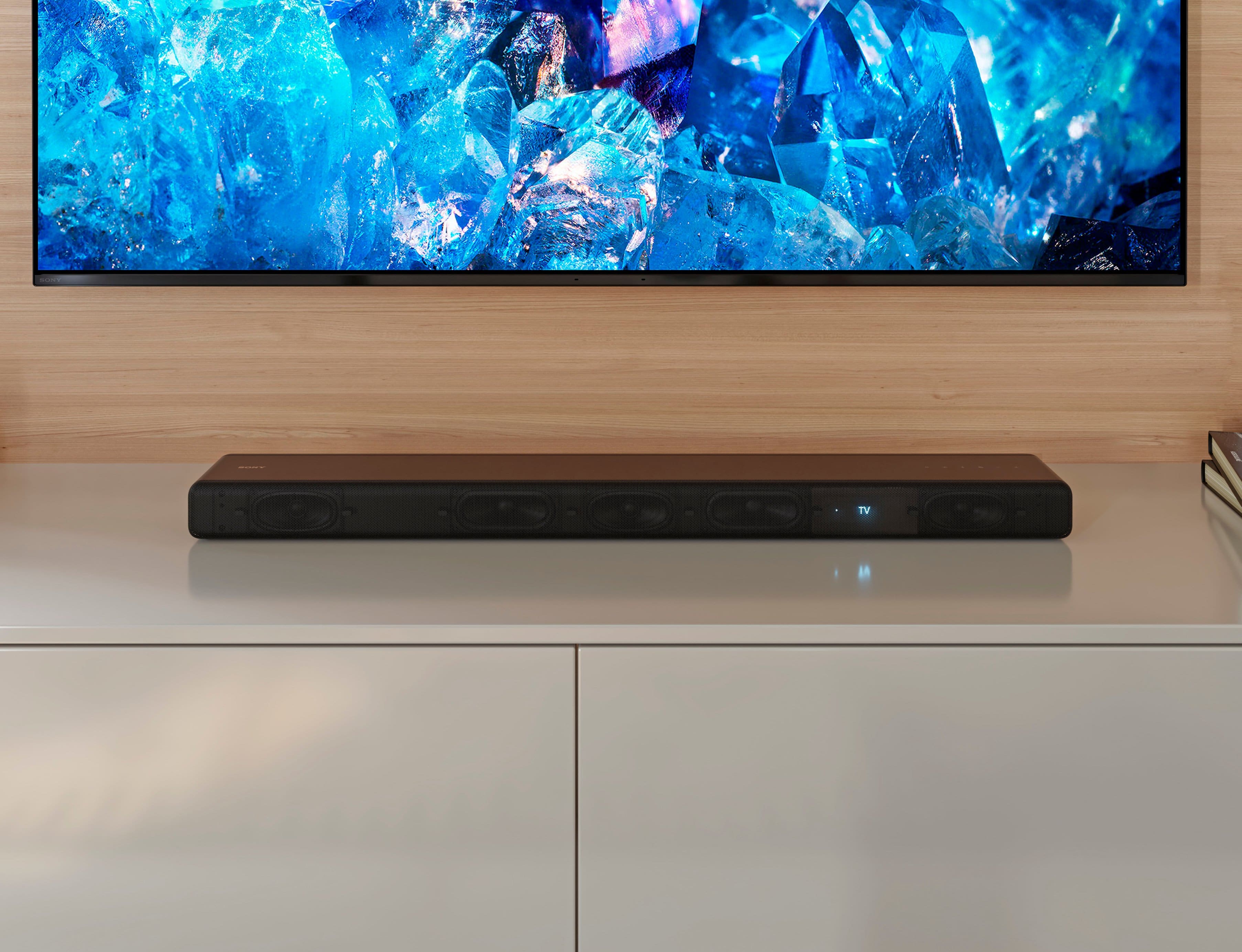
Q: QuestionThe front display showing the volume numbers and “TV” has disappeared. How do I get it back? This is a HT-A3000.
Asked by GarminUser.
- A:Answer Hi Greg2024, Thank you for reaching out to us with your concern. You can change the brightness of the front panel display and indicators of your HT-A3000 by pressing the DIMMER button in the supplied remote control. The front panel display and indicators are turned off when [OFF] is selected. They turn on automatically when you press any button, then turn off again if you do not operate the speaker system for about 10 seconds. However, in some cases, the front panel display and indicators may not turn off. In this case, the brightness of the front panel display and indicators are the same as [DARK]. If the issue persists, please perform a power reset by unplugging the power cord of your soundbar for at least 60 seconds before plugging back in. You may also try resetting the Speaker System by following the steps below to refresh the content: Press HOME. Select [Setup] - [Advanced Settings] on the home menu. Select [Resetting]. Select the menu item you want to reset. Select [Start]. Note: If you cannot perform resetting using the home menu, press and hold the power button and – (volume) on the bar speaker for more than 5 seconds. I hope this helps. Should you need more assistance, please feel free to contact us and we'll be more than happy to assist you. You may send us an email at [email protected] with the following: Name: BestBuy Username: Model Number: Issue: Telephone Number: Thank you for choosing Sony! Best regards, Romeo Sony Social Support
Answered by SonyListens

Q: QuestionCan I use JBL soundbarwith Sony Bravia a9 OLED tv
Asked by Anonymous.
- A:Answer Hi there, Thank you for your inquiry. For us to best assist you, please contact us by following the steps below: Unfortunately, due to the current Best Buy phishing protocol for your protection, we cannot provide a direct email or phone number for customer support as of now. Please find Sony Electronics' Support information: Go to our support website > click on “Support” > scroll down click on “Contact Support” > click on "Television" and from there you'll see different ways to contact us. Apologies if you disclosed some of this information in your review and to customer service, we just want to ensure that we have your accurate details at the time of communication. Name: BestBuy Username: Sony TV Model Number: Question/concern: Telephone Number: We are looking forward to hearing from you. Best regards, Romeo
Answered by SonyListens

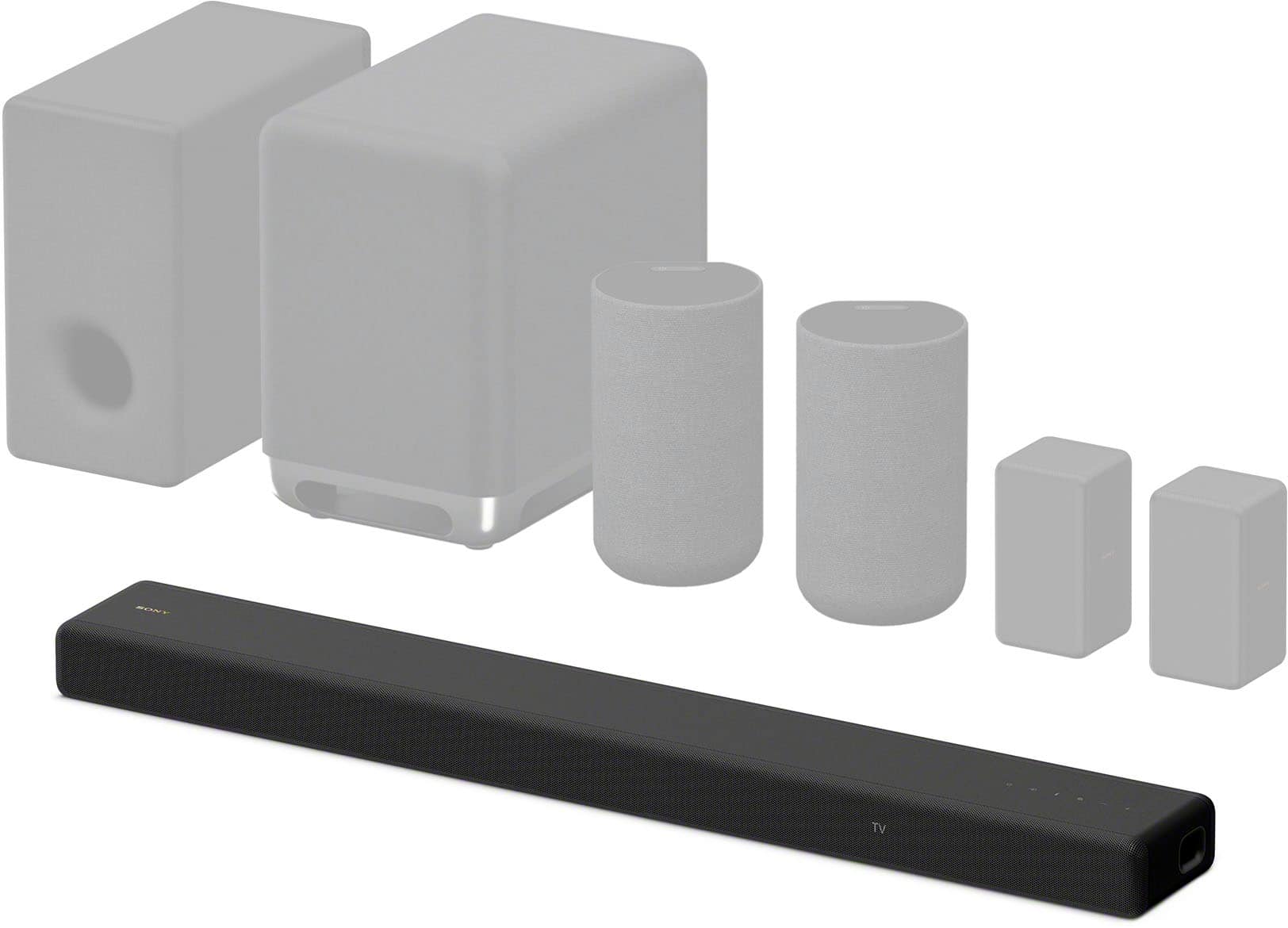
Q: QuestionI just purchased the Sony XR77A80CL 77 inch TV. I would like a Sony sound system. What is the difference between this and the Sony HT-A3000/SA-SW3/SA-RS3S 5.1 channel sound bar? Is this the same as the 5.1? Or is this newer or lower tier version?
Asked by Mjolnir.
- A:Answer Hi Mjolnir, Congratulations on your new XR77A80CL, and thank you for your interest in Sony's HT-A3000! Regarding your question, the HT-A3000 and the HT-A3000 with SA-SW3 & SA-RS3S bundled are the same. The optional subwoofer and rear accessories (SA-SW5, SA-SW3, SA-RS3S, SA-RS5) are not included when you purchase this soundbar. Please reach out to your preferred dealer (Best Buy) to confirm the details about the bundled promotions. The HT-A3000 immerses you in authentic surround sound with a center speaker for clear dialogue and a built-in dual subwoofer for impressive power. With optional rear speakers it supports 360 Spatial Sound Mapping too, so you can lose yourself in your favorite movies, TV shows and music. I hope you find this answer helpful, and thanks for choosing Sony! Best regards, Romeo
Answered by SonyListens

Q: QuestionI have a XBR-65A8G Sony tv I just got a HTA-3000 soundbar I have to set volume at 45 to hear the tv is there a adjustment I am missing on tv or soundbar I am on HDMI/3 ARC input
Asked by Dave.
- A:Answer Called Sony they sent a box to pack it up and send in for repair no charge
Answered by Anonymous
Q: QuestionDoes this work with a Sony 85k just bought one a couple of months ago and just wondering before I buy this
Asked by JohnM.
- A:Answer Hi Break, Greta question! Absolutely, yes. The HT-A3000 will work perfectly with the Sony BRAVIA X85K 4K HDR LED TV. The HT-A3000 immerses you in authentic surround sound with a centre speaker for clear dialogue and a built-in dual subwoofer for impressive power. With optional rear speakers (SA-RS3S/SA-RS5) it supports 360 Spatial Sound Mapping too, so you can lose yourself in your favorite movies, TV shows and music. I hope this helps! Best regards, Romeo
Answered by SonyListens

Q: Questionsamsung 65 inch tv 4k about 4 years old. Bose 321 DVD receiver with 2 small front and a subwoofer speakers. WATCH verizon fiOS TV AND NETFLIX through roku. Have yet to find a clear audio solution for voices EVEN USING OPTICAL CABLE. SUGGESTIONS?
Asked by BGR.
- A:Answer Hello BGR, Thank you for your question. We'd love to help you troubleshoot your concern by isolating your sources and understanding your connections. In the meantime, you may check these helpful links. Online Help Guide https://helpguide.sony.net/ht/a3000/v1/en/index.html Connecting a TV Compatible with ARC/eARC https://helpguide.sony.net/ht/a3000/v1/en/contents/TP1000525138.html Connecting a TV That Is not Compatible with ARC/eARC https://helpguide.sony.net/ht/a3000/v1/en/contents/TP1000525146.html [Audio Settings] https://helpguide.sony.net/ht/a3000/v1/en/contents/TP1000525193.html If you require further assistance, please email us at [email protected] with the following details: Name: Best Buy Username: Model Number: Issue: Telephone Number: Regards, Marco
Answered by SonyListens

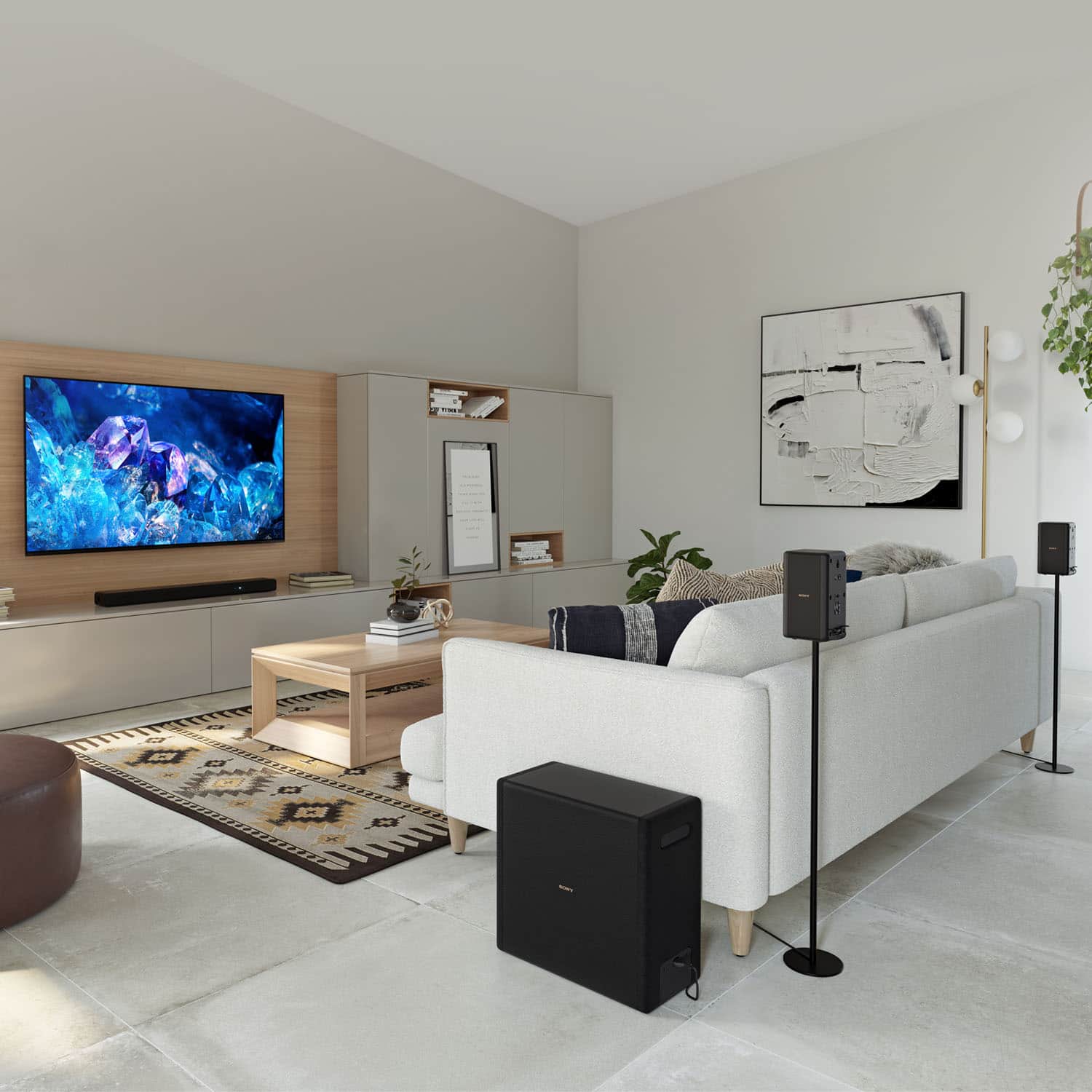
Q: QuestionWould the A3000 sound bar work with my xr 55A95L tv in a 15x20 room with 12 foot ceiling?
Asked by g45dave.
- A:Answer Hello g45dave, Thank you for your question. Sony HTA3000 Soundbar will work fine with your XR55A95L. We recommend connecting the soundbar to your TV via HDMI ARC for best performance. The soundbar also has auto calibration to maximize sound, so you shouldn't have any issues. The HTA3000 has three front speakers including a center channel, and a powerful built-in dual subwoofer for clear dialogue and authentic surround sound. Using the soundbar alone, you’ll experience authentic 3.1 channel surround sound with S-Force PRO Front Surround and Vertical Surround Engine. Or you can add optional rear speakers to enjoy 360 Spatial Sound Mapping with multiple phantom speakers. I hope this helps and thank you for consider Sony. Regards, Marco
Answered by SonyListens

Q: QuestionCan I pair the soundbar to bluetooth headphones and still receive sound from both the sound bar and bluetooth headphones.
Asked by Lady.
- A:Answer Hello Lady, Thank you for your question. Unfortunately, you can't pair this soundbar to a Bluetooth headphone because they have the same Bluetooth profile which is to receive. You can only connect the soundbar to a device that has a Bluetooth transmitter profile like mobile phones or Walkman. What we suggest is to connect the soundbar to your TV via HDMI ARC and then connect your Bluetooth headphone to your TV via Bluetooth. Please make sure your TV supports A2DP (Bluetooth profile) for the headphone. Kindly check your TV's manual for compatibility. The HTA3000 has three front speakers including a center channel, and a powerful built-in dual subwoofer for clear dialogue and authentic surround sound. Using the soundbar alone, you’ll experience authentic 3.1 channel surround sound with S-Force PRO Front Surround and Vertical Surround Engine. Or you can add optional rear speakers to enjoy 360 Spatial Sound Mapping with multiple phantom speakers. I hope this helps and thank you for considering Sony. Regards, Marco
Answered by SonyListens

Q: QuestionCan I connect the soundbar to my wifi network and will it show as an available devise on my network.
Asked by Anonymous.
- A:Answer Hi there, Thank you for your question. Absolutely yes! You can connect the HTA3000 to your Wi-Fi network. The A3000 has Google built in so you can cast to that device by using the Google Home app to discover the device. The HTA3000 has three front speakers including a center channel, and a powerful built-in dual subwoofer for clear dialogue and authentic surround sound. Using the soundbar alone, you’ll experience authentic 3.1 channel surround sound with S-Force PRO Front Surround and Vertical Surround Engine. Or you can add optional rear speakers to enjoy 360 Spatial Sound Mapping with multiple phantom speakers. Hope this helps and thank you for considering Sony. Regards, Marco
Answered by SonyListens

Q: QuestionHow well does the surround system balance the high and low volume between music and dialogue within a movie? Also, is the control a set-up feature?
Asked by MoniqueP.
- A:Answer Hello MoniqueP, Thank you for your question. Sony’s exclusive audio processing that allows auto adjusts to all audio coming in to provide the best sound experience. It is equipped with Vertical Surround Engine as well as S-Force Pro Front Surround to deliver 3D, immersive surround sound in any environment. The HTA3000 immerses you in authentic surround sound with a center speaker for clear dialogue and a built-in dual subwoofer for impressive power. With optional rear speakers, it supports 360 Spatial Sound Mapping, so you can lose yourself in your favorite movies, TV shows and music. I hope this helps and thank you for considering Sony. Regards, Marco
Answered by SonyListens

Q: QuestionSo there's no way to pair this with a receiver? It's strictly a TV extension???
Asked by BBcustomer72623.
- A:Answer Hi BBcustomer72623, thank you for your question. The soundbar is designed to be hooked up to TVs only and cannot be paired with a receiver. The HT-A3000 immerses you in authentic surround sound with a center speaker for clear dialogue and a built-in dual subwoofer for impressive power. With optional rear speakers, it supports 360 Spatial Sound Mapping, so you can lose yourself in your favorite movies, TV shows and music. Hope this helps. Erin
Answered by SonyListens

Q: QuestionDoes this soundbar work well with the 2023 x90l ?
Asked by Tam.
- A:Answer Thank you for your question, Tam. Absolutely. The HTA300 will work with TVs that support HDMI (eARC/ARC) or Optical connection. The HT-A3000 immerses you in authentic surround sound with a center speaker for clear dialogue and a built-in dual subwoofer for impressive power. With optional rear speakers, it supports 360 Spatial Sound Mapping, so you can lose yourself in your favorite movies, TV shows and music. Hope this help. Erin
Answered by SonyListens

Q: QuestionIs this compatible with a Samsung QLED 8K 55" TV?
Asked by Anonymous.
- A:Answer Thank you for your question. The HTA300 will work with your TV that supports HDMI (eARC/ARC) or Optical connection. The HT-A3000 immerses you in authentic surround sound with a center speaker for clear dialogue and a built-in dual subwoofer for impressive power. With optional rear speakers, it supports 360 Spatial Sound Mapping, so you can lose yourself in your favorite movies, TV shows and music. Hope this helps. Erin
Answered by SonyListens

Q: QuestionIs the power cord polarized or non-polarized? I need a longer replacement cord.
Asked by Irene.
- A:Answer It is not polarized.
Answered by EddieC
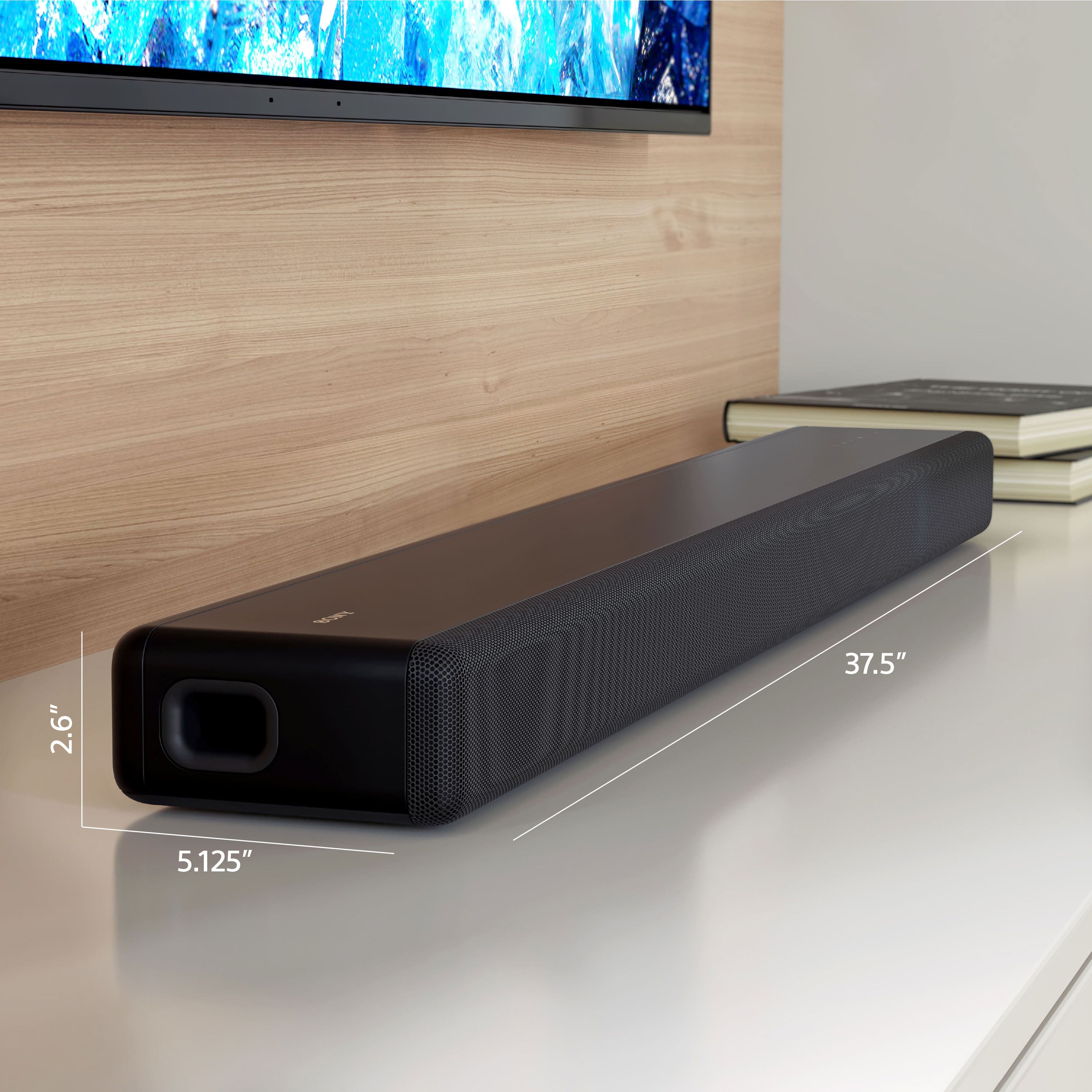
Q: QuestionHow long is the power cable?
Asked by Irene.
- A:Answer Approximately 4 feet
Answered by Billsfan100
Best-selling sound bars
- Black Friday Deal$249.99Your price for this item is $249.99
- $1,099.00Your price for this item is $1,099.00
- $469.99Your price for this item is $469.99$499.00The comparable value for this item is $499.00
Samsung - HW-B650/ZA 3.1 Channel Soundbar with Wireless Subwoofer, Dolby 5.1 / DTS Virtual:X - BlackBlack Friday Deal$199.99Your price for this item is $199.99- $24.99Your price for this item is $24.99$39.99The comparable value for this item is $39.99
- $99.99Your price for this item is $99.99$119.99The comparable value for this item is $119.99
- $199.99Your price for this item is $199.99$279.99The comparable value for this item is $279.99
- $399.99Your price for this item is $399.99$499.99The comparable value for this item is $499.99
- $219.00Your price for this item is $219.00
- $299.99Your price for this item is $299.99$399.99The comparable value for this item is $399.99
- $349.99Your price for this item is $349.99$399.99The comparable value for this item is $399.99
- $199.99Your price for this item is $199.99$279.99The comparable value for this item is $279.99
- $119.99Your price for this item is $119.99
- $699.99Your price for this item is $699.99$799.99The comparable value for this item is $799.99
- $497.99Your price for this item is $497.99$699.99The comparable value for this item is $699.99
- Black Friday Deal$499.99Your price for this item is $499.99
- $139.99Your price for this item is $139.99$159.99The comparable value for this item is $159.99
- Black Friday Deal$149.99Your price for this item is $149.99
- Black Friday Deal$34.99Your price for this item is $34.99
- $209.99Your price for this item is $209.99$229.99The comparable value for this item is $229.99