
Black Friday is hereShop new DoorbustersShop now

Main Content

Questions & Answers

Your price for this item is $349.99
The comparable value price is $399.99
Page Showing 1-20 of 94 questions
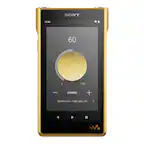
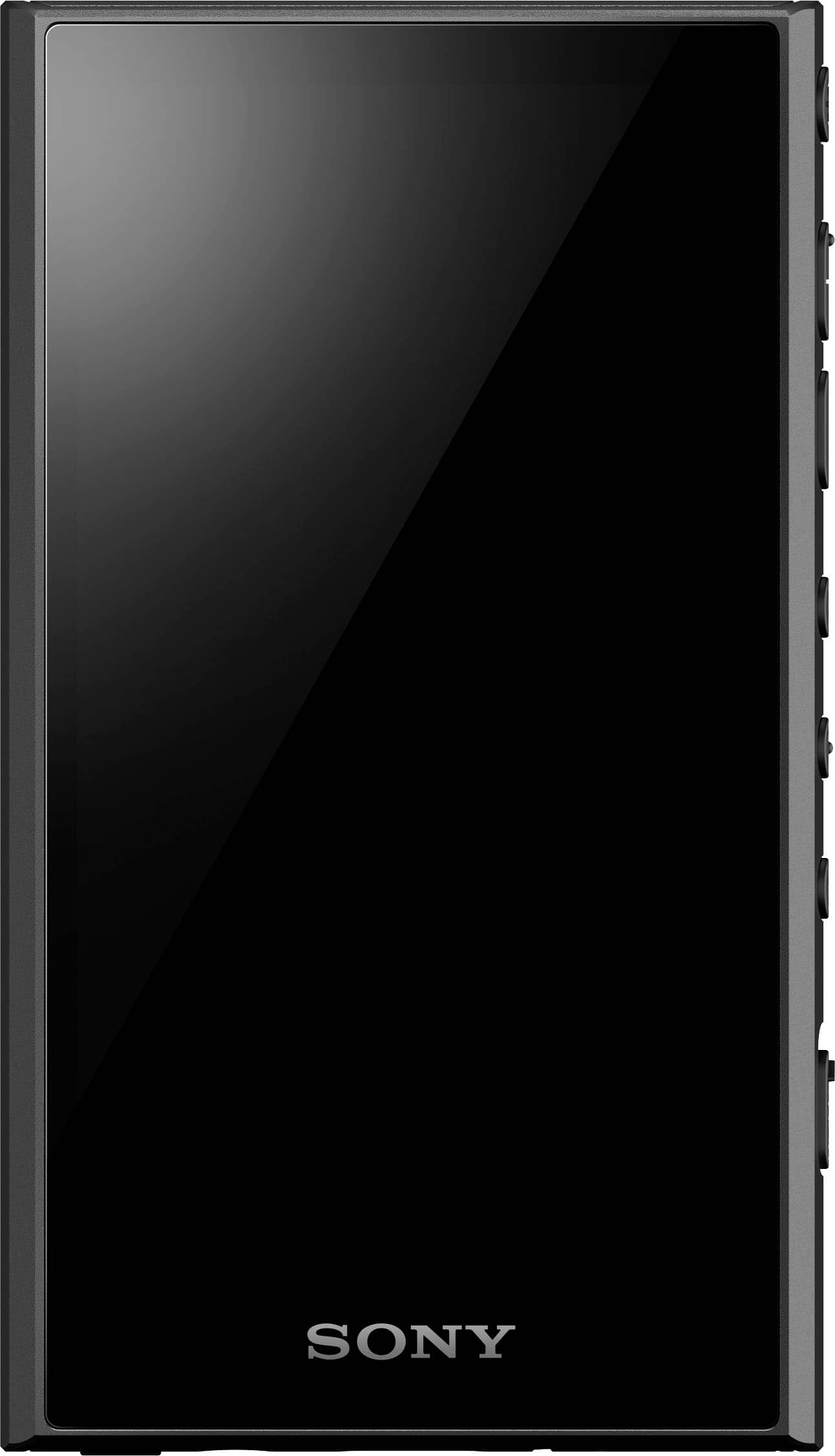
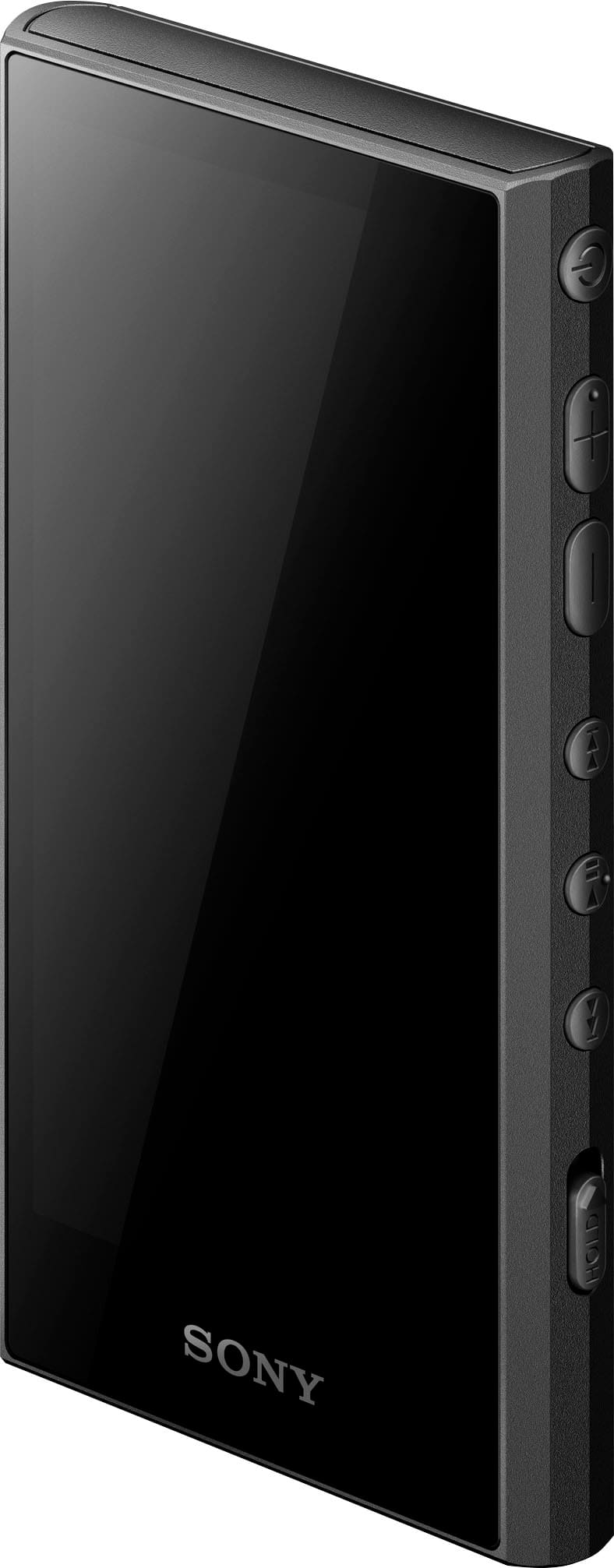
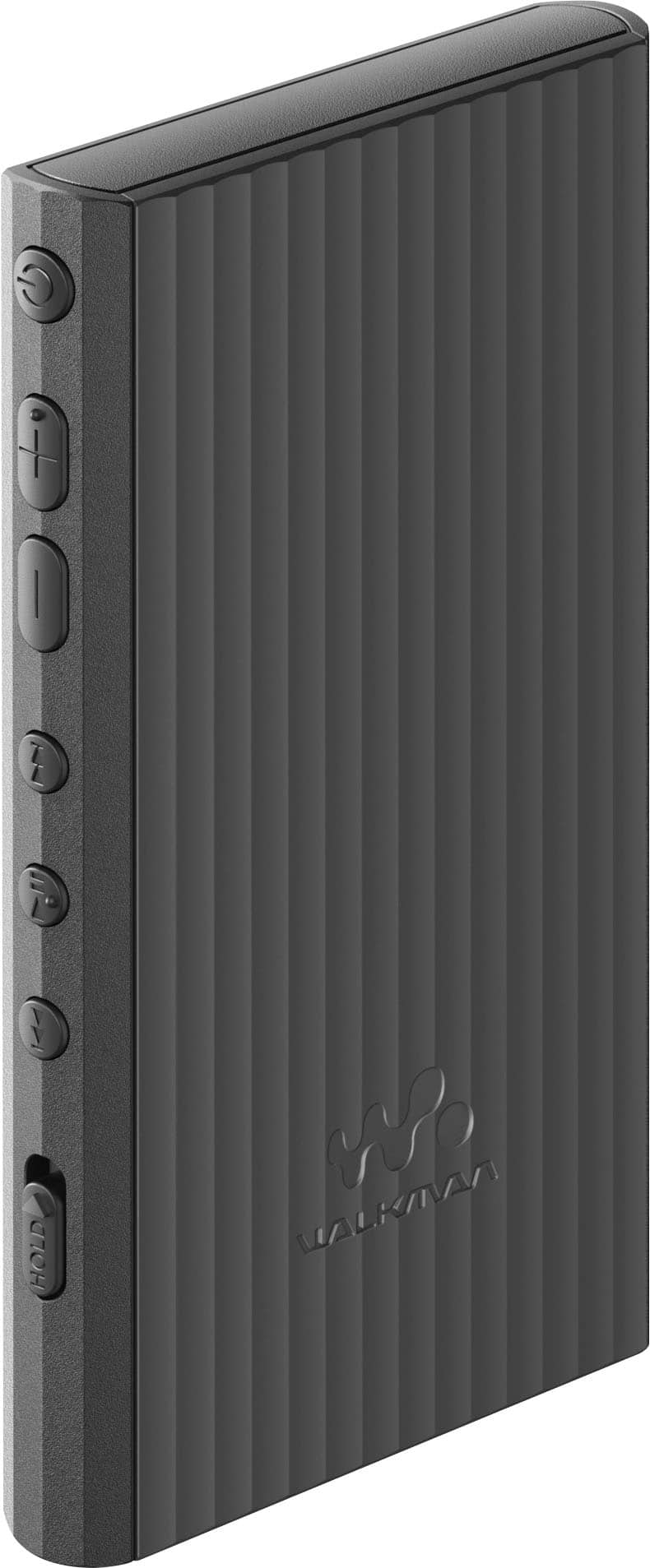
  • QuestionWhat is the storage capacity of this Sony Walkman?

    • Answer This Sony Walkman has a storage capacity of 32GB.
    This question and answer was generated by AI based on customer and product data.

  • QuestionDoes the Sony Walkman have a touch screen?

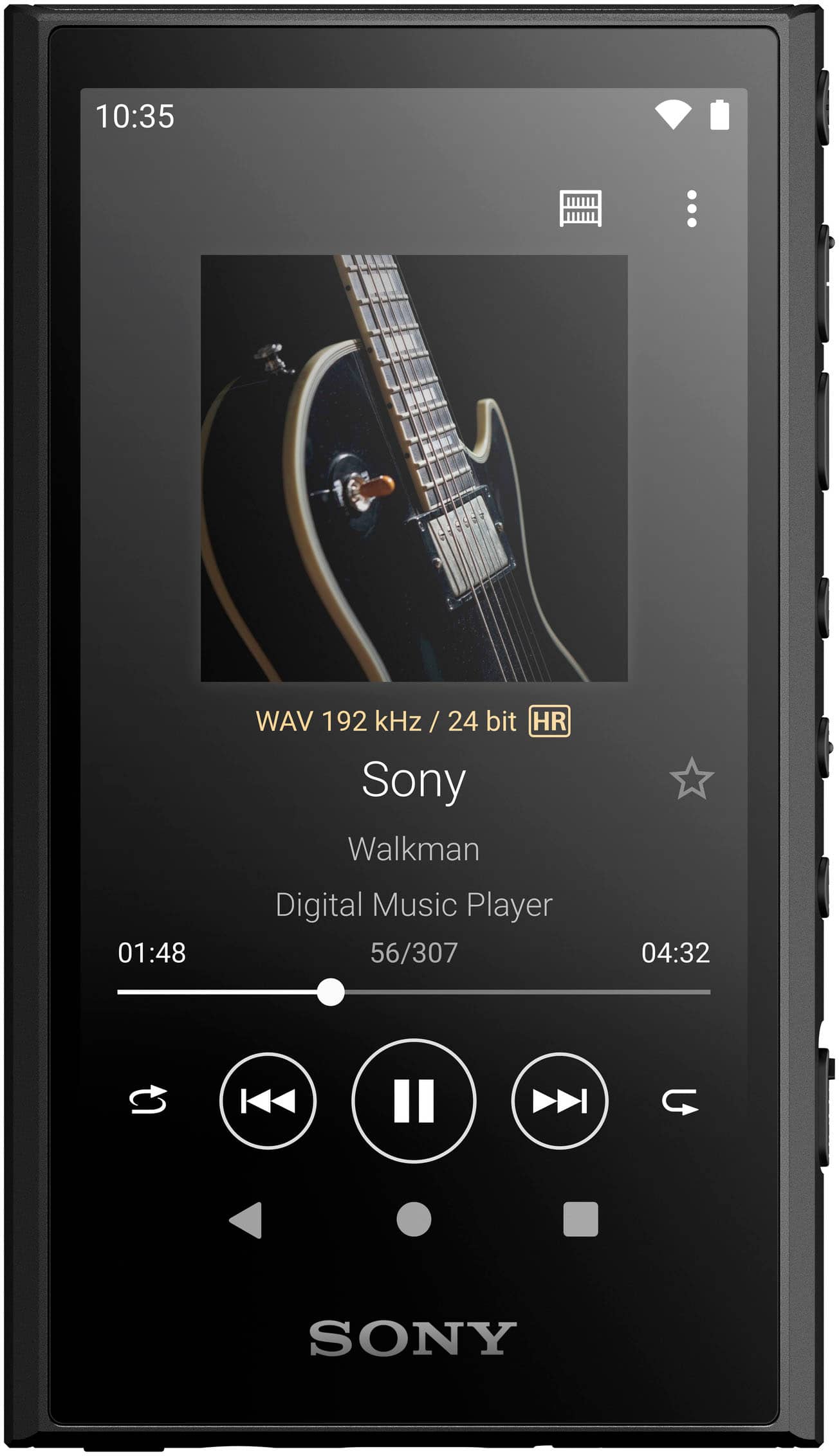
    • Answer Yes, this Walkman features a touch screen.
    This question and answer was generated by AI based on customer and product data.

  • QuestionWhat type of charging port does the Sony Walkman use?

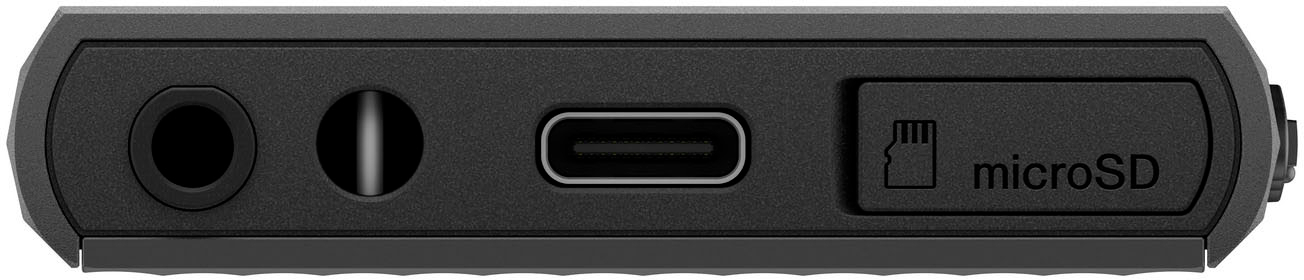
    • Answer This Walkman uses a USB Type-C port for charging.
    This question and answer was generated by AI based on customer and product data.
  • QuestionCan I download music directly to this Walkman?

    • Answer Yes, you can download music directly to the Walkman using Wi-Fi.
    This question and answer was generated by AI based on customer and product data.
  • QuestionDoes this Sony Walkman support high-resolution audio playback?

    • Answer Yes, it supports high-resolution audio playback up to 96kHz FLAC.
    This question and answer was generated by AI based on customer and product data.
  • QuestionHow long does the battery last on this Walkman?

    • Answer The battery lasts for up to 36 hours of 44.1KHz FLAC playback, up to 32 hours of 96kHz FLAC High-Resolution Audio playback, or up to 26 hours with a music streaming service.
    This question and answer was generated by AI based on customer and product data.
  • QuestionWith the new iPods I can not download CD’s i own onto the iPod, only music purchased on the Apple Store. With my old iPod I could, Can I download these CD’s to the Walkman and is it a simple process?

    Asked by JJ19.

    • Answer Yes it is very simple. I had a lot of songs in my itunes library but didn't want to use itunes anymore so I converted my purchases to mp3, then you just use file explorer on your computer and move the files from your computer to the device. For cds you own, you can use media player or still itunes will let you rip a CD to your computer, and then move those songs to the player.

      Answered by Meekless

  • QuestionDoes this product have any audio outputs? Like a component level type output so I can connect this to and listen to it through a PA system?

    Asked by Bongo042.

    • Answer I think so. When you connect to a device it ask 3 questions. 1 connect to transfer data . 2 connect to charge only. And 3 connect as an output ...ie to a speaker

      Answered by ClarenceG

  • QuestionIs there an expected release date for this? Can't find information on the Sony website...

    Asked by Sami.

    • Answer Was in stock last week. I got one. Then sold out again, now back in stock. Mine came with 1 dead pixel. Going to return it and awaiting for the second one to arrive.

      Answered by Anonymous

  • QuestionCan I load my iTunes library on this device? I'm sick of my Ipod touch.

    Asked by LV08.

    • Answer Yes, thats exactly why i bought this. My iPod was on its last leg. I would highly recommend loading Sonys Music Center app. A simplified version of Itunes. The app will automatically find your library and import all your music from Itunes.

      Answered by cjcastano

  • QuestionCan you use Spotify on this device ?

    Asked by Lori.

    • Answer Hi Lori, Thank you for your inquiry! Absolutely, yes! You can use the Google Play Store application on the NW-A306 to get your favorite audio streaming services. It also has a built-in Wi-Fi and Bluetooth, so you can stream music from Spotify or other music services. Enjoy a high quality sound from this stylish and compact music player that lets you download and stream more of the music you love. Regards, Jess

      Answered by SonyListens

  • QuestionCan you use Beats Fit Pro or AirPod Pro 2 with this player

    Asked by Strange63.

    • Answer Supports Bluetooth.

      Answered by Anonymous

  • QuestionCan this be paired with a vehicle infotainment system? And can you use the vehicle controls to navigate files, toggle between tracks, etc?

    Asked by Brav0Chill.

    • Answer Hi Brav0Chill, Thanks for your question. The Sony NW-A306 Walkman's ability to pair with a vehicle infotainment system and use vehicle controls depends on your specific car's system capabilities. The NW-A306 Walkman is Bluetooth compatible. The Bluetooth function enables wireless connections between devices and allowing you to connect them to your car's audio system wirelessly. If your Bluetooth device supports the device operating function (compatible protocol: AVRCP), then you may be able to use basic playback controls like play/pause, skip tracks, and adjust volume through your car's steering wheel controls or audio system buttons (if supported). Unfortunately, you cannot install apps that uses camera or call functions from Google Play Store, such as Android Auto. Enjoy a high quality sound from this stylish and compact music player that lets you download and stream more of the music you love. With full Wi-Fi compatibility, a longer lasting battery and a stylish and sleek design, you can play and find new music wherever you want to go. Regards, Jess

      Answered by SonyListens

  • QuestionHi, Do you need to have a google to use this? Can this be used without opening the build in google apps?/uninstall them for other no-google apps?

    Asked by anaines.

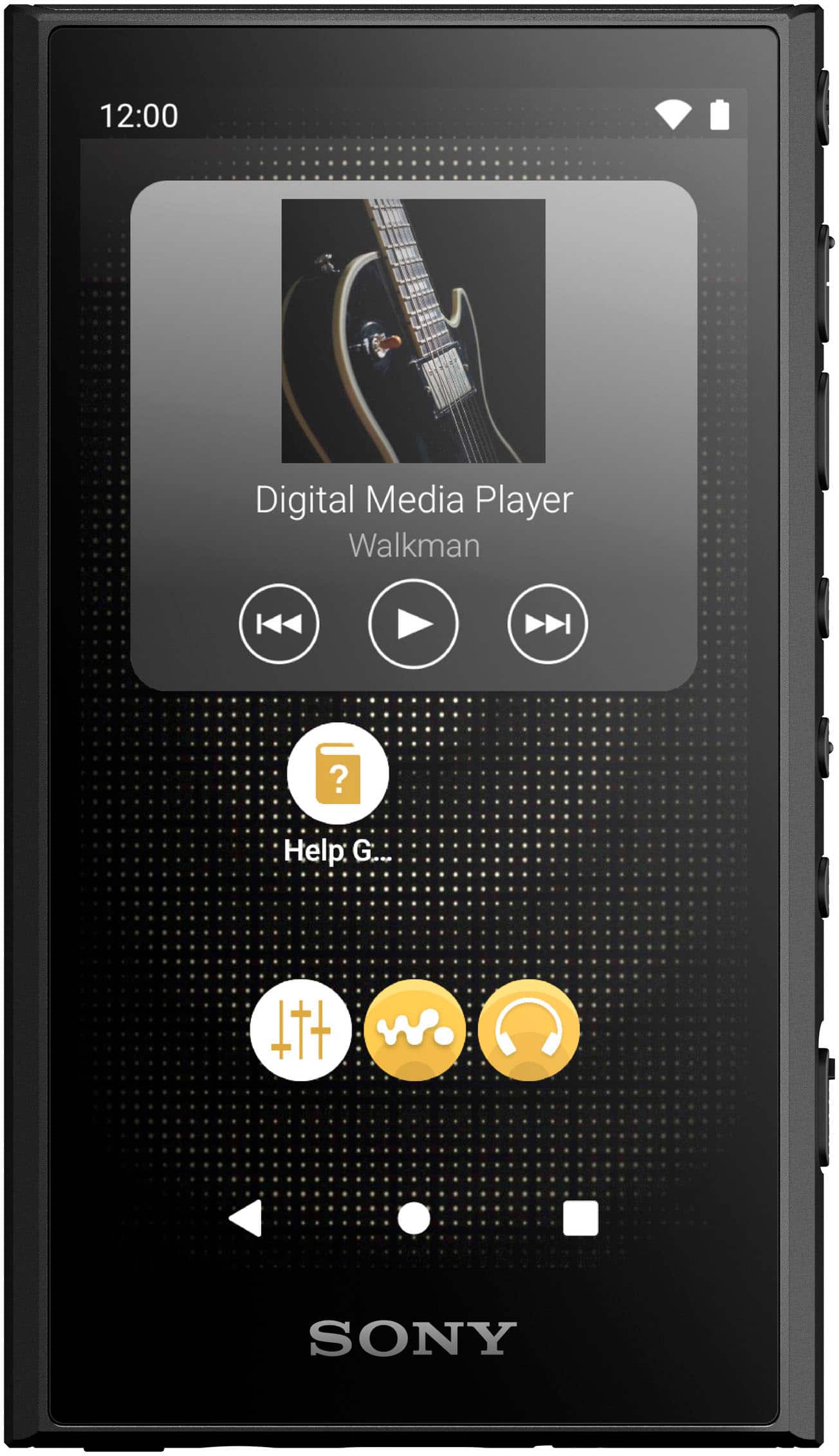
    • Answer Thanks for your question, Anaines. The NW-A306 is preloaded with Android 12. During the Initial setup, you can connect to the internet, add Google accounts to access additional applications, or skip this part. You can enjoy some functions on your Walkman device without a Google account. You can import songs to the music library and listen to music without a google account, but you won't be able to download any music streaming apps. This player has two home screens; Android Home screen (Default Android Home screen) and WALKMAN Home screen (Home screen customized for music playback). Pre-installed apps cannot be uninstalled. While you can't uninstall these apps, you can, however, disable them in certain cases. I hope this helps. Regards, Jess

      Answered by SonyListens

  • QuestionI have a 4 year old Sony Walkman that does not use Bluetooth. Is there a way to transfer all of my music from the older Walkman to this newer version? Can I transfer music from old one to my computer then upload to new Walkman? Or what is best way?

    Asked by Ginny.

    • Answer Hi transfer, Good question! We understand you would like to know how to transfer a playlist created on an older Walkman player to a newer Walkman. Yes, it's possible. You can transfer the playlists by first moving the Music folder from the older Walkman player to the computer temporarily, and then dragging and dropping that same folder to the newer Walkman player. Notes: • If you transfer music content not registered in a playlist, you can delete it after copying the folder to the newer Walkman player, if necessary. • Language Study content is not supported. • Music content registered in a playlist cannot be stored separately in the player's memory or SD card. • If the size of the file(s) being transferred is large, it may take several hours to complete the process. If this is the case, you can copy sub-files or folders individually, but be sure to copy all folders and files. • If the music content registered in the playlist has not been transferred, it will not be displayed in the playlists of the Music player on the newer Walkman player. For detailed instructions about transferring content from a Windows computer using the Music Center for PC (Windows) software or Mac computer, you can visit our Support site or refer to the appropriate section in the Help Guide of the product. Unfortunately, due to the current Best Buy phishing protocol for your protection, we cannot provide a direct link, email or phone number for customer support as of now. Regards, Jess

      Answered by SonyListens

  • QuestionIs there anyway to increase the audio volume on this ? For some reason it's super low no matter which headphones or headset I plug in.

    Asked by ChristopherM.

    • Answer Ive found with wired headphones you have to have the volume pretty high. Hopefully it is addressed with a firmware uodate.

      Answered by Wsumba99

  • QuestionCan the files be organized and then accessed by artist, album and genre? What are the menu choices. When hundreds of songs are loaded, it's nice to be able to select a playlist without scrolling through them individually. How are playlists created?

    Asked by BigMo.

    • Answer Hi BigMo, Thank you for your question! Yes, you can organize and select tracks from the library screen. Tracks are classified into various categories (such as [All songs], [Album], [Artist], [Artist], [Folder], [Favorites], [Playlist], [Newest to oldest], [Hi-Res], [Genre], [USB DAC], [Release year], [Composer], [CUE sheets]). You can check the order of tracks that the player will play on the play queue screen. The play queue can be edited freely by changing the order of tracks, removing tracks, or adding tracks or items. For more details, visit the help guide of our NW-A306 and search for the following articles: • "Playing music" • "How to use the various screens of “Music player” Unfortunately, due to the current Best Buy phishing protocol for your protection, we cannot provide a direct link of the help guide as of now. With NWA306, enjoy a high-quality sound from this stylish and compact music player that lets you download and stream more of the music you love. Regards, Jess

      Answered by SonyListens

  • QuestionHow Big Of A Memory Card Will This MP3 Player Hold?

    Asked by Anonymous.

    • Answer Hi. I was looking for this answer also and since BB hadn't bothered to answer it, I went to Sony. This is what they say: "The maximum capacity depends on the type of SD card. The maximum capacity storage is as follows: • For microSD cards, the Walkman can support up to 128 GB. • For microSDXC cards, the Walkman can support up to 1 TB. Note: • All Sony microSD cards currently available on the market are confirmed to be compatible. • Sony cannot guarantee full compatibility with cards from other brands." Hope that helps you assuming you haven't already found the answer on your own. It does help me since I'm in the process of purchasing additional storage myself.

      Answered by SHrenchir

  • QuestionHi, it is a306 support bluetooth receiver?

    Asked by Oi.

    • Answer You may not be using the correct nomenclature for what you're trying to say. Receivers vs transmitters? Our phones generally "transmit" a Bluetooth signal to a "receiving" device. Bluetooth headphones/speakers generally work as "receivers". The Sony NW-A306 works as a "transmitter" in the same way that our phones do. Plus there's no speaker on the device if it did "receive" a signal. So such capability would not be useful.

      Answered by roninstorm

  • QuestionWhat brand SD cards is this device compatible with and can a speaker be used with this ?

    Asked by ChristopherM.

    • Answer I use a sandisk one with mine. Any microsd card should work fine. And the player does have bluetooth capabilities for headphones and whatnot, so speakers should work too!

      Answered by Anonymous