A:AnswerHi TMD, Yes, you may use the headphone jack of a smartphone for connection. Kindly refer to this link for more information:
https://docs.sony.com/release//Manual_4691893111.pdf
~Ralph
A:AnswerHi HTN5, it is not possible. This headphone uses RF signals to work wirelessly. Additionally, it can only be linked to its supplied transmitter which we cannot guarantee to work if connected to your soundbar. We recommend using Bluetooth headphones for the setup you have in mind. Please visit this link for the list of our Bluetooth capable headphones: https://www.sony.com/electronics/headphones/t/headband-headphones Thanks, -Mark
A:AnswerHi MrMarbles, we highly suggest visiting the link below for possible troubleshooting steps to fix this issue. I hope it helps. Regards, ^Ron
https://www.sony.com/electronics/support/wireless-headphones-rf-headphones/mdr-rf995rk/articles/00186993
A:AnswerHi stem, we highly suggest visiting the link below for more information about the connection. Thanks! ^Ron
https://www.sony.com/electronics/support/res/manuals/4691/46918931M.pdf
A:AnswerHi Tawnie, please refer to pg.2 of the link below for possible troubleshooting steps to fix this issue. I hope it helps. Regards, ^Ron
https://www.sony.com/electronics/support/res/manuals/4691/46918931M.pdf
A:AnswerHi frustrated, If the POWER/GREEN indicator flashes green, it means no signal or low signal is input. Start playback of the A/V component, or raise the volume of the connected A/V component within the range where the sound is not distorted, otherwise, the transmitter will turn off. If no signal or low signal is input for about 4 minutes, the transmitter turns off automatically. See this link for more tips: https://www.sony.com/electronics/support/res/manuals/4691/46918931M.pdf
Regards,
Vincent
A:AnswerHi AnnoyedBuyer2991, We are sorry to hear this. If the sound is distorted by connecting the transmitter to the A/V component’s audio out (L/R) jacks, reconnect the transmitter to the headphone jack. Use the headphones near the transmitter, or change the position of the transmitter. Make sure not to place the transmitter on a metallic table. For more troubleshooting guide, please visit this link: https://docs.sony.com/release//Manual_4691893111.pdf
Regards,
Vincent

A:AnswerHi Gwen, Try to change the radio frequency with the CHANNEL selector switch on the transmitter, then briefly press the AUTO TUNING button on the headphones. Make sure to use the headphones near the transmitter, or change the position of the transmitter. For more tips and techniques, you may follow the guide from this page: https://docs.sony.com/release//Manual_4691893111.pdf
Regards,
Vincent

A:AnswerHi DisgruntledCustomer123, We are sorry to hear this. Please change the radio frequency with the CHANNEL selector on the transmitter, then change the radio frequency to that of the transmitter with the AUTO TUNING button on the headphones. You may also try to replace dry batteries with new ones. For more steps, see this link: https://docs.sony.com/release//Manual_4691893111.pdf
Regards,
Vincent
A:AnswerYou hook the charging stand audio jack to the audio mini jack on the TV or you can hook the optical jack on the charging stand to the optical jack on the TV. I really like the head phones, fits over my ears and feel great. sound is as loud as I want to make it and it doesn't bother anyone else in the room.
A:AnswerThe batteries for this device are Nickel Metal Hydride (NiMH). The NiMH battery has self-leakage. They will gradually discharge themselves even when not in use. It is best to keep them on the Charger when not using the Headset.
A:AnswerHi BillD, yes, but it will depend on what device Sirius radio is being streamed. This unit does not work with car stereos, it designed for TVs and other home media devices such as DVD and Bluray players. Thanks, -Mark
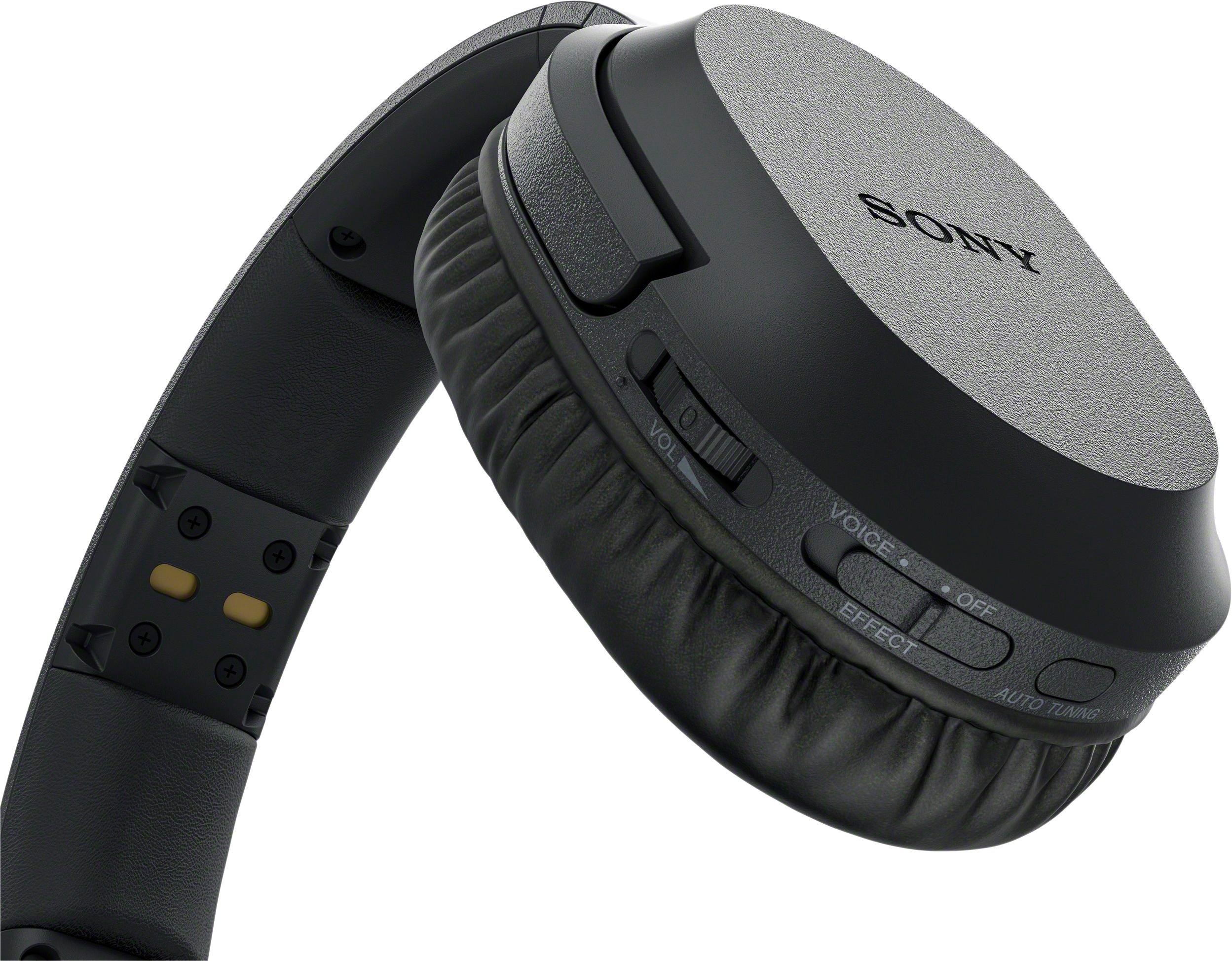
A:AnswerHi there! The contact pin of the transmitter and the headphone's own contact pin may be dusty, you may try wiping them with a dry cloth or cotton buds and make sure that both are in contact when charging. Thanks,-Mark
A:AnswerHi, the light should be RED as an indicator that the unit is charging. Once complete, the indicator turns off. However, follow the steps below if the If CHARGE/RED indicator does not light up red:
– Check if the right and left headphones are rested on the transmitter correctly. Take off the headphones and place them on the transmitter again so that the headphones’ contact points meet the transmitter’s contact pins.
– Charging may not be completed if the transmitter’s contact pin and headphones’ contact point are dusty. Wipe them with a cotton bud, etc.
I hope it helps. Regards, ^Ron