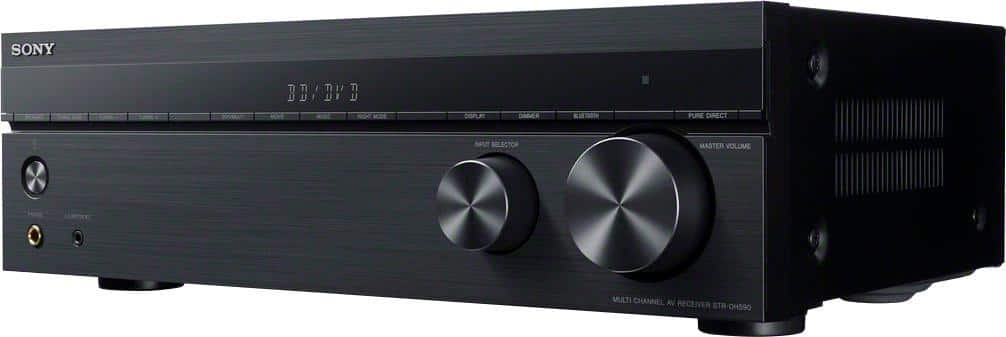
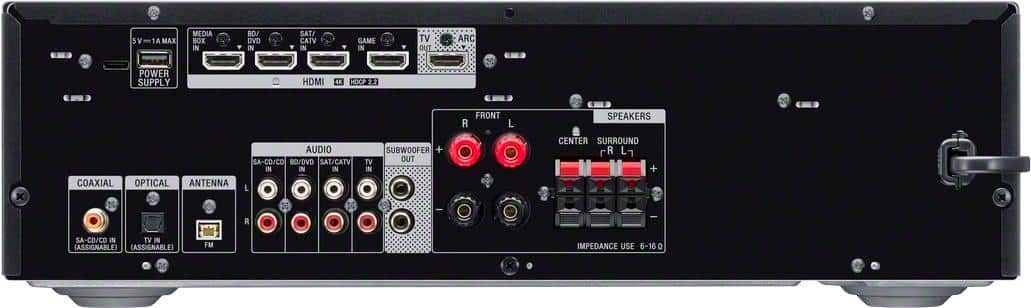
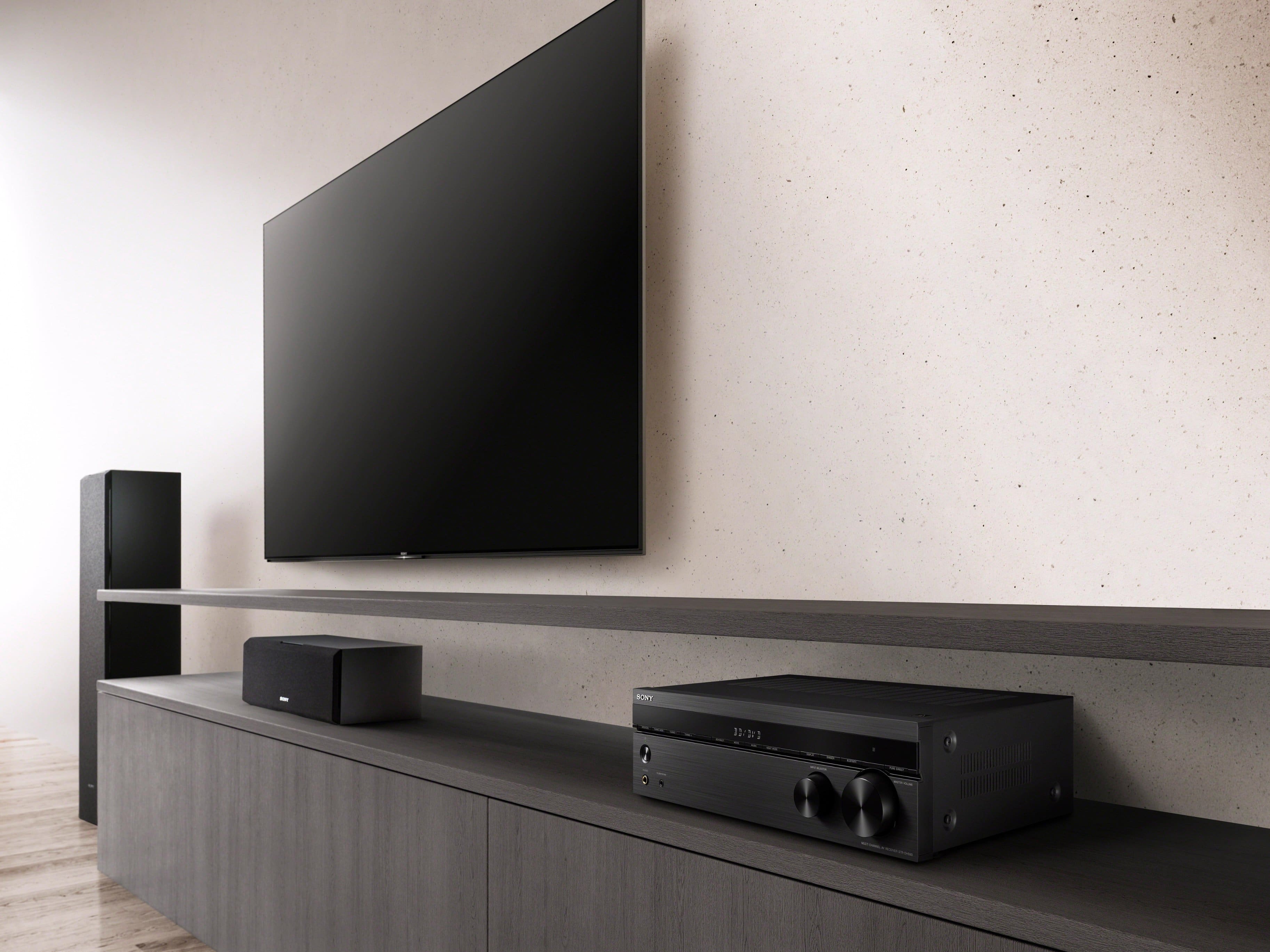
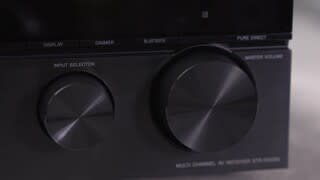
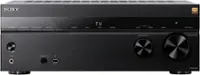
A:AnswerHi Ando, thanks for reaching out! No, it will not. We can guarantee you that you will have an exceptional sound quality with our STR-DH590 even with just one subwoofer. The second subwoofer port of this receiver is designed in case you want to add more bass sound on your home theater setup. For 5.1-channel speaker system setup, you may find the following link helpful:
Pg.16 - https://www.sony.com/electronics/support/res/manuals/4726/55cd375e0f9e7103f2b6baa747ed9072/47269061M.pdf
Should you need more information or technical assistance with our product, please feel free to email us at [email protected] with the following details and we'll be more than happy to assist you:
Name:
BestBuy Username:
Model Number:
Issue:
Telephone Number:
Hope this helps!
Best regards,
Romeo
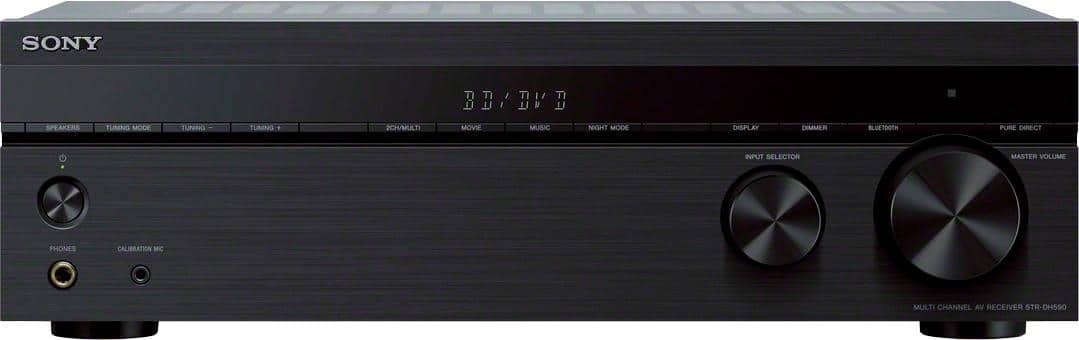
A:AnswerYes. I plugged my old Chromecast into the "Media Box" input. The receiver is so versatile it takes a little exploration to determine what configuration works best for you. It's important to have high quality HDMI cables.
A:AnswerIt has speaker outputs to Right, Left, Center, Left Rear, Right Rear and subwoofer, so if you have the ends of the speaker wires, you can plug them in to this.
A:AnswerHi Customer,
The STRDH590 supports FM radio stations only.
https://helpguide.sony.net/ha/strdh59/v1/en/contents/TP0001559203.html
Regards,
David
A:AnswerThey're on the back. The right and left main speakers can connect with banana plugs, but the rears and the center connect straight to the wire.
A:AnswerThere are auto shut-offs that are factory defaults but 30 seconds sounds like a ground fault. Go over ALL of your wiring again, wire by wire. *Check polarity on every speaker*. If you don't find a problem, have some else do it again. 30 seconds is to short for the auto shut-offs I think.
A:AnswerI haven't tried it with this particular receiver but it should work.
On my previous system I ran a continuation cable from the sub-woofer to the input of a 2-channel 10 watt amp from Radio Shack with the output going to 2 shakers (butt thumpers) screwed into the frame of my couch. It worked well.
A:AnswerHi MusicMan,
You cannot connect the AV receiver via Bluetooth or any wireless connection. Wired HDMI cable is recommended via ARC.
https://helpguide.sony.net/ha/strdh59/v1/en/contents/TP0001559199.html
Regards,
David
A:AnswerI hope this is your problem. I had your issue and spun out on it until I noticed that the volume would go way down when you chose a different audio source.
Run the volume up to 30. That's a low, easy listening level. Go up from there. It's a protection for your speakers, but can be a nuisance.
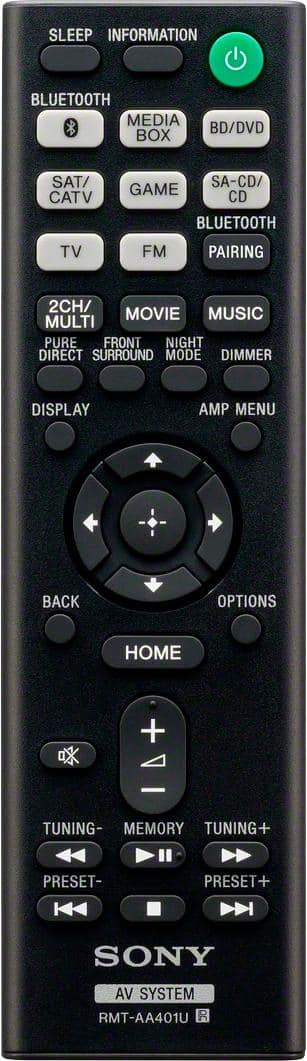
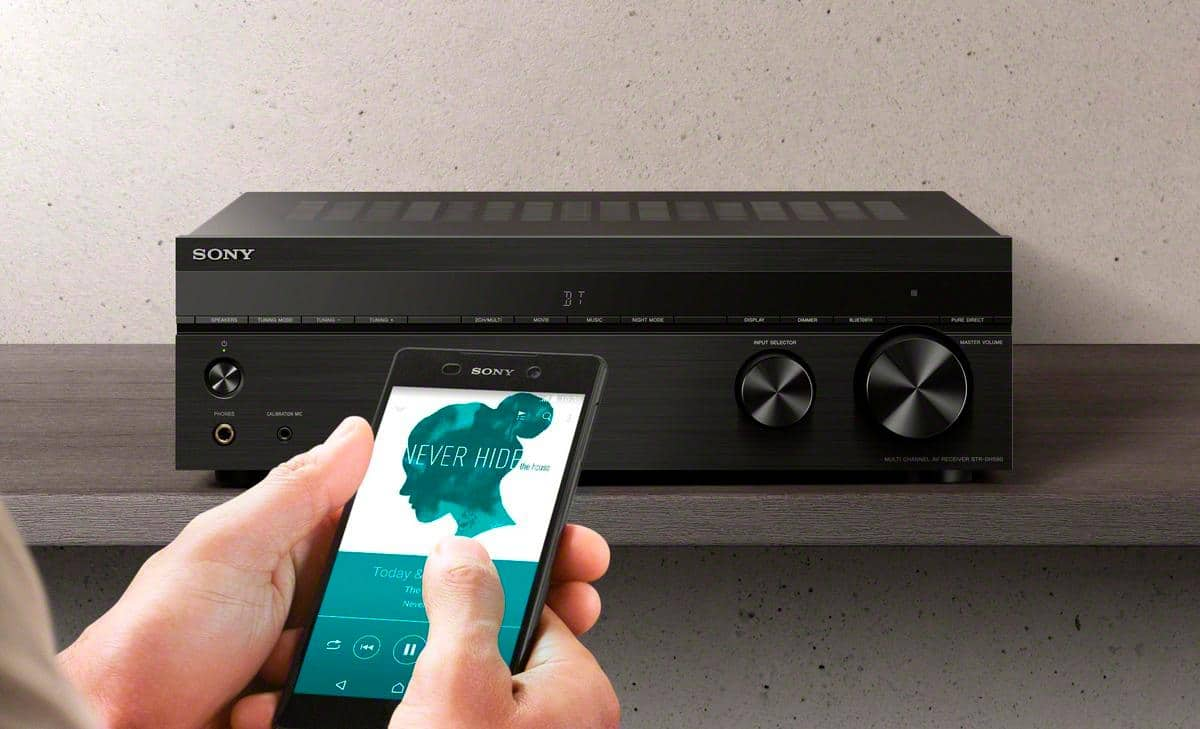
A:AnswerI just tried it. The system sends you to an appropriate screen to indicate that you're using the systems bluetooth mode. So a black screen with a bluetooth emblem in the bottom left corner, and message in the middle of the screen that lists the connected device.