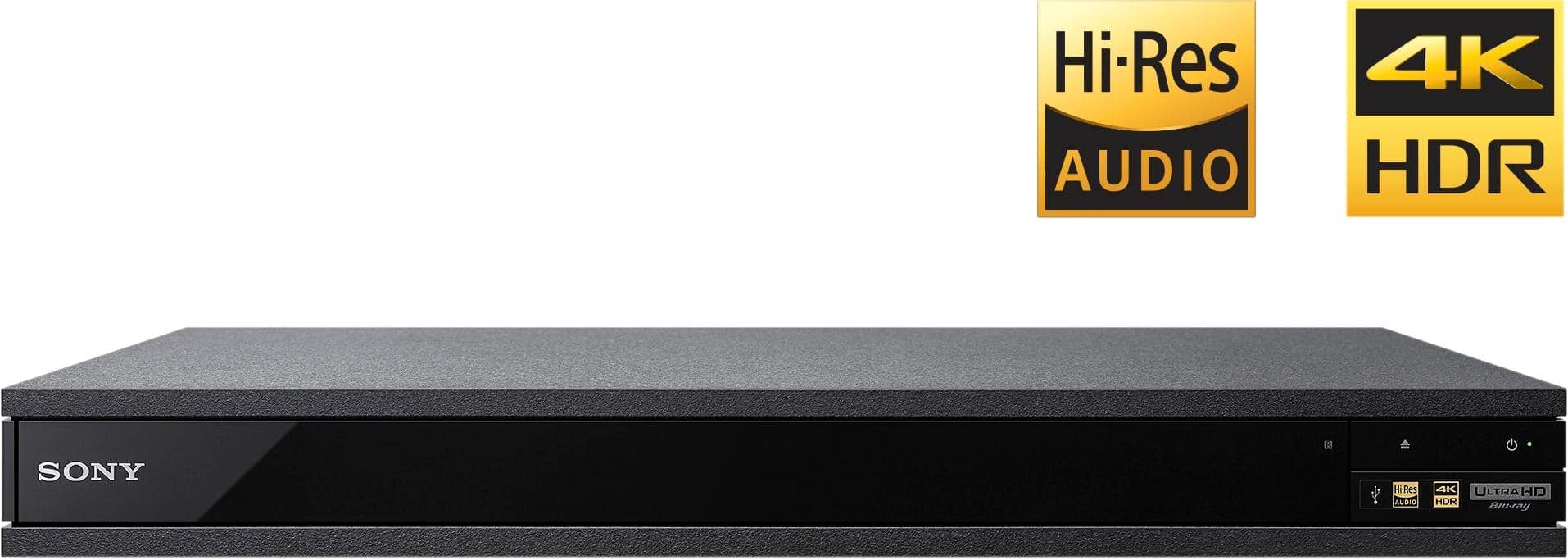
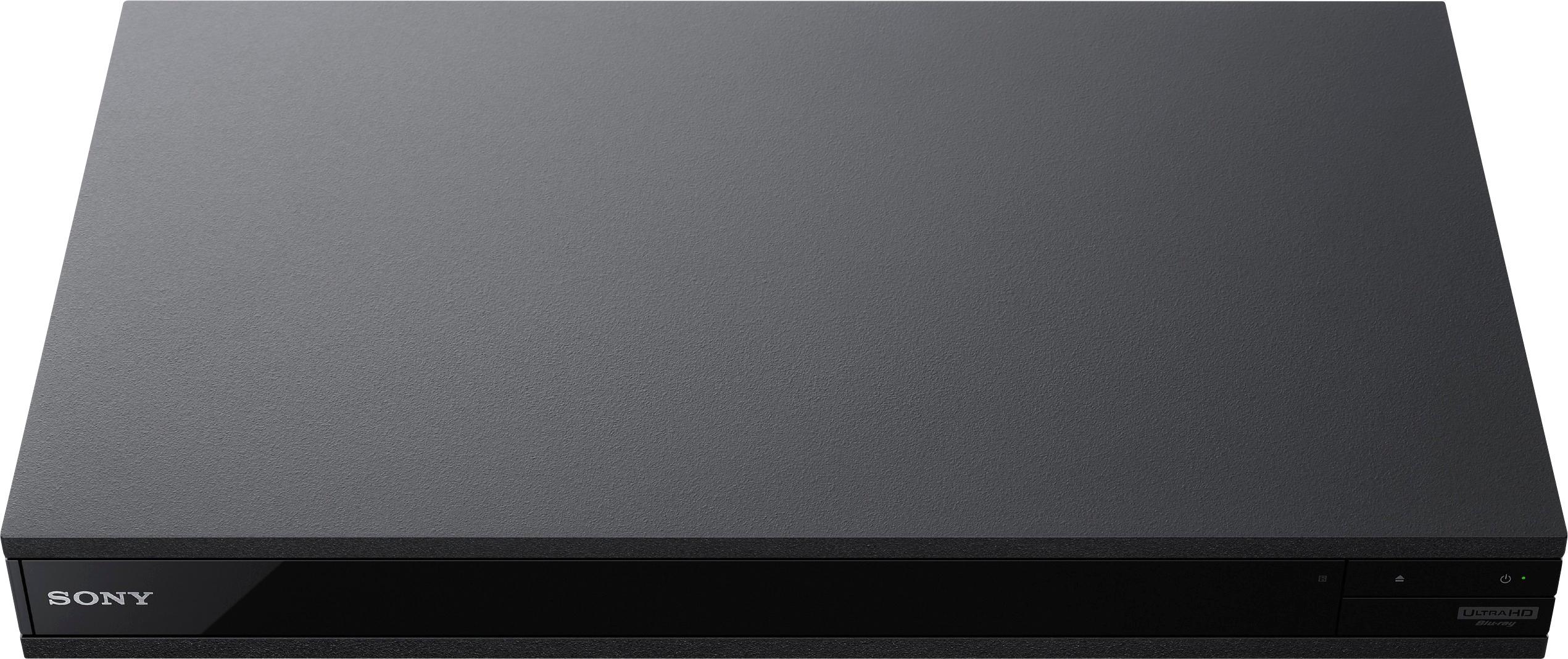
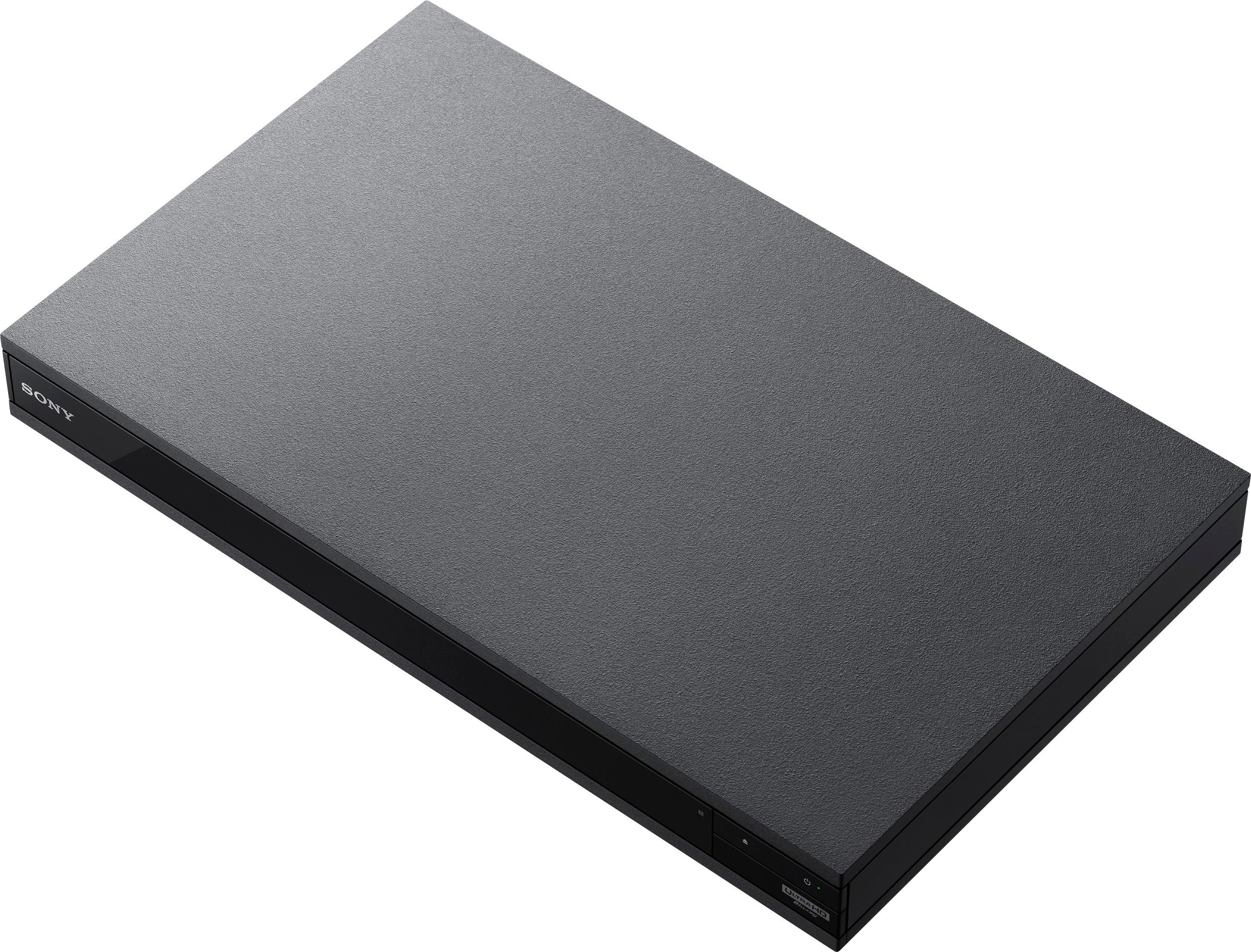
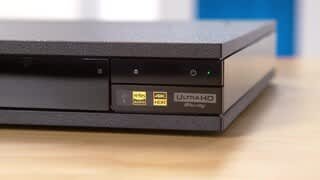
A:AnswerNo movies come with player, and promo has ended in June. However prices reduced on unit, so you can buy your own. However, 4K movies are still expensive at around $50 apiece.
A:AnswerI suggest plugging everything in where you want it and select Auto for all of your output options. the system should automatically select the highest available quality output available. If it doesn't work as desired then just change the audio output.
A:AnswerI have had the same exact problem with this player. It's a total pain!!! I have decided to stop doing software updates. Total nightmare. I have had to reset the unit to default settings with no software update just to play a DVD. Ridiculous. After buying so many Sony products that worked great over the years and then to deal with this headache I have swore off Sony in the future. Enough said.
A:AnswerNot at this time. I've seen some talk that they could possibly change that with a firmware upgrade, but it's not certain. There's also some mention as well that it may be an issue where they can't due to hardware, so it's up in the air right now. Sony is not giving a firm answer on this the last time I checked, so it's kind of a wait and see situation.
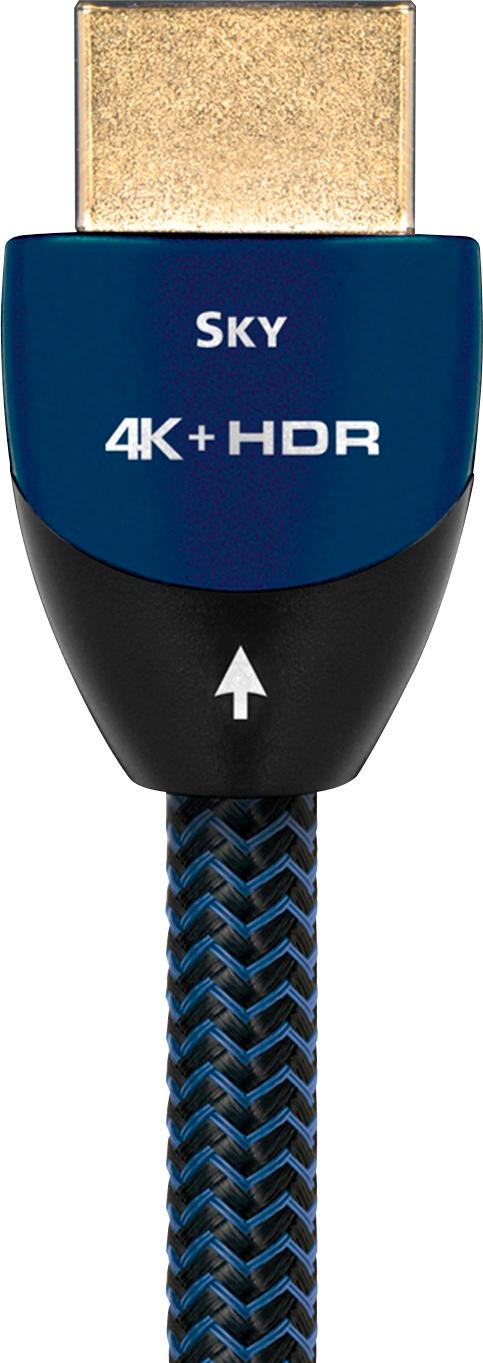
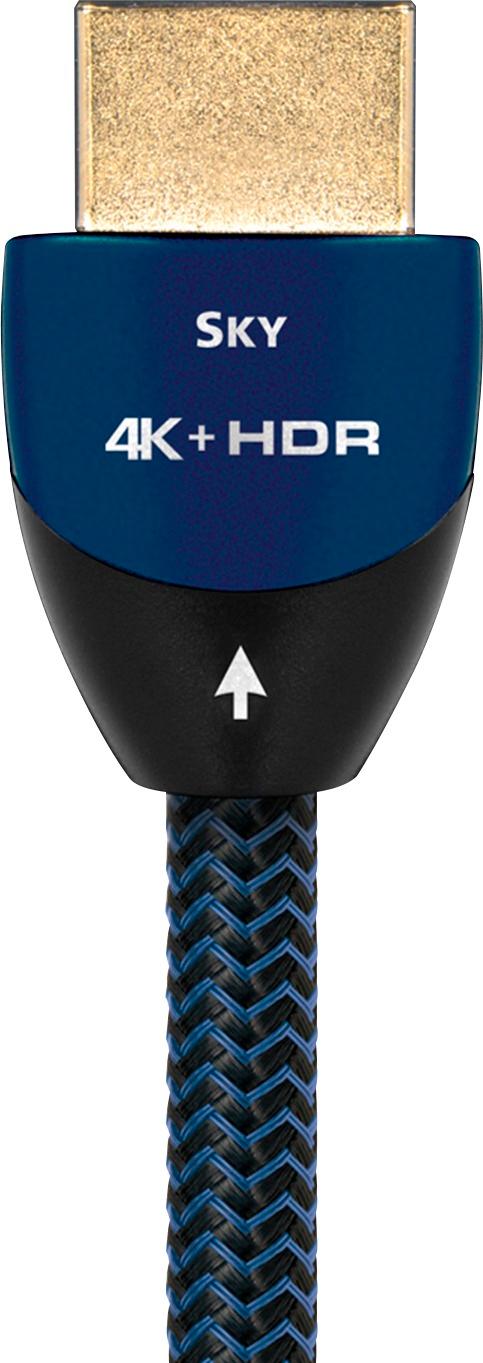
A:AnswerYou need a cable that has a rating of 18GBS or better. They can get pricey, the one I bought was 49.00 At best buy its an audio quest "SKY". Its a higher end cable. The outside casing of the cable is black with blue accents. It also made a difference in the picture when I used my old HDMI. So I checked both and I did see a difference.
A:AnswerHi CPTJSM, yes, this Bluray player supports the playback of files encoded in H.265. You may refer to page 31 of this link for the list of file types supported by this player: https://docs.sony.com/release//Manual_4687309111.pdf Thanks, -Mark
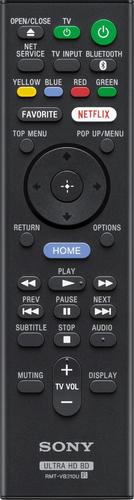
A:AnswerTurn it on, (power up) then press the eject button twice.
If you're watching netflix or some other online channel, you have to return the machine to the home page before it will operate the dvd tray
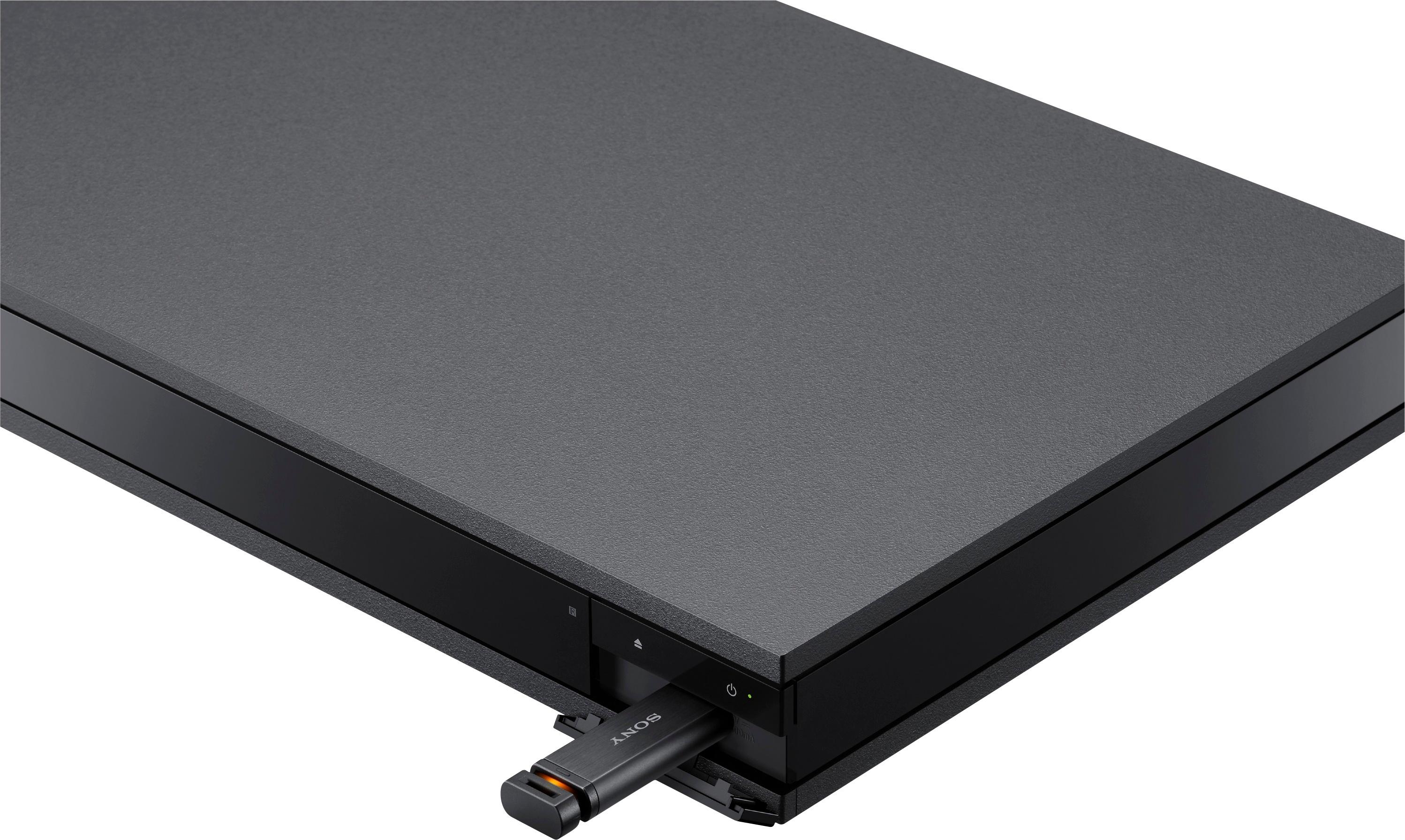
A:AnswerMy wireless headset is NOT Bluetooth, it is Sennhauser with a charging station that at this time is connected to my TV via a mic port. I was just curious about whether there was a port to plug the base of my headset in; if there isn't that's fine.
A:AnswerYes, it will work the same way because you're using an HDMI port. You should definitely be fine. Just make sure to have a gold tip HDMI cable. You can buy HDMI cables anywhere at a cheap price.
A:AnswerThe receiver is the hub. One HDMI cable from the player to the receiver. HDMI cables carry both audio and video. One HDMI cable from the receiver to the TV. You do not need an HDMI cable from the player to the TV.
A:Answer3D playback is stunning. Better than other budget 4k players I've tried. Colors are amazingly vibrant and the images are very sharp on my LG OLED55C6P with the Sony x800 player.
A:AnswerFrom the Specs :)
Playable formats
4K Ultra HD Blu-ray, 3D Blu-ray, Blu-ray, DVD and CDs – Including MVK, MPEG-2, MPEG-4, JPEG, AVCHD, MPO, MP3 and WMA.
Dolby Atmos and DTS:X
Listen as lightning cracks, sirens wail, and car horns blare all around you in a startling clarity.
A:AnswerCouple things to check. Are you using a receiver? If so does it have 4k pass through? If so make sure you have the right HDMI cable in a 2.2 port. Also possibly check your TV settings. If you have it set to 1080p and not auto or 4k it won’t show. Depends on what your previous content you had running. Also, I would select your tv info while the content is playing just to make sure your are getting 4k while streaming or using a 4k disc. Just a couple thoughts.