A:AnswerI have a Pioneer system for 7.1.2 and it works great with the Sony. In Audio settings, there is Digital Audio Output. There it defaults to Auto. You have to choose PCM if you wanted it. The Auto selection is to output bitstream signals. If that is considered sending out raw, then I guess it does.
A:AnswerNot that I have seen. I use my Vizio TV OS or Amazon Firestick to stream. I think Sony UBP-X700 had Vudu, but I bought UBP-X800M2 for DVD-Audio, not streaming.
A:AnswerYou need to hook this up to a projector to display on the screen. The only available apps are Netflix, Amazon Video, and YouTube. You can't add, remove the 3 apps, that I've found.
A:AnswerHi compatibility, we apologize but this product does not have a SLING app or Hulu app. You may want to check this model, UBP-X800, which has the Hulu app you are looking for. ~Earl
A:AnswerInteresting question. Sony cautions against using the USB for charging purposes. This is what they say about the file system. "The player can recognize up to
500 files/folders in a single layer including the update files/folders." A little obscure, but it sounds like 500 files per folder and 500 folders. So that can be a fairly big drive of music and video. But I'd worry more about power consumption. Which is not specified anywhere I can find.
A:AnswerNo you can’t. You can’t download apps on it which is somewhat misleading because the player is a streaming one. You get the 3 apps that come on it and that’s it. If you want get Hulu or Disney plus you’re going to need a smart tv, a PS4 or Amazon fire stick. It’s still a good player for 4K discs.
A:AnswerMy X800 did the same after a upgrade. Had to power off(unplugged) for few minutes and reconnected and it was fine. A simple restart did not work for some reason. I was about to return it as it was still under geek squad protection.
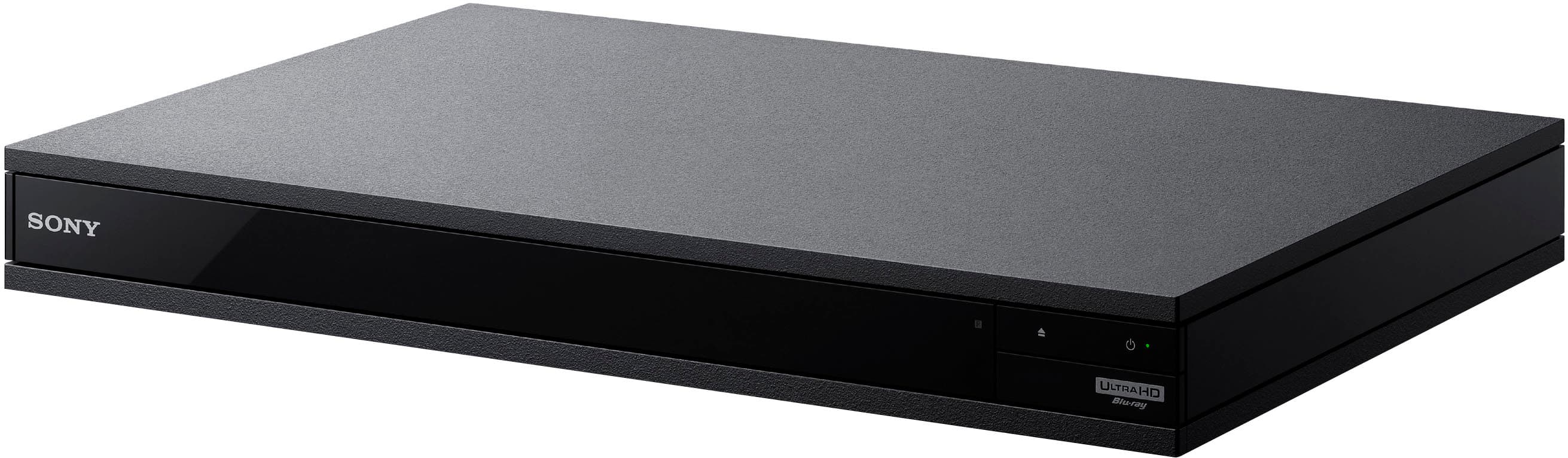
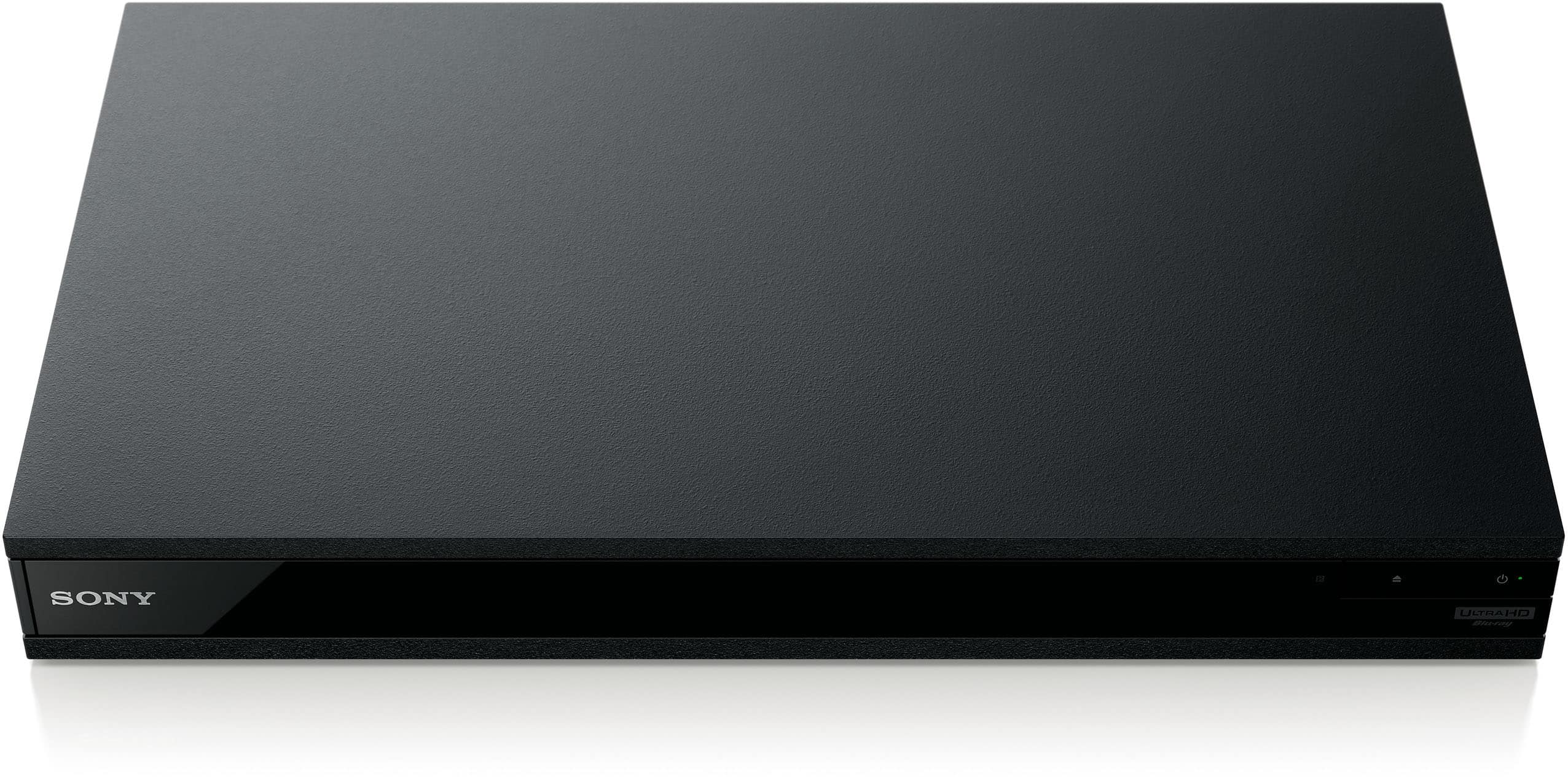
A:AnswerMy unit is pretty quiet during operation, there is no fan.
Only a small green LED for Power on.
My unit loads discs so fast I don't miss any front panel LED display.
All output and time info shown via "display" button on the remote.
A:AnswerHello. We checked on this today. You can adjust the size and fonts of the subtitles but we couldn't find any way to change the location of the subtitles. That was on the machine itself. Watching streaming like Netflix allows you another way to adjust the subtitles but I'm not aware of all the ways you can do that. I hope that this helps.
A:AnswerMine stopped responding to both the remote as well as direct input. Unplugging it reset things, but only temporarily. I returned mine after 12 days for another one. I’d exchange it if I were you.
A:AnswerI believe there is a coax connection on this blu ray player. Confirm with the product manual. If that is the case, your suggestion should work, also for playing CD’s, super audio CD’s, and any other music. There is also a dual set of HDMI’s on the blu ray player for people who want to separate audio and video HDMi connection, which is similar to what you are suggesting except with coax.
A:AnswerSony had it on my x800 model but removed it because they probably didn't want to pay for the licensing agreement. A couple of years ago it was removed but they did notify through a notification on Blu-ray player that it would be removed. It would be nice to have but I haven't played a CD in a while in it.
A:AnswerI purchased this unit because my old Blu-ray would not play the disc I recently purchased. This one played it no problem. My old Sony still worked fine but it was over 15 years old.